2007 CHEVROLET HHR parking brake
[x] Cancel search: parking brakePage 130 of 446
Shifting Out of Park (P)
(Automatic Transaxle)
This vehicle is equipped with an electronic shift
lock release system. The shift lock release is
designed to:
Prevent ignition key removal unless the shift
lever is in PARK (P) with the shift lever
button fully released, and
Prevent movement of the shift lever out of
PARK (P) unless the ignition is in a position
other than LOCK.
The shift lock release is always functional except
in the case of a an uncharged or low voltage
(less than 9 volt) battery.
If your vehicle has an uncharged battery or a
battery with low voltage, try charging or jump
starting the battery. SeeJump Starting on
page 320for more information.
To shift out of PARK (P) use the following
sequence:
1. Apply the brake pedal.
2. Then press the shift lever button.
3. Move the shift lever to the desired position.If you still are unable to shift out of PARK (P):
1. Fully release the shift lever button.
2. While holding down the brake pedal, press
the shift lever button again.
3. Move the shift lever to the desired position.
If you still cannot move the shift lever from
PARK (P), consult your dealer or a professional
towing service.Parking Your Vehicle
Before leaving your vehicle, fully press the clutch
pedal in, move the shift lever into REVERSE (R),
and rmly apply the parking brake. Once the
shift lever has been placed in REVERSE (R) with
the clutch pedal pressed in, you can turn the
ignition key to LOCK, remove the key and release
the clutch. SeeManual Transaxle Operation on
page 125.
130
Page 133 of 446
Running the Engine While Parked
It is better not to park with the engine running. But if
you ever have to, here are some things to know.
{CAUTION:
Idling the engine with the climate control
system off could allow dangerous exhaust
into your vehicle. See the earlier caution
underEngine Exhaust on page 132.
Also, idling in a closed-in place can let
deadly carbon monoxide (CO) into your
vehicle even if the climate control fan is at
the highest setting. One place this can
happen is a garage. Exhaust — with
CO — can come in easily. NEVER park in
a garage with the engine running.
Another closed-in place can be a blizzard.
SeeWinter Driving on page 264.
{CAUTION:
It can be dangerous to get out of your
vehicle if the shift lever is not fully in
PARK (P) with the parking brake rmly
set. Your vehicle can roll. Do not leave
your vehicle when the engine is running
unless you have to. If you have left the
engine running, the vehicle can move
suddenly. You or others could be injured.
To be sure your vehicle will not move,
even when you are on fairly level ground,
always set your parking brake and move
the shift lever to PARK (P).
Follow the proper steps to be sure your vehicle
will not move. SeeShifting Into Park (P)
(Automatic Transaxle) on page 128.
If you are parking on a hill and if you are pulling a
trailer, also seeTowing a Trailer (Manual
Transaxle) on page 276orTowing a Trailer
(Automatic Transaxle) on page 277.
133
Page 143 of 446
Your Responsibility
You may need to increase the volume of your
radio to hear the OnStar®advisor. If the light next
to the OnStar®buttons is red, this means that
your system is not functioning properly and should
be checked by a dealer. If the light appears
clear (no light is appearing), your OnStar
®
subscription has expired. You can always press
the OnStar®button to conrm that your OnStar®
equipment is active.
Storage Areas
Glove Box
Open the glove box by lifting up on the lever.
Close the glove box with a rm push.
Cupholder(s)
There are two cupholders located in the oor
console between the front seats. There is also a
cupholder for the rear seat passenger located
at the rear of the oor console. They can be
removed for cleaning.
Instrument Panel Storage Area
Your vehicle has a storage compartment on the
instrument panel above the air vents. Push
the button on the compartment to open the lid.
Floor Console Storage Area
There are two small storage compartments on the
oor console, one at the front under the window
switches and one next to the parking brake
lever. The rubber liners can be removed for
cleaning.
Rear Storage Area
Your vehicle may have two rear storage areas that
can be used for the convenience net or other
small items.
143
Page 163 of 446
Erasing Speed Memory
When you turn off the cruise control or the ignition,
your cruise control set speed memory is erased.
Headlamps
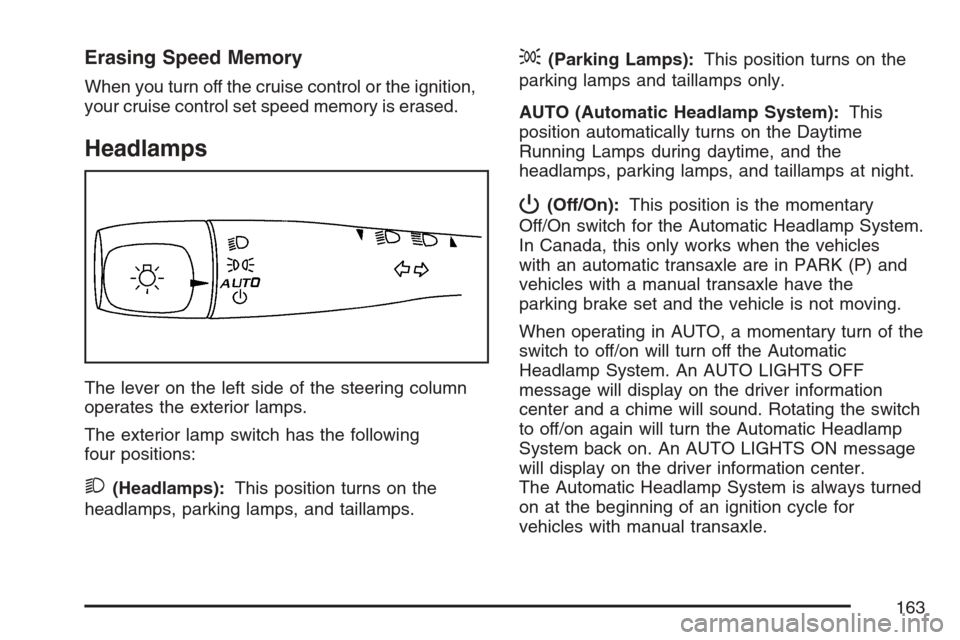
The lever on the left side of the steering column
operates the exterior lamps.
The exterior lamp switch has the following
four positions:
2(Headlamps):This position turns on the
headlamps, parking lamps, and taillamps.
;(Parking Lamps):This position turns on the
parking lamps and taillamps only.
AUTO (Automatic Headlamp System):This
position automatically turns on the Daytime
Running Lamps during daytime, and the
headlamps, parking lamps, and taillamps at night.
P(Off/On):This position is the momentary
Off/On switch for the Automatic Headlamp System.
In Canada, this only works when the vehicles
with an automatic transaxle are in PARK (P) and
vehicles with a manual transaxle have the
parking brake set and the vehicle is not moving.
When operating in AUTO, a momentary turn of the
switch to off/on will turn off the Automatic
Headlamp System. An AUTO LIGHTS OFF
message will display on the driver information
center and a chime will sound. Rotating the switch
to off/on again will turn the Automatic Headlamp
System back on. An AUTO LIGHTS ON message
will display on the driver information center.
The Automatic Headlamp System is always turned
on at the beginning of an ignition cycle for
vehicles with manual transaxle.
163
Page 165 of 446
Automatic Headlamp System
When it is dark enough outside, your automatic
system will turn on your headlamps at the normal
brightness along with other lamps such as the
taillamps, sidemarker, parking lamps, instrument
panel lights, and interior switch backlighting.
Your vehicle has a light sensor on top of the
instrument panel. Make sure it is not covered, or
the headlamps may remain on when you do
not need them.
The system may also be on when driving through
a parking garage, heavy overcast weather or a
tunnel. This is normal.
There is a delay in the transition between the
daytime and nighttime operation of the automatic
lamp control system so that driving under
bridges or bright overhead street lights does not
affect the system. The automatic lamp control
system will only be affected when the light sensor
sees a change in lighting lasting longer than
this delay.If you start your vehicle in a dark garage, the
automatic lamp system will come on immediately.
Once you leave the garage, it will take about
20 seconds for the automatic lamp system
to change to DRL if it is light outside. During that
delay, the instrument panel cluster may not be
as bright as usual. Make sure the instrument panel
brightness control is in the full bright position.
SeeInstrument Panel Brightness on page 166.
To idle your vehicle with the system off, turn
the ignition on and turn the exterior light switch to
the off/on position. For Canadian vehicles, the
transaxle must stay in PARK (P) for this function
or the parking brake must be set for vehicles
with manual transaxles.
As with any vehicle, you should turn on the
regular headlamps when you need them.
165
Page 185 of 446
Brake System Warning Light
Your vehicle’s hydraulic brake system is divided
into two parts. If one part is not working, the other
part can still work and stop you. For good
braking, though, you need both parts working well.
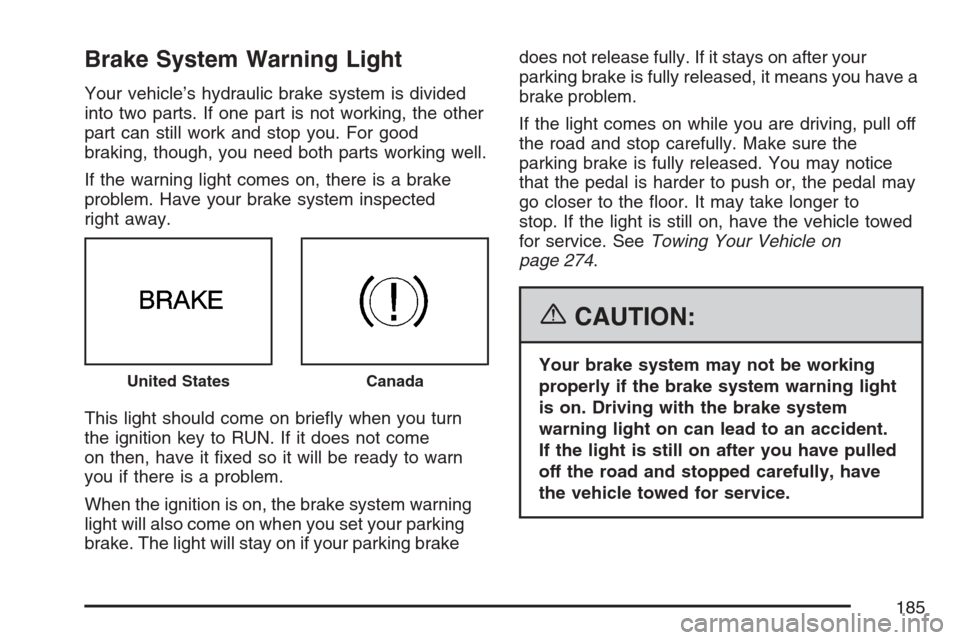
If the warning light comes on, there is a brake
problem. Have your brake system inspected
right away.
This light should come on briey when you turn
the ignition key to RUN. If it does not come
on then, have it xed so it will be ready to warn
you if there is a problem.
When the ignition is on, the brake system warning
light will also come on when you set your parking
brake. The light will stay on if your parking brakedoes not release fully. If it stays on after your
parking brake is fully released, it means you have a
brake problem.
If the light comes on while you are driving, pull off
the road and stop carefully. Make sure the
parking brake is fully released. You may notice
that the pedal is harder to push or, the pedal may
go closer to the oor. It may take longer to
stop. If the light is still on, have the vehicle towed
for service. SeeTowing Your Vehicle on
page 274.
{CAUTION:
Your brake system may not be working
properly if the brake system warning light
is on. Driving with the brake system
warning light on can lead to an accident.
If the light is still on after you have pulled
off the road and stopped carefully, have
the vehicle towed for service.United StatesCanada
185
Page 200 of 446
PARKING BRAKE
This message displays if the parking brake is left
engaged. SeeParking Brake on page 127for
more information.
POWER STEERING
This message displays if a problem has been
detected with the electric power steering. Have
your vehicle serviced by your dealer immediately.
SERVICE AIR BAG
This message displays when there is a problem
with the airbag system. Have your vehicle serviced
by your dealer immediately.
DIC Vehicle Personalization
Your vehicle has personalization capabilities that
allow you to program certain features to a
preferred setting. All of the features listed may not
be available on your vehicle. Only the features
available will be displayed on the DIC.
The default settings for the features were set
when your vehicle left the factory, but may have
been changed from their default state since
that time.To change feature settings, use the following
procedure:
Entering Personalization Menu
1. Turn the ignition on while the vehicle is
stopped.
To avoid excessive drain on the battery, it is
recommended that the headlamps are
turned off.
2. Press and hold the information and reset
buttons at the same time for one second, then
release to enter the personalization menu.
If the vehicle speed is greater than 2 mph
(3 km/h), only the UNITS menu will be
accessible.
3. Press the information button to scroll through
the available personalization menu modes.
Press the reset button to scroll through
the available settings for each mode.
If you do not make a selection within ten
seconds, the display will go back to the
previous information displayed.
200
Page 246 of 446
Enhanced Traction System (ETS)
Your vehicle may have an Enhanced Traction
System (ETS) that limits wheel spin. This is
especially useful in slippery road conditions. The
system operates only if it senses that one or
both of the front wheels are spinning or beginning
to lose traction. When this happens, the system
reduces engine power and may also upshift
the transaxle to limit wheel spin. You may feel or
hear the system working, but this is normal.
A LOW TRACTION message will appear on the
Driver Information Center (DIC) when the traction
control system is actively limiting wheel spin.
Slippery road conditions may exist if this message
is displayed, so adjust your driving accordingly.
If your vehicle is in cruise control when the
Enhanced Traction System begins to limit wheel
spin, the cruise control will automatically
disengage. When road conditions allow you to
safely use it again, you may re-engage the cruise
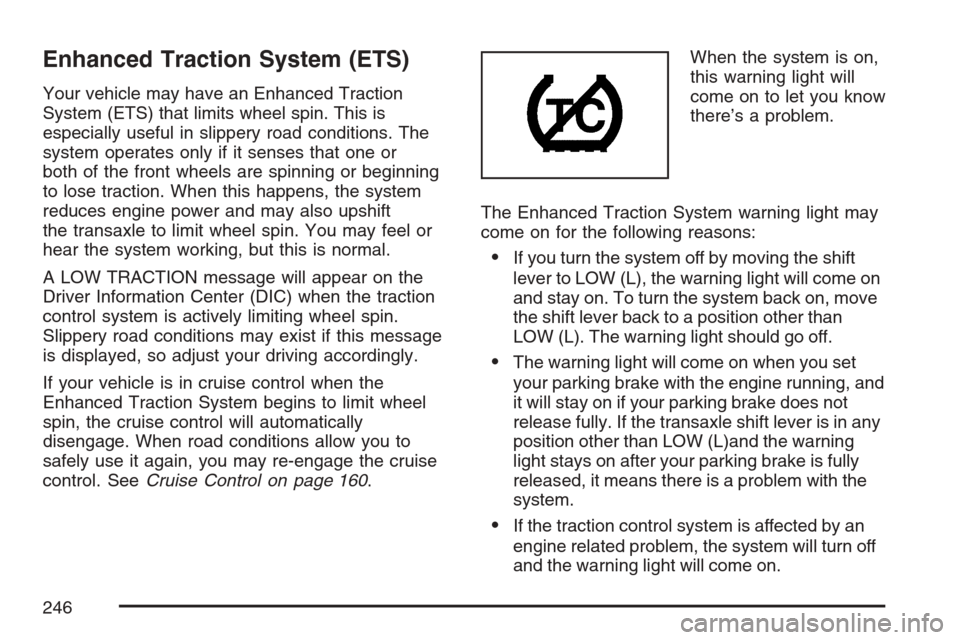
control. SeeCruise Control on page 160.When the system is on,
this warning light will
come on to let you know
there’s a problem.
The Enhanced Traction System warning light may
come on for the following reasons:
If you turn the system off by moving the shift
lever to LOW (L), the warning light will come on
and stay on. To turn the system back on, move
the shift lever back to a position other than
LOW (L). The warning light should go off.
The warning light will come on when you set
your parking brake with the engine running, and
it will stay on if your parking brake does not
release fully. If the transaxle shift lever is in any
position other than LOW (L)and the warning
light stays on after your parking brake is fully
released, it means there is a problem with the
system.
If the traction control system is affected by an
engine related problem, the system will turn off
and the warning light will come on.
246