2006 VOLVO C70 lights
[x] Cancel search: lightsPage 39 of 182

signals will flash three times and the lever will automatically return to its initial position.
NOTE: If the turn signal indicator flashes faster than normal, check for a burned-out turn signal bulb.
High/low beam headlights
Continuous high beams
Turn the ignition key to position II.
With the light switch (1) in position , (see page 38) pull the turn signal lever toward the steering wheel
(position 4) to toggle between high and low beams.
High beam flash
Turn the ignition key to position II.
Pull the turn signal lever to position 3. The high beams will remain on until the lever is released.
Home safe lighting
When you leave your car at night, you can make use of the home safe lighting function to illuminate the area in front
of the car.
Remove the key from the ignition switch.
Pull the direction indicator lever as far as possible towards the steering wheel (to position 4) and release it.
Exit the car and lock the doors.
The headlights and parking lights will illuminate and remain on for 30
1, 60 or 90 seconds. The time interval can be
changed according to your preferences by using the Personal Settings function, see page 51
for more information.
1. Factory setting
pg. 41 Instruments and controls
Trip computer
Trip computer
The trip computer stores information gathered from several systems in your car and has four menus (five on Canadian
models) that can be shown in the information display.
Driving distance on current fuel reserve
Average fuel consumption
ProCarManuals.com
Page 43 of 182
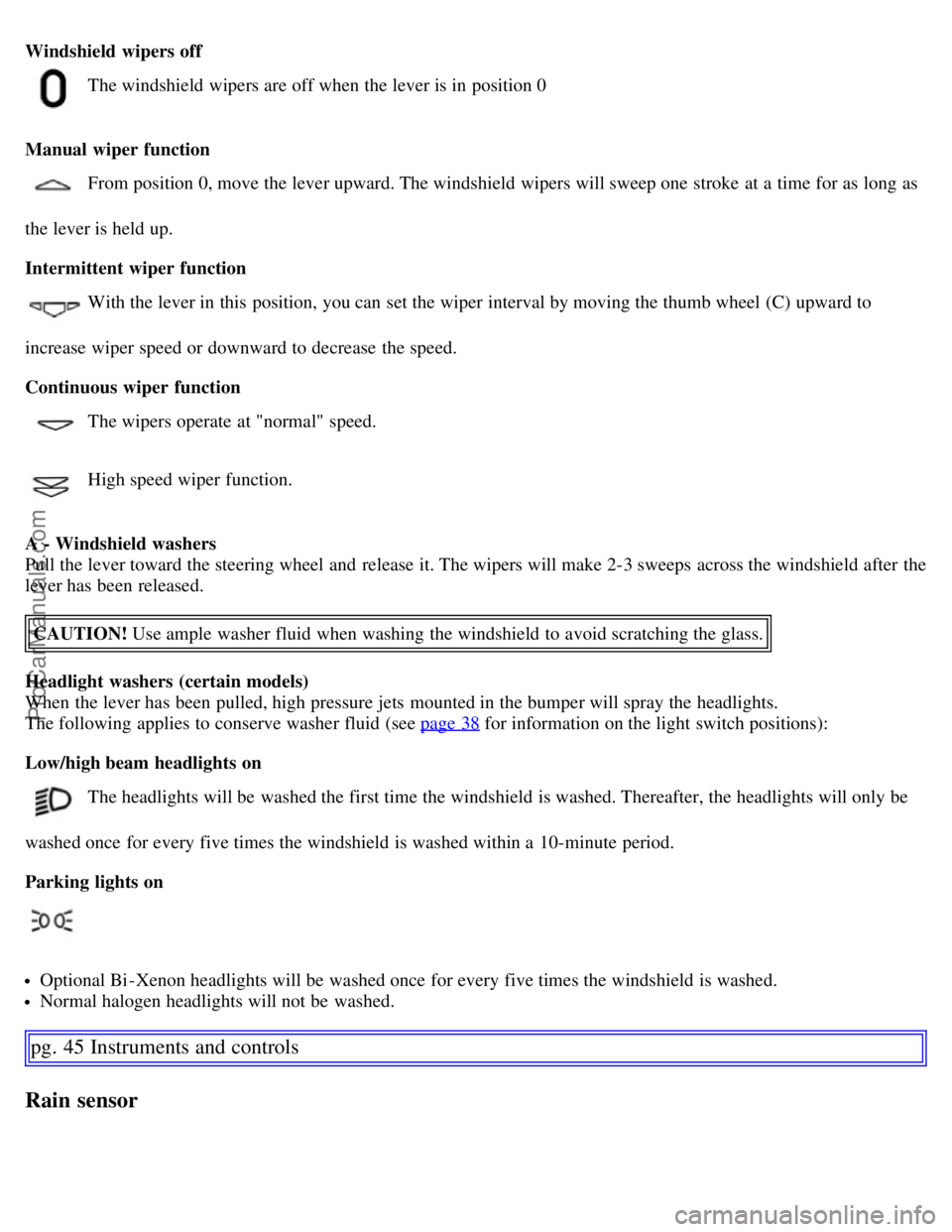
Windshield wipers off
The windshield wipers are off when the lever is in position 0
Manual wiper function
From position 0, move the lever upward. The windshield wipers will sweep one stroke at a time for as long as
the lever is held up.
Intermittent wiper function
With the lever in this position, you can set the wiper interval by moving the thumb wheel (C) upward to
increase wiper speed or downward to decrease the speed.
Continuous wiper function
The wipers operate at "normal" speed.
High speed wiper function.
A - Windshield washers
Pull the lever toward the steering wheel and release it. The wipers will make 2-3 sweeps across the windshield after the
lever has been released. CAUTION! Use ample washer fluid when washing the windshield to avoid scratching the glass.
Headlight washers (certain models)
When the lever has been pulled, high pressure jets mounted in the bumper will spray the headlights.
The following applies to conserve washer fluid (see page 38
for information on the light switch positions):
Low/high beam headlights on
The headlights will be washed the first time the windshield is washed. Thereafter, the headlights will only be
washed once for every five times the windshield is washed within a 10-minute period.
Parking lights on
Optional Bi -Xenon headlights will be washed once for every five times the windshield is washed.
Normal halogen headlights will not be washed.
pg. 45 Instruments and controls
Rain sensor
ProCarManuals.com
Page 46 of 182

Parking brake (hand brake)
The parking brake lever is located between the front seats. The parking brake is applied to the rear wheels. The
indicator light in the instrument panel lights up when the brake is applied.
The indicator light also comes on if the parking brake is only applied "one click" - check that the lever is fully applied.
To apply the parking brake: pull up firmly on the lever.
To release the parking brake: pull the lever up slightly, press the button, lower the lever and release the button.
12 volt sockets
The 12 volt sockets can be used to plug in certain accessories such as cellular telephones, etc. The key must be in
position I (or higher) for the auxiliary socket to function.
NOTE:
The cover should be kept on when the auxiliary socket is not in use.
Maximum current from the sockets is 10A.
ProCarManuals.com
Page 48 of 182

Lightly pull up the front edge of any of the buttons (A or B) to the first detent ("stop") to close a window to the
position of your choice.
Pull up the front part of one or both buttons A as far as possible and release to automatically close the front
window(s) completely.
All windows
Button C can be used to open or close all of the windows at the same time.
Briefly press the right side of the button to automatically open all of the windows.
Press and hold down the left side of the button to close all of the windows.
pg. 49 Instruments and controls
Mirrors
Rearview mirror
Auto-dim function
A sensor at the lower edge of the mirror reacts to headlights from following traffic and automatically reduces glare.
Rearview mirror with compass (option)
The upper right-hand corner of the rearview mirror has an integrated display that shows the compass direction toward
which the car is pointing. Eight different directions can be displayed: N, NE, E, SE, S, SW, W and NW. The display
shows your car's orientation with respect to true north.
Calibrating the compass
The compass may need to be calibrated in certain cases. If calibration is required, the character C appears in the
mirror's display.
ProCarManuals.com
Page 51 of 182

Control panel
A - Display
B - Menu button
C - Exit button
D - Enter button
E - Menu navigation controls
Personal settings can be made for some of the car's functions, such as the central locking system, climate control, and
the audio system. Please refer to page 185
for more information on the audio functions that can be adjusted. The
settings are presented in the display (A).
To access the menu and adjust settings:
1. Press MENU (B).
2. Scroll to "Car Settings" using the menu navigation control (E).
3. Press ENTER (D).
4. Select an alternative using the menu navigation control (E).
5. Confirm your selection by pressing ENTER.
To exit the menu:
Press EXIT (C).
Available settings
Lock confirmation light
When the car is locked/unlocked with the remote control, the direction indicators can be selected to flash to confirm
the action. The alternatives On/Off are available for both locking and unlocking.
Autolock
When the car starts to move, the doors and trunk can be locked automatically. The alternatives On/Off are available.
Unlock
There are two alternatives for unlocking:
1. Global (All doors) Unlocks all doors and the trunk with one press on the remote control.
2. Two Step (Two-stage unlocking) This alternative unlocks the driver's door with one press on the remote control. A
second press unlocks the passenger's door and the trunk.
Approach lighting
This alternative determines the length of time for which the car's lights will remain on when the Approach light button
ProCarManuals.com
Page 52 of 182

on the central locking system's remote control is pressed. Intervals of 30/60/90 seconds may be selected. See page 87
for more information.
Home safe lighting
This alternative determines the length of time for which the car's lights will remain on when the high beam lever on the
steering column is pulled toward the wheel with the ignition
pg. 52 Instruments and controls
Personal settings
switched off. Intervals of 30/60/90 seconds may be selected. See page 40 for information on using this function.
Information
VIN number: The VIN (Vehicle Identification Number) is the car's unique identity number.
Number of Keys: The number of keys registered for the car is displayed here.
Climate functions
Blower speed in AUTO mode: The blower speed can be set to AUTO mode in models equipped with ECC. Choose
between "Low", "Normal" and "High".
Timer for recirculation: When the timer is active, the air recirculates in the car for 3-12 minutes depending on the
ambient temperature. Select On/Off depending on whether the recirculation timer is to be active or not.
Reset to factory settings
Use this alternative to return to the default climate system settings.
pg. 53 Instruments and controls
Home Link® Universal Transceiver (option)
Introduction
HomeLink* is an advanced system that can be programmed to learn the codes of three different remote controlled-
devices (e.g., garage door openers, remote lighting, entry door lock). HomeLink's sun visor-mounted transceiver,
powered by your car's electrical system, may then be used in place of your hand -held remote controls.
NOTE: For your security, the HomeLink Universal Transceiver is designed to not function if you lock your car from
the outside.
ProCarManuals.com
Page 59 of 182

pg. 61 Climate
Electronic climate control (ECC)
If the air in the car recirculates for too long, there is a risk of condensation forming on the insides of the windows,
especially in winter.
Timer
The timer function minimizes the risk of fogging, or stale air when the recirculation function is selected. See page 52
for information on setting the recirculation timer.
NOTE: Recirculation is always disengaged if the defroster button is engaged to clear ice or condensation from the side
windows.
4. Defroster
Directs airflow to the windshield and side windows and increases blower speed. The LED in the defroster
button lights up when this function is activated. The air conditioning system is controlled to provide maximum air
dehumidification. The air is not recirculated.
5. Airflow controls
Press one of the three buttons in the illustration to activate the selected airflow. A symbol in the display
above the climate control panel and a lit LED in the selected button indicate that the manual function has been
selected. With manually selected airflow both warm and cool air can be selected. See also the table on page 63
.
6. Air conditioning On/Off
The air conditioning system is controlled automatically by the system when the ON LED is lit to maintain
the selected temperature.
When OFF is selected and the OFF LED is lit, the air conditioning system is deactivated. Other functions are still
controlled automatically.
When Defroster (4) is selected, the air conditioning system is activated for maximum dehumidifying.
7 and 8. Heated front seats (option)
Maximum heating: Press the button once - both LEDs light up.
Reduced heating: Press the button a second time - one LED lights up.
Seat heating off: Press the button a third time - no LEDs are lit.
9. Rear window and door mirror defrosters
Press to defrost the rear window and door mirrors.
ProCarManuals.com
Page 72 of 182

Interior lighting
1. Driver's side reading light
2. Courtesy lighting
3. Passenger's side reading light
The front seat reading lights can be switched on and off by pressing buttons 1 or 3.
The courtesy lighting (2) can be set to three positions:
Off - Press the right side of the button.
Neutral position - the interior courtesy lighting comes on when a door is opened, and is switched off when the door
is closed.
ON - Press the left side of the button.
Rear seat reading lights
The rear reading lights can be switched on or off by pressing the respective buttons.
Courtesy lighting - automatic function
The interior lighting has a built-in automatic function that switches on the courtesy lighting for 30 seconds when:
the car is unlocked from the outside using the key or remote control
the engine is switched off and the ignition key is turned to the 0 position.
The courtesy lighting lights up or remains on for 5 minutes when:
one of the doors is open
the courtesy lighting has not been switched off (the right side of button 2 depressed).
The automatic lighting goes out when:
the engine is started
ProCarManuals.com