Page 100 of 304
CAUTION
cThe cigarette lighter should not be used
while driving so full attention may be
given to vehicle operation.
cThe outlet and plug may be hot during
or immediately after use.
cDo not use any other power outlet for an
accessory lighter.
cDo not use with accessories that ex-
ceed a 12 volt, 120W (10A) power draw.
Do not use double adapters or more
than one electrical accessory.
cUse power outlets with the engine run-
ning to avoid discharging the vehicle
battery.
cAvoid using power outlets when the air
conditioner, headlights or rear window
defroster is on.
cBefore inserting or disconnecting a
plug, be sure the electrical accessory
being used is turned OFF.
cPush the plug in as far as it will go. If
good contact is not made, the plug may
overheat or the internal temperature
fuse may open.cWhen not in use, be sure to close the
cap. Do not allow water to contact the
outlet.
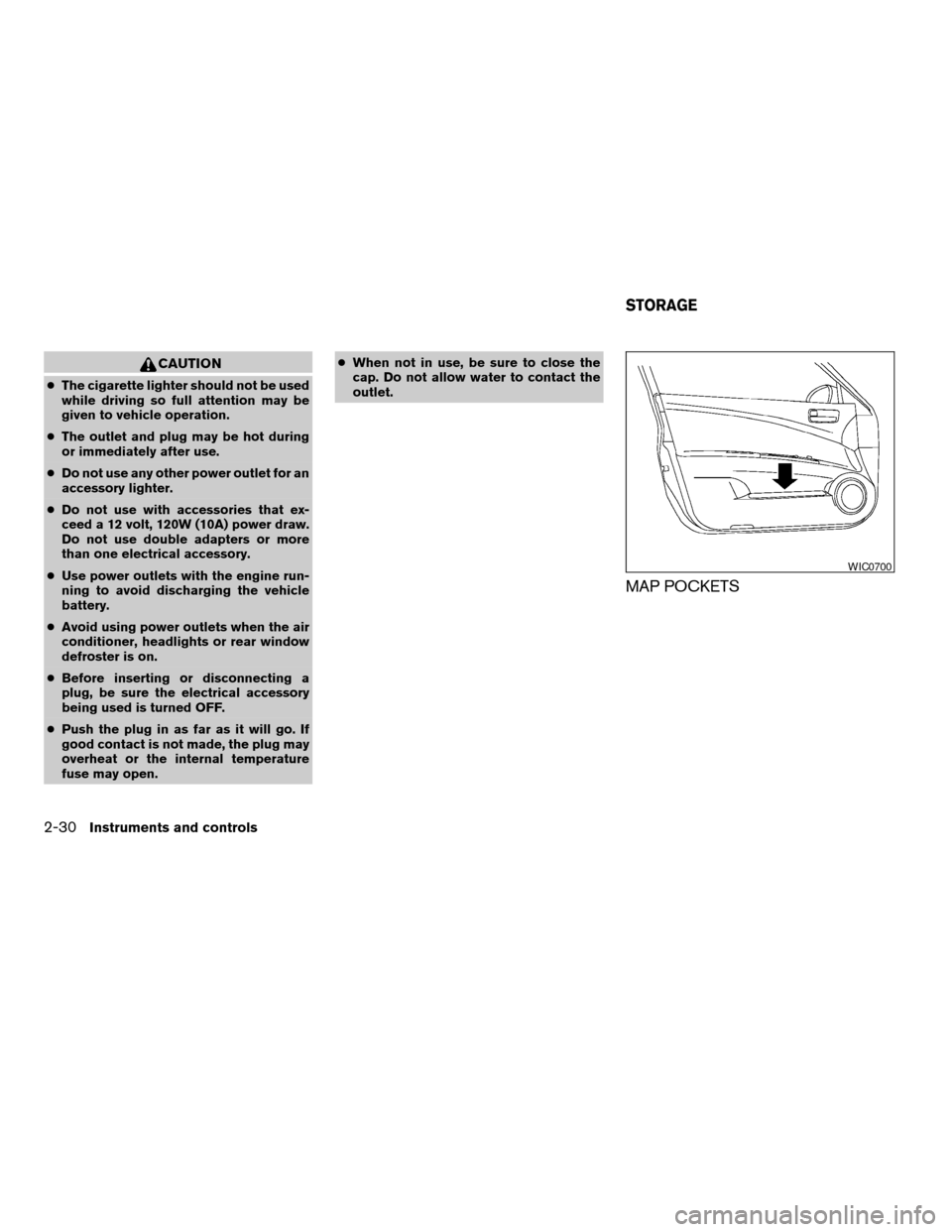
MAP POCKETS
WIC0700
STORAGE
2-30Instruments and controls
ZREVIEW COPYÐ2006 Altima(l30)
Owners ManualÐUSA_English(nna)
09/08/05Ðdebbie
X
Page 101 of 304
SEATBACK POCKETS (if so
equipped)
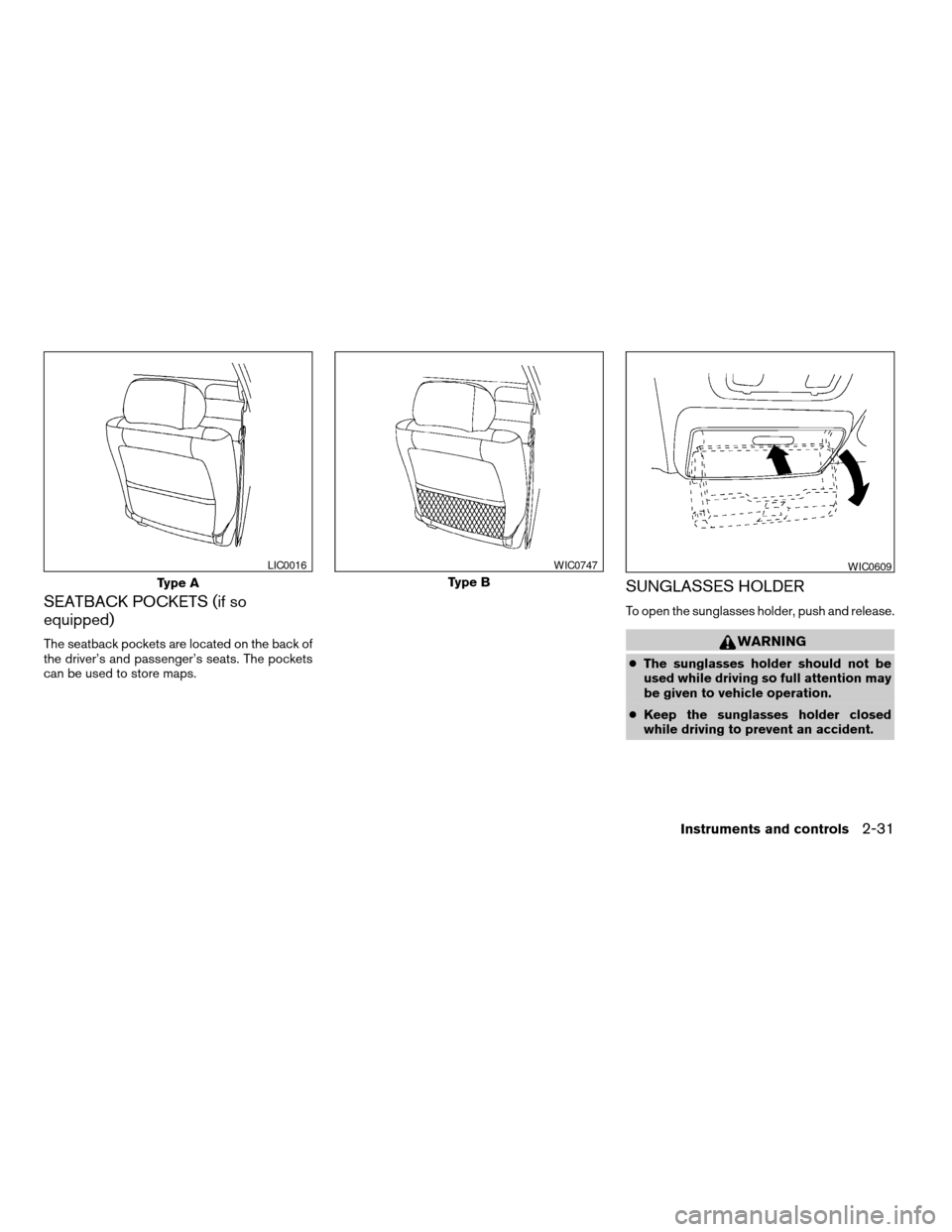
The seatback pockets are located on the back of
the driver’s and passenger’s seats. The pockets
can be used to store maps.
SUNGLASSES HOLDER
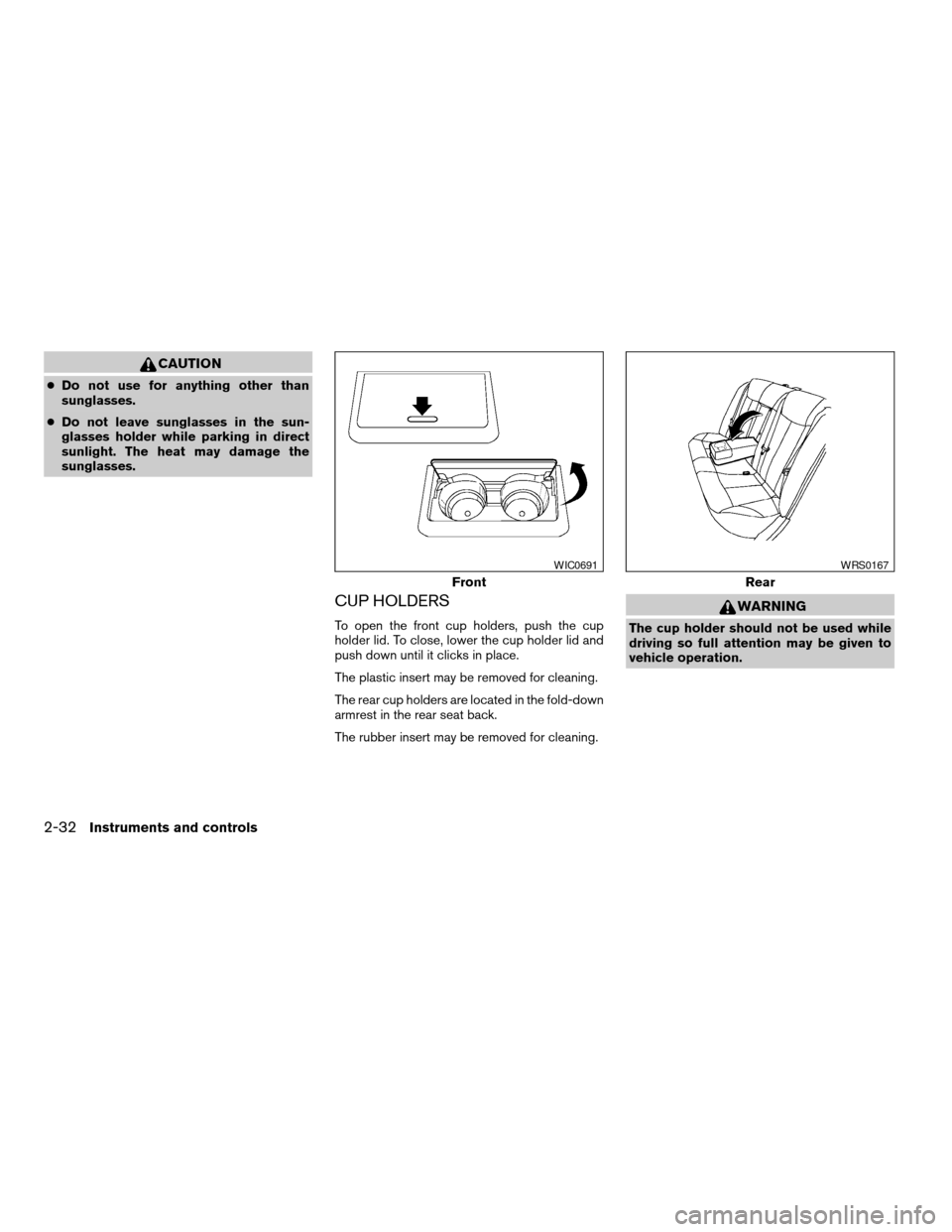
To open the sunglasses holder, push and release.
WARNING
cThe sunglasses holder should not be
used while driving so full attention may
be given to vehicle operation.
cKeep the sunglasses holder closed
while driving to prevent an accident.
Type A
LIC0016
Type B
WIC0747WIC0609
Instruments and controls2-31
ZREVIEW COPYÐ2006 Altima(l30)
Owners ManualÐUSA_English(nna)
09/08/05Ðdebbie
X
Page 102 of 304
CAUTION
cDo not use for anything other than
sunglasses.
cDo not leave sunglasses in the sun-
glasses holder while parking in direct
sunlight. The heat may damage the
sunglasses.
CUP HOLDERS
To open the front cup holders, push the cup
holder lid. To close, lower the cup holder lid and
push down until it clicks in place.
The plastic insert may be removed for cleaning.
The rear cup holders are located in the fold-down
armrest in the rear seat back.
The rubber insert may be removed for cleaning.
WARNING
The cup holder should not be used while
driving so full attention may be given to
vehicle operation.
Front
WIC0691
Rear
WRS0167
2-32Instruments and controls
ZREVIEW COPYÐ2006 Altima(l30)
Owners ManualÐUSA_English(nna)
09/08/05Ðdebbie
X
Page 103 of 304
CAUTION
cAvoid abrupt starting and braking when
the cup holder is being used to prevent
spilling the drink. If the liquid is hot, it
can scald you or your passenger.
cUse only soft cups in the cup holder.
Hard objects can injure you in an
accident.
GLOVE BOX
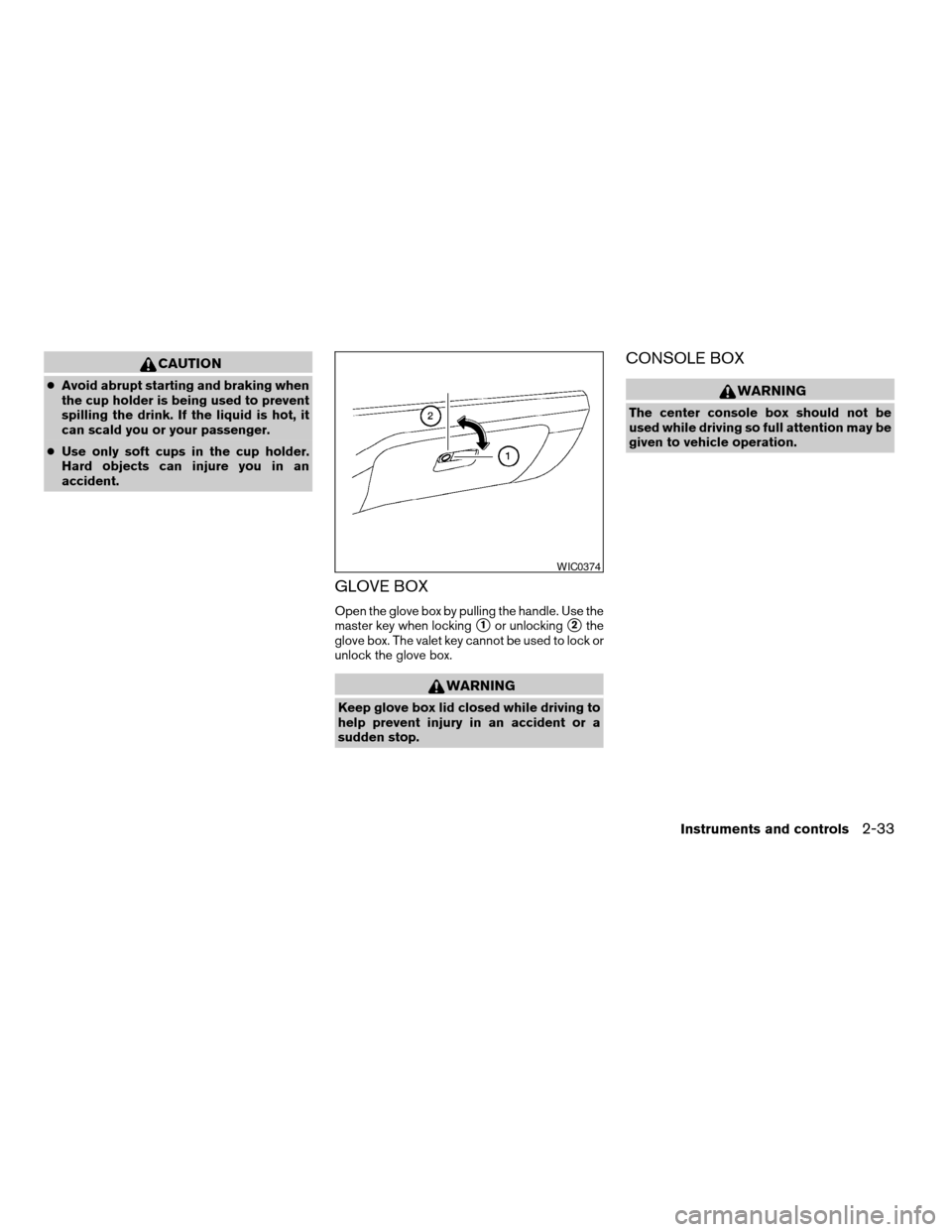
Open the glove box by pulling the handle. Use the
master key when locking
s1or unlockings2the
glove box. The valet key cannot be used to lock or
unlock the glove box.
WARNING
Keep glove box lid closed while driving to
help prevent injury in an accident or a
sudden stop.
CONSOLE BOX
WARNING
The center console box should not be
used while driving so full attention may be
given to vehicle operation.
WIC0374
Instruments and controls2-33
ZREVIEW COPYÐ2006 Altima(l30)
Owners ManualÐUSA_English(nna)
09/08/05Ðdebbie
X
Page 104 of 304
Upper half
Pull up on the driver’s side latch to open the
upper half of the console box. The felt mat may be
removed for cleaning.
The upper half of the console box may be used for
storage of cellular phones. An access hole is
provided at the rear of the upper half of the
console box for phone cord routing to the power
outlet.
To route a phone cord to the power outlet:
1. Open the upper half of the console box.
2. Remove the felt mat, and then remove the
cutout area from the mat.3. Remove the access hole cover.
4. Install the felt mat.
5. Route the phone cord through the access
hole and plug into the power outlet.
Lower half
Pull up on the passenger’s side latch to open the
lower half of the console box. A power outlet is
located inside the console box and there is stor-
age for compact discs.
LIC0701LIC0702
2-34Instruments and controls
ZREVIEW COPYÐ2006 Altima(l30)
Owners ManualÐUSA_English(nna)
09/08/05Ðdebbie
X
Page 105 of 304
INSTRUMENT PANEL STORAGE (if
so equipped)
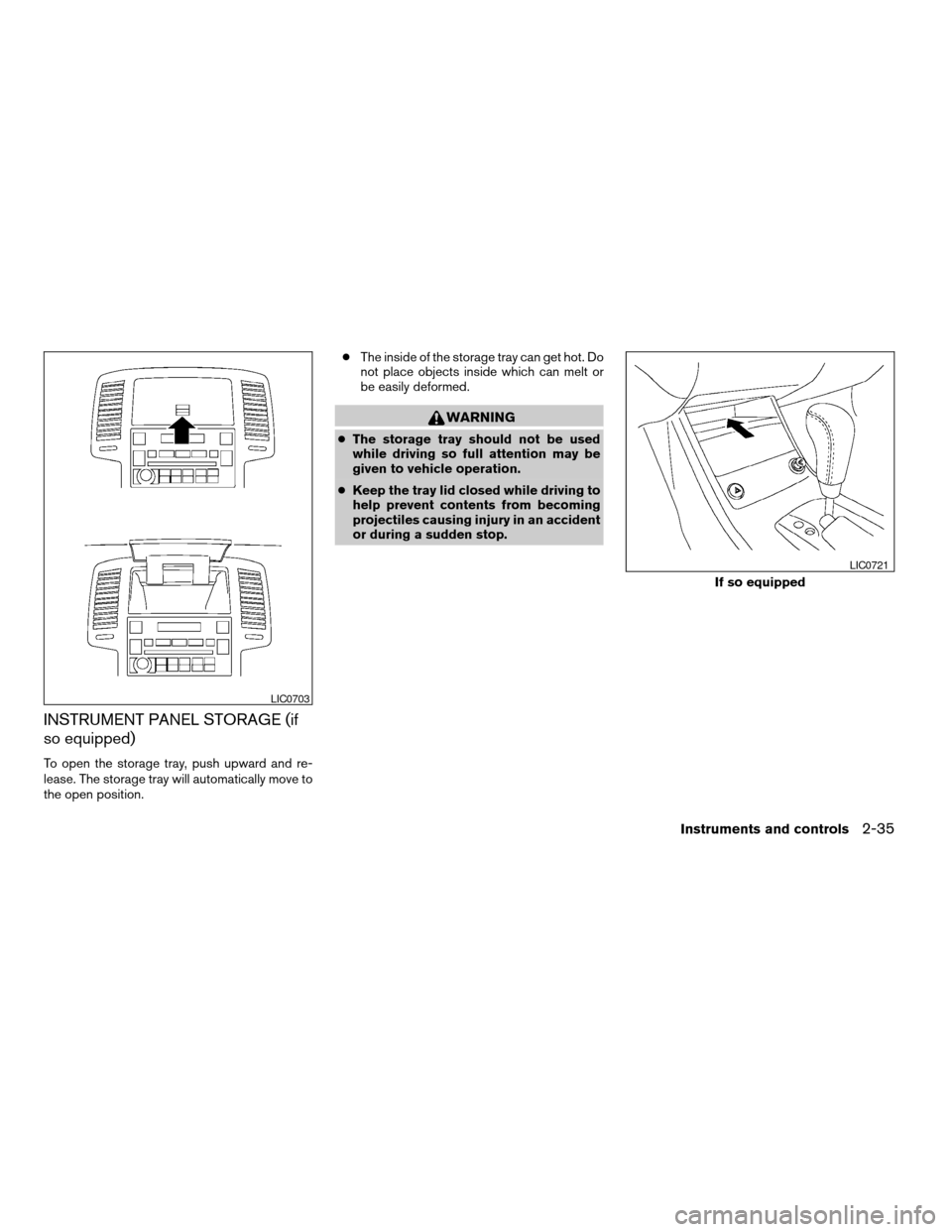
To open the storage tray, push upward and re-
lease. The storage tray will automatically move to
the open position.cThe inside of the storage tray can get hot. Do
not place objects inside which can melt or
be easily deformed.
WARNING
cThe storage tray should not be used
while driving so full attention may be
given to vehicle operation.
cKeep the tray lid closed while driving to
help prevent contents from becoming
projectiles causing injury in an accident
or during a sudden stop.
LIC0703
If so equipped
LIC0721
Instruments and controls2-35
ZREVIEW COPYÐ2006 Altima(l30)
Owners ManualÐUSA_English(nna)
09/08/05Ðdebbie
X
Page 106 of 304
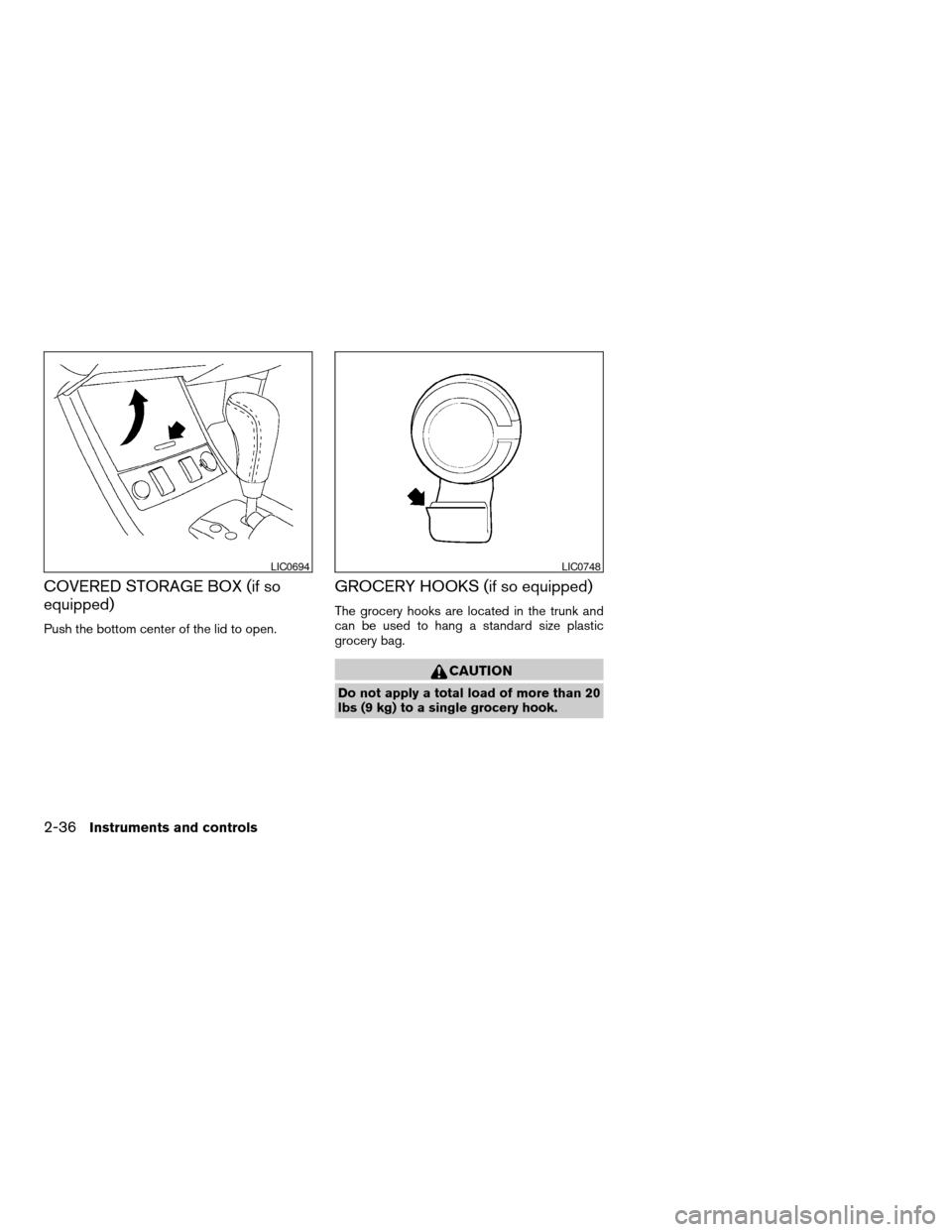
COVERED STORAGE BOX (if so
equipped)
Push the bottom center of the lid to open.
GROCERY HOOKS (if so equipped)
The grocery hooks are located in the trunk and
can be used to hang a standard size plastic
grocery bag.
CAUTION
Do not apply a total load of more than 20
lbs (9 kg) to a single grocery hook.
LIC0694LIC0748
2-36Instruments and controls
ZREVIEW COPYÐ2006 Altima(l30)
Owners ManualÐUSA_English(nna)
09/08/05Ðdebbie
X
Page 107 of 304
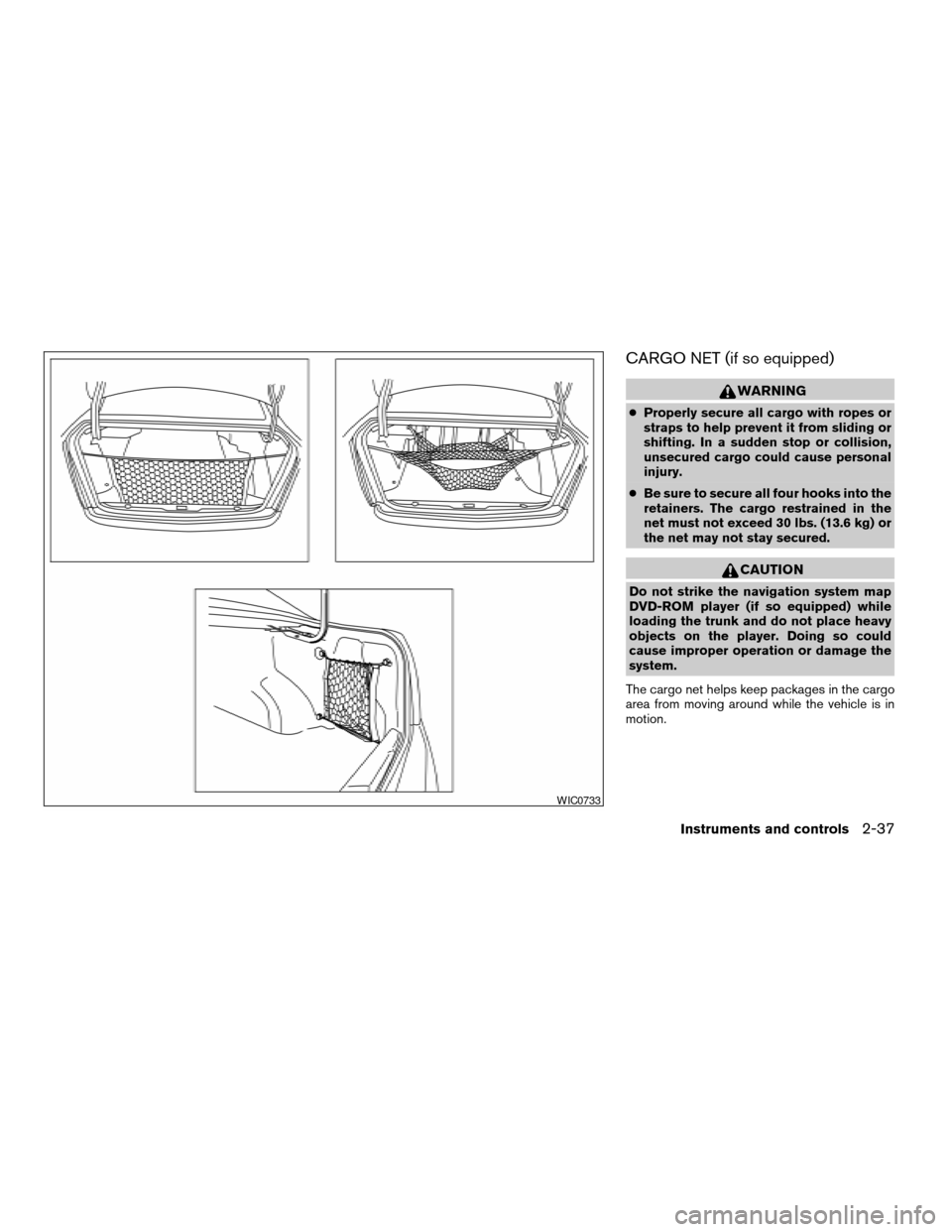
CARGO NET (if so equipped)
WARNING
cProperly secure all cargo with ropes or
straps to help prevent it from sliding or
shifting. In a sudden stop or collision,
unsecured cargo could cause personal
injury.
cBe sure to secure all four hooks into the
retainers. The cargo restrained in the
net must not exceed 30 lbs. (13.6 kg) or
the net may not stay secured.
CAUTION
Do not strike the navigation system map
DVD-ROM player (if so equipped) while
loading the trunk and do not place heavy
objects on the player. Doing so could
cause improper operation or damage the
system.
The cargo net helps keep packages in the cargo
area from moving around while the vehicle is in
motion.
WIC0733
Instruments and controls2-37
ZREVIEW COPYÐ2006 Altima(l30)
Owners ManualÐUSA_English(nna)
09/08/05Ðdebbie
X