Page 48 of 198
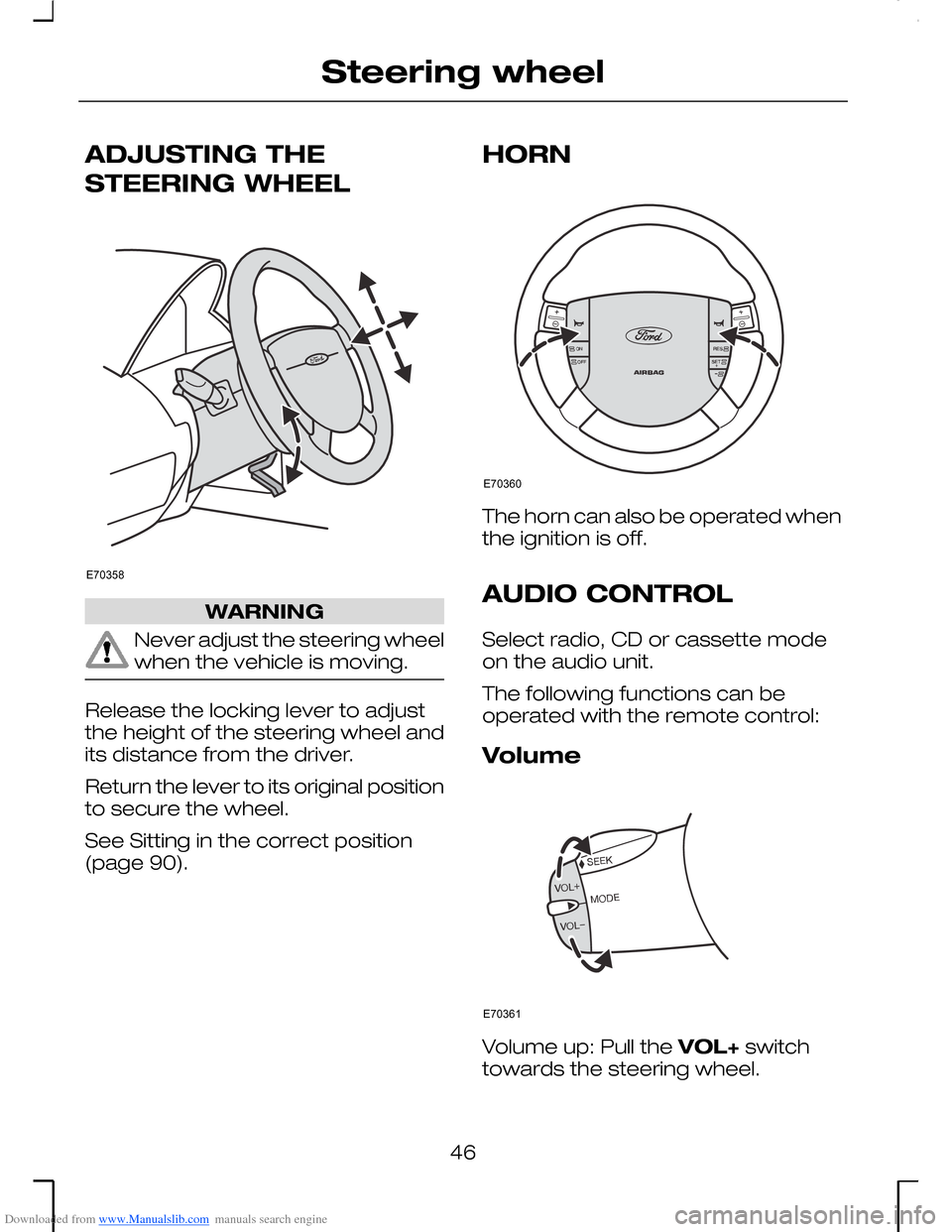
Downloaded from www.Manualslib.com manuals search engine ADJUSTING THE
STEERING WHEEL
WARNING
Never adjust the steering wheelwhen the vehicle is moving.
Release the locking lever to adjustthe height of the steering wheel andits distance from the driver.
Return the lever to its original positionto secure the wheel.
See Sitting in the correct position(page 90).
HORN
The horn can also be operated whenthe ignition is off.
AUDIO CONTROL
Select radio, CD or cassette modeon the audio unit.
The following functions can beoperated with the remote control:
Volume
Volume up: Pull the VOL+ switchtowards the steering wheel.
46
Steering wheelE70358 E70360 E70361
Page 86 of 198
Downloaded from www.Manualslib.com manuals search engine In very humid weather and tomaximize the cooling effect, alsoswitch on the recirculated air and setthe blower to high speed.
AUTOMATIC CLIMATE
CONTROL
Note: Note: The automatic climatecontrol system can be operated viathe navigation system touchsceen.See separate handbook.
The temperature, amount anddistribution of the air flow arecontrolled automatically and adjustedaccording to the driving and weatherconditions. The recommendedsystem settings for all seasons are22 °C and AUTO mode (the airconditioning is switched on). Theindividual settings can be adjusted asnecessary. Avoid adjusting thesettings when the vehicle interior isextremely hot or cold. The automaticclimate control system adjusts to thecurrent circumstances automatically.For the system to function properly,the side and centre vents should befully open.
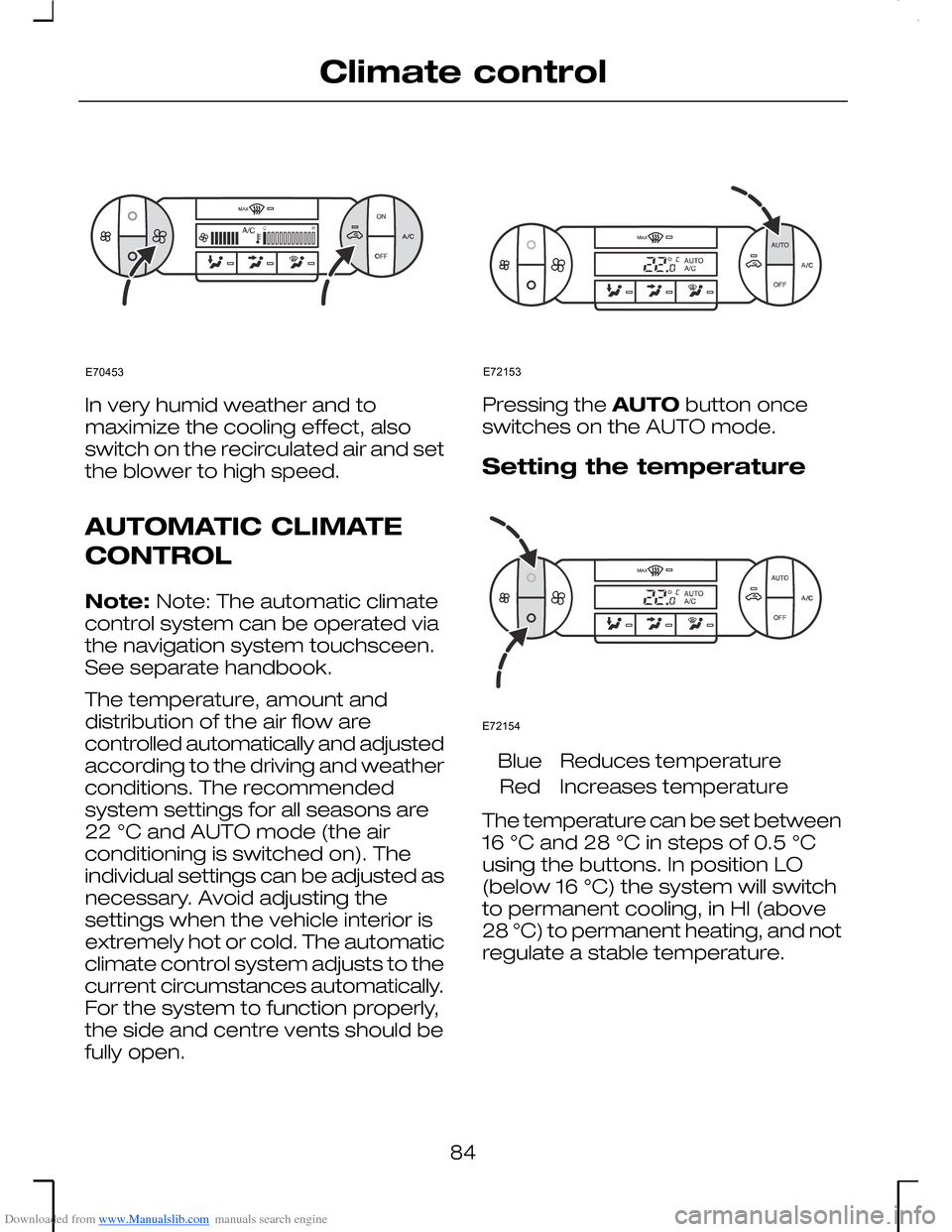
Pressing the AUTO button onceswitches on the AUTO mode.
Setting the temperature
Reduces temperatureBlue
Increases temperatureRed
The temperature can be set between16 °C and 28 °C in steps of 0.5 °Cusing the buttons. In position LO(below 16 °C) the system will switchto permanent cooling, in HI (above28 °C) to permanent heating, and notregulate a stable temperature.
84
Climate controlE70453 E72153 E72154
Page 92 of 198
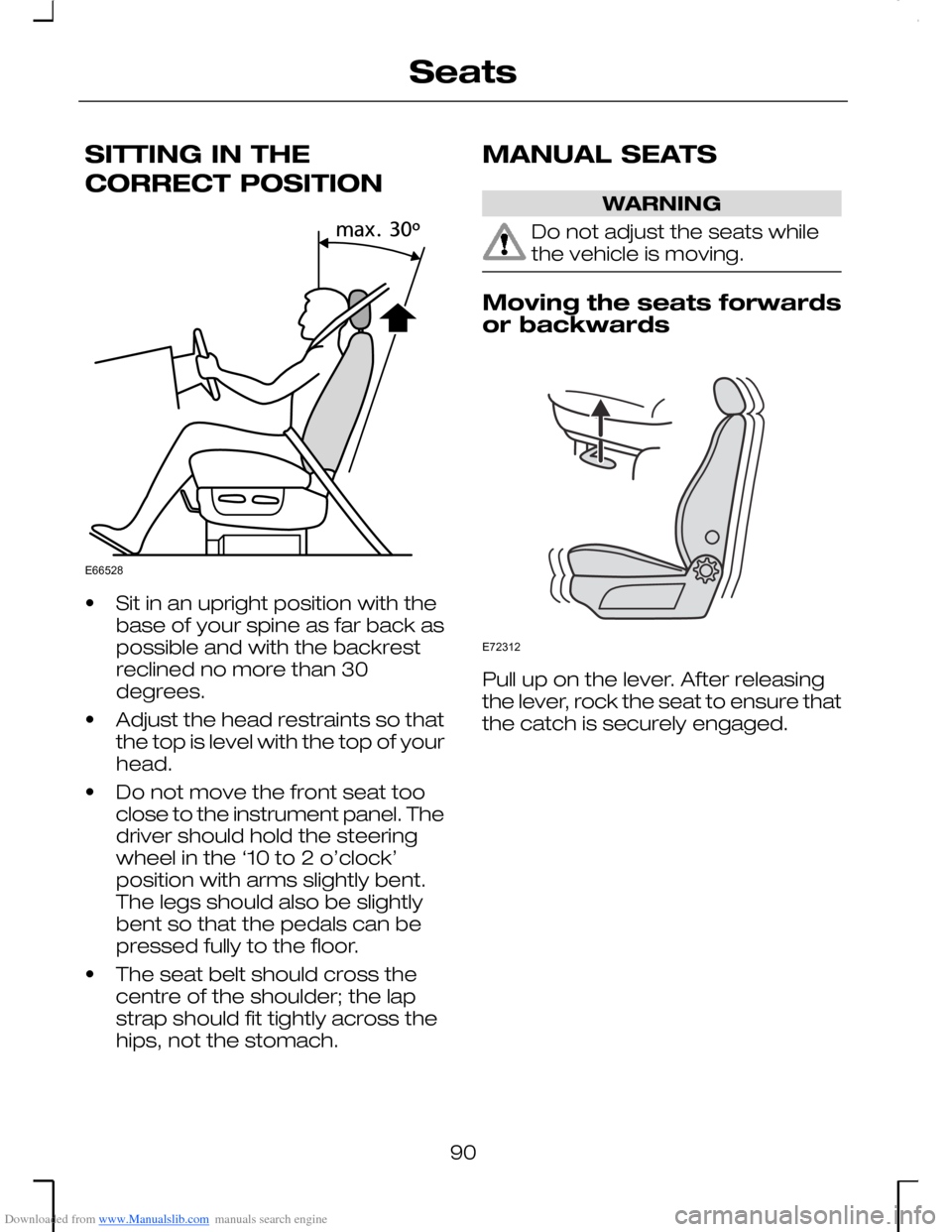
Downloaded from www.Manualslib.com manuals search engine SITTING IN THE
CORRECT POSITION
•Sit in an upright position with thebase of your spine as far back aspossible and with the backrestreclined no more than 30degrees.
•Adjust the head restraints so thatthe top is level with the top of yourhead.
•Do not move the front seat tooclose to the instrument panel. Thedriver should hold the steeringwheel in the ‘10 to 2 o’clock’position with arms slightly bent.The legs should also be slightlybent so that the pedals can bepressed fully to the floor.
•The seat belt should cross thecentre of the shoulder; the lapstrap should fit tightly across thehips, not the stomach.
MANUAL SEATS
WARNING
Do not adjust the seats whilethe vehicle is moving.
Moving the seats forwardsor backwards
Pull up on the lever. After releasingthe lever, rock the seat to ensure thatthe catch is securely engaged.
90
SeatsE66528 E72312
Page 101 of 198
Downloaded from www.Manualslib.com manuals search engine AUXILIARY POWER
SOCKETS
Estate
The auxiliary power socket is locatedin the right-hand side trim panel ofthe luggage compartment.
The auxiliary power socket can alsobe used to power 12 volt applianceshaving a current rating of maximum10 amperes. However, if the engineis not running, this will cause thebattery to discharge.
When connecting appliances, useonly specified connectors from theFord Accessory range or connectorsfor use with SAE standard sockets.
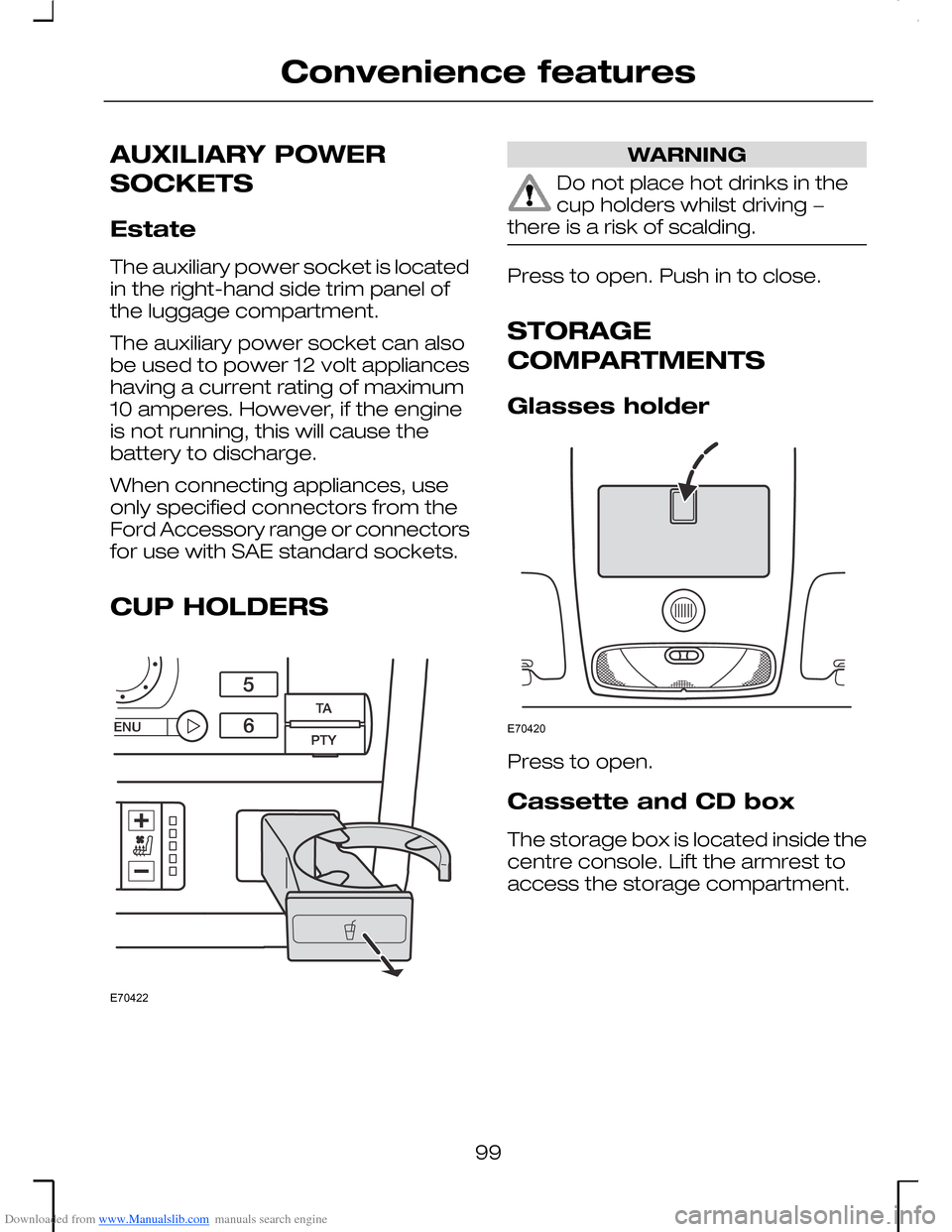
CUP HOLDERS
WARNING
Do not place hot drinks in thecup holders whilst driving −there is a risk of scalding.
Press to open. Push in to close.
STORAGE
COMPARTMENTS
Glasses holder
Press to open.
Cassette and CD box
The storage box is located inside thecentre console. Lift the armrest toaccess the storage compartment.
99
Convenience featuresE70422 E70420
Page 113 of 198
Downloaded from www.Manualslib.com manuals search engine P = Park
WARNINGS
This position should be selectedonly when the vehicle isstationary.
Always apply the parking brakeand make sure that the selectorlever is securely latched in P. Turn offthe ignition whenever you leave thevehicle.
If position P is not selected, awarning chime will sound whenthe driver’s door is opened.
In this position, the transmission islocked.
The engine should be started withthe selector lever in position P. Ifnecessary, it can also be started inposition N.
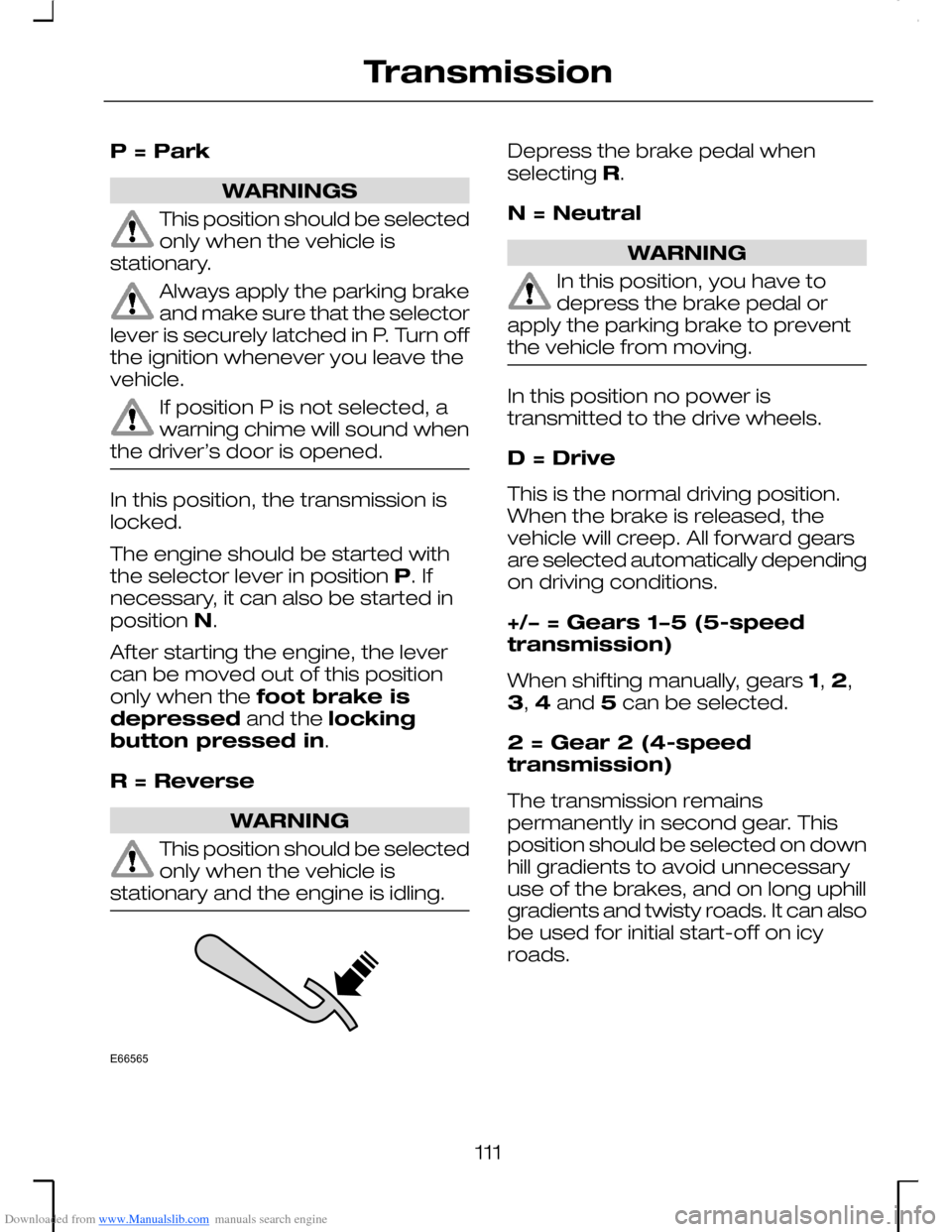
After starting the engine, the levercan be moved out of this positiononly when the foot brake isdepressed and the lockingbutton pressed in.
R = Reverse
WARNING
This position should be selectedonly when the vehicle isstationary and the engine is idling.
Depress the brake pedal whenselecting R.
N = Neutral
WARNING
In this position, you have todepress the brake pedal orapply the parking brake to preventthe vehicle from moving.
In this position no power istransmitted to the drive wheels.
D = Drive
This is the normal driving position.When the brake is released, thevehicle will creep. All forward gearsare selected automatically dependingon driving conditions.
+/− = Gears 1−5 (5-speedtransmission)
When shifting manually, gears 1, 2,3, 4 and 5 can be selected.
2 = Gear 2 (4-speedtransmission)
The transmission remainspermanently in second gear. Thisposition should be selected on downhill gradients to avoid unnecessaryuse of the brakes, and on long uphillgradients and twisty roads. It can alsobe used for initial start-off on icyroads.
111
TransmissionE66565
Page 115 of 198
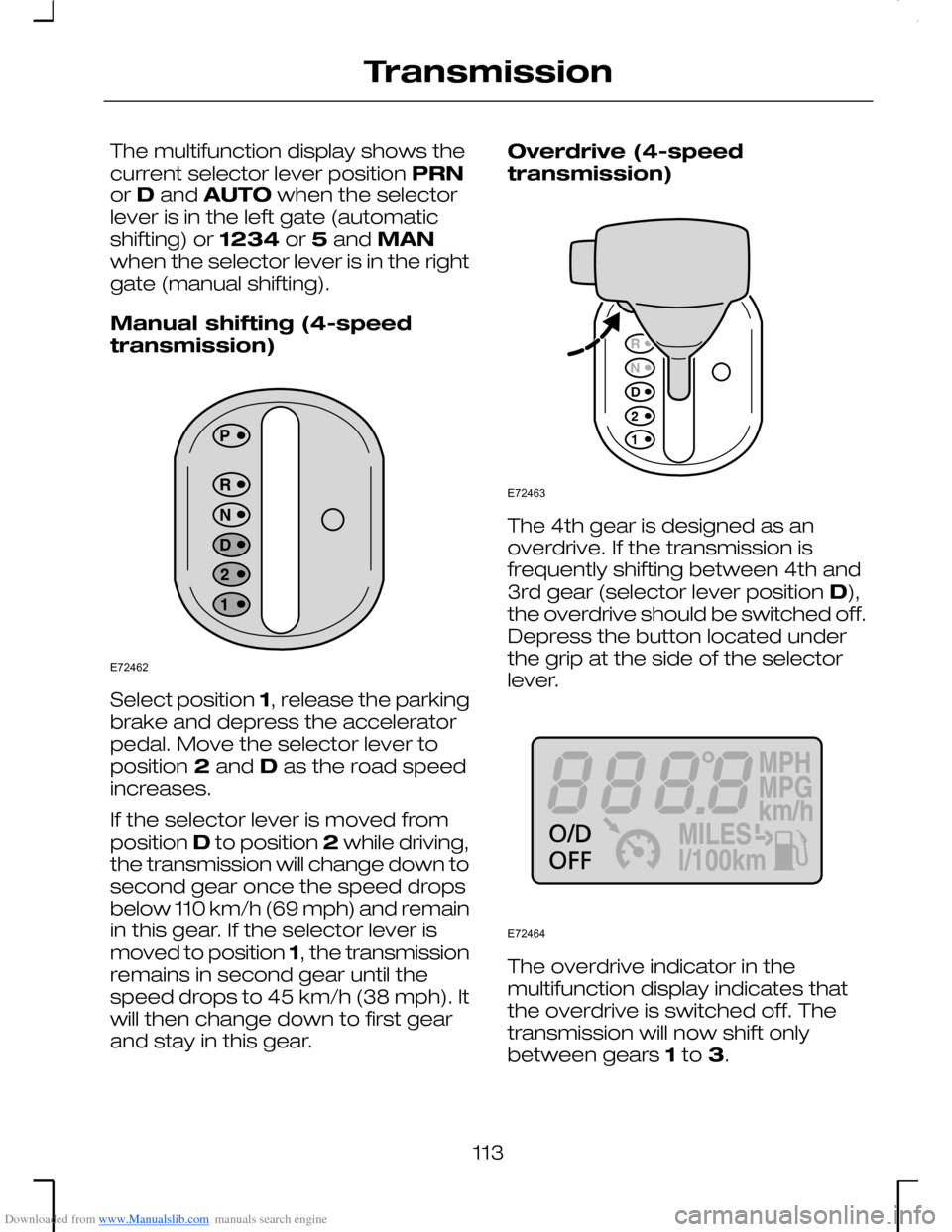
Downloaded from www.Manualslib.com manuals search engine The multifunction display shows thecurrent selector lever position PRNor D and AUTO when the selectorlever is in the left gate (automaticshifting) or 1234 or 5 and MANwhen the selector lever is in the rightgate (manual shifting).
Manual shifting (4-speedtransmission)
Select position 1, release the parkingbrake and depress the acceleratorpedal. Move the selector lever toposition 2 and D as the road speedincreases.
If the selector lever is moved fromposition D to position 2 while driving,the transmission will change down tosecond gear once the speed dropsbelow 110 km/h (69 mph) and remainin this gear. If the selector lever ismoved to position 1, the transmissionremains in second gear until thespeed drops to 45 km/h (38 mph). Itwill then change down to first gearand stay in this gear.
Overdrive (4-speedtransmission)
The 4th gear is designed as anoverdrive. If the transmission isfrequently shifting between 4th and3rd gear (selector lever position D),the overdrive should be switched off.Depress the button located underthe grip at the side of the selectorlever.
The overdrive indicator in themultifunction display indicates thatthe overdrive is switched off. Thetransmission will now shift onlybetween gears 1 to 3.
113
TransmissionE72462 E72463 E72464
Page 128 of 198
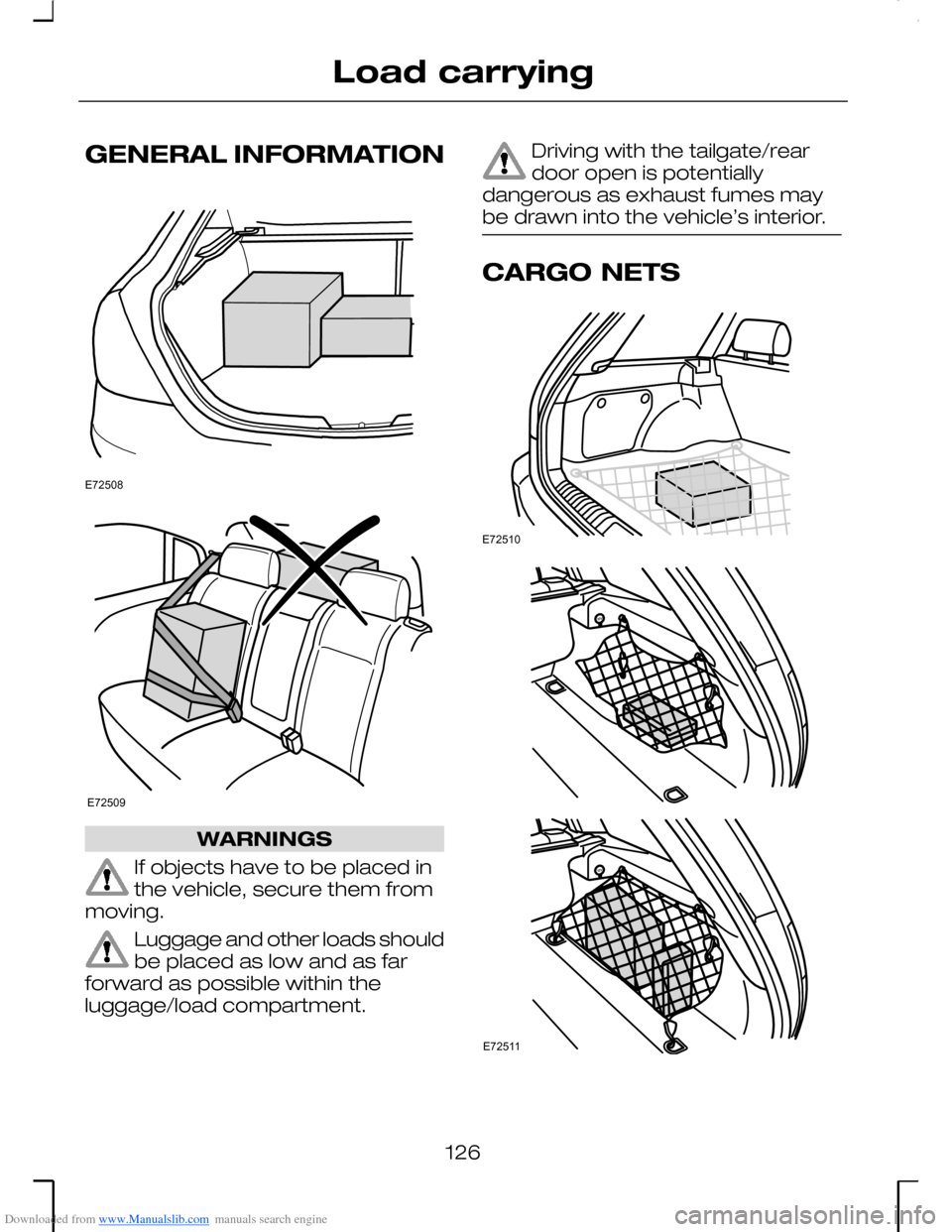
Downloaded from www.Manualslib.com manuals search engine GENERAL INFORMATION
WARNINGS
If objects have to be placed inthe vehicle, secure them frommoving.
Luggage and other loads shouldbe placed as low and as farforward as possible within theluggage/load compartment.
Driving with the tailgate/reardoor open is potentiallydangerous as exhaust fumes maybe drawn into the vehicle’s interior.
CARGO NETS
126
Load carryingE72508 E72509 E72510 E72511
Page 129 of 198
Downloaded from www.Manualslib.com manuals search engine A luggage net can be attached to thefour retaining points on the load areafloor. It can prevent objects slidingaround.
LUGGAGE COVERS
WARNING
Do not place objects on theluggage cover.
5-door
Removal
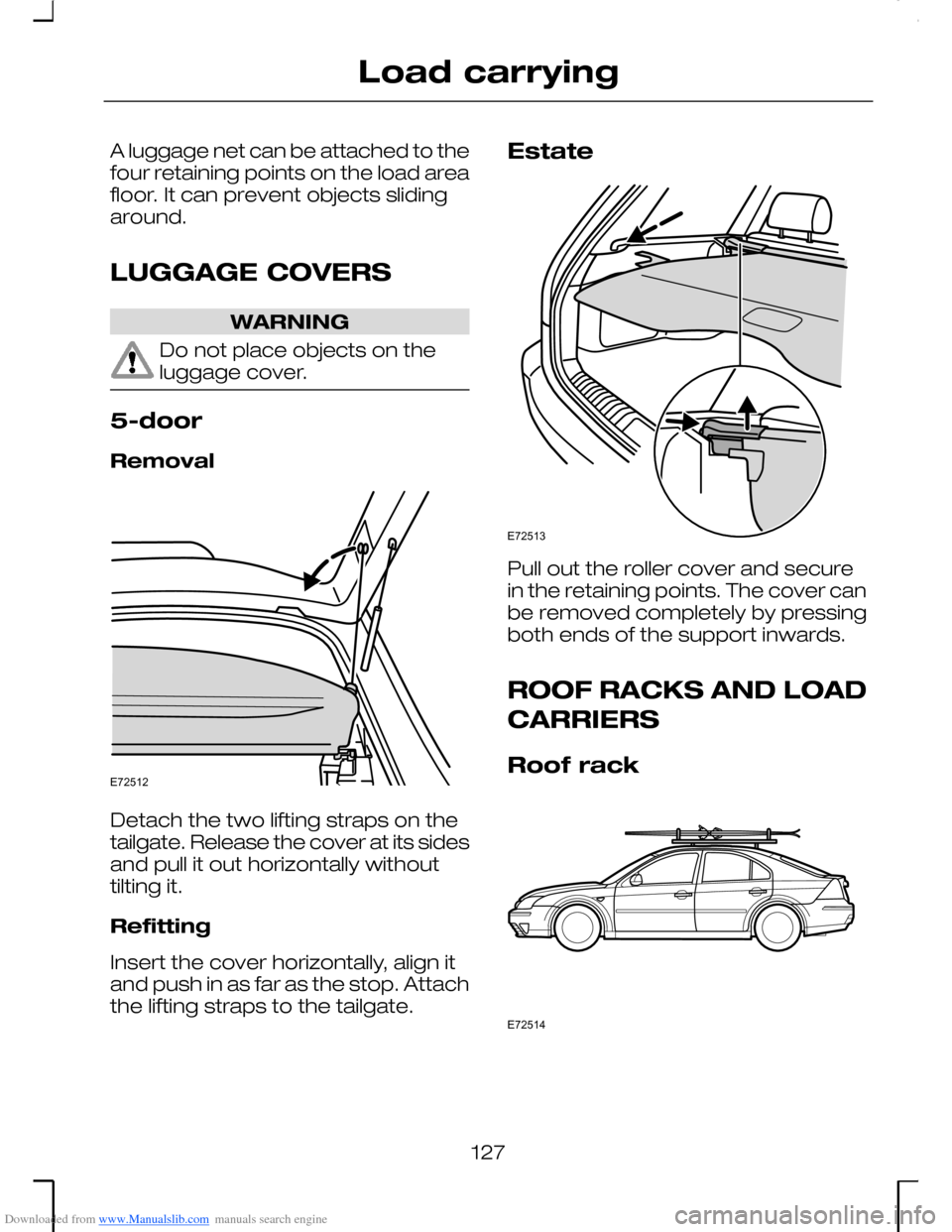
Detach the two lifting straps on thetailgate. Release the cover at its sidesand pull it out horizontally withouttilting it.
Refitting
Insert the cover horizontally, align itand push in as far as the stop. Attachthe lifting straps to the tailgate.
Estate
Pull out the roller cover and securein the retaining points. The cover canbe removed completely by pressingboth ends of the support inwards.
ROOF RACKS AND LOAD
CARRIERS
Roof rack
127
Load carryingE72512 E72513 E72514