2006 CHEVROLET MALIBU service
[x] Cancel search: servicePage 116 of 442
Mirrors
Manual Rearview Mirror
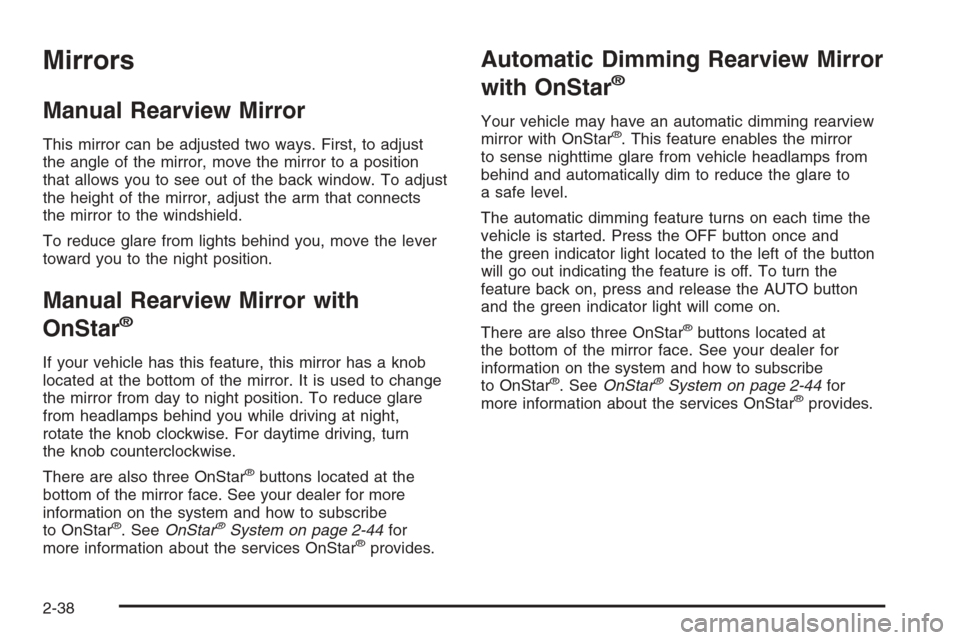
This mirror can be adjusted two ways. First, to adjust
the angle of the mirror, move the mirror to a position
that allows you to see out of the back window. To adjust
the height of the mirror, adjust the arm that connects
the mirror to the windshield.
To reduce glare from lights behind you, move the lever
toward you to the night position.
Manual Rearview Mirror with
OnStar
®
If your vehicle has this feature, this mirror has a knob
located at the bottom of the mirror. It is used to change
the mirror from day to night position. To reduce glare
from headlamps behind you while driving at night,
rotate the knob clockwise. For daytime driving, turn
the knob counterclockwise.
There are also three OnStar
®buttons located at the
bottom of the mirror face. See your dealer for more
information on the system and how to subscribe
to OnStar
®. SeeOnStar®System on page 2-44for
more information about the services OnStar®provides.
Automatic Dimming Rearview Mirror
with OnStar
®
Your vehicle may have an automatic dimming rearview
mirror with OnStar®. This feature enables the mirror
to sense nighttime glare from vehicle headlamps from
behind and automatically dim to reduce the glare to
a safe level.
The automatic dimming feature turns on each time the
vehicle is started. Press the OFF button once and
the green indicator light located to the left of the button
will go out indicating the feature is off. To turn the
feature back on, press and release the AUTO button
and the green indicator light will come on.
There are also three OnStar
®buttons located at
the bottom of the mirror face. See your dealer for
information on the system and how to subscribe
to OnStar
®. SeeOnStar®System on page 2-44for
more information about the services OnStar®provides.
2-38
Page 117 of 442
Automatic Dimming Rearview Mirror
with OnStar
®and Compass
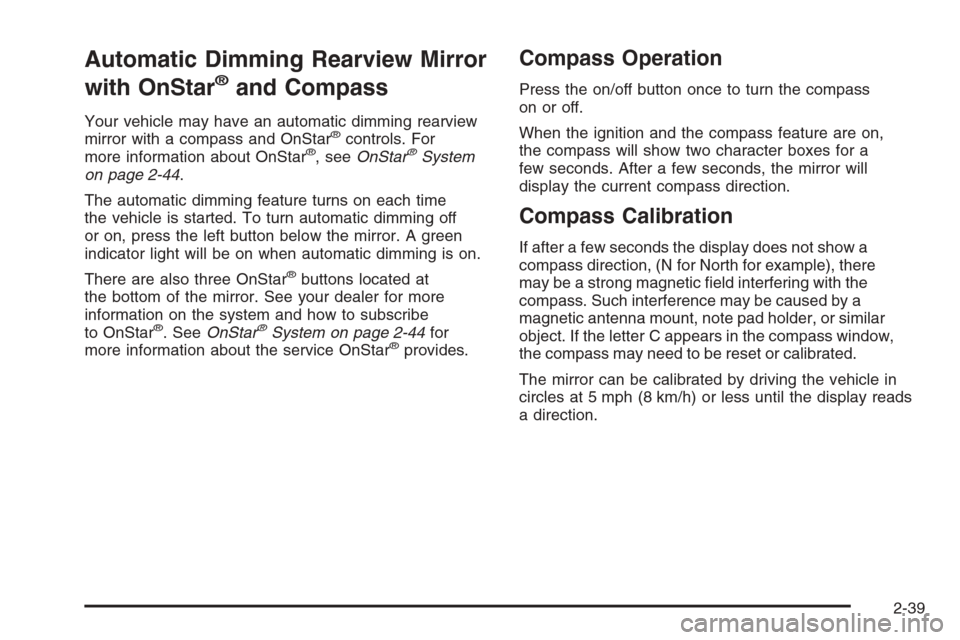
Your vehicle may have an automatic dimming rearview
mirror with a compass and OnStar®controls. For
more information about OnStar®, seeOnStar®System
on page 2-44.
The automatic dimming feature turns on each time
the vehicle is started. To turn automatic dimming off
or on, press the left button below the mirror. A green
indicator light will be on when automatic dimming is on.
There are also three OnStar
®buttons located at
the bottom of the mirror. See your dealer for more
information on the system and how to subscribe
to OnStar
®. SeeOnStar®System on page 2-44for
more information about the service OnStar®provides.
Compass Operation
Press the on/off button once to turn the compass
on or off.
When the ignition and the compass feature are on,
the compass will show two character boxes for a
few seconds. After a few seconds, the mirror will
display the current compass direction.
Compass Calibration
If after a few seconds the display does not show a
compass direction, (N for North for example), there
may be a strong magnetic eld interfering with the
compass. Such interference may be caused by a
magnetic antenna mount, note pad holder, or similar
object. If the letter C appears in the compass window,
the compass may need to be reset or calibrated.
The mirror can be calibrated by driving the vehicle in
circles at 5 mph (8 km/h) or less until the display reads
a direction.
2-39
Page 122 of 442
OnStar®System
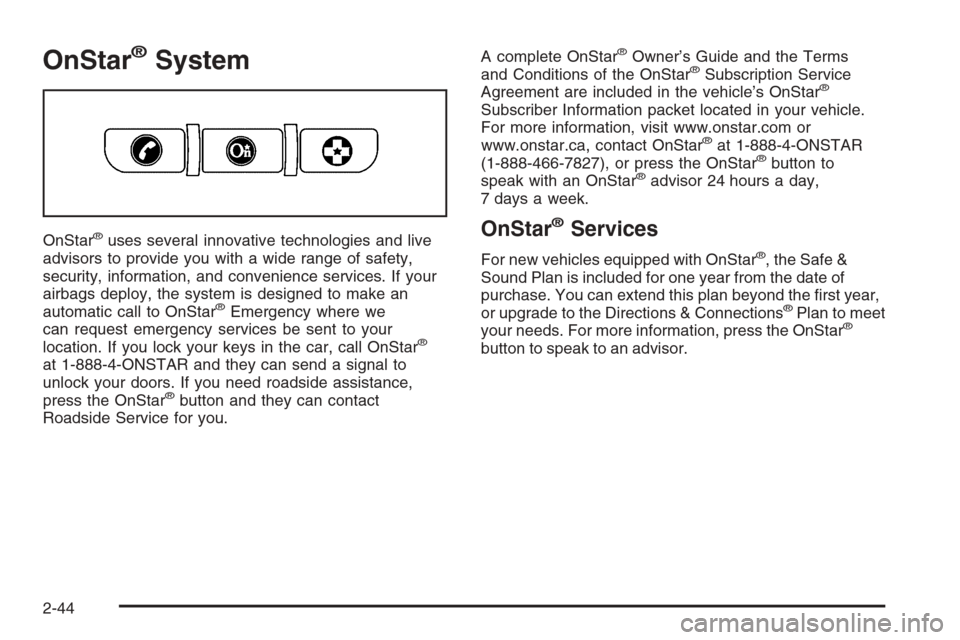
OnStar®uses several innovative technologies and live
advisors to provide you with a wide range of safety,
security, information, and convenience services. If your
airbags deploy, the system is designed to make an
automatic call to OnStar
®Emergency where we
can request emergency services be sent to your
location. If you lock your keys in the car, call OnStar
®
at 1-888-4-ONSTAR and they can send a signal to
unlock your doors. If you need roadside assistance,
press the OnStar
®button and they can contact
Roadside Service for you.A complete OnStar
®Owner’s Guide and the Terms
and Conditions of the OnStar®Subscription Service
Agreement are included in the vehicle’s OnStar®
Subscriber Information packet located in your vehicle.
For more information, visit www.onstar.com or
www.onstar.ca, contact OnStar
®at 1-888-4-ONSTAR
(1-888-466-7827), or press the OnStar®button to
speak with an OnStar®advisor 24 hours a day,
7 days a week.
OnStar®Services
For new vehicles equipped with OnStar®, the Safe &
Sound Plan is included for one year from the date of
purchase. You can extend this plan beyond the rst year,
or upgrade to the Directions & Connections
®Plan to meet
your needs. For more information, press the OnStar®
button to speak to an advisor.
2-44
Page 123 of 442
Safe & Sound Plan
Advanced Automatic Crash Notication
Automatic Notication of Airbag Deployment
Emergency Services
Roadside Assistance
Stolen Vehicle Location Assistance
AccidentAssist
Remote Door Unlock/Vehicle Alert
OnStar®Vehicle Diagnostics
OnStar®Hands-Free Calling
OnStar®Virtual Advisor
Directions & Connections®Plan
All Safe & Sound Plan Services
Driving Directions
RideAssist
Information and Convenience Services
OnStar®Hands-Free Calling
OnStar®Hands-Free Calling allows OnStar®subscribers
to make and receive calls using voice commands at
the touch of a button. Hands-Free Calling is fully
integrated into the vehicle, and may be used with
Pre-Paid Packages or linked to a cell phone through
OnStar
®Shared Minutes Plan. To nd out more, refer
to the OnStar®Owner’s Guide in the vehicle’s glove box,
visit www.onstar.com or www.onstar.ca, or speak with
an OnStar
®advisor by pressing the OnStar®button
or calling 1-888-4-ONSTAR (1-888-466-7827).
OnStar®Virtual Advisor
Your vehicle may have Virtual Advisor. It is a feature
of OnStar®Hands-Free Calling that uses your minutes
to access weather, local traffic reports, and stock
quotes. By pressing the phone button and giving a
few simple voice commands, you can browse through
the various topics. Customize your information prole
at www.myonstar.com. See the OnStar
®Owner’s Guide
for more information.
2-45
Page 124 of 442
Universal Home Remote
System
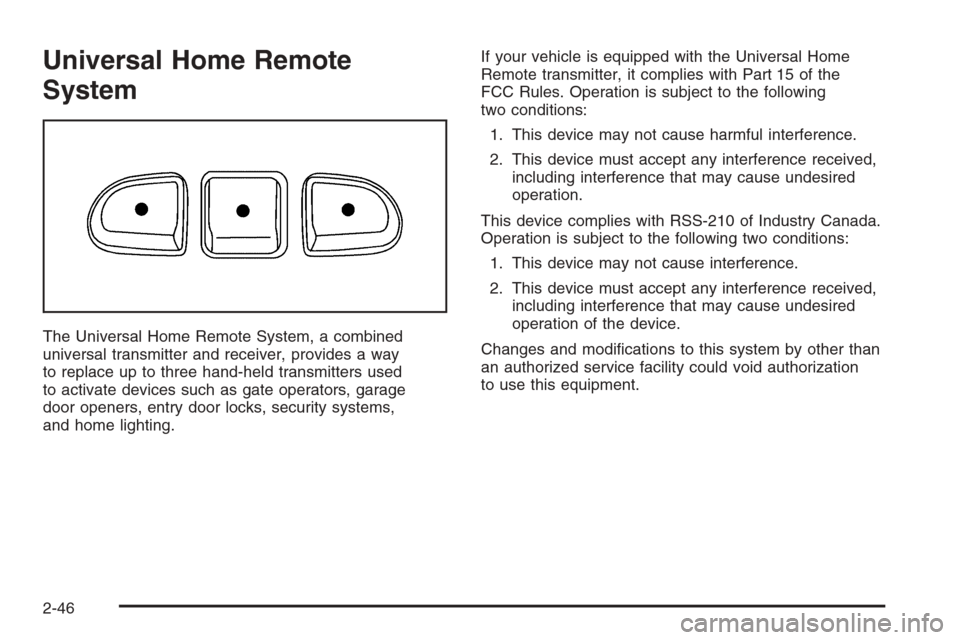
The Universal Home Remote System, a combined
universal transmitter and receiver, provides a way
to replace up to three hand-held transmitters used
to activate devices such as gate operators, garage
door openers, entry door locks, security systems,
and home lighting.If your vehicle is equipped with the Universal Home
Remote transmitter, it complies with Part 15 of the
FCC Rules. Operation is subject to the following
two conditions:
1. This device may not cause harmful interference.
2. This device must accept any interference received,
including interference that may cause undesired
operation.
This device complies with RSS-210 of Industry Canada.
Operation is subject to the following two conditions:
1. This device may not cause interference.
2. This device must accept any interference received,
including interference that may cause undesired
operation of the device.
Changes and modications to this system by other than
an authorized service facility could void authorization
to use this equipment.
2-46
Page 167 of 442
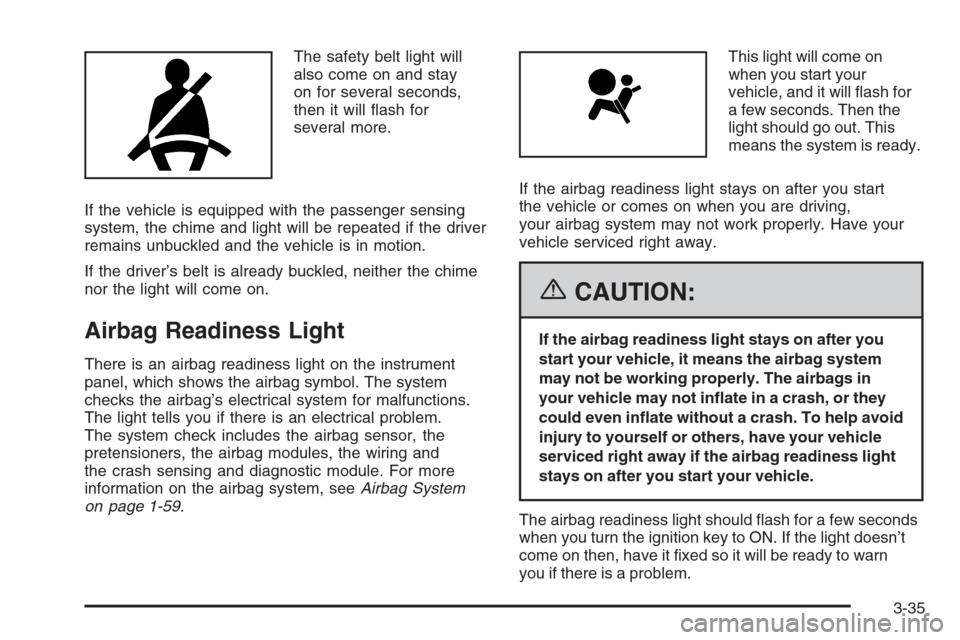
The safety belt light will
also come on and stay
on for several seconds,
then it will ash for
several more.
If the vehicle is equipped with the passenger sensing
system, the chime and light will be repeated if the driver
remains unbuckled and the vehicle is in motion.
If the driver’s belt is already buckled, neither the chime
nor the light will come on.
Airbag Readiness Light
There is an airbag readiness light on the instrument
panel, which shows the airbag symbol. The system
checks the airbag’s electrical system for malfunctions.
The light tells you if there is an electrical problem.
The system check includes the airbag sensor, the
pretensioners, the airbag modules, the wiring and
the crash sensing and diagnostic module. For more
information on the airbag system, seeAirbag System
on page 1-59.This light will come on
when you start your
vehicle, and it will ash for
a few seconds. Then the
light should go out. This
means the system is ready.
If the airbag readiness light stays on after you start
the vehicle or comes on when you are driving,
your airbag system may not work properly. Have your
vehicle serviced right away.
{CAUTION:
If the airbag readiness light stays on after you
start your vehicle, it means the airbag system
may not be working properly. The airbags in
your vehicle may not inate in a crash, or they
could even inate without a crash. To help avoid
injury to yourself or others, have your vehicle
serviced right away if the airbag readiness light
stays on after you start your vehicle.
The airbag readiness light should ash for a few seconds
when you turn the ignition key to ON. If the light doesn’t
come on then, have it xed so it will be ready to warn
you if there is a problem.
3-35
Page 169 of 442
The Driver Information Center (DIC) may display a
BRAKE FLUID message. SeeDIC Warnings and
Messages on page 3-50for more information.
If the light comes on while you are driving, pull off the
road and stop carefully. You may notice that the pedal
is harder to push or the pedal may go closer to the
oor. It may take longer to stop. Try turning off
and restarting the vehicle one or two times, if the
light is still on, have the vehicle towed for service.
SeeTowing Your Vehicle on page 4-39.
{CAUTION:
Your brake system may not be working
properly if the brake system warning light is
on. Driving with the brake system warning light
on can lead to an accident. If the light is still
on after you have pulled off the road and
stopped carefully, have the vehicle towed
for service.
Anti-Lock Brake System
Warning Light
If your vehicle has the
anti-lock brake system, the
light will come on when
your engine is started and
may stay on for several
seconds. That’s normal.
If the light stays on, turn the ignition to off. If the light
comes on and the chime sounds when you are driving,
stop as soon as possible and turn the ignition off.
Then start the engine again to reset the system. If the
light still stays on, or comes on again while you are
driving, your vehicle needs service. If the regular brake
system warning light is not on, you still have brakes,
but you do not have anti-lock brakes. If the regular
brake system warning light is also on, you do not have
anti-lock brakes and there is a problem with your
regular brakes. SeeBrake System Warning Light on
page 3-36earlier in this section.
The anti-lock brake system warning light will come on
briey when you turn the ignition key to ON. This is
normal. If the light does not come on then, have it xed
so it will be ready to warn you if there is a problem.
3-37
Page 170 of 442
Traction Control System (TCS)
Warning Light
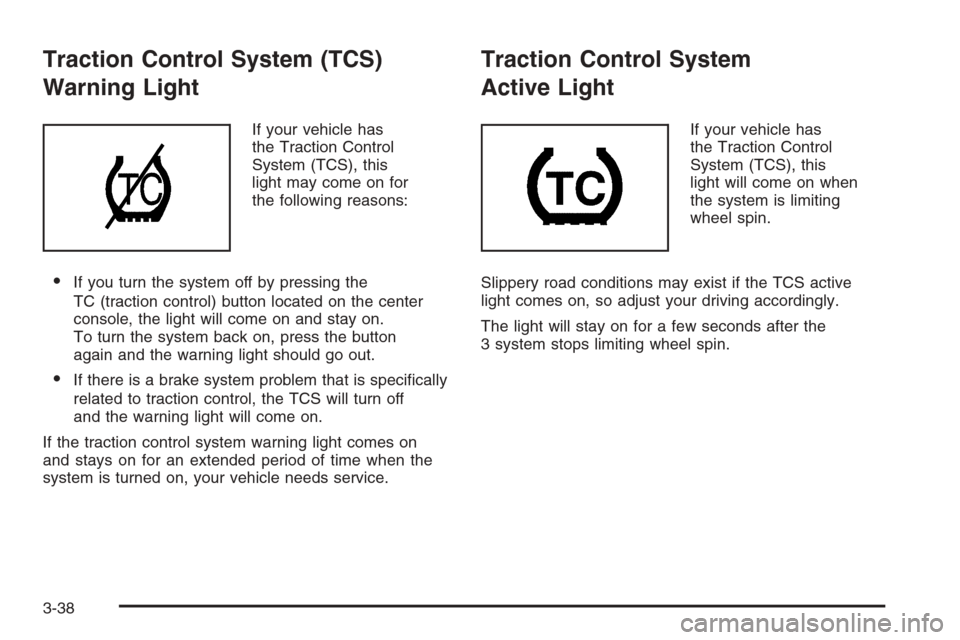
If your vehicle has
the Traction Control
System (TCS), this
light may come on for
the following reasons:
If you turn the system off by pressing the
TC (traction control) button located on the center
console, the light will come on and stay on.
To turn the system back on, press the button
again and the warning light should go out.
If there is a brake system problem that is specically
related to traction control, the TCS will turn off
and the warning light will come on.
If the traction control system warning light comes on
and stays on for an extended period of time when the
system is turned on, your vehicle needs service.
Traction Control System
Active Light
If your vehicle has
the Traction Control
System (TCS), this
light will come on when
the system is limiting
wheel spin.
Slippery road conditions may exist if the TCS active
light comes on, so adjust your driving accordingly.
The light will stay on for a few seconds after the
3 system stops limiting wheel spin.
3-38