2005 CHEVROLET EQUINOX radio
[x] Cancel search: radioPage 71 of 364
Notice:If you ever lock your keys in your vehicle,
you may have to damage the vehicle to get in.
Be sure you have spare keys.
If your vehicle is equipped with the OnStar
®system with
an active subscription and you lock your keys inside
the vehicle, OnStar
®may be able to send a command to
unlock your vehicle. SeeOnStar®System on page 2-32
for more information.
Remote Keyless Entry System
The remote keyless entry system operates on a radio
frequency subject to Federal Communications
Commission (FCC) Rules and with Industry Canada.
This device complies with Part 15 of the FCC Rules.
Operation is subject to the following two conditions:
This device may not cause harmful interference.
This device must accept any interference received,
including interference that may cause undesired
operation of the device.
This device complies with RSS-210 of Industry Canada.
Operation is subject to the following two conditions:
This device may not cause interference.
This device must accept any interference received,
including interference that may cause undesired
operation of the device.Changes or modications to this system by other than
an authorized service facility could void authorization to
use this equipment.
At times you may notice a decrease in range. This is
normal for any remote keyless entry system. If the
transmitter does not work or if you have to stand closer
to your vehicle for the transmitter to work, try this:
Check the distance. You may be too far from your
vehicle. You may need to stand closer during
rainy or snowy weather.
Check the location. Other vehicles or objects may be
blocking the signal. Take a few steps to the left or
right, hold the transmitter higher, and try again.
Check to determine if battery replacement or
resynchronization is necessary. See “Battery
Replacement” and “Resynchronization” under
Remote Keyless Entry System Operation on
page 2-4.
If you are still having trouble, see your dealer or a
qualied technician for service.
2-3
Page 84 of 364
Ignition Positions
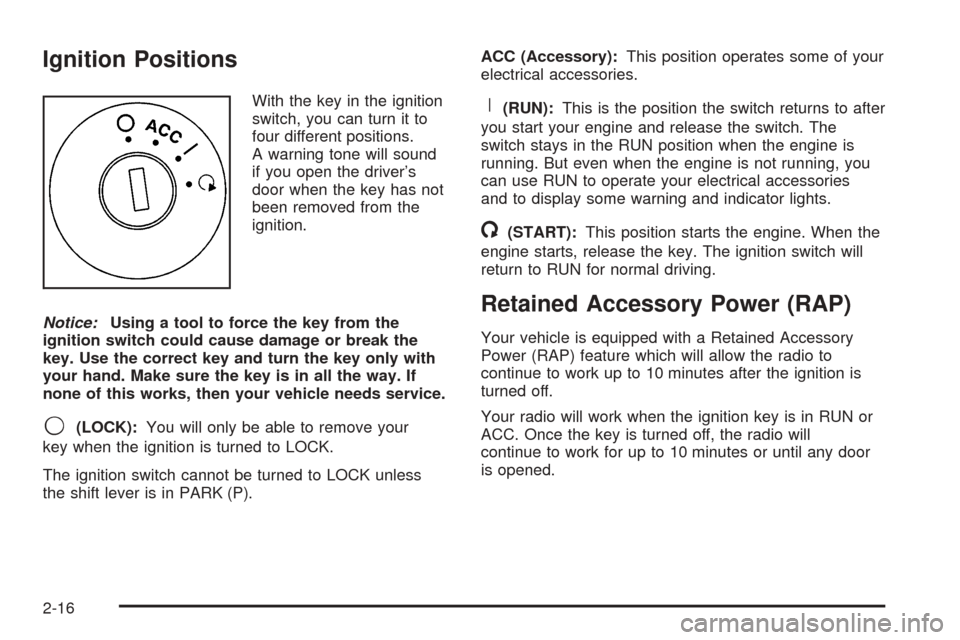
With the key in the ignition
switch, you can turn it to
four different positions.
A warning tone will sound
if you open the driver’s
door when the key has not
been removed from the
ignition.
Notice:Using a tool to force the key from the
ignition switch could cause damage or break the
key. Use the correct key and turn the key only with
your hand. Make sure the key is in all the way. If
none of this works, then your vehicle needs service.
9(LOCK):You will only be able to remove your
key when the ignition is turned to LOCK.
The ignition switch cannot be turned to LOCK unless
the shift lever is in PARK (P).ACC (Accessory):This position operates some of your
electrical accessories.
R(RUN):This is the position the switch returns to after
you start your engine and release the switch. The
switch stays in the RUN position when the engine is
running. But even when the engine is not running, you
can use RUN to operate your electrical accessories
and to display some warning and indicator lights.
/(START):This position starts the engine. When the
engine starts, release the key. The ignition switch will
return to RUN for normal driving.
Retained Accessory Power (RAP)
Your vehicle is equipped with a Retained Accessory
Power (RAP) feature which will allow the radio to
continue to work up to 10 minutes after the ignition is
turned off.
Your radio will work when the ignition key is in RUN or
ACC. Once the key is turned off, the radio will
continue to work for up to 10 minutes or until any door
is opened.
2-16
Page 112 of 364
Highbeam On Light.......................................3-36
Daytime Running Lamps (DRL)
Indicator Light...........................................3-36
Gate Ajar Light.............................................3-37
Service Vehicle Soon Light............................3-37
Fuel Gage...................................................3-38
Low Fuel Warning Light.................................3-38Audio System(s).............................................3-39
Setting the Time...........................................3-40
Radio with CD (Base Level)...........................3-40
Radio with CD (MP3)....................................3-50
Radio with Six-Disc CD.................................3-65
Theft-Deterrent Feature..................................3-78
Audio Steering Wheel Controls.......................3-78
Radio Reception...........................................3-79
Care of Your CDs.........................................3-79
Care of the CD Player...................................3-79
Fixed Mast Antenna......................................3-79
XM™ Satellite Radio Antenna System.............3-80
Chime Level Adjustment................................3-80
Section 3 Instrument Panel
3-2
Page 125 of 364
Fog Lamps
If your vehicle has this feature, use your fog lamps for
better visibility in foggy or misty conditions.
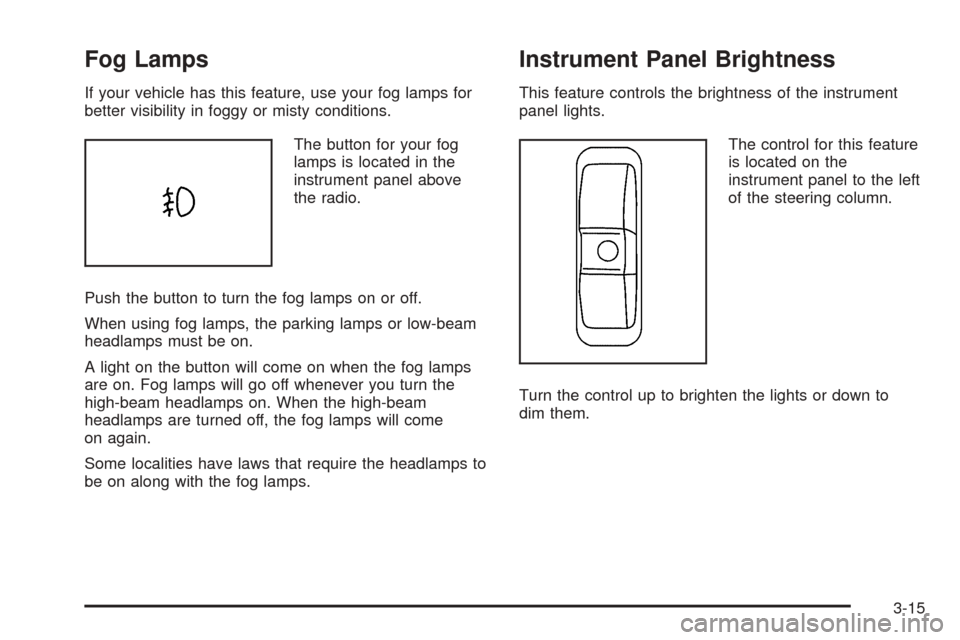
The button for your fog
lamps is located in the
instrument panel above
the radio.
Push the button to turn the fog lamps on or off.
When using fog lamps, the parking lamps or low-beam
headlamps must be on.
A light on the button will come on when the fog lamps
are on. Fog lamps will go off whenever you turn the
high-beam headlamps on. When the high-beam
headlamps are turned off, the fog lamps will come
on again.
Some localities have laws that require the headlamps to
be on along with the fog lamps.
Instrument Panel Brightness
This feature controls the brightness of the instrument
panel lights.
The control for this feature
is located on the
instrument panel to the left
of the steering column.
Turn the control up to brighten the lights or down to
dim them.
3-15
Page 127 of 364
Map Lamps
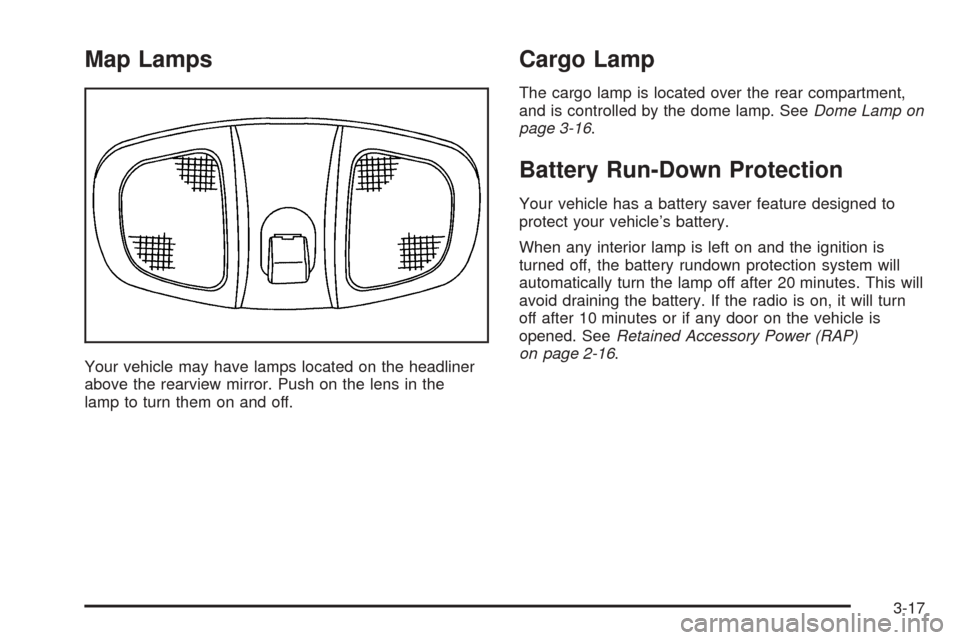
Your vehicle may have lamps located on the headliner
above the rearview mirror. Push on the lens in the
lamp to turn them on and off.
Cargo Lamp
The cargo lamp is located over the rear compartment,
and is controlled by the dome lamp. SeeDome Lamp on
page 3-16.
Battery Run-Down Protection
Your vehicle has a battery saver feature designed to
protect your vehicle’s battery.
When any interior lamp is left on and the ignition is
turned off, the battery rundown protection system will
automatically turn the lamp off after 20 minutes. This will
avoid draining the battery. If the radio is on, it will turn
off after 10 minutes or if any door on the vehicle is
opened. SeeRetained Accessory Power (RAP)
on page 2-16.
3-17
Page 128 of 364
Accessory Power Outlet(s)
The accessory power outlets can be used to connect
electrical equipment such as a cellular phone or
CB radio.
The accessory power outlets are located in front of the
center console storage area, at the rear of the center
console, and in the rear cargo area.
To use the outlets, remove the cover. When not in use,
always cover the outlet with the protective cap.
Notice:Leaving electrical equipment on for
extended periods will drain the battery. Always turn
off electrical equipment when not in use and do
not plug in equipment that exceeds the maximum
amperage rating.
Certain electrical accessories may not be compatible
with the accessory power outlets and could result
in blown vehicle or adapter fuses. If you experience a
problem, see your dealer for additional information
on the accessory power outlet.
Notice:Adding any electrical equipment to your
vehicle may damage it or keep other components
from working as they should. The repairs would not
be covered by your warranty. Do not use equipment
exceeding maximum amperage rating. Check
with your dealer before adding electrical equipment.When adding electrical equipment, be sure to follow the
installation instructions included with the equipment.
Notice:Improper use of the power outlet can cause
damage not covered by your warranty. Do not
hang any type of accessory or accessory bracket
from the plug because the power outlets are
designed for accessory power plugs only.
Ashtray(s) and Cigarette Lighter
Your vehicle may have an ashtray and cigarette lighter.
Lift the lid to expose the ashtray. To remove the
ashtray, lift it up.
Lift the lid to expose the cigarette lighter.
To use the lighter, push it in all the way and let go.
When it is ready, it will pop back out by itself.
Notice:Holding a cigarette lighter in while it is
heating will not allow the lighter to back away from
the heating element when it is hot. Damage from
overheating may occur to the lighter or heating
element, or a fuse could be blown. Do not hold a
cigarette lighter in while it is heating.
Notice:If you put papers, pins, or other ammable
items in the ashtray, hot cigarettes or other
smoking materials could ignite them and possibly
damage your vehicle. Never put ammable items in
the ashtray.
3-18
Page 137 of 364
If the airbag readiness light stays on after you start the
vehicle or comes on when you are driving, your
airbag system may not work properly. Have your vehicle
serviced right away.
{CAUTION:
If the airbag readiness light stays on after you
start your vehicle, it means the airbag system
may not be working properly. The airbags in
your vehicle may not inate in a crash, or they
could even inate without a crash. To help
avoid injury to yourself or others, have your
vehicle serviced right away if the airbag
readiness light stays on after you start your
vehicle.
The airbag readiness light should ash for a few
seconds when you turn the ignition key to RUN. If the
light does not come on then, have it xed so it will
be ready to warn you if there is a problem.
Battery Warning Light
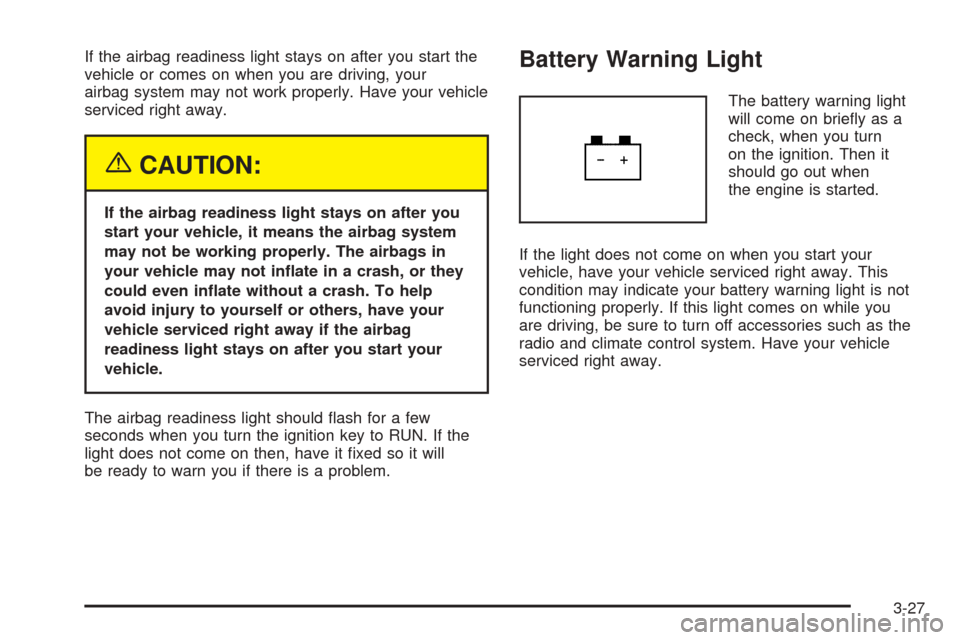
The battery warning light
will come on briey as a
check, when you turn
on the ignition. Then it
should go out when
the engine is started.
If the light does not come on when you start your
vehicle, have your vehicle serviced right away. This
condition may indicate your battery warning light is not
functioning properly. If this light comes on while you
are driving, be sure to turn off accessories such as the
radio and climate control system. Have your vehicle
serviced right away.
3-27
Page 149 of 364
Audio System(s)
Driving without distraction is a necessity for a safer
driving experience. SeeDefensive Driving on page 4-2.
By taking a few moments to read this manual and
get familiar with your vehicle’s audio system, you can
use it with less effort, as well as take advantage of
its features. While your vehicle is parked, program your
favorite radio stations and XM™ channels (if equipped).
Set the tone and balance the way you like them.
Then when driving conditions permit, you can tune to
your favorite stations using the presets and steering
wheel controls (if equipped).
Notice:Before adding any sound equipment to
your vehicle, such as an audio system, CD player,
CB radio, mobile telephone, or two-way radio, make
sure that it can be added by checking with your
dealer. Also, check federal rules covering mobile
radio and telephone units. If sound equipment can
be added, it is very important to do it properly.
Added sound equipment may interfere with
the operation of your vehicle’s engine, radio, or
other systems, and even damage them. Your
vehicle’s systems may interfere with the operation
of sound equipment that has been added.Notice:The chime signals related to seat belts,
parking brake, and other functions of your vehicle
operate through the GM radio/entertainment system.
If that equipment is replaced or additional
equipment is added to your vehicle, the chimes may
not work. Make sure that replacement or additional
equipment is compatible with your vehicle before
installing it.
Figure out which audio system is in your vehicle, nd
out what your audio system can do, and how to operate
all of its controls.
Your vehicle has a feature called Retained Accessory
Power (RAP). With RAP, the audio system can be
played even after the ignition is turned off. SeeRetained
Accessory Power (RAP) on page 2-16for more
information.
3-39