Page 14 of 446
Safety Belts
Safety Belts: They Are for Everyone
This part of the manual tells you how to use safety
belts properly. It also tells you some things you should
not do with safety belts.
{CAUTION:
Do not let anyone ride where he or she can not
wear a safety belt properly. If you are in a
crash and you are not wearing a safety belt,
your injuries can be much worse. You can hit
things inside the vehicle or be ejected from it.
You can be seriously injured or killed. In the
same crash, you might not be, if you are
buckled up. Always fasten your safety belt,
and check that your passengers’ belts are
fastened properly too.
{CAUTION:
It is extremely dangerous to ride in a cargo
area, inside or outside of a vehicle. In a
collision, people riding in these areas are more
likely to be seriously injured or killed. Do not
allow people to ride in any area of your vehicle
that is not equipped with seats and safety
belts. Be sure everyone in your vehicle is in a
seat and using a safety belt properly.
Your vehicle has a light
that comes on as a
reminder to buckle up.
SeeSafety Belt Reminder
Light on page 3-62.
1-8
Page 19 of 446
Q:If I am a good driver, and I never drive far from
home, why should I wear safety belts?
A:You may be an excellent driver, but if you are in an
accident — even one that is not your fault — you
and your passengers can be hurt. Being a good
driver does not protect you from things beyond your
control, such as bad drivers.
Most accidents occur within 25 miles (40 km)
of home. And the greatest number of serious
injuries and deaths occur at speeds of less than
40 mph (65 km/h).
Safety belts are for everyone.
How to Wear Safety Belts Properly
This part is only for people of adult size.
Be aware that there are special things to know about
safety belts and children. And there are different
rules for smaller children and babies. If a child will be
riding in your vehicle, seeOlder Children on page 1-26
orInfants and Young Children on page 1-28. Follow
those rules for everyone’s protection.
First, you will want to know which restraint systems your
vehicle has.
We will start with the driver position.
Driver Position
Lap-Shoulder Belt
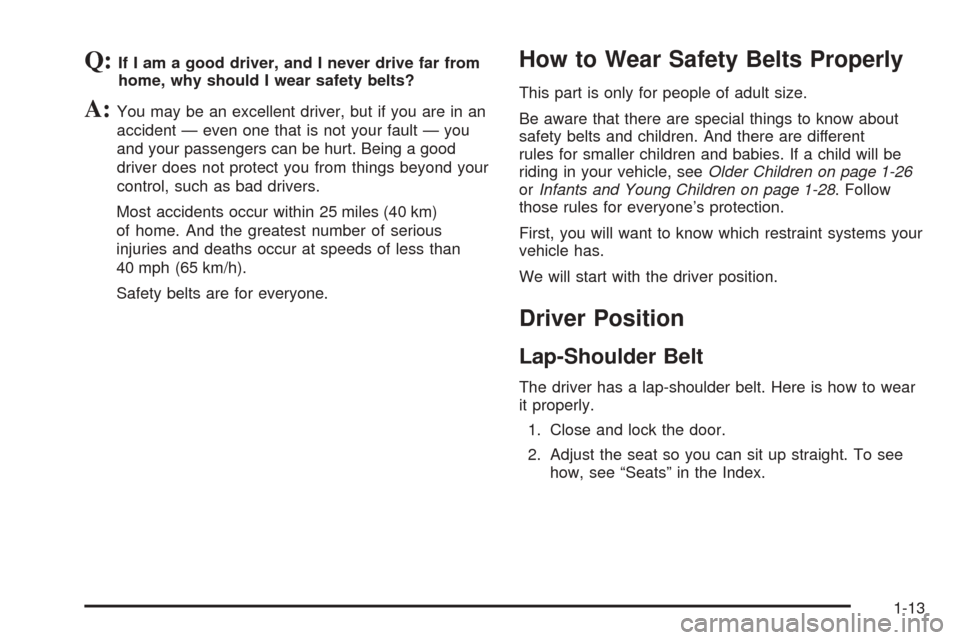
The driver has a lap-shoulder belt. Here is how to wear
it properly.
1. Close and lock the door.
2. Adjust the seat so you can sit up straight. To see
how, see “Seats” in the Index.
1-13
Page 29 of 446
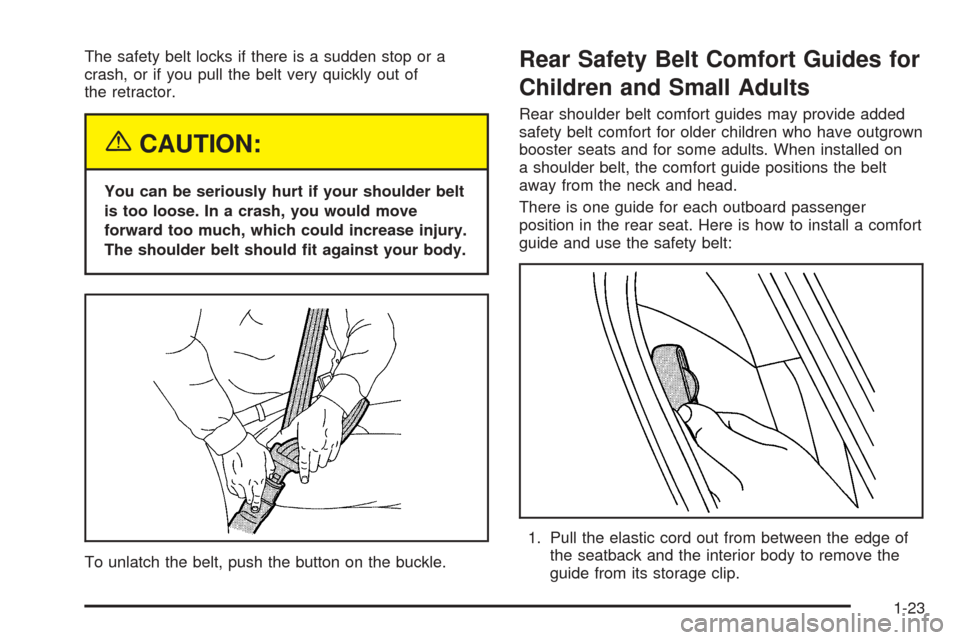
The safety belt locks if there is a sudden stop or a
crash, or if you pull the belt very quickly out of
the retractor.
{CAUTION:
You can be seriously hurt if your shoulder belt
is too loose. In a crash, you would move
forward too much, which could increase injury.
The shoulder belt should t against your body.
To unlatch the belt, push the button on the buckle.
Rear Safety Belt Comfort Guides for
Children and Small Adults
Rear shoulder belt comfort guides may provide added
safety belt comfort for older children who have outgrown
booster seats and for some adults. When installed on
a shoulder belt, the comfort guide positions the belt
away from the neck and head.
There is one guide for each outboard passenger
position in the rear seat. Here is how to install a comfort
guide and use the safety belt:
1. Pull the elastic cord out from between the edge of
the seatback and the interior body to remove the
guide from its storage clip.
1-23
Page 32 of 446
Safety Belt Extender
If the vehicle’s safety belt will fasten around you, you
should use it.
But if a safety belt is not long enough, your dealer will
order you an extender. It is free. When you go in to
order it, take the heaviest coat you will wear, so
the extender will be long enough for you. To help avoid
personal injury, do not let someone else use it, and
use it only for the seat it is made to t. The extender has
been designed for adults. Never use it for securing
child seats. To wear it, just attach it to the regular safety
belt. For more information, see the instruction sheet
that comes with the extender.
Child Restraints
Older Children
Older children who have outgrown booster seats should
wear the vehicle’s safety belts.
1-26
Page 39 of 446
A forward-facing child seat (C-E) provides restraint for
the child’s body with the harness and also sometimes
with surfaces such as T-shaped or shelf-like shields.A booster seat (F-G) is a child restraint designed to
improve the t of the vehicle’s safety belt system. Some
booster seats have a shoulder belt positioner, and
some high-back booster seats have a ve-point harness.
A booster seat can also help a child to see out the
window.
1-33
Page 49 of 446
Securing a Child Restraint in the
Right Front Seat Position
If your child restraint is equipped with the LATCH
system, seeLower Anchorages and Top Tethers for
Children (LATCH System) on page 1-38. SeeTop Strap
on page 1-35if your child restraint has one.
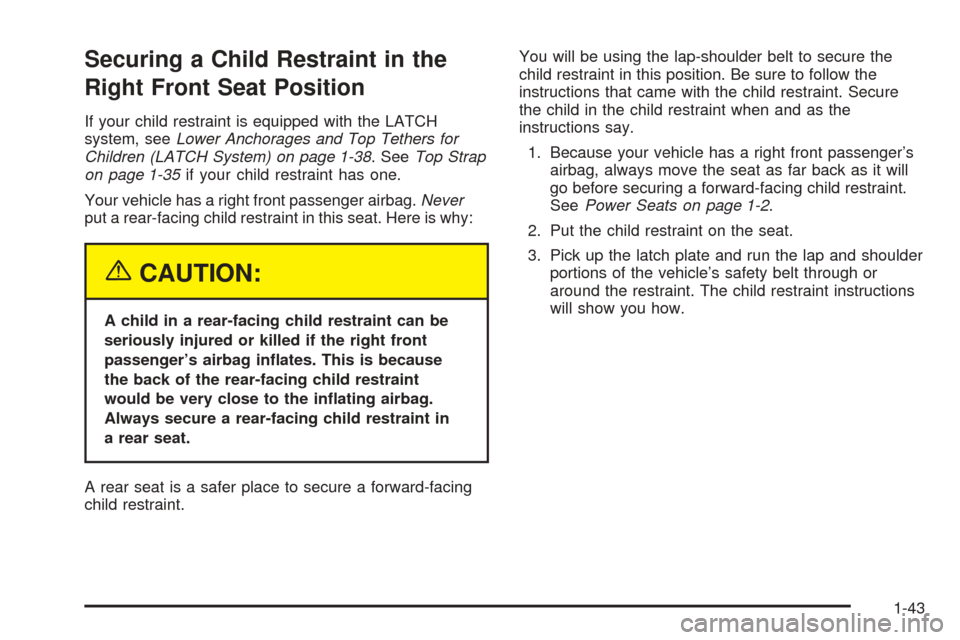
Your vehicle has a right front passenger airbag.Never
put a rear-facing child restraint in this seat. Here is why:
{CAUTION:
A child in a rear-facing child restraint can be
seriously injured or killed if the right front
passenger’s airbag inates. This is because
the back of the rear-facing child restraint
would be very close to the inating airbag.
Always secure a rear-facing child restraint in
a rear seat.
A rear seat is a safer place to secure a forward-facing
child restraint.You will be using the lap-shoulder belt to secure the
child restraint in this position. Be sure to follow the
instructions that came with the child restraint. Secure
the child in the child restraint when and as the
instructions say.
1. Because your vehicle has a right front passenger’s
airbag, always move the seat as far back as it will
go before securing a forward-facing child restraint.
SeePower Seats on page 1-2.
2. Put the child restraint on the seat.
3. Pick up the latch plate and run the lap and shoulder
portions of the vehicle’s safety belt through or
around the restraint. The child restraint instructions
will show you how.
1-43
Page 70 of 446

Matching Transmitter(s) to Your
Vehicle
Each Keyless Access System is coded to allow only
transmitters programmed to your vehicle to work.
If a transmitter is lost or stolen, a replacement can be
purchased and programmed through your GM
dealer. Your GM dealer can reprogram your vehicle so
lost or stolen transmitters no longer work with your
vehicle. Each vehicle can have a maximum of
four transmitters matched to it.
To match a new transmitter to your vehicle when you
have a recognized transmitter, do the following.
Two recognized transmitters are required for Canadian
owners.
1. The vehicle must be off.
2. Have the recognized transmitter and the new,
unrecognized transmitter(s) with you.
3. Insert the vehicle key into the key lock cylinder
located on the outside of the driver’s door.
4. Turn the key to the unlock position ve times within
ve seconds.
5. The Driver Information Center (DIC) will display
READY FOR FOB #X, where X can be 2, 3 or 4.6. Place the new, unrecognized transmitter into the
transmitter pocket with the transmitter buttons
facing the front of the vehicle. The transmitter
pocket is inside the console bin located between
the driver and front passenger seats.
7. Once the transmitter is programmed, a beep will
sound. The DIC will display READY FOR #X,
where X can be 3 or 4, or MAX # FOBS LEARNED.
8. Remove the transmitter from the transmitter pocket
and press the unlock button on the keyless access
transmitter two times.
2-6
Page 71 of 446

The Canadian immobilizer standard requires Canadian
owners to see their GM dealer for matching new
transmitters when a recognized transmitter is not
available. United States Owners are permitted to match
a new transmitter to their vehicle when a recognized
transmitter is not available. The procedure will require
three, ten minute cycles to complete the matching
process. Do the following:
1. The vehicle must be off.
2. Place the new, unrecognized transmitter into the
transmitter pocket with the transmitter buttons
facing the front of the vehicle. The transmitter
pocket is inside the console bin located between
the driver and front passenger seats.3. Insert the vehicle key into the key lock cylinder
located on the driver’s door.
4. Turn the key to the unlock position ve times within
ve seconds.
5. The DIC message will display OFF-ACCESSORY
TO LEARN.
6. Press the OFF/ACC button (ignition switch).
7. The DIC will read WAIT 10 MINUTES and will
count down to zero, one minute at a time.
8. The DIC will display OFF-ACCESSORY TO
LEARN again.
9. Press the OFF/ACC button (ignition switch) again.
10. The DIC will again read WAIT 10 MINUTES
and will count down to zero, one minute at a time.
11. The DIC will display OFF-ACCESSORY TO
LEARN again.
12. Press the OFF/ACC button (ignition switch) again.
13. The DIC will again read WAIT 10 MINUTES
and will count down to zero, one minute at a time.
14. A beep will sound and the DIC will read READY
FOR FOB #1. At this time, all previously known
transmitters have been erased.
15. Once the transmitter is recognized and
programmed, a beep will sound and the DIC will
display READY FOR FOB #2.
16. Remove the keyless access transmitter and press
the unlock button twice to initialize it.
2-7