Page 178 of 491
3-41
Instruments and controls
– CONTINUED –
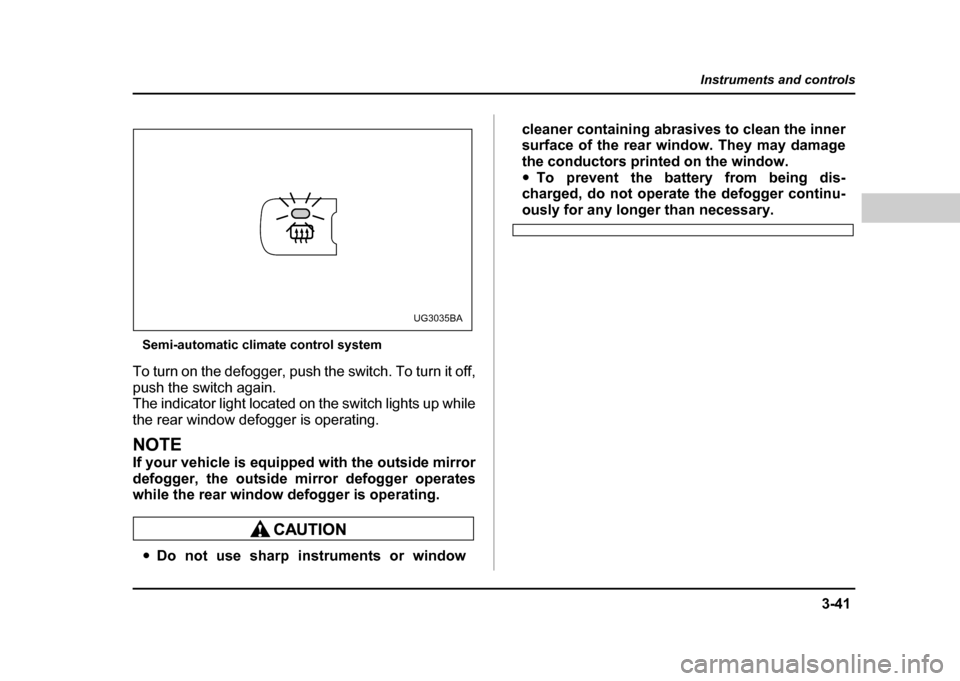
Semi-automatic climate control system
To turn on the defogger, push the switch. To turn it off,
push the switch again.
The indicator light located on the switch lights up while
the rear window defogger is operating.
NOTE
If your vehicle is equipped with the outside mirror
defogger, the outside mirror defogger operates
while the rear window defogger is operating.
" Do not use sharp instruments or window cleaner containing abrasives to clean the inner
surface of the rear window. They may damage
the conductors printed on the window."
To prevent the battery from being dis-
charged, do not operate the defogger continu-
ously for any longer than necessary.
UG3035BA
Page 179 of 491
3-42
Instruments and controls
Windshield wiper deicer (if equipped)
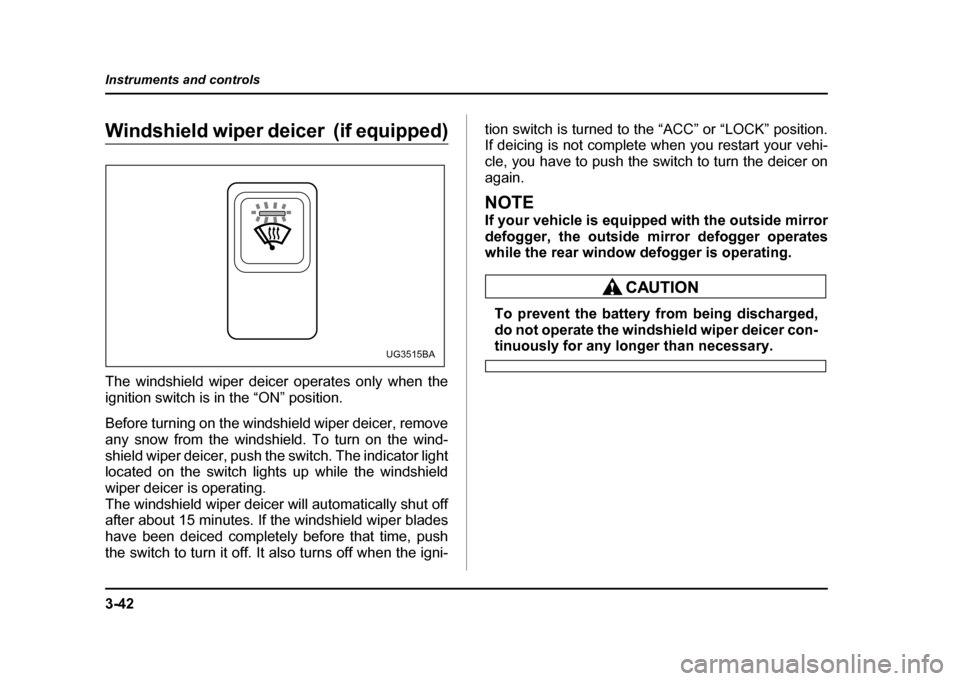
The windshield wiper deicer operates only when the
ignition switch is in the “ON” position.
Before turning on the windshield wiper deicer, remove
any snow from the windshield. To turn on the wind-
shield wiper deicer, push the switch. The indicator light
located on the switch lights up while the windshield
wiper deicer is operating.
The windshield wiper deicer will automatically shut off
after about 15 minutes. If the windshield wiper blades
have been deiced completely before that time, push
the switch to turn it off. It also turns off when the igni-
tion switch is turned to the “ACC” or “LOCK” position.
If deicing is not complete when you restart your vehi-
cle, you have to push the switch to turn the deicer on
again.
NOTE
If your vehicle is equipped with the outside mirror
defogger, the outside mirror defogger operates
while the rear window defogger is operating.
To prevent the battery from being discharged,
do not operate the windshield wiper deicer con-
tinuously for any longer than necessary.UG3515BA
Page 181 of 491
3-44
Instruments and controls
Do not press the switch when the warning light
is illuminated. If the switch is kept pressed
when the tank is short of water, the water pump
motor could overheat.
Mirrors
Always check that the inside and outside mirrors are
properly adjusted before you start driving. !
Inside mirror
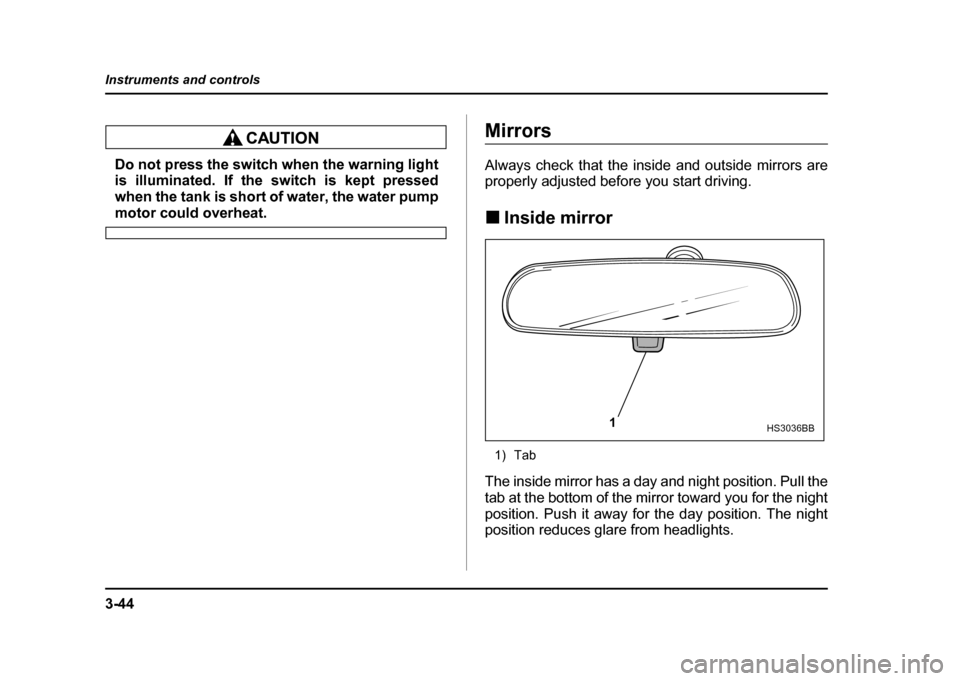
1) Tab
The inside mirror has a day and night position. Pull the
tab at the bottom of the mirror toward you for the night
position. Push it away for the day position. The night
position reduces glare from headlights.
1HS3036BB
Page 182 of 491

3-45
Instruments and controls
– CONTINUED –
!Auto-dimming mirror/compass (if equipped)
1) Left button
2) Auto dimming indicator
3) Photosensor
4) Right button
The inside electronic compass mirror has an anti-glare
feature which automatically reduces glare coming
from headlights of vehicles behind you. It also con-
tains a built-in compass." By pressing and releasing the left button, the auto-
matic dimming function is toggled on or off. When the
automatic dimming function is on, the auto dimming in-
dicator light (green) located to the right of the button will illuminate. "
By pressing and releasing the right button, the com-
pass display is toggled on or off. When the compass is
on, an illuminated compass reading will appear in the
lower part of the mirror.
Even with the mirror in anti-glare mode, the mirror sur-
face turns bright if the transmission is shifted into re-
verse. This is to ensure good rearward visibility during reversing. " Photosensors
The mirror has a photosensor attached on both the
front and back sides. If the glare from the headlights of
vehicles behind you strikes the mirror, these sensors
1 23 4
HS3037BB
HS3038BA
Page 185 of 491
3-48
Instruments and controls
3. Return the selection switch to the neutral position
to prevent unintentional operation.
The mirrors can also be adjusted manually. !
Outside mirror defogger (if equipped)
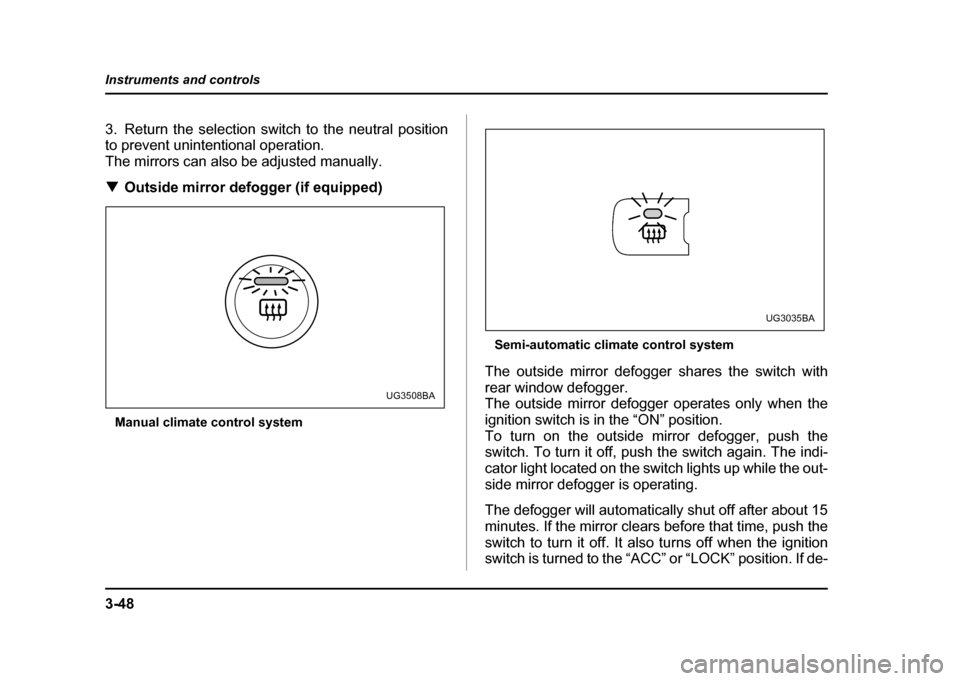
Manual climate control system Semi-automatic climate control system
The outside mirror defogger shares the switch with
rear window defogger.
The outside mirror defogger operates only when the
ignition switch is in the “ON” position.
To turn on the outside mirror defogger, push the
switch. To turn it off, push the switch again. The indi-
cator light located on the switch lights up while the out-
side mirror defogger is operating.
The defogger will automatically shut off after about 15
minutes. If the mirror clears before that time, push the
switch to turn it off. It also turns off when the ignition
switch is turned to the “ACC” or “LOCK” position. If de-
UG3508BA
UG3035BA
Page 240 of 491

5-27
Audio
– CONTINUED –
NOTE
Make sure to always insert a disc with the label
side up. If a disc is inserted with the label side
down, it might be ejected or the player might shutoff. !How to insert a CD(s)
" Inserting a CD
1. Press “LOAD” button (18). If the magazine in the
player has an idle position where you can insert a disc,
the “DISC” indicator associated with the idle position
will blink.
If no indicator blinks, it means that there is no idle po-
sition in the magazine.
2. As soon as the “DISC” indicator begins to blink, the
“IN” will appear on display for a period of 15 seconds.
Insert a disc during the period. The disc will be then
automatically drawn in, and the player will begin to
play back the first number of the disc. " To insert more discs in succession, repeat Steps 1
and 2. The magazine will be loaded with discs in the
ascending order of position number.
If you do not insert any disc in 15 seconds after you
have pressed the “LOAD” button, the player will begin
to play back the first number of the last disc you have
inserted. "
The disc indicator steadily lights up if a disc is al-
ready inserted in the corresponding position of the
magazine." While the player is in the loading mode, if you press
any of the other mode buttons “FM” (1), “AM” (2) and
“TAPE” (12), the player will enter the standby mode.
Press the “CD” button (21) to start playback. " Inserting a disc in a desired position
1. Press the “LOAD” button. If the magazine in the
player has an idle position where you can insert a disc,
the “DISC” indicator associated with the idle position
will blink.
The positions in the magazine the indicator of which
steadily lights up are already loaded with discs.
2. Press the “DISC SELECT” button (26) at the posi-
tion where you want to insert a disc. The associated
“DISC” indicator will blink, and the “IN” will be dis-
played.
3. If you insert a disc during the 15-second period
while the “IN” is on display, the disc will be automati-
cally drawn in, and the player will start playback of the
disc, beginning with the first number. " To insert more discs in succession, repeat Steps 1
and 2. " While the player is in the loading mode, if you press
any of the other mode buttons “FM” (1), “AM” (2) and
Page 241 of 491
5-28
Audio
“TAPE” (12), the player will enter standby mode. Press
the “CD” button to start playback. "
Loading all the magazine (Full disc loading mode)
1. If you continue to press the “LOAD” button for more
than 1.5 seconds, the player will produce beep sound
and will enter the full disc loading mode.
2. A “DISC” indicator will blink, and the “IN” will be on
display for a period of 15 seconds. If a disc is success-
fully loaded during this period, the “DISC” indicator will
stop blinking and will steadily light.
3. When the loading of a disc is complete, the next
“DISC” indicator will blink. Then repeat Step 2.
4. When the magazine is filled with discs by repeating
Steps 2 and 3, the player will start playback of the
discs, beginning with the one inserted first.
If you fail to insert any disc during each 15-second in-
terval, the full disc loading mode will be canceled, and
the player will start playback of the disc inserted first. ! How to play back a CD or make a pause
" When there is no CD inserted:
Insert a CD by referring to “How to Insert a CD(s)”.
When a CD is loaded, the player will start playback of
the CD, beginning with the first number. "
When there are CDs loaded:
Press a desired one of the “DISC SELECT” buttons
(26) the “DISC” indicator of which steadily lights up.
The player will then start playback of the selected CD,
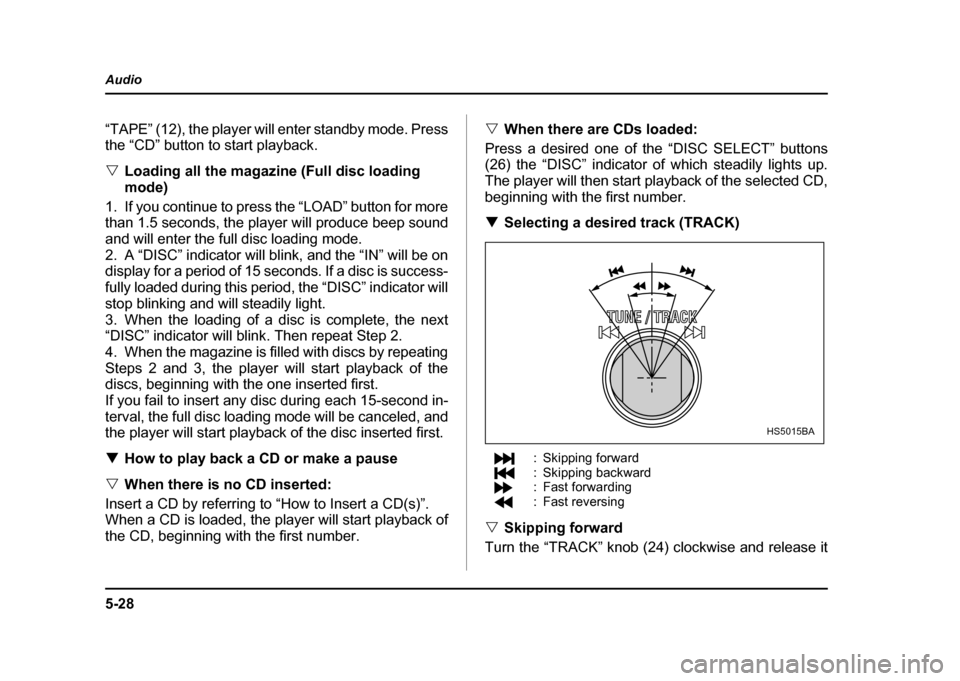
beginning with the first number. ! Selecting a desired track (TRACK)
: Skipping forward
: Skipping backward
: Fast forwarding
: Fast reversing
" Skipping forward
Turn the “TRACK” knob (24) clockwise and release it
HS5015BA
Page 245 of 491
5-32
Audio
"
Do not attempt to insert two or more discs
into the slot at a time. Doing so can cause me-
chanical damage to the CD changer." Use only music CDs identified by
am ark .
" Do not use CDs listed below which could
cause damage to the CD player. "3-inch (8 cm) compact disc.
" Any disc with a peel-off or seal on it.
" Any disc with scratches and/or dust.
" Bent disc.
" Cleaning disc.
" CD accessory. (E.g., 3-inch (8 cm) disc
adapter)
" Do not insert or remove any disc when the
automatic transmission selector lever is in the
park position; the selector lever in that position
can interfere with disc insertion or removal,
causing scratches on the disc surface (for AT
vehicles).
! To insert a disc
1. Press one of the “Disc select” buttons (3) (num-
bered from 1 to 6) for which the disc indicator light (2) is “OFF”.
The Disc indicator lights are located directly above the
corresponding “Disc select” buttons.
2. The indicator will begin blinking. The blinking will last for 15 seconds.
During this period, insert a desired disc, and the disc
will begin to play. (If any disc is not inserted during this
period, the “Disc slot” (1) door will close. Repeat step
1.)
Be sure to hold a disc with the label side (the side
where titles are printed) up.
3. To insert another disc, repeat step 1 and 2 choos-
ing a different disc select button. !
To insert six discs at a time
1. Press and hold the “Disc select” button number 1
until all disc indicators begin blinking (about 1.5 sec-
onds).
2. The indicators will blink for 15 seconds. During this
period, insert desired six discs.
3. When all discs are loaded, the first disc will begin to
play. (If no disc is inserted within this 15 seconds, the
entire disc load sequence will be canceled.) ! To remove a disc
1. Press the desired one of the “Disc select” buttons
(3) (numbered from 1 to 6) for which the disc indicator
light is on.