2004 PONTIAC GTO radio
[x] Cancel search: radioPage 114 of 326
Front Reading Lamps
Your vehicle has reading lamps located in the dome
lamp. The lamps can be turned on and off manually by
pressing the side of each reading lamp when the
doors are closed.
Trunk Lamp
The trunk lamp comes on when you open your trunk.
Battery Run-Down Protection
Your vehicle has a battery run-down protection feature
designed to protect your vehicle’s battery.
It will activate when there has been no electrical change
for one hour, nothing has been turned on or off, after
the ignition has been turned to ON or ACCESSORIES.
At this time, all the interior lamps will turn off: dome,
reading, glovebox, trunk.
The system is turned on if a door is opened, the vehicle
is unlocked, or the trunk is opened. Once the system
is turned on, the one hour battery protection time resets
to zero and the interior lamps will continue to operate
for another hour, or until the vehicle is locked.The interior lamp system will shut down 10 seconds
after your vehicle is locked using either the key or the
remote key locking system. However, if an interior lamp,
such as the dome lamp, has been turned on manually
and is on at the time the vehicle is locked, the
system will not shut down after the normal 10 seconds.
The one hour battery protection will be activated
instead.
The vehicle’s hazard lights will continue to operate at
all times.Accessory Control
If you want the accessories to operate once the key has
been removed from the ignition, you must turn the
system on by either manually starting an accessory,
such as turning the radio on again. This will activate a
one hour timer that will operate accessories such as
the radio, accessory power outlet, and windshield wipers
before turning off. These actions will reset the timer to
zero. Likewise, if an accessory such as the radio is
turned on at any time during the one hour period, the
timer is reset to zero and all accessories will continue to
operate for another hour. To enable accessory control
after the system has been reset, you must turn the
ignition on and then off again.
3-16
Page 125 of 326
Charging System Light
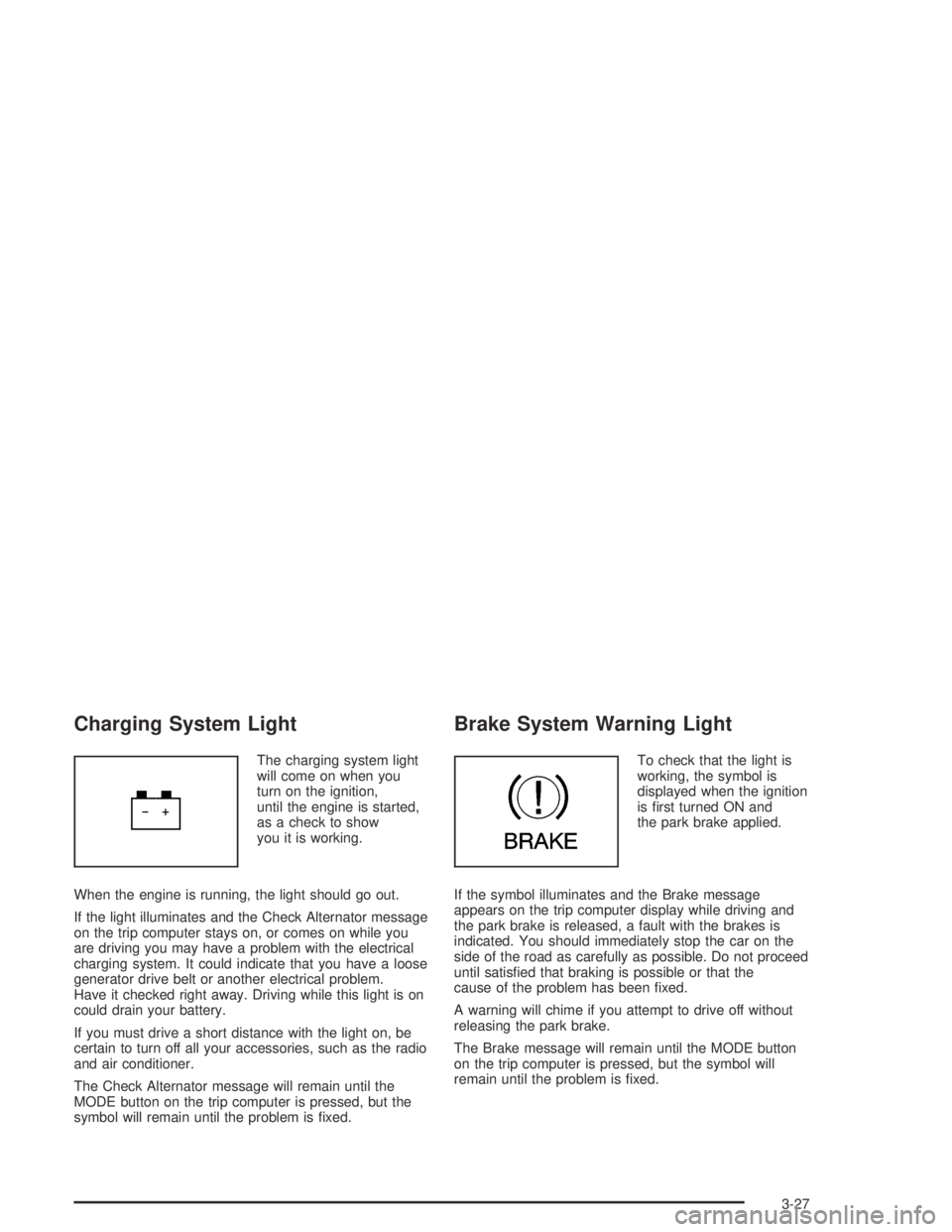
The charging system light
will come on when you
turn on the ignition,
until the engine is started,
as a check to show
you it is working.
When the engine is running, the light should go out.
If the light illuminates and the Check Alternator message
on the trip computer stays on, or comes on while you
are driving you may have a problem with the electrical
charging system. It could indicate that you have a loose
generator drive belt or another electrical problem.
Have it checked right away. Driving while this light is on
could drain your battery.
If you must drive a short distance with the light on, be
certain to turn off all your accessories, such as the radio
and air conditioner.
The Check Alternator message will remain until the
MODE button on the trip computer is pressed, but the
symbol will remain until the problem is fixed.
Brake System Warning Light
To check that the light is
working, the symbol is
displayed when the ignition
is first turned ON and
the park brake applied.
If the symbol illuminates and the Brake message
appears on the trip computer display while driving and
the park brake is released, a fault with the brakes is
indicated. You should immediately stop the car on the
side of the road as carefully as possible. Do not proceed
until satisfied that braking is possible or that the
cause of the problem has been fixed.
A warning will chime if you attempt to drive off without
releasing the park brake.
The Brake message will remain until the MODE button
on the trip computer is pressed, but the symbol will
remain until the problem is fixed.
3-27
Page 140 of 326

Audio System(s)
Notice:Before you add any sound equipment to
your vehicle – like a tape player, CB radio, mobile
telephone or two-way radio – be sure you can
add what you want. If you can, it’s very important to
do it properly. Added sound equipment may
interfere with the operation of your vehicle’s engine,
radio or other systems, and even damage them.
Your vehicle’s systems may interfere with the
operation of sound equipment that has been added
improperly.
So, before adding sound equipment, check with
your dealer and be sure to check federal rules
covering mobile radio and telephone units.
Your audio system has been designed to operate easily
and to give years of listening pleasure. You will get
the most enjoyment out of it if you acquaint yourself with
it first. Figure out which radio you have in your vehicle,
find out what your audio system can do, and how to
operate all of its controls to be sure you are getting
the most out of the advanced engineering that went
into it.
Setting the Time
When the time is displayed and the radio is on, do the
following:
1. Press the TIME button for more than two seconds.
TIME ADJ or SET TIME will appear on the display
and the time will flash.
2. Press either SEEK arrow to adjust the hour.
3. Press either TUNE arrow to adjust the minutes.
4. Press the TIME button again to save the new time.
The radio will automatically exit the time setting mode
if no adjustments are made for eight seconds.
3-42
Page 141 of 326

Radio with Six-Disc CD
Playing the Radio
ON OFF:Press this button to turn the system on
and off.
AUDIO (Volume):Turn this knob to increase or to
decrease the volume.
Finding a Station
FM AM:Press this button to switch between FM1,
FM2, and AM. The display will show your selection.
rTUNE CD[:Press the right or the left arrow to
select radio stations.
gSEEK TRACKl:Press the right or the left
arrow to go to the next or to the previous station and
stay there.
The radio will seek only to stations that are in the
selected band and only to those with a strong signal.
LOC (Local):Press this button to switch the radio
to local mode. LOCAL will appear on the display and
you will only be able to listen and search for local
stations. This feature is useful when using seek for
searching for strong signals with good reception
and clear sound quality.
3-43
Page 142 of 326

Setting Preset Stations
The six numbered pushbuttons let you return to
your favorite stations. You can set up to 18 stations,
six FM1, six FM2, and six AM, by performing the
following steps:
1. Turn the radio on.
2. Press FM AM to select FM1, FM2, or AM.
3. Tune in the desired station.
4. Press EQ to select the equalization.
5. Press and hold one of the six numbered
pushbuttons until you hear a beep. Whenever you
press that numbered pushbutton, the station
you set will return and the equalization that you
selected will be automatically stored for that
pushbutton.
6. Repeat the steps for each pushbutton.ASM (Automatic Station Memory):The radio will
automatically store the six strongest AM and FM radio
stations for the current area without deleting the
preset stations that you have stored.
To activate ASM do the following:
1. Turn the radio on.
2. Press FM AM to select FM1, FM2, or AM.
3. Press the ASM button for more than two seconds.
The sound will be briefly mute and SEARCH will
appear on the display while the radio is in the
process of finding and storing radio stations.
When storing is complete, ASM will appear on the
display, the six strongest radio stations will be
stored. The radio station now stored on
pushbutton 1 will begin to play.
4. Press any of the pushbuttons to listen to the station
stored on that pushbutton.
5. To stop listening to the stations stored by ASM,
press the ASM button and ASM will go off the
display.
6. Repeat the above steps if you have driven out of
the stored stations’ range to select new stations.
3-44
Page 143 of 326

Setting the Tone (Bass/Treble)
AUDIO:Push the AUDIO knob until BASS or TREBLE
appears on the display. Turn the knob to increase or
to decrease. If a station is weak or noisy, you may want
to decrease the treble.
To adjust bass or treble to the middle position, select
BASS or TREB and push and hold the AUDIO knob.
The radio will produce one beep and adjust the display
level to zero.
To adjust all tone and speaker controls to the middle
position, push and hold the AUDIO knob when no tone
or speaker control is displayed. CENTERED will
appear on the display and you will hear a beep.
EQ (Equalization):Press this button to select
customized equalization settings designed for rock, pop,
jazz, classical, and vocal.
To turn equalization off, press this button until EQ OFF
appears on the display.
To give an equalization setting a boost, push the
AUDIO knob once while in any equalization setting.
BOOST will appear on the display. Turn the AUDIO
knob to select one of the available boost levels. Different
levels of boost can be set for each of the equalization
settings.
Adjusting the Speakers (Balance/Fade)
AUDIO:To adjust the balance between the right
and the left speakers, push the AUDIO knob until
BALANCE appears on the display. Turn the knob to
move the sound toward the left or the right speakers.
To adjust the fade between the front and the rear
speakers, push and hold the AUDIO knob until FADER
appears on the display. Turn the knob to move the
sound toward the front or the rear speakers.
Playing a CD
If playing a CD-R the sound quality may be reduced
due to CD-R quality, the method of recording, the quality
of the music that has been recorded and the way the
CD-R has been handled. You may experience an
increase in skipping, difficulty in finding tracks and/or
difficulty in loading and ejecting. If these problems occur
try a known good CD.
Do not add paper labels to CDs, they could get caught
in the CD player.
Do not play 3 inch (8 cm) CDs without a standard
adapter disc.
If an error appears on the display, see “CD Messages”
later in this section.
3-45
Page 144 of 326

LOAD CDZ:Press the LOAD button to load CDs
into the CD player. This CD player will hold up to
six CDs.
To insert one CD, do the following:
1. Turn the ignition on.
2. Press and release the LOAD button.
3. Wait for INSERT CD to appear on the display, the
light located to the left of the slot to flash, and for
the radio to produce a beep, if beeps are turned on.
See “Confirmation Beeps” later in this section for
information about turning beeps on and off.
4. Load a CD. Insert the CD partway into the slot,
label side up. The player will pull the CD in.
When a CD is inserted, the CD number will appear in
the CD symbol on the display. If you select an
equalization setting for your CD, it will be activated each
time you play a CD.
Whether the radio is on or off, the CD will begin to play
automatically.
To insert multiple CDs, do the following:
1. Turn the ignition on.
2. Press and hold the LOAD button for two seconds.3. Wait for LOAD ALL to appear on the display, the
light located to the left of the slot to flash, and for
the radio to produce a beep, if beeps are turned on.
See “Confirmation Beeps” later in this section for
information about turning beeps on
and off.
4. Once the light stops flashing and turns green, load
a CD. Insert the CD partway into the slot, label side
up. The player will pull the CD in.
Once the CD is loaded, the light will begin flashing
again. Once the light stops flashing and turns
green, you can load another CD. The CD player
takes up to six CDs. Do not try to load more
than six.
To load more than one CD but less than six, complete
Steps 1 through 3. When you have finished loading
CDs, with the radio on or off, press the EJECT button to
cancel the loading function. The radio will begin to
play the last CD loaded.
When a CD is inserted, the CD number will appear in
the CD symbol on the display. If more than one CD has
been loaded, a number for each CD will be displayed.
If you select an equalization setting for your CD, it will be
activated each time you play a CD.
3-46
Page 145 of 326

Whether the radio is on or off, the last CD loaded will
begin to play automatically.
As each new track starts to play, the track number will
appear on the display.
For every CD loaded, a number will appear on the
display. To play a specific CD, press the numbered
pushbutton that corresponds to the CD you want to play.
The CD number that is playing will flash, and the
track number will appear.
If an error appears on the display, see “CD Messages”
later in this section.
TRACK SCAN:Press this button to listen to the first
10 seconds of each track on the CD that is playing.
Press this button again to stop scanning.
TRACK REPEAT:Press this button to repeat the track
that is playing. Press this button again to turn off
repeat play.
TRACK RANDOM:Press this button to listen to the
tracks, on the CD that is playing, in random, rather than
sequential order. Press this button again to turn off
random play.
CD SCAN:If more than one CD is loaded, press this
button to listen to the first 10 seconds of the first track on
each CD that is loaded. Press this button again to
stop scanning.CD REPEAT:If more than one CD is loaded, press this
button to repeat the CD that is currently playing.
Press this button again to turn off repeat play.
CD RANDOM:If more than one CD is loaded, press
this button to play all of the CDs in random, rather than
sequential order. Press this button again to turn off
random play.
II (Pause):Press this button to pause a CD. PAUSE or
CD PAUSED will appear on the display. Press this
button again to play the CD.
FM AM:Press this button to listen to the radio when a
CD(s) is playing.
EQ (Equalization):Press EQ to select the desired
equalization setting while playing a CD. The equalization
will be automatically set whenever you play a CD. For
more information on EQ, see “EQ” listed previously
in this section.
gSEEK TRACKl:Press the left arrow to go to
the start of the current track, if more than 10 seconds
have passed. Press the right arrow to go to the
next track. If you press either arrow more than once, the
player will continue moving backward or forward
through the CD.
3-47