2004 PONTIAC BONNEVILLE ignition
[x] Cancel search: ignitionPage 117 of 446
Rear Seat Pass Through
Your vehicle has a rear seat armrest with cupholders
and a pass-through feature.
Pull down the interior door to access the trunk.
Convenience Net
Your vehicle may have a convenience net. You will see
it just inside the back wall of the trunk.
Put small loads behind the net. It can help keep them
from falling over during sharp turns or quick starts
and stops. For heavier loads, store them in the trunk as
far forward as you can.
You can unhook the net so that it will lie at when you
are not using it.
Sunroof
Your vehicle may be equipped with a sunroof. The
sunroof has both manual and express features
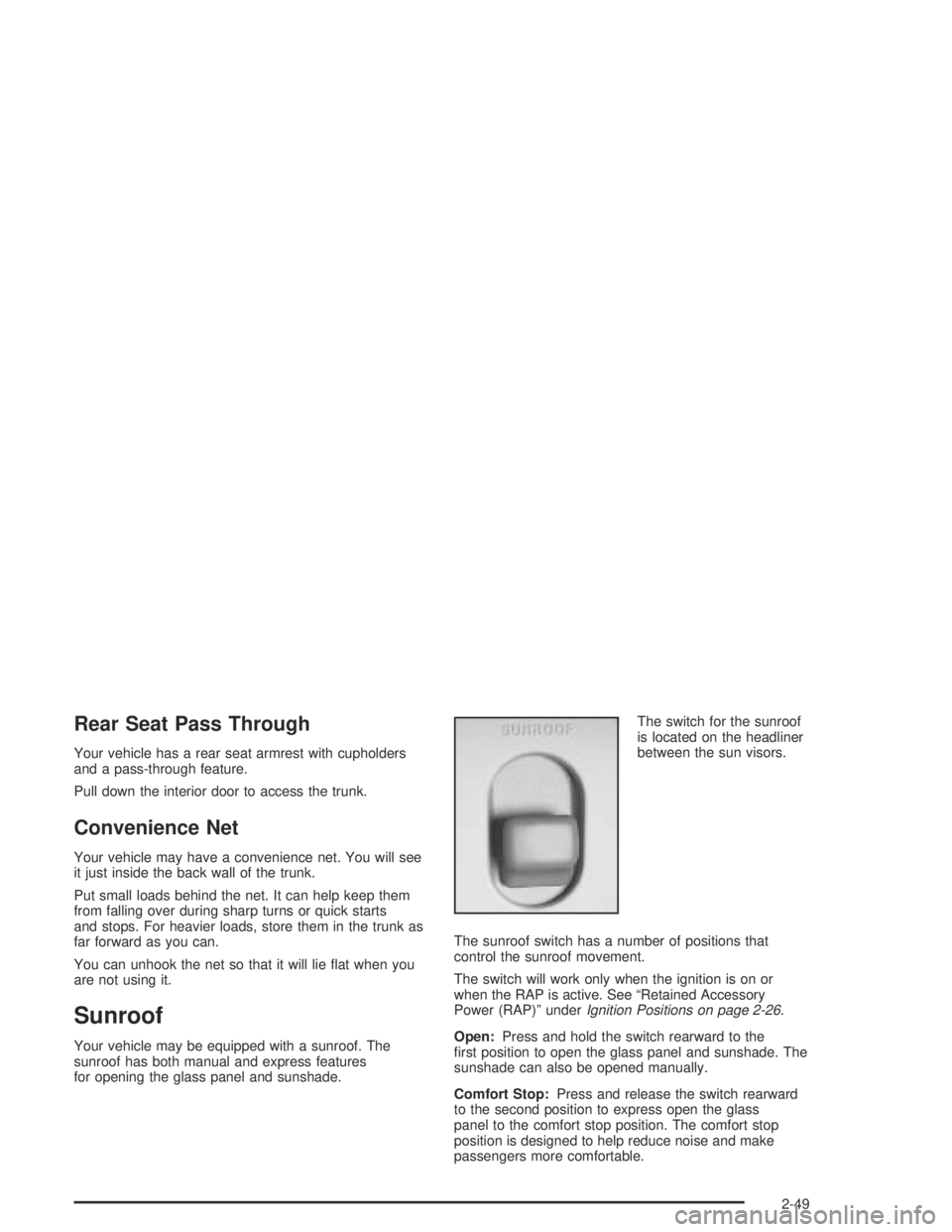
for opening the glass panel and sunshade.The switch for the sunroof
is located on the headliner
between the sun visors.
The sunroof switch has a number of positions that
control the sunroof movement.
The switch will work only when the ignition is on or
when the RAP is active. See “Retained Accessory
Power (RAP)” underIgnition Positions on page 2-26.
Open:Press and hold the switch rearward to the
rst position to open the glass panel and sunshade. The
sunshade can also be opened manually.
Comfort Stop:Press and release the switch rearward
to the second position to express open the glass
panel to the comfort stop position. The comfort stop
position is designed to help reduce noise and make
passengers more comfortable.
2-49
Page 125 of 446
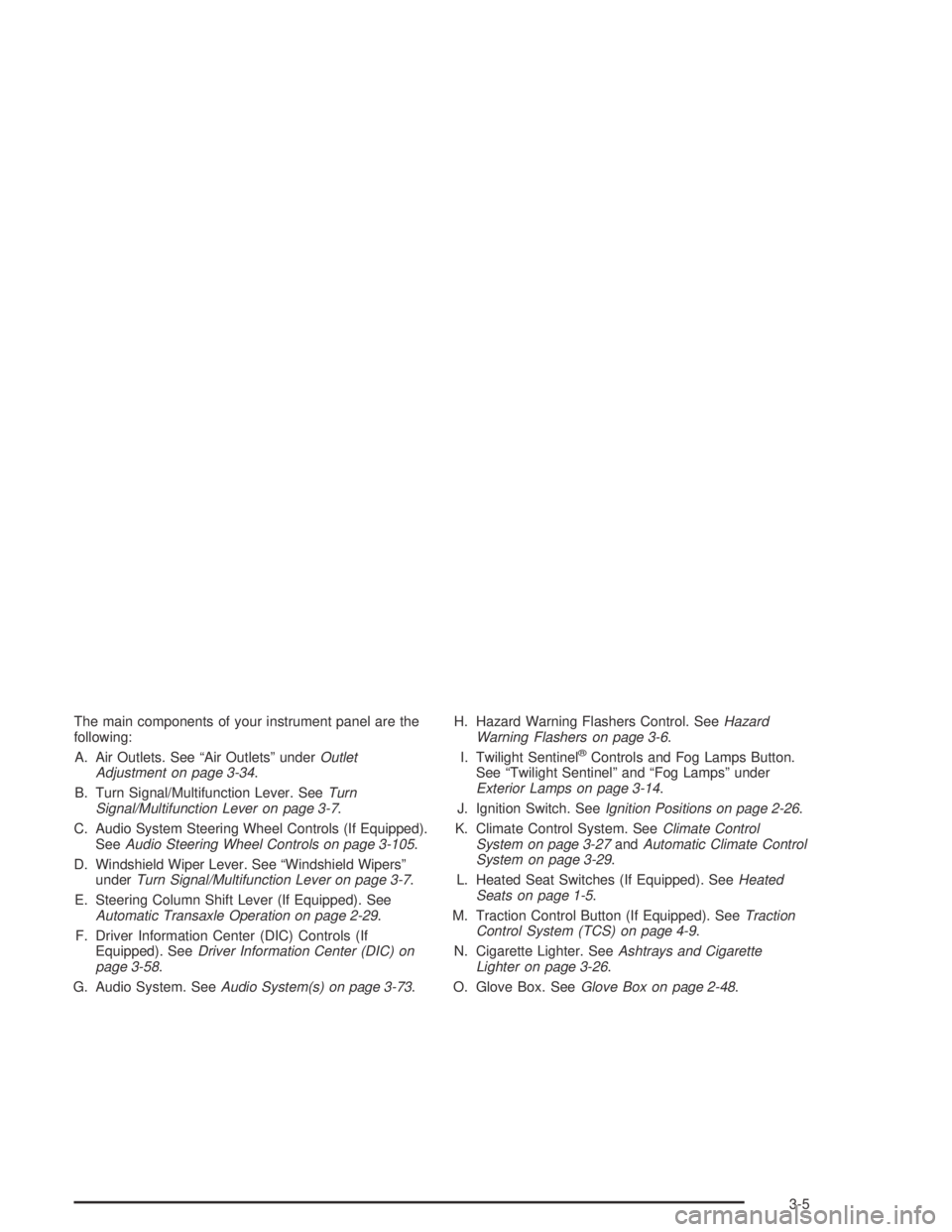
The main components of your instrument panel are the
following:
A. Air Outlets. See “Air Outlets” underOutlet
Adjustment on page 3-34.
B. Turn Signal/Multifunction Lever. SeeTurn
Signal/Multifunction Lever on page 3-7.
C. Audio System Steering Wheel Controls (If Equipped).
SeeAudio Steering Wheel Controls on page 3-105.
D. Windshield Wiper Lever. See “Windshield Wipers”
underTurn Signal/Multifunction Lever on page 3-7.
E. Steering Column Shift Lever (If Equipped). See
Automatic Transaxle Operation on page 2-29.
F. Driver Information Center (DIC) Controls (If
Equipped). SeeDriver Information Center (DIC) on
page 3-58.
G. Audio System. SeeAudio System(s) on page 3-73.H. Hazard Warning Flashers Control. SeeHazard
Warning Flashers on page 3-6.
I. Twilight Sentinel
®Controls and Fog Lamps Button.
See “Twilight Sentinel” and “Fog Lamps” under
Exterior Lamps on page 3-14.
J. Ignition Switch. SeeIgnition Positions on page 2-26.
K. Climate Control System. SeeClimate Control
System on page 3-27andAutomatic Climate Control
System on page 3-29.
L. Heated Seat Switches (If Equipped). SeeHeated
Seats on page 1-5.
M. Traction Control Button (If Equipped). SeeTraction
Control System (TCS) on page 4-9.
N. Cigarette Lighter. SeeAshtrays and Cigarette
Lighter on page 3-26.
O. Glove Box. SeeGlove Box on page 2-48.
3-5
Page 132 of 446
Reducing Speed While Using Cruise
Control
There are two ways to reduce your speed while using
cruise control:
Press and hold the SET button until you get to the
speed you want, and then release it.
To slow down in very small amounts, press and
release the SET button briey. Each time you
do this, you will go about 1 mph (1.6 km/h) slower.
Passing Another Vehicle While Using
Cruise Control
Use the accelerator pedal to increase your speed.
When you take your foot off the pedal, your vehicle will
slow down to the cruise control speed you set earlier.
Using Cruise Control on Hills
How well your cruise control will work on hills depends
upon your speed, load and the steepness of the
hills. When going up steep hills, you may have to step
on the accelerator pedal to maintain your speed.
When going downhill, you may have to brake or shift to
a lower gear to keep your speed down. Of course,
applying the brake takes you out of cruise control. Many
drivers nd this to be too much trouble and do not
use cruise control on steep hills.
Ending Cruise Control
There are three ways to turn off the cruise control:
Step lightly on the brake pedal.
Move the cruise switch to OFF.
Pull the multifunction lever toward the driver.
Erasing Speed Memory
When you turn off the cruise control or the ignition, your
cruise control set speed memory is erased.
3-12
Page 135 of 446

;(Parking Lamps):Turn the switch to this position
to turn on the parking lamps, together with the
following:
Sidemarker Lamps
Taillamps
License Plate Lamps
Instrument Panel Lights
3(Headlamps):Turn the switch to this position to
turn on the headlamps, together with the previously
listed lamps and lights.
Wiper-Activated Headlamps
This feature turns on the low-beam headlamps,
instrument panel cluster backlighting and taillamps
when the Twilight Sentinel
®is in day mode and after
the windshield wipers have been in use for about
six seconds.
To operate the wiper-activated headlamps, the Twilight
Sentinel
®must be on. If the wiper-activated headlamps
are on and the ignition switch is turned to ON, the
wiper-activated headlamps will continue. When you turn
the key to OFF, the wiper-activated headlamps will
immediately turn off. The wiper-activated headlamps will
also turn off if you turn off the Twilight Sentinel
®or
the windshield wipers.
Daytime Running Lamps
Daytime Running Lamps (DRL) can make it easier for
others to see the front of your vehicle during the
day. DRL can be helpful in many different driving
conditions, but they can be especially helpful in the short
periods after dawn and before sunset. Fully functional
daytime running lamps are required on all vehicles
rst sold in Canada.
A light sensor on top of the instrument panel monitors
the exterior light level for the operation of DRL and
Twilight Sentinel
®, so be sure it is not covered. The DRL
system will make your high-beam headlamps come
on at a reduced brightness when the following conditions
are met:
The ignition is on.
The exterior lamp control is off.
The transaxle is not in PARK (P).
When the DRL are on, only your high-beam headlamps
will be on at reduced intensity. The taillamps,
sidemarker and other lamps will not be on. Your
instrument panel will not be lit either.
3-15
Page 137 of 446
Twilight Sentinel®
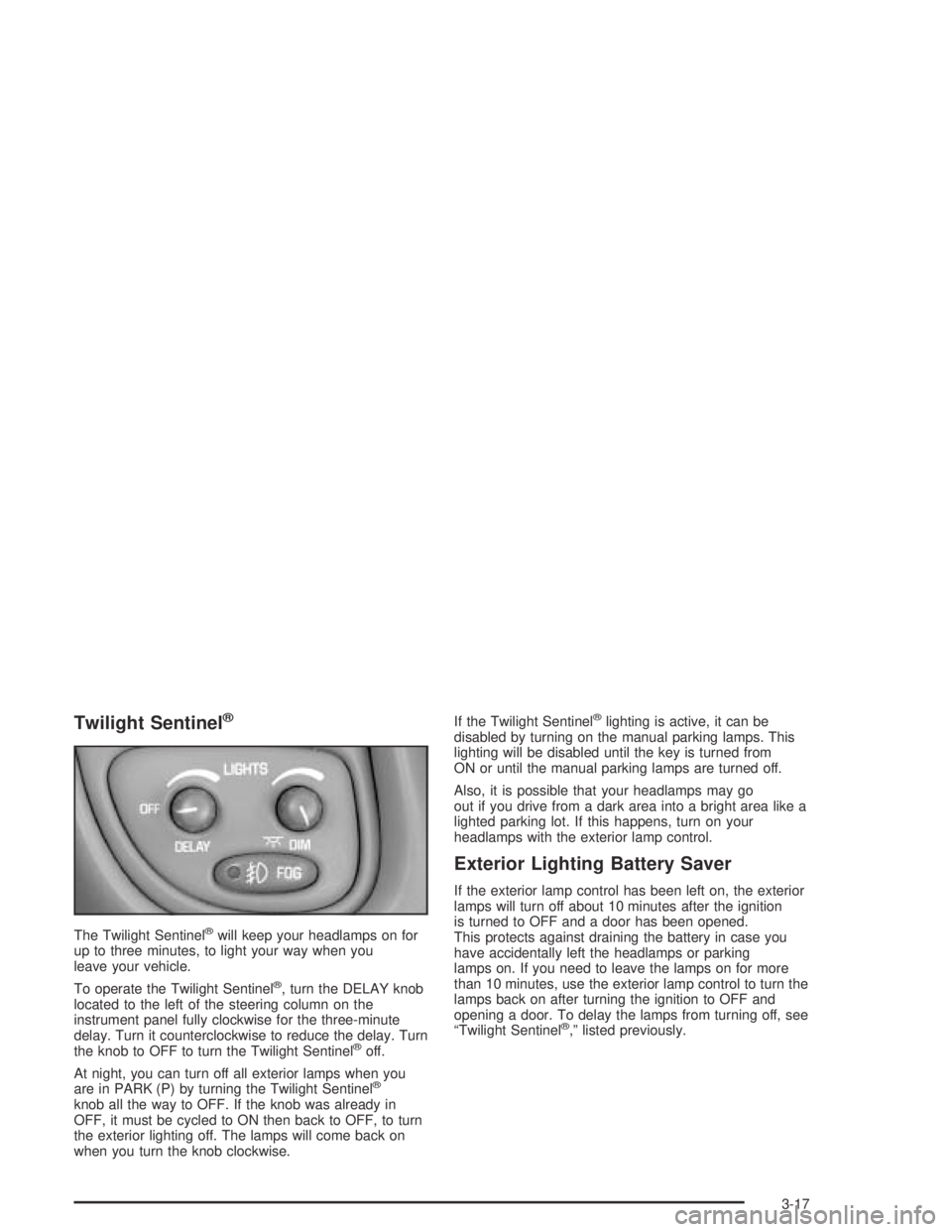
The Twilight Sentinel®will keep your headlamps on for
up to three minutes, to light your way when you
leave your vehicle.
To operate the Twilight Sentinel
®, turn the DELAY knob
located to the left of the steering column on the
instrument panel fully clockwise for the three-minute
delay. Turn it counterclockwise to reduce the delay. Turn
the knob to OFF to turn the Twilight Sentinel
®off.
At night, you can turn off all exterior lamps when you
are in PARK (P) by turning the Twilight Sentinel
®
knob all the way to OFF. If the knob was already in
OFF, it must be cycled to ON then back to OFF, to turn
the exterior lighting off. The lamps will come back on
when you turn the knob clockwise.If the Twilight Sentinel
®lighting is active, it can be
disabled by turning on the manual parking lamps. This
lighting will be disabled until the key is turned from
ON or until the manual parking lamps are turned off.
Also, it is possible that your headlamps may go
out if you drive from a dark area into a bright area like a
lighted parking lot. If this happens, turn on your
headlamps with the exterior lamp control.
Exterior Lighting Battery Saver
If the exterior lamp control has been left on, the exterior
lamps will turn off about 10 minutes after the ignition
is turned to OFF and a door has been opened.
This protects against draining the battery in case you
have accidentally left the headlamps or parking
lamps on. If you need to leave the lamps on for more
than 10 minutes, use the exterior lamp control to turn the
lamps back on after turning the ignition to OFF and
opening a door. To delay the lamps from turning off, see
“Twilight Sentinel
®,” listed previously.
3-17
Page 138 of 446
Interior Lamps
Instrument Panel Brightness
When it is dark outside, you can brighten or dim your
instrument panel cluster lights using the DIM knob,
located to the left of the steering wheel on the instrument
panel.
Turn the knob clockwise to brighten the instrument
panel cluster lights and displays. Turn the knob
clockwise all the way to turn on the interior courtesy
lamps. Turn the knob counterclockwise to dim the
instrument panel cluster lights and displays and to turn
off the courtesy lamps.
Courtesy Lamps
If it is dark enough outside, when any door is opened,
several lamps will come on. They make it easier for you
to enter and leave the vehicle. Turn the dimmer knob all
the way clockwise to turn the interior courtesy lamps on.
Entry Lighting
If it is dark enough outside and you press the unlock
button on the remote keyless entry transmitter (if
equipped), the interior courtesy lamps will come on and
stay on for about 25 seconds. The lamps will turn off
immediately by pressing the lock button on the remote
keyless entry transmitter, by turning the ignition key
to ON or by activating the power door locks.
If a door is left ajar, your interior lamps will turn off after
10 minutes to save your battery.
Delayed Entry Lighting
When you open the door to enter your vehicle, the
interior lamps will come on if it is dark enough outside.
When you close the door with the ignition off, the
interior lamps will stay on for 25 seconds or until the
ignition is turned on. Locking the doors with the power
door lock switch, or with the lock button on the
remote keyless entry transmitter (if equipped), will
override the delayed entry lighting and the lamps will
turn off immediately.
3-18
Page 139 of 446
Theater Dimming
This feature allows for a three to ve-second fade out of
the courtesy lamps instead of immediate turn off after
you remove the key from the ignition.
Delayed Exit Lighting
This feature will turn on the interior lamps for 25 seconds
after you remove the key from the ignition while the
doors are closed and it is night. This will give you time
to nd the door handle or lock switches as you exit
the vehicle.
This lighting will only be deactivated if the key is
reinserted into the ignition switch or the power door
locks are activated.
Parade Dimming
To activate the instrument panel backlighting during the
day, turn the exterior lamp switch to the parking lamp or
headlamp position. Dimming of the instrument panel
display is not possible during daylight hours. The
instrument panel display can only be adjusted when the
parking lamps or headlamps are on and it is dark outside.
Perimeter Lighting
When the unlock button on the remote keyless entry
transmitter (if equipped) is pressed, the DRL headlamps,
parking lamps and back-up lamps will turn on if it is
dark enough outside.
Personal Choice Programming
This feature can be programmed in the on or off mode
for each transmitter.
If your vehicle is equipped with the Driver Information
Center (DIC), you must program this feature through the
DIC. SeeDIC Vehicle Personalization on page 3-64.
To turn the feature off do the following:
1. Keep all doors closed, the vehicle in PARK (P) and
the ignition on throughout this procedure.
2. Press and hold LOCK on the power door lock
switch throughout this procedure. All the doors
will lock.
3. Press the remote alarm button on the transmitter.
Perimeter lighting remains on at this time and the
horn will chirp twice.
4. Press the remote alarm button again. Perimeter
lighting is disabled and the horn will chirp once.
5. Release the door lock switch. The perimeter lighting
feature is now off.
3-19
Page 140 of 446
To turn the feature on do the following:
1. Keep all doors closed, the vehicle in PARK (P) and
the ignition on throughout this procedure.
2. Press and hold LOCK on the power door lock
switch throughout this procedure. All the doors
will lock.
3. Press the remote alarm button on the transmitter.
Perimeter lighting remains off at this time and the
horn will chirp once.
4. Press the remote alarm button again. Perimeter
lighting is now enabled and the horn will chirp
twice.
5. Release the door lock switch. The perimeter lighting
feature is now on.
This procedure only changes the mode for the
transmitter used to change this setting.Front Reading Lamps
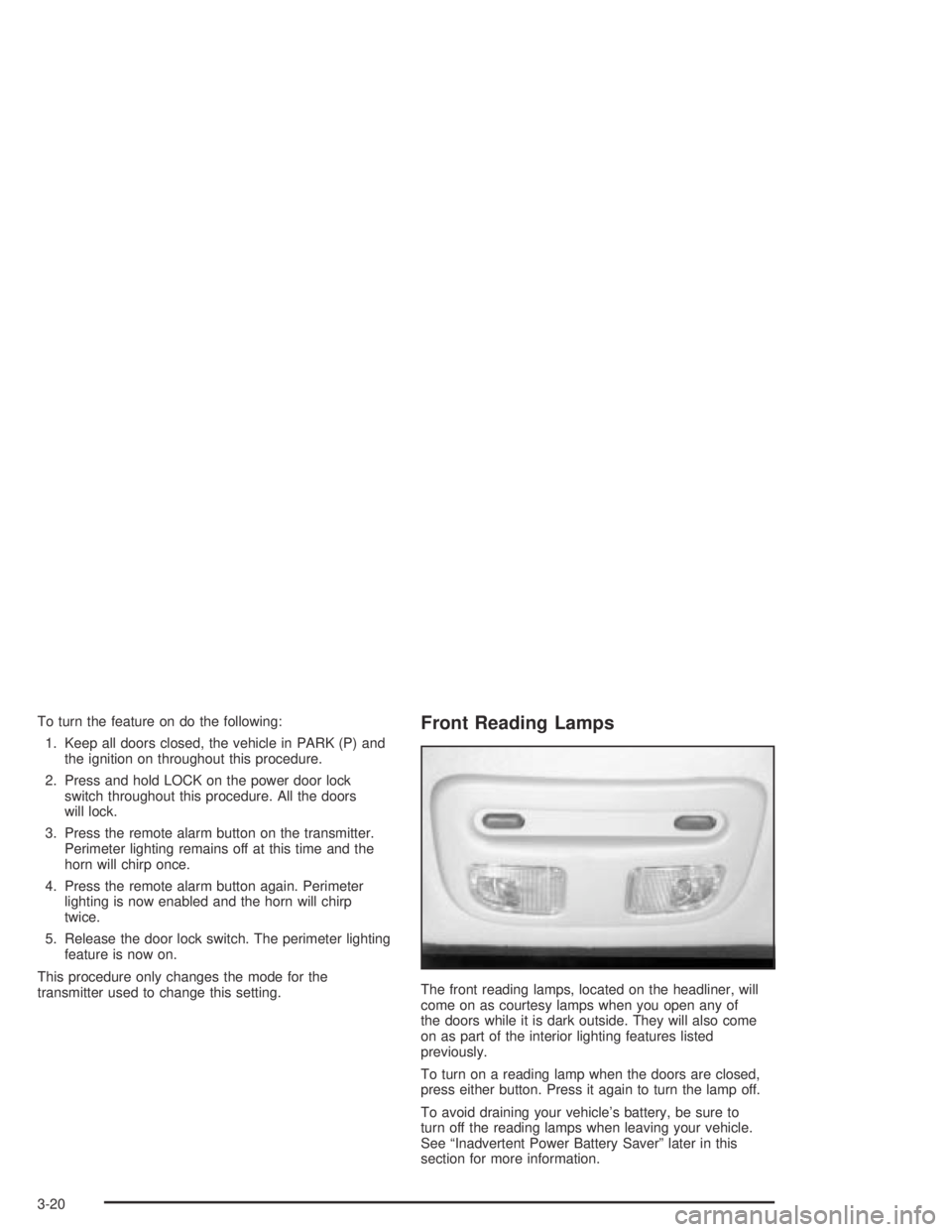
The front reading lamps, located on the headliner, will
come on as courtesy lamps when you open any of
the doors while it is dark outside. They will also come
on as part of the interior lighting features listed
previously.
To turn on a reading lamp when the doors are closed,
press either button. Press it again to turn the lamp off.
To avoid draining your vehicle’s battery, be sure to
turn off the reading lamps when leaving your vehicle.
See “Inadvertent Power Battery Saver” later in this
section for more information.
3-20