Page 10 of 304
WARNING LIGHTS AND CHIMES
Warning lights and gauges can alert you to a vehicle condition that may
become serious enough to cause expensive repairs. A warning light may
illuminate when a problem exists with one of your vehicle’s functions.
Many lights will illuminate when you start your vehicle to make sure the
bulb works. If any light remains on after starting the vehicle, have the
respective system inspected immediately.
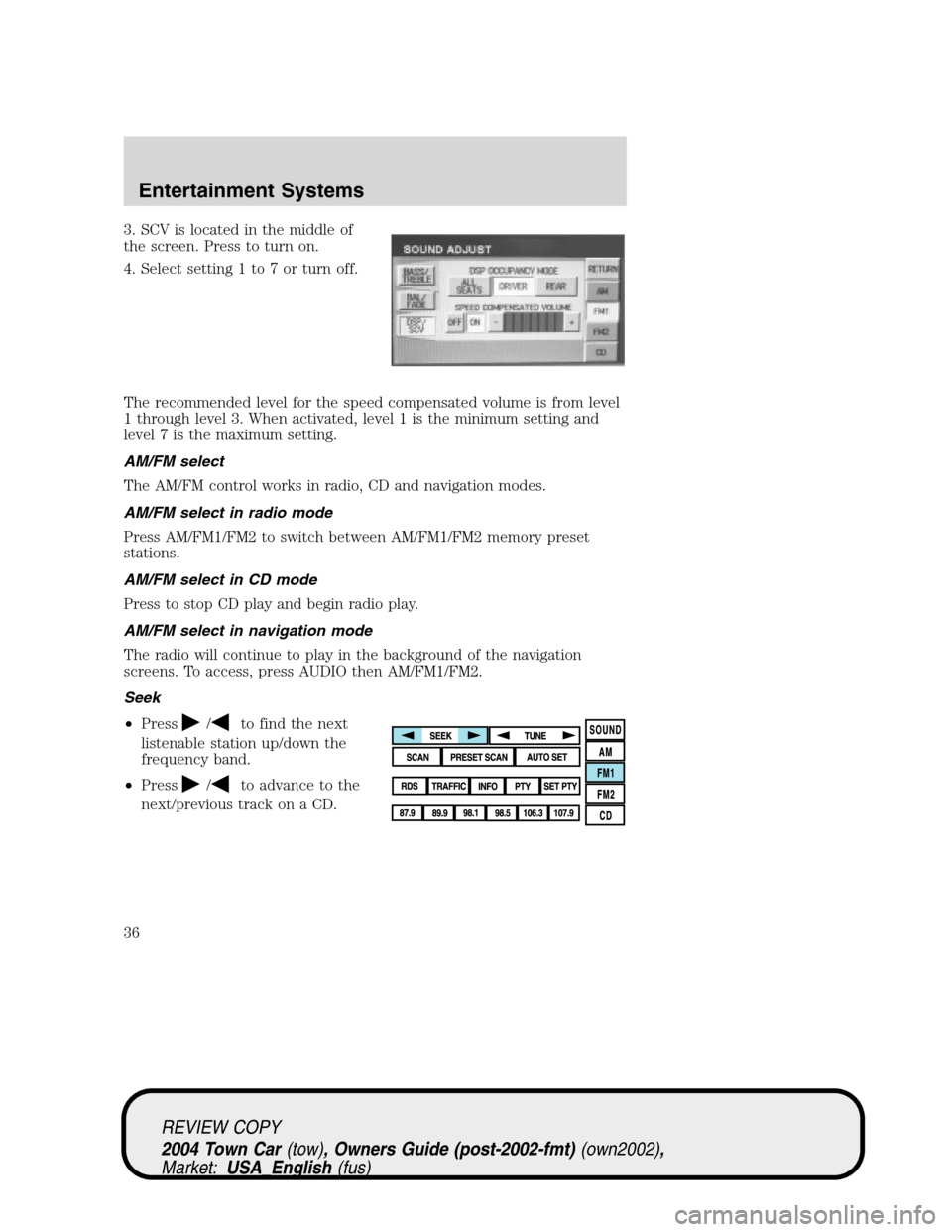
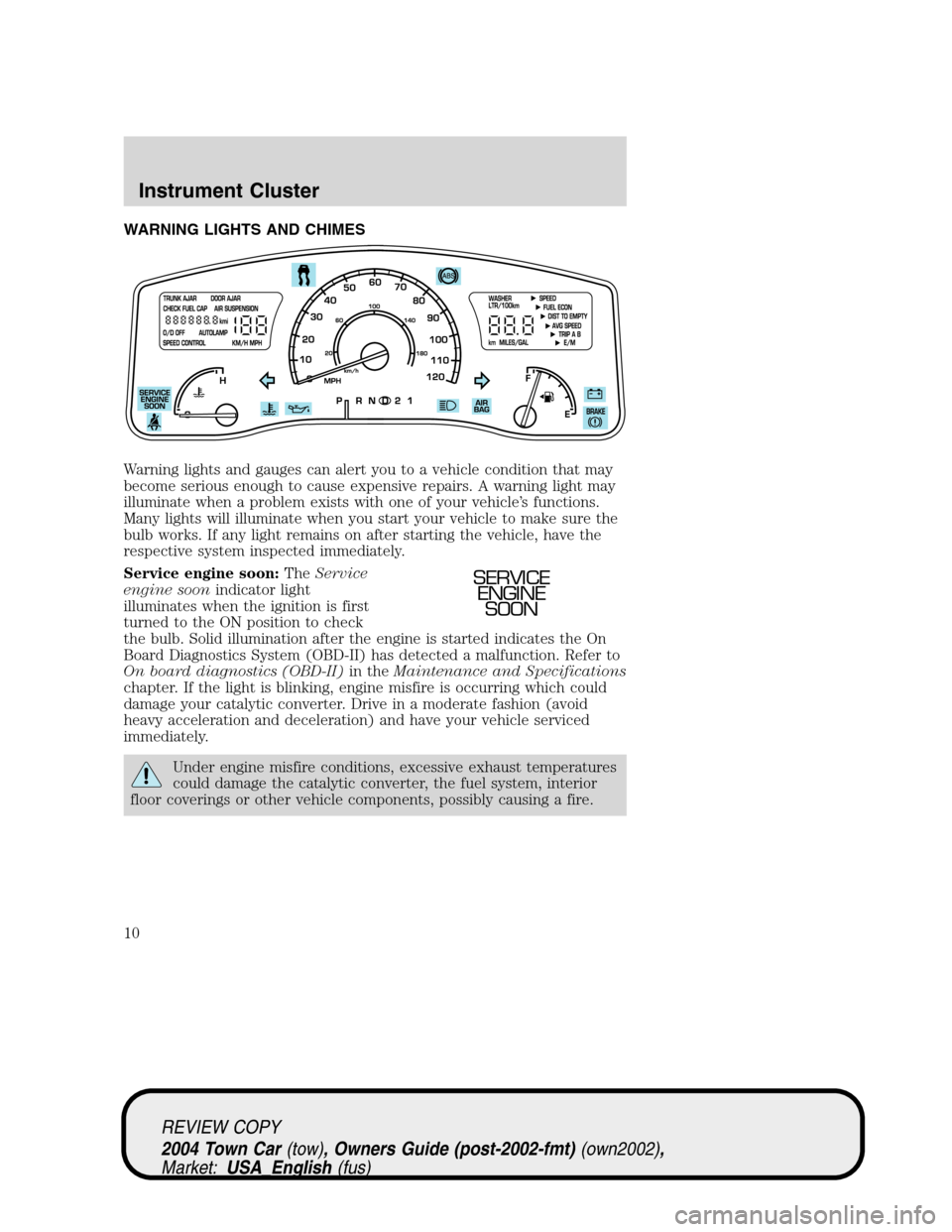
Service engine soon:TheService
engine soonindicator light
illuminates when the ignition is first
turned to the ON position to check
the bulb. Solid illumination after the engine is started indicates the On
Board Diagnostics System (OBD-II) has detected a malfunction. Refer to
On board diagnostics (OBD-II)in theMaintenance and Specifications
chapter. If the light is blinking, engine misfire is occurring which could
damage your catalytic converter. Drive in a moderate fashion (avoid
heavy acceleration and deceleration) and have your vehicle serviced
immediately.
Under engine misfire conditions, excessive exhaust temperatures
could damage the catalytic converter, the fuel system, interior
floor coverings or other vehicle components, possibly causing a fire.
SERVICE
ENGINE
SOON
REVIEW COPY
2004 Town Car(tow), Owners Guide (post-2002-fmt)(own2002),
Market:USA_English(fus)
Instrument Cluster
Instrument Cluster
10
Page 19 of 304
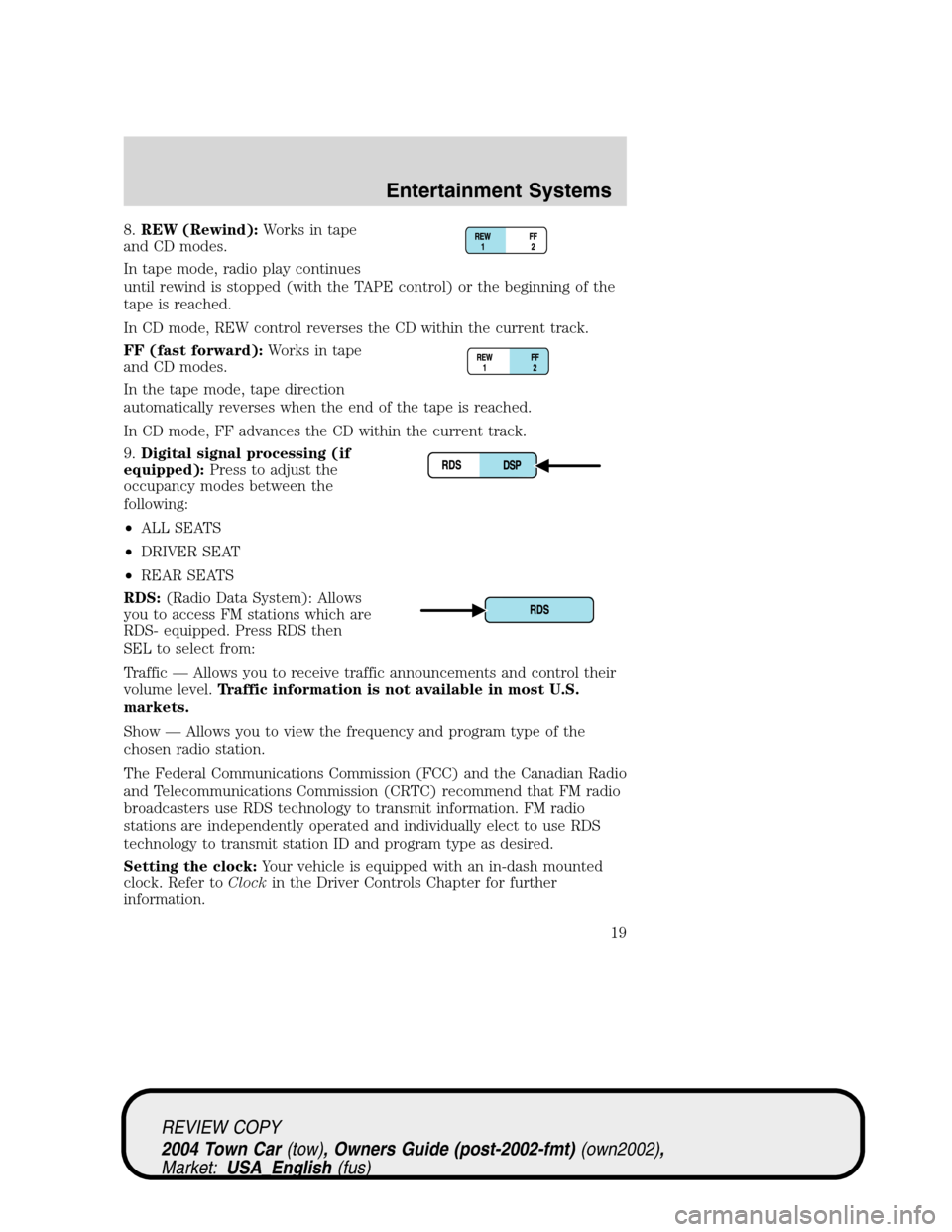
8.REW (Rewind):Works in tape
and CD modes.
In tape mode, radio play continues
until rewind is stopped (with the TAPE control) or the beginning of the
tape is reached.
In CD mode, REW control reverses the CD within the current track.
FF (fast forward):Works in tape
and CD modes.
In the tape mode, tape direction
automatically reverses when the end of the tape is reached.
In CD mode, FF advances the CD within the current track.
9.Digital signal processing (if
equipped):Press to adjust the
occupancy modes between the
following:
•ALL SEATS
•DRIVER SEAT
•REAR SEATS
RDS:(Radio Data System): Allows
you to access FM stations which are
RDS- equipped. Press RDS then
SEL to select from:
Traffic—Allows you to receive traffic announcements and control their
volume level.Traffic information is not available in most U.S.
markets.
Show—Allows you to view the frequency and program type of the
chosen radio station.
The Federal Communications Commission (FCC) and the Canadian Radio
and Telecommunications Commission (CRTC) recommend that FM radio
broadcasters use RDS technology to transmit information. FM radio
stations are independently operated and individually elect to use RDS
technology to transmit station ID and program type as desired.
Setting the clock:Your vehicle is equipped with an in-dash mounted
clock. Refer toClockin the Driver Controls Chapter for further
information.
REVIEW COPY
2004 Town Car(tow), Owners Guide (post-2002-fmt)(own2002),
Market:USA_English(fus)
Entertainment Systems
19
Page 33 of 304
•Chinese food•Continental restaurant
•Continental food•French restaurant
•French food•Italian restaurant
•Italian food•Japanese restaurant
•Japanese food•Mexican restaurant
•Mexican food•Seafood restaurant
•Seafood•Other restaurant
•Other food•Shopping
•Shopping mall•Grocery store
•Airport•Bus station
•Ferry terminal•Historical monument
•Hotel•Park and ride
•Rental car agency•Rest area
•Rest stop•Tourist information
•Train station•Business facility
•City center•POI off
•Commuter rail station
While in navigation destination (DEST) mode, the following commands
are available:
•Home•Go home
•Previous starting point•Go starting point
•Next way point map•First way point map
•Second way point map•Third way point map
•Fourth way point map•Fifth way point map
•Destination map•Delete destination
•Cancel destination
While in navigation guidance mode, the following commands are available
by voice activation:
•Repeat guidance•Repeat voice
•Louder•Softer
•Voice guidance off•Voice guidance on
•Open guidance screen•Close guidance screen
•Arrow guidance•Arrow guide
REVIEW COPY
2004 Town Car(tow), Owners Guide (post-2002-fmt)(own2002),
Market:USA_English(fus)
Entertainment Systems
33
Page 36 of 304
3. SCV is located in the middle of
the screen. Press to turn on.
4. Select setting 1 to 7 or turn off.
The recommended level for the speed compensated volume is from level
1 through level 3. When activated, level 1 is the minimum setting and
level 7 is the maximum setting.
AM/FM select
The AM/FM control works in radio, CD and navigation modes.
AM/FM select in radio mode
Press AM/FM1/FM2 to switch between AM/FM1/FM2 memory preset
stations.
AM/FM select in CD mode
Press to stop CD play and begin radio play.
AM/FM select in navigation mode
The radio will continue to play in the background of the navigation
screens. To access, press AUDIO then AM/FM1/FM2.
Seek
•Press
/to find the next
listenable station up/down the
frequency band.
•Press
/to advance to the
next/previous track on a CD.
REVIEW COPY
2004 Town Car(tow), Owners Guide (post-2002-fmt)(own2002),
Market:USA_English(fus)
Entertainment Systems
36
Page 42 of 304
Satellite ready capability
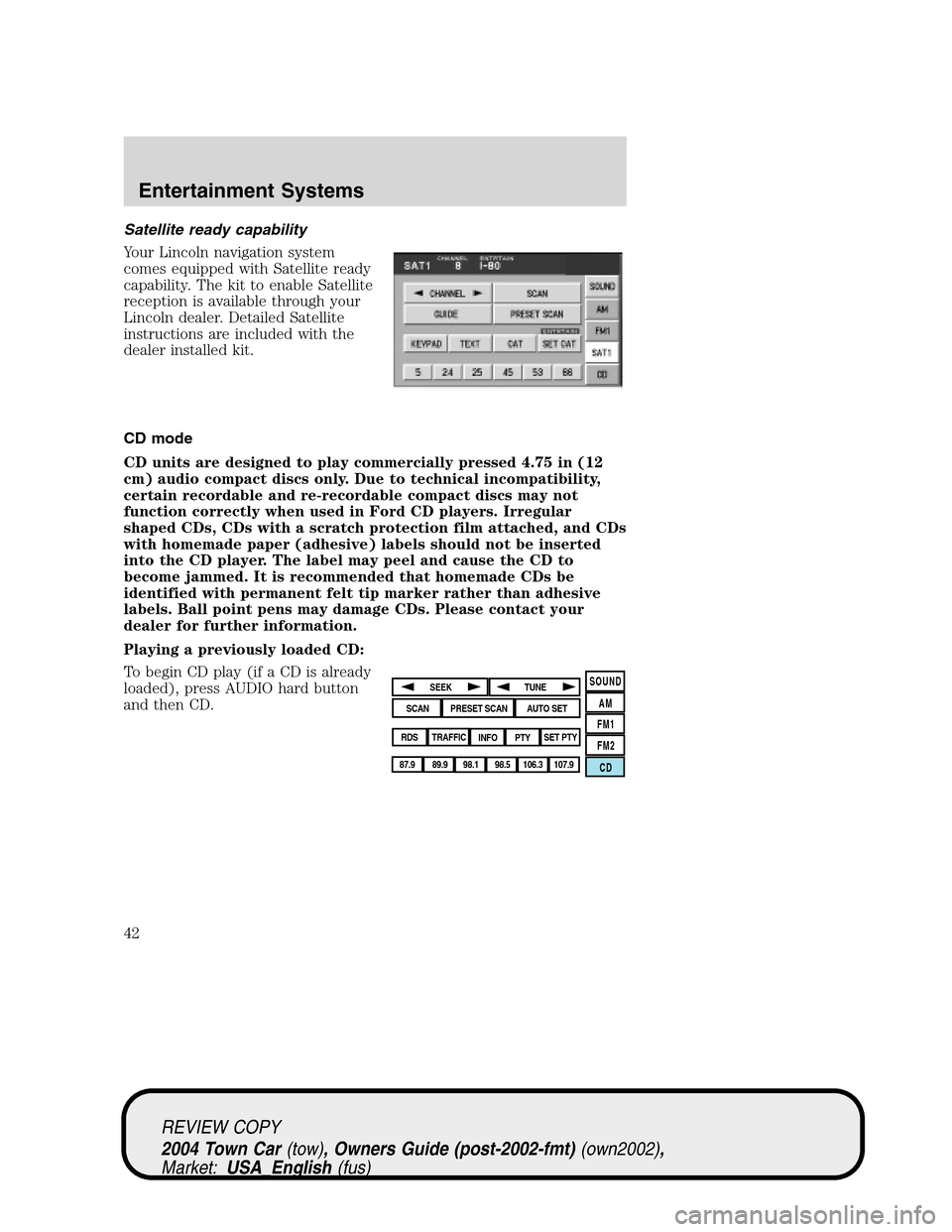
Your Lincoln navigation system
comes equipped with Satellite ready
capability. The kit to enable Satellite
reception is available through your
Lincoln dealer. Detailed Satellite
instructions are included with the
dealer installed kit.
CD mode
CD units are designed to play commercially pressed 4.75 in (12
cm) audio compact discs only. Due to technical incompatibility,
certain recordable and re-recordable compact discs may not
function correctly when used in Ford CD players. Irregular
shaped CDs, CDs with a scratch protection film attached, and CDs
with homemade paper (adhesive) labels should not be inserted
into the CD player. The label may peel and cause the CD to
become jammed. It is recommended that homemade CDs be
identified with permanent felt tip marker rather than adhesive
labels. Ball point pens may damage CDs. Please contact your
dealer for further information.
Playing a previously loaded CD:
To begin CD play (if a CD is already
loaded), press AUDIO hard button
and then CD.
SOUND
AM
FM1
FM2
CDSEEK
TUNE
PRESET SCANAUTO SET
SCAN
RDS
TRAFFIC
INFO PTYSET PTY
87.9
89.9 98.1
98.5 106.3 107.9
REVIEW COPY
2004 Town Car(tow), Owners Guide (post-2002-fmt)(own2002),
Market:USA_English(fus)
Entertainment Systems
42
Page 103 of 304
ILLUMINATED VISOR MIRROR (IF EQUIPPED)
Lift the mirror cover to turn on the
visor mirror lamps.
OVERHEAD CONSOLE (IF EQUIPPED)
The appearance of your vehicle’s overhead console will vary according to
your option package. Some of the features in the overhead console
include Compass, Homelink, Oil minder and Park assist deactivation.
Normal mode
There are three normal modes; Compass, Oil Minder and Off. To select
one of these:
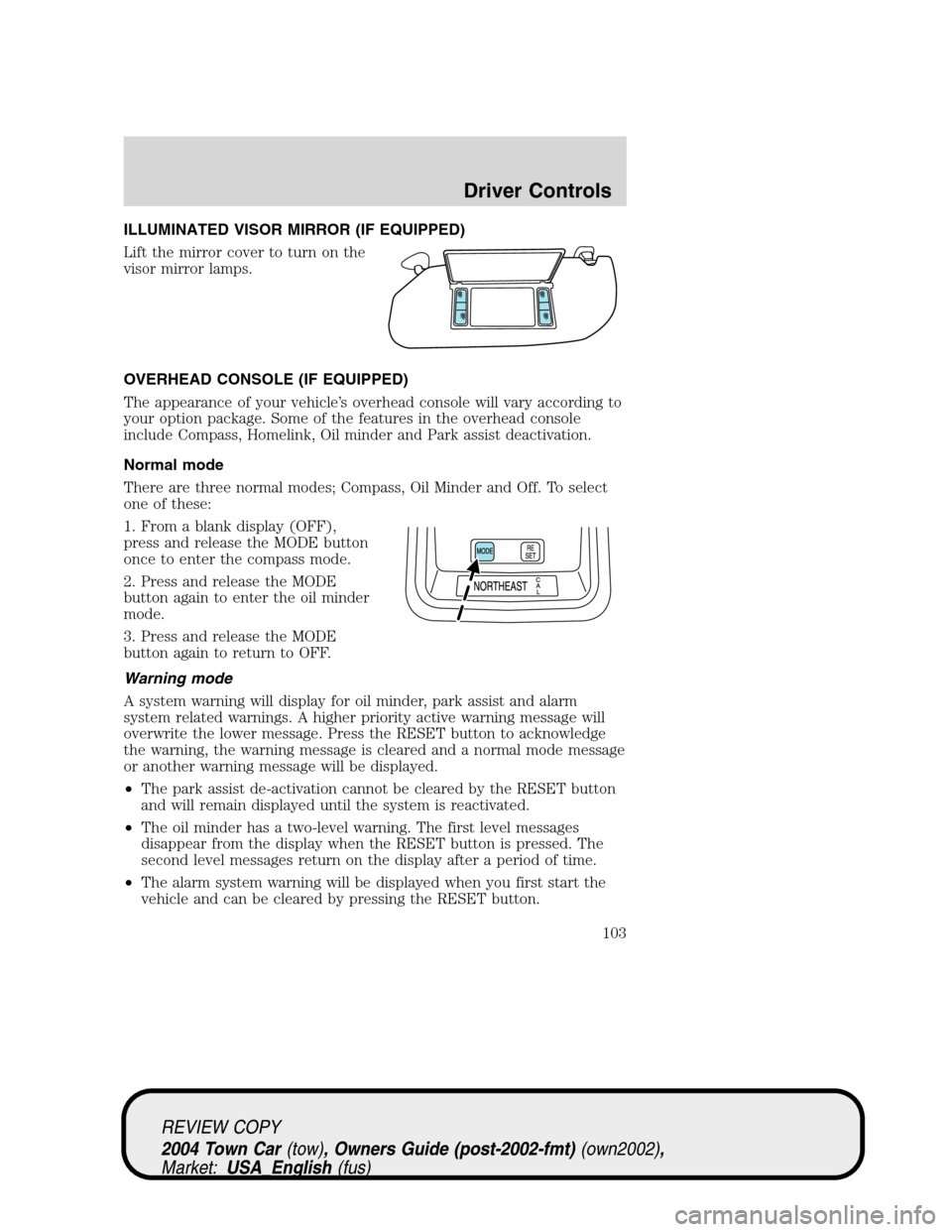
1. From a blank display (OFF),
press and release the MODE button
once to enter the compass mode.
2. Press and release the MODE
button again to enter the oil minder
mode.
3. Press and release the MODE
button again to return to OFF.
Warning mode
A system warning will display for oil minder, park assist and alarm
system related warnings. A higher priority active warning message will
overwrite the lower message. Press the RESET button to acknowledge
the warning, the warning message is cleared and a normal mode message
or another warning message will be displayed.
•The park assist de-activation cannot be cleared by the RESET button
and will remain displayed until the system is reactivated.
•The oil minder has a two-level warning. The first level messages
disappear from the display when the RESET button is pressed. The
second level messages return on the display after a period of time.
•The alarm system warning will be displayed when you first start the
vehicle and can be cleared by pressing the RESET button.
REVIEW COPY
2004 Town Car(tow), Owners Guide (post-2002-fmt)(own2002),
Market:USA_English(fus)
Driver Controls
103
Page 105 of 304
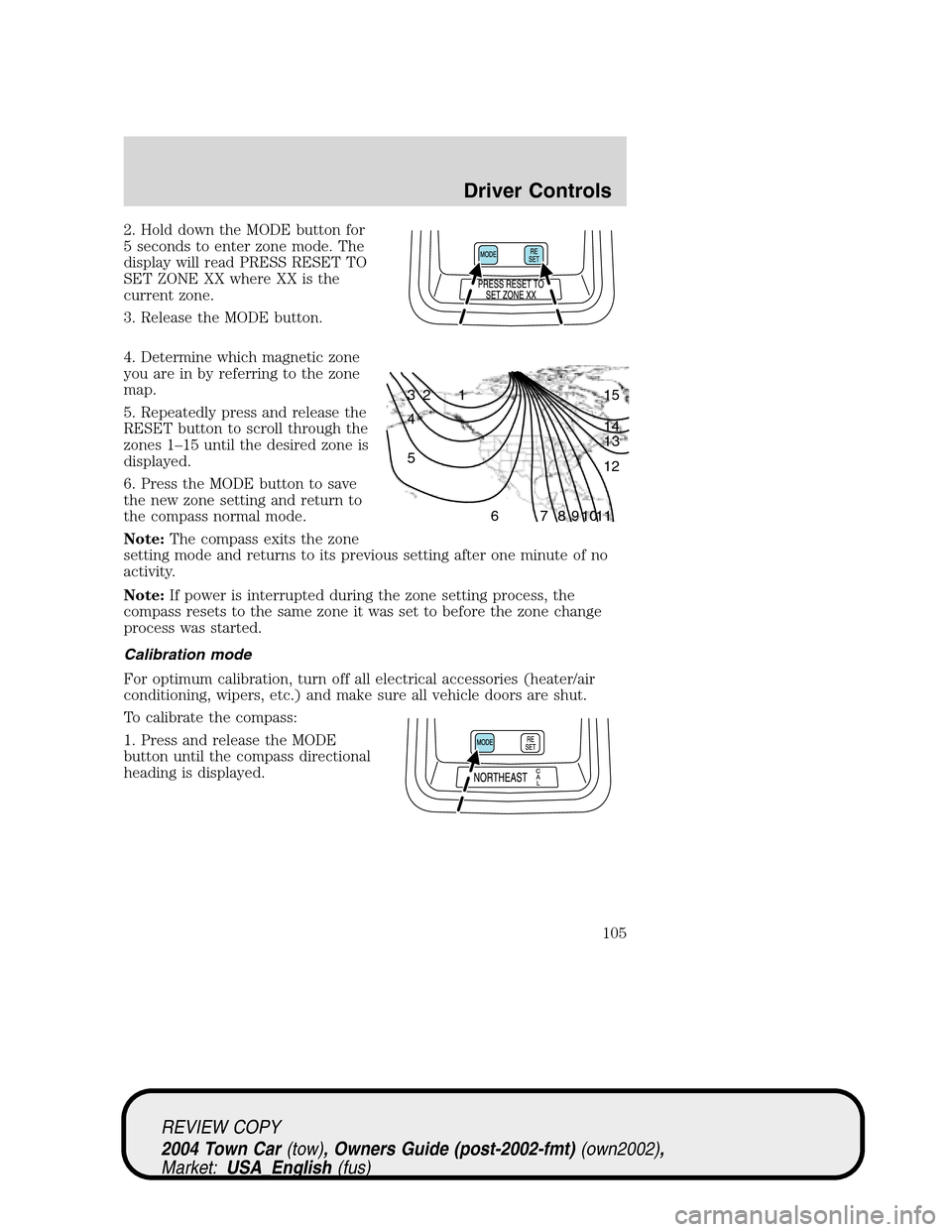
2. Hold down the MODE button for
5 seconds to enter zone mode. The
display will read PRESS RESET TO
SET ZONE XX where XX is the
current zone.
3. Release the MODE button.
4. Determine which magnetic zone
you are in by referring to the zone
map.
5. Repeatedly press and release the
RESET button to scroll through the
zones 1–15 until the desired zone is
displayed.
6. Press the MODE button to save
the new zone setting and return to
the compass normal mode.
Note:The compass exits the zone
setting mode and returns to its previous setting after one minute of no
activity.
Note:If power is interrupted during the zone setting process, the
compass resets to the same zone it was set to before the zone change
process was started.
Calibration mode
For optimum calibration, turn off all electrical accessories (heater/air
conditioning, wipers, etc.) and make sure all vehicle doors are shut.
To calibrate the compass:
1. Press and release the MODE
button until the compass directional
heading is displayed.
1 2 3
4
5
6 7 8 9 101112 13 14 15
REVIEW COPY
2004 Town Car(tow), Owners Guide (post-2002-fmt)(own2002),
Market:USA_English(fus)
Driver Controls
105
Page 106 of 304
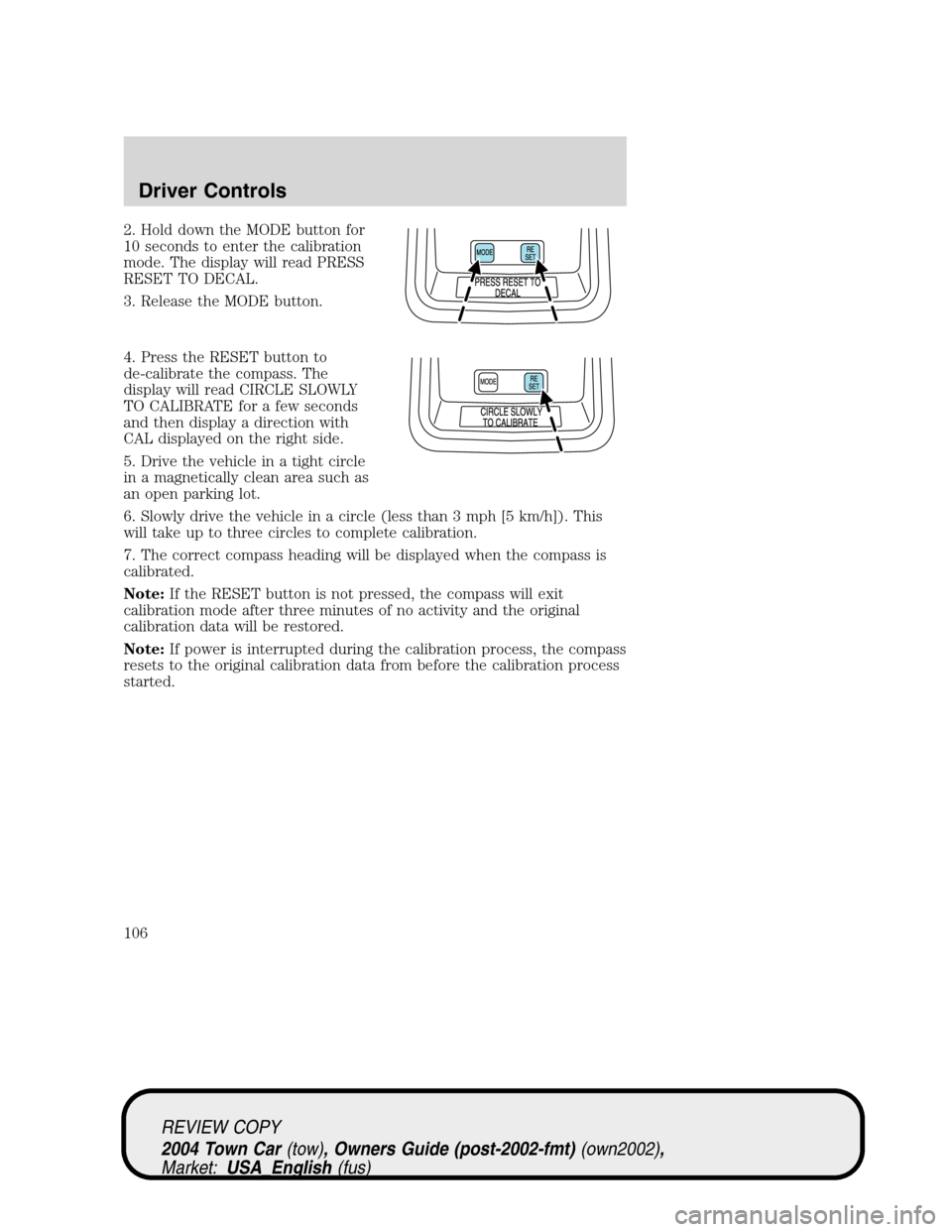
2. Hold down the MODE button for
10 seconds to enter the calibration
mode. The display will read PRESS
RESET TO DECAL.
3. Release the MODE button.
4. Press the RESET button to
de-calibrate the compass. The
display will read CIRCLE SLOWLY
TO CALIBRATE for a few seconds
and then display a direction with
CAL displayed on the right side.
5. Drive the vehicle in a tight circle
in a magnetically clean area such as
an open parking lot.
6. Slowly drive the vehicle in a circle (less than 3 mph [5 km/h]). This
will take up to three circles to complete calibration.
7. The correct compass heading will be displayed when the compass is
calibrated.
Note:If the RESET button is not pressed, the compass will exit
calibration mode after three minutes of no activity and the original
calibration data will be restored.
Note:If power is interrupted during the calibration process, the compass
resets to the original calibration data from before the calibration process
started.
REVIEW COPY
2004 Town Car(tow), Owners Guide (post-2002-fmt)(own2002),
Market:USA_English(fus)
Driver Controls
106