Page 80 of 374

cellular phone has a different profile (i.e. headset profile),
you will not be able to use any UConnectŸ features.
The UConnectŸ system is fully integrated into your
vehicle, including your vehicle's stereo system. All voice
prompts as well as the other party's voice in a conversa-
tion will be played over your vehicle's stereo system. The
volume of the UConnectŸ system can be controlled
through your normal stereo controls.
The radio display will be used for visual prompts from
the UConnectŸ system such as caller ID.
Operation
Voice commands can be used in the operation of the
UConnectŸ system and to navigate through the UCon-
nectŸ menu structure. Voice commands should be given
after each UConnectŸ system prompt. You will be
prompted for a specific command and then guided
through the available options. There are two ways to give
commands to the UConnectŸ system:
²You can say9Dial9at the9Ready9prompt. When
prompted for the phone number you wish to dial, say
the phone number (9123 456 78909).
²Alternatively as you become familiar with the UCon-
nectŸ system, you can combine the commands and
say9Dial 123 456 78909.
Pairing a Cellular Phone to the UConnectŸ System
To begin using your UConnectŸ system, you must pair
your compatible BluetoothŸ enabled cellular phone. To
complete the registration process, you will need to refer-
ence your cellular phone owner's manual.
²Press the 'Phone' button to begin.
²After the9Ready9prompt, say9Setup Phone Pairing9.
²You will be asked to say a four-digit pin number into
the UConnectŸ system which you will later need to
enter into your cellular phone during the cellular
phone pairing process. You can enter any four-digit
80 UNDERSTANDING THE FEATURES OF YOUR VEHICLE
Page 145 of 374
UNDERSTANDING YOUR INSTRUMENT PANEL
CONTENTS
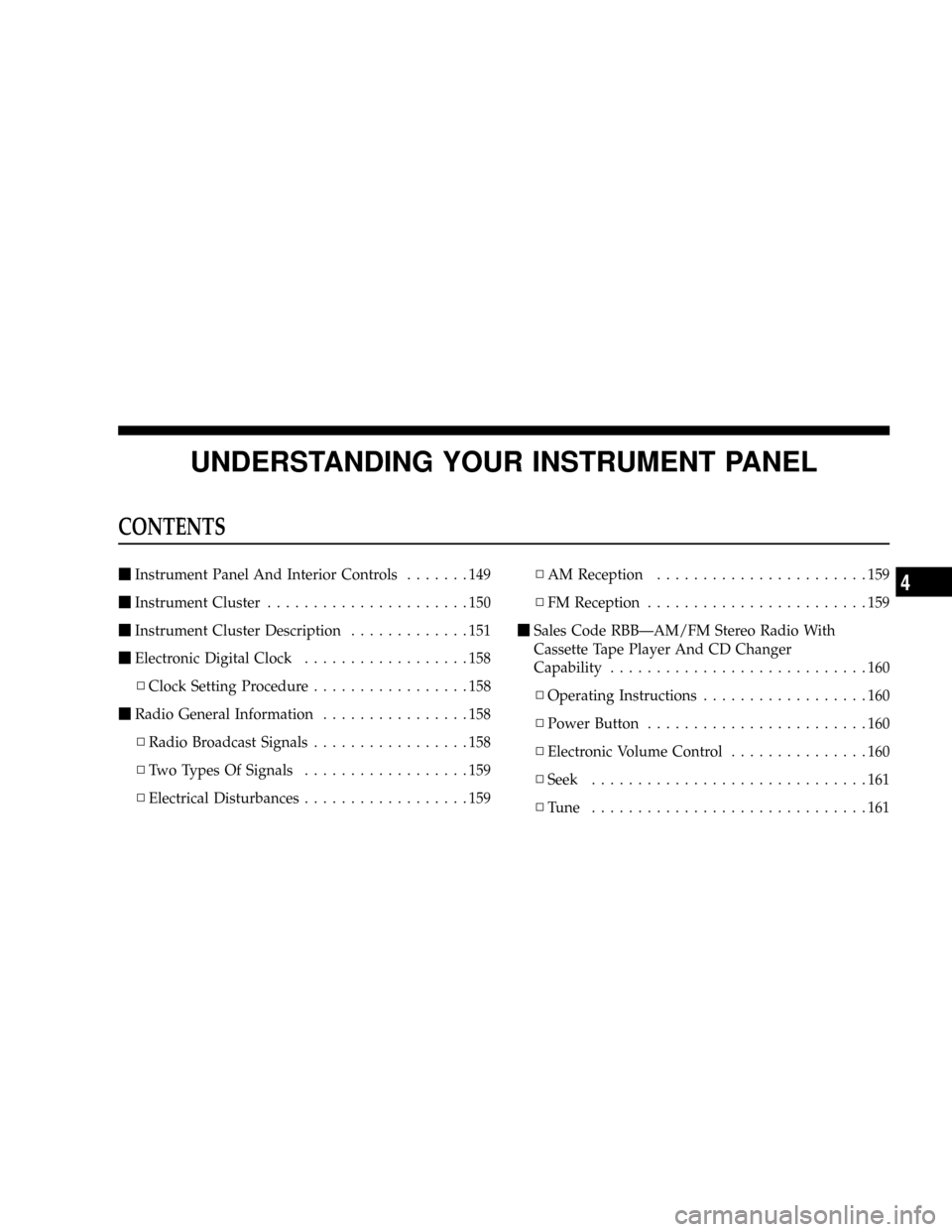
mInstrument Panel And Interior Controls.......149
mInstrument Cluster......................150
mInstrument Cluster Description.............151
mElectronic Digital Clock..................158
NClock Setting Procedure.................158
mRadio General Information................158
NRadio Broadcast Signals.................158
NTwo Types Of Signals..................159
NElectrical Disturbances..................159NAM Reception.......................159
NFM Reception........................159
mSales Code RBBÐAM/FM Stereo Radio With
Cassette Tape Player And CD Changer
Capability............................160
NOperating Instructions..................160
NPower Button........................160
NElectronic Volume Control...............160
NSeek..............................161
NTune ..............................1614
Page 146 of 374

NTo Set The Push-Button Memory..........161
NBalance............................162
NFade..............................162
NBass And Treble Tone Control............162
NAM/FM Selection.....................162
NMode Button........................162
NCassette Player Features................162
NCD Changer Control Capability
Ð If Equipped.......................164
NRadio Display Messages................166
mSales Code RBKÐAM/ FM Stereo Radio With
CD Player And CD Changer Controls........167
NRadio Operation......................167
NCD Player Operation...................169NCD Changer Control Capability
Ð If Equipped.......................171
NRadio Display Messages................173
mSales Code RBPÐAM & FM Stereo Radio With
Cassette Tape Player, CD Player, And Optional
CD/DVD Changer Controls...............174
NRadio Operation......................174
NTape Player Operation..................178
NCD Player Operation...................180
NCD/DVD Changer Operation
Ð If Equipped.......................182
mSales Code RBQÐAM/FM Stereo Radio With
6 - Disc CD Changer....................183
NRadio Operation......................184
NCD Player Operation...................186
146 UNDERSTANDING YOUR INSTRUMENT PANEL
Page 147 of 374
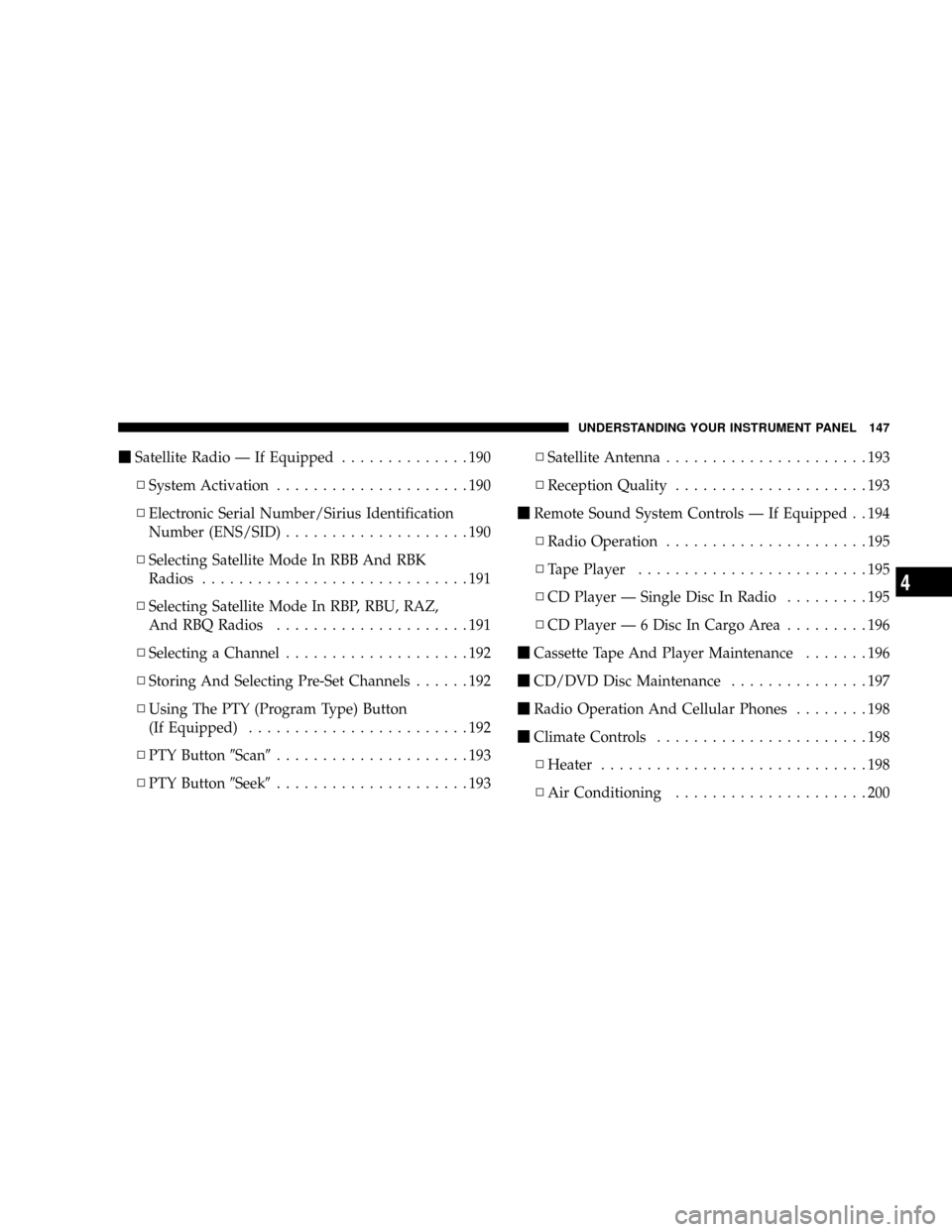
mSatellite Radio Ð If Equipped..............190
NSystem Activation.....................190
NElectronic Serial Number/Sirius Identification
Number (ENS/SID)....................190
NSelecting Satellite Mode In RBB And RBK
Radios.............................191
NSelecting Satellite Mode In RBP, RBU, RAZ,
And RBQ Radios.....................191
NSelecting a Channel....................192
NStoring And Selecting Pre-Set Channels......192
NUsing The PTY (Program Type) Button
(If Equipped)........................192
NPTY Button9Scan9.....................193
NPTY Button9Seek9.....................193NSatellite Antenna......................193
NReception Quality.....................193
mRemote Sound System Controls Ð If Equipped . . 194
NRadio Operation......................195
NTape Player.........................195
NCD Player Ð Single Disc In Radio.........195
NCD Player Ð 6 Disc In Cargo Area.........196
mCassette Tape And Player Maintenance.......196
mCD/DVD Disc Maintenance...............197
mRadio Operation And Cellular Phones........198
mClimate Controls.......................198
NHeater.............................198
NAir Conditioning.....................200
UNDERSTANDING YOUR INSTRUMENT PANEL 147
4
Page 160 of 374
SALES CODE RBBÐAM/FM STEREO RADIO
WITH CASSETTE TAPE PLAYER AND CD
CHANGER CAPABILITY
Operating Instructions
NOTE:Power to operate the radio is supplied through
the ignition switch. It must be in the ON or ACC position
to operate the radio.NOTE:When first learning the control functions, the
user should set the controls as shown in the following
list.
Tone Controls¼As illustrated.
Speaker Control¼Centered.
Power Button
The volume control/power button pops out when
pressed, this turns the sound system ON in the mode last
used. Pushing the button back in turns the sound system
OFF.
Electronic Volume Control
The electronic volume control turns continuously (360
degrees) in either direction without stopping. Turning the
volume control to the right increases the volume and to
the left decreases it.
When the audio system is turned on, the sound will be
set at the same volume level as last played.
160 UNDERSTANDING YOUR INSTRUMENT PANEL
Page 162 of 374

Every time a preset button is used a corresponding
button number will be displayed.
Balance
The balance control adjusts the left-to-right speaker bal-
ance. Press the BAL button in and it will pop out. Adjust
the balance and push the button back in.
Fade
The fade control provides for balance between the front
and rear speakers. Press the FADE button in and it will
pop out. Adjust the balance and push the button back in.
Bass and Treble Tone Control
The tone controls consist of 2 separate bands. The bass
band is on the left, and the treble band is on the right.
Each band is adjusted by a slider control with a detent at
the mid-position. Moving the control up or down in-
creases or decreases amplification of that band. The mid
position provides a balanced output.
AM/FM Selection
Press the AM/FM button to change from AM to FM. The
operating mode will be displayed next to the station
frequency. The display will show ST when a stereo
station is received in the FM mode.
Mode Button
Press the MODE button to select between the cassette
tape player, CD changer, or the Satellite Radio (if
equipped). When the Satellite Radio (if equipped) is
selected ªSAº will appear in your radio display.
A CD or tape may remain in the player while in the
Satellite or radio mode.
Cassette Player Features
With ignition OFF and the sound system OFF, you can
eject the tape cassette by pushing the EJECT button.
162 UNDERSTANDING YOUR INSTRUMENT PANEL
Page 164 of 374

NR (Noise Reduction)
Pushing the Number 2 Pre-set button when a tape is
playing deactivates the Dolby Noise Reduction System*.
When Dolby is ON, the NR symbol appears on the
display. Each time a tape is inserted the Dolby will turn
ON.
* ªDolbyº noise reduction manufactured under license
from Dolby Laboratories Licensing Corporation. Dolby
and the double-D symbol are trademarks of Dolby Labo-
ratories Licensing Corporation.
CD Changer Control Capability Ð If Equipped
This radio is compatible with a remote mounted CD
changer available through Mopar Accessories. The fol-
lowing instructions are for the radio controls that operate
this CD changer.
Mode Button
To activate the CD changer, press the MODE button until
CD information appears on the display.
Push-Button
While the CD changer is playing, press the NUMBER 1
push-button or the NUMBER 5 push-button to select a
disc numbered higher or lower than the one currently
being played.
Seek Button
Press the SEEK up or down to select another track on the
same disc. A SEEK symbol will appear on the display.
Fast Forward And Rewind Buttons
Press and hold the FF button for fast forward. Press and
hold the RW button for fast reverse.
The audio output can be heard when fast forward and
fast reverse are activated.
Random Play (RND)
Press the Random button to play the tracks on the
selected disc in random order for an interesting change of
pace.
164 UNDERSTANDING YOUR INSTRUMENT PANEL
Page 167 of 374
SALES CODE RBKÐAM/ FM STEREO RADIO
WITH CD PLAYER AND CD CHANGER
CONTROLSRadio Operation
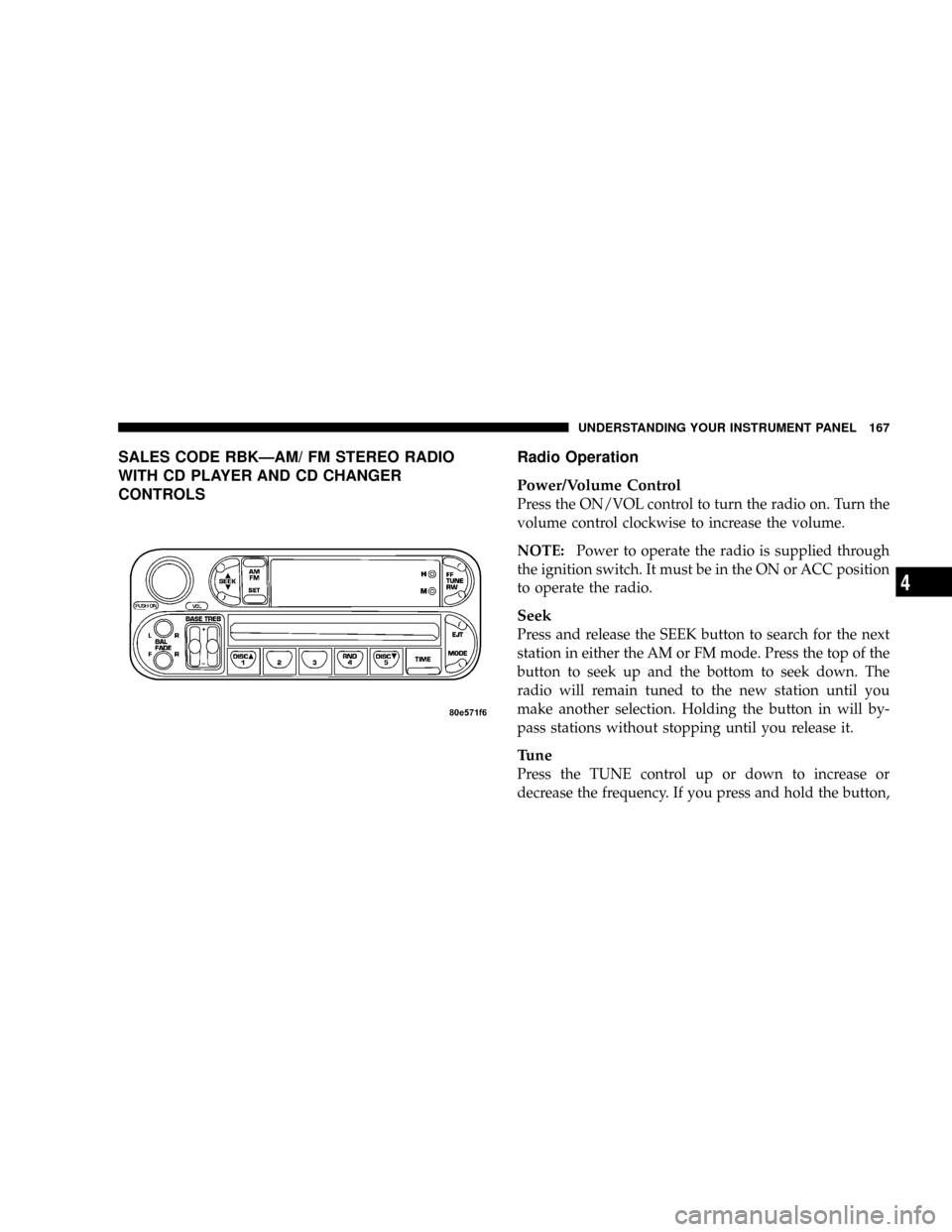
Power/Volume Control
Press the ON/VOL control to turn the radio on. Turn the
volume control clockwise to increase the volume.
NOTE:Power to operate the radio is supplied through
the ignition switch. It must be in the ON or ACC position
to operate the radio.
Seek
Press and release the SEEK button to search for the next
station in either the AM or FM mode. Press the top of the
button to seek up and the bottom to seek down. The
radio will remain tuned to the new station until you
make another selection. Holding the button in will by-
pass stations without stopping until you release it.
Tune
Press the TUNE control up or down to increase or
decrease the frequency. If you press and hold the button,
UNDERSTANDING YOUR INSTRUMENT PANEL 167
4