Page 247 of 389
1
CONTROLS AND EQUIPMENT
67HATCHBACK DOOR
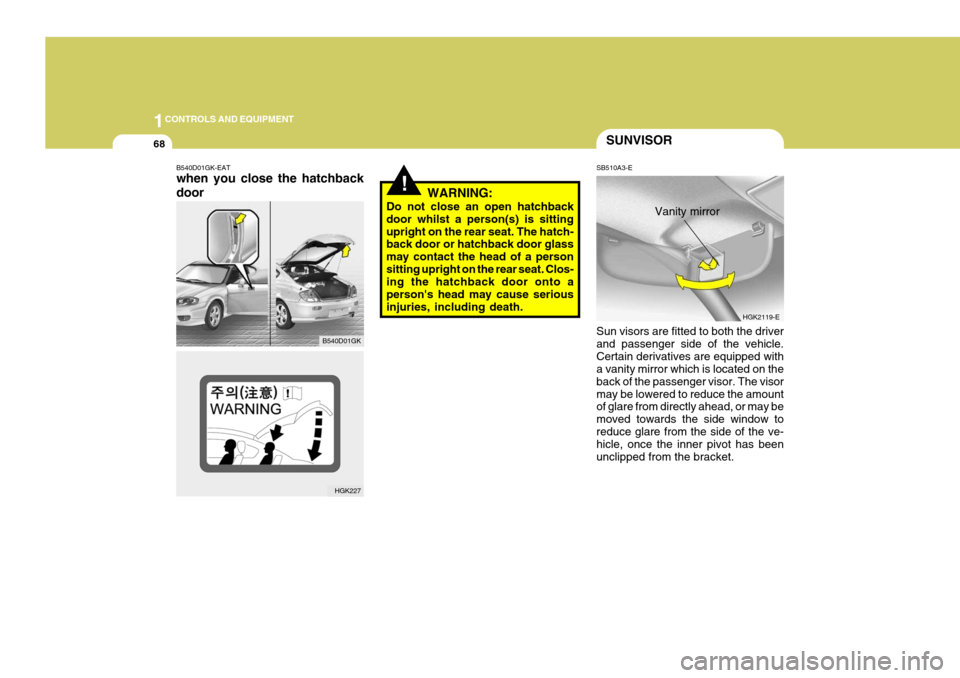
SB450A2-E Remote Hatchback door Release The hatchback door may be opened by pulling the lever to release the lock. The hatchback door should be closedby depressing the lid firmly until the latch engages. Ensure that hatchback door is securely latched before settingthe vehicle in motion. HGK2012-E
!WARNING:
The hatchback door should always be kept completely closed whilst the vehicle is in motion. If it is leftopen or ajar, poisonous exhaust gases may enter the car resulting in serious illness or death to the occu-pants. See additional warnings con- cerning exhaust gases on page 2-2.
SB450C2-E To Unlock Using the Key To open the hatchback door using the ignition key, insert the key into the lock barrel and turn clockwise to releasethe latch. The hatchback door com- partment lamp will illuminate when- ever the hatchback door is opened. B540C02GK
Page 248 of 389
1CONTROLS AND EQUIPMENT
68SUNVISOR
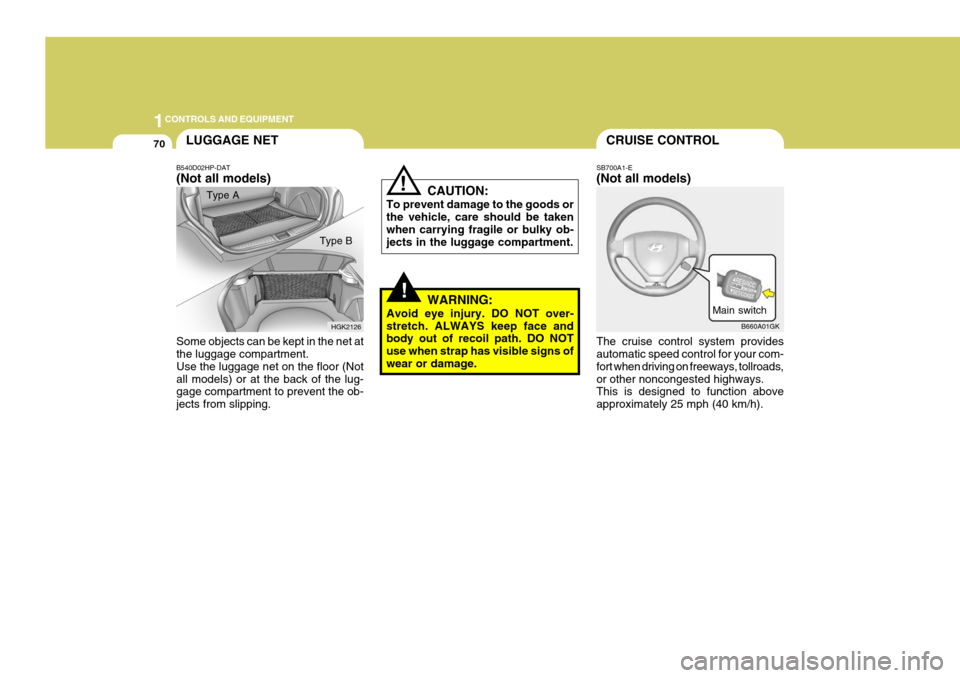
SB510A3-E Sun visors are fitted to both the driver and passenger side of the vehicle.Certain derivatives are equipped with a vanity mirror which is located on the back of the passenger visor. The visormay be lowered to reduce the amount of glare from directly ahead, or may be moved towards the side window toreduce glare from the side of the ve- hicle, once the inner pivot has been unclipped from the bracket. Vanity mirror
HGK2119-E
!WARNING:
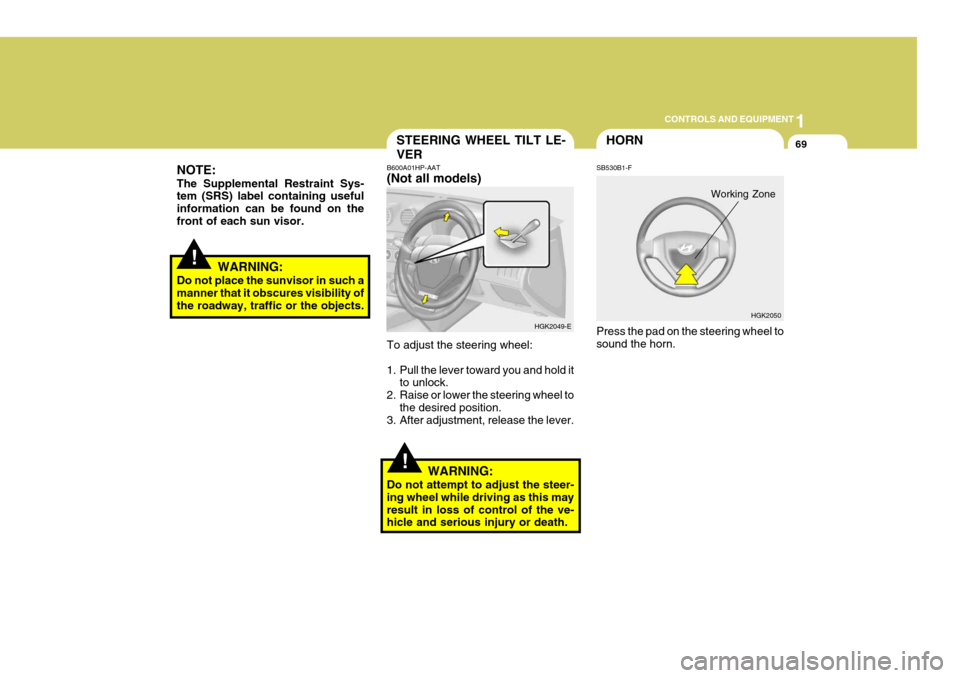
Do not close an open hatchback door whilst a person(s) is sittingupright on the rear seat. The hatch- back door or hatchback door glass may contact the head of a personsitting upright on the rear seat. Clos- ing the hatchback door onto a person's head may cause seriousinjuries, including death.
B540D01GK-EAT when you close the hatchback door
B540D01GK
HGK227
Page 249 of 389
1
CONTROLS AND EQUIPMENT
69
!
NOTE: The Supplemental Restraint Sys- tem (SRS) label containing useful information can be found on thefront of each sun visor.
WARNING:
Do not place the sunvisor in such a manner that it obscures visibility of the roadway, traffic or the objects.
!
STEERING WHEEL TILT LE- VER
B600A01HP-AAT (Not all models) To adjust the steering wheel:
1. Pull the lever toward you and hold it
to unlock.
2. Raise or lower the steering wheel to
the desired position.
3. After adjustment, release the lever.
WARNING:
Do not attempt to adjust the steer- ing wheel while driving as this mayresult in loss of control of the ve- hicle and serious injury or death. HGK2049-E
HGK2050
HORN
SB530B1-F Press the pad on the steering wheel to sound the horn.
Working Zone
Page 250 of 389
1CONTROLS AND EQUIPMENT
70CRUISE CONTROL
SB700A1-E (Not all models) The cruise control system provides automatic speed control for your com- fort when driving on freeways, tollroads,or other noncongested highways. This is designed to function above approximately 25 mph (40 km/h). Main switch
B660A01GK
!
!CAUTION:
To prevent damage to the goods or the vehicle, care should be taken when carrying fragile or bulky ob- jects in the luggage compartment.
WARNING:
Avoid eye injury. DO NOT over-stretch. ALWAYS keep face and body out of recoil path. DO NOT use when strap has visible signs ofwear or damage.
LUGGAGE NET
B540D02HP-DAT (Not all models) Type A
Some objects can be kept in the net at the luggage compartment. Use the luggage net on the floor (Notall models) or at the back of the lug- gage compartment to prevent the ob- jects from slipping. HGK2126
Type B
Page 251 of 389
1
CONTROLS AND EQUIPMENT
71
B660B01GK-GAT To Set the Cruise Speed
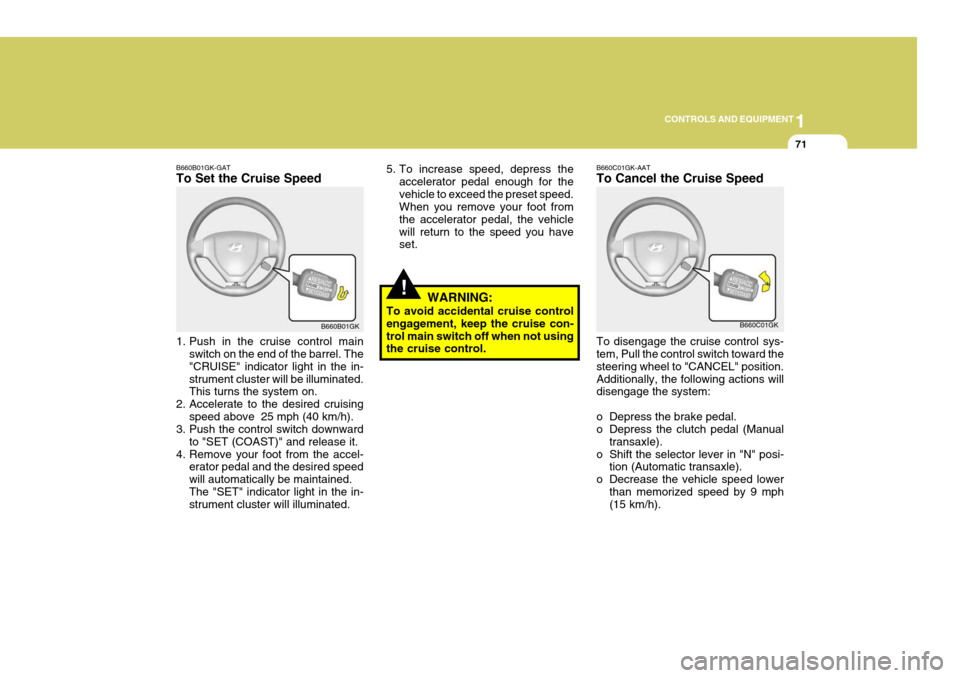
1. Push in the cruise control main
switch on the end of the barrel. The "CRUISE" indicator light in the in-strument cluster will be illuminated. This turns the system on.
2. Accelerate to the desired cruising speed above 25 mph (40 km/h).
3. Push the control switch downward
to "SET (COAST)" and release it.
4. Remove your foot from the accel- erator pedal and the desired speed will automatically be maintained.The "SET" indicator light in the in- strument cluster will illuminated. B660B01GK
!
5. To increase speed, depress the
accelerator pedal enough for the vehicle to exceed the preset speed. When you remove your foot from the accelerator pedal, the vehiclewill return to the speed you have set.
WARNING:
To avoid accidental cruise controlengagement, keep the cruise con- trol main switch off when not using the cruise control.B660C01GK-AAT To Cancel the Cruise Speed To disengage the cruise control sys- tem, Pull the control switch toward the steering wheel to "CANCEL" position.Additionally, the following actions will disengage the system:
o Depress the brake pedal.
o Depress the clutch pedal (Manual transaxle).
o Shift the selector lever in "N" posi- tion (Automatic transaxle).
o Decrease the vehicle speed lower than memorized speed by 9 mph(15 km/h). B660C01GK
Page 253 of 389

1
CONTROLS AND EQUIPMENT
73AUDIO REMOTE CONTROL SWITCH
!WARNING:
o Keep the main switch off when not using the cruise control.
o Use the cruise control system only when traveling on open high- ways in good weather.
o Do not use the cruise control when it may not be safe to keepthe car at a constant speed, for instance, driving in heavy or vary-ing traffic, or on slippery (rainy, icy or snow-covered) or winding roads or over 6% up-hill or down-hill roads.
o Pay particular attention to the
driving conditions whenever us-ing the cruise control system.
o During cruise-control driving
with a manual transaxle vehicle,do not shift into neutral without depressing the clutch pedal, or the engine will be overrevved. Ifthis happens, depress the clutch pedal or release the main switch. o With the cruise control engaged,
when the brake pedal is applied, it is normal to hear the cruise control system deactivate. This is an indication of normal systemoperation.
o During normal cruise control
operation, when the"SET(COAST)" is activated or reactivated after applying the brakes, the cruise control willenergize after approximately 3 seconds. This delay is normal. B610A01GK-EAT (Not all models) The steering wheel audio remote con- trol switch is installed to promote safe driving. POWER ON/OFF Switch Press the POWER ON/OFF switch to select Radio, Tape, CD (compact disc) and CDC (compact disc changer). Press the POWER ON/OFF switch once again to cancel Radio, Tape, CD (compact disc) and CDC (compactdisc changer).B610A01GK
Page 273 of 389
1
FEATURES OF YOUR HYUNDAI
93
!
B750A04L
B750A05L
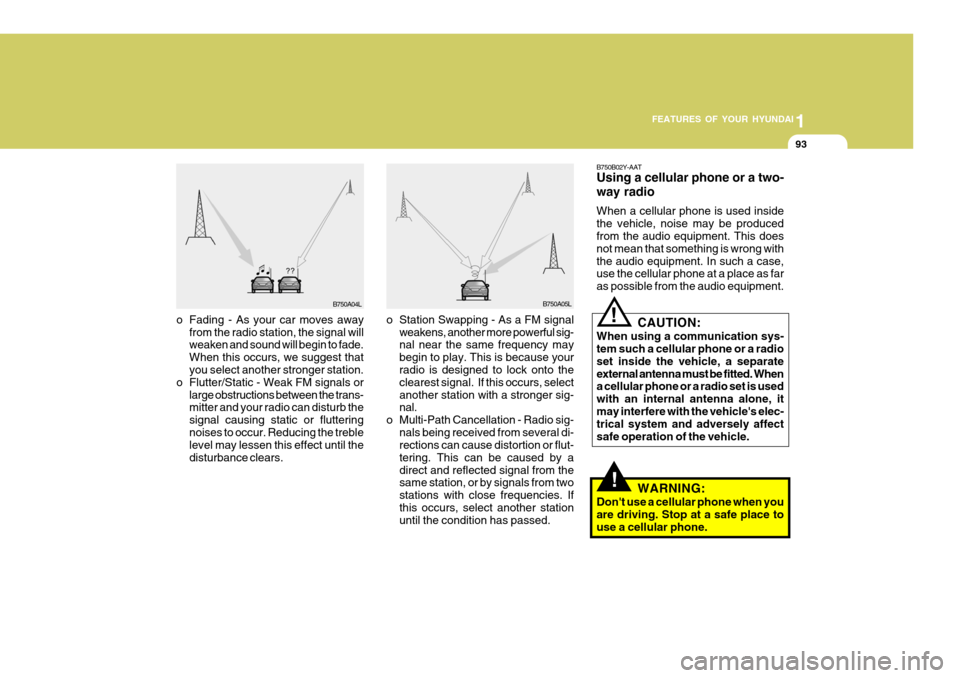
o Station Swapping - As a FM signal weakens, another more powerful sig- nal near the same frequency may begin to play. This is because your radio is designed to lock onto the clearest signal. If this occurs, selectanother station with a stronger sig- nal.
o Multi-Path Cancellation - Radio sig- nals being received from several di-rections can cause distortion or flut- tering. This can be caused by adirect and reflected signal from the same station, or by signals from two stations with close frequencies. Ifthis occurs, select another station until the condition has passed.
o Fading - As your car moves away
from the radio station, the signal willweaken and sound will begin to fade. When this occurs, we suggest that you select another stronger station.
o Flutter/Static - Weak FM signals or large obstructions between the trans-mitter and your radio can disturb the signal causing static or flutteringnoises to occur. Reducing the treble level may lessen this effect until the disturbance clears. B750B02Y-AAT Using a cellular phone or a two- way radio When a cellular phone is used inside the vehicle, noise may be produced from the audio equipment. This does not mean that something is wrong withthe audio equipment. In such a case, use the cellular phone at a place as far as possible from the audio equipment.
!
CAUTION:
When using a communication sys- tem such a cellular phone or a radio set inside the vehicle, a separateexternal antenna must be fitted. When a cellular phone or a radio set is used with an internal antenna alone, itmay interfere with the vehicle's elec- trical system and adversely affect safe operation of the vehicle.
WARNING:
Don't use a cellular phone when youare driving. Stop at a safe place touse a cellular phone.
Page 278 of 389
2DRIVING YOUR HYUNDAI
2
C010A01O-EAT
WARNING: ENGINE EXHAUST CAN BE DANGEROUS!
Engine exhaust gases are potentially lethal. If at any time engine exhaust gas is detected within the passenger compartment, move the vehicle to an open area and open all windows. o Never inhale exhaust gas. Exhaust gases contain Carbon Monoxide which is colourless and odourless. Carbon Monoxide is poisonous and can cause unconsciousness and death by asphyxiation. o Exhaust System Maintenance. Ensure that the exhaust system is maintained in good condition and is free from excessive corrosion and damage which may result in leakage. If the vehicle is driven over an object which strikes the exhaust system,ensure that the exhaust system is inspected at the first available opportunity to ensure that no leakage exists. o Confined Areas. Do not run the engine in confined spaces, allowing the engine to idle in a garage, even when the doors are open is dangerous practice. Only start the engine immediately prior to moving the vehicle out of the garage. o Prolonged Idling. If it is necessary to allow the vehicle to idle for prolonged periods, ensure that the heating system air intake control is set to the "Fresh" position, the blower is set to high speed operation and that the vehicle is standingin an open area. o Load Carrying. If it is necessary to carry long objects which do not permit the hatchback door to be fully closed, the side windows must remain closed and the heating air intake control set to the "Fresh" position with the blower running at the highest speed setting. To ensure correct operation of the heater system, the air intake grilles at the base of the windscreen must not be obstructed by snow leaves etc..
!