2004 CHEVROLET KODIAK automatic transmission
[x] Cancel search: automatic transmissionPage 127 of 366

This switchbank is located in the center of the instrument
panel.
e(Marker Lamp Defeat Switch):See “Marker Lamp
Defeat Switch” underExterior Lamps on page 3-13.
j(Manual High Idle Switch):See “Manual High Idle
System” underStarting Your Diesel Engine on
page 2-14.
i(Traction Control Switch):SeeTraction Control
System (TCS) on page 4-11.
f(Outside Heated Mirror Switch):SeeOutside
Heated Mirrors on page 2-41.
g(Power Take Off Switch):SeePower Take-Off
(PTO) on page 4-36.
h(Rear Air Suspension Dump Control
Switch):See “Rear Air Suspension Dump Control”
underTwo-Speed Rear Axle Electric Shift Control
on page 2-26.
k(Rear Axle Shift Control Switch):See “Air Shift
Control” (Automatic Transmission) underTwo-Speed
Rear Axle Electric Shift Control on page 2-26.
Exhaust Brake Switch:SeeDiesel Engine Exhaust
Brake on page 2-25.
l(Differential Lock Control Switch):SeeRear
Axle Differential Lock Control on page 4-10.
cd(Air Bag Off Switch):SeeAir Bag Off Switch
on page 1-55.
If your vehicle does not have some of the features
controlled by these switches, there will be a blank switch
marker in its place.
Accessory Power Outlets
With accessory power outlets, you can plug in auxiliary
electrical equipment such as a cellular telephone or
CB radio.
The accessory power outlets are located on the
passenger’s side of the instrument panel.
To use an outlet, pull the cover down. When not using
it, always cover the outlet with the protective cap.
These circuits are protected by a fuse and have
maximum current levels.
Notice:Leaving electrical equipment on for
extended periods will drain the battery. Always turn
off electrical equipment when not in use and do
not plug in equipment that exceeds the maximum
amperage rating.
3-17
Page 141 of 366

Service Transmission Warning Light
If your vehicle has an Allison automatic transmission,
certain transmission malfunctions will turn this light on.
This light is located with
the auxiliary warning lights
in the center of the
instrument panel.
If this light comes on while you are driving, do not use
the transmission shift control or you may lose forward
gears. The computer for the transmission senses
a problem and chooses a gear to stay in so that you
can drive the vehicle in that gear. You may not be able
to drive as fast or back up when this light is on.
Notice:If you continue driving your vehicle after
the transmission warning light comes on, you could
damage the transmission. While this light is on,
the transmission cannot operate in all gears. If you
attempt to shift gears, the vehicle may not
continue to move. Do not attempt to shift gears
while the transmission warning light is on. Instead,
drive directly to a GM dealer for service. If you
cannot drive to a dealer immediately, have the
vehicle towed.
Range Inhibit Warning Indicator
If your vehicle has an Allison
1000/2000/2200/2400 series automatic transmission, a
lighted bar under the current gear selected will flash.
If your vehicle has an Allison MD automatic
transmission, the current gear selected on the
pushbutton display will flash.
The flashing bar or gear selection indicates that
transmission range shifts may not occur.
For detailed information on shift inhibit limitations, see
the Allison Automatic Transmission Operator’s Manual in
your vehicle for further information.
Brake System Warning Light
Your vehicle has either hydraulic or air brakes. Each
system has different warning lights.
3-31
Page 150 of 366

Transmission Temperature Gage
If you have an automatic
transmission, this gage is
located above the
switchbank in the center of
the instrument panel.
When your ignition is on, the gage shows the
temperature of the transmission oil. A reading in the
warning zone, the red area beginning at 300°F (150°C),
means you must stop driving and check into the
cause. One possible cause is a low oil level in the
transmission.
Notice:If you drive your vehicle with the
transmission temperature gage above normal
operating range, you can damage the transmission.
This could lead to costly repairs that would not
be covered by your warranty. Do not drive your
vehicle while the transmission temperature gage
reading is above normal. See your dealer for service.
Exhaust Brake Indicator Light
If your vehicle is equipped
with an exhaust brake, you
will have this light,
located above the comfort
controls in the center of
the instrument panel.
The exhaust brake indicator light will come on and stay
on whenever the diesel engine exhaust brake or
exhaust restrictor is active. For more information, see
Diesel Engine Exhaust Brake on page 2-25.
Differential Lock Indicator Light
If your vehicle has this
feature, this light is located
in the center of the
instrument panel. The light
is on when the inter-axle
differential lock system
is in use.
The light will come on momentarily during starting. If the
light fails to come on, have it repaired as soon as
possible so you will be aware when the lock system is
in use.
3-40
Page 181 of 366
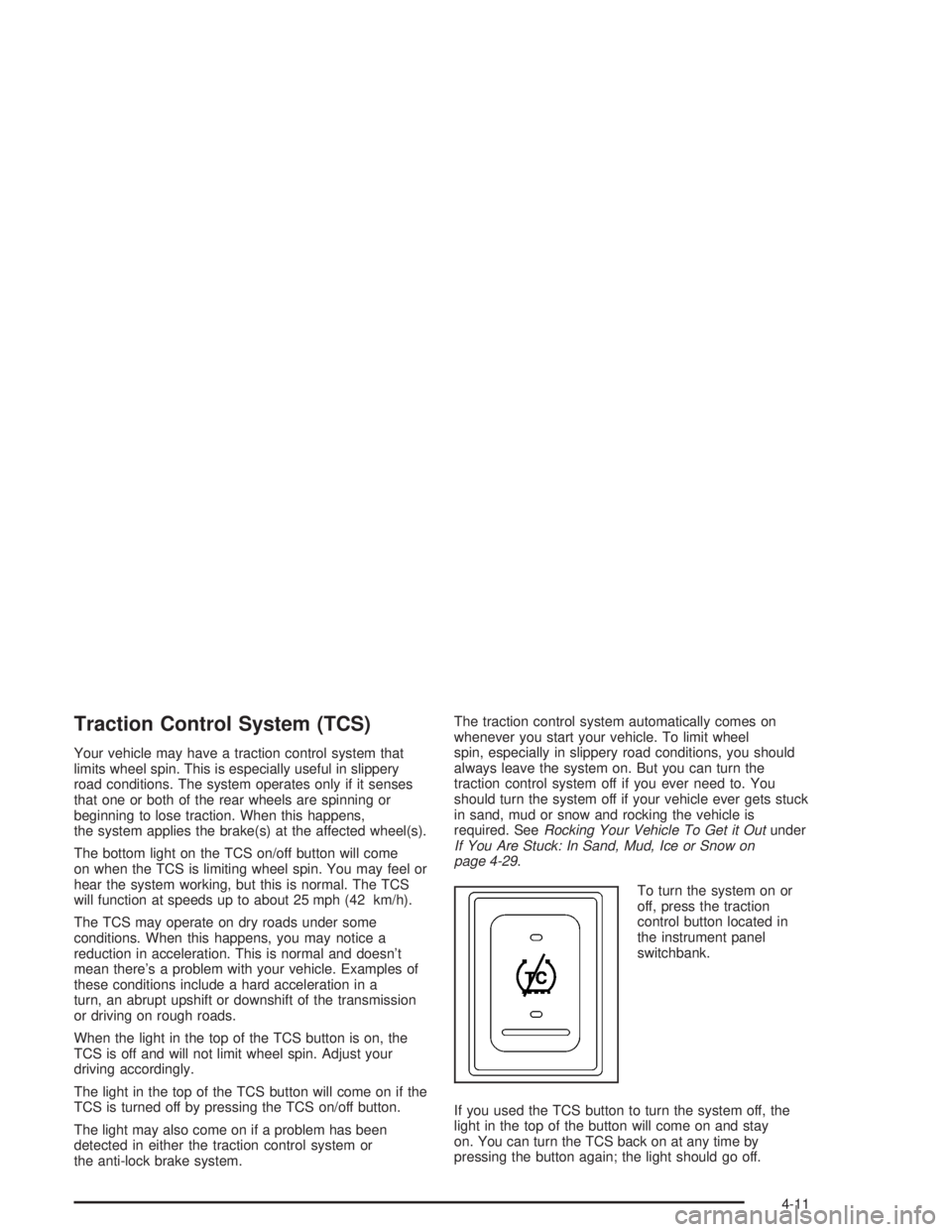
Traction Control System (TCS)
Your vehicle may have a traction control system that
limits wheel spin. This is especially useful in slippery
road conditions. The system operates only if it senses
that one or both of the rear wheels are spinning or
beginning to lose traction. When this happens,
the system applies the brake(s) at the affected wheel(s).
The bottom light on the TCS on/off button will come
on when the TCS is limiting wheel spin. You may feel or
hear the system working, but this is normal. The TCS
will function at speeds up to about 25 mph (42 km/h).
The TCS may operate on dry roads under some
conditions. When this happens, you may notice a
reduction in acceleration. This is normal and doesn’t
mean there’s a problem with your vehicle. Examples of
these conditions include a hard acceleration in a
turn, an abrupt upshift or downshift of the transmission
or driving on rough roads.
When the light in the top of the TCS button is on, the
TCS is off and will not limit wheel spin. Adjust your
driving accordingly.
The light in the top of the TCS button will come on if the
TCS is turned off by pressing the TCS on/off button.
The light may also come on if a problem has been
detected in either the traction control system or
the anti-lock brake system.The traction control system automatically comes on
whenever you start your vehicle. To limit wheel
spin, especially in slippery road conditions, you should
always leave the system on. But you can turn the
traction control system off if you ever need to. You
should turn the system off if your vehicle ever gets stuck
in sand, mud or snow and rocking the vehicle is
required. SeeRocking Your Vehicle To Get it Outunder
If You Are Stuck: In Sand, Mud, Ice or Snow on
page 4-29.
To turn the system on or
off, press the traction
control button located in
the instrument panel
switchbank.
If you used the TCS button to turn the system off, the
light in the top of the button will come on and stay
on. You can turn the TCS back on at any time by
pressing the button again; the light should go off.
4-11
Page 207 of 366

Service............................................................5-3
Doing Your Own Service Work.........................5-4
Two Safety Cautions about Engine Fan
Breakage...................................................5-5
Fuel................................................................5-6
Gasoline Octane............................................5-6
Gasoline Specifications....................................5-6
Additives.......................................................5-7
Diesel Engine Fuel.........................................5-8
What Fuel to Use...........................................5-8
Very Cold Weather Operation.........................5-10
Water in Fuel...............................................5-10
Running Out of Fuel.....................................5-15
Fuel Filter Replacement.................................5-15
Fuels in Foreign Countries.............................5-16
Filling Your Tank..........................................5-17
Filling a Portable Fuel Container.....................5-18
Checking Things Under the Hood....................5-18
Hood Latches...............................................5-19
Engine Oil (Caterpillar
®Diesel Engine).............5-20
Engine Oil (Gasoline Engine)..........................5-20
Engine Oil (DURAMAX™ Diesel).....................5-25
Engine Air Cleaner/Filter................................5-30
Automatic Transmission Fluid.........................5-31
Manual Transmission Fluid.............................5-32Engine Coolant (Gas and
DURAMAX™ engines)................................5-32
Engine Coolant (Caterpillar
®Diesel Engines).....5-35
Coolant Surge Tank Pressure Cap..................5-35
Engine Overheating.......................................5-36
Cooling System............................................5-38
Engine Fan Noise.........................................5-43
Power Steering Fluid.....................................5-43
Windshield Washer Fluid................................5-44
Brakes........................................................5-46
Battery........................................................5-55
Jump Starting...............................................5-56
Rear Axle.......................................................5-61
Rear Axle Shift Motor....................................5-61
Noise Control System.....................................5-62
Tampering with Noise Control System
Prohibited.................................................5-62
Bulb Replacement..........................................5-63
Replacement Bulbs.......................................5-63
Windshield Wiper Blade Replacement..............5-63
Other Service Items........................................5-64
Fuel Filter....................................................5-64
Primary Fuel Filter and Water Separator..........5-65
Secondary Fuel Filter and Water
Separator/Heater.......................................5-66
Section 5 Service and Appearance Care
5-1
Page 214 of 366

Diesel Engine Fuel
For the Caterpillar®diesel, see the Caterpillar®
Operation & Maintenance Manual for information
concerning fuel usage.
Notice:Diesel fuel or fuel additives not
recommended in this manual could damage your
fuel system and engine. Your warranty would
not cover this damage. And:
Diesel fuel that has been mixed with engine oil
or automatic transmission uid could damage
your engine and emission controls.
Aftermarket diesel fuel additives are not tested
by General Motors. Some additives, particularly
those which contain alcohol or water
emulsiers, may damage your fuel system. If
you believe that unique circumstances call for a
fuel additive to be used, consult your dealer
for advice.
If you ever run out of diesel fuel, it can be
difficult to restart your engine. To avoid all this,
never let your tank get empty.
If you run out of fuel,Running Out of Fuel on page 5-15,
tells you how to restart your engine.
What Fuel to Use
In the United States, for best results use Number 2–D
diesel fuel year-round (above and below freezing
conditions) as oil companies blend Number 2–D fuel to
address climate differences. Number 1–D diesel fuel
may be used in very cold temperatures (when it
stays below 0°F or−18°C); however, it will produce a
power and fuel economy loss. Avoid the use of Number
1–D diesel fuel in warm or hot climates. It may result
in stalling, poor starting when the engine is hot and may
damage the fuel injection system.
At a minimum, the diesel fuel you use should meet
specifications ASTM D975-02 (Grade Low Sulfur) in the
United States. In addition, the Engine Manufacturers
Association (EMA) has identified properties of an
improved diesel fuel for better engine performance and
durability. Diesel fuels corresponding to the EMA
Recommended Guideline on Premium Diesel Fuel
(FQP-1A) could provide better starting, less noise and
better vehicle performance. If there are questions
about the fuel you are using, contact your fuel supplier.
It is acceptable to use diesel fuel containing up to
5% biodiesel (B5), but the final blended fuel must meet
the same specification, ASTM D975–02 (Grade Low
Sulfur), as other fuels used in your vehicle, and
the biodiesel used for making this fuel must meet the
ASTM D6751–02 specification.
5-8
Page 237 of 366

To inspect the air cleaner/filter, remove the filter from
the vehicle and lightly shake filter to release loose dust
and dirt. If the filter remains “caked” with dirt, a new
filter is required.
{CAUTION:
Operating the engine with the air cleaner/lter
off can cause you or others to be burned. The
air cleaner not only cleans the air, it helps to
stop ame if the engine backres. If it is not
there and the engine backres, you could
be burned. Do not drive with it off, and be
careful working on the engine with the air
cleaner/lter off.
Notice:If the air cleaner/lter is off, a backre can
cause a damaging engine re. And, dirt can
easily get into your engine, which will damage it.
Always have the air cleaner/lter in place when you
are driving.
Automatic Transmission Fluid
When to Check
A good time to have it checked is when the engine oil is
checked. See your Allison Automatic Transmission
Operator’s Manual to find out when to change your
transmission fluid and filters.
How to Check and What to Use
The Allison Automatic Transmission Operator’s Manual
that came with the vehicle shows how to check the
automatic transmission fluid and what fluid to use.
Automatic Transmission External Filter
Your automatic transmission filter requires periodic
replacement.
Consult the Allison Automatic Transmission Operator’s
Manual that came with the vehicle for proper change
intervals.
5-31
Page 262 of 366

Jump Starting
If your battery (or batteries) has run down, you may
want to use another vehicle and some jumper cables to
start your vehicle. Be sure to follow the steps below
to do it safely.
{CAUTION:
Batteries can hurt you. They can be dangerous
because:
They contain acid that can burn you.
They contain gas that can explode or
ignite.
They contain enough electricity to
burn you.
If you do not follow these steps exactly, some
or all of these things can hurt you.
Notice:Ignoring these steps could result in costly
damage to your vehicle that would not be covered
by your warranty.
Trying to start your vehicle by pushing or pulling it
will not work, and it could damage your vehicle.
1. Check the other vehicle. It must have a 12-volt
battery (or batteries) with a negative ground system.Notice:If the other vehicle’s system is not a 12-volt
system with a negative ground, both vehicles can
be damaged. Only use vehicles with 12-volt systems
with negative grounds to jump start your vehicle.
If you have a diesel engine vehicle with two
batteries (or more), you should know before you
begin that, especially in cold weather, you may not
be able to get enough power from a single
battery in another vehicle to start your diesel engine.
If your vehicle has more than one battery, use the
one closest to the starter – this will reduce electrical
resistance.
2. Get the vehicles close enough so the jumper cables
can reach, but be sure the vehicles aren’t touching
each other. If they are, it could cause a ground
connection you don’t want. You wouldn’t be able to
start your vehicle, and the bad grounding could
damage the electrical systems.
To avoid the possibility of the vehicles rolling, set
the parking brake firmly on both vehicles involved in
the jump start procedure. Put an automatic
transmission in PARK (P) or a manual transmission
in neutral before setting the parking brake.
Notice:If you leave your radio or other accessories
on during the jump starting procedure, they could
be damaged. The repairs would not be covered
by your warranty. Always turn off your radio and
other accessories when jump starting your vehicle.
5-56