2004 CHEVROLET EPICA light
[x] Cancel search: lightPage 86 of 338
FIRST (1):This position gives you even more power
but lower fuel economy than SECOND (2). You can use
it on very steep hills, or in deep snow or mud. If the
shift lever is put in FIRST (1), the transaxle will not shift
into first gear until the vehicle is going slowly enough.
Notice:Spinning the tires or holding the vehicle in
one place on a hill using only the accelerator
pedal may damage the transaxle. If you are stuck,
do not spin the tires. When stopping on a hill,
use the brakes to hold the vehicle in place.
Adaptive Shift Logic
Your automatic transaxle will automatically select from
three adaptive shift patterns based upon driver behavior:
•Economy mode provides a softer shift feel and
optimizes fuel economy.
•Normal mode provides a solid shift feel and is used
for normal driving conditions.
•Sport mode provides a firm shift feel and optimizes
performance.The driver cannot manually select the shift pattern. The
adaptive shift logic tries to operate in economy mode
as much as possible. Normal and sport modes are used
as little as possible in order to maximize fuel economy.
The first few shifts of every drive cycle may be
somewhat rough until the adaptive shift logic has
learned the driver’s behavior. This is normal.
The transaxle also has the ability to adapt to changing
road grade conditions. It will shift between three
different load settings:
•Load 1 is designed for driving on moderate road
grades.
•Load 2 is designed for driving on steep road
grades.
•Load 3 is designed for driving downhill and allows
for better engine braking.
If there is a malfunction with the automatic transaxle, the
malfunction indicator lamp (MIL) or the HOLD indicator
light will turn on or flash. SeeMalfunction Indicator Lamp
on page 3-39orHold Mode Light on page 3-38.
Have your vehicle fixed as soon as possible.
2-24
Page 87 of 338
Hold Mode
Your vehicle’s transaxle has a hold mode.
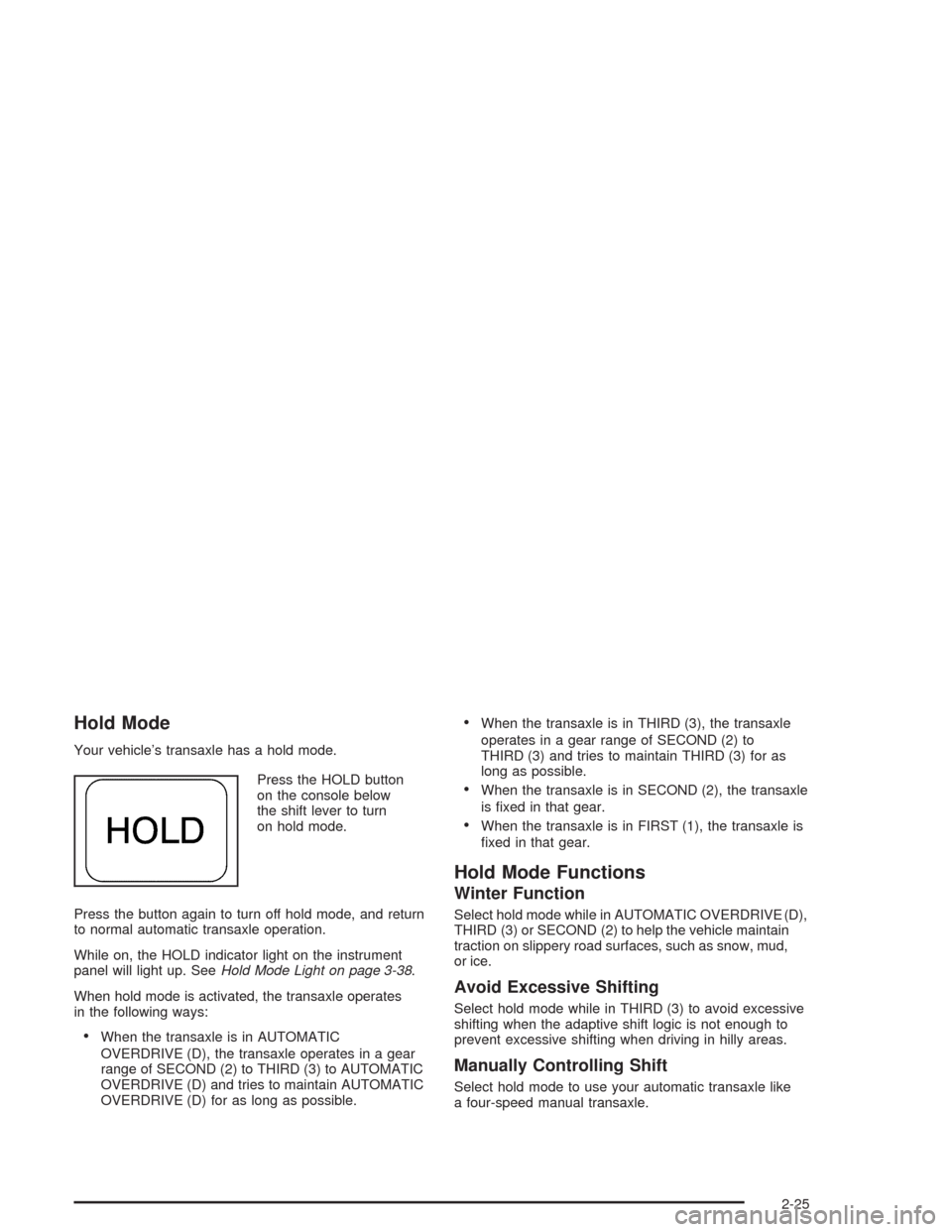
Press the HOLD button
on the console below
the shift lever to turn
on hold mode.
Press the button again to turn off hold mode, and return
to normal automatic transaxle operation.
While on, the HOLD indicator light on the instrument
panel will light up. SeeHold Mode Light on page 3-38.
When hold mode is activated, the transaxle operates
in the following ways:
•When the transaxle is in AUTOMATIC
OVERDRIVE (D), the transaxle operates in a gear
range of SECOND (2) to THIRD (3) to AUTOMATIC
OVERDRIVE (D) and tries to maintain AUTOMATIC
OVERDRIVE (D) for as long as possible.
•When the transaxle is in THIRD (3), the transaxle
operates in a gear range of SECOND (2) to
THIRD (3) and tries to maintain THIRD (3) for as
long as possible.
•When the transaxle is in SECOND (2), the transaxle
is fixed in that gear.
•When the transaxle is in FIRST (1), the transaxle is
fixed in that gear.
Hold Mode Functions
Winter Function
Select hold mode while in AUTOMATIC OVERDRIVE (D),
THIRD (3) or SECOND (2) to help the vehicle maintain
traction on slippery road surfaces, such as snow, mud,
or ice.
Avoid Excessive Shifting
Select hold mode while in THIRD (3) to avoid excessive
shifting when the adaptive shift logic is not enough to
prevent excessive shifting when driving in hilly areas.
Manually Controlling Shift
Select hold mode to use your automatic transaxle like
a four-speed manual transaxle.
2-25
Page 88 of 338
Parking Brake
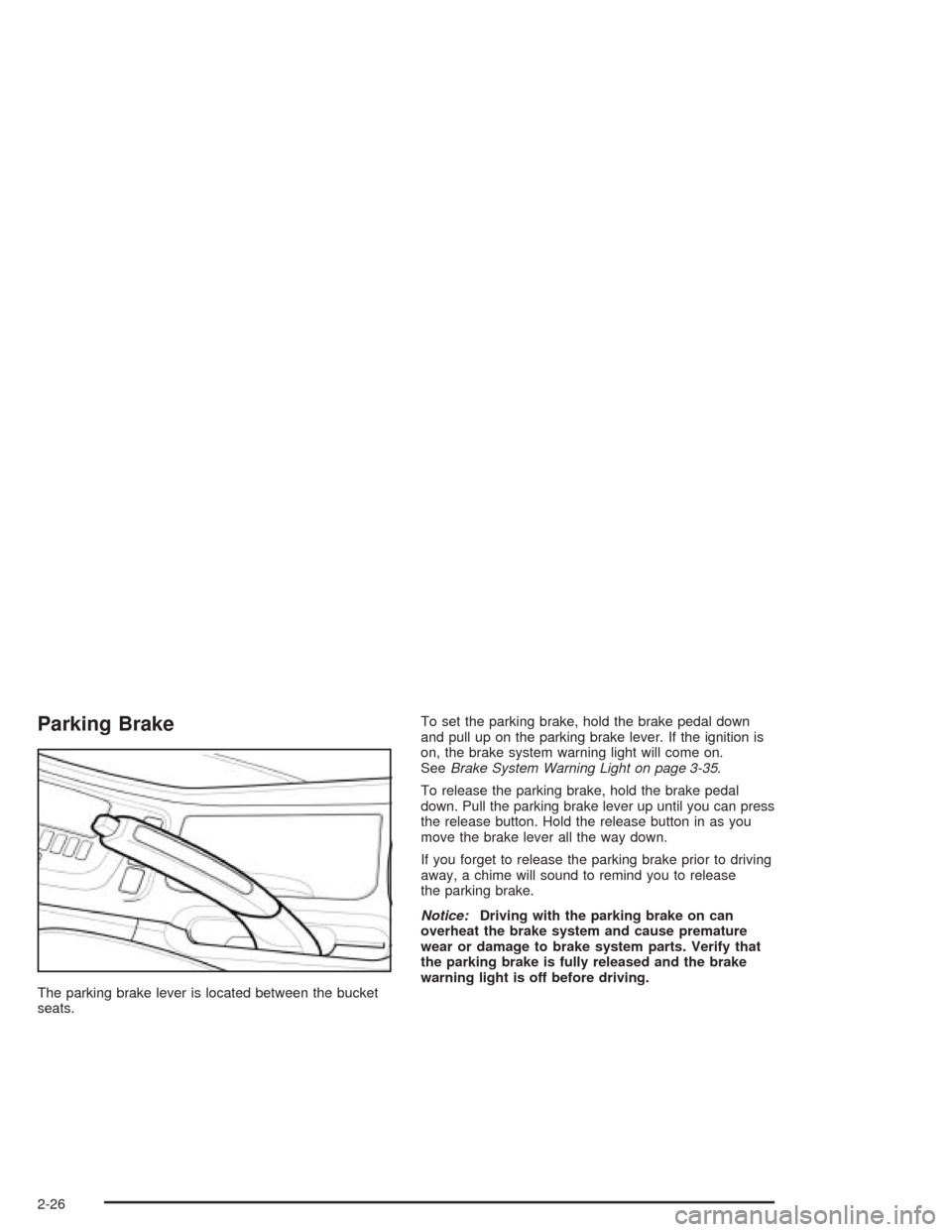
The parking brake lever is located between the bucket
seats.To set the parking brake, hold the brake pedal down
and pull up on the parking brake lever. If the ignition is
on, the brake system warning light will come on.
SeeBrake System Warning Light on page 3-35.
To release the parking brake, hold the brake pedal
down. Pull the parking brake lever up until you can press
the release button. Hold the release button in as you
move the brake lever all the way down.
If you forget to release the parking brake prior to driving
away, a chime will sound to remind you to release
the parking brake.
Notice:Driving with the parking brake on can
overheat the brake system and cause premature
wear or damage to brake system parts. Verify that
the parking brake is fully released and the brake
warning light is off before driving.
2-26
Page 94 of 338

At night, when the glare is too high, the mirror will
gradually darken to reduce glare. This change may
take a few seconds. The mirror will return to its clear
daytime state when the glare is reduced.
To activate the automatic dimming feature, press the
button (B) located below the rearview mirror. To turn
the feature off, press the button (B) again.
The ignition must be turned to ON to use the automatic
dimming rearview mirror. The indicator light (C) will
illuminate while this feature is active.
There are two light sensors (A) which detect ambient
light level and glare from vehicles behind you.
Do not cover the sensors as this will cancel the
automatic dimming operation.Outside Power Mirrors
The control for the
power mirrors is located
on the driver’s side
instrument panel,
below the side outlet.
Move the outside power mirror control to L for the left
mirror and to R for the right mirror. If you place the
control in the center position, no movement of the mirror
will occur. To adjust a mirror, press the corresponding
edges located on the four-way control pad to move
the mirror in the direction that you want it to go.
The ignition must be turned to ON to adjust the mirrors.
The outside rearview mirrors can be folded flat against
the side of the vehicle by pushing them toward the
vehicle.
2-32
Page 99 of 338
Instrument Panel Overview...............................3-4
Hazard Warning Flashers................................3-6
Other Warning Devices...................................3-6
Horn.............................................................3-6
Tilt Wheel.....................................................3-7
Turn Signal/Multifunction Lever.........................3-7
Windshield Wiper Lever...................................3-9
Cruise Control..............................................3-10
Exterior Lamps.............................................3-13
Interior Lamps..............................................3-15
Accessory Power Outlets...............................3-17
Ashtrays and Cigarette Lighter........................3-18
Climate Controls............................................3-18
Climate Control System.................................3-18
Automatic Climate Control System...................3-22
Outlet Adjustment.........................................3-28
Passenger Compartment Air Filter...................3-28
Warning Lights, Gages, and Indicators............3-30
Instrument Panel Cluster................................3-31
Speedometer and Odometer...........................3-32
Trip Odometer..............................................3-32Tachometer.................................................3-32
Safety Belt Reminder Light.............................3-33
Safety Belt Reminder Tone............................3-33
Air Bag Readiness Light................................3-33
Charging System Light..................................3-34
Brake System Warning Light..........................3-35
Anti-Lock Brake System Warning Light.............3-36
Speed Sensitive Power Steering (SSPS)
Warning Light...........................................3-36
Traction Control System (TCS)
Warning Light...........................................3-37
Traction Control System Active Light...............3-38
Hold Mode Light...........................................3-38
Engine Coolant Temperature Gage..................3-39
Malfunction Indicator Lamp.............................3-39
Oil Pressure Light.........................................3-42
Cruise Control Light......................................3-43
Highbeam On Light.......................................3-43
Daytime Running Lamps
Indicator Light...........................................3-44
Fuel Gage...................................................3-44
Low Fuel Warning Light.................................3-45
Section 3 Instrument Panel
3-1
Page 100 of 338
Secondary Information Center (SIC).................3-46
Clock..........................................................3-46
Door Ajar Light.............................................3-47
Trunk Ajar Light............................................3-47
Audio System(s).............................................3-48
Radio with CD..............................................3-48
Trunk-Mounted CD Changer...........................3-55Theft-Deterrent Feature..................................3-58
Audio Steering Wheel Controls.......................3-59
Radio Reception...........................................3-59
Care of Your CDs.........................................3-59
Care of Your CD Player................................3-60
Backglass Antenna.......................................3-60
Section 3 Instrument Panel
3-2
Page 103 of 338
The main components of your instrument panel are
the following:
A. Air Outlet. SeeOutlet Adjustment on page 3-28.
B. Instrument Panel Cluster. SeeInstrument Panel
Cluster on page 3-31.
C. Digital Clock and Secondary Information Center.
SeeClock on page 3-46andSecondary
Information Center (SIC) on page 3-46.
D. Hazard Warning Flashers Button. SeeHazard
Warning Flashers on page 3-6.
E. Climate Control System. SeeClimate Control
System on page 3-18.
F. Outside Power Mirror Control. SeeOutside
Power Mirrors on page 2-32.G. Instrument Panel Brightness Thumbwheel.
See “Instrument Panel Brightness” underInterior
Lamps on page 3-15.
H. Hood Release. SeeHood Release on page 5-11.
I. Coinholder. SeeCoinholder(s) on page 2-33.
J. Horn. SeeHorn on page 3-6.
K. Audio System. SeeAudio System(s) on page 3-48.
L. Cigarette Lighter and Ashtray. SeeAshtrays and
Cigarette Lighter on page 3-18.
M. Glove Box. SeeGlove Box on page 2-33.
3-5
Page 106 of 338
Turn and Lane-Change Signals
The turn signal has two upward (for right) and two
downward (for left) positions. These positions allow you
to signal a turn or a lane change.
To signal a turn, move the lever all the way up or down.
When the turn is finished, the lever will return
automatically.
An arrow on the
instrument panel
cluster will flash
in the direction
of the turn or
lane change.
To signal a lane change, just raise or lower the lever
until the arrow starts to flash. Hold it there until you
complete your lane change. The lever will return by itself
when you release it.
As you signal a turn or a lane change, if the arrows
flash rapidly, a signal bulb may be burned out and other
drivers will not see your turn signal.
If a bulb is burned out, replace it to help avoid an
accident. If the arrows do not go on at all when you signal
a turn, check for burned-out bulbs. If the arrow still does
not work, check the fuse. SeeFuses and Circuit Breakers
on page 5-79.
Headlamp High/Low-Beam Changer
To change the headlamps from low beam to high beam,
push the turn signal/multifunction lever away from you.
When the high beams
are on, this light on the
instrument panel cluster
also will be on if the
ignition is turned to ON.
To change the headlamps from high beam to low beam,
pull the turn signal/multifunction lever toward you.
Flash-to-Pass Feature
This feature lets you use your high-beam headlamps to
signal a driver in front of you that you want to pass.
To use it, pull the turn signal/multifunction lever toward
you until the high-beam headlamps come on, then
release the lever to turn them off.
3-8