Page 100 of 338
Secondary Information Center (SIC).................3-46
Clock..........................................................3-46
Door Ajar Light.............................................3-47
Trunk Ajar Light............................................3-47
Audio System(s).............................................3-48
Radio with CD..............................................3-48
Trunk-Mounted CD Changer...........................3-55Theft-Deterrent Feature..................................3-58
Audio Steering Wheel Controls.......................3-59
Radio Reception...........................................3-59
Care of Your CDs.........................................3-59
Care of Your CD Player................................3-60
Backglass Antenna.......................................3-60
Section 3 Instrument Panel
3-2
Page 104 of 338
Hazard Warning Flashers
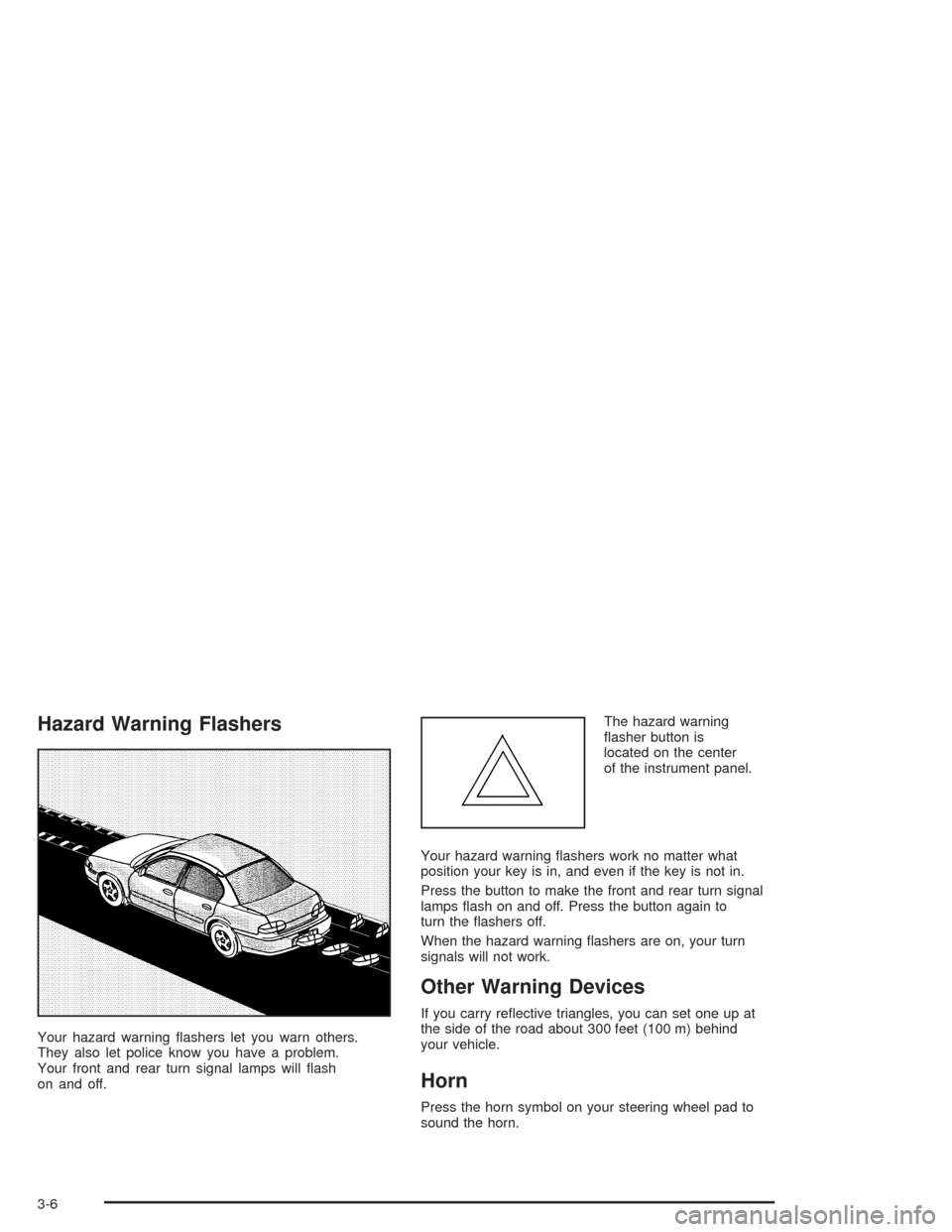
Your hazard warning flashers let you warn others.
They also let police know you have a problem.
Your front and rear turn signal lamps will flash
on and off.The hazard warning
flasher button is
located on the center
of the instrument panel.
Your hazard warning flashers work no matter what
position your key is in, and even if the key is not in.
Press the button to make the front and rear turn signal
lamps flash on and off. Press the button again to
turn the flashers off.
When the hazard warning flashers are on, your turn
signals will not work.
Other Warning Devices
If you carry reflective triangles, you can set one up at
the side of the road about 300 feet (100 m) behind
your vehicle.
Horn
Press the horn symbol on your steering wheel pad to
sound the horn.
3-6
Page 105 of 338
Tilt Wheel
Your vehicle has a tilt wheel which allows you to adjust
the steering wheel before you drive. You can raise it
to the highest level to give your legs more room when
you exit and enter the vehicle.
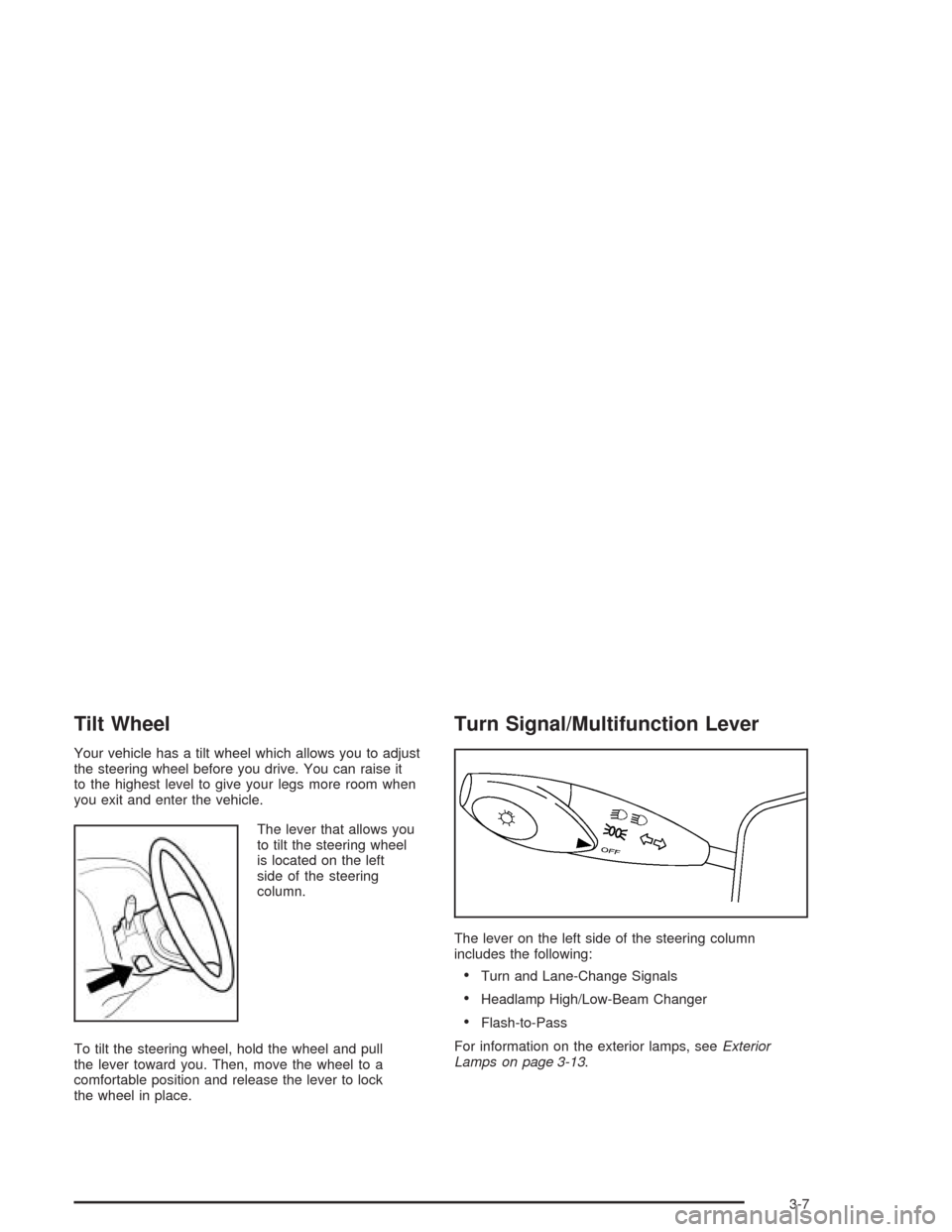
The lever that allows you
to tilt the steering wheel
is located on the left
side of the steering
column.
To tilt the steering wheel, hold the wheel and pull
the lever toward you. Then, move the wheel to a
comfortable position and release the lever to lock
the wheel in place.
Turn Signal/Multifunction Lever
The lever on the left side of the steering column
includes the following:
•Turn and Lane-Change Signals
•Headlamp High/Low-Beam Changer
•Flash-to-Pass
For information on the exterior lamps, seeExterior
Lamps on page 3-13.
3-7
Page 107 of 338
Windshield Wiper Lever
Windshield Wipers
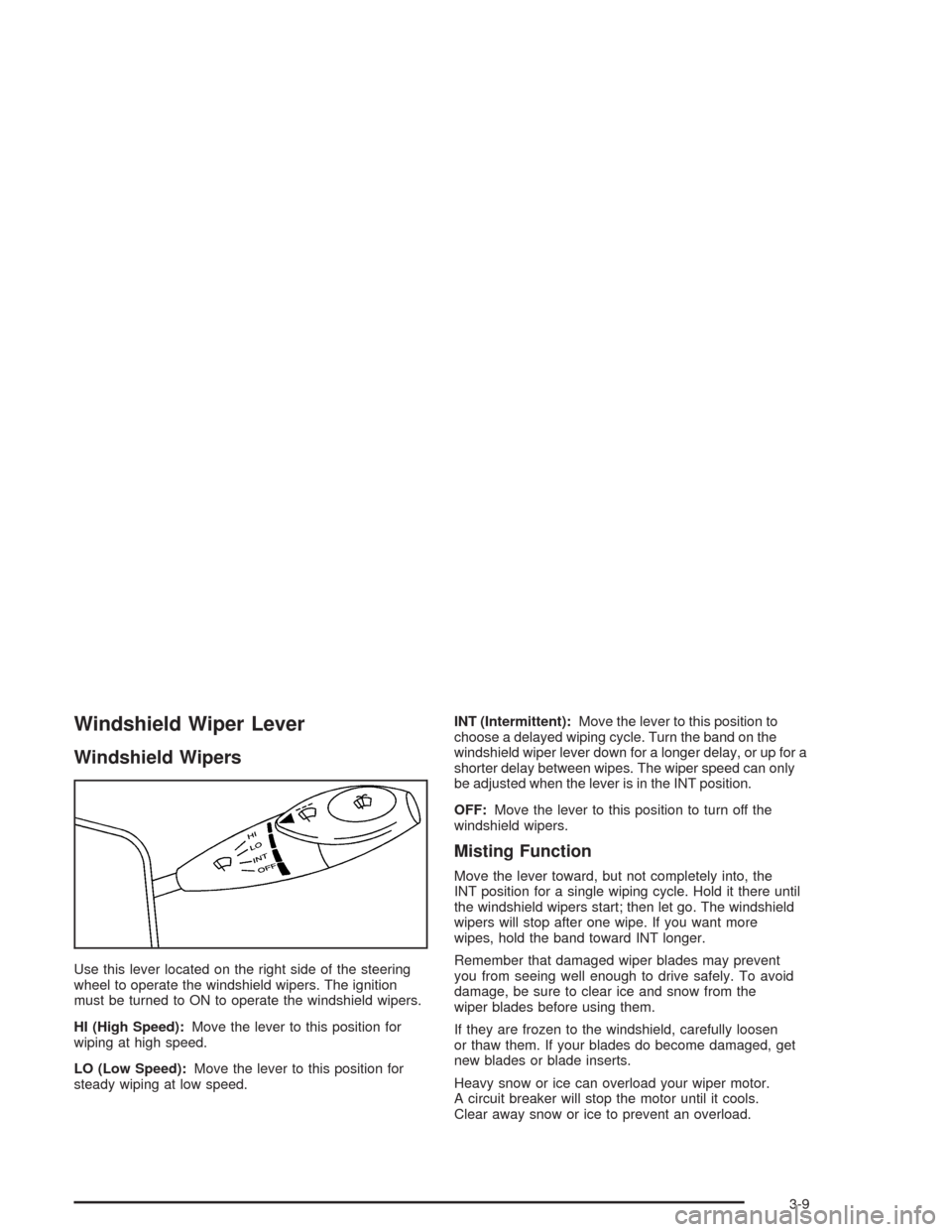
Use this lever located on the right side of the steering
wheel to operate the windshield wipers. The ignition
must be turned to ON to operate the windshield wipers.
HI (High Speed):Move the lever to this position for
wiping at high speed.
LO (Low Speed):Move the lever to this position for
steady wiping at low speed.INT (Intermittent):Move the lever to this position to
choose a delayed wiping cycle. Turn the band on the
windshield wiper lever down for a longer delay, or up for a
shorter delay between wipes. The wiper speed can only
be adjusted when the lever is in the INT position.
OFF:Move the lever to this position to turn off the
windshield wipers.
Misting Function
Move the lever toward, but not completely into, the
INT position for a single wiping cycle. Hold it there until
the windshield wipers start; then let go. The windshield
wipers will stop after one wipe. If you want more
wipes, hold the band toward INT longer.
Remember that damaged wiper blades may prevent
you from seeing well enough to drive safely. To avoid
damage, be sure to clear ice and snow from the
wiper blades before using them.
If they are frozen to the windshield, carefully loosen
or thaw them. If your blades do become damaged, get
new blades or blade inserts.
Heavy snow or ice can overload your wiper motor.
A circuit breaker will stop the motor until it cools.
Clear away snow or ice to prevent an overload.
3-9
Page 109 of 338
Setting Cruise Control
{CAUTION:
If you leave your cruise control on when you
are not using cruise, you might hit a button
and go into cruise when you do not want to.
You could be startled and even lose control.
Keep the cruise control switch off until you
want to use cruise control.
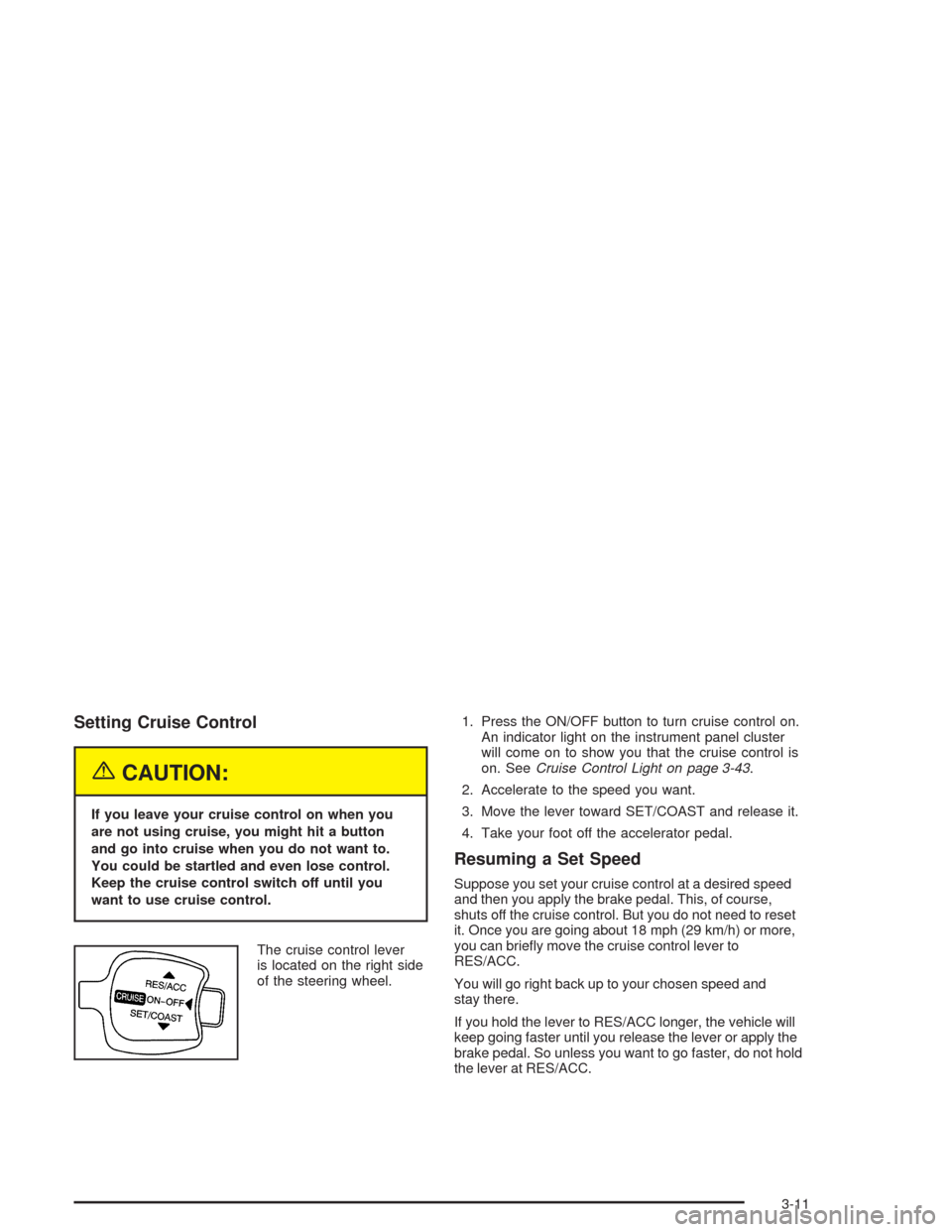
The cruise control lever
is located on the right side
of the steering wheel.1. Press the ON/OFF button to turn cruise control on.
An indicator light on the instrument panel cluster
will come on to show you that the cruise control is
on. SeeCruise Control Light on page 3-43.
2. Accelerate to the speed you want.
3. Move the lever toward SET/COAST and release it.
4. Take your foot off the accelerator pedal.
Resuming a Set Speed
Suppose you set your cruise control at a desired speed
and then you apply the brake pedal. This, of course,
shuts off the cruise control. But you do not need to reset
it. Once you are going about 18 mph (29 km/h) or more,
you can briefly move the cruise control lever to
RES/ACC.
You will go right back up to your chosen speed and
stay there.
If you hold the lever to RES/ACC longer, the vehicle will
keep going faster until you release the lever or apply the
brake pedal. So unless you want to go faster, do not hold
the lever at RES/ACC.
3-11
Page 111 of 338
Using Cruise Control on Hills
How well your cruise control will work on hills depends
upon your speed, load and the steepness of the hills.
When going up steep hills, you may have to step on the
accelerator pedal to maintain your speed. When going
downhill, you may have to brake or shift to a lower gear to
keep your speed down. Of course, applying the brake
pedal takes you out of cruise control. Many drivers find
this to be too much trouble and do not use cruise control
on steep hills.
Ending Cruise Control
There are two ways to turn off the cruise control:
•Step lightly on the brake pedal.
•Press the ON/OFF button on the cruise
control lever.
Erasing Speed Memory
When you turn off the cruise control or the ignition,
your cruise control set speed memory is erased.
Exterior Lamps
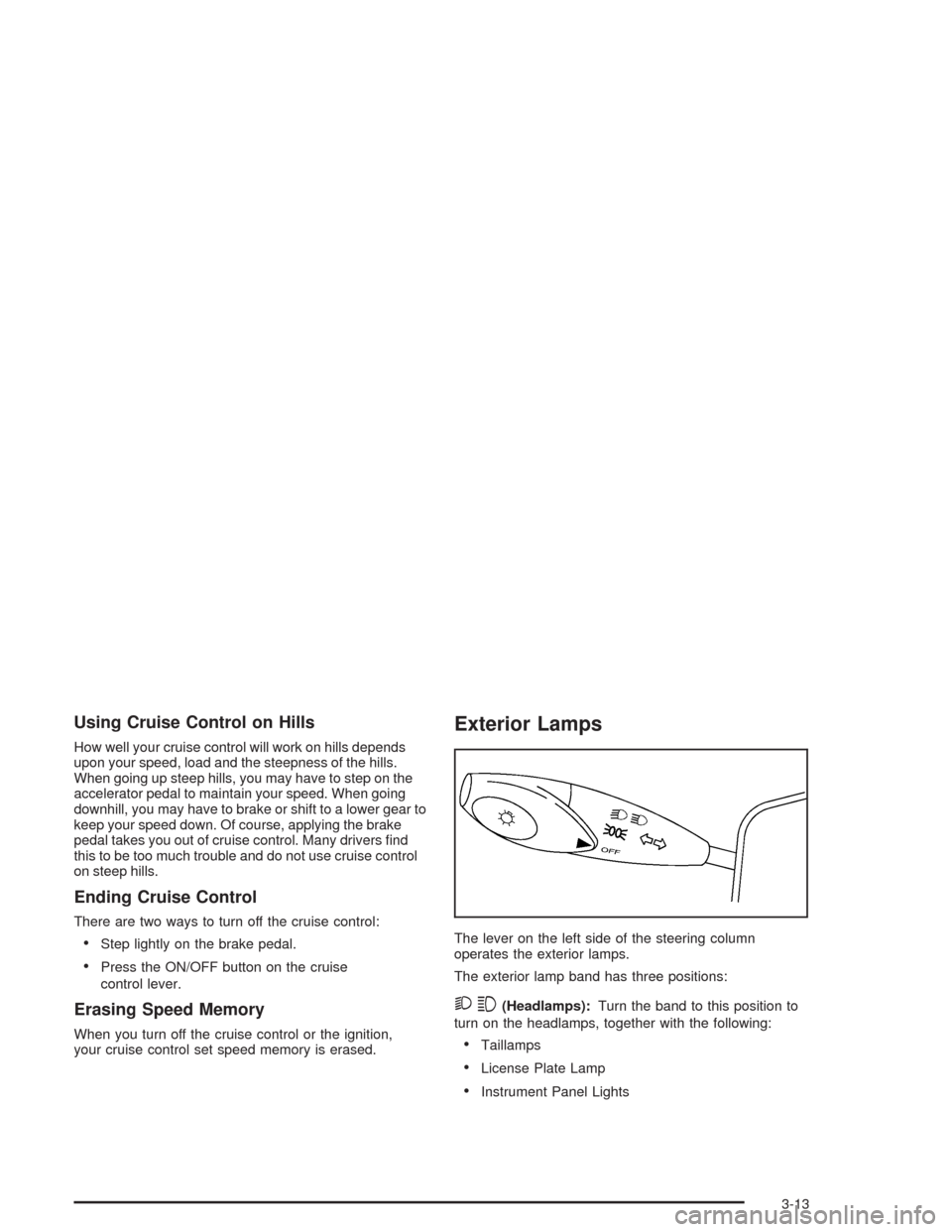
The lever on the left side of the steering column
operates the exterior lamps.
The exterior lamp band has three positions:
23(Headlamps):Turn the band to this position to
turn on the headlamps, together with the following:
•Taillamps
•License Plate Lamp
•Instrument Panel Lights
3-13
Page 113 of 338
Fog Lamps
If your vehicle has this feature, use your fog lamps for
better visibility in foggy or misty conditions.
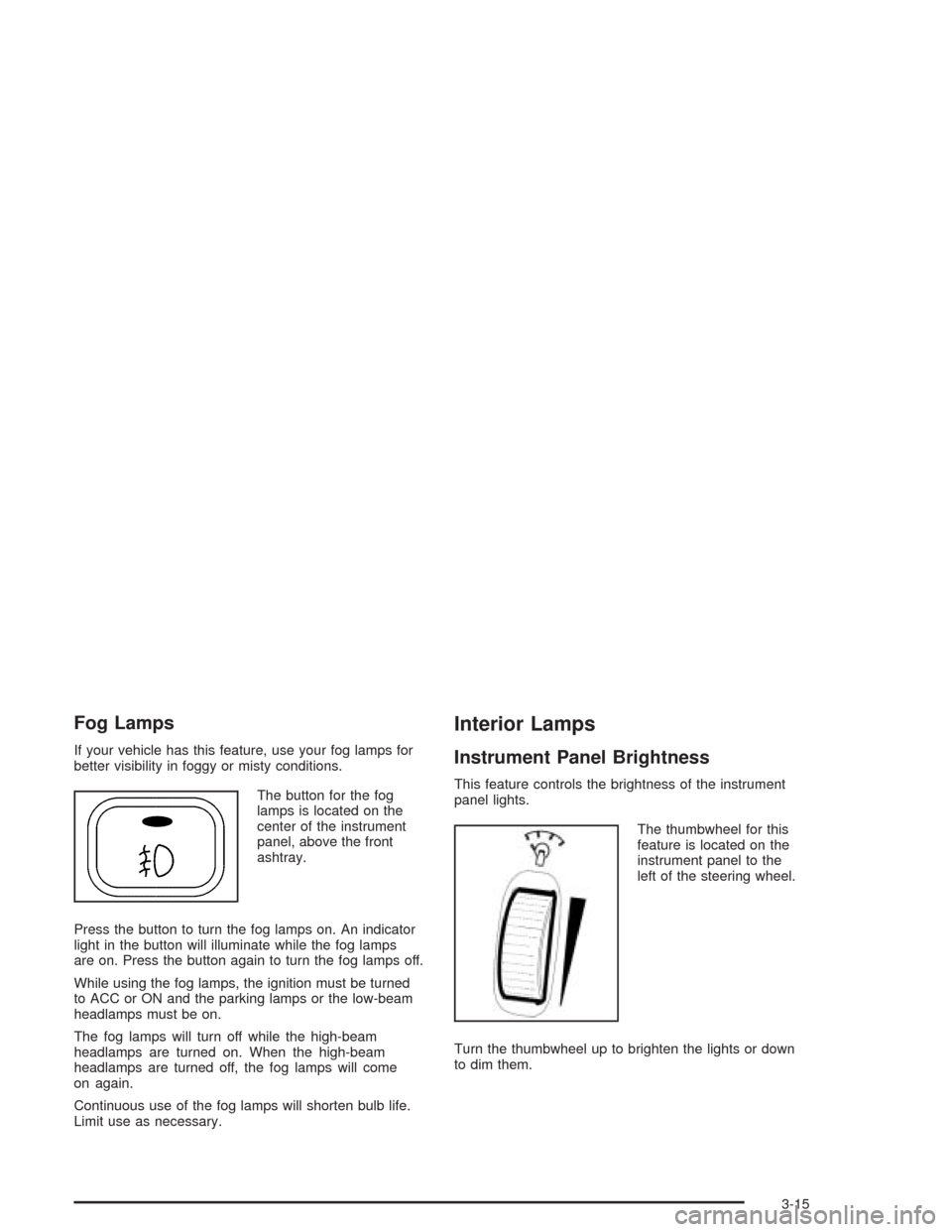
The button for the fog
lamps is located on the
center of the instrument
panel, above the front
ashtray.
Press the button to turn the fog lamps on. An indicator
light in the button will illuminate while the fog lamps
are on. Press the button again to turn the fog lamps off.
While using the fog lamps, the ignition must be turned
to ACC or ON and the parking lamps or the low-beam
headlamps must be on.
The fog lamps will turn off while the high-beam
headlamps are turned on. When the high-beam
headlamps are turned off, the fog lamps will come
on again.
Continuous use of the fog lamps will shorten bulb life.
Limit use as necessary.
Interior Lamps
Instrument Panel Brightness
This feature controls the brightness of the instrument
panel lights.
The thumbwheel for this
feature is located on the
instrument panel to the
left of the steering wheel.
Turn the thumbwheel up to brighten the lights or down
to dim them.
3-15
Page 130 of 338
Speedometer and Odometer
Your speedometer lets you see your speed in both
miles per hour (mph) and kilometers per hour (km/h).
Your odometer shows how far your vehicle has
been driven in kilometers.
Trip Odometer
The trip odometer can record the number of kilometers
traveled for up to two trips.
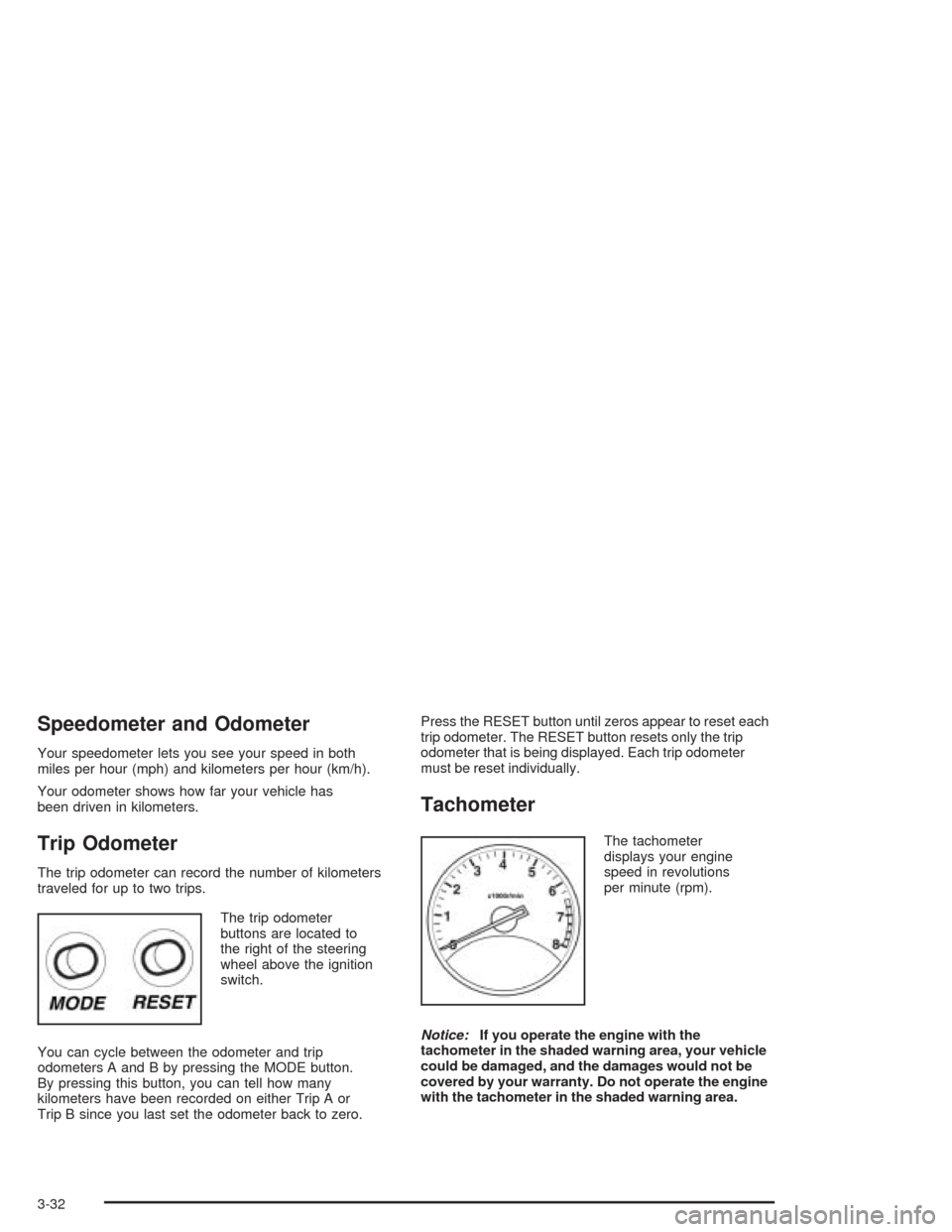
The trip odometer
buttons are located to
the right of the steering
wheel above the ignition
switch.
You can cycle between the odometer and trip
odometers A and B by pressing the MODE button.
By pressing this button, you can tell how many
kilometers have been recorded on either Trip A or
Trip B since you last set the odometer back to zero.Press the RESET button until zeros appear to reset each
trip odometer. The RESET button resets only the trip
odometer that is being displayed. Each trip odometer
must be reset individually.
Tachometer
The tachometer
displays your engine
speed in revolutions
per minute (rpm).
Notice:If you operate the engine with the
tachometer in the shaded warning area, your vehicle
could be damaged, and the damages would not be
covered by your warranty. Do not operate the engine
with the tachometer in the shaded warning area.
3-32