2004 CHEVROLET CORVETTE brake light
[x] Cancel search: brake lightPage 153 of 384

Anti-Lock Brake System
Warning Light
With the anti-lock brake
system, the light will come
on when your engine is
started and may stay on for
several seconds. That is
normal.
If the light stays on, turn the ignition to OFF. Or, if the
light comes on when you are driving, stop as soon
as possible and turn the ignition off. Then start
the engine again to reset the system. If the light still
stays on, or comes on again while you are driving, your
vehicle needs service. If the regular brake system
warning light is not on, you still have brakes, but you do
not have anti-lock brakes. If the regular brake system
warning light is also on, you do not have anti-lock brakes
and there is a problem with your regular brakes. See
Brake System Warning Light on page 3-38. Also
see “Service ABS” underDIC Warnings and Messages
on page 3-58.
The anti-lock brake system warning light will come on
briefly when you turn the ignition key to ON. This is
normal. If the light does not come on then, have it fixed
so it will be ready to warn you if there is a problem.
Traction Control System (TCS)
Warning Light
This light should come on
briefly as you start the
engine. If the light does not
come on then, have it
fixed so it will be ready to
warn you if there is a
problem.
If it stays on, or comes on and the DIC shows a
SERVICE TRACTION SYSTEM message when you are
driving, there is a problem with your TCS system and
your vehicle needs service. When this light is on,
the system will not limit wheel spin. Adjust your driving
accordingly. If the driver turns off the Traction Control
System by pressing the button on the console, the TCS
system light will come on and the TRACTION SYSTEM
OFF message will show on the DIC.
3-39
Page 172 of 384
DIC Warnings and Messages
The following messages and warnings may appear in
the DIC display. The DIC display area is located in
the instrument panel cluster below the speedometer and
tachometer, directly above the steering column. You
may receive more than one message at a time.
Messages will appear one behind the other. To
acknowledge a message and remove it from the display,
press RESET. You may scroll through the messages
that may have been sent at the same time. The
message center is continuously updated with the vehicle
performance status.
ABS ACTIVE (Anti-Lock Brake System
Active):When your anti-lock system is adjusting brake
pressure to help avoid a braking skid, the ABS
ACTIVE message will be displayed.
Slippery road conditions may exist if this message is
displayed, so adjust your driving accordingly. The
message will stay on for a few seconds after the system
stops adjusting brake pressure.ACT HNDLG – WARMING UP:When you first start
your vehicle (especially during cold winter weather), and
begin to drive away (up to 6 mph (10 km/h)), the
message ACT HNDLG – WARMING UP may be
displayed in the DIC, the instrument panel cluster light
will be on, and a chime will sound. This is normal.
You can acknowledge this message by pressing the
RESET button. The Active Handling System
performance is affected until the next message WARM
UP COMPLETE is displayed in the DIC.
During hot or cold temperature conditions, this message
may be displayed in the DIC after exceeding 12 mph
(20 km/h) for 30 seconds. The Active Handling System is
off until the WARM UP COMPLETE message is
displayed.
ACTIVE HANDLING:Your vehicle is equipped with a
computer controlled system to assist the driver in
controlling the vehicle in difficult driving conditions. You
may feel or hear the system working and see the
ACTIVE HANDLING message displayed in the DIC.
This is normal when the system is operating. Also see
Braking on page 4-6.
3-58
Page 178 of 384

REDUCED ENGINE POWER:You will hear chimes
continuously when this message is displayed. To
acknowledge that you have read the message and to
remove it from the display, press RESET. The message
will reappear every 15 seconds until this condition
changes.
If the Driver Information Center (DIC) displays the
REDUCED ENGINE POWER message and the CHECK
ENGINE light comes on, a noticeable reduction in the
vehicle’s performance may occur. If the REDUCED
ENGINE POWER message is displayed but there is no
reduction in performance, proceed to your destination.
The performance may be reduced the next time
the vehicle is driven.
The vehicle may be driven at a reduced speed while the
REDUCED ENGINE POWER message is displayed,
but acceleration and speed may be reduced. Anytime
the CHECK ENGINE light stays on, the vehicle
should be taken to an authorized dealer as soon as
possible for diagnosis and repair.
Also, refer toMalfunction Indicator Lamp on page 3-41.
If the REDUCED ENGINE POWER message is
displayed in combination with the COOLANT OVER
TEMP message, seeEngine Overheating on page 5-26.REDUCE ENGINE RPM:You will hear four chimes
when this message is displayed. To acknowledge
the warning, press the RESET button. After you press
the RESET button, a message will be displayed and you
will hear a chime every minute until this condition
changes. If you do not press RESET, the message will
remain on the digital display until the condition
changes.
If the engine oil temperature exceeds 320°F (160°C),
this message is displayed. You should check the engine
coolant temperature and engine oil level. If your
engine is too hot, seeEngine Overheating on page 5-26.
Your vehicle may need service, so see your dealer.
You can monitor the oil temperature with the GAGES
button on the DIC.
SERVICE ABS (Anti-Lock Brake System):If the
SERVICE ABS message is displayed when you
are driving, stop as soon as possible and turn the
ignition off. Then start the engine again to reset the
system. If the message stays on, or comes back
on again while you are driving, your vehicle is in need
of service. If the regular brake system warning light
is not on, you still have brakes, but do not have anti-lock
brakes. If the regular brake system light is also on,
you do not have anti-lock brakes and there is a problem
with your brakes. SeeBrake System Warning Light
on page 3-38.
3-64
Page 181 of 384
TRAC/ACT HNDLG – OFF:By pressing the Active
Handling System console button briefly, the driver can
turn the Traction Control and Active Handling Systems
off. The message TRAC/ACT HNDLG – OFF will be
displayed in the DIC, the instrument panel cluster light
will be on and a chime will sound. You can acknowledge
this message by pressing the RESET button. The
anti-lock brake systems remains on with the Traction
Control and Active Handling Systems off. You should
adjust your driving accordingly.
TRAC/ACT HNDLG – ON:If the Traction Control and
Active Handling Systems are off, pressing the Active
Handling System console button momentarily will
turn both systems on. The message TRAC/ACT
HNDLG – ON will be displayed temporarily in the DIC,
the instrument panel cluster light will be off and a
chime will sound.TRACTION SYS ACTIVE:When your Traction Control
System is limiting wheel spin, the TRACTION SYS
ACTIVE message will be displayed. Slippery road
conditions may exist if this message is displayed, so
adjust your driving accordingly. The message will
stay on for a few seconds after the Traction Control
System stops limiting wheel spin.
TRACTION SYSTEM – OFF:You will hear a single
quick tone when this message is displayed. This
message comes on and stays on when the Traction
Control System button on the console is pressed to turn
the system off. To acknowledge this message, press
RESET.
TRACTION SYSTEM – ON:This message is displayed
when you decide to turn on the Traction Control
System by pressing the switch on the console. This
message will shut off automatically on its own.
WARM UP COMPLETE:If you receive this message
and hear a chime, the system has completed the
functional check of the Active Handling System.
3-67
Page 211 of 384
Avoid needless heavy braking. Some people drive in
spurts — heavy acceleration followed by heavy
braking — rather than keeping pace with traffic. This is
a mistake. Your brakes may not have time to cool
between hard stops. Your brakes will wear out much
faster if you do a lot of heavy braking. If you keep pace
with the traffic and allow realistic following distances,
you will eliminate a lot of unnecessary braking.
That means better braking and longer brake life.
If your engine ever stops while you are driving, brake
normally but do not pump your brakes. If you do,
the pedal may get harder to push down. If your engine
stops, you will still have some power brake assist.
But you will use it when you brake. Once the power
assist is used up, it may take longer to stop and
the brake pedal will be harder to push.Anti-lock Brake System (ABS)
Your vehicle has anti-lock brakes. ABS is an advanced
electronic braking system that will help prevent a
braking skid.
When you start your engine and begin to drive away,
your anti-lock brake system will check itself. You
may hear a momentary motor or clicking noise while
this test is going on, and you may even notice that your
brake pedal moves a little. This is normal.
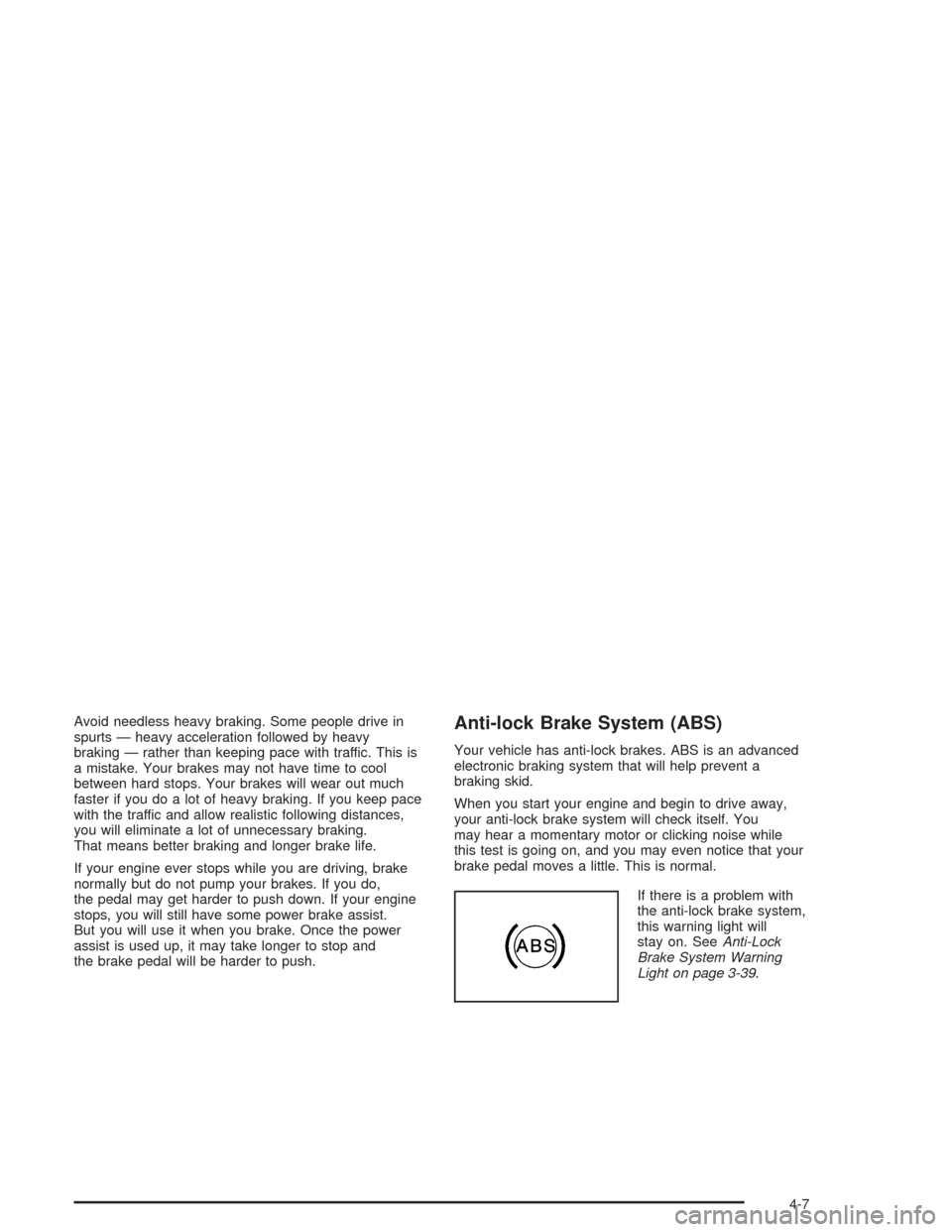
If there is a problem with
the anti-lock brake system,
this warning light will
stay on. SeeAnti-Lock
Brake System Warning
Light on page 3-39.
4-7
Page 214 of 384
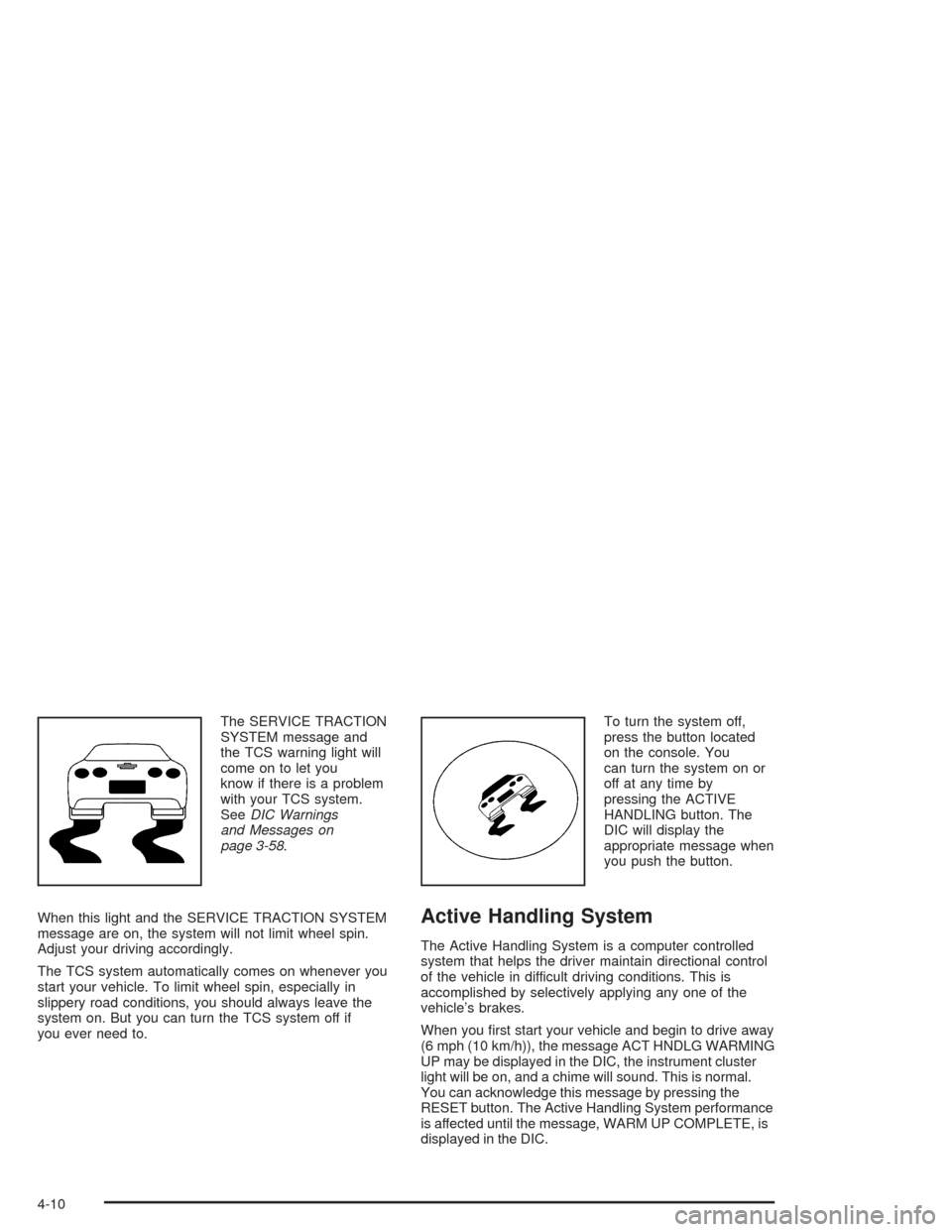
The SERVICE TRACTION
SYSTEM message and
the TCS warning light will
come on to let you
know if there is a problem
with your TCS system.
SeeDIC Warnings
and Messages on
page 3-58.
When this light and the SERVICE TRACTION SYSTEM
message are on, the system will not limit wheel spin.
Adjust your driving accordingly.
The TCS system automatically comes on whenever you
start your vehicle. To limit wheel spin, especially in
slippery road conditions, you should always leave the
system on. But you can turn the TCS system off if
you ever need to.To turn the system off,
press the button located
on the console. You
can turn the system on or
off at any time by
pressing the ACTIVE
HANDLING button. The
DIC will display the
appropriate message when
you push the button.
Active Handling System
The Active Handling System is a computer controlled
system that helps the driver maintain directional control
of the vehicle in difficult driving conditions. This is
accomplished by selectively applying any one of the
vehicle’s brakes.
When you first start your vehicle and begin to drive away
(6 mph (10 km/h)), the message ACT HNDLG WARMING
UP may be displayed in the DIC, the instrument cluster
light will be on, and a chime will sound. This is normal.
You can acknowledge this message by pressing the
RESET button. The Active Handling System performance
is affected until the message, WARM UP COMPLETE, is
displayed in the DIC.
4-10
Page 216 of 384
Competitive Driving Mode
The driver can select this optional handling mode by
pressing the ACTIVE HANDLING button on the console
for more than five seconds. A chime will sound and
COMPETITIVE DRIVING will be displayed in the DIC.
Competitive Driving mode allows the driver to have
full control of the rear wheels while the Active Handling
System helps steer the vehicle by selective brake
application. The instrument cluster light will not be on.
The Traction Control System will not be operating.
Adjust your driving accordingly.
When you press the ACTIVE HANDLING button again,
or turn the ignition to ACC, the Active Handling and
Traction Control Systems will be on. The TRAC/ACT
HNDLG-ON message will be displayed temporarily in the
DIC and a chime will be heard.
Limited-Slip Rear Axle
Your limited-slip rear axle can give you additional
traction on snow, mud, ice, sand or gravel. It works like a
standard axle most of the time, but when one of the rear
wheels has no traction and the other does, this feature
will allow the wheel with traction to move the vehicle.
Selective Ride Control
You may have a ride control system on your vehicle
called Selective Ride Control. The system provides the
following performance benefits:
•Reduced Impact Harshness
•Improved Road Isolation
•Improved High-Speed Stability
•Improved Handling Response
•Better Control of Body Ride Motions
4-12
Page 225 of 384
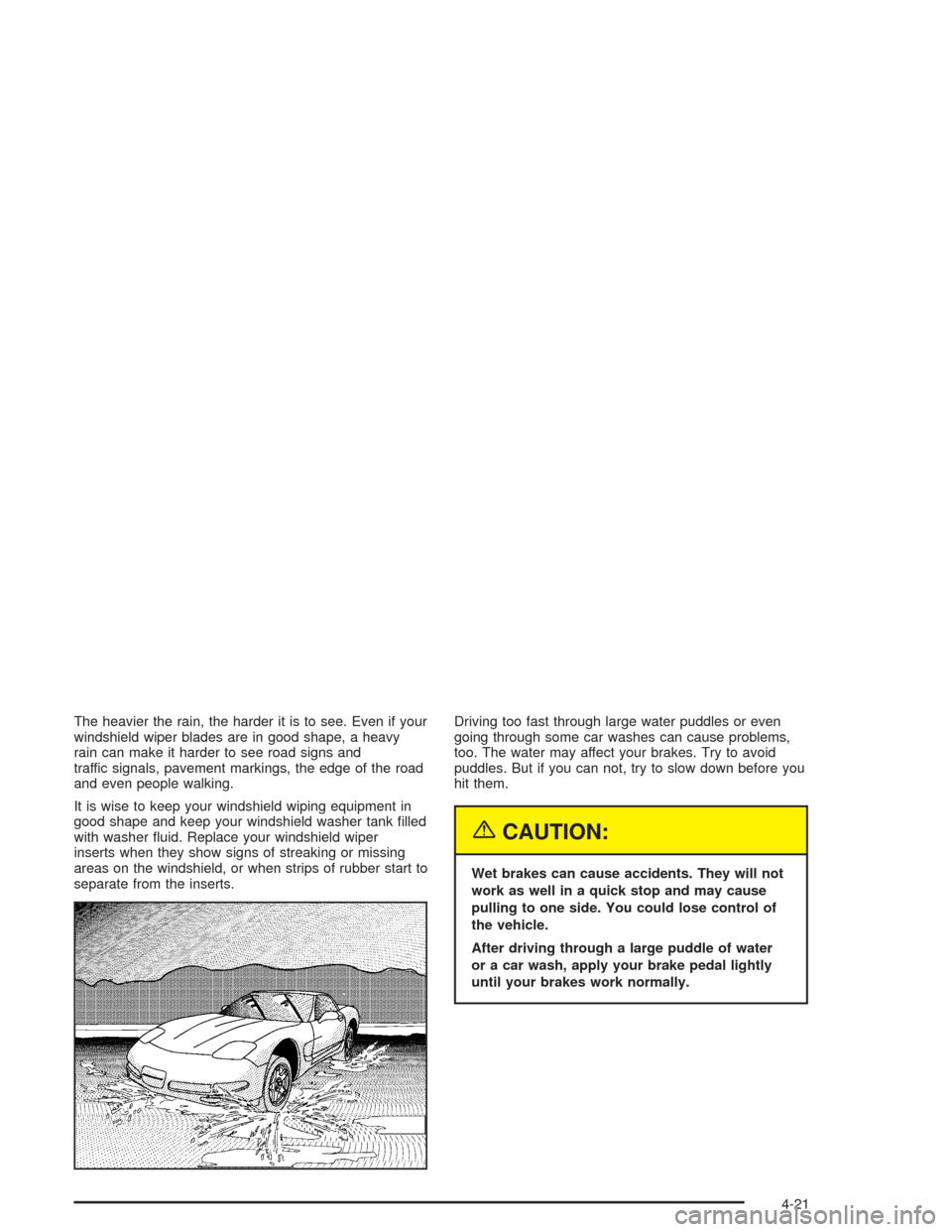
The heavier the rain, the harder it is to see. Even if your
windshield wiper blades are in good shape, a heavy
rain can make it harder to see road signs and
traffic signals, pavement markings, the edge of the road
and even people walking.
It is wise to keep your windshield wiping equipment in
good shape and keep your windshield washer tank filled
with washer fluid. Replace your windshield wiper
inserts when they show signs of streaking or missing
areas on the windshield, or when strips of rubber start to
separate from the inserts.Driving too fast through large water puddles or even
going through some car washes can cause problems,
too. The water may affect your brakes. Try to avoid
puddles. But if you can not, try to slow down before you
hit them.
{CAUTION:
Wet brakes can cause accidents. They will not
work as well in a quick stop and may cause
pulling to one side. You could lose control of
the vehicle.
After driving through a large puddle of water
or a car wash, apply your brake pedal lightly
until your brakes work normally.
4-21