50
2003 Land Cruiser 100 Navigation (OM60A00U)
This navigation system calculates the
current vehicle position using satellite
signals, various vehicle signals, map
data, etc. However, the accurate position
may not be shown depending on the sat-
ellite condition, road configuration, ve-
hicle condition or other circumstances.
The Global Positioning System (GPS) devel-
oped and operated by the U.S. Department
of Defense provides an accurate current ve-
hicle p osition using 3 to 4 satellites. The GPS
system has a certain level of inaccuracy built
in for security reasons. While the navigation
system will compensate for this most of the
time, occasional positioning errors up to 300
feet can and should be expected. Generally,
position errors will be corrected within a few
seconds.
1UE087a
When your vehicle is receiving signals from
the satellites, the “GPS” mark appears at the
top left of the screen.
The GPS signal may be physically ob-
structed, leading to inaccurate vehicle posi-
tion on the map display. Tunnels, tall build-
ings, trucks, or even the placement of
objects on the instrument panel may obstruct
the GPS signals.
The installation of window tinting may also
obstruct the GPS signals. Most window tint-
ing contains some metallic content that will
interfere with the GPS signal reception. We
recommend not to use the window tinting on
vehicles equipped with navigation systems. The GPS satellites may not send signals due
to repairs or improvements being made to
them.
Even when the navigation system is receiv-
ing good GPS signals, the vehicle position
may not be shown accurately or inappropri-
ate route guidance may occur in some
cases.
Limitations of the navigation
s
ystem
80
2003 Land Cruiser 100 Navigation (OM60A00U)
�Position/Direction calibration
2UE028
1. Touch the scroll arrows to move the
cursor to your desired location.
Touch the
“OK” switch.
2UE029
2. Touch either the left or right arrow to
correct the direction of the current ve-
hicle position mark.
Touch the
“OK” switch on the screen and
the Map screen returns.
� Tire change calibration
The tire change calibration function is to
be used when the tires are replaced. This
will adjust for any possible change in tire
circumference from the old tires to the
new ones. If this procedure is not per-
formed when tires are replaced, the cur-
rent vehicle position mark may become
incorrect.
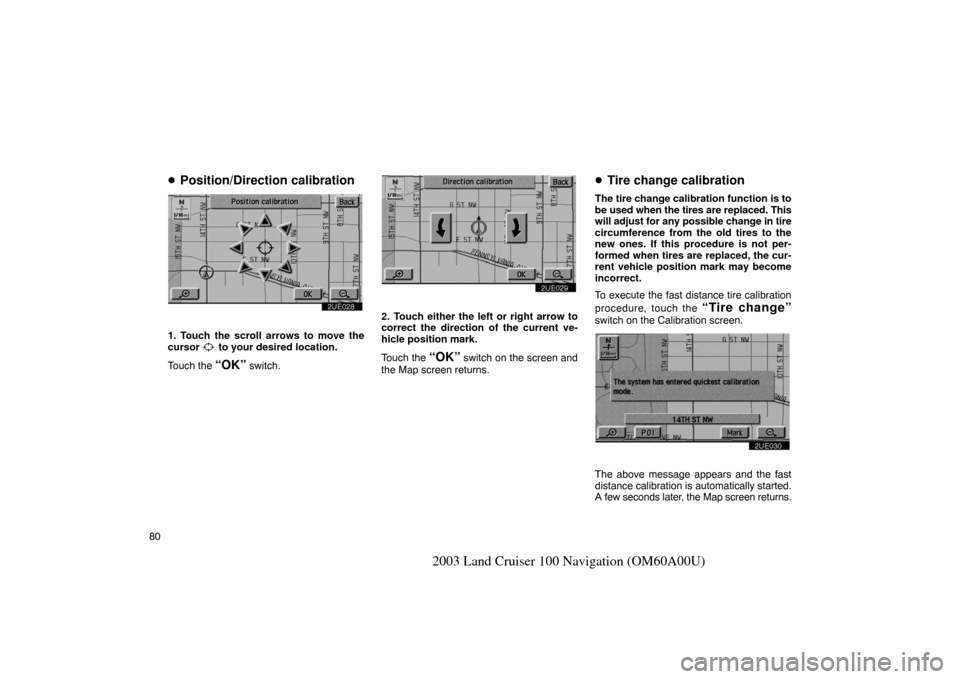
To execute the fast distance tire calibration
procedure, touch the
“Tire change”
switch on the Calibration screen.
2UE030
The above message appears and the fast
distance calibration is automatically started.
A few seconds later, the Map screen returns.
156
2003 Land Cruiser 100 Navigation (OM60A00U)
Resume GuidanceResumes the guidance.Start Guidance
To reply for confirmation stepCommand
Ye sReply for if command is executed
or not.
No
Guidance HelpCommand
Action
Repeat Guidance
Repeat VoiceRepeats voice guidance.
Entire Route Map
Entire Route
Route Overview
Shows entire route.
Next Destination MapShows position of next destina-
tion.
First Destination MapShows position of first destina-
tion.
Second Destination MapShows position of second des-
tination.
Third Destination MapShows position of third destina-
tion.
Fourth Destination MapShows position of fourth destina-
tion.
Fifth Destination MapShows position of fifth destina-
tion.
Final Destination MapShows position of final destina-
tion.
Volume–––To change the Volume
Command
Action
LouderTurns volume up 1 level.
SofterTurns volume down 1 level.
Voice Guidance OFFTurns voice guidance off.
Voice Guidance ONTurns voice guidance on.