Page 166 of 418
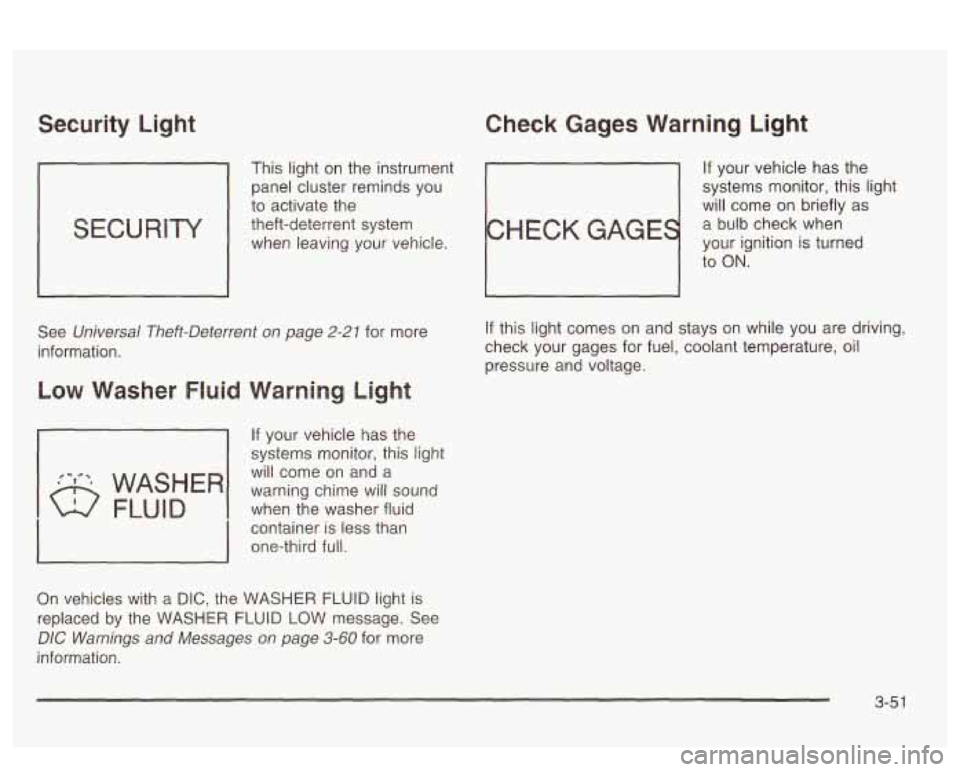
Security Light Check Gages Warning Light
This light on the instrument If your vehicle has the
panel cluster reminds you systems
monitor, this light
to activate the
will come on briefly as
theft-deterrent system
a bulb check when
when leaving your vehicle.
your ignition is turned
to
ON.
See Universal Theft-Deterrent on page 2-21 for more
information.
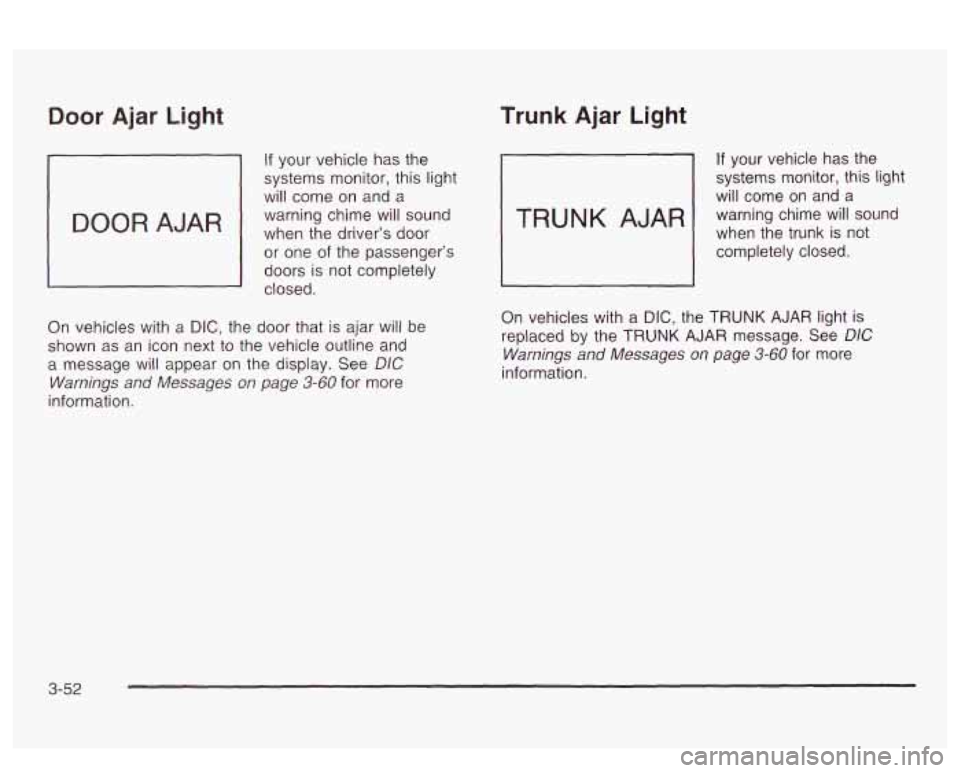
If your vehicle has the
systems monitor, this light
will come on and a
when the washer fluid
container
is less than
one-third full. warning chime will sound
On vehicles with a DIC, the WASHER FLUID light is
replaced by the WASHER FLUID LOW message. See
DIC Warnings and Messages on page 3-60 for more
information.
If this light comes on and stays on while you are driving,
check your gages for fuel, coolant temperature, oil
pressure and voltage.
3-5 1
Page 167 of 418
Door Ajar Light
If your vehicle has the
systems monitor, this light
will come on and a
warning chime will sound
when the driver’s
door
or one of the passenger’s
doors is not completely
closed.
On vehicles with
a DIC, the door that is ajar will be
shown as an icon next to the vehicle outline and
a message will appear on the display. See
DIC
Warnings and Messages on page 3-60 for more
information.
Trunk Ajar Light
If your vehicle has the
systems monitor, this light
will come on and a
when the trunk is not
warning chime
will sound
1 completely closed.
On vehicles with a
DIC, the TRUNK AJAR light is
replaced by the
TRUNK AJAR message. See DIC
Warnings and Messages on page 3-60 for more
information.
3-52
Page 168 of 418
Service Vehicle Soon Light
SERVICE
VEHICLE
SOON
b If your vehicle has this
feature, this light will come
on briefly as a bulb
check when your ignition is
turned to
ON.
This light will come on and a warning chime will sound if
you have certain non-emissions related vehicle
problems. These problems may not be so obvious and
may not affect vehicle performance or durability.
Consult a qualified dealership for necessary repairs to
maintain top vehicle performance.
On vehicles with the supercharged engine and a
DIC,
the SERVICE VEHICLE SOON light is replaced by
the SERVICE VEHICLE
SOON message. See
UIL vvarnings ana iviessayes vri paye S-SC fzlr EGE
information.
-.- ...
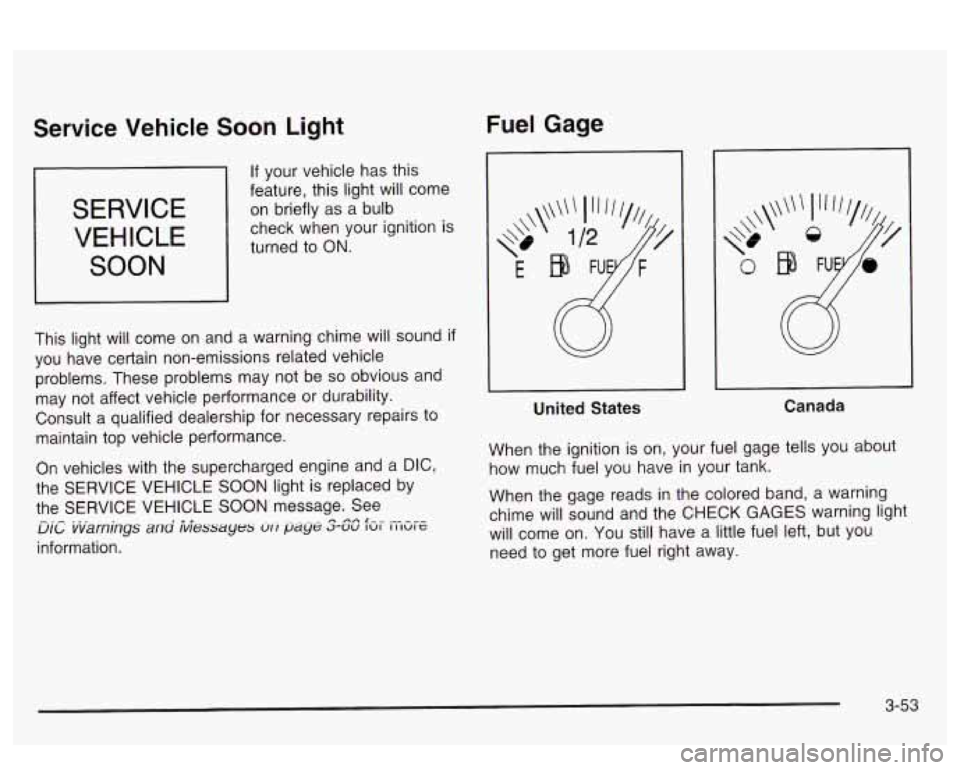
Fuel Gage
United States Canada
When the ignition
is on, your fuel gage tells you about
how much fuel you have
in your tank.
When the gage reads
in the colored band, a warning
chime will sound and the CHECK GAGES warning light
will come on. You still have a little fuel left, but you
need to get more fuel right away.
3-53
Page 169 of 418
On vehicles with a DIC, the CHECK GAGES LOW
FUEL message will be displayed when the fuel gage
reads
in the yellow band. See DIC Warnings and
Messages on page
3-60 for more information.
Here are some things that owners ask about. None of
these show a problem with your fuel gage:
At the service station, the gas pump shuts off
before the gage reads full.
It takes a little more (or less) fuel to fill up than the
gage indicated. For example, the gage may have
indicated the tank was half full, but it actually took a
little more (or less) than half the tank’s capacity
to
fill the tank.
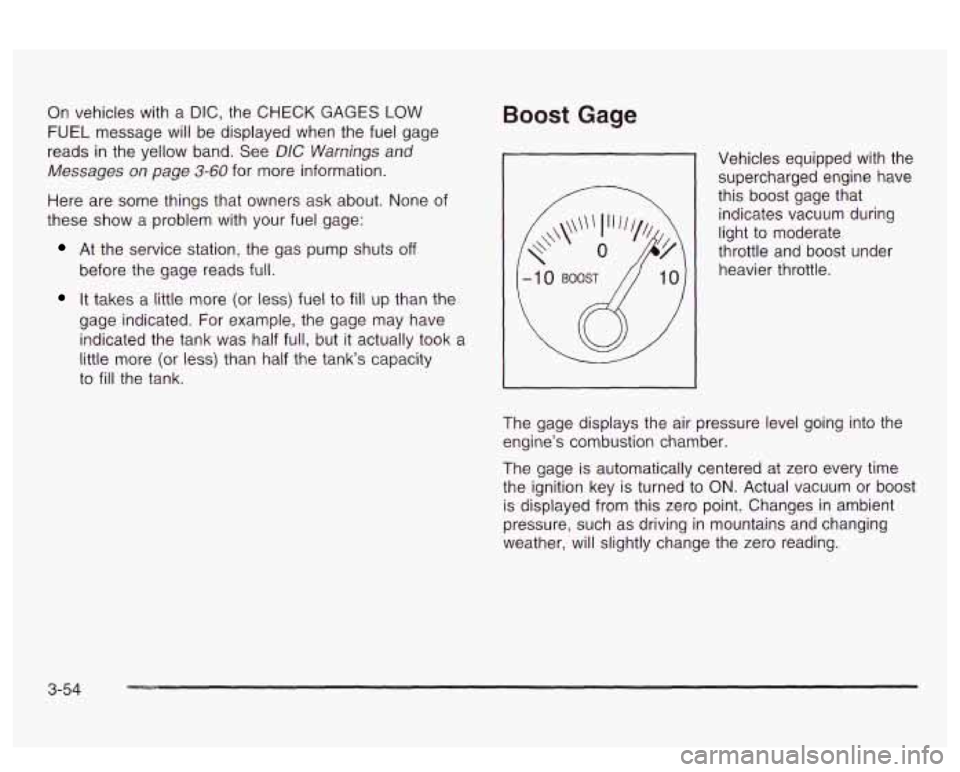
Boost Gage
Vehicles equipped with the supercharged engine have
this boost gage that
indicates vacuum during
light to moderate
throttle and boost under
heavier throttle.
The gage displays the air pressure level going into the
engine’s combustion chamber.
The gage is automatically centered at zero every time
the ignition key is turned to
ON. Actual vacuum or boost
is displayed from this zero point. Changes in ambient
pressure, such as driving in mountains and changing
weather, will slightly change the zero reading.
3-54
Page 170 of 418
Systems Monitor
I TRUNKAJAR
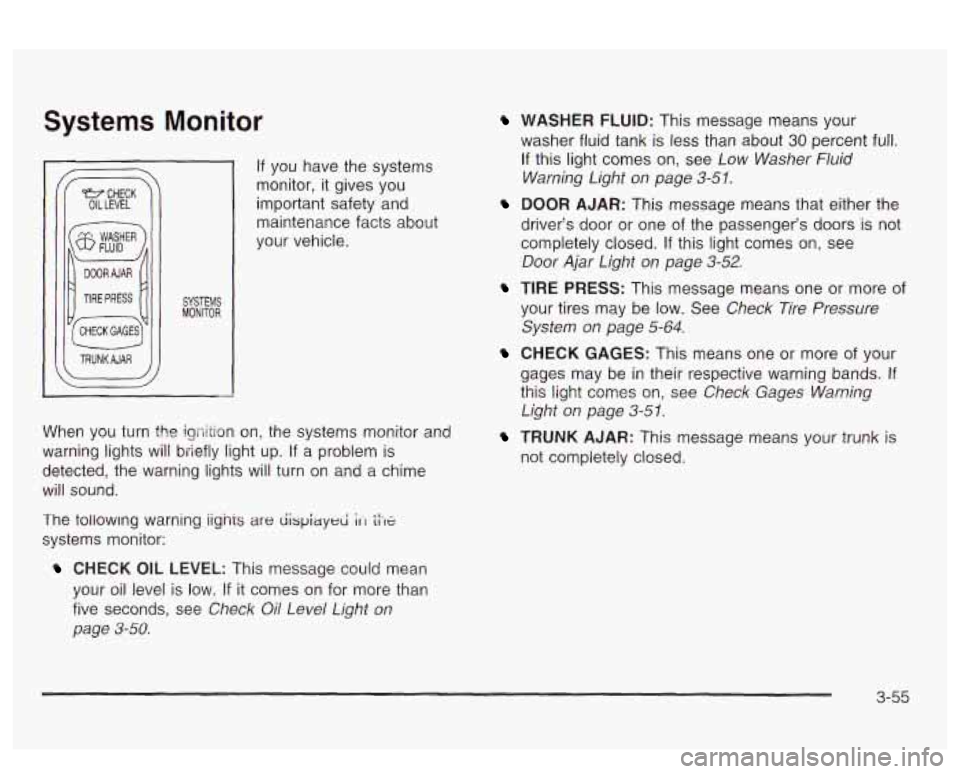
If you have the systems
monitor, it gives you
important safety and
maintenance facts about
your vehicle.
When you turn the igriition on, the systems monitor and
warning lights will briefly light up. If
a problem is
detected, the warning lights will turn
on and a chime
will sound.
The tollowmg warning iignis
are dispiayed ;It tiX
systems monitor:
CHECK OIL LEVEL: This message could mean
your oil level is low.
If it comes on for more than
five seconds, see
Check Oil Level Light on
page 3-58.
WASHER FLUID: This message means your
washer fluid tank is less than about
30 percent full.
If this light comes on, see Low Washer Fluid
Warning Light on page
3-51.
DOOR AJAR: This message means that either the
driver’s door or one of the passenger’s doors
is not
completely closed.
If this light comes on, see
Door Ajar Light on page 3-52.
TIRE PRESS: This message means one or more of
your tires may be low. See Check Tire Pressure
System on page
5-64.
CHECK GAGES: This means one or more of your
gages may be
in their respective warning bands. If
this light comes on, see Check Gages Warning
Light on page 3-5 1.
TRUNK AJAR: This message means your trunk is
not completely closed.
3-55
Page 172 of 418
Driver Information Center (DIC)
Your vehicle may have a Driver Information Center
(DIC). The DIC will display information about how your
vehicle
is functioning, as well as warning messages
if a system problem is detected. If a problem
is detected, a diagnostic message will
appear
in the display. The message center is
continuously updated with the vehicle’s performance
status.
The following information will show the messages you
may see on the
DIC display.
DIC Controls and Displays
2
COMPASS
DRIVER INFORMATION
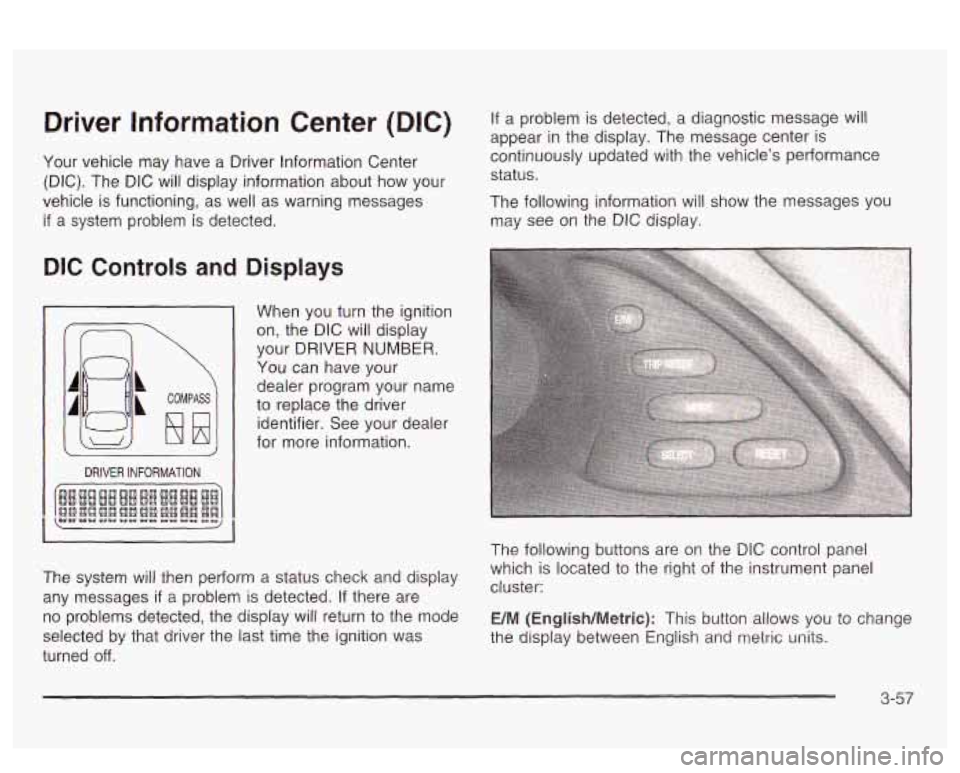
When you turn the ignition
on, the DIC will display
your DRIVER
NUMBER.
You can have your
dealer program your name
to replace the driver
identifier. See your dealer
for more information.
The system will then perform a status check and display
any messages
if a problem is detected. If there are
no problems detected, the display will return to the mode
selected by that driver the last time the ignition was
turned
off.
The following buttons are on the DIC control panel
which is located to the right of the instrument panel
cluster:
E/M (English/Metric): This button allows you to change
the display between Engiisn ana
metric units.
3-57
Page 175 of 418
DIC Warnings and Messages
Other messages or warnings may appear in the DIC
display. For Canadian drivers, in addition to the
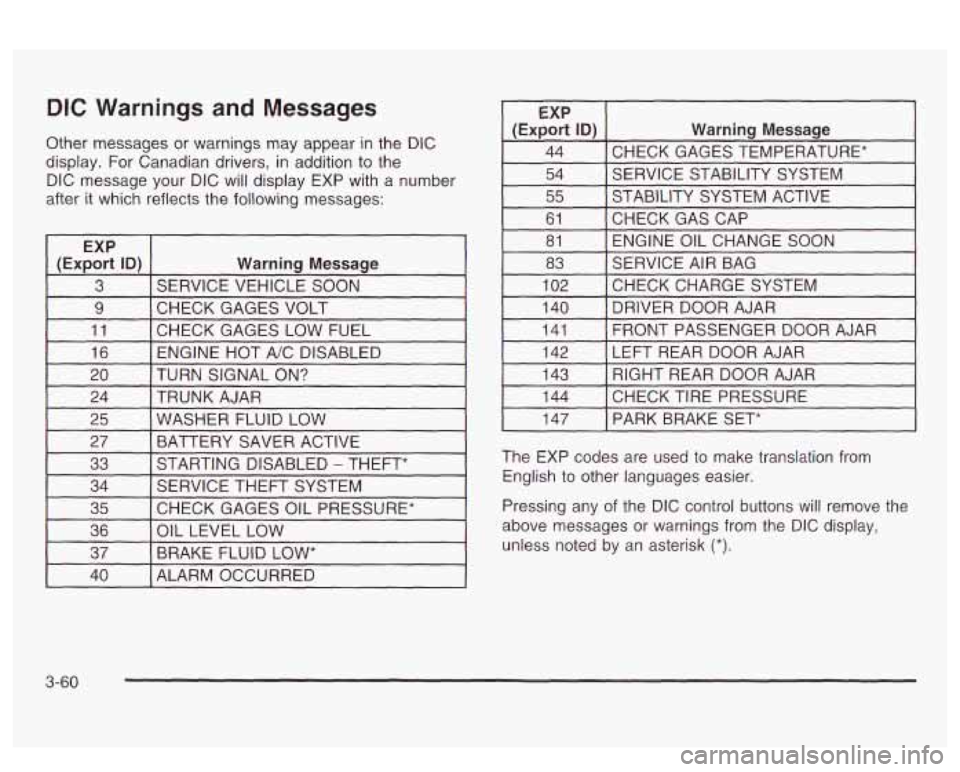
DIC message your DIC will display EXP with a number
after it which reflects the following messages:
~
EXP
(Export
ID) Warning Message
3 SERVICE VEHICLE SOON
9 I CHECK GAGES VOLT I I
11 [CHECK GAGES LOW FUEL 1
16 I ENGINE HOT A/C DISABLED I
EXP
(Export
ID) Warning Message
44 CHECK GAGES TEMPERATURE* ~~ ~
54 SERVICE STABILITY SYSTEM
55 STABILITY SYSTEM ACTIVE
61 ENGINE OIL CHANGE SOON
81
CHECKGASCAP
83
CHECKCHARGESYSTEM
102 SERVICE
AIR BAG
I 140 I DRIVER DOOR AJAR I
141
LEFT REAR DOOR AJAR
142 FRONT PASSENGER
DOOR AJAR
20 TRUNK AJAR
24 TURN SIGNAL
ON? 143
CHECK TIRE PRESSURE 144 RIGHT REAR DOOR AJAR
25 BATTERY SAVER ACTIVE
27
WASHER FLUID LOW
33
CHECK GAGES OIL PRESSURE*
35 SERVICE
THEFT SYSTEM
34 STARTING DISABLED
- THEFT*
36
BRAKE FLUID
LOW* 37
OIL
LEVEL LOW
I 147 I PARK BRAKE SET*
The EXP codes are used to make translation from
English to other languages easier.
Pressing any of the DIC control buttons
will remove the
above messages or warnings from the DIC display,
unless noted by an asterisk
(*).
40 I ALARM OCCURRED
3-60
Page 224 of 418
And, of course, actual stopping distances vary greatly
with the surface of the road (whether it’s pavement
or gravel); the condition of the road (wet, dry, icy); tire
tread; the condition of your brakes; the weight of
the vehicle and the amount of brake force applied.
Avoid needless heavy braking. Some people drive in
spurts
- heavy acceleration followed by heavy braking
- rather than keeping pace with traffic. This is a
mistake. Your brakes may not have time to cool between
hard stops. Your brakes will wear out much faster
if
you do a lot of heavy braking. If you keep pace with the
traffic and allow realistic following distances, you will
eliminate a lot of unnecessary braking. That means
better braking and longer brake life.
If your engine ever stops while you‘re driving, brake
normally but don’t pump your brakes. If you
do,
the pedal may get harder to push down. If your engine
stops, you will still have some power brake assist.
But you will use it when you brake. Once the power
assist is used up, it may take longer to stop and
the brake pedal will be harder to push.
Anti-lock Brake System (ABS)
Your vehicle has anti-lock brakes. ABS is an advanced
electronic braking system that will help prevent a
braking skid.
When you start your engine, or when you begin to drive
away, your anti-lock brake system will check itself.
You may hear a momentary motor or clicking noise while
this test is going on, and you may even notice that
your brake pedal moves or pulses a little. This is normal.
ANTI-
LOCK
United States
Canada
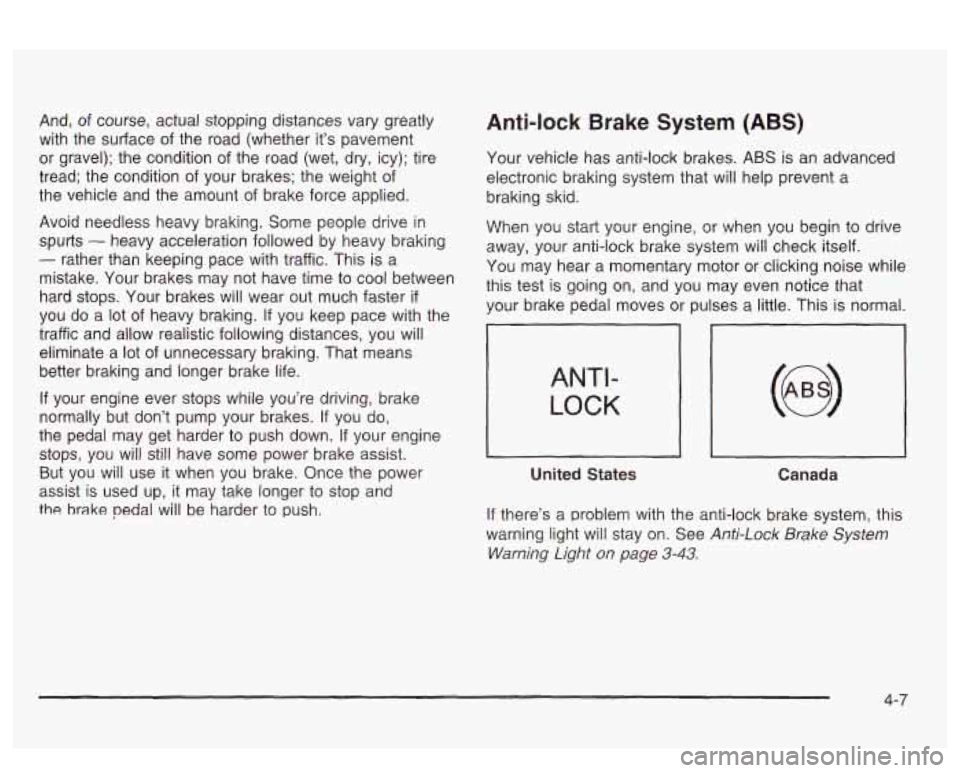
If there’s a problem with the anti-lock brake system, this
warning light will stay on. See
Anti-Lock Brake System
Warning Light
on page 3-43.
4-7