2003 NISSAN TEANA air condition
[x] Cancel search: air conditionPage 194 of 3502

AT-186
TROUBLE DIAGNOSIS FOR SYMPTOMS
A/T Does Not Shift: D2 → D3BCS0014I
SYMPTOM:
A/T does not shift from D2 to D3 at the specified speed on “Cruise Test — Part 1” and “Cruise Test —
Part 2”.
DIAGNOSTIC PROCEDURE
1. SYMPTOM CHECK
Check symptom. Refer to AT- 4 8 , "
Check at Idle" and AT- 5 0 , "Cruise Test — Part 1" .
Does vehicle creep forward in
“D”, “3”, “2” or “1” position, and start from D1 ?
YES >> GO TO 2.
NO >> Go to AT- 1 8 1 , "
Vehicle Does Not Creep Forward in “D”, “3”, “2” or “1” Position" and AT- 1 8 2 , "Ve h i -
cle Cannot Be Started From D1" .
2. CHECK A/T POSITION
Check A/T position. Refer to AT- 2 1 5 , "
Checking of A/T Position" .
OK or NG
OK >> GO TO 3.
NG >> Adjust A/T position. Refer to AT- 2 1 5 , "
Adjustment of A/T Position" .
3. CHECK VEHICLE SPEED SENSOR·A/T AND VEHICLE SPEED SENSOR·MTR CIRCUIT
Check vehicle speed sensor·A/T (revolution sensor) and vehicle speed sensor·MTR circuit. Refer to AT- 8 0 ,
"VEHICLE SPEED SENSOR·A/T (REVOLUTION SENSOR)" and AT- 8 6 , "VEHICLE SPEED SENSOR MTR"
.
OK or NG
OK >> GO TO 4.
NG >> Repair or replace vehicle speed sensor·A/T (revolution sensor) and/or vehicle speed sensor·MTR
circuits.
4. CHECK ACCELERATOR PEDAL POSITION SENSOR
Check accelerator pedal position sensor. Refer to EC-272, "
DTC P2138 APP SENSOR" (QR engine) or EC-
652, "DTC P2138 APP SENSOR" (VQ engine).
OK or NG
OK >> GO TO 5.
NG >> Repair or replace accelerator pedal position sensor.
5. CHECK A/T FLUID CONDITION
1. Remove oil pan. Refer to AT- 2 4 6 , "
Components" .
2. Check A/T fluid condition. Refer to AT- 4 3 , "
A/T Fluid Condition Check" .
OK or NG
OK >> GO TO 7.
NG >> GO TO 6.
Page 198 of 3502

AT-190
TROUBLE DIAGNOSIS FOR SYMPTOMS
5. CHECK ACCELERATOR PEDAL POSITION SENSOR
Check accelerator pedal position sensor. Refer to EC-272, "
DTC P2138 APP SENSOR" (QR engine) or EC-
652, "DTC P2138 APP SENSOR" (VQ engine).
OK or NG
OK >> GO TO 6.
NG >> Repair or replace accelerator pedal position sensor.
6. CHECK A/T FLUID CONDITION
1. Remove oil pan. Refer to AT- 2 4 6 , "
Components" .
2. Check A/T fluid condition. Refer to AT- 4 3 , "
A/T Fluid Condition Check" .
OK or NG
OK >> GO TO 8.
NG >> GO TO 7.
7. DETECT MALFUNCTIONING ITEM
1. Remove control valve assembly. Refer to AT- 2 2 5 , "
Control Valve Assembly and Accumulators" .
2. Check the following items:
–Shift valve A
–Overrun clutch control valve
–Shift solenoid valve A
–Overrun clutch solenoid valve
–Pilot valve
–Pilot filter
3. Disassemble A/T. Refer to AT- 2 5 5 , "
Disassembly" .
4. Check the following items:
–Servo piston assembly
–Brake band
–Torque converter. Refer to AT- 2 5 5 , "Disassembly" .
–Oil pump assembly. Refer to AT- 2 7 5 , "Oil Pump" .
OK or NG
OK >> GO TO 9.
NG >> Repair or replace damaged parts.
8. DETECT MALFUNCTIONING ITEM
1. Remove control valve assembly. Refer to AT- 2 2 5 , "
Control Valve Assembly and Accumulators" .
2. Check the following items:
–Shift valve A
–Overrun clutch control valve
– Shift solenoid valve A
–Pilot valve
–Pilot filter
OK or NG
OK >> GO TO 9.
NG >> Repair or replace damaged parts.
Page 200 of 3502

AT-192
TROUBLE DIAGNOSIS FOR SYMPTOMS
2. CHECK PNP SWITCH CIRCUIT
With CONSULT-II
1. Turn ignition switch ON. (Do not start engine.)
2. Select “TCM INPUT SIGNALS” in “DATA MONITOR” mode for
“A/T” with CONSULT-II.
3. Read out “P·N”, “R”, “D”, “3”, “2” and “1” position switches mov-
ing selector lever to each position.
OK or NG?
OK >> GO TO 3
NG >> Check PNP switch. Refer to AT- 1 6 6 , "
PNP SWITCH" .
3. CHECK ACCELERATOR PEDAL POSITION SENSOR
Check accelerator pedal position sensor. Refer to EC-272, "
DTC P2138 APP SENSOR" (QR engine) or EC-
652, "DTC P2138 APP SENSOR" (VQ engine).
OK or NG
OK >> GO TO 4.
NG >> Repair or replace accelerator pedal position sensor.
Item name Condition Display value
PN POSI SWWhen setting selector
lever to “N” or “P” posi-
tion.ON
When setting selector
lever to other positions.OFF
R POSITION SWWhen setting selector
lever to “R” position.ON
When setting selector
lever to other positions.OFF
D POSITION SWWhen setting selector
lever to “D” and “3” posi-
tions.ON
When setting selector
lever to other positions.OFF
2 POSITION SWWhen setting selector
lever to “2” position.ON
When setting selector
lever to other positions.OFF
1 POSITION SWWhen setting selector
lever to “1” position.ON
When setting selector
lever to other positions.OFF
SAT701J
Page 201 of 3502
TROUBLE DIAGNOSIS FOR SYMPTOMS
AT-193
D
E
F
G
H
I
J
K
L
MA
B
AT
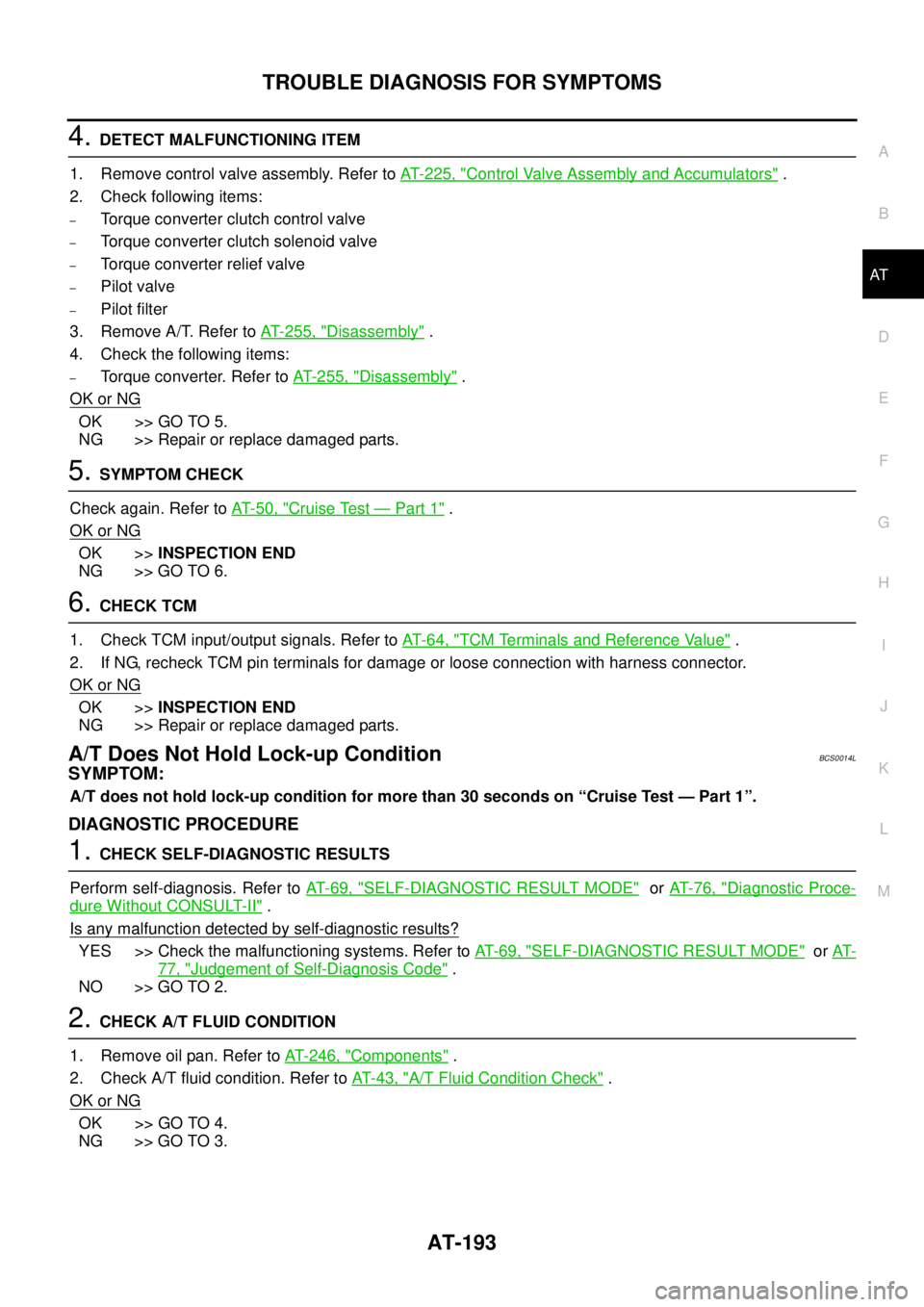
4. DETECT MALFUNCTIONING ITEM
1. Remove control valve assembly. Refer to AT- 2 2 5 , "
Control Valve Assembly and Accumulators" .
2. Check following items:
–Torque converter clutch control valve
–Torque converter clutch solenoid valve
–Torque converter relief valve
–Pilot valve
–Pilot filter
3. Remove A/T. Refer to AT- 2 5 5 , "
Disassembly" .
4. Check the following items:
–Torque converter. Refer to AT-255, "Disassembly" .
OK or NG
OK >> GO TO 5.
NG >> Repair or replace damaged parts.
5. SYMPTOM CHECK
Check again. Refer to AT- 5 0 , "
Cruise Test — Part 1" .
OK or NG
OK >>INSPECTION END
NG >> GO TO 6.
6. CHECK TCM
1. Check TCM input/output signals. Refer to AT- 6 4 , "
TCM Terminals and Reference Value" .
2. If NG, recheck TCM pin terminals for damage or loose connection with harness connector.
OK or NG
OK >>INSPECTION END
NG >> Repair or replace damaged parts.
A/T Does Not Hold Lock-up ConditionBCS0014L
SYMPTOM:
A/T does not hold lock-up condition for more than 30 seconds on “Cruise Test — Part 1”.
DIAGNOSTIC PROCEDURE
1. CHECK SELF-DIAGNOSTIC RESULTS
Perform self-diagnosis. Refer to AT- 6 9 , "
SELF-DIAGNOSTIC RESULT MODE" or AT- 7 6 , "Diagnostic Proce-
dure Without CONSULT-II" .
Is any malfunction detected by self-diagnostic results?
YES >> Check the malfunctioning systems. Refer to AT- 6 9 , "SELF-DIAGNOSTIC RESULT MODE" or AT-
77, "Judgement of Self-Diagnosis Code" .
NO >> GO TO 2.
2. CHECK A/T FLUID CONDITION
1. Remove oil pan. Refer to AT- 2 4 6 , "
Components" .
2. Check A/T fluid condition. Refer to AT- 4 3 , "
A/T Fluid Condition Check" .
OK or NG
OK >> GO TO 4.
NG >> GO TO 3.
Page 204 of 3502
AT-196
TROUBLE DIAGNOSIS FOR SYMPTOMS
3. CHECK A/T FLUID CONDITION
1. Remove oil pan. Refer to AT- 2 4 6 , "
Components" .
2. Check A/T fluid condition. Refer to AT- 4 3 , "
A/T Fluid Condition Check" .
OK or NG
OK >> GO TO 5.
NG >> GO TO 4.
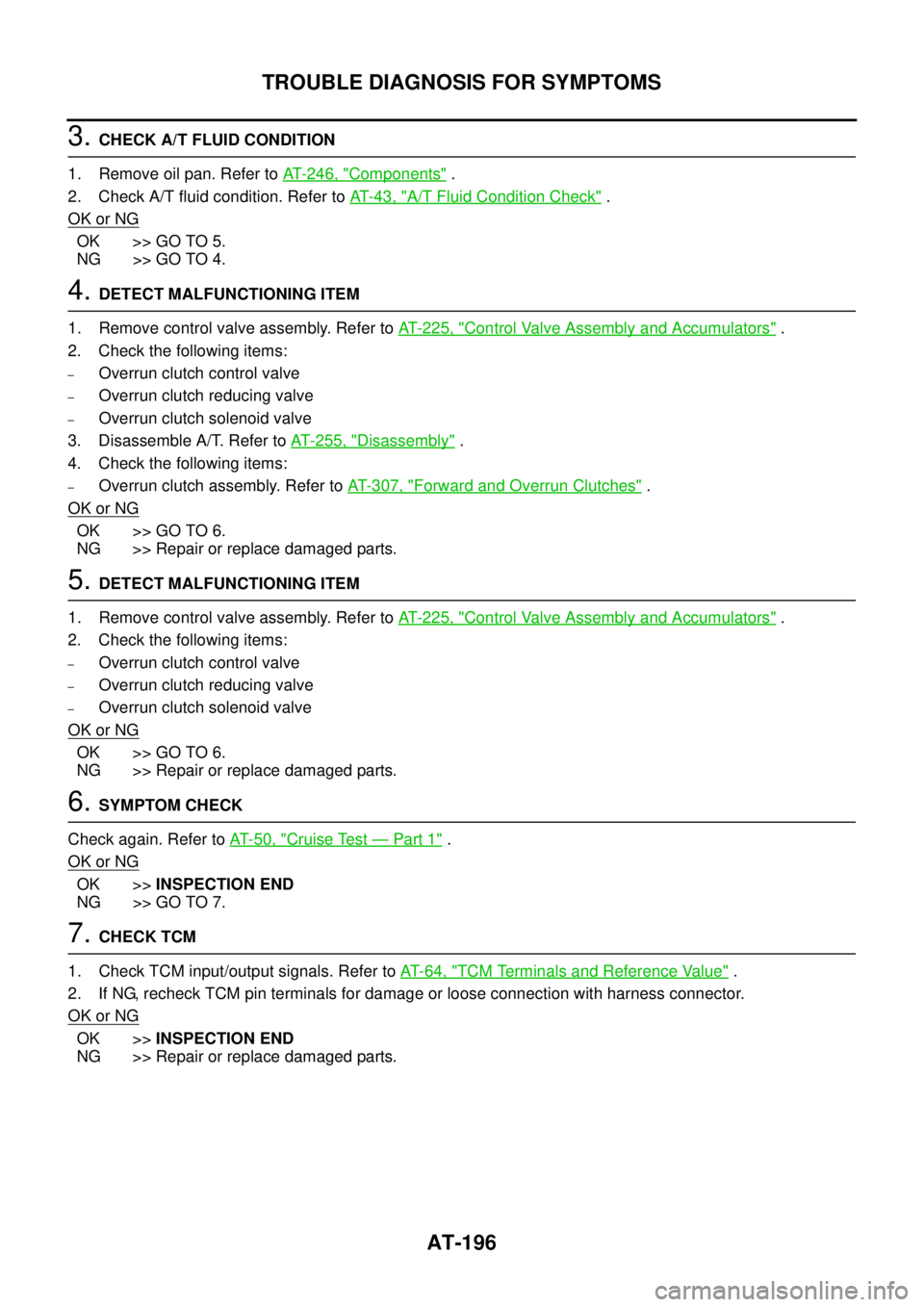
4. DETECT MALFUNCTIONING ITEM
1. Remove control valve assembly. Refer to AT- 2 2 5 , "
Control Valve Assembly and Accumulators" .
2. Check the following items:
–Overrun clutch control valve
–Overrun clutch reducing valve
–Overrun clutch solenoid valve
3. Disassemble A/T. Refer to AT- 2 5 5 , "
Disassembly" .
4. Check the following items:
–Overrun clutch assembly. Refer to AT- 3 0 7 , "Forward and Overrun Clutches" .
OK or NG
OK >> GO TO 6.
NG >> Repair or replace damaged parts.
5. DETECT MALFUNCTIONING ITEM
1. Remove control valve assembly. Refer to AT- 2 2 5 , "
Control Valve Assembly and Accumulators" .
2. Check the following items:
–Overrun clutch control valve
–Overrun clutch reducing valve
–Overrun clutch solenoid valve
OK or NG
OK >> GO TO 6.
NG >> Repair or replace damaged parts.
6. SYMPTOM CHECK
Check again. Refer to AT- 5 0 , "
Cruise Test — Part 1" .
OK or NG
OK >>INSPECTION END
NG >> GO TO 7.
7. CHECK TCM
1. Check TCM input/output signals. Refer to AT- 6 4 , "
TCM Terminals and Reference Value" .
2. If NG, recheck TCM pin terminals for damage or loose connection with harness connector.
OK or NG
OK >>INSPECTION END
NG >> Repair or replace damaged parts.
Page 209 of 3502

TROUBLE DIAGNOSIS FOR SYMPTOMS
AT-201
D
E
F
G
H
I
J
K
L
MA
B
AT
2. CHECK PNP SWITCH CIRCUIT (WITHOUT CONSULT-II)
Without CONSULT-II
1. Turn ignition switch ON. (Do not start engine.)
2. Check voltage between TCM harness connector terminals and
ground while moving selector lever through each position. Refer
to AT- 1 6 8 , "
Wiring Diagram — AT — NONDTC" .
B: Battery voltage
0: 0V
OK or NG
OK >> GO TO 3.
NG >> Check PNP switch. Refer to AT- 1 6 6 , "
PNP SWITCH" .
3. CHECK A/T POSITION
Check A/T position. Refer to AT- 2 1 5 , "
Checking of A/T Position" .
OK or NG
OK >> GO TO 4.
NG >> Adjust A/T position. Refer to AT- 2 1 5 , "
Adjustment of A/T Position" .
4. CHECK VEHICLE SPEED SENSOR·A/T AND VEHICLE SPEED SENSOR·MTR CIRCUIT
Check vehicle speed sensor·A/T (revolution sensor) and vehicle speed sensor·MTR circuit. Refer to AT- 8 0 ,
"VEHICLE SPEED SENSOR·A/T (REVOLUTION SENSOR)" and AT- 8 6 , "VEHICLE SPEED SENSOR MTR"
.
OK or NG
OK >> GO TO 5.
NG >> Repair or replace vehicle speed sensor·A/T (revolution sensor) and/or vehicle speed sensor·MTR
circuits.
5. CHECK A/T FLUID CONDITION
1. Remove oil pan. Refer to AT- 2 4 6 , "
Components" .
2. Check A/T fluid condition. Refer to AT- 4 3 , "
A/T Fluid Condition Check" .
OK or NG
OK >> GO TO 7.
NG >> GO TO 6.
Lever positionTerminal
36 35 34 27 26
“P”, “N” B 0 0 0 0
“R” 0 B 0 0 0
“D”·“3” 0 0 B 0 0
“2” 0 0 0 B 0
“1” 0 0 0 0 B
SCIA5758E
Page 211 of 3502

TROUBLE DIAGNOSIS FOR SYMPTOMS
AT-203
D
E
F
G
H
I
J
K
L
MA
B
AT
Vehicle Does Not Decelerate By Engine Brake (D4 → 33 )BCS0014S
SYMPTOM:
Vehicle does not decelerate by engine brake when A/T selector lever is in “3” position on “Cruise
Test— Part 3”.
DIAGNOSTIC PROCEDURE
1. CHECK 3RD POSITION SWITCH CIRCUIT
With CONSULT-II
1. Turn ignition switch ON. (Do not start engine.)
2. Select “TCM INPUT SIGNALS” in “DATA MONITOR” mode for
“A/T” with CONSULT-II.
3. Read out “OVERDRIVE SW” switch moving selector lever to
each position.
Without CONSULT-II
1. Turn ignition switch ON. (Do not start engine)
2. Check voltage between A/T device harness connector terminal
and ground. Refer to AT- 1 6 8 , "
Wiring Diagram — AT — NON-
DTC" .
OK or NG
OK >> GO TO 2.
NG >> Check 3rd position switch. Refer to AT- 1 6 6 , "
3RD POSITION SWITCH" .
2. CHECK ACCELERATOR PEDAL POSITION SENSOR
Check accelerator pedal position sensor. Refer to EC-272, "
DTC P2138 APP SENSOR" (QR engine) or EC-
652, "DTC P2138 APP SENSOR" (VQ engine).
OK or NG
OK >> GO TO 3.
NG >> Repair or replace accelerator pedal position sensor.
3. CHECK VEHICLE SPEED SENSOR·A/T AND VEHICLE SPEED SENSOR·MTR CIRCUIT
Check vehicle speed sensor·A/T (revolution sensor) and vehicle speed sensor·MTR circuit. Refer to AT- 8 0 ,
"VEHICLE SPEED SENSOR·A/T (REVOLUTION SENSOR)" and AT- 8 6 , "VEHICLE SPEED SENSOR MTR"
.
OK or NG
OK >> GO TO 4.
NG >> Repair or replace vehicle speed sensor·A/T (revolution sensor) and/or vehicle speed sensor·MTR
circuits.
Item name Condition Display value
OVERDRIVE SWWhen setting selector lever to
“3” and “2” positions.ON
When setting selector lever to
other positions.OFF
SCIA4730E
Item Connector Terminal ConditionData
(Approx.)
3rd posi-
tion switchM62 1 - GroundWhen setting
selector lever to “3”
and “2” positions.0V
When setting
selector lever to
other positions.Battery volt-
age
SCIA7858E
Page 212 of 3502
AT-204
TROUBLE DIAGNOSIS FOR SYMPTOMS
4. CHECK A/T FLUID CONDITION
1. Remove oil pan. Refer to AT- 2 4 6 , "
Components" .
2. Check A/T fluid condition. Refer to AT- 4 3 , "
A/T Fluid Condition Check" .
OK or NG
OK >> GO TO 6.
NG >> GO TO 5.
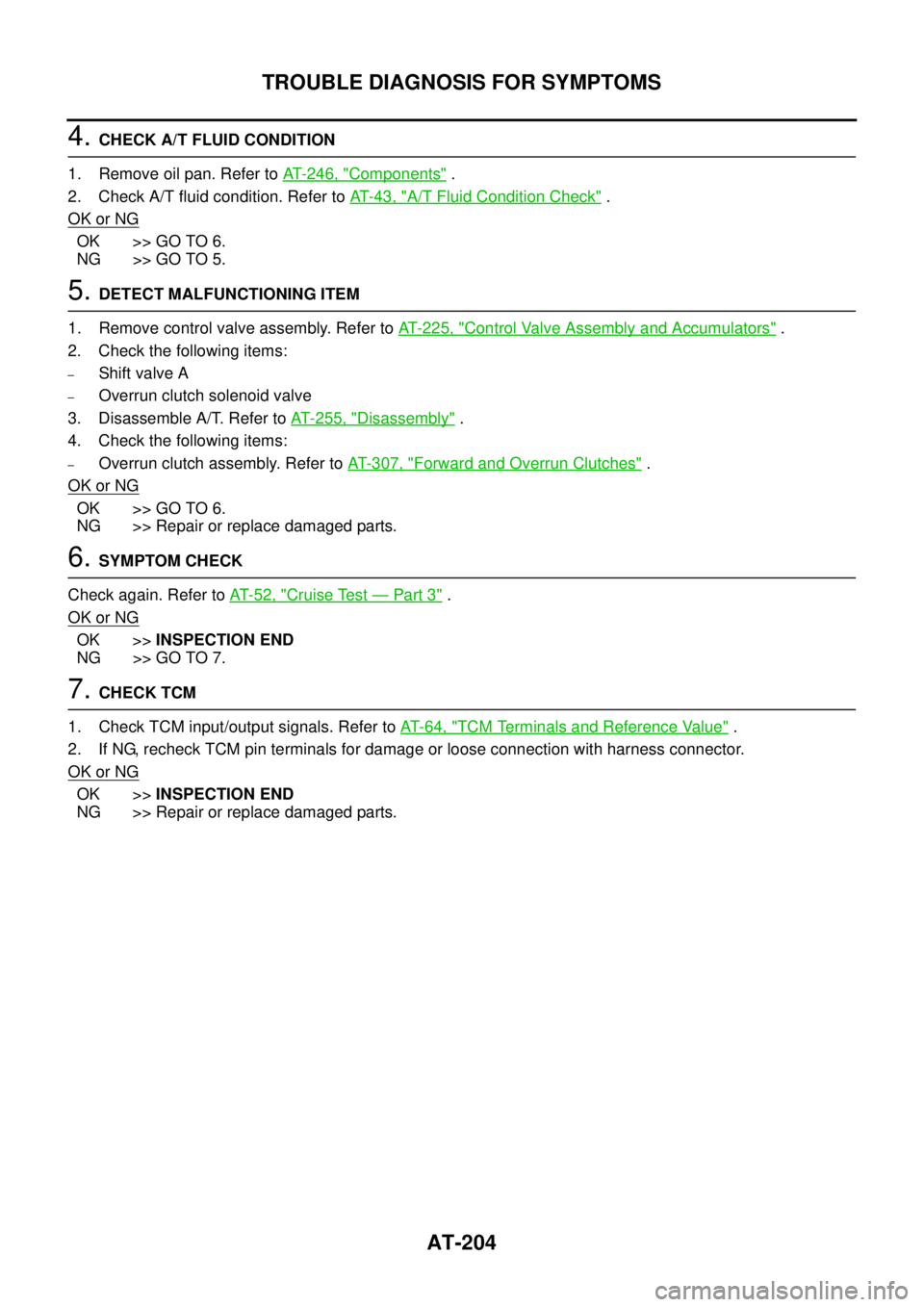
5. DETECT MALFUNCTIONING ITEM
1. Remove control valve assembly. Refer to AT- 2 2 5 , "
Control Valve Assembly and Accumulators" .
2. Check the following items:
–Shift valve A
–Overrun clutch solenoid valve
3. Disassemble A/T. Refer to AT- 2 5 5 , "
Disassembly" .
4. Check the following items:
–Overrun clutch assembly. Refer to AT- 3 0 7 , "Forward and Overrun Clutches" .
OK or NG
OK >> GO TO 6.
NG >> Repair or replace damaged parts.
6. SYMPTOM CHECK
Check again. Refer to AT- 5 2 , "
Cruise Test — Part 3" .
OK or NG
OK >>INSPECTION END
NG >> GO TO 7.
7. CHECK TCM
1. Check TCM input/output signals. Refer to AT- 6 4 , "
TCM Terminals and Reference Value" .
2. If NG, recheck TCM pin terminals for damage or loose connection with harness connector.
OK or NG
OK >>INSPECTION END
NG >> Repair or replace damaged parts.