Page 2747 of 3189
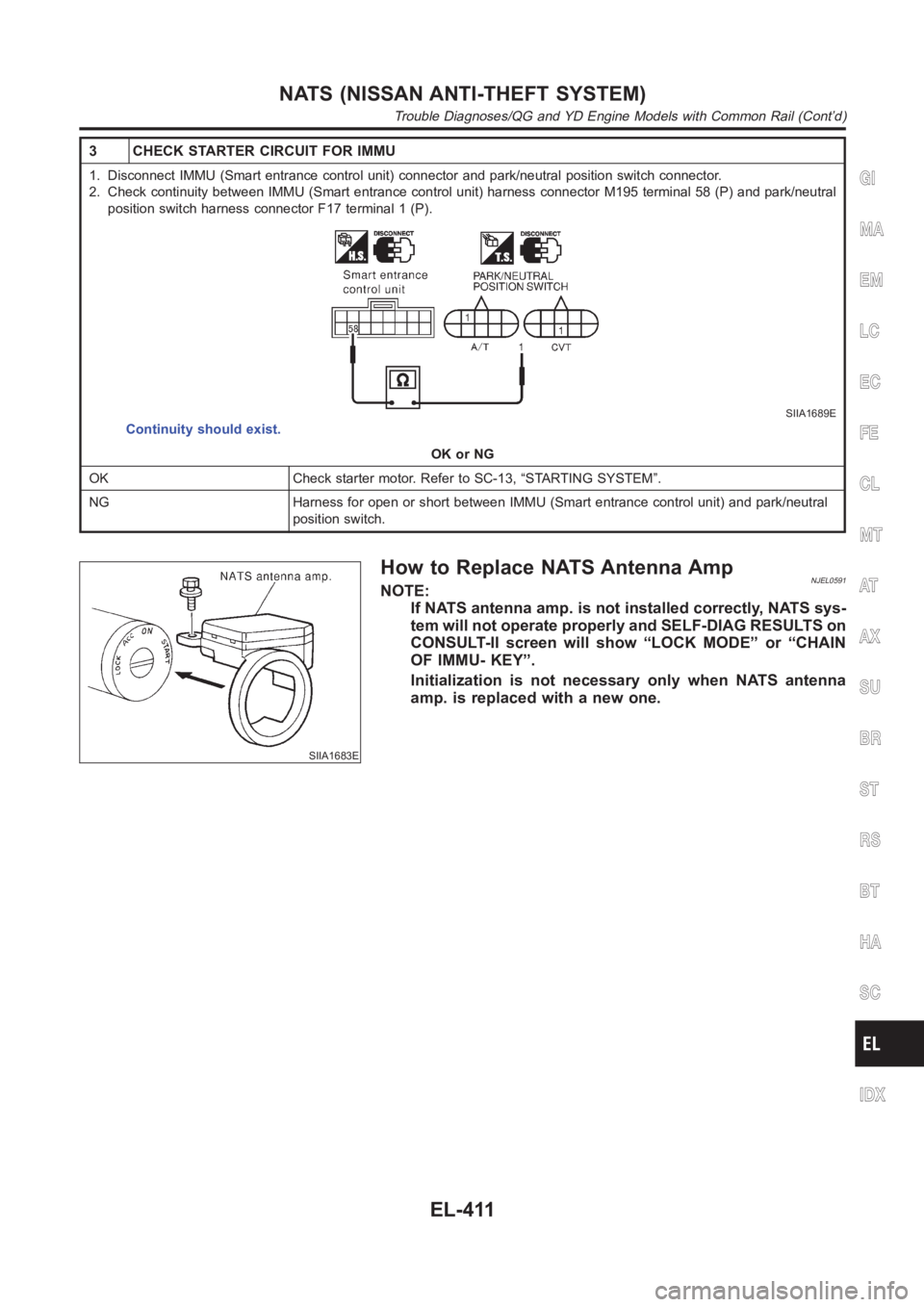
3 CHECK STARTER CIRCUIT FOR IMMU
1. Disconnect IMMU (Smart entrance control unit) connector and park/neutral position switch connector.
2. Check continuity between IMMU (Smart entrance control unit) harness connector M195 terminal 58 (P) and park/neutral
position switch harness connector F17 terminal 1 (P).
SIIA1689E
Continuity should exist.
OK or NG
OK Check starter motor. Refer to SC-13, “STARTING SYSTEM”.
NG Harness for open or short between IMMU (Smart entrance control unit) andpark/neutral
position switch.
SIIA1683E
How to Replace NATS Antenna AmpNJEL0591NOTE:
If NATS antenna amp. is not installed correctly, NATS sys-
tem will not operate properly and SELF-DIAG RESULTS on
CONSULT-II screen will show “LOCK MODE” or “CHAIN
OF IMMU- KEY”.
Initialization is not necessary only when NATS antenna
amp. is replaced with a new one.
GI
MA
EM
LC
EC
FE
CL
MT
AT
AX
SU
BR
ST
RS
BT
HA
SC
IDX
NATS (NISSAN ANTI-THEFT SYSTEM)
Trouble Diagnoses/QG and YD Engine Models with Common Rail (Cont’d)
EL-411
Page 2772 of 3189
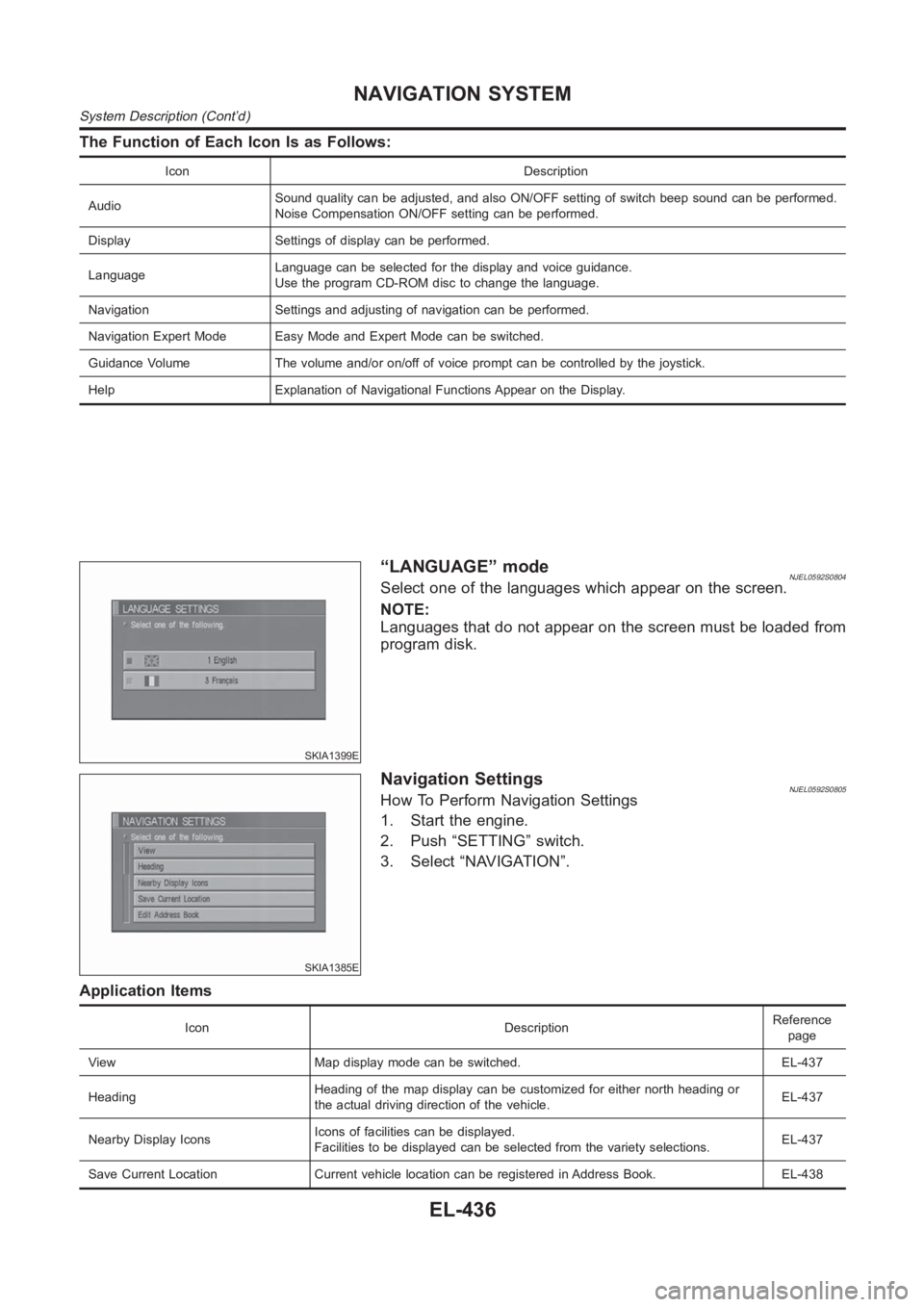
The Function of Each Icon Is as Follows:
Icon Description
AudioSound quality can be adjusted, and also ON/OFF setting of switch beep soundcan be performed.
Noise Compensation ON/OFF setting can be performed.
Display Settings of display can be performed.
LanguageLanguage can be selected for the display and voice guidance.
Use the program CD-ROM disc to change the language.
Navigation Settings and adjusting of navigation can be performed.
Navigation Expert Mode Easy Mode and Expert Mode can be switched.
Guidance Volume The volume and/or on/off of voice prompt can be controlledby the joystick.
Help Explanation of Navigational Functions Appear on the Display.
SKIA1399E
“LANGUAGE” modeNJEL0592S0804Select one of the languages which appear on the screen.
NOTE:
Languages that do not appear on the screen must be loaded from
program disk.
SKIA1385E
Navigation SettingsNJEL0592S0805How To Perform Navigation Settings
1. Start the engine.
2. Push “SETTING” switch.
3. Select “NAVIGATION”.
Application Items
Icon DescriptionReference
page
View Map display mode can be switched. EL-437
HeadingHeading of the map display can be customized for either north heading or
the actual driving direction of the vehicle.EL-437
Nearby Display IconsIcons of facilities can be displayed.
Facilities to be displayed can be selected from the variety selections.EL-437
Save Current Location Current vehicle location can be registered in Address Book. EL-438
NAVIGATION SYSTEM
System Description (Cont’d)
EL-436
Page 2786 of 3189
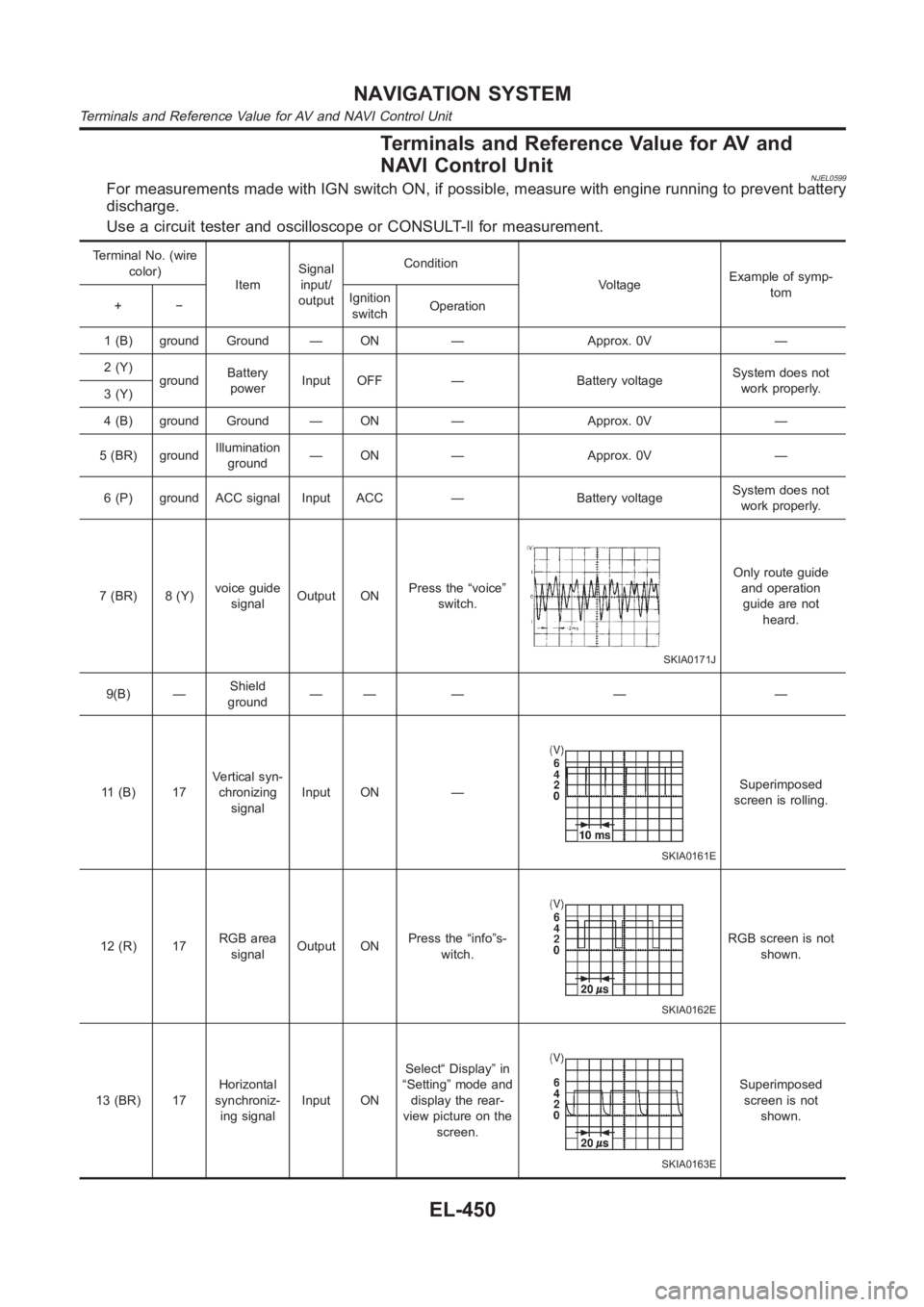
Terminals and Reference Value for AV and
NAVI Control Unit
NJEL0599For measurements made with IGN switch ON, if possible, measure with enginerunning to prevent battery
discharge.
Use a circuit tester and oscilloscope or CONSULT-ll for measurement.
Terminal No. (wire
color)
ItemSignal
input/
outputCondition
VoltageExample of symp-
tom
+−Ignition
switchOperation
1 (B) ground Ground — ON — Approx. 0V —
2 (Y)
groundBattery
powerInput OFF — Battery voltageSystem does not
work properly.
3 (Y)
4 (B) ground Ground — ON — Approx. 0V —
5 (BR) groundIllumination
ground— ON — Approx. 0V —
6 (P) ground ACC signal Input ACC — Battery voltageSystem does not
work properly.
7 (BR) 8 (Y)voice guide
signalOutput ONPress the “voice”
switch.
SKIA0171J
Only route guide
and operation
guide are not
heard.
9(B) —Shield
ground—— — — —
11 (B) 17Vertical syn-
chronizing
signalInput ON —
SKIA0161E
Superimposed
screen is rolling.
12 (R) 17RGB area
signalOutput ONPress the “info”s-
witch.
SKIA0162E
RGB screen is not
shown.
13 (BR) 17Horizontal
synchroniz-
ing signalInput ONSelect“ Display” in
“Setting” mode and
display the rear-
view picture on the
screen.
SKIA0163E
Superimposed
screen is not
shown.
NAVIGATION SYSTEM
Terminals and Reference Value for AV and NAVI Control Unit
EL-450
Page 2794 of 3189
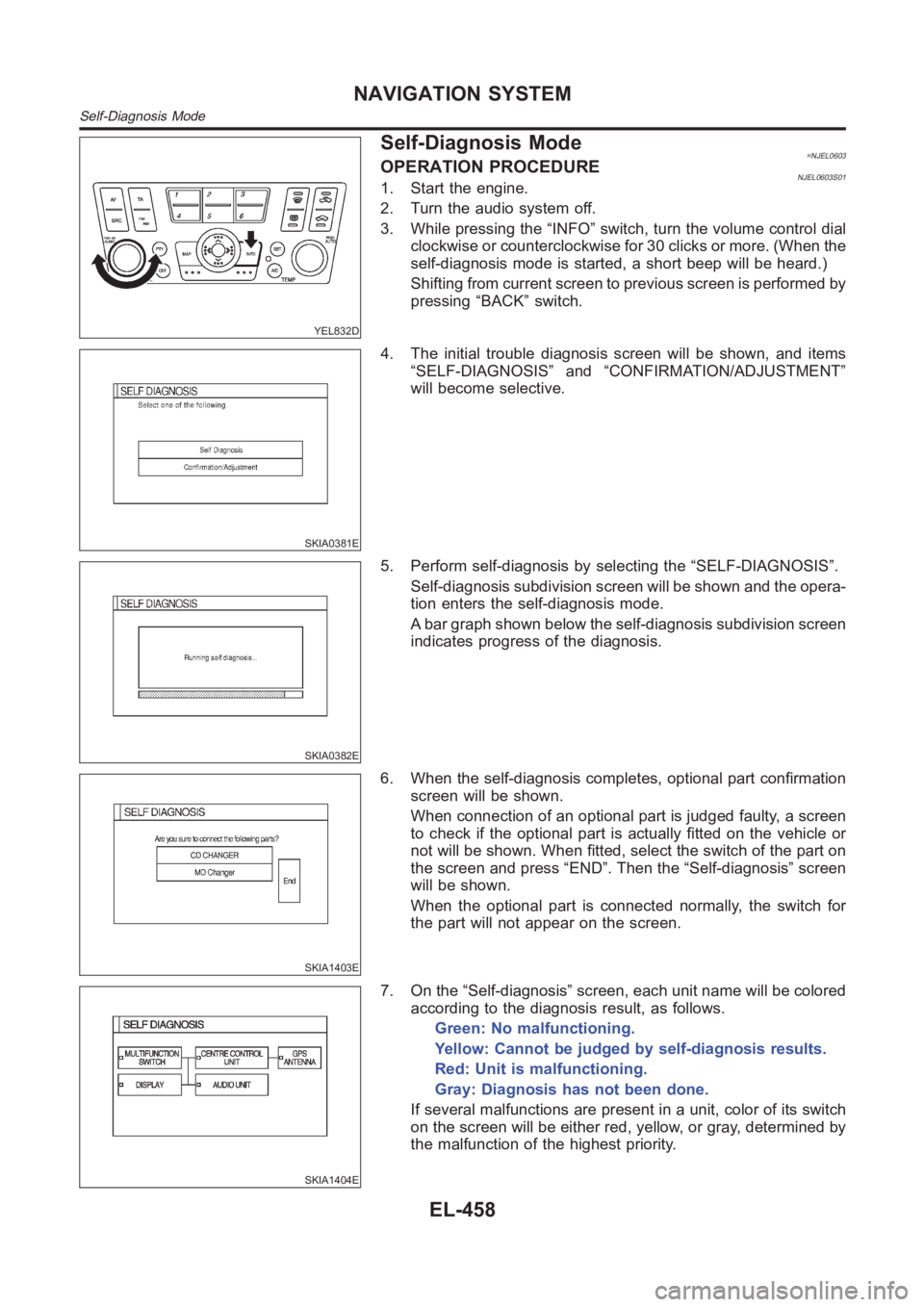
YEL832D
Self-Diagnosis Mode=NJEL0603OPERATION PROCEDURENJEL0603S011. Start the engine.
2. Turn the audio system off.
3. While pressing the “INFO” switch, turn the volume control dial
clockwise or counterclockwise for 30 clicks or more. (When the
self-diagnosis mode is started, a short beep will be heard.)
Shifting from current screen to previous screen is performed by
pressing “BACK” switch.
SKIA0381E
4. The initial trouble diagnosis screen will be shown, and items
“SELF-DIAGNOSIS” and “CONFIRMATION/ADJUSTMENT”
will become selective.
SKIA0382E
5. Perform self-diagnosis by selecting the “SELF-DIAGNOSIS”.
Self-diagnosis subdivision screen will be shown and the opera-
tion enters the self-diagnosis mode.
A bar graph shown below the self-diagnosis subdivision screen
indicates progress of the diagnosis.
SKIA1403E
6. When the self-diagnosis completes, optional part confirmation
screen will be shown.
When connection of an optional part is judged faulty, a screen
to check if the optional part is actually fitted on the vehicle or
not will be shown. When fitted, select the switch of the part on
the screen and press “END”. Then the “Self-diagnosis” screen
will be shown.
When the optional part is connected normally, the switch for
the part will not appear on the screen.
SKIA1404E
7. On the “Self-diagnosis” screen, each unit name will be colored
according to the diagnosis result, as follows.
Green: No malfunctioning.
Yellow: Cannot be judged by self-diagnosis results.
Red: Unit is malfunctioning.
Gray: Diagnosis has not been done.
If several malfunctions are present in a unit, color of its switch
on the screen will be either red, yellow, or gray, determined by
the malfunction of the highest priority.
NAVIGATION SYSTEM
Self-Diagnosis Mode
EL-458
Page 2797 of 3189
YEL832D
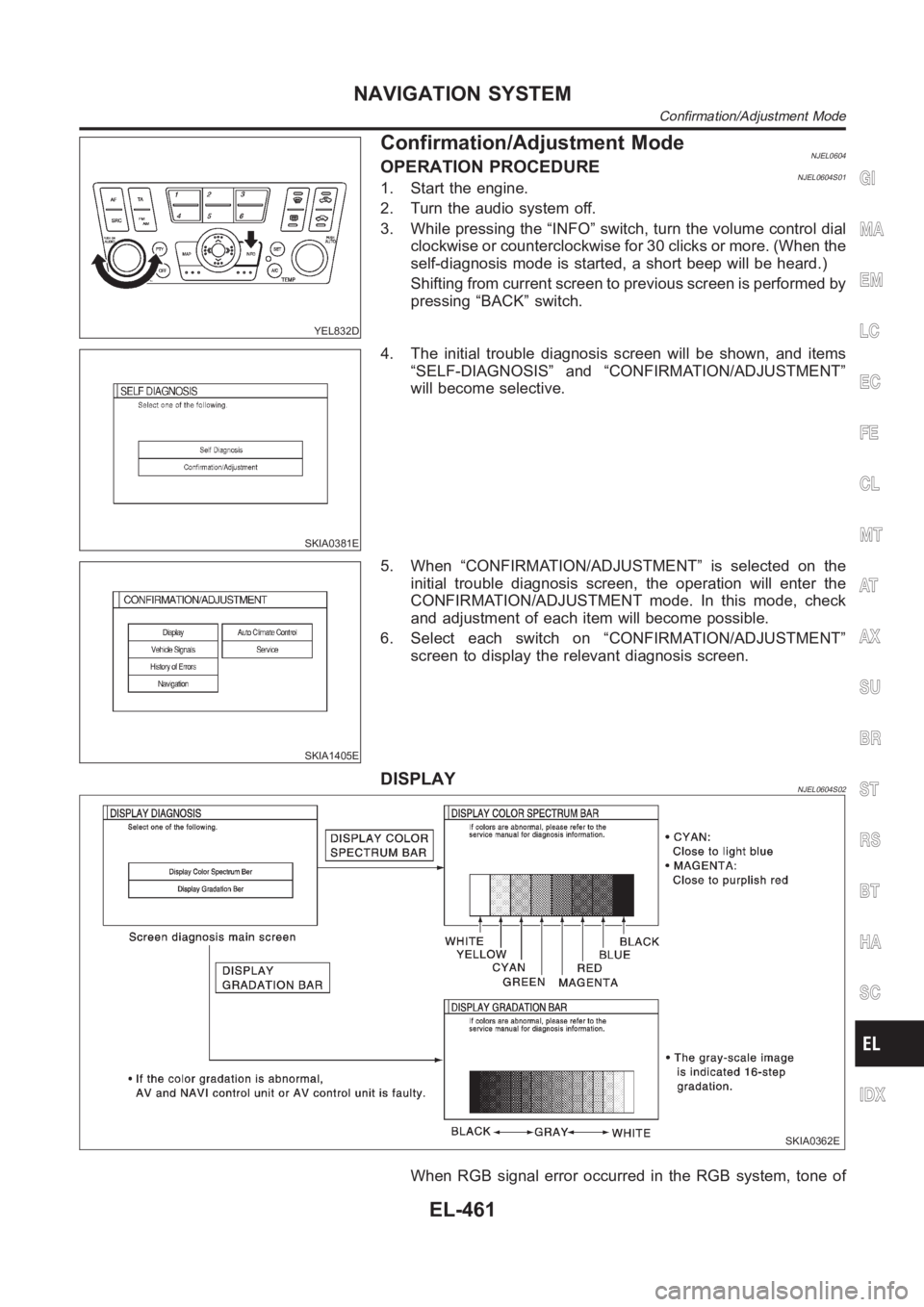
Confirmation/Adjustment ModeNJEL0604OPERATION PROCEDURENJEL0604S011. Start the engine.
2. Turn the audio system off.
3. While pressing the “INFO” switch, turn the volume control dial
clockwise or counterclockwise for 30 clicks or more. (When the
self-diagnosis mode is started, a short beep will be heard.)
Shifting from current screen to previous screen is performed by
pressing “BACK” switch.
SKIA0381E
4. The initial trouble diagnosis screen will be shown, and items
“SELF-DIAGNOSIS” and “CONFIRMATION/ADJUSTMENT”
will become selective.
SKIA1405E
5. When “CONFIRMATION/ADJUSTMENT” is selected on the
initial trouble diagnosis screen, the operation will enter the
CONFIRMATION/ADJUSTMENT mode. In this mode, check
and adjustment of each item will become possible.
6. Select each switch on “CONFIRMATION/ADJUSTMENT”
screen to display the relevant diagnosis screen.
DISPLAYNJEL0604S02
SKIA0362E
When RGB signal error occurred in the RGB system, tone of
GI
MA
EM
LC
EC
FE
CL
MT
AT
AX
SU
BR
ST
RS
BT
HA
SC
IDX
NAVIGATION SYSTEM
Confirmation/Adjustment Mode
EL-461
Page 2832 of 3189
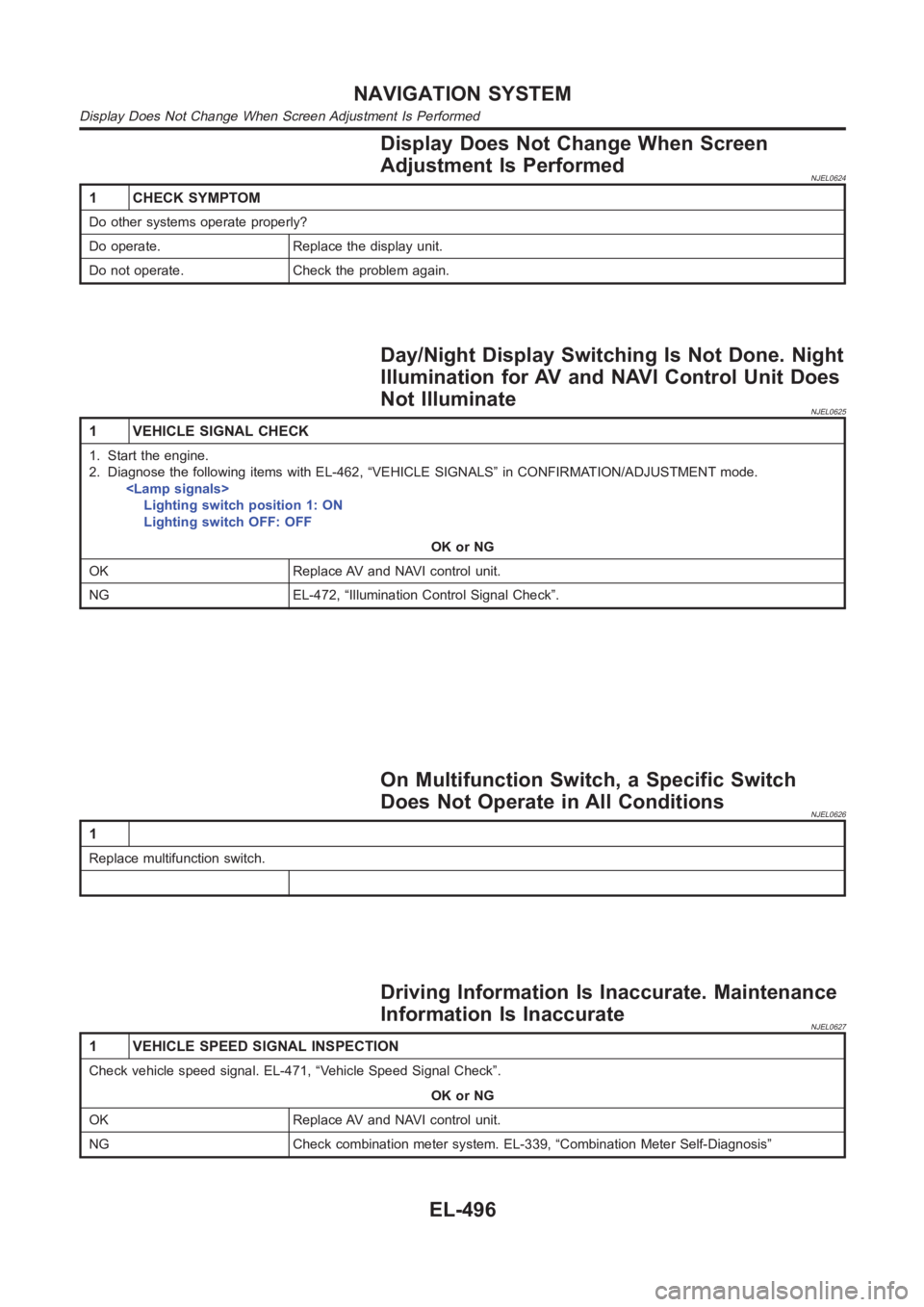
Display Does Not Change When Screen
Adjustment Is Performed
NJEL0624
1 CHECK SYMPTOM
Do other systems operate properly?
Do operate. Replace the display unit.
Do not operate. Check the problem again.
Day/Night Display Switching Is Not Done. Night
Illumination for AV and NAVI Control Unit Does
Not Illuminate
NJEL0625
1 VEHICLE SIGNAL CHECK
1. Start the engine.
2. Diagnose the following items with EL-462, “VEHICLE SIGNALS” in CONFIRMATION/ADJUSTMENT mode.
Lighting switch position 1: ON
Lighting switch OFF: OFF
OK or NG
OK Replace AV and NAVI control unit.
NG EL-472, “Illumination Control Signal Check”.
On Multifunction Switch, a Specific Switch
Does Not Operate in All Conditions
NJEL0626
1
Replace multifunction switch.
Driving Information Is Inaccurate. Maintenance
Information Is Inaccurate
NJEL0627
1 VEHICLE SPEED SIGNAL INSPECTION
Check vehicle speed signal. EL-471, “Vehicle Speed Signal Check”.
OK or NG
OK Replace AV and NAVI control unit.
NG Check combination meter system. EL-339, “Combination Meter Self-Diagnosis”
NAVIGATION SYSTEM
Display Does Not Change When Screen Adjustment Is Performed
EL-496
Page 2833 of 3189
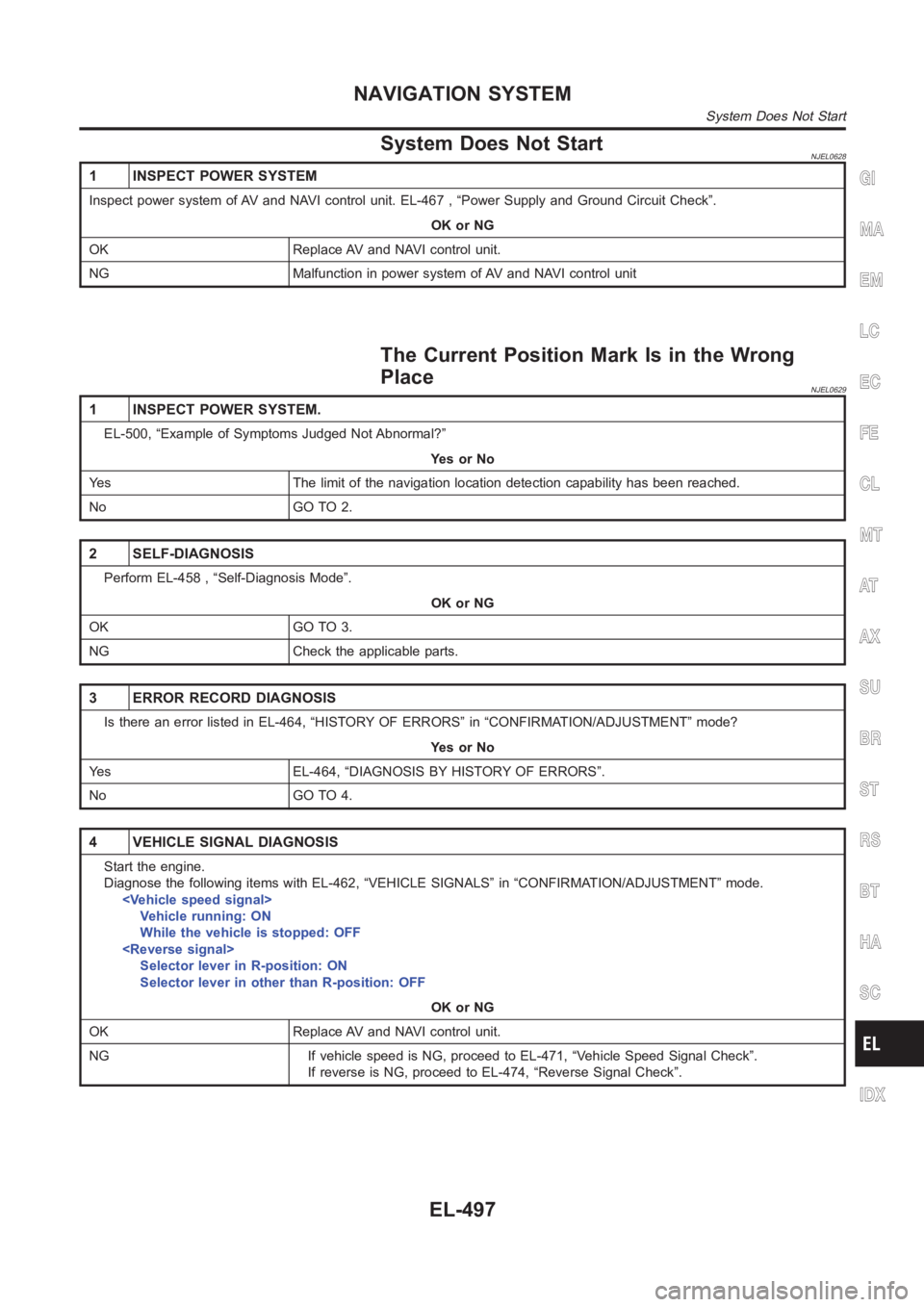
System Does Not StartNJEL0628
1 INSPECT POWER SYSTEM
Inspect power system of AV and NAVI control unit. EL-467 , “Power Supply andGround Circuit Check”.
OK or NG
OK Replace AV and NAVI control unit.
NG Malfunction in power system of AV and NAVI control unit
The Current Position Mark Is in the Wrong
Place
NJEL0629
1 INSPECT POWER SYSTEM.
EL-500, “Example of Symptoms Judged Not Abnormal?”
YesorNo
Yes The limit of the navigation location detection capability has been reached.
No GO TO 2.
2 SELF-DIAGNOSIS
Perform EL-458 , “Self-Diagnosis Mode”.
OK or NG
OK GO TO 3.
NG Check the applicable parts.
3 ERROR RECORD DIAGNOSIS
Is there an error listed in EL-464, “HISTORY OF ERRORS” in “CONFIRMATION/ADJUSTMENT” mode?
YesorNo
Yes EL-464, “DIAGNOSIS BY HISTORY OF ERRORS”.
No GO TO 4.
4 VEHICLE SIGNAL DIAGNOSIS
Start the engine.
Diagnose the following items with EL-462, “VEHICLE SIGNALS” in “CONFIRMATION/ADJUSTMENT” mode.
Vehicle running: ON
While the vehicle is stopped: OFF
Selector lever in R-position: ON
Selector lever in other than R-position: OFF
OK or NG
OK Replace AV and NAVI control unit.
NG If vehicle speed is NG, proceed to EL-471, “Vehicle Speed Signal Check”.
If reverse is NG, proceed to EL-474, “Reverse Signal Check”.
GI
MA
EM
LC
EC
FE
CL
MT
AT
AX
SU
BR
ST
RS
BT
HA
SC
IDX
NAVIGATION SYSTEM
System Does Not Start
EL-497
Page 2834 of 3189
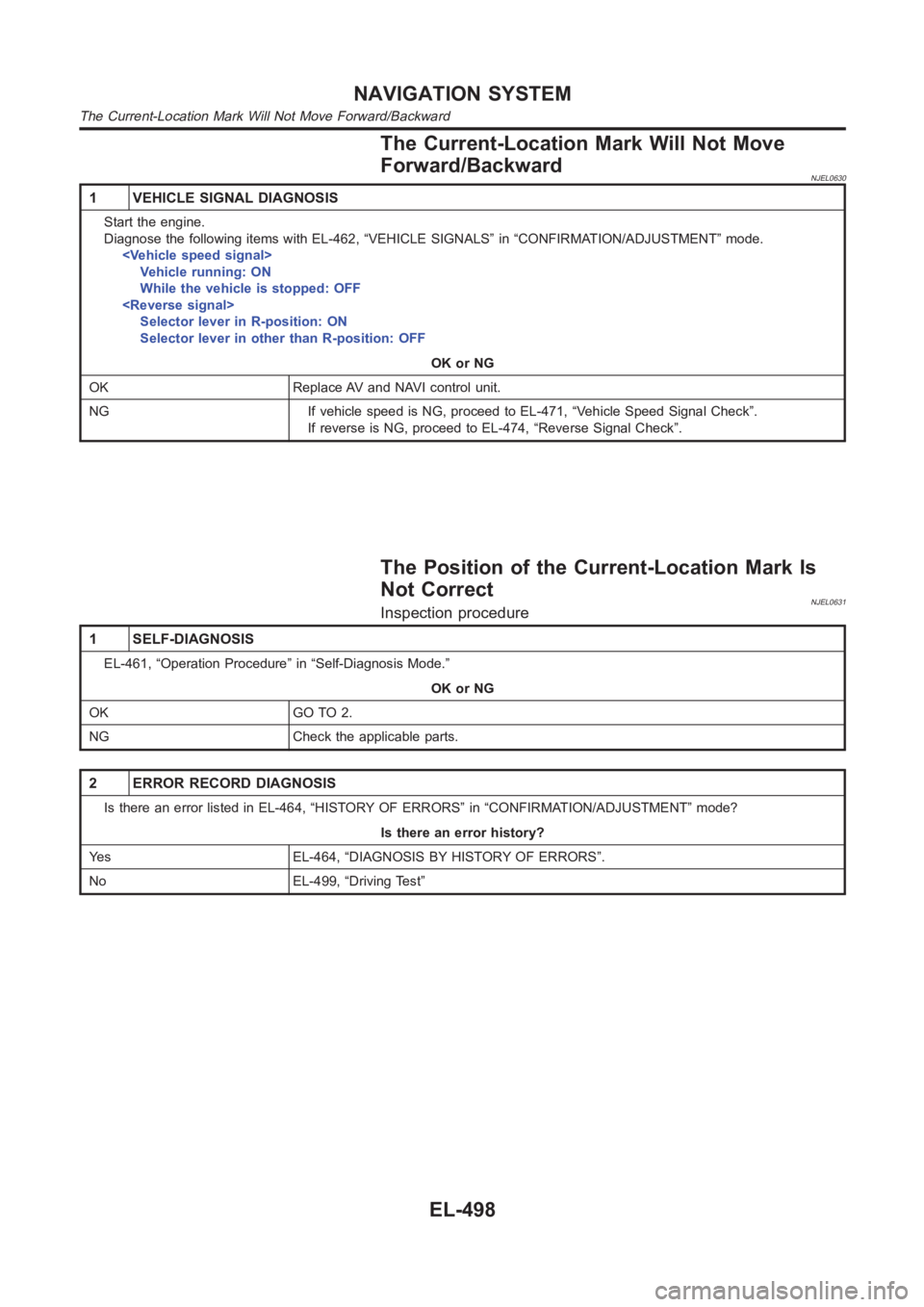
The Current-Location Mark Will Not Move
Forward/Backward
NJEL0630
1 VEHICLE SIGNAL DIAGNOSIS
Start the engine.
Diagnose the following items with EL-462, “VEHICLE SIGNALS” in “CONFIRMATION/ADJUSTMENT” mode.
Vehicle running: ON
While the vehicle is stopped: OFF
Selector lever in R-position: ON
Selector lever in other than R-position: OFF
OK or NG
OK Replace AV and NAVI control unit.
NG If vehicle speed is NG, proceed to EL-471, “Vehicle Speed Signal Check”.
If reverse is NG, proceed to EL-474, “Reverse Signal Check”.
The Position of the Current-Location Mark Is
Not Correct
NJEL0631Inspection procedure
1 SELF-DIAGNOSIS
EL-461, “Operation Procedure” in “Self-Diagnosis Mode.”
OK or NG
OK GO TO 2.
NG Check the applicable parts.
2 ERROR RECORD DIAGNOSIS
Is there an error listed in EL-464, “HISTORY OF ERRORS” in “CONFIRMATION/ADJUSTMENT” mode?
Is there an error history?
Yes EL-464, “DIAGNOSIS BY HISTORY OF ERRORS”.
No EL-499, “Driving Test”
NAVIGATION SYSTEM
The Current-Location Mark Will Not Move Forward/Backward
EL-498