Page 100 of 288
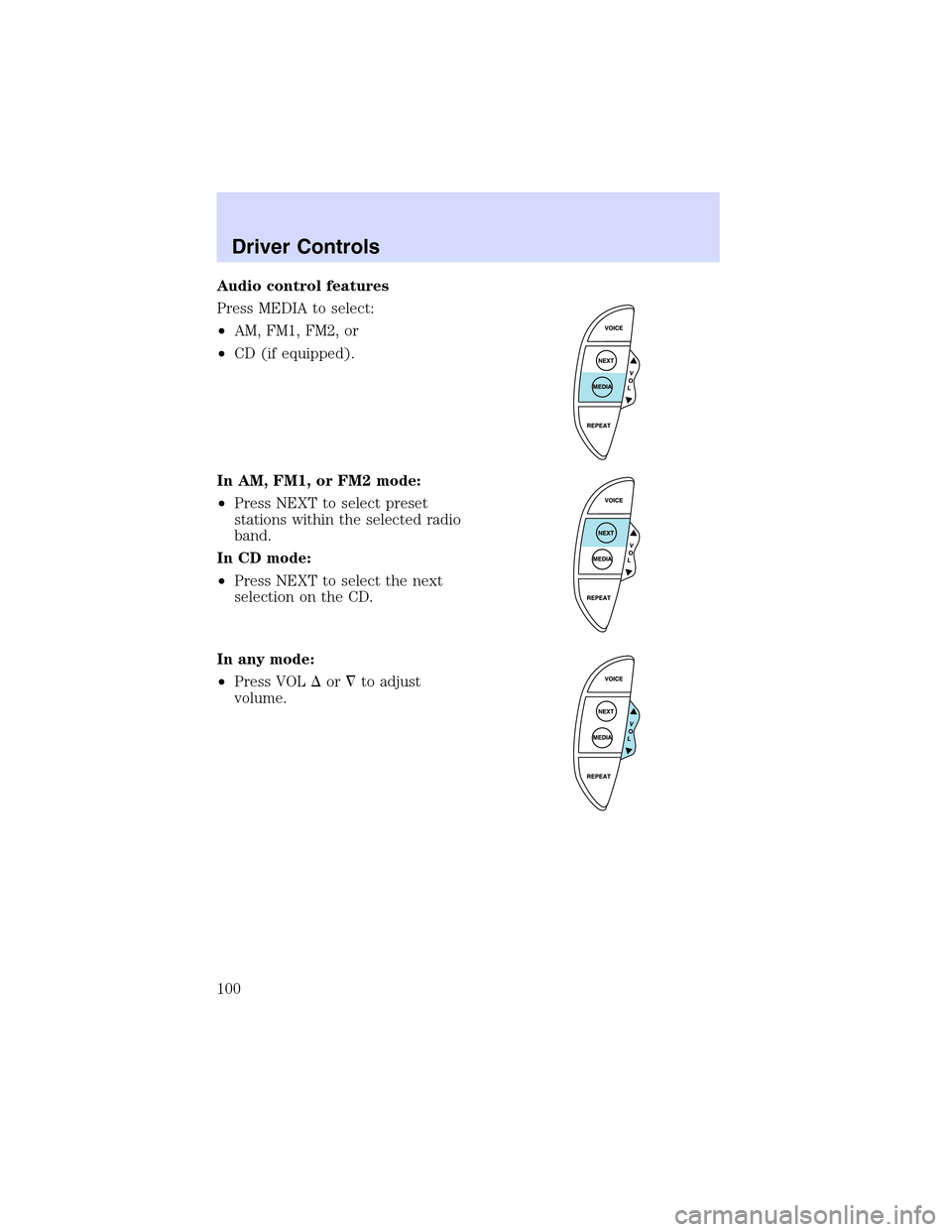
Audio control features
Press MEDIA to select:
•AM, FM1, FM2, or
•CD (if equipped).
In AM, FM1, or FM2 mode:
•Press NEXT to select preset
stations within the selected radio
band.
In CD mode:
•Press NEXT to select the next
selection on the CD.
In any mode:
•Press VOL�or�to adjust
volume.
Driver Controls
100
Page 106 of 288
For questions or comments, contact HomeLink�atwww.homelink.com
or1–800–355–3515.
CELL PHONE USE
The use of Mobile Communications Equipment has become increasingly
important in the conduct of business and personal affairs. However,
drivers must not compromise their own or others’safety when using
such equipment. Mobile Communications can enhance personal safety
and security when appropriately used, particularly in emergency
situations. Safety must be paramount when using mobile communications
equipment to avoid negating these benefits.
Mobile Communication Equipment includes, but is not limited to cellular
phones, pagers, portable email devices, in vehicle communications
systems, telematics devices and portable two-way radios.
A driver’s first responsibility is the safe operation of the vehicle.
The most important thing you can do to prevent a crash is to
avoid distractions and pay attention to the road. Wait until it is safe to
operate Mobile Communications Equipment.
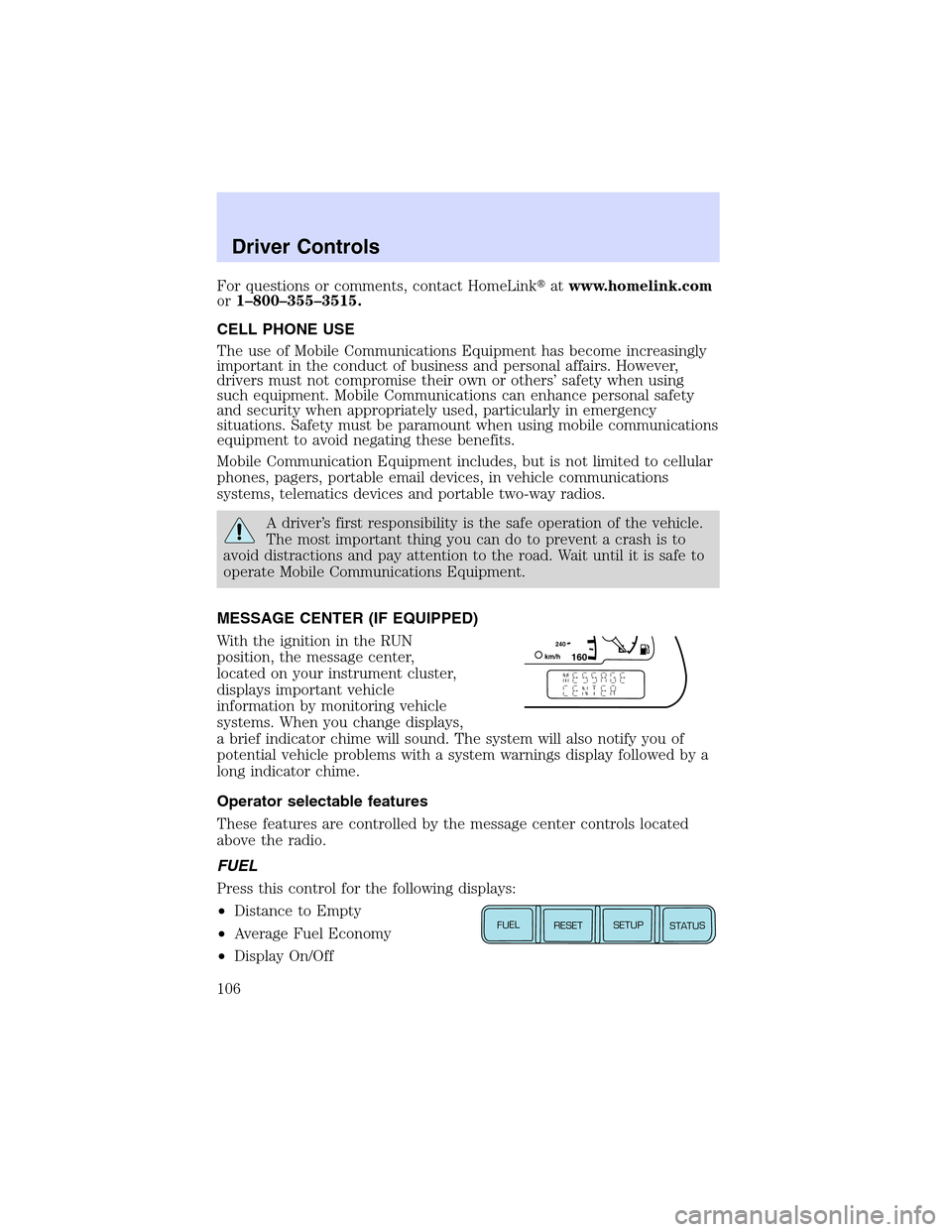
MESSAGE CENTER (IF EQUIPPED)
With the ignition in the RUN
position, the message center,
located on your instrument cluster,
displays important vehicle
information by monitoring vehicle
systems. When you change displays,
a brief indicator chime will sound. The system will also notify you of
potential vehicle problems with a system warnings display followed by a
long indicator chime.
Operator selectable features
These features are controlled by the message center controls located
above the radio.
FUEL
Press this control for the following displays:
•Distance to Empty
•Average Fuel Economy
•Display On/Off
1602
4
0k
m
/
hE
FUEL
RESET
SETUP
STATUS
Driver Controls
106
Page 107 of 288
RESET
Press this control to select and reset functions shown in the FUEL,
SETUP and STATUS controls.
SETUP
Press this control for the following displays:
•Language
•Units (English/Metric)
•Autolocks
•Easy Entry/Exit (if equipped)
•Lock Chirp (if equipped)
STATUS
Selecting this function from the STATUS control causes the message
center to cycle through each of the systems being monitored. For each
of the monitored systems, the message center will indicate either an OK
message or a warning message for four seconds.
The sequence of the status check report is as follows:
•oil life in XX%
•AC (cabin) filter XX%
•charging system
•engine temperature
•brake fluid level
•washer fluid level
•doors closed (driver and passenger side, front and rear). This message
can only be reset by closing the door(s). If the RESET control is
pressed, PLEASE CLOSE DOOR will be displayed.
•trunk status
•exterior lamps (front and rear turn, brake, tail and side repeater lamp
(if equipped) status)
•Traction Control�or AdvanceTrac�(if equipped)
Driver Controls
107
Page 109 of 288
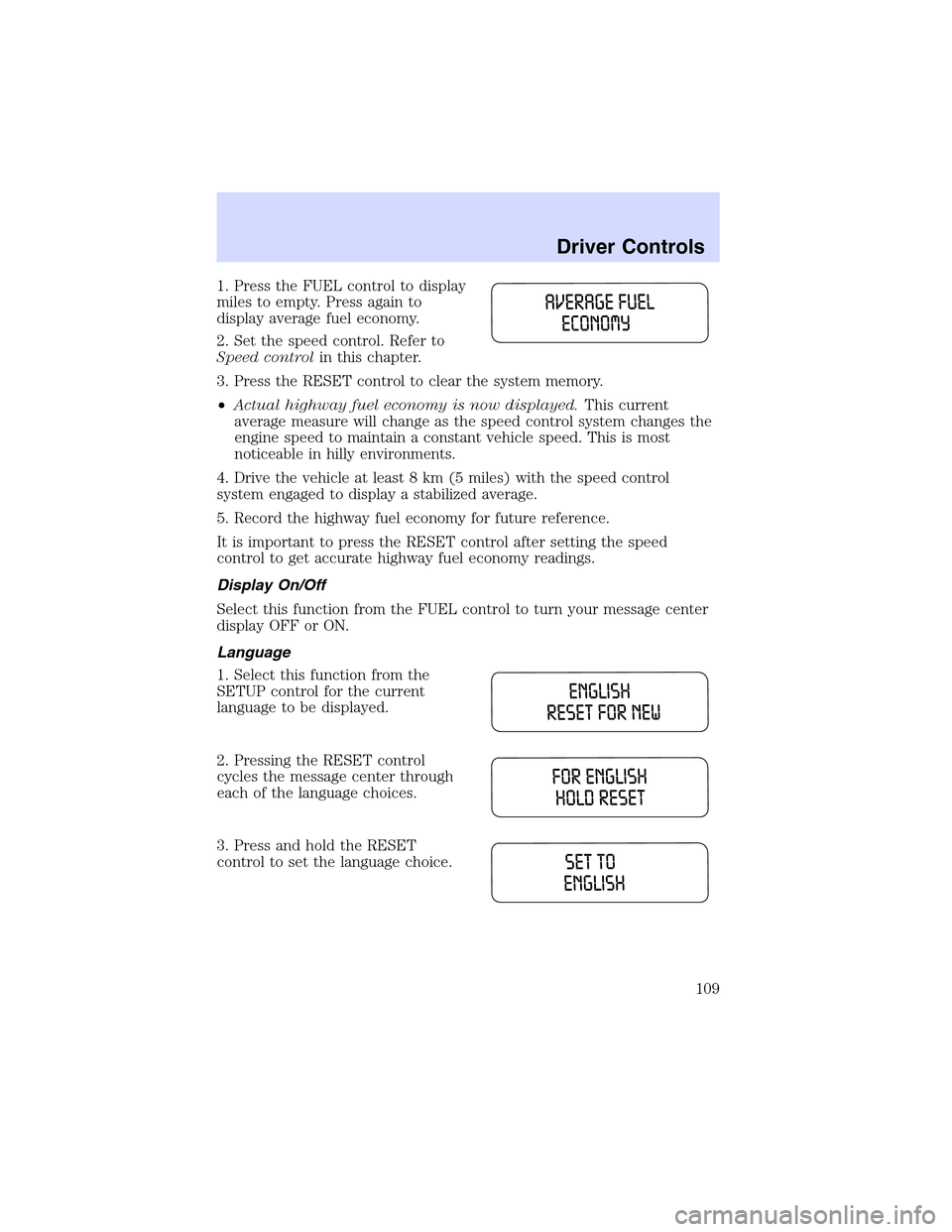
1. Press the FUEL control to display
miles to empty. Press again to
display average fuel economy.
2. Set the speed control. Refer to
Speed controlin this chapter.
3. Press the RESET control to clear the system memory.
•Actual highway fuel economy is now displayed.This current
average measure will change as the speed control system changes the
engine speed to maintain a constant vehicle speed. This is most
noticeable in hilly environments.
4. Drive the vehicle at least 8 km (5 miles) with the speed control
system engaged to display a stabilized average.
5. Record the highway fuel economy for future reference.
It is important to press the RESET control after setting the speed
control to get accurate highway fuel economy readings.
Display On/Off
Select this function from the FUEL control to turn your message center
display OFF or ON.
Language
1. Select this function from the
SETUP control for the current
language to be displayed.
2. Pressing the RESET control
cycles the message center through
each of the language choices.
3. Press and hold the RESET
control to set the language choice.
Driver Controls
109
Page 110 of 288
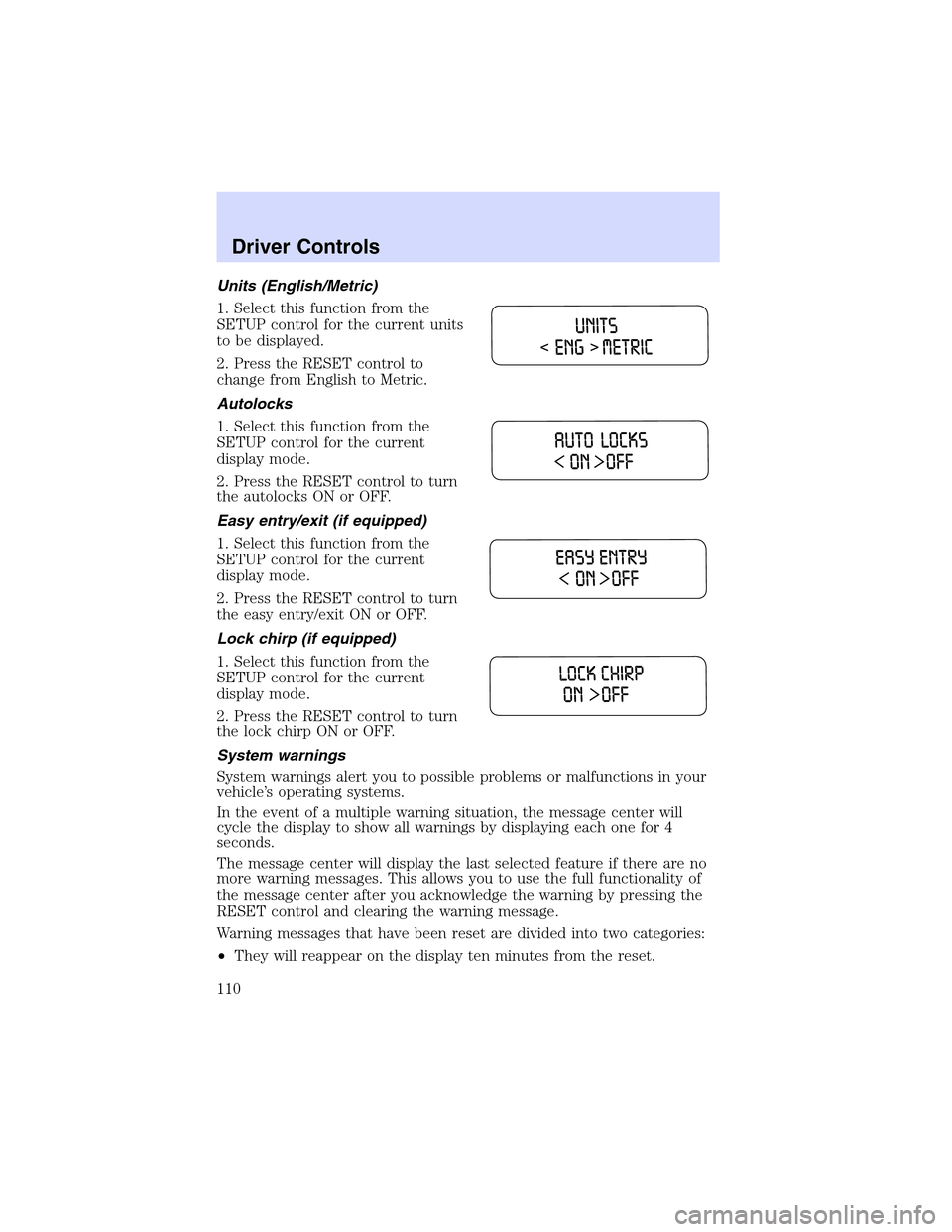
Units (English/Metric)
1. Select this function from the
SETUP control for the current units
to be displayed.
2. Press the RESET control to
change from English to Metric.
Autolocks
1. Select this function from the
SETUP control for the current
display mode.
2. Press the RESET control to turn
the autolocks ON or OFF.
Easy entry/exit (if equipped)
1. Select this function from the
SETUP control for the current
display mode.
2. Press the RESET control to turn
the easy entry/exit ON or OFF.
Lock chirp (if equipped)
1. Select this function from the
SETUP control for the current
display mode.
2. Press the RESET control to turn
the lock chirp ON or OFF.
System warnings
System warnings alert you to possible problems or malfunctions in your
vehicle’s operating systems.
In the event of a multiple warning situation, the message center will
cycle the display to show all warnings by displaying each one for 4
seconds.
The message center will display the last selected feature if there are no
more warning messages. This allows you to use the full functionality of
the message center after you acknowledge the warning by pressing the
RESET control and clearing the warning message.
Warning messages that have been reset are divided into two categories:
•They will reappear on the display ten minutes from the reset.
Driver Controls
110
Page 111 of 288
•They will not reappear until an ignition OFF-RUN cycle has been
completed.
This acts as a reminder that these warning conditions still exist within
the vehicle.
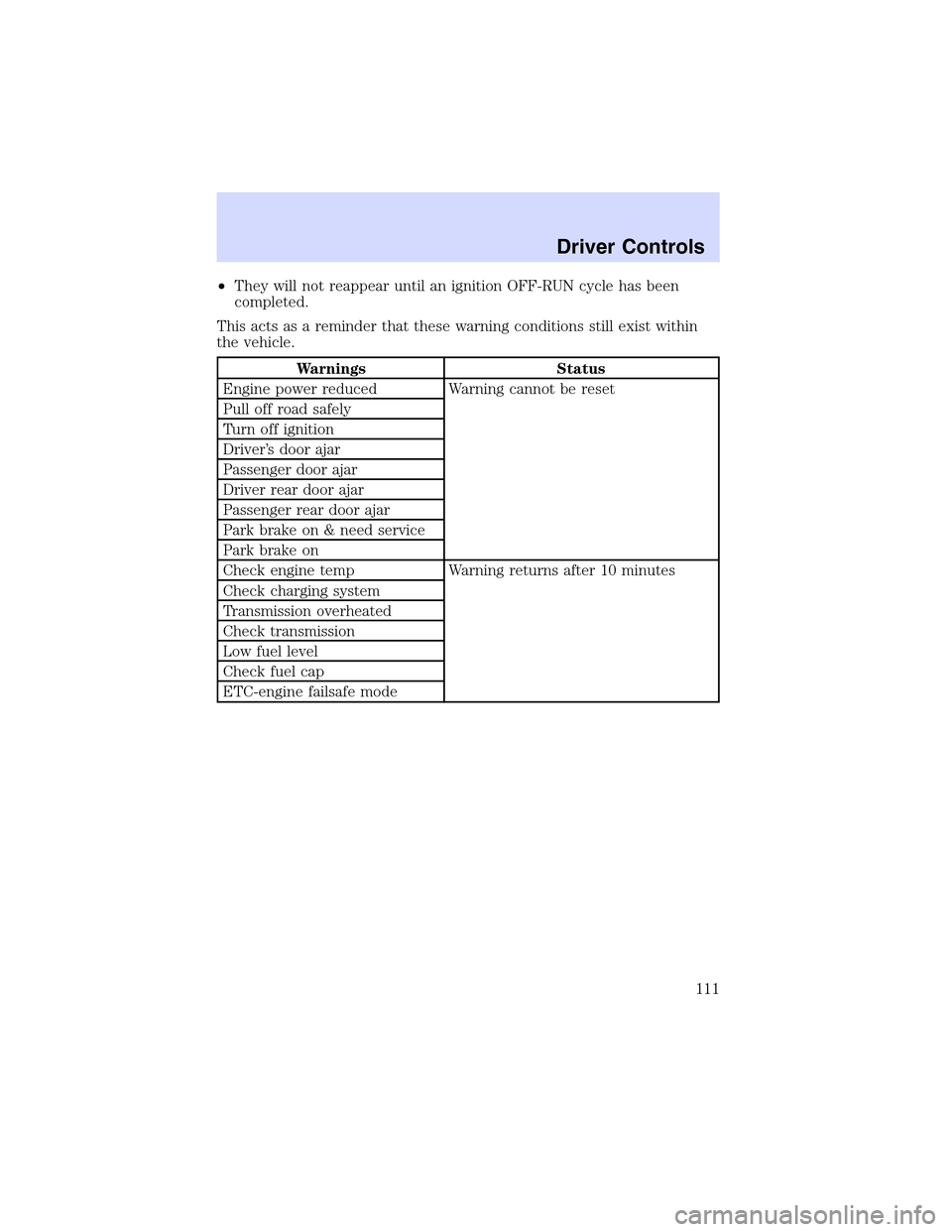
Warnings Status
Engine power reduced Warning cannot be reset
Pull off road safely
Turn off ignition
Driver’s door ajar
Passenger door ajar
Driver rear door ajar
Passenger rear door ajar
Park brake on & need service
Park brake on
Check engine temp Warning returns after 10 minutes
Check charging system
Transmission overheated
Check transmission
Low fuel level
Check fuel cap
ETC-engine failsafe mode
Driver Controls
111
Page 115 of 288
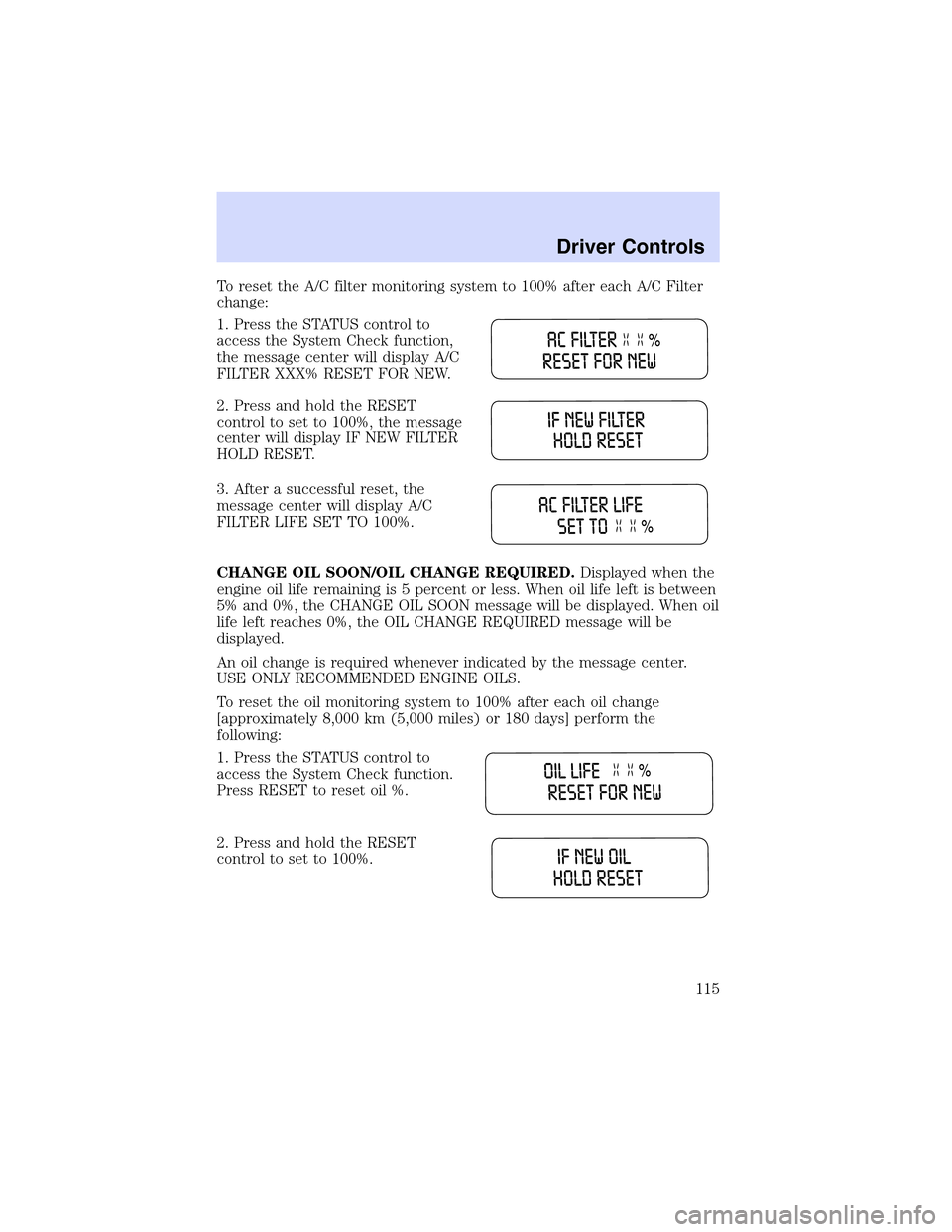
ToresettheA/C filter monitoring system to 100% after each A/C Filter
change:
1. Press the STATUS control to
access the System Check function,
the message center will display A/C
FILTER XXX% RESET FOR NEW.
2. Press and hold the RESET
control to set to 100%, the message
center will display IF NEW FILTER
HOLD RESET.
3. After a successful reset, the
message center will display A/C
FILTER LIFE SET TO 100%.
CHANGE OIL SOON/OIL CHANGE REQUIRED.Displayed when the
engine oil life remaining is 5 percent or less. When oil life left is between
5% and 0%, the CHANGE OIL SOON message will be displayed. When oil
life left reaches 0%, the OIL CHANGE REQUIRED message will be
displayed.
An oil change is required whenever indicated by the message center.
USE ONLY RECOMMENDED ENGINE OILS.
To reset the oil monitoring system to 100% after each oil change
[approximately 8,000 km (5,000 miles) or 180 days] perform the
following:
1. Press the STATUS control to
access the System Check function.
Press RESET to reset oil %.
2. Press and hold the RESET
control to set to 100%.
Driver Controls
115
Page 116 of 288

3.Aftera successful reset, the
message center will display OIL
LIFE SET TO 100%.
To reset the oil monitoring system to your personalized oil life %:
1. Press the STATUS control to
access the System Check function.
Press RESET to reset oil %.
2. Press RESET and SETUP
controls at the same time to activate
a service mode which will display
OIL LIFE XX% RESET TO ALTER.
3. Press RESET until you find your
personalized OIL LIFE XX%.
SERVICE PARK BRAKE.Displayed when the park brake needs
servicing. If the warning stays on or continues to come on, contact your
dealer as soon as possible.
APPLY PARK BRAKE.Displayed when the park brake needs to be
applied. If the warning stays on or continues to come on, contact your
dealer as soon as possible.
DATA ERROR.These messages indicate improper operation of the
vehicle network communication between electronic modules.
•Fuel computer
•Engine sensor
•Gear selection
•Door sensor
•Trunk sensor
•Exterior lamps
•Traction Control�and AdvanceTrac�(if equipped)
Contact your dealer as soon as possible if these messages occur on a
regular basis.
Driver Controls
116