Page 67 of 288

Cleaning the display
Do not spray cleaning fluid directly onto the unit. Instead, spray onto a
soft cloth and gently wipe the unit. Only recommended products should
be used.
Do not clean any part of the system with benzene, paint thinner or any
other solvent.
Do not spill liquids of any kind onto the unit.
Loading the map DVD
•Your navigation DVD unit is either located:
in the front lower center stack area by the passenger’s feet (access
door),
in the trunk,
or in the jack compartment.
•Ensure that the vehicle ignition is ON.
•If a DVD is already loaded in the Navigation unit, push the eject
button.
•Load the DVD with the printed side up. Do not allow moisture or
foreign objects to enter the slot.
The navigation system utilizes a database stored in a special format on a
DVD. It is recommended always to use the latest update of this map
DVD.
•The navigation system will only work with DVDs specifically intended
for your navigation system.
•Always store the map DVDs in their protective cases when not in use.
Ordering additional map DVDs
If you wish to order a replacement or additional map, or an updated
DVD, please call 1–888–NAV-MAPS (1–888–628–6277) or to log onto
www.navtech.com.
Latest map DVDs
The map content is constantly changing due to new roads, traffic
restrictions, etc. . Therefore, it is not always possible to exactly match
the DVD map with the current roadways. For best results, always use the
latest version of the map DVD. Map information is regularly updated, but
all areas are not necessarily covered to the same level of detail. Some
areas, in particular private roads, may not be included on the database.
To help with accuracy, always use the latest DVD version for navigation.
Entertainment Systems
67
Page 75 of 288

•Remove any snow, ice or leaves from the air intake area at the base of
the windshield.
•With the ignition in the OFF position after operating the vehicle, some
vehicle sounds related to the climate control system may be heard.
•Approximately two minutes after key off, the air distribution doors
may adjust their positions as part of the normal operating process.
•Demisters, located at the far left and right sides of the dash, usually
blow out a small amount of airflow in order to reduce side window
fogging.
•Outboard panel registers, located at the left and right sides of the
dash, blowout a small amount of airflow when in Floor, Floor/Defrost,
and Defrost modes. This also reduces side window fogging.
•Do not place items over the
climate temperature sensor grid.
This may cause improper
operation of the system.
To aid in side window defogging/demisting in cold weather:
1. Select
2. Ensure that recirculation is disengaged.
3. Set the temperature control to full heat.
4. Set the highest fan speed
5. Direct the outer instrument panel vents towards the side windows.
To increase airflow to the outer instrument panel vents, close the vents
located in the middle of the instrument panel.
Do not place objects on top of the instrument panel as these
objects may become projectiles in a collision or sudden stop.
Climate Controls
75
Page 76 of 288
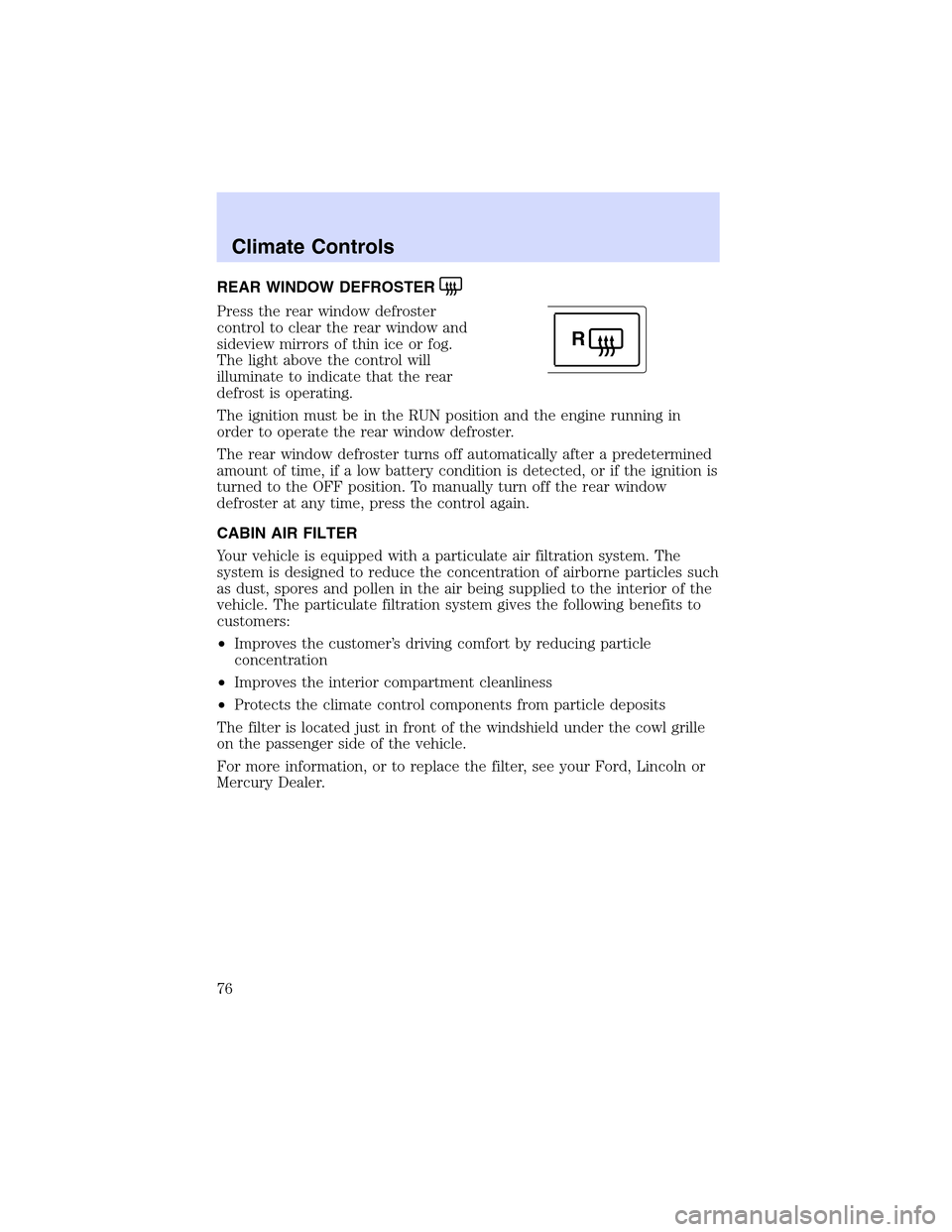
REARWINDOW DEFROSTER
Press the rear window defroster
control to clear the rear window and
sideview mirrors of thin ice or fog.
The light above the control will
illuminate to indicate that the rear
defrost is operating.
The ignition must be in the RUN position and the engine running in
order to operate the rear window defroster.
The rear window defroster turns off automatically after a predetermined
amount of time, if a low battery condition is detected, or if the ignition is
turned to the OFF position. To manually turn off the rear window
defroster at any time, press the control again.
CABIN AIR FILTER
Your vehicle is equipped with a particulate air filtration system. The
system is designed to reduce the concentration of airborne particles such
as dust, spores and pollen in the air being supplied to the interior of the
vehicle. The particulate filtration system gives the following benefits to
customers:
•Improves the customer’s driving comfort by reducing particle
concentration
•Improves the interior compartment cleanliness
•Protects the climate control components from particle deposits
The filter is located just in front of the windshield under the cowl grille
on the passenger side of the vehicle.
For more information, or to replace the filter, see your Ford, Lincoln or
Mercury Dealer.
R
Climate Controls
76
Page 77 of 288

HEADLAMP CONTROL
Turns the lamps off.
Turns on the parking
lamps, instrument panel lamps,
license plate lamps and tail lamps.
Turns the headlamps on.
Note:If the headlamp switch is in the park lamp or lowbeam position,
and it is daytime, the instrument panel lighting will not be activated and
the instrument cluster, radio and climate control displays will not be
dimmed.
Autolamp control
The autolamp system provides light
sensitive automatic on-off control of
the exterior lights normally
controlled by the headlamp control.
•To turn autolamps on, rotate the
control counterclockwise to the
auto position.
•To turn autolamps off, rotate the
control clockwise to the off
position (O).
The autolamp system also keeps the lights on for a period of time after
the ignition switch is turned to OFF. The period of time that the lights
remain on is set at the factory but the time may be adjusted using the
sequence below.
Exit delay programming sequence
1. Start with the ignition in the RUN position and autolamps selected on
the headlight switch.
2. Turn the ignition to the OFF position. (This will start a 10 second
timer during which steps 3 through 6must be completed.)
3. Turn the autolamps OFF.
4. Turn the ignition to the RUN position.
Lights
77
Page 78 of 288

5. Turn the ignition to the OFF position.
6. Turn the autolamps on (The park lamps and low beams will turn on.)
7. Turn the autolamps off after the desired delay time is reached. (The
maximum programmable delay is 3 minutes. The lights that turned on in
step 6 will turn off.)
Autolamps with wipers
When the windshield wipers are on with the headlamps, the autolamp
system will provide automatic on/off control of the exterior lights based
on the status of the wipers.
•When the wipers are turned on, the exterior lights will turn on after a
short delay.
•When the wipers are turned off, the exterior lights will turn off after a
short delay.
Note: The moisture sensitive wipers feature may affect the length of the
autolamp time delay.
Foglamp control
The foglamps can be turned on
when the headlamp control is pulled
toward you and is in any of the
following positions:
•Parking lamps
•Low beams
•Autolamps
Daytime running lamps (DRL) (if equipped)
Turns the highbeam headlamps on with a reduced output.
To activate with automatic transmission:
•the ignition must be in the RUN position;
•the headlamp control is in the OFF position, Parking lamps position,
or Autolamp position when the autolamp function has not turned on
the headlamps (daytime); and
•the transmission is out of Park.
Lights
78
Page 86 of 288
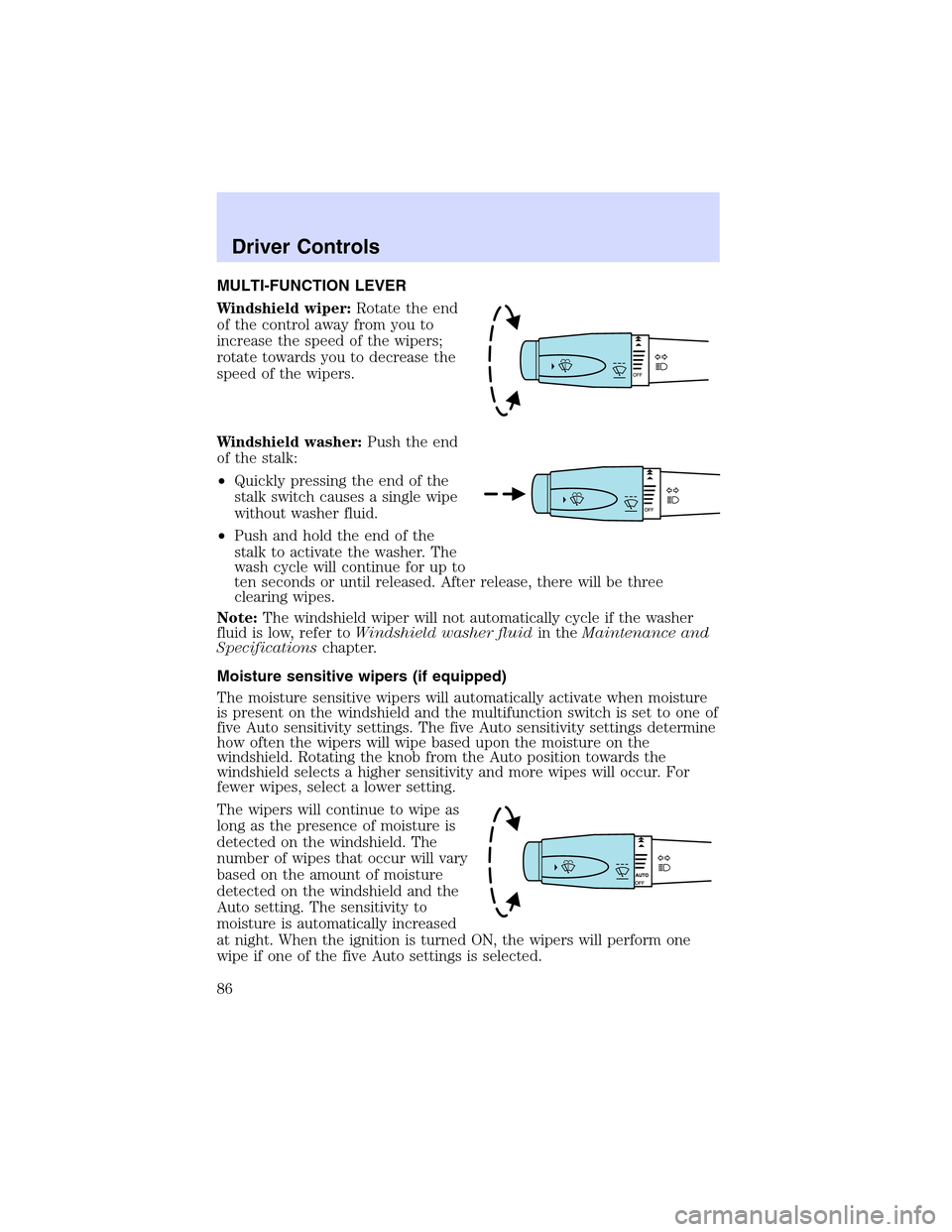
MULTI-FUNCTION LEVER
Windshield wiper:Rotate the end
of the control away from you to
increase the speed of the wipers;
rotate towards you to decrease the
speed of the wipers.
Windshield washer:Push the end
of the stalk:
•Quickly pressing the end of the
stalk switch causes a single wipe
without washer fluid.
•Push and hold the end of the
stalk to activate the washer. The
wash cycle will continue for up to
ten seconds or until released. After release, there will be three
clearing wipes.
Note:The windshield wiper will not automatically cycle if the washer
fluid is low, refer toWindshield washer fluidin theMaintenance and
Specificationschapter.
Moisture sensitive wipers (if equipped)
The moisture sensitive wipers will automatically activate when moisture
is present on the windshield and the multifunction switch is set to one of
five Auto sensitivity settings. The five Auto sensitivity settings determine
how often the wipers will wipe based upon the moisture on the
windshield. Rotating the knob from the Auto position towards the
windshield selects a higher sensitivity and more wipes will occur. For
fewer wipes, select a lower setting.
The wipers will continue to wipe as
long as the presence of moisture is
detected on the windshield. The
number of wipes that occur will vary
based on the amount of moisture
detected on the windshield and the
Auto setting. The sensitivity to
moisture is automatically increased
at night. When the ignition is turned ON, the wipers will perform one
wipe if one of the five Auto settings is selected.
Driver Controls
86
Page 88 of 288

4. Attach the new wiper to the
wiper arm and reposition the clip
until it locks.
Repeat for driver’s side wiper arm.
POWER TILT/TELESCOPE STEERING COLUMN
The steering column can be
adjusted manually by moving the
four-way rocker adjustment control
located below the turn signal/wiper
control stalk. Hold the control to
adjust.
The telescope function is adjusted
by moving the control toward the
driver to telescope out and toward
the instrument panel to telescope
in.
The tilt function is adjusted by moving the control up or down.
Easy entry/exit feature
When you remove the key, the column will move, if this feature is
activated through the Message Center, to the full in and up position,
refer to theMessage Centerin theDriver Controlschapter. When the
key is inserted into the ignition, the column will return to the previous
setting.
Memory feature
The steering column positions are saved when doing a memory set
function and can be recalled along with the vehicle personality features
when a memory position is selected through the remote entry
transmitter, keyless entry keypad or memory switch on the driver’s door
(if equipped with memory feature). Refer toMemory seats/steering
column/mirrors/adjustable pedalsin theSeating and Safety
Restraintschapter.
If the steering column adjustment control is pressed during memory
recall it will cancel the automatic operation and the column will respond
to manual adjustment of the control.
Driver Controls
88
Page 89 of 288
Never adjust the steering wheel when the vehicle is moving.
STEERING COLUMN LOCK (IF EQUIPPED)
The steering column will automatically lock when the key is removed
from the ignition. When the vehicle key is inserted into the ignition, the
steering column will automatically unlock.
ILLUMINATED VISOR MIRROR
To turn on the visor mirror lamps,
lift the mirror cover. Adjust the
amount of light by sliding the
control.
OVERHEAD CONSOLE
The appearance of your vehicle’s overhead console will vary according to
your option package.
Storage compartment
Press to open the storage
compartment. The door will open
slightly and can be moved to full
open.
The storage compartment may be
used to secure sunglasses or a
similar object.
AUXILIARY POWER POINT
Power outlets are designed for accessory plugs only. Do not hang
any type of accessory or accessory bracket from the plug.
Improper use of the power outlet can cause damage not covered
by your warranty.
Driver Controls
89
