Page 96 of 288

message center the AdvanceTrac�system will be partially operable. If
this warning stays on while the engine is running, contact your dealer as
soon as possible. For further information, refer toAdvanceTrac�
stability enhancement systemin theDrivingchapter.
AWD DISABLED (vehicles equipped with AdvanceTrac�only).
Displayed for 4 seconds then SEE OWNER’S MANUAL will display
indicating that the AWD system is not operating properly. For further
information, refer toDisabling AWDin theDrivingchapter. See your
dealer as soon as possible
CHECK AWD (vehicles equipped with AdvanceTrac�only).
Displayed when the AWD is system is not operating properly. If the
warning stays on or continues to come on, contact your dealer
immediately.
CHECK FUEL CAP.Displayed when the fuel filler cap is not properly
installed. Check the fuel filler cap for proper installation. Refer toFuel
filler capin theMaintenance and specificationschapter.
CHANGE OIL SOON/OIL CHANGE REQUIRED.Displayed when the
engine oil life remaining is 5 percent or less. When oil life left is between
5% and 0%, the CHANGE OIL SOON message will be displayed. When oil
life left reaches 0%, the OIL CHANGE REQUIRED message will be
displayed.
An oil change is required whenever indicated by the message center and
according to the recommended maintenance schedule. USE ONLY
RECOMMENDED ENGINE OILS.
To reset the oil monitoring system to 100% after each oil change
[approximately 8,000 km (5,000 miles) or 180 days] perform the
following:
1. Select this function from the
SETUP control for current display
mode.
2. Press and release the RESET
control to display “HOLD RESET
TO CONFIRM”.
Driver Controls
96
Page 108 of 288
To program the transmitters yourself:
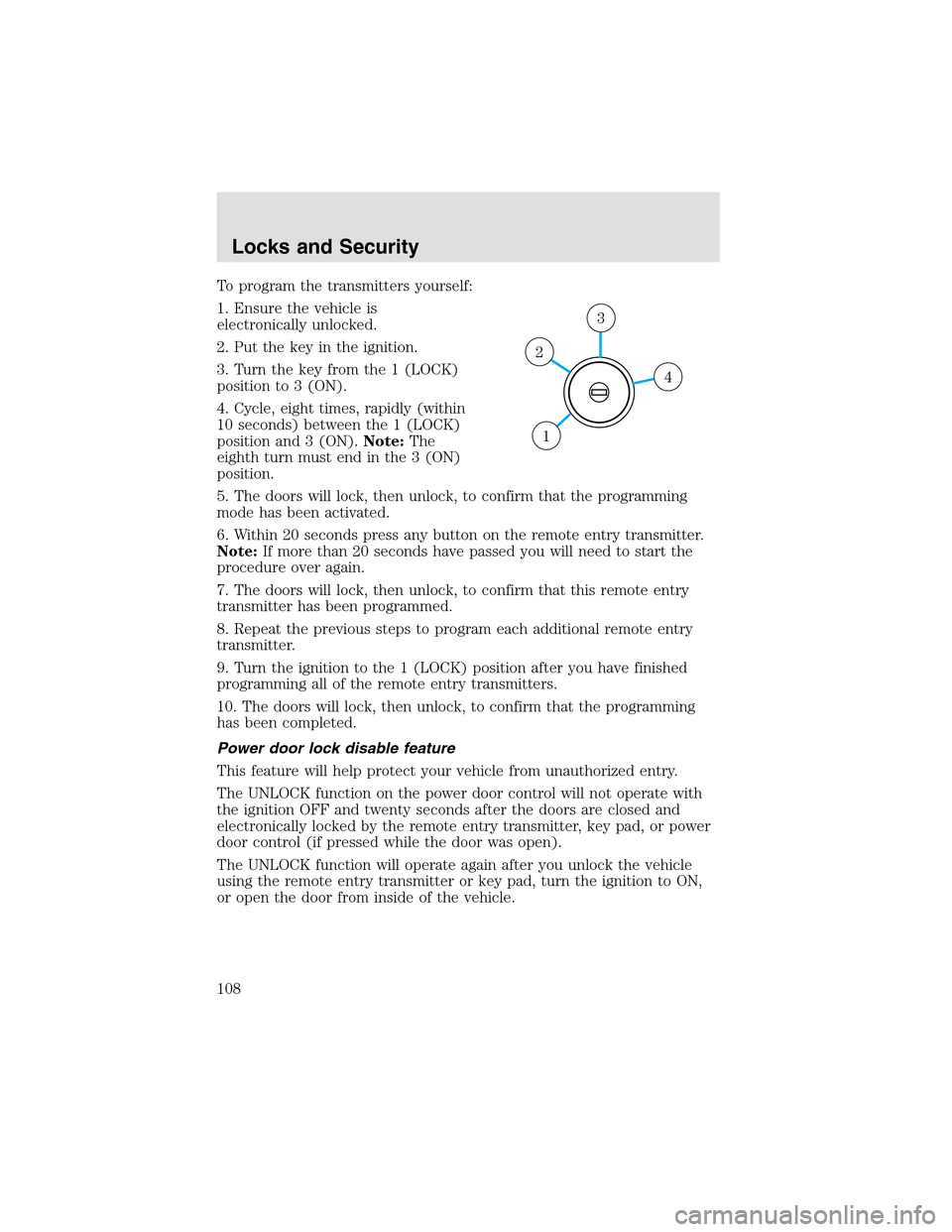
1. Ensure the vehicle is
electronically unlocked.
2. Put the key in the ignition.
3. Turn the key from the 1 (LOCK)
position to 3 (ON).
4. Cycle, eight times, rapidly (within
10 seconds) between the 1 (LOCK)
position and 3 (ON).Note:The
eighth turn must end in the 3 (ON)
position.
5. The doors will lock, then unlock, to confirm that the programming
mode has been activated.
6. Within 20 seconds press any button on the remote entry transmitter.
Note:If more than 20 seconds have passed you will need to start the
procedure over again.
7. The doors will lock, then unlock, to confirm that this remote entry
transmitter has been programmed.
8. Repeat the previous steps to program each additional remote entry
transmitter.
9. Turn the ignition to the 1 (LOCK) position after you have finished
programming all of the remote entry transmitters.
10. The doors will lock, then unlock, to confirm that the programming
has been completed.
Power door lock disable feature
This feature will helpprotect your vehicle from unauthorized entry.
The UNLOCK function on the power door control will not operate with
the ignition OFF and twenty seconds after the doors are closed and
electronically locked by the remote entry transmitter, key pad, or power
door control (if pressed while the door was open).
The UNLOCK function will operate again after you unlock the vehicle
using the remote entry transmitter or key pad, turn the ignition to ON,
or open the door from inside of the vehicle.
4
3
2
1
Locks and Security
108
Page 110 of 288
The autolock feature may also be deactivated/activated using the keyless
entry keypad. For additional information, refer toKeyless entry system
in this chapter.
Power door unlock disabled
The UNLOCK
feature on your power door locks will not work from
inside the vehicle when:
•the ignition has been turned to the OFF position, and
•20 seconds elapse after all vehicle doors are closed and locked using
the remote entry transmitter, the keypad or the power door unlock
control (while the accompanying door is open).
The UNLOCK
feature will work again after:
•a door has become ajar,
•the ignition is turned to the ON position, or
•using the UNLOCK
control on your remote entry transmitter, or
•using the keyless entry keypad to unlock the vehicle.
This feature can be activated and deactivated by an authorized dealer.
Deactivating/activating power door lock disable feature
1. Turn the ignition to the ON position, then press the UNLOCK button
three times.
2. Turn the ignition to the OFF position, then press the UNLOCK button
three times.
3. Turn the ignition to the ON position. The horn will chirp once,
indicating that the programming mode has been entered. Within five
seconds, press the LOCK button two times. Two horn chirps should be
heard, indicating that the system has been disabled. Conversely, two
horn chirps followed by a honk will indicate that the system is enabled.
4. Pressing the power door LOCK button two times again will turn the
feature ON if it was previously OFF, or OFF if it was previously ON.
Every two consecutive presses of the LOCK button after successfully
entering the configuration mode will change the enable/disable condition
of the feature.
5. Turn the ignition to the OFF position to exit programming.
Locks and Security
110
Page 112 of 288
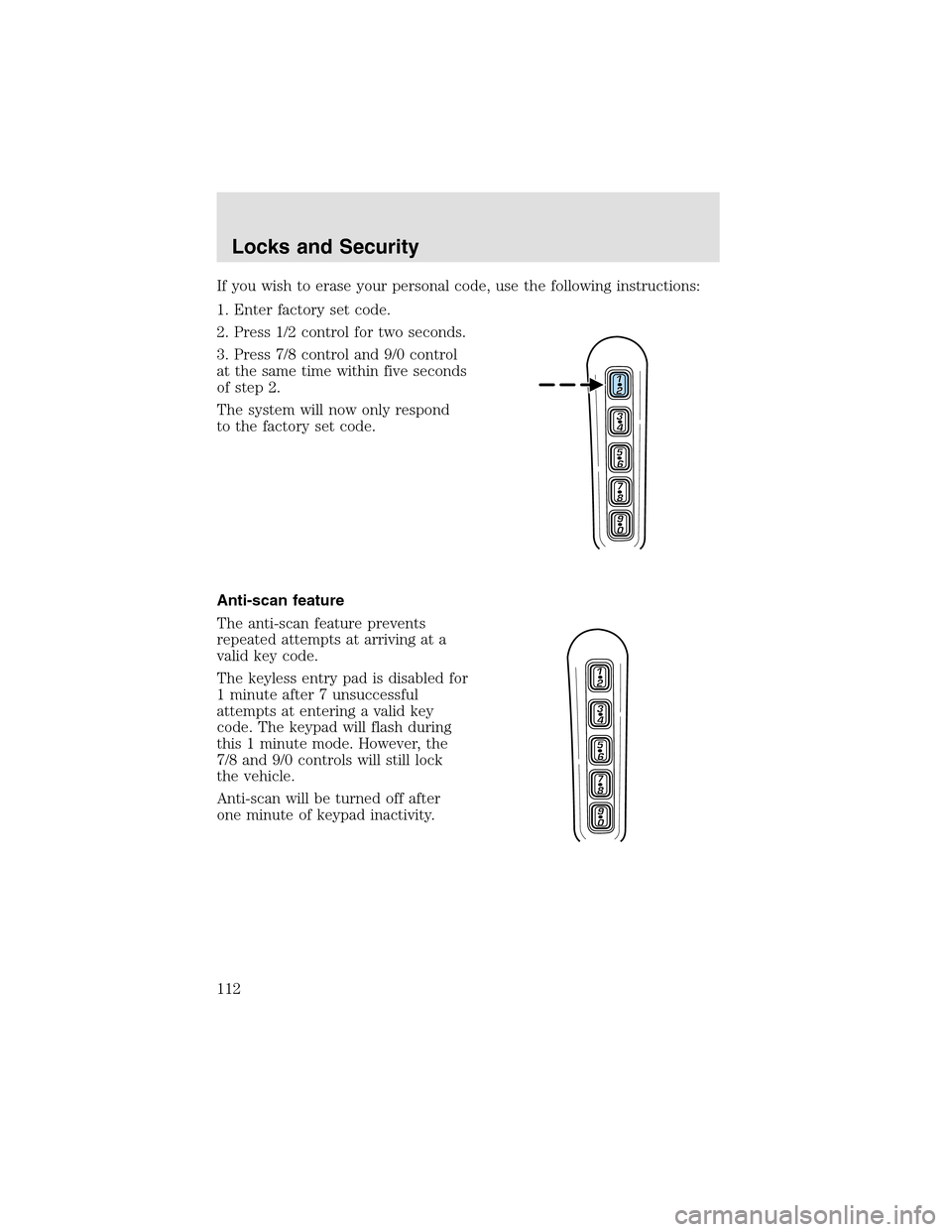
If you wish to erase your personal code, use the following instructions:
1. Enter factory set code.
2. Press 1/2 control for two seconds.
3. Press 7/8 control and 9/0 control
at the same time within five seconds
of step2.
The system will now only respond
to the factory set code.
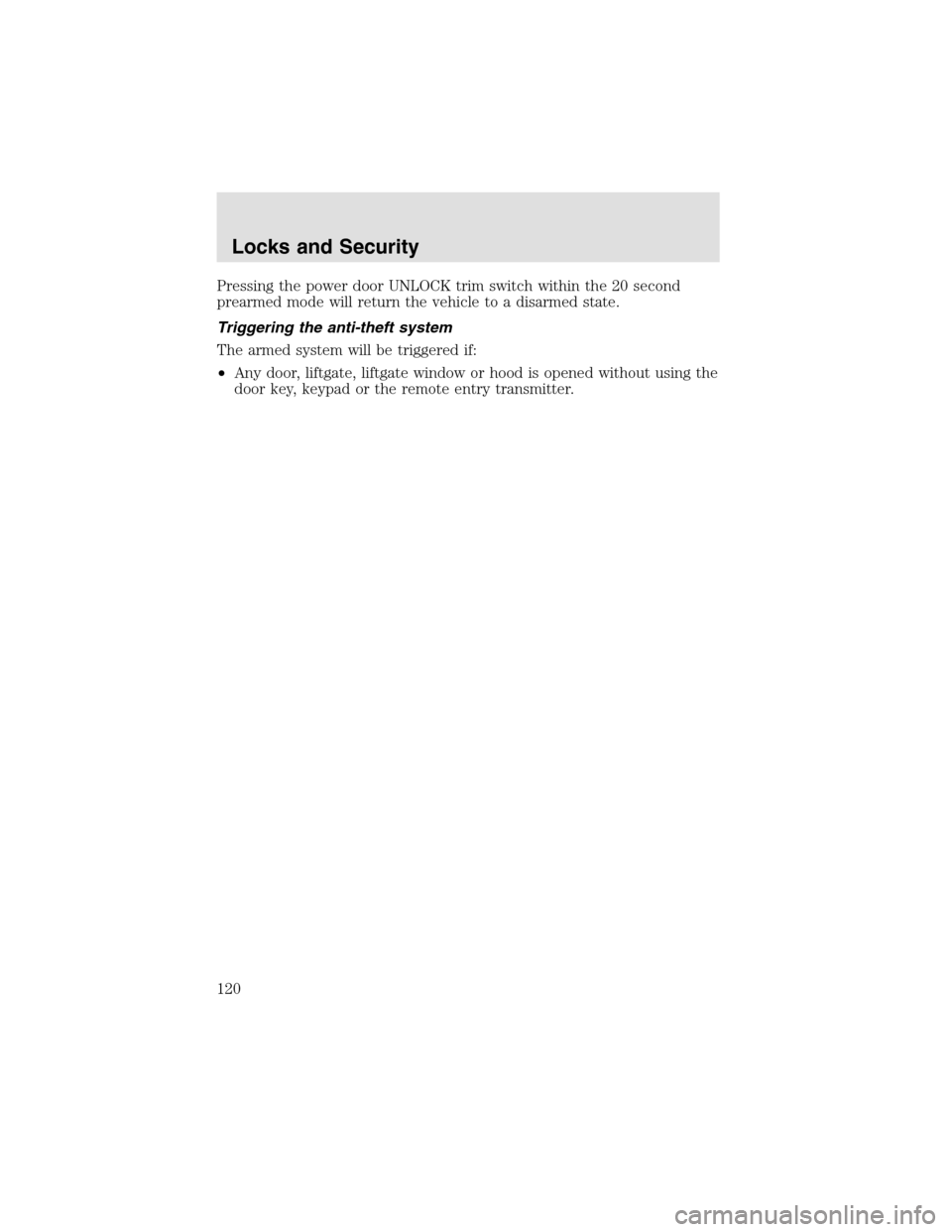
Anti-scan feature
The anti-scan feature prevents
repeated attempts at arriving at a
valid key code.
The keyless entry pad is disabled for
1 minute after 7 unsuccessful
attempts at entering a valid key
code. The keypad will flash during
this 1 minute mode. However, the
7/8 and 9/0 controls will still lock
the vehicle.
Anti-scan will be turned off after
one minute of keypad inactivity.
Locks and Security
112
Page 120 of 288
Pressing the power door UNLOCK trim switch within the 20 second
prearmed mode will return the vehicle to a disarmed state.
Triggering the anti-theft system
The armed system will be triggered if:
•Any door, liftgate, liftgate window or hood is opened without using the
door key, keypad or the remote entry transmitter.
Locks and Security
120
Page 126 of 288
In heat mode:
•Rotate the thumbwheel to select
the desired heat level from 1
(MIN) to 5 (MAX).
In cool mode:
•Rotate the thumbwheel to select
the desired cooling level from 1 (MIN) to 5 (MAX). When setting1is
selected, the seat(s) will provide vent cooling only (same temperature
as cabin air).
Allow five minutes for the temperature level to stabilize.
Climate controlled seats air filter replacement (if equipped)
The climate controlled seat system includes an air filter that has to be
replaced periodically. Refer to theScheduled Maintenance Guidefor
more information.
•There is a filter located under
both front seats.
•It can be accessed from the
second row seat. Move the front
seat all the way forward and up
to ease access.
Seating and Safety Restraints
126
Page 155 of 288
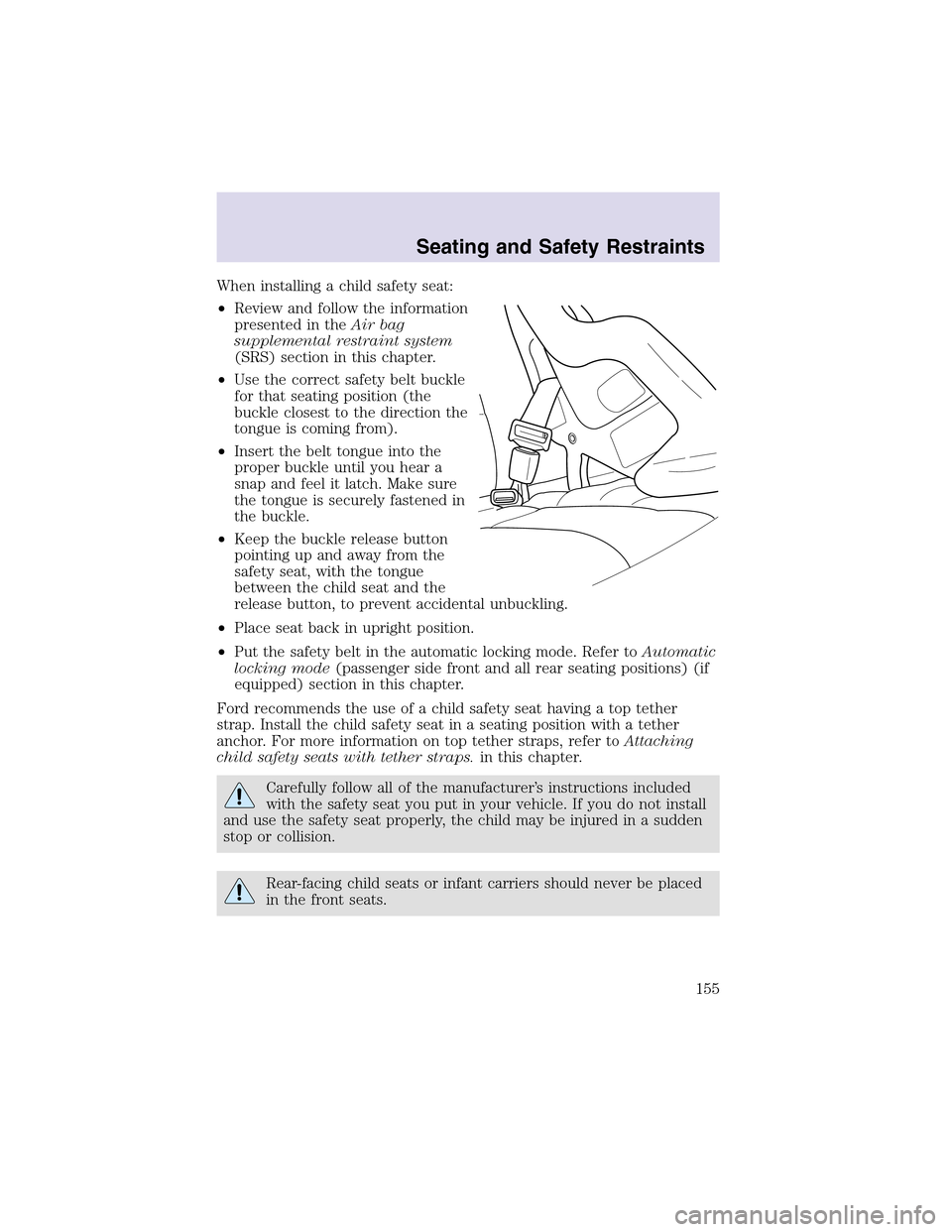
When installing a child safety seat:
•Review and follow the information
presented in theAir bag
supplemental restraint system
(SRS) section in this chapter.
•Use the correct safety belt buckle
for that seating position (the
buckle closest to the direction the
tongue is coming from).
•Insert the belt tongue into the
proper buckle until you hear a
snapand feel it latch. Make sure
the tongue is securely fastened in
the buckle.
•Keepthe buckle release button
pointing up and away from the
safety seat, with the tongue
between the child seat and the
release button, to prevent accidental unbuckling.
•Place seat back in upright position.
•Put the safety belt in the automatic locking mode. Refer toAutomatic
locking mode(passenger side front and all rear seating positions) (if
equipped) section in this chapter.
Ford recommends the use of a child safety seat having a toptether
strap. Install the child safety seat in a seating position with a tether
anchor. For more information on toptether straps, refer toAttaching
child safety seats with tether straps.in this chapter.
Carefully follow all of the manufacturer’s instructions included
with the safety seat you put in your vehicle. If you do not install
and use the safety seat properly, the child may be injured in a sudden
stopor collision.
Rear-facing child seats or infant carriers should never be placed
in the front seats.
Seating and Safety Restraints
155
Page 182 of 288
Normal operation (vehicles equipped with AdvanceTrac�only)
During normal operation:
•the AWD system is in AWD AUTO mode (AWD LOCKED will
illuminate in the message center for four seconds when you first start
your vehicle). The AWD LOCKED indicator in the instrument cluster
will also come on.
•AWD AUTO mode can be overridden by pressing SETUP in the
message center. When you first press SETUP, AWD will be
displayed, then if you press RESET within four seconds of pressing
SETUP, AWD will be displayed. AWD provides
power to all four wheels constantly which allows you to operate your
vehicle in severe winter or off-road conditions such as deepsnow, ice
or shallow sand. It is not recommended that you use AWD
on dry pavement.
•AWD can be cancelled by pressing RESET in the message
center. (The AWD LOCKED display in the message center will then
turn off and the display will return to AWD for four seconds
when the shift is complete.)
Autolock operation (vehicles equipped with AdvanceTrac�only)
If the AWD system begins to overheat, the system will place itself in the
Autolock mode:
•the AWD LOCKED indicator light will illuminate in the instrument
cluster and AWD DISABLED will be displayed in the
message center.
•AWD LOCKED will be displayed in the message center for four
seconds and a warning chime will sound. This condition may clear
without any action being taken by the driver.
•the AWD LOCKED indicator light in the instrument cluster will turn
off when the AWD system cools down.
•When the system is sufficiently cooled down, AWD AUTO RESTORED
will appear in the message center for four seconds and a warning
chime will sound.
Disabling AWD (vehicles equipped with AdvanceTrac�only)
When a problem is detected in the AWD system:
•the AWD LOCKED indicator light in the instrument cluster will flash
eight times every two minutes in the message center.
•The message center will then display AWD DISABLED for four
seconds, then SEE OWNER’S MANUAL. A warning chime will also
Driving
182