Page 48 of 240

To disable
Press the OFF control in the
overhead console to turn off the
PSD. This prevents opening the PSD
using the rear seat control(s), but
the door(s) can be opened manually
with the handle. With the child
safety lock engaged, only the
outside handle will open the door.
The controls in the overhead console and the Remote Entry System will
remain functional with the system shut OFF.
Opening and closing the PSD
The sliding door must be unlocked for it to operate. The key does not
have to be in the ignition. To help avoid accidental operation of the
Power Sliding Door, disable the PSD second row passenger controls.
When the key is in the ignition in RUN, the PSD will only open if the
transaxle is in PARK (P). The transaxle does not have to be in PARK (P)
to close the door.
With the ON/OFF control in the ON
position, either sliding door can be
opened or closed by:
•pushing and releasing the
overhead console right or left
hand control
•pushing and releasing the right or
left hand second row passenger
control
•manually pulling the inside or outside sliding door handle and release
•operating the remote transmitter. Refer toRemote Entry Systemin
theLocks and securitychapter.
The door will open or close fully using these options.
With the ON/OFF control in the OFF position, either sliding door can be
operated by pulling the inside or outside handle and sliding the door
back manually.
The left hand PSD will not open (manually or power) if the fuel door is
open regardless of the ON/OFF control position.
Safety/Obstructions
If anything obstructs the Power Sliding Door while it is closing, the door
will automatically reverse to the open position, provided it meets
sufficient resistance.
Driver Controls
48
Page 62 of 240
MESSAGE CENTER (IF EQUIPPED)
With the ignition in the ON position,
the message center, located on your
instrument cluster, displays
important vehicle information
through a constant monitor of
vehicle systems. You may select
display features on the message
center for a display of status preceded by a brief indicator chime. The
system will also notify you of potential vehicle problems with a display of
system warnings followed by a long indicator chime.
Selectable features
Info menu
This control displays the following
control displays:
•Compass/Outside Temperature
•Distance to Empty
•Average Fuel Economy
•Trip Elapsed Drive Time
•Display On/Off
Setup menu
Press this control for the following displays:
•Language
•Units (English/Metric)
•System Check
•Single/Dual Display Mode
Reset
Press this control to select and reset functions shown in the INFO menu
and SETUP menu.
200120km/h
INFO
SETUP
RESET
Driver Controls
62
Page 64 of 240
5. doors closed (driver and passenger side). This message can only be
reset by closing the door(s). If the RESET control is pressed, PLEASE
CLOSE DOOR will be displayed.
6. rear liftgate status
7. exterior lamps (headlamps, front turn, brake, tail and cornering/side
repeater lamp status)
8. Traction Control�or AdvanceTrac�(if equipped)
9. fuel level
10. distance to empty
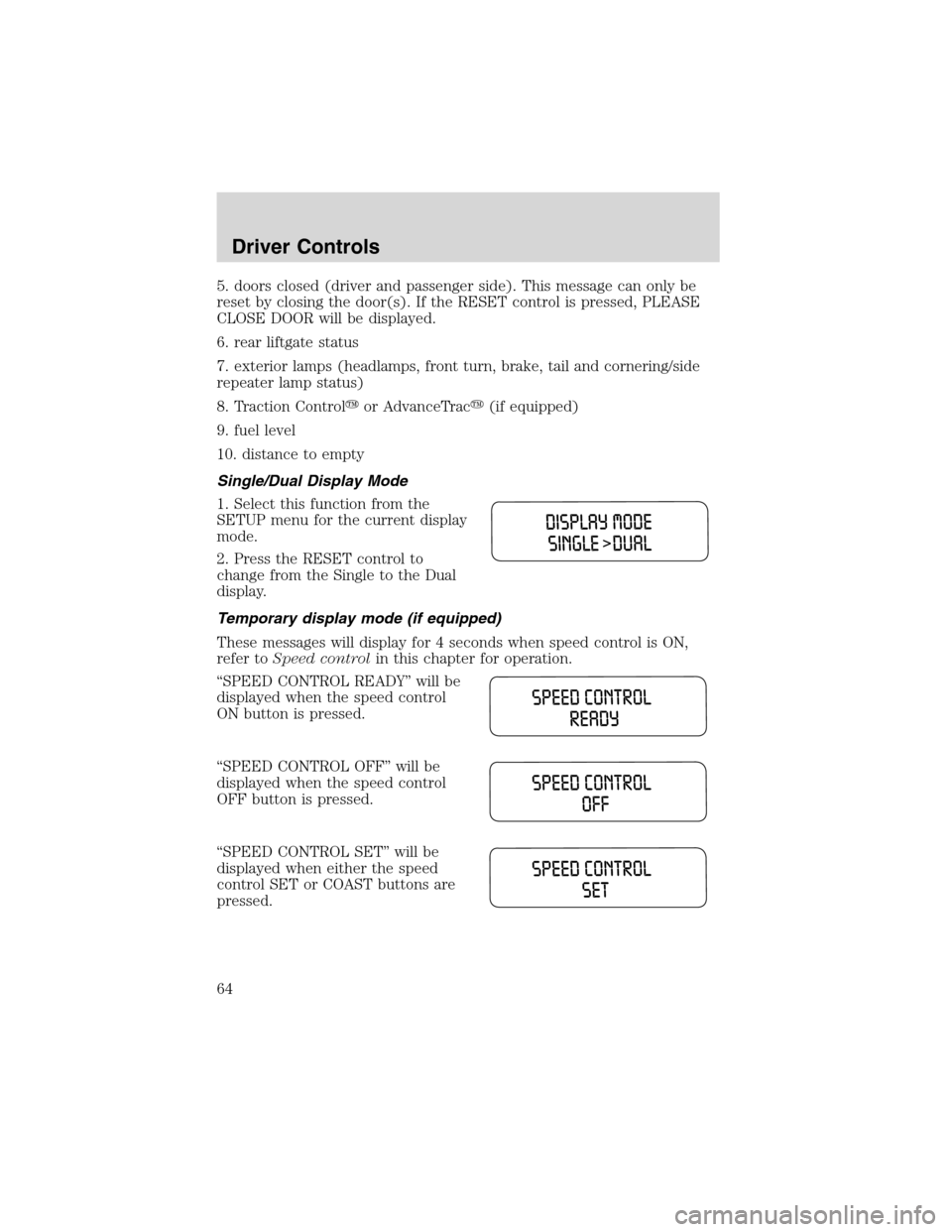
Single/Dual Display Mode
1. Select this function from the
SETUP menu for the current display
mode.
2. Press the RESET control to
change from the Single to the Dual
display.
Temporary display mode (if equipped)
These messages will display for 4 seconds when speed control is ON,
refer toSpeed controlin this chapter for operation.
“SPEED CONTROL READY”will be
displayed when the speed control
ON button is pressed.
“SPEED CONTROL OFF”will be
displayed when the speed control
OFF button is pressed.
“SPEED CONTROL SET”will be
displayed when either the speed
control SET or COAST buttons are
pressed.
Driver Controls
64
Page 65 of 240
“SPEED CONTROL CANCELLED”
will be displayed when the brake
pedal pressed.
System warnings
System warnings alert you to possible problems or malfunctions in your
vehicle’s operating systems.
In the event of a multiple warning situation, the message center will
cycle the display to show all warnings by displaying each one for 4
seconds.
The message center will display the last selected feature if there are no
more warning messages. This allows you to use the full functionality of
the message center after you acknowledge the warning by pressing the
RESET control and clearing the warning message.
Warning messages that have been reset are divided into two categories:
•They will reappear on the display ten minutes from the reset.
•They will not reappear until an ignition OFF-ON cycle has been
completed.
This acts as a reminder that these warning conditions still exist within
the vehicle.
Driver’s door ajar Warning cannot be reset
Passenger door ajar
Driver rear door ajar
Passenger rear door ajar
Check charging system Warning returns after 10 minutes
Transmission overheated
Check transmission
Low fuel level
Driver Controls
65
Page 66 of 240

Liftgate ajar Warning returns after the ignition key
is turned from OFF to ON
Low brake fluid level
Check tail lamps
Check headlamps
Check rear turn lamps
Check front turn lamps
Check cornering/side repeater
lamps (if equipped)
Change oil soon
Oil change required
Check traction control (if
equipped)
Check advancetrac (if
equipped)
Low washer fluid
Check turn signal on reminder
DRIVER’S DOOR AJAR.Displayed when the driver’s door is not
completely closed.
PASSENGER DOOR AJAR.Displayed when the passenger side door is
not completely closed.
DRIVER’S REAR DOOR AJAR.Displayed when the driver’s rear door
is not completely closed.
PASSENGER REAR DOOR AJAR.Displayed when the passenger side
rear door is not completely closed.
LIFTGATE AJAR.Displayed when the liftgate is not completely closed.
CHECK CHARGING SYSTEM.Displayed when the electrical system is
not maintaining proper voltage. If you are operating electrical accessories
when the engine is idling at a low speed, turn off as many of the
electrical loads as soon as possible. If the warning stays on or comes on
when the engine is operating at normal speeds, have the electrical
system checked as soon as possible.
LOW FUEL LEVEL.Displayed as an early reminder of a low fuel
condition.
CHECK TRANSMISSION.Indicates the transmission is not operating
properly. If this warning stays on, contact your dealer as soon as
possible.
Driver Controls
66
Page 69 of 240
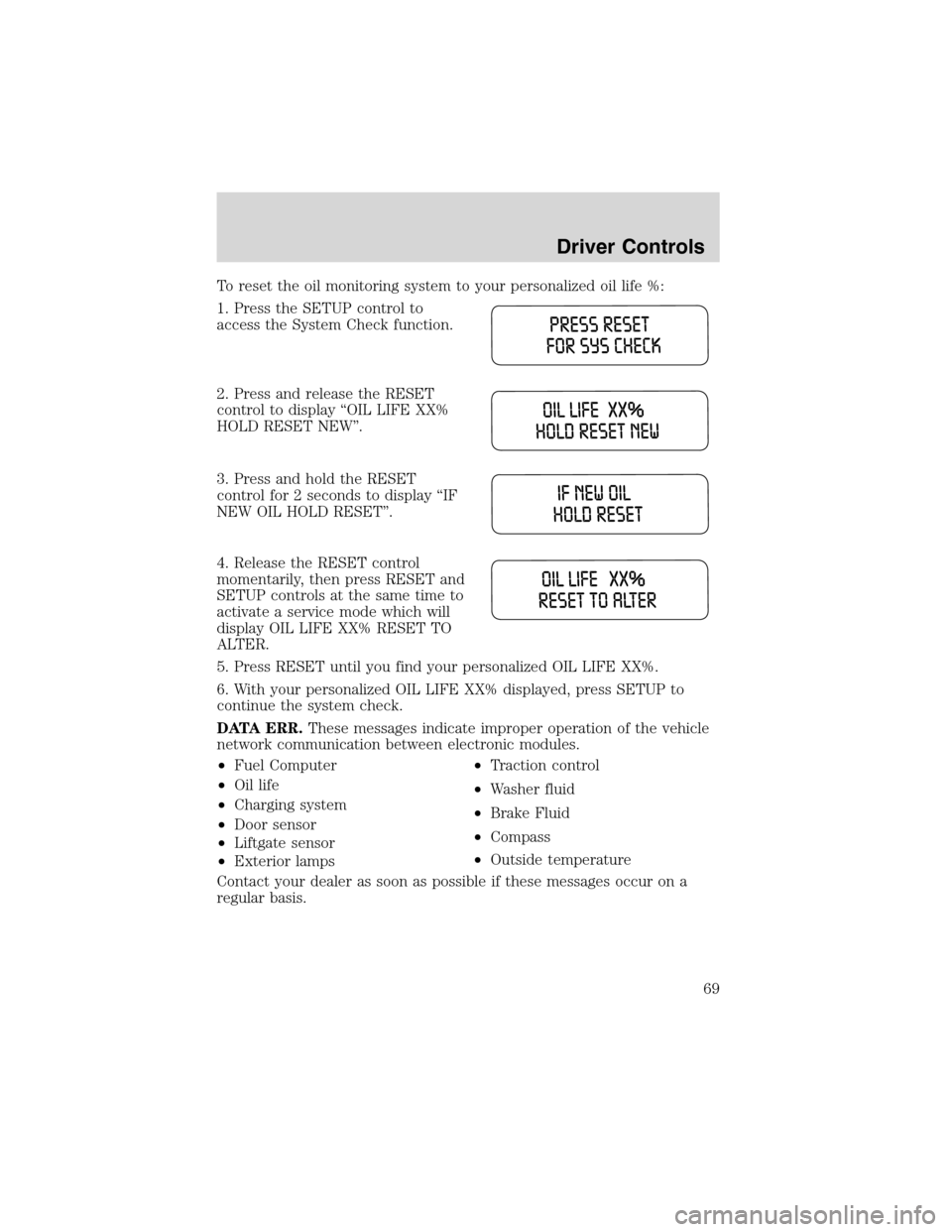
To reset the oil monitoring system to your personalized oil life %:
1. Press the SETUP control to
access the System Check function.
2. Press and release the RESET
control to display“OIL LIFE XX%
HOLD RESET NEW”.
3. Press and hold the RESET
control for 2 seconds to display“IF
NEW OIL HOLD RESET”.
4. Release the RESET control
momentarily, then press RESET and
SETUP controls at the same time to
activate a service mode which will
display OIL LIFE XX% RESET TO
ALTER.
5. Press RESET until you find your personalized OIL LIFE XX%.
6. With your personalized OIL LIFE XX% displayed, press SETUP to
continue the system check.
DATA ERR.These messages indicate improper operation of the vehicle
network communication between electronic modules.
•Fuel Computer
•Oil life
•Charging system
•Door sensor
•Liftgate sensor
•Exterior lamps•Traction control
•Washer fluid
•Brake Fluid
•Compass
•Outside temperature
Contact your dealer as soon as possible if these messages occur on a
regular basis.
Driver Controls
69
Page 71 of 240
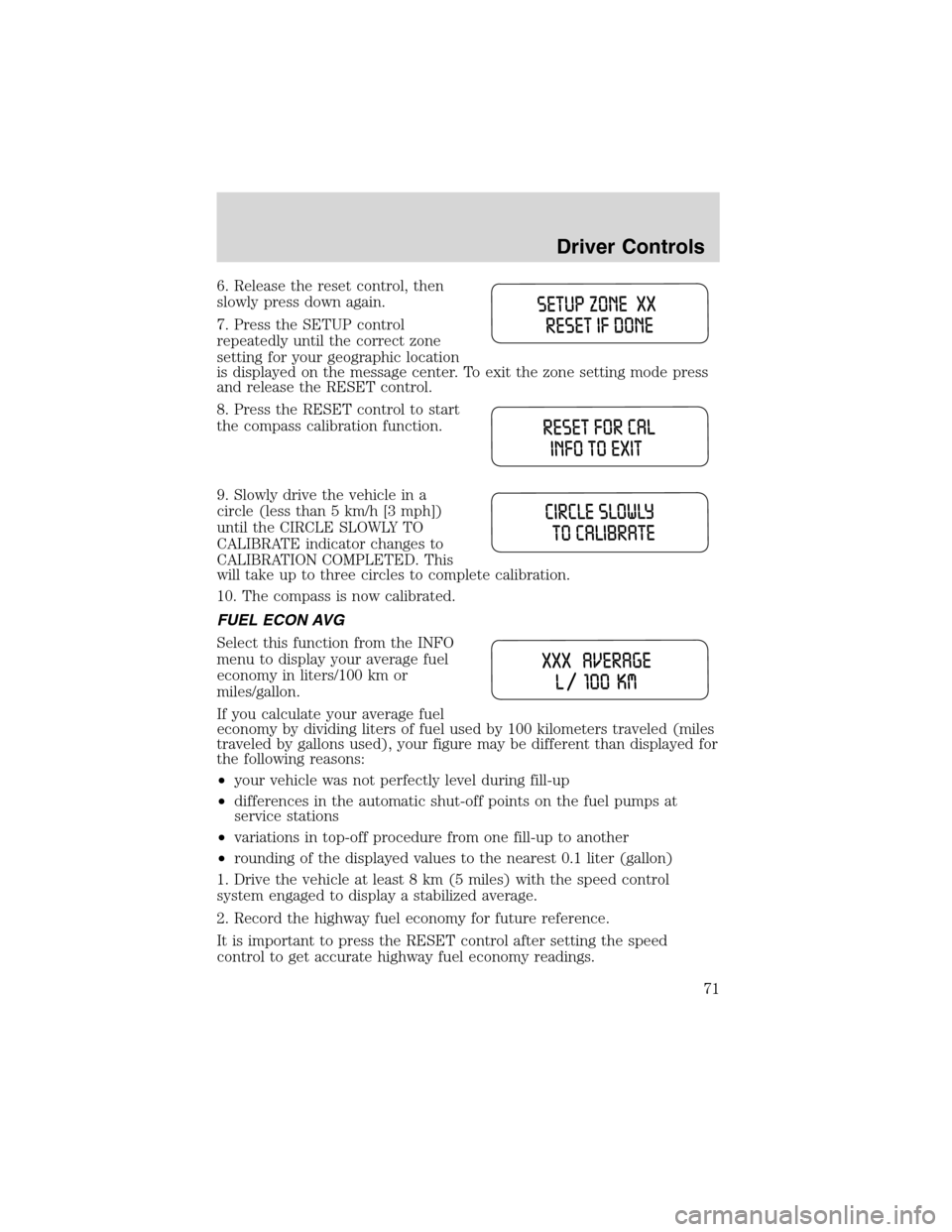
6. Release the reset control, then
slowly press down again.
7. Press the SETUP control
repeatedly until the correct zone
setting for your geographic location
is displayed on the message center. To exit the zone setting mode press
and release the RESET control.
8. Press the RESET control to start
the compass calibration function.
9. Slowly drive the vehicle in a
circle (less than 5 km/h [3 mph])
until the CIRCLE SLOWLY TO
CALIBRATE indicator changes to
CALIBRATION COMPLETED. This
will take up to three circles to complete calibration.
10. The compass is now calibrated.
FUEL ECON AVG
Select this function from the INFO
menu to display your average fuel
economy in liters/100 km or
miles/gallon.
If you calculate your average fuel
economy by dividing liters of fuel used by 100 kilometers traveled (miles
traveled by gallons used), your figure may be different than displayed for
the following reasons:
•your vehicle was not perfectly level during fill-up
•differences in the automatic shut-off points on the fuel pumps at
service stations
•variations in top-off procedure from one fill-up to another
•rounding of the displayed values to the nearest 0.1 liter (gallon)
1. Drive the vehicle at least 8 km (5 miles) with the speed control
system engaged to display a stabilized average.
2. Record the highway fuel economy for future reference.
It is important to press the RESET control after setting the speed
control to get accurate highway fuel economy readings.
Driver Controls
71
Page 72 of 240

DIST TO EMPTY (DTE)
Selecting this function from the
INFO menu will give you an
estimate of how far you can drive
with the fuel remaining in your tank
under normal driving conditions.
Remember to turn the ignition OFF when refueling your vehicle.
Otherwise, the display will not show the addition of fuel for a few
kilometers (miles).
The DTE function will display LOW FUEL LEVEL and sound a tone for 1
second when you have low fuel level indicated on the fuel gauge.
TRIP ELAPSED DRIVE TIME
Select this function from the INFO menu to display your trip elapsed
drive time and will display and accumulate when the key is in the RUN
position.
1. Press the INFO control until the message center display shows the
TRIP ELAPSED TIME XXXX.
2. Hold the RESET control down for two seconds to clear display.
DISPLAY ON/OFF
Select this function from the INFO menu to turn your message center
display OFF or ON.
LIFTGATE
To unlock the liftgate, insert door
key into the lock and turn
clockwise. You can also unlock the
latch (but not release it) with the
power door lock system and remote
entry key fob.
To open the liftgate, squeeze the
liftgate handle.
•Do not open the liftgate in a
garage or other enclosed area
with a low ceiling. If the liftgate is opened, the liftgate could be
damaged against a low ceiling.
•Do not leave the liftgate open while driving. Doing so could cause
serious damage to the liftgate and its components as well as allowing
carbon monoxide to enter the vehicle.
Driver Controls
72