Page 3 of 320
Cleaning 259
Maintenance and Specifications 265
Engine compartment 267
Engine oil 269
Battery 272
Fuel information 280
Air filter(s) 294
Low tire warning system 298
Part numbers 300
Refill capacities 300
Lubricant specifications 303
Accessories 309
Index 313
All rights reserved. Reproduction by any means, electronic or mechanical
including photocopying, recording or by any information storage and retrieval
system or translation in whole or part is not permitted without written
authorization from Ford Motor Company. Ford may change the contents without
notice and without incurring obligation.
Copyright © 2002 Ford Motor Company
Table of Contents
3
Page 9 of 320
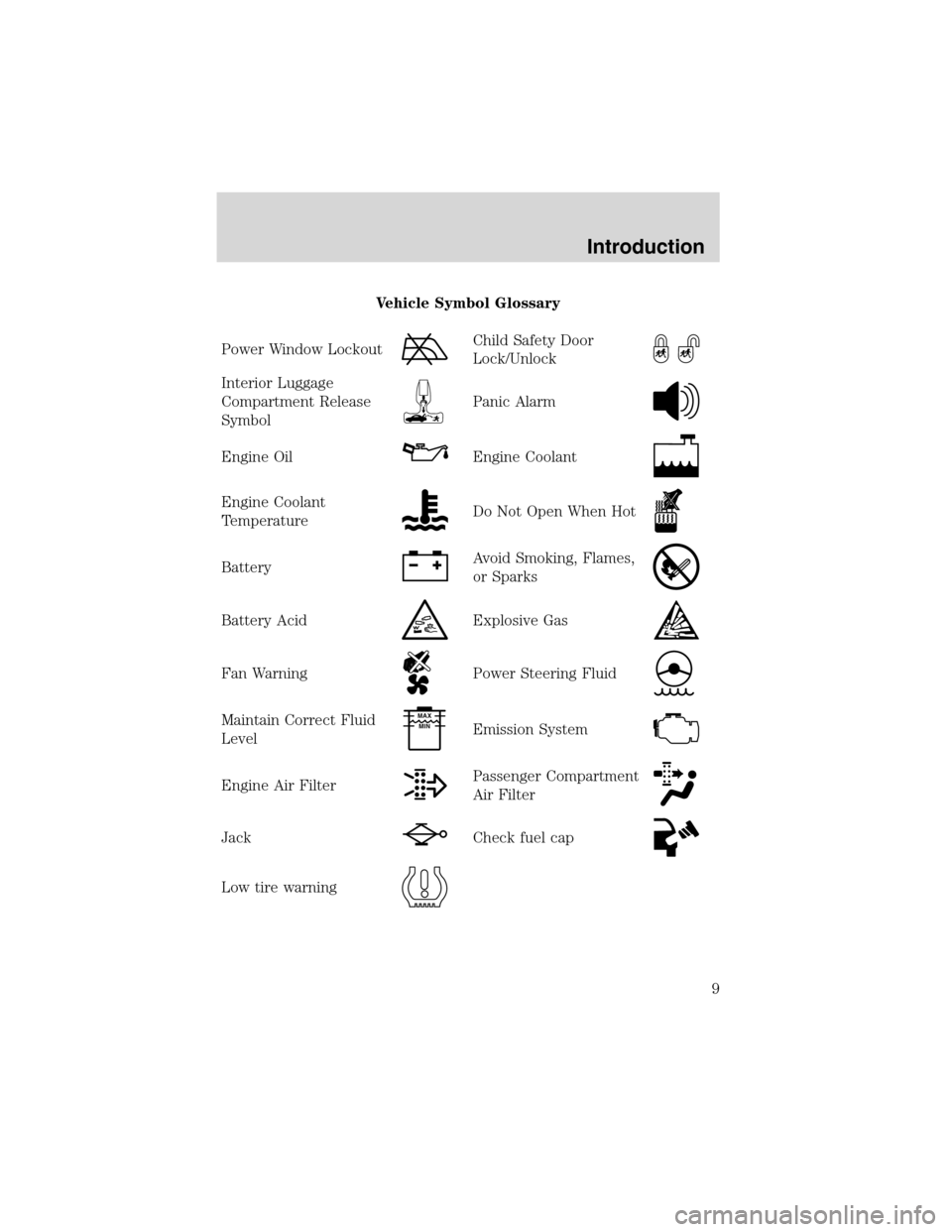
Vehicle Symbol Glossary
Power Window Lockout
Child Safety Door
Lock/Unlock
Interior Luggage
Compartment Release
Symbol
Panic Alarm
Engine OilEngine Coolant
Engine Coolant
TemperatureDo Not Open When Hot
BatteryAvoid Smoking, Flames,
or Sparks
Battery AcidExplosive Gas
Fan WarningPower Steering Fluid
Maintain Correct Fluid
LevelMAX
MIN
Emission System
Engine Air FilterPassenger Compartment
Air Filter
JackCheck fuel cap
Low tire warning
Introduction
9
Page 13 of 320
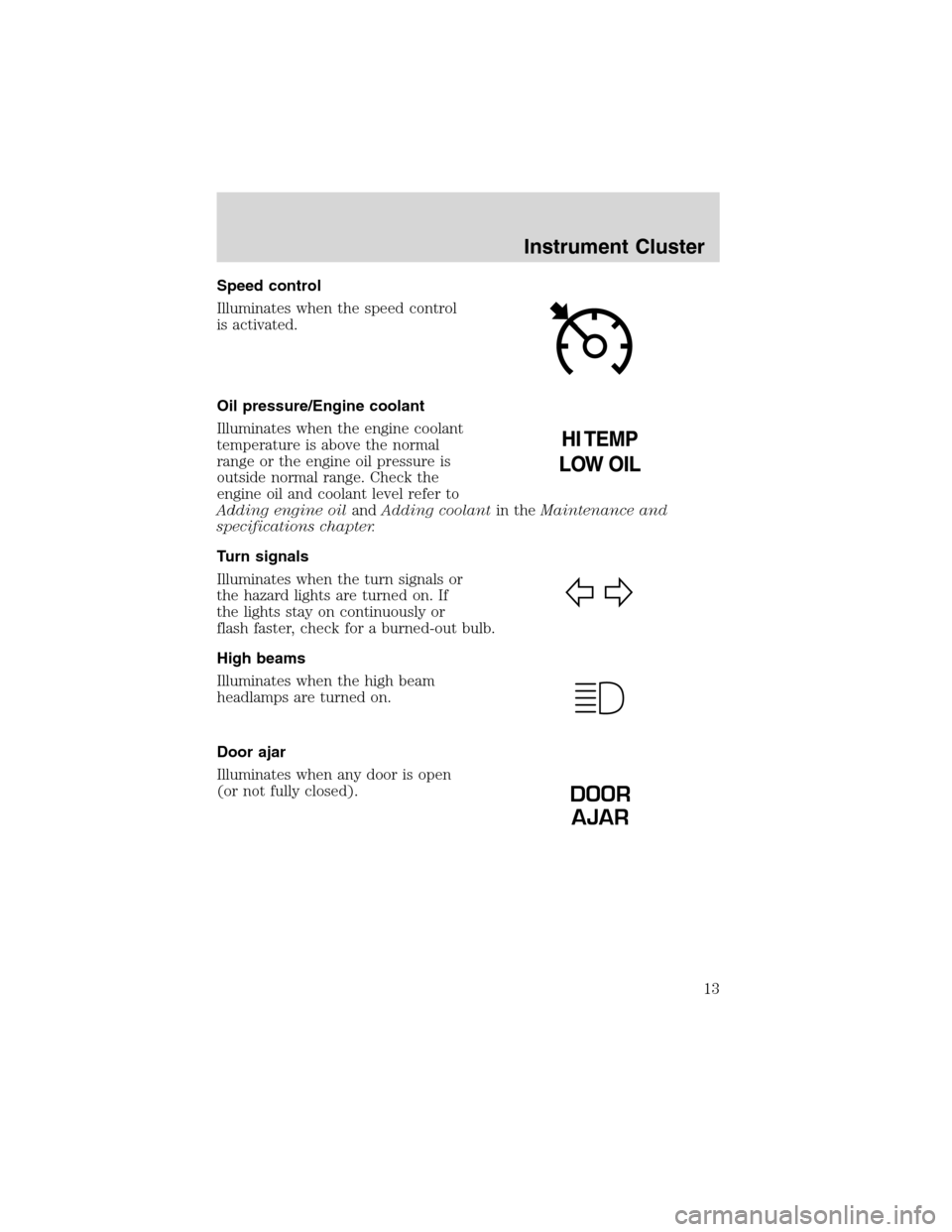
Speed control
Illuminates when the speed control
is activated.
Oil pressure/Engine coolant
Illuminates when the engine coolant
temperature is above the normal
range or the engine oil pressure is
outside normal range. Check the
engine oil and coolant level refer to
Adding engine oilandAdding coolantin theMaintenance and
specifications chapter.
Turn signals
Illuminates when the turn signals or
the hazard lights are turned on. If
the lights stay on continuously or
flash faster, check for a burned-out bulb.
High beams
Illuminates when the high beam
headlamps are turned on.
Door ajar
Illuminates when any door is open
(or not fully closed).
DOOR
AJAR
Instrument Cluster
13
Page 16 of 320
This gauge indicates the temperature of the engine coolant, not the
coolant level. If the coolant is not at its proper level the gauge indication
will not be accurate. If the gauge enters the red section, the oil
pressure/engine coolant andCheck Engine/Service Engine Soon
indicators illuminate, refer toWhat you should know about fail-safe
coolingin theMaintenance and specificationschapter.
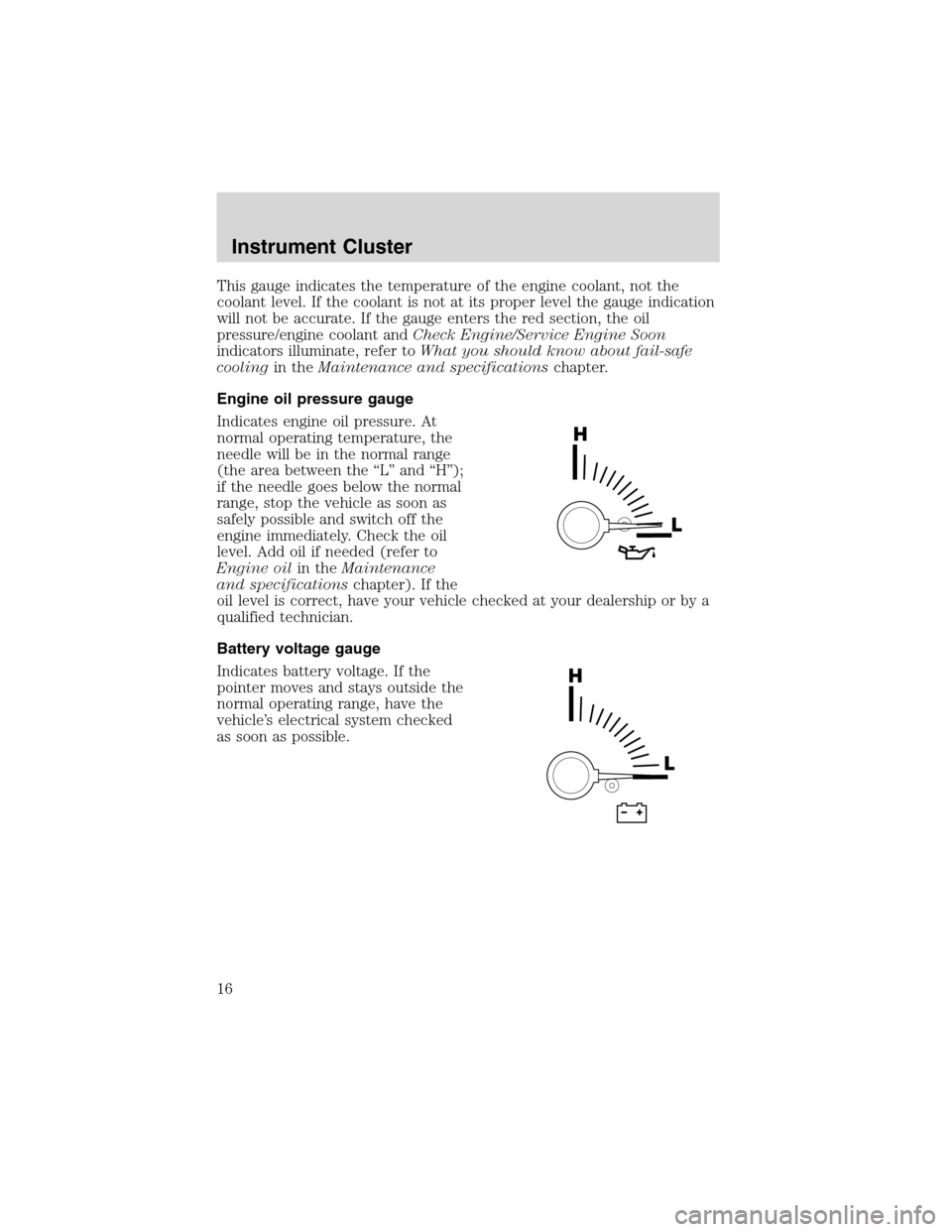
Engine oil pressure gauge
Indicates engine oil pressure. At
normal operating temperature, the
needle will be in the normal range
(the area between the“L”and“H”);
if the needle goes below the normal
range, stop the vehicle as soon as
safely possible and switch off the
engine immediately. Check the oil
level. Add oil if needed (refer to
Engine oilin theMaintenance
and specificationschapter). If the
oil level is correct, have your vehicle checked at your dealership or by a
qualified technician.
Battery voltage gauge
Indicates battery voltage. If the
pointer moves and stays outside the
normal operating range, have the
vehicle’s electrical system checked
as soon as possible.
Instrument Cluster
16
Page 88 of 320
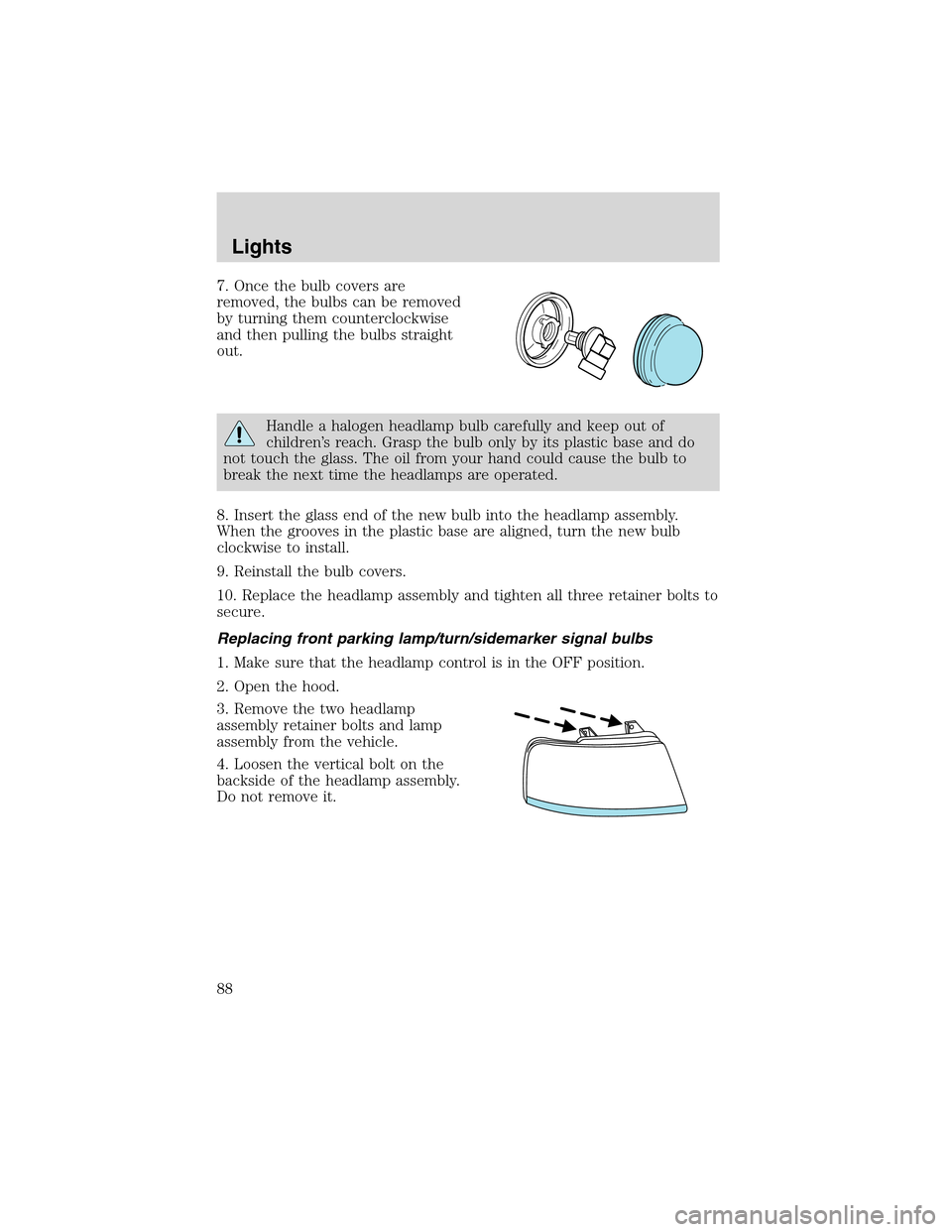
7. Once the bulb covers are
removed, the bulbs can be removed
by turning them counterclockwise
and then pulling the bulbs straight
out.
Handle a halogen headlamp bulb carefully and keep out of
children’s reach. Grasp the bulb only by its plastic base and do
not touch the glass. The oil from your hand could cause the bulb to
break the next time the headlamps are operated.
8. Insert the glass end of the new bulb into the headlamp assembly.
When the grooves in the plastic base are aligned, turn the new bulb
clockwise to install.
9. Reinstall the bulb covers.
10. Replace the headlamp assembly and tighten all three retainer bolts to
secure.
Replacing front parking lamp/turn/sidemarker signal bulbs
1. Make sure that the headlamp control is in the OFF position.
2. Open the hood.
3. Remove the two headlamp
assembly retainer bolts and lamp
assembly from the vehicle.
4. Loosen the vertical bolt on the
backside of the headlamp assembly.
Do not remove it.
Lights
88
Page 90 of 320
Replacing foglamp bulbs
Handle a halogen headlamp bulb carefully and keep out of
children’s reach. Grasp the bulb only by its plastic base and do
not touch the glass. The oil from your hand could cause the bulb to
break the next time the headlamps are operated.
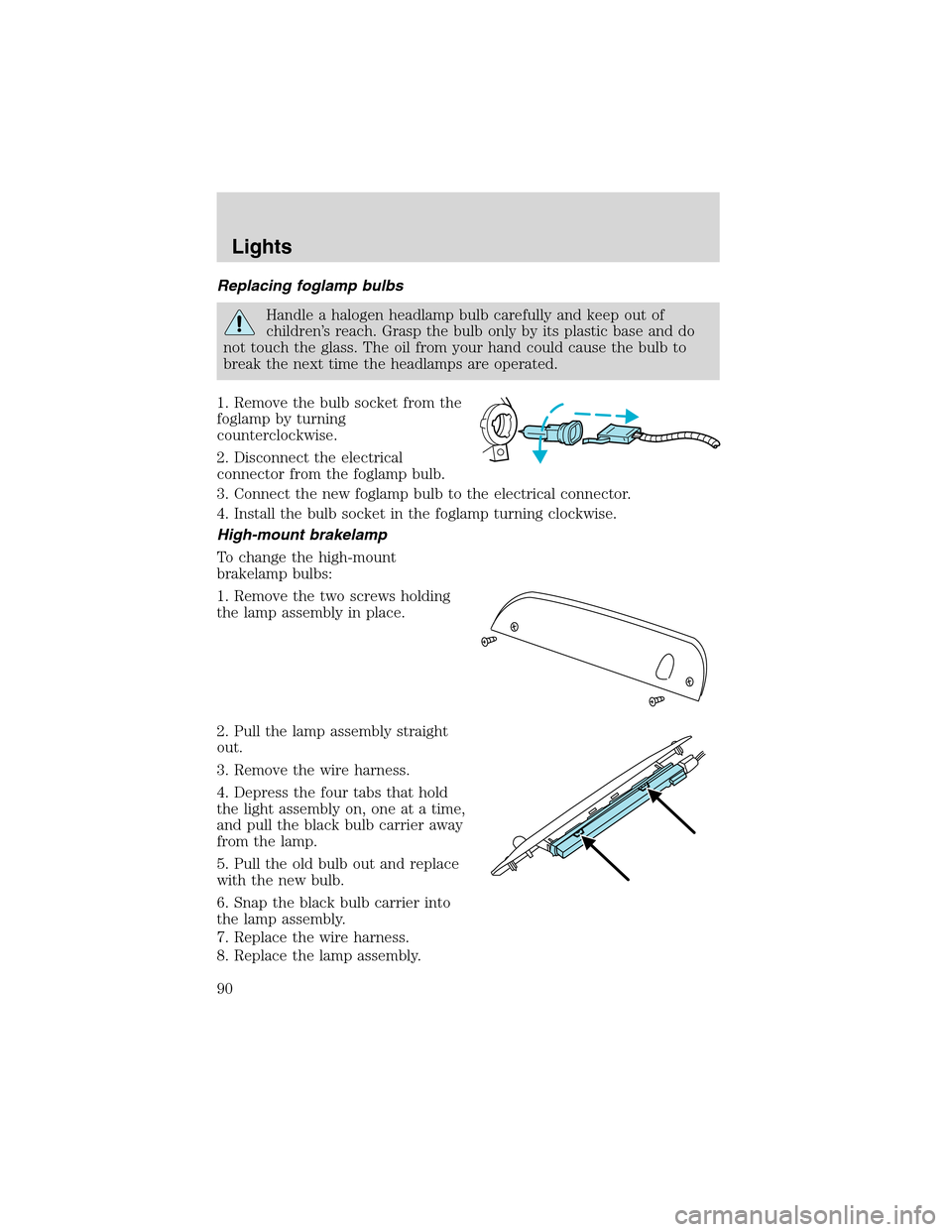
1. Remove the bulb socket from the
foglamp by turning
counterclockwise.
2. Disconnect the electrical
connector from the foglamp bulb.
3. Connect the new foglamp bulb to the electrical connector.
4. Install the bulb socket in the foglamp turning clockwise.
High-mount brakelamp
To change the high-mount
brakelamp bulbs:
1. Remove the two screws holding
the lamp assembly in place.
2. Pull the lamp assembly straight
out.
3. Remove the wire harness.
4. Depress the four tabs that hold
the light assembly on, one at a time,
and pull the black bulb carrier away
from the lamp.
5. Pull the old bulb out and replace
with the new bulb.
6. Snap the black bulb carrier into
the lamp assembly.
7. Replace the wire harness.
8. Replace the lamp assembly.
Lights
90
Page 120 of 320
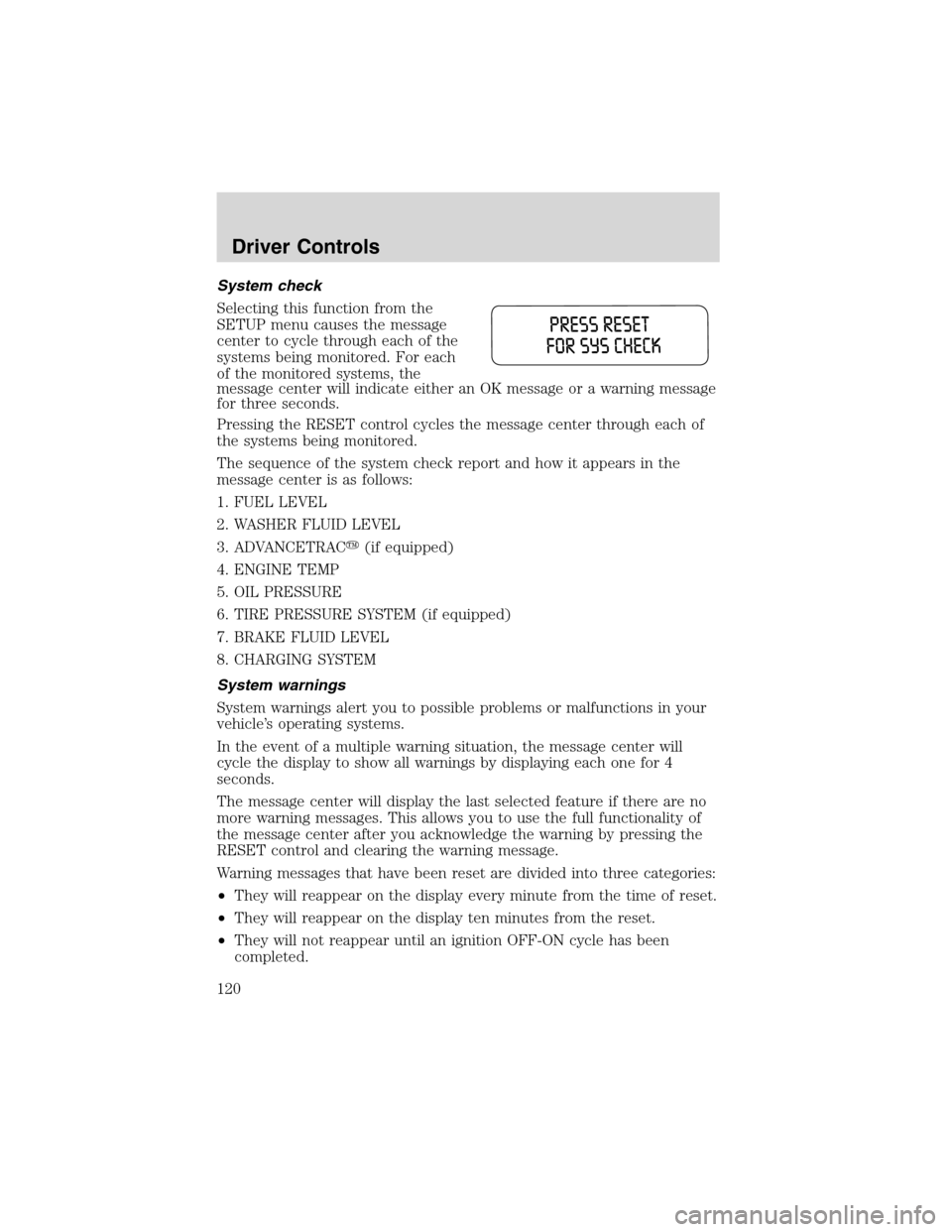
System check
Selecting this function from the
SETUP menu causes the message
center to cycle through each of the
systems being monitored. For each
of the monitored systems, the
message center will indicate either an OK message or a warning message
for three seconds.
Pressing the RESET control cycles the message center through each of
the systems being monitored.
The sequence of the system check report and how it appears in the
message center is as follows:
1. FUEL LEVEL
2. WASHER FLUID LEVEL
3. ADVANCETRAC�(if equipped)
4. ENGINE TEMP
5. OIL PRESSURE
6. TIRE PRESSURE SYSTEM (if equipped)
7. BRAKE FLUID LEVEL
8. CHARGING SYSTEM
System warnings
System warnings alert you to possible problems or malfunctions in your
vehicle’s operating systems.
In the event of a multiple warning situation, the message center will
cycle the display to show all warnings by displaying each one for 4
seconds.
The message center will display the last selected feature if there are no
more warning messages. This allows you to use the full functionality of
the message center after you acknowledge the warning by pressing the
RESET control and clearing the warning message.
Warning messages that have been reset are divided into three categories:
•They will reappear on the display every minute from the time of reset.
•They will reappear on the display ten minutes from the reset.
•They will not reappear until an ignition OFF-ON cycle has been
completed.
Driver Controls
120
Page 121 of 320

This acts as a reminder that these warning conditions still exist within
the vehicle.
Warning display Status
Check backup aid (if equipped) Warning displays when R
(reverse) gear is selected.
PRNDL error no backup aid (if equipped)
AdvTrac ON (if equipped) Displays for 4 seconds
AdvTrac OFF (if equipped)
Door ajar Warning returns after 10
minutes
Liftgate ajar
Low fuel level
Check charging system
Low brake fluid level
Low oil pressure
Check engine temperature
Reduced engine power
Stop engine safely
Warning-tire very low (if equipped)
Tire pressure system fault (if equipped) Warning returns after the
ignition key is turned
from OFF to ON. Check tire pressure (if equipped)
Check spare tire pressure (if equipped)
Tire pressure sensor fault (if equipped)
Low washer fluid level
Check AdvTrac (if equipped)
AdvTrac OFF T/C ON (if equipped)
Check fuel cap
CHECK BACKUP AID (if equipped).Displayed when the
transmission is in R (Reverse).
PRNDL ERROR NO BACKUP AID (if equipped).Displayed when the
transmission is in R (Reverse) and the Reverse Sensing System is
disabled. Refer toReverse Sensing Systemin this section to enable.
ADVTRAC ON (if equipped).Displayed when the AdvanceTrac�is
ON.
ADVTRAC OFF (if equipped).Displayed when the AdvanceTrac�is
OFF.
DOOR AJAR.Displayed when a door is not completely closed.
Driver Controls
121