Page 170 of 486
The tray sill can be folded down onto the stowable seat
to close the space between the two while the stowable
seat is folded down. To do this, ¯ip the sill plate up and
over toward the stowable seat.
The cover of the convenience center can be left in its
upright position while the vehicle is moving.
The convenience center has six hooks on the inside
cover for hanging items on. The prop rods can hold up
to 49 lbs. (21.8 kg) on the cover of the convenience
center while in its upright position.The convenience center and the stowable seat both
have a maximum weight capacity of 400 lbs. (181.6 kg).
Notice:Loading objects that weigh over 400 lbs
(181 kg) onto the sliding rear convenience tray may
cause damage. Repairs would not be covered by
your warranty. Do not load heavy objects on
the sliding rear convenience tray.
2-60
Page 188 of 486
Turn and Lane-Change Signals
The turn signal has two upward (for right) and two
downward (for left) positions. These positions allow you
to signal a turn or a lane change.
To signal a turn, move the lever all the way up or down.
When the turn is ®nished, the lever will return
automatically.
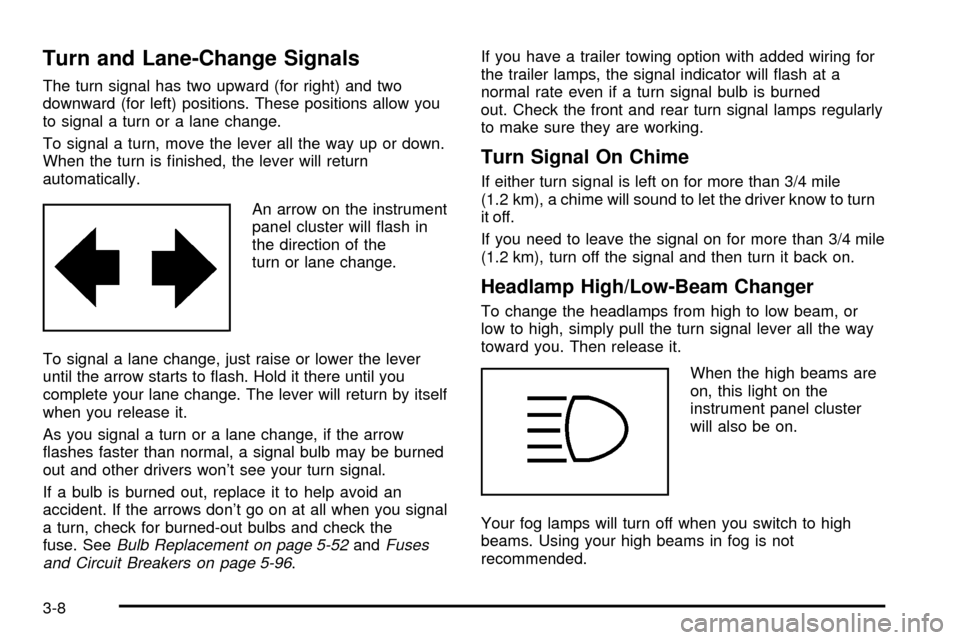
An arrow on the instrument
panel cluster will ¯ash in
the direction of the
turn or lane change.
To signal a lane change, just raise or lower the lever
until the arrow starts to ¯ash. Hold it there until you
complete your lane change. The lever will return by itself
when you release it.
As you signal a turn or a lane change, if the arrow
¯ashes faster than normal, a signal bulb may be burned
out and other drivers won't see your turn signal.
If a bulb is burned out, replace it to help avoid an
accident. If the arrows don't go on at all when you signal
a turn, check for burned-out bulbs and check the
fuse. See
Bulb Replacement on page 5-52andFuses
and Circuit Breakers on page 5-96.If you have a trailer towing option with added wiring for
the trailer lamps, the signal indicator will ¯ash at a
normal rate even if a turn signal bulb is burned
out. Check the front and rear turn signal lamps regularly
to make sure they are working.
Turn Signal On Chime
If either turn signal is left on for more than 3/4 mile
(1.2 km), a chime will sound to let the driver know to turn
it off.
If you need to leave the signal on for more than 3/4 mile
(1.2 km), turn off the signal and then turn it back on.
Headlamp High/Low-Beam Changer
To change the headlamps from high to low beam, or
low to high, simply pull the turn signal lever all the way
toward you. Then release it.
When the high beams are
on, this light on the
instrument panel cluster
will also be on.
Your fog lamps will turn off when you switch to high
beams. Using your high beams in fog is not
recommended.
3-8
Page 189 of 486

Flash-to-Pass
When the headlamps are off, pull the lever toward you
to momentarily switch on the high beams (to signal
that you are going to pass). When you release the lever,
they will turn off.
Windshield Wipers
WIPER:Turn this band to operate the windshield
wipers.
MIST:Turn the band to MIST for a single wiping cycle.
Hold it there until the wipers start. Then let go. The
wipers will stop after one wipe. If you want more wipes,
hold the band on mist longer.
OFF:Turn the band to OFF to turn off the windshield
wipers.
LOW:Turn the band to LOW, for steady wiping at
low speed.HIGH:Turn the band to HIGH, for steady wiping at
high speed.
DELAY:Turn the band away from you to one of the
®ve sensitivity settings between OFF and LOW, to
choose the delayed wiping cycle. The further the band
is turned toward LOW, the shorter the delay will be.
Use this setting for light rain or snow.
Remember that damaged wiper blades may prevent you
from seeing well enough to drive safely. To avoid
damage, be sure to clear ice and snow from the wiper
blades before using them. If they're frozen to the
windshield, carefully loosen or thaw them. If your blades
do become damaged, get new blades or blade inserts.
Heavy snow or ice can overload your wipers. A
circuit breaker will stop them until the motor cools. Clear
away snow or ice to prevent an overload.
3-9
Page 214 of 486
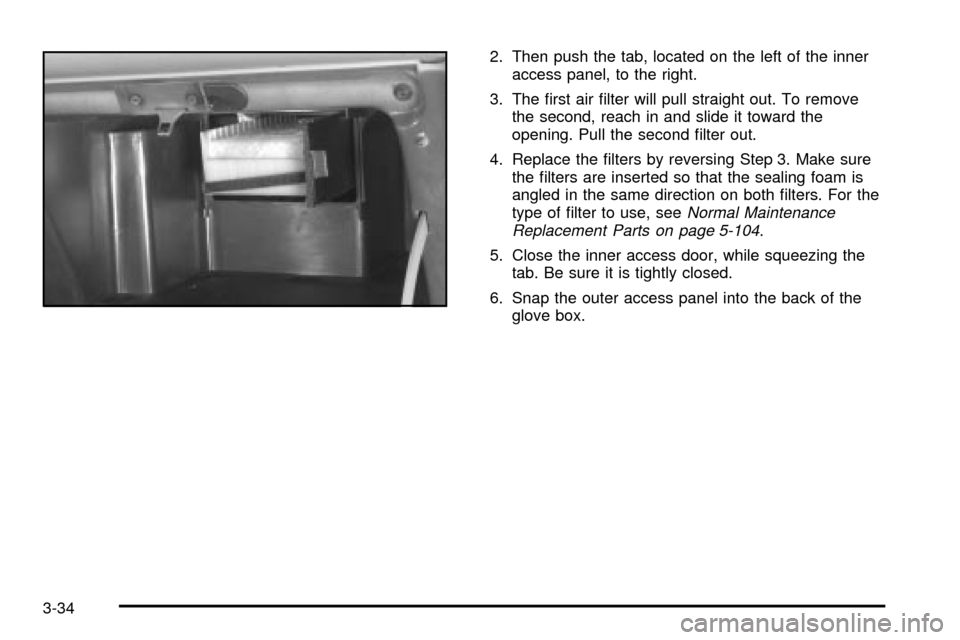
2. Then push the tab, located on the left of the inner
access panel, to the right.
3. The ®rst air ®lter will pull straight out. To remove
the second, reach in and slide it toward the
opening. Pull the second ®lter out.
4. Replace the ®lters by reversing Step 3. Make sure
the ®lters are inserted so that the sealing foam is
angled in the same direction on both ®lters. For the
type of ®lter to use, see
Normal Maintenance
Replacement Parts on page 5-104.
5. Close the inner access door, while squeezing the
tab. Be sure it is tightly closed.
6. Snap the outer access panel into the back of the
glove box.
3-34
Page 222 of 486
If the light comes on while you are driving, pull off the
road and stop carefully. You may notice that the pedal is
harder to push. Or, the pedal may go closer to the
¯oor. It may take longer to stop. If the light is still on,
have the vehicle towed for service. See
Anti-Lock Brake
System Warning Light on page 3-42andTowing Your
Vehicle on page 4-32.
{CAUTION:
Your brake system may not be working
properly if the brake system warning light is
on. Driving with the brake system warning light
on can lead to an accident. If the light is still
on after you have pulled off the road and
stopped carefully, have the vehicle towed
for service.
Anti-Lock Brake System
Warning Light
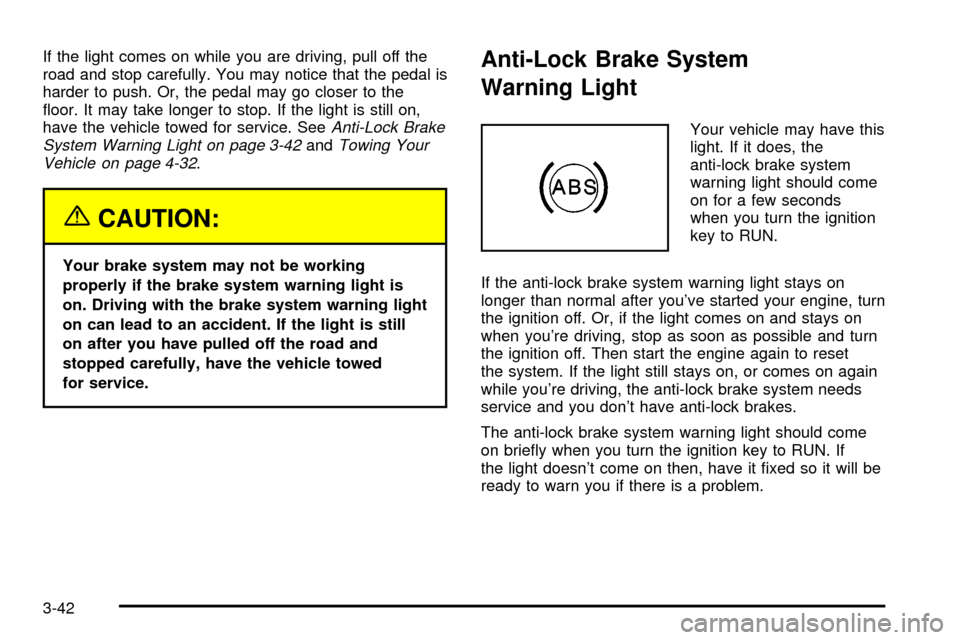
Your vehicle may have this
light. If it does, the
anti-lock brake system
warning light should come
on for a few seconds
when you turn the ignition
key to RUN.
If the anti-lock brake system warning light stays on
longer than normal after you've started your engine, turn
the ignition off. Or, if the light comes on and stays on
when you're driving, stop as soon as possible and turn
the ignition off. Then start the engine again to reset
the system. If the light still stays on, or comes on again
while you're driving, the anti-lock brake system needs
service and you don't have anti-lock brakes.
The anti-lock brake system warning light should come
on brie¯y when you turn the ignition key to RUN. If
the light doesn't come on then, have it ®xed so it will be
ready to warn you if there is a problem.
3-42
Page 226 of 486

This light should come on, as a check to show you it is
working, when the ignition is on and the engine is
not running. If the light does not come on, have it
repaired. This light will also come on during a
malfunction in one of two ways:
·Light FlashingÐ A mis®re condition has been
detected. A mis®re increases vehicle emissions
and may damage the emission control system on
your vehicle. Diagnosis and service may be
required.
·Light On SteadyÐ An emission control system
malfunction has been detected on your vehicle.
Diagnosis and service may be required.
If the Light Is Flashing
The following may prevent more serious damage to
your vehicle:
·Reducing vehicle speed.
·Avoiding hard accelerations.
·Avoiding steep uphill grades.
·If you are towing a trailer, reduce the amount of
cargo being hauled as soon as it is possible.
If the light stops ¯ashing and remains on steady, see ªIf
the Light Is On Steadyº following.
If the light continues to ¯ash, when it is safe to do so,
stop the vehicle.Find a safe place to park your vehicle.
Turn the key off, wait at least 10 seconds and restart
the engine. If the light remains on steady, see ªIf
the Light Is On Steadyº following. If the light is still
¯ashing, follow the previous steps, and see your dealer
for service as soon as possible.
3-46
Page 244 of 486

Adjusting the Speakers (Balance/Fade)
AUDIO:To adjust the balance between the right
and the left speakers, press and release the AUDIO
button until BAL appears on the display. Then press and
hold the up or the down arrow to move the sound
toward the right or the left speakers.
To adjust the fade between the front and the rear
speakers, press and release the AUDIO button until
FAD appears on the display. Then press and hold the up
or the down arrow to move the sound toward the front
or the rear speakers.
To adjust balance or fade to the middle position, select
BAL or FAD. Then press and hold the AUDIO button
for more than two seconds until you hear a beep. L and
a zero or F and a zero will appear on the display.To adjust both tone controls and both speaker controls
to the middle position, ®rst end out of audio mode
by pressing another button, causing the radio to perform
that function, or by waiting ®ve seconds for the display
to return to time of day. Then press and hold the AUDIO
button for more than two seconds until you hear a
beep. CEN will appear on the display.
Radio Messages
CAL (Calibration):Your audio system has been
calibrated for your vehicle from the factory. If CAL
appears on the display it means that your radio has not
been con®gured properly for your vehicle and must
be returned to the dealer for service.
LOC (Locked):This message is displayed when the
THEFTLOCK
žsystem has locked up. You must
return to the dealer for service.
3-64
Page 247 of 486

Adjusting the Speakers (Balance/Fade)
AUDIO:To adjust the balance between the right
and the left speakers, push and release the AUDIO
knob until BAL appears on the display. Turn the knob to
move the sound toward the right or the left speakers.
To adjust the fade, push and release the AUDIO
knob until FADE appears on the display. Turn the knob
to move the sound toward the front or the rear
speakers.
To adjust the balance and the fade to the middle
position, push the AUDIO knob, then push it again and
hold it until you hear one beep. The balance and the
fade will be adjusted to the middle position and the
display will show the speaker balance.
To adjust all tone and speaker controls to the middle
position, push and hold the AUDIO knob when no tone
or speaker control is displayed. The radio will produce
one beep and display ALL with the level display in
the middle position.
Using RDS
Radio Data System (RDS):Your audio system is
equipped with a Radio Data System (RDS). RDS
features are available for use only on FM stations that
broadcast RDS information.
·Seek to stations broadcasting the selected type of
programming,
·receive announcements concerning local and
national emergencies,
·display messages from radio stations, and
·seek to stations with traffic announcements.
This system relies upon receiving speci®c information
from these stations and will only work when the
information is available. In rare cases, a radio station
may broadcast incorrect information that will cause
the radio features to work improperly. If this happens,
contact the radio station.
While you are tuned to an RDS station, the station
name or the call letters will appear on the display instead
of the frequency. RDS stations may also provide the
time of day, a program type (PTY) for current
programming and the name of the program being
broadcast.
3-67