Page 126 of 408
Instrument Panel Overview
3-4
Page 127 of 408

The main components of your instrument panel are
listed here:
A. Instrument Panel Fuse Block. See
Fuses and Circuit
Breakers on page 5-95.
B. Traction Control On/Off Button (If Equipped). See
Traction Control System (TCS) (3800 V6 Engine) on
page 4-9.
C. Multifunction Lever. See
Turn Signal/Multifunction
Lever on page 3-7.
D. Audio Steering Wheel Controls (Option). See
Audio
Steering Wheel Controls on page 3-90.
E. Hazard Warning Flasher Button. See
Hazard
Warning Flashers on page 3-6.
F. Audio System. See
Audio System(s) on page 3-53.
G. Air Vent. See
Outlet Adjustment on page 3-25.
H. Exterior Lamps Control. See
Exterior Lamps
on page 3-14.I. Remote Trunk Release Button. See ªRemote Trunk
Rleaseº under
Trunk on page 2-10.
J. Tilt Steering Wheel Lever. See
Tilt Wheel on
page 3-7.
K. Hood Release. See
Hood Release on page 5-10.
L. Steering Wheel Cruise Control (If Equipped).
See ªCruise Controlº under
Turn Signal/Multifunction
Lever on page 3-7.
M. Ignition Switch. See ªIgnition Positionsº under
New
Vehicle Break-In on page 2-18.
N. Center Console Shift Lever (If Equipped). See
ªConsole Shift Leverº under
Parking Brake on
page 2-27.
O. Climate Controls. See
Dual Climate Control System
on page 3-22.
P. Glove Box. See
Glove Box on page 2-43.
3-5
Page 128 of 408
Hazard Warning Flashers
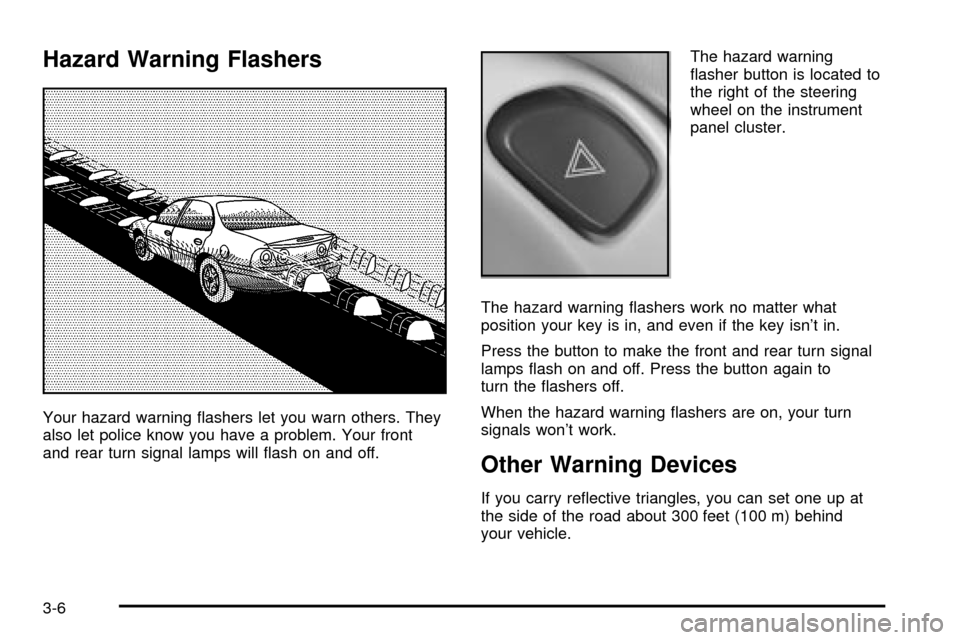
Your hazard warning ¯ashers let you warn others. They
also let police know you have a problem. Your front
and rear turn signal lamps will ¯ash on and off.The hazard warning
¯asher button is located to
the right of the steering
wheel on the instrument
panel cluster.
The hazard warning ¯ashers work no matter what
position your key is in, and even if the key isn't in.
Press the button to make the front and rear turn signal
lamps ¯ash on and off. Press the button again to
turn the ¯ashers off.
When the hazard warning ¯ashers are on, your turn
signals won't work.
Other Warning Devices
If you carry re¯ective triangles, you can set one up at
the side of the road about 300 feet (100 m) behind
your vehicle.
3-6
Page 130 of 408

Turn and Lane-Change Indicator
The turn signal has two upward (for right) and two
downward (for left) positions. These positions allow you
to signal a turn or a lane change.
To signal a turn, move the lever all the way up or down.
When the turn is ®nished, the lever will return
automatically.
An arrow on the instrument
panel cluster will ¯ash in
the direction of the
turn or lane change.
To signal a lane change, just raise or lower the lever
until the arrow starts to ¯ash. Hold it there until you
complete your lane change. The lever will return by itself
when you release it.
If the arrow ¯ashes faster than normal as you signal a
turn or a lane change, a signal bulb may be burned
out and other drivers won't see your turn signal.
If a bulb is burned out, replace it to help avoid an
accident. If the arrows don't go on at all when you signal
a turn, check for burned-out bulbs and then check the
fuse. See
Fuses and Circuit Breakers on page 5-95.
Turn Signal On Chime
If you leave either one of your turn signals on and drive
more than 3/4 mile (1.2 km), a chime will sound to
alert you.
Headlamp High/Low-Beam Changer
To change your headlamps from low beams to
high beams, or high to low, pull the multifunction lever
all the way toward you. Then release it.
While the high beams are
on, this light on the
instrument panel cluster
also will be on.
This light works only while the ignition key is in the ON
position, and your fog lamps (if equipped) will not be
illuminated when your high beams are on.
3-8
Page 134 of 408
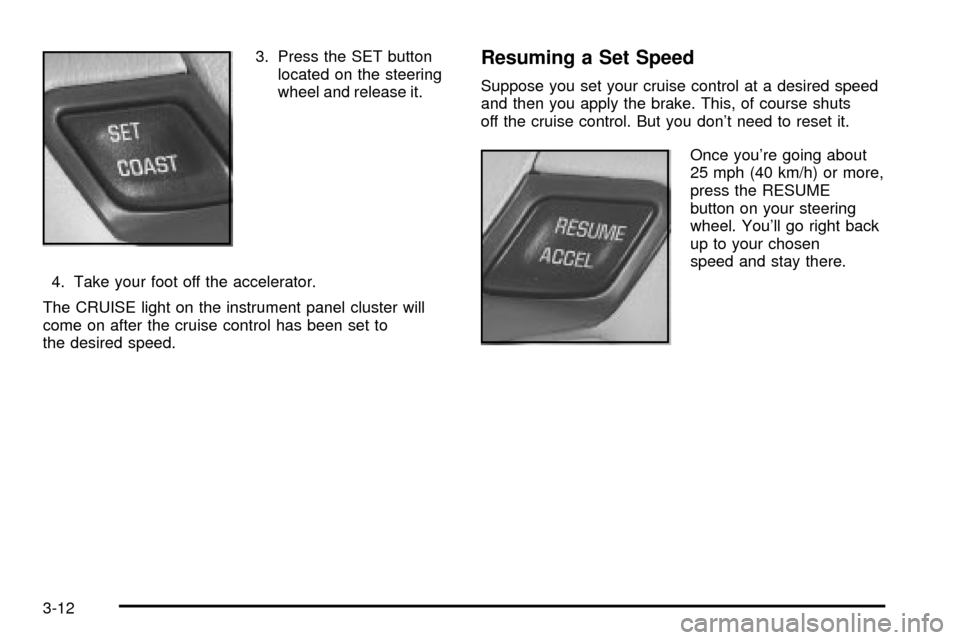
3. Press the SET button
located on the steering
wheel and release it.
4. Take your foot off the accelerator.
The CRUISE light on the instrument panel cluster will
come on after the cruise control has been set to
the desired speed.Resuming a Set Speed
Suppose you set your cruise control at a desired speed
and then you apply the brake. This, of course shuts
off the cruise control. But you don't need to reset it.
Once you're going about
25 mph (40 km/h) or more,
press the RESUME
button on your steering
wheel. You'll go right back
up to your chosen
speed and stay there.
3-12
Page 136 of 408
Using Cruise Control on Hills
How well your cruise control will work on hills depends
upon your speed, load and the steepness of the
hills. When going up steep hills, you may have to step
on the accelerator pedal to maintain your speed.
When going downhill, you may have to brake or shift to
a lower gear to keep your speed down. Of course,
applying the brake takes you out of cruise control. Many
drivers ®nd this to be too much trouble and don't use
cruise control on steep hills.
Ending Cruise Control
There are three ways to cancel the cruise control:
·Step lightly on the brake pedal.
·Slide the lever on the multifunction lever to the left
to the OFF position.
·Press the COAST and ACCEL buttons at the
same time.
Erasing Speed Memory
When you turn off the cruise control or the ignition, your
cruise control set speed memory is erased.
Exterior Lamps
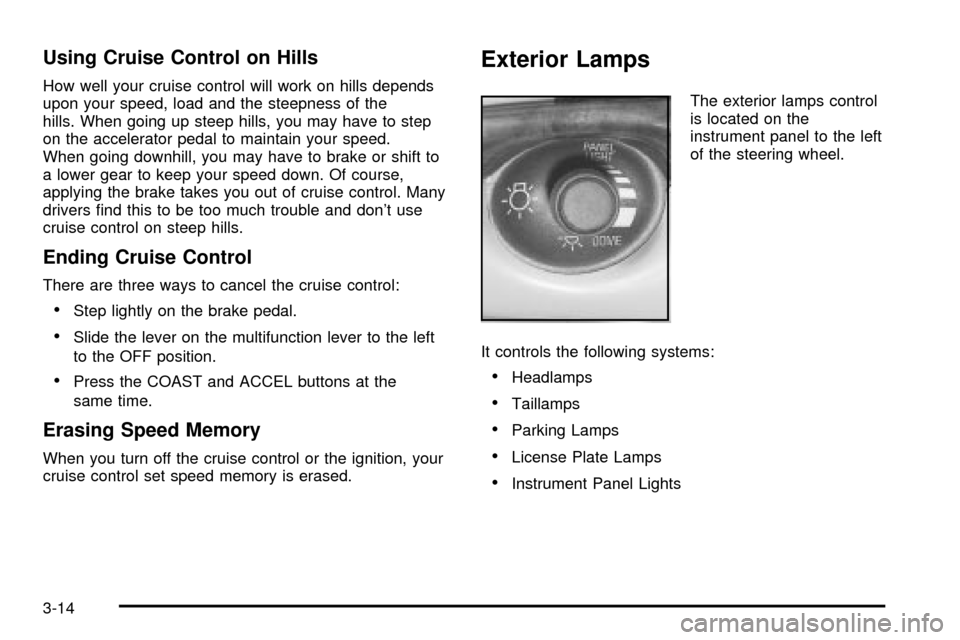
The exterior lamps control
is located on the
instrument panel to the left
of the steering wheel.
It controls the following systems:
·Headlamps
·Taillamps
·Parking Lamps
·License Plate Lamps
·Instrument Panel Lights
3-14
Page 137 of 408

The exterior lamps control has three positions:
Off:Push the control all the way in to turn off the
exterior lamps.
Parking Lamps:Pull the control out halfway to turn on
the parking lamps together with the following:
·Taillamps
·License Plate Lamps
·Instrument Panel Lights
Headlamps:Pull the control all the way out to turn on
the headlamps together with the previously listed
lamps and lights. See
Interior Lamps on page 3-17for
information on the instrument panel brightness
control and on the dome lamps. A warning chime will
sound if you open the driver's door when the ignition
switch is off and the headlamps are on.
Daytime Running Lamps/Automatic
Headlamp System
Daytime Running Lamps (DRL) can make it easier for
others to see the front of your vehicle during the
day. DRL can be helpful in many different driving
conditions, but they can be especially helpful in the short
periods after dawn and before sunset. Fully functional
daytime running lamps are required on all vehicles
®rst sold in Canada.A light sensor on top of the instrument panel makes the
DRL work, so be sure it isn't covered.
The DRL system's automatic headlamp control will
make your high-beam headlamps come on at a reduced
brightness when the following conditions are met:
·The ignition is on,
·the exterior lamps control is off and
·the gearshift is not in PARK (P).
When the DRL are on, only your high-beam headlamps,
at a reduced level of brightness, will be on. The
headlamps, taillamps, sidemarker and other lamps won't
be on. Your instrument panel and cluster won't be lit
up either.
When it's dark enough outside, your high-beam
headlamps will turn off and the headlamps and parking
lamps will turn on. The other lamps that come on
with your headlamps will also come on.
When it's bright enough outside, your headlamps will go
off and your DRL will come on.
As with any vehicle, you should turn on the regular
headlamp system when you need it.
3-15
Page 138 of 408
Delayed Headlamps
The delayed headlamps feature provides a period of
exterior lighting as you leave the area around your
vehicle. The feature is activated when the headlamps
are on due to the automatic headlamps control
feature described previously in this section, and when
the ignition is turned off. Your headlamps will then
remain on until the exterior lamps control is moved to
the parking lamps position or until either a 30 second or
60 second lighting period has ended.
If you turn off the ignition with the headlamps switch in
the parking lamps or headlamps position, the delayed
headlamps cycle will not occur.
To disable the delayed headlamps feature or change
the time of delay, see
Vehicle Customization Settings on
page 3-94.
Fog Lamps
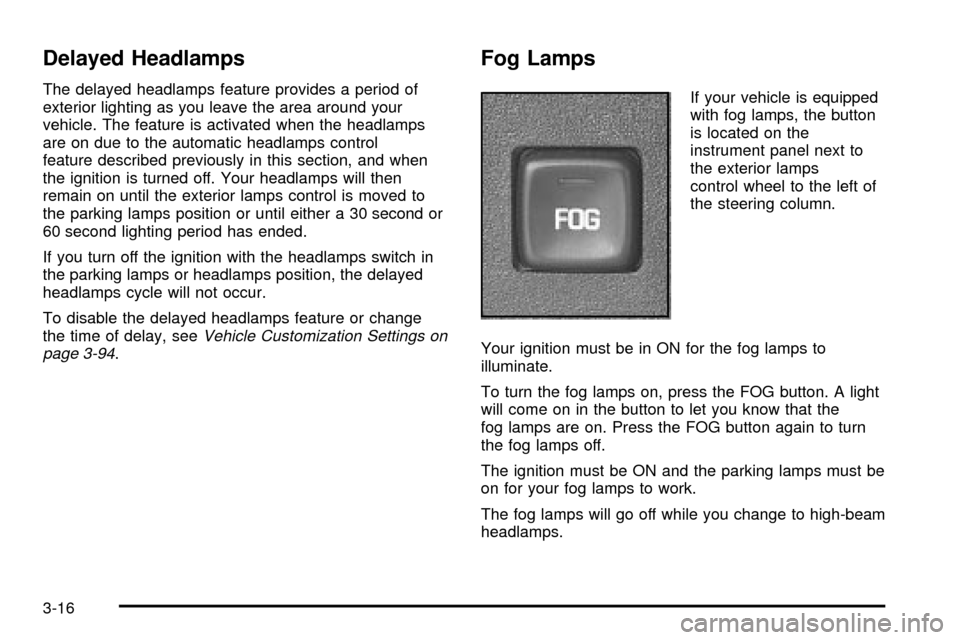
If your vehicle is equipped
with fog lamps, the button
is located on the
instrument panel next to
the exterior lamps
control wheel to the left of
the steering column.
Your ignition must be in ON for the fog lamps to
illuminate.
To turn the fog lamps on, press the FOG button. A light
will come on in the button to let you know that the
fog lamps are on. Press the FOG button again to turn
the fog lamps off.
The ignition must be ON and the parking lamps must be
on for your fog lamps to work.
The fog lamps will go off while you change to high-beam
headlamps.
3-16