2003 CHEVROLET CORVETTE battery
[x] Cancel search: batteryPage 165 of 368

Blank Page
There is a blank page at the end of the OPTIONS
menu. When the blank page is displayed, you
can access the following items:
FOB TRAINING:This option allows you to match the
RKE transmitter(s) to your vehicle. You can access this
option by pressing and holding RESET for three
seconds while you are on the blank page at the end of
the OPTIONS menu. The message FOB TRAINING
will be displayed. See ªMatching Transmitter(s) To Your
Vehicleº under
Remote Keyless Entry System
Operation on page 2-5
TIRE TRAINING (Except Z06):The Tire Pressure
Monitor (TPM) operates with battery-powered sensors
that are located inside the valve stems on each tire.
Each sensor has a unique ID code so the vehicle knows
the tire location of the sensor. When the vehicle
reaches a speed of greater than 15 mph (24 km/h), the
sensors begin to send the tire pressure readings to
a receiver inside the vehicle. These readings are
displayed when using the GAGES button on the DIC. If
you are unable to display your tire pressures while
the vehicle speed is greater than 15 mph (24 km/h), you
may need to have your sensor ID codes learned by
the vehicle. See your dealer.
DIC Warnings and Messages
The following messages and warnings may appear in
the DIC display. The DIC display area is located in
the instrument panel cluster below the speedometer and
tachometer, directly above the steering column. You
may receive more than one message at a time.
Messages will appear one behind the other. To
acknowledge a message and remove it from the display,
press RESET. You may scroll through the messages
that may have been sent at the same time. The
message center is continuously updated with the vehicle
performance status.
ABS ACTIVE (Anti-Lock Brake System
Active):When your anti-lock system is adjusting brake
pressure to help avoid a braking skid, the ABS
ACTIVE message will be displayed.
Slippery road conditions may exist if this message is
displayed, so adjust your driving accordingly. The
message will stay on for a few seconds after the system
stops adjusting brake pressure.
3-53
Page 168 of 368

REDUCED ENGINE POWER:You will hear chimes
continuously when this message is displayed. To
acknowledge that you have read the message and to
remove it from the display, press RESET. The message
will reappear every 15 seconds until this condition
changes.
If the Driver Information Center (DIC) displays the
REDUCED ENGINE POWER message and the CHECK
ENGINE light comes on, a noticeable reduction in the
vehicle's performance may occur. If the REDUCED
ENGINE POWER message is displayed but there is no
reduction in performance, proceed to your destination.
The performance may be reduced the next time
the vehicle is driven.
The vehicle may be driven at a reduced speed while the
REDUCED ENGINE POWER message is displayed,
but acceleration and speed may be reduced. Anytime
the CHECK ENGINE light stays on, the vehicle
should be taken to an authorized dealer as soon as
possible for diagnosis and repair.
Also, refer to
Malfunction Indicator Lamp on page 3-38.
If the REDUCED ENGINE POWER message is
displayed in combination with the COOLANT OVER
TEMP message, see
Engine Overheating on page 5-26.
SERVICE VEHICLE SOON:If this message appears
on the DIC, there may be an electrical or another system
problem with your vehicle. Have your vehicle checked
by your dealer if this message keeps appearing.CHARGE SYSTEM FAULT:Press RESET to
acknowledge that you have read the message and to
remove it from the display. The message will reappear
every 10 minutes until this condition changes. You
will hear two chimes when this message is displayed.
If this message comes on while you are driving, you may
have a problem with the electrical charging system. It
could indicate that you have a loose or broken drive belt
or another electrical problem. Have it checked right
away. Driving while this light is on could drain your
battery.
If you must drive a short distance with the message on,
be certain to turn off your accessories, such as the
radio and air conditioner.
TRACTION SYS ACTIVE:When your Traction Control
System is limiting wheel spin, the TRACTION SYS
ACTIVE message will be displayed. Slippery road
conditions may exist if this message is displayed, so
adjust your driving accordingly. The message will
stay on for a few seconds after the Traction Control
System stops limiting wheel spin.
TRACTION SYSTEM ± ON:This message is displayed
when you decide to turn on the Traction Control
System by pressing the switch on the console. This
message will shut off automatically on its own.
3-56
Page 187 of 368

oSEEKp:The left arrow works the same as the
PREV pushbutton and the right arrow works the
same as the NEXT pushbutton.
AM/FM:Press this button to listen to the radio when
playing a compact disc.
CD AUX (Auxiliary):Press this button to play a CD
when listening to the radio. You can also press
this button to switch between playing a CD in the
compact disc player and playing a CD in the
trunk-mounted CD changer, if both are loaded.
Compact Disc Messages
If an error occurs while trying to play a CD in the
compact disc player or changer, the following conditions
may have caused the error:
·You're driving on a very rough road. When the road
becomes smoother, the disc should play.
·The disc is dirty, scratched, wet or upside down.
·The air is very humid. If so, wait about an hour and
try again.
·The CD changer door is open. Completely close the
changer door to restore normal operation.
·An empty magazine is in the CD changer. Try the
magazine again with a disc loaded on one of the
trays.If the CD is not playing correctly, for any other reason,
try a known good CD.
If any error occurs repeatedly or if an error can't be
corrected, contact your dealer. If your radio displays an
error message, write it down and provide it to your
dealer when reporting the problem.
Theft-Deterrent Feature
THEFTLOCKžis designed to discourage theft of your
radio. It works by using a secret code to disable all radio
functions whenever battery power is interrupted.
The THEFTLOCK feature for the radio may be used or
ignored. If ignored, the system plays normally and
the radio is not protected by the feature. If THEFTLOCK
is activated, your radio will not operate if stolen.
When THEFTLOCK is activated, the radio will display
LOC to indicate a locked condition anytime battery
power has been interrupted. If your battery loses power
for any reason, you must unlock the radio with the
secret code before it will operate.
3-75
Page 189 of 368

If you enter the wrong code eight times, INOP will
appear on the display. You will have to wait an hour
with the ignition on before you can try again. When you
try again, you will only have three chances to enter
the correct code before INOP appears.
If you lose or forget your code, contact your dealer.
Disabling the Theft-Deterrent Feature
Enter your secret code as follows; pause no more than
15 seconds between steps:
1. Turn the ignition on.
2. Turn the radio off.
3. Press the 1 and 4 pushbuttons at the same time.
Hold them down until SEC shows on the display.
4. Press MN and 000 will appear on the display.
5. Press MN again to make the last two digits agree
with your code.
6. Press HR to make the ®rst one or two digits agree
with your code.
7. Press AM FM after you have con®rmed that the
code matches the secret code you have written
down. The display will show ---, indicating that the
radio is no longer secured.If the code entered is incorrect, SEC will appear on the
display. The radio will remain secured until the correct
code is entered.
When battery power is removed and later applied to a
secured radio, the radio won't turn on and LOC will
appear on the display.
To unlock a secured radio, see ªUnlocking the
Theft-Deterrent Feature After a Power Lossº earlier in
this section.
Understanding Radio Reception
AM
The range for most AM stations is greater than for FM,
especially at night. The longer range, however, can
cause stations to interfere with each other. AM can pick
up noise from things like storms and power lines. Try
reducing the treble to reduce this noise if you ever get it.
FM
FM stereo will give you the best sound, but FM signals
will reach only about 10 to 40 miles (16 to 65 km).
Tall buildings or hills can interfere with FM signals,
causing the sound to come and go.
3-77
Page 223 of 368
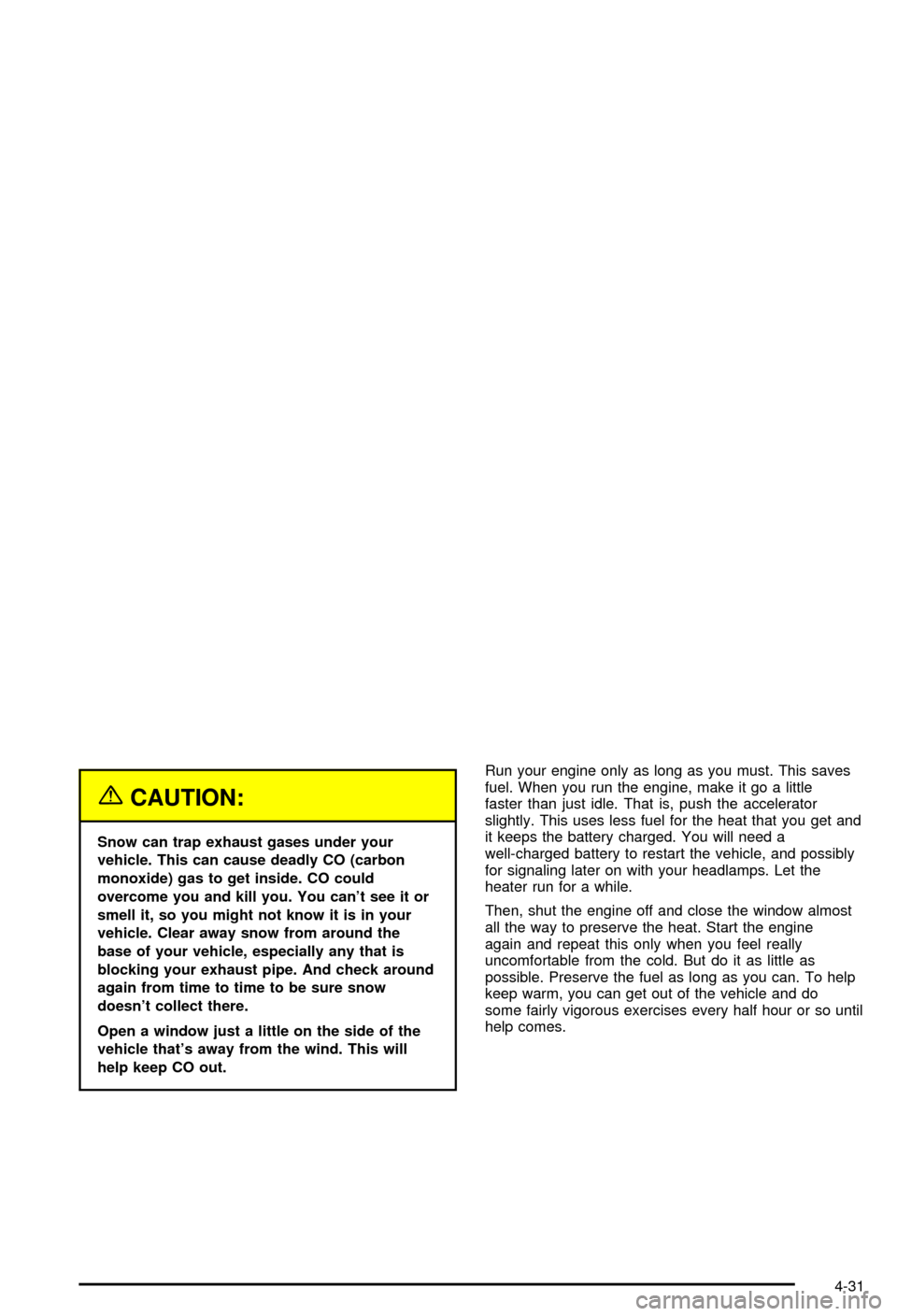
{CAUTION:
Snow can trap exhaust gases under your
vehicle. This can cause deadly CO (carbon
monoxide) gas to get inside. CO could
overcome you and kill you. You can't see it or
smell it, so you might not know it is in your
vehicle. Clear away snow from around the
base of your vehicle, especially any that is
blocking your exhaust pipe. And check around
again from time to time to be sure snow
doesn't collect there.
Open a window just a little on the side of the
vehicle that's away from the wind. This will
help keep CO out.Run your engine only as long as you must. This saves
fuel. When you run the engine, make it go a little
faster than just idle. That is, push the accelerator
slightly. This uses less fuel for the heat that you get and
it keeps the battery charged. You will need a
well-charged battery to restart the vehicle, and possibly
for signaling later on with your headlamps. Let the
heater run for a while.
Then, shut the engine off and close the window almost
all the way to preserve the heat. Start the engine
again and repeat this only when you feel really
uncomfortable from the cold. But do it as little as
possible. Preserve the fuel as long as you can. To help
keep warm, you can get out of the vehicle and do
some fairly vigorous exercises every half hour or so until
help comes.
4-31
Page 229 of 368

Service............................................................5-3
Doing Your Own Service Work.........................5-3
Adding Equipment to the Outside of Your
Vehicle......................................................5-4
Fuel................................................................5-4
Gasoline Octane............................................5-4
Gasoline Speci®cations....................................5-5
California Fuel...............................................5-5
Additives.......................................................5-6
Fuels in Foreign Countries...............................5-6
Filling Your Tank............................................5-7
Filling a Portable Fuel Container.......................5-9
Checking Things Under
the Hood....................................................5-10
Hood Release..............................................5-11
Engine Compartment Overview.......................5-12
Engine Oil...................................................5-13
Engine Air Cleaner/Filter................................5-18
Automatic Transmission Fluid.........................5-20
Manual Transmission Fluid.............................5-20
Hydraulic Clutch...........................................5-22
Engine Coolant.............................................5-23
Coolant Surge Tank Pressure Cap..................5-26
Engine Overheating.......................................5-26
Cooling System............................................5-29
Power Steering Fluid.....................................5-35Windshield Washer Fluid................................5-36
Brakes........................................................5-37
Battery........................................................5-40
Jump Starting...............................................5-41
Rear Axle.......................................................5-46
Bulb Replacement..........................................5-47
Halogen Bulbs..............................................5-47
Headlamps..................................................5-47
Taillamps and Turn Signal Lamps...................5-49
Back-Up Lamps............................................5-51
Replacement Bulbs.......................................5-51
Windshield Wiper Blade Replacement..............5-51
Tires..............................................................5-54
Extended Mobility Tires (Except Z06)...............5-54
In¯ation -- Tire Pressure................................5-56
Tire Pressure Monitor System (Except Z06)......5-57
Tire Rotation................................................5-58
Buying New Tires.........................................5-59
Uniform Tire Quality Grading..........................5-60
Wheel Alignment and Tire Balance..................5-61
Wheel Replacement......................................5-61
Tire Chains..................................................5-64
Lifting Your Vehicle.......................................5-64
If a Tire Goes Flat........................................5-68
Tire In¯ator Kit (Z06 Only).............................5-70
Section 5 Service and Appearance Care
5-1
Page 241 of 368
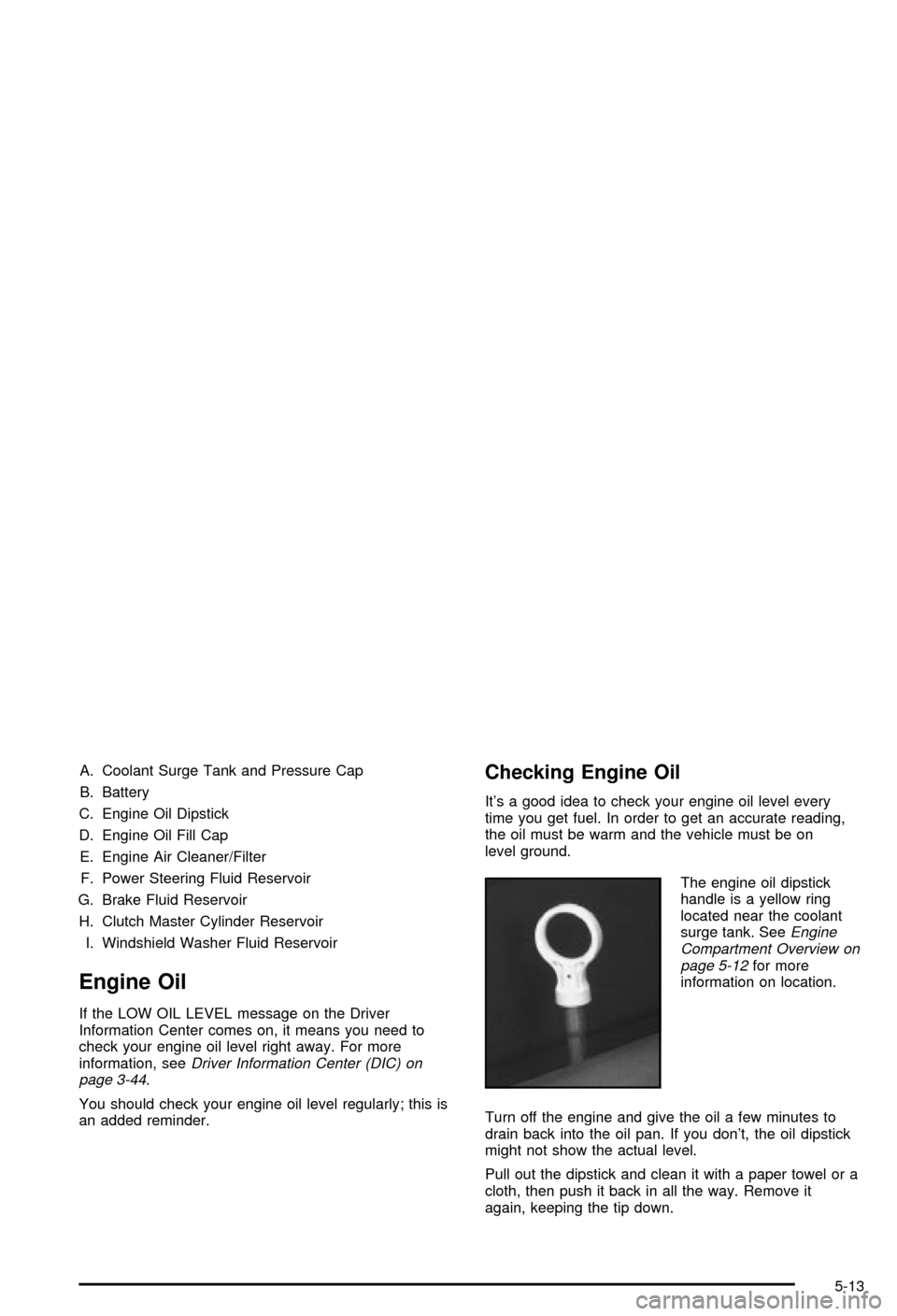
A. Coolant Surge Tank and Pressure Cap
B. Battery
C. Engine Oil Dipstick
D. Engine Oil Fill Cap
E. Engine Air Cleaner/Filter
F. Power Steering Fluid Reservoir
G. Brake Fluid Reservoir
H. Clutch Master Cylinder Reservoir
I. Windshield Washer Fluid Reservoir
Engine Oil
If the LOW OIL LEVEL message on the Driver
Information Center comes on, it means you need to
check your engine oil level right away. For more
information, see
Driver Information Center (DIC) on
page 3-44.
You should check your engine oil level regularly; this is
an added reminder.
Checking Engine Oil
It's a good idea to check your engine oil level every
time you get fuel. In order to get an accurate reading,
the oil must be warm and the vehicle must be on
level ground.
The engine oil dipstick
handle is a yellow ring
located near the coolant
surge tank. See
Engine
Compartment Overview on
page 5-12
for more
information on location.
Turn off the engine and give the oil a few minutes to
drain back into the oil pan. If you don't, the oil dipstick
might not show the actual level.
Pull out the dipstick and clean it with a paper towel or a
cloth, then push it back in all the way. Remove it
again, keeping the tip down.
5-13
Page 268 of 368

Replacing Brake System Parts
The braking system on a vehicle is complex. Its many
parts have to be of top quality and work well together if
the vehicle is to have really good braking. Your
vehicle was designed and tested with top-quality GM
brake parts. When you replace parts of your braking
system Ð for example, when your brake linings
wear down and you need new ones put in Ð be sure
you get new approved GM replacement parts. If
you don't, your brakes may no longer work properly. For
example, if someone puts in brake linings that are
wrong for your vehicle, the balance between your front
and rear brakes can change Ð for the worse. The
braking performance you've come to expect can change
in many other ways if someone puts in the wrong
replacement brake parts.
Battery
Your new vehicle comes with a maintenance free
ACDelcožbattery. When it's time for a new battery, get
one that has the replacement number shown on the
original battery's label. We recommend an ACDelco
ž
battery.
For battery replacement, see your dealer or the service
manual. To purchase a service manual, see
Service
and Owner PublicationsinService Publications Ordering
Information on page 7-10.
Warning:Battery posts, terminals and related
accessories contain lead and lead compounds,
chemicals known to the State of California to cause
cancer and reproductive harm. Wash hands after
handling.
Vehicle Storage
If you're not going to drive your vehicle for 25 days
or more, remove the black, negative (-) cable from
the battery. This will help keep your battery from
running down.
{CAUTION:
Batteries have acid that can burn you and gas
that can explode. You can be badly hurt if you
aren't careful. See ªJump Startingº next for
tips on working around a battery without
getting hurt.
Contact your dealer to learn how to prepare your
vehicle for longer storage periods.
Also, for your audio system, see
Theft-Deterrent
Feature on page 3-75.
5-40