Page 83 of 158
83
Initializing the systemInitializing is necessary to familiarize the
system with the correct inflation pres-
sures.
Repeat this process after any changes
in tire inflation pressure, tire rotation or
replacement.
1. Check the tire inflation pressures in
all the tires, comparing them with the
inflation pressure table on page 25,
and adjust them if necessary
2. Turn the ignition key to position 2
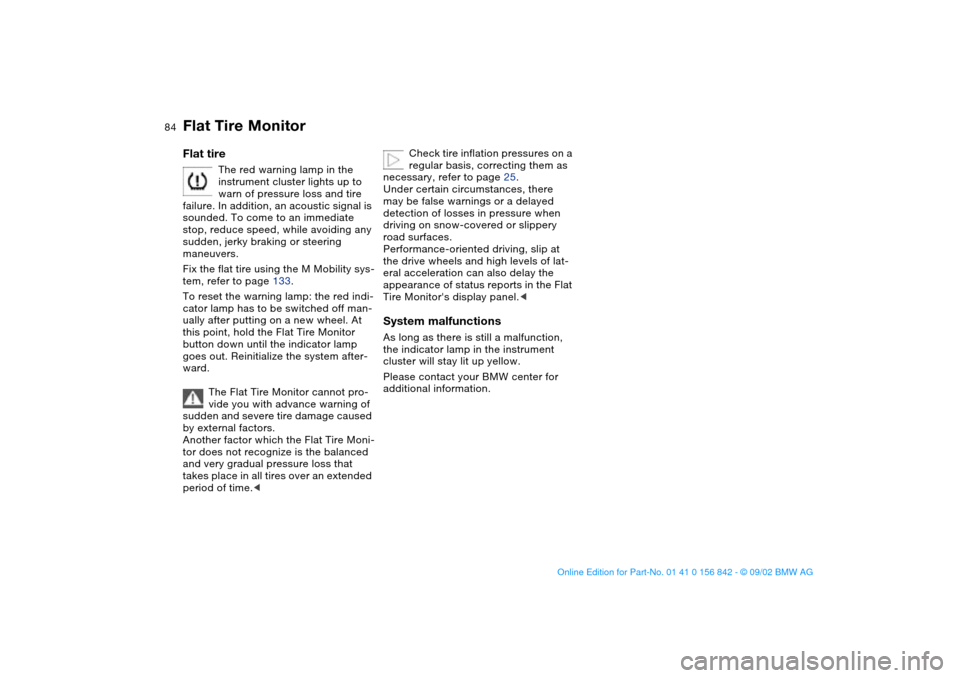
3. Press button as long as you need to
until the indicator lamp in the instru-
ment cluster lights up. After a little
while, the indicator lamp will go out
by itself
4. After a few minutes, the Flat Tire
Monitor will accept the current infla-
tion pressures as the values to be
measured against, and from that
point on can detect and report a flat
tire.
To activate/deactivate the systemThe system is automatically activated in
ignition key position 2 and conse-
quently is on whenever the vehicle is
operated.
To deactivate the system: tap the but-
ton, the indicator lamp will light up yel-
low.
To activate the system: tap the button
again; the indicator lamp goes out.
Deactivate the system when snow
chains are mounted, since false warn-
ings and undetected losses in pressure
are possible under these kinds of con-
ditions.
Flat Tire Monitor
OverviewControlsMaintenanceRepairsDataIndex
handbook.book Page 83 Saturday, July 27, 2002 1:12 PM
Page 84 of 158
84
Flat tire
The red warning lamp in the
instrument cluster lights up to
warn of pressure loss and tire
failure. In addition, an acoustic signal is
sounded. To come to an immediate
stop, reduce speed, while avoiding any
sudden, jerky braking or steering
maneuvers.
Fix the flat tire using the M Mobility sys-
tem, refer to page 133.
To reset the warning lamp: the red indi-
cator lamp has to be switched off man-
ually after putting on a new wheel. At
this point, hold the Flat Tire Monitor
button down until the indicator lamp
goes out. Reinitialize the system after-
ward.
The Flat Tire Monitor cannot pro-
vide you with advance warning of
sudden and severe tire damage caused
by external factors.
Another factor which the Flat Tire Moni-
tor does not recognize is the balanced
and very gradual pressure loss that
takes place in all tires over an extended
period of time.<
Check tire inflation pressures on a
regular basis, correcting them as
necessary, refer to page 25.
Under certain circumstances, there
may be false warnings or a delayed
detection of losses in pressure when
driving on snow-covered or slippery
road surfaces.
Performance-oriented driving, slip at
the drive wheels and high levels of lat-
eral acceleration can also delay the
appearance of status reports in the Flat
Tire Monitor's display panel.<
System malfunctionsAs long as there is still a malfunction,
the indicator lamp in the instrument
cluster will stay lit up yellow.
Please contact your BMW center for
additional information.
Flat Tire Monitor
handbook.book Page 84 Saturday, July 27, 2002 1:12 PM
Page 86 of 158

86Lamps
Parking lamps/Low beamsParking lamps
The front, rear and side vehicle
lighting is switched on. You can
use this to signal the position of
the vehicle when it is parked. For light-
ing on one side for parking as an addi-
tional feature, refer to page 87.
Low beams
When you switch the ignition off
with the low-beam headlamps
on, only the parking lamps will
remain on.
Follow me home lampsWhen you activate the headlamp
flasher after parking the vehicle and
switching off the lights, the low beams
will come on for a brief period.
You can also have this function
deactivated.<
LIGHTS ON warningWhenever you open the driver's door
after having turned the ignition key to
position 0, you will hear an acoustic
signal for a few seconds to remind you
that the lamps have not been switched
off.Daytime driving lamps*If you desire, the light switch can be left
in the low-beam position: when the
ignition is switched off, the external
lighting is also switched off.
When required, switch on the parking
lamps as usual as described under
Parking lamps.
You can have the activation set-
tings for the daytime driving lamps
programmed on your vehicle.
When the switch is in this posi-
tion the system automatically
responds to changes in ambient
light – in tunnels, at dusk, etc. – and in
the event of rain and snow – by switch-
ing the low beams on or off.
The vehicle's external lamps
remain on constantly when you
switch on the front fog lamps after the
headlamps have come on automati-
cally.<
Automatic headlamp control can-
not serve as a substitute for your
personal judgement in determining
when the lamps should be switched on.
For example, the sensors are not able
to detect fog. In such situations switch
on the lamp manually, as otherwise a
safety hazard will result.<
You can have the sensitivity of
your vehicle's automatic head-
lamp control adjusted.<
handbook.book Page 86 Saturday, July 27, 2002 1:12 PM
Page 87 of 158
87
Instrument lightingTurn the rotary dial with the parking/low
beam lamps on to adjust the illumina-
tion intensity.
High beams/Standing lamps1High beams – blue indicator lamp
2Headlamp flasher – blue indicator
lamp
3Standing lampsStanding lamps, left or right*As an additional feature, you can illumi-
nate your vehicle on either side for
parking, if you wish to do so:
With the ignition key in position 0, push
the lever in the appropriate direction.
The lever engages in the turn signal
position.
OverviewControlsMaintenanceRepairsDataIndex
handbook.book Page 87 Saturday, July 27, 2002 1:12 PM
Page 88 of 158
88
Fog lampsFront fog lamps
The green indicator lamp in the
instrument cluster lights up to
indicate that the front fog lamps
are on.
If the automatic headlamp control
is on, the low beams will come on
automatically whenever you activate
the front fog lamps.<
Interior lampsThe interior lamps operate automati-
cally.To switch the interior lamps on
and off manuallyPress button 1 briefly.
If you want the interior lamps to remain
off all the time, press and hold the but-
ton for approx. 3 seconds.
Press the button briefly to revert to nor-
mal operation.Front reading lampsSwitch on and off with the button 2
adjacent to each lamp.
Rear reading lampsSwitch on and off with the button adja-
cent to each lamp.
In order to prevent battery dis-
charge, all of the lamps in the
vehicle are automatically switched off
approx. 15 minutes after you turn the
ignition key to position 0.<
handbook.book Page 88 Saturday, July 27, 2002 1:12 PM
Page 95 of 158
95 Interior conveniences
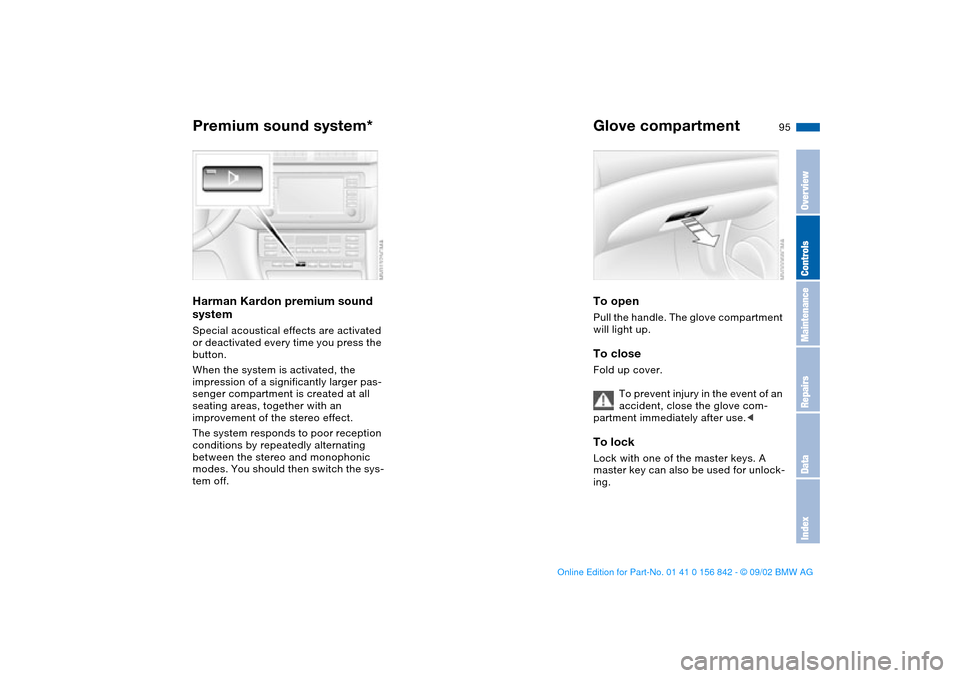
Premium sound system*Harman Kardon premium sound
systemSpecial acoustical effects are activated
or deactivated every time you press the
button.
When the system is activated, the
impression of a significantly larger pas-
senger compartment is created at all
seating areas, together with an
improvement of the stereo effect.
The system responds to poor reception
conditions by repeatedly alternating
between the stereo and monophonic
modes. You should then switch the sys-
tem off.
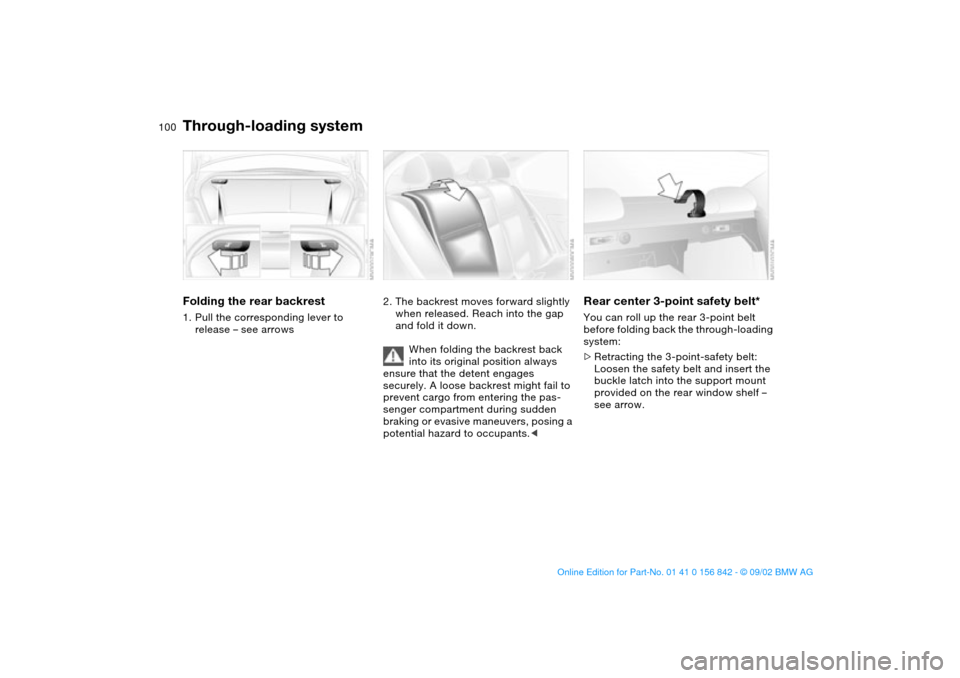
Glove compartmentTo openPull the handle. The glove compartment
will light up.To closeFold up cover.
To prevent injury in the event of an
accident, close the glove com-
partment immediately after use.
master key can also be used for unlock-
ing.
OverviewControlsMaintenanceRepairsDataIndex
handbook.book Page 95 Saturday, July 27, 2002 1:12 PM
Page 98 of 158
98
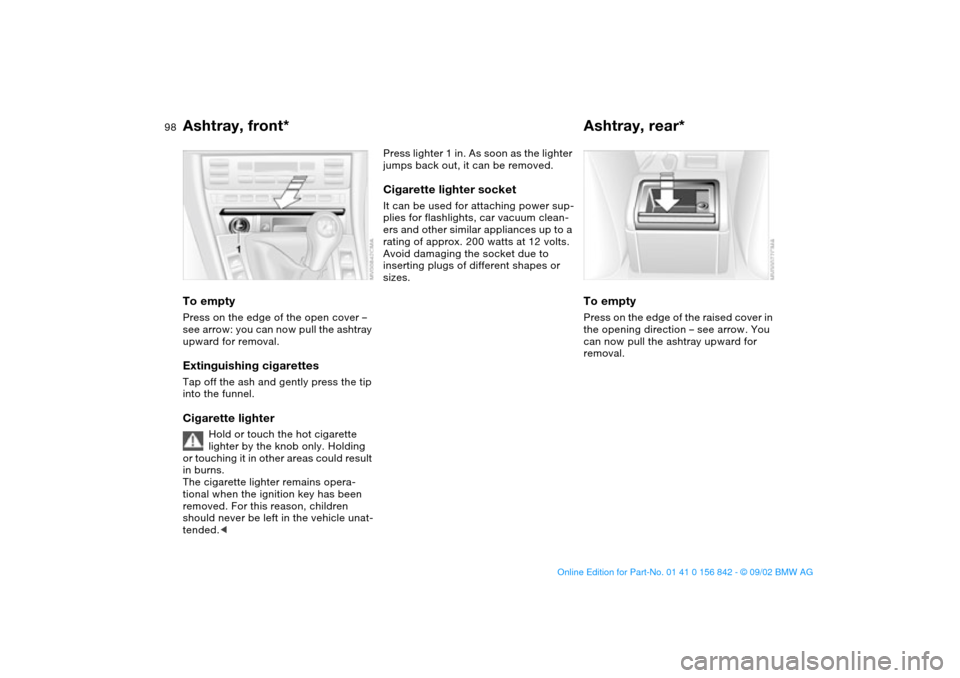
Ashtray, front*To emptyPress on the edge of the open cover –
see arrow: you can now pull the ashtray
upward for removal.Extinguishing cigarettesTap off the ash and gently press the tip
into the funnel.Cigarette lighter
Hold or touch the hot cigarette
lighter by the knob only. Holding
or touching it in other areas could result
in burns.
The cigarette lighter remains opera-
tional when the ignition key has been
removed. For this reason, children
should never be left in the vehicle unat-
tended.<
Press lighter 1 in. As soon as the lighter
jumps back out, it can be removed.Cigarette lighter socketIt can be used for attaching power sup-
plies for flashlights, car vacuum clean-
ers and other similar appliances up to a
rating of approx. 200 watts at 12 volts.
Avoid damaging the socket due to
inserting plugs of different shapes or
sizes.
Ashtray, rear*To emptyPress on the edge of the raised cover in
the opening direction – see arrow. You
can now pull the ashtray upward for
removal.
handbook.book Page 98 Saturday, July 27, 2002 1:12 PM
Page 100 of 158
100Loading and transporting
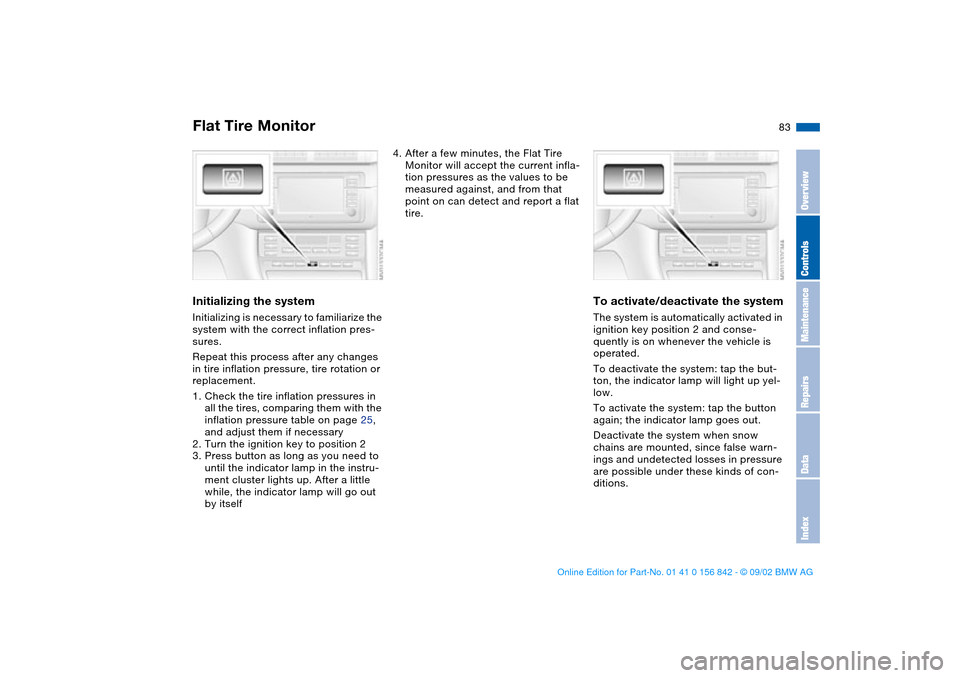
Through-loading systemFolding the rear backrest1. Pull the corresponding lever to
release – see arrows
2. The backrest moves forward slightly
when released. Reach into the gap
and fold it down.
When folding the backrest back
into its original position always
ensure that the detent engages
securely. A loose backrest might fail to
prevent cargo from entering the pas-
senger compartment during sudden
braking or evasive maneuvers, posing a
potential hazard to occupants.<
Rear center 3-point safety belt*You can roll up the rear 3-point belt
before folding back the through-loading
system:
>Retracting the 3-point-safety belt:
Loosen the safety belt and insert the
buckle latch into the support mount
provided on the rear window shelf –
see arrow.
handbook.book Page 100 Saturday, July 27, 2002 1:12 PM