2003 BMW 760LI SEDAN CD player
[x] Cancel search: CD playerPage 148 of 229
Entertainment
146
Entertainment
Controls
Operation using buttons
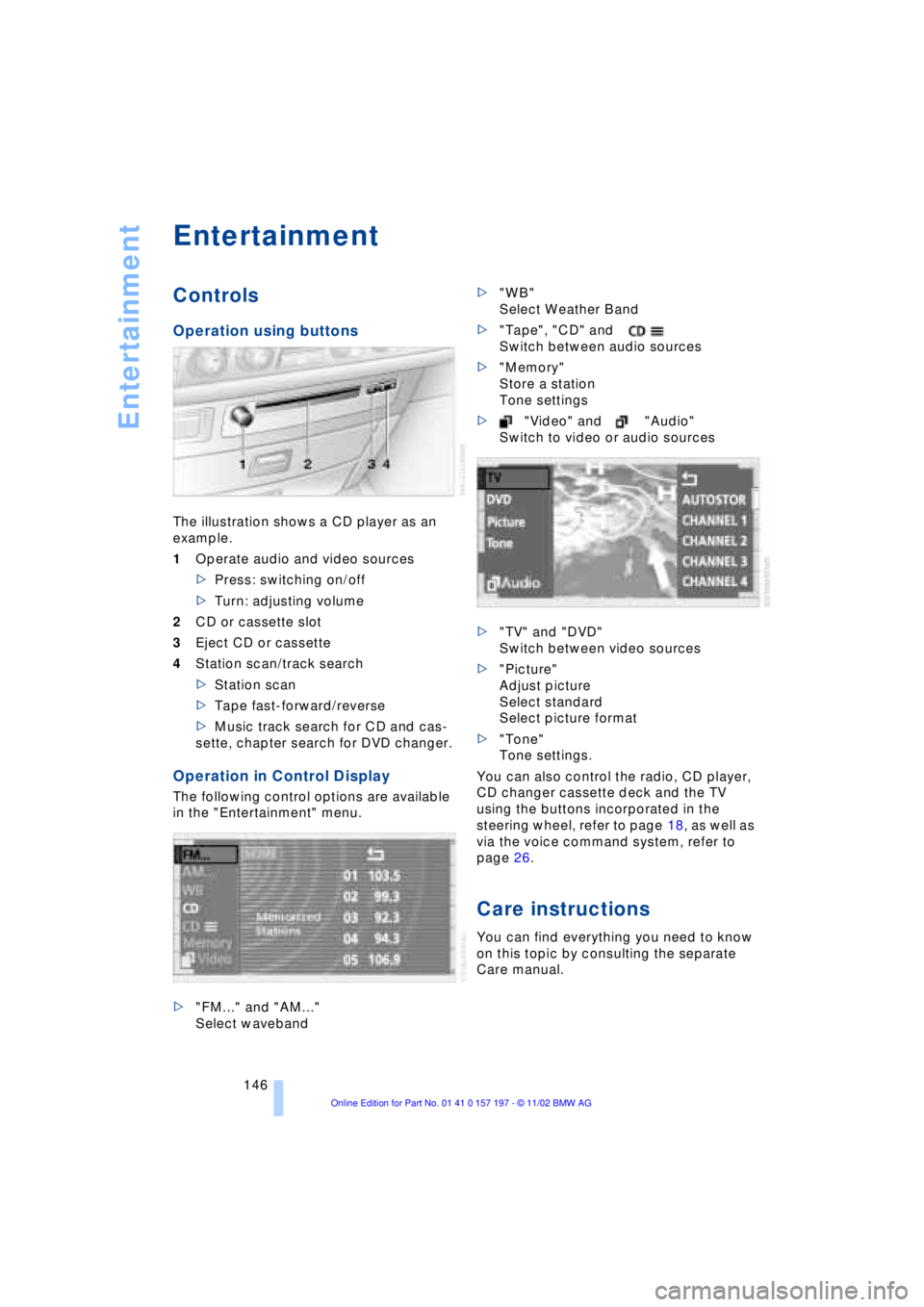
The illustration shows a CD player as an
example.
1Operate audio and video sources
>Press: switching on/off
>Turn: adjusting volume
2CD or cassette slot
3Eject CD or cassette
4Station scan/track search
>Station scan
>Tape fast-forward/reverse
>Music track search for CD and cas-
sette, chapter search for DVD changer.
Operation in Control Display
The following control options are available
in the "Entertainment" menu.
>"FM..." and "AM..."
Select waveband>"WB"
Select Weather Band
>"Tape", "CD" and
Switch between audio sources
>"Memory"
Store a station
Tone settings
>"Video" and "Audio"
Switch to video or audio sources
>"TV" and "DVD"
Switch between video sources
>"Picture"
Adjust picture
Select standard
Select picture format
>"Tone"
Tone settings.
You can also control the radio, CD player,
CD changer cassette deck and the TV
using the buttons incorporated in the
steering wheel, refer to page 18, as well as
via the voice command system, refer to
page 26.
Care instructions
You can find everything you need to know
on this topic by consulting the separate
Care manual.
Page 151 of 229
At a glance
Controls
Driving tips
Communications
Navigation
Entertainment
Mobility
Reference
149
Radio
Operating temperatures
Only operate the radio at tempera-
tures of 57 (Ð156) to 1407
(+606) otherwise, malfunctions can
occur.
Even when switched off, the device should
only be exposed to temperatures between
Ð137 (Ð256) and 1857 (+856).<
Starting
1.Switch on audio or video sources, refer
to page 147
If a video source is switched on,
select "Audio" and confirm.<
2.If another audio source is switched on,
select "FM..." or "AM..." and confirm.
Volume adjustment, refer to page 147.
Tone control, refer to page 147.
Stopping
Switch off audio or video sources, refer to
page 147
or switch over to
>CD player, refer to page 153
>CD changer, refer to page 155
>Cassette deck, refer to page 158
>TV, refer to page 160
>DVD, refer to page 162.
Selecting frequency band
Your radio provides reception of the FM
and AM wavebands.
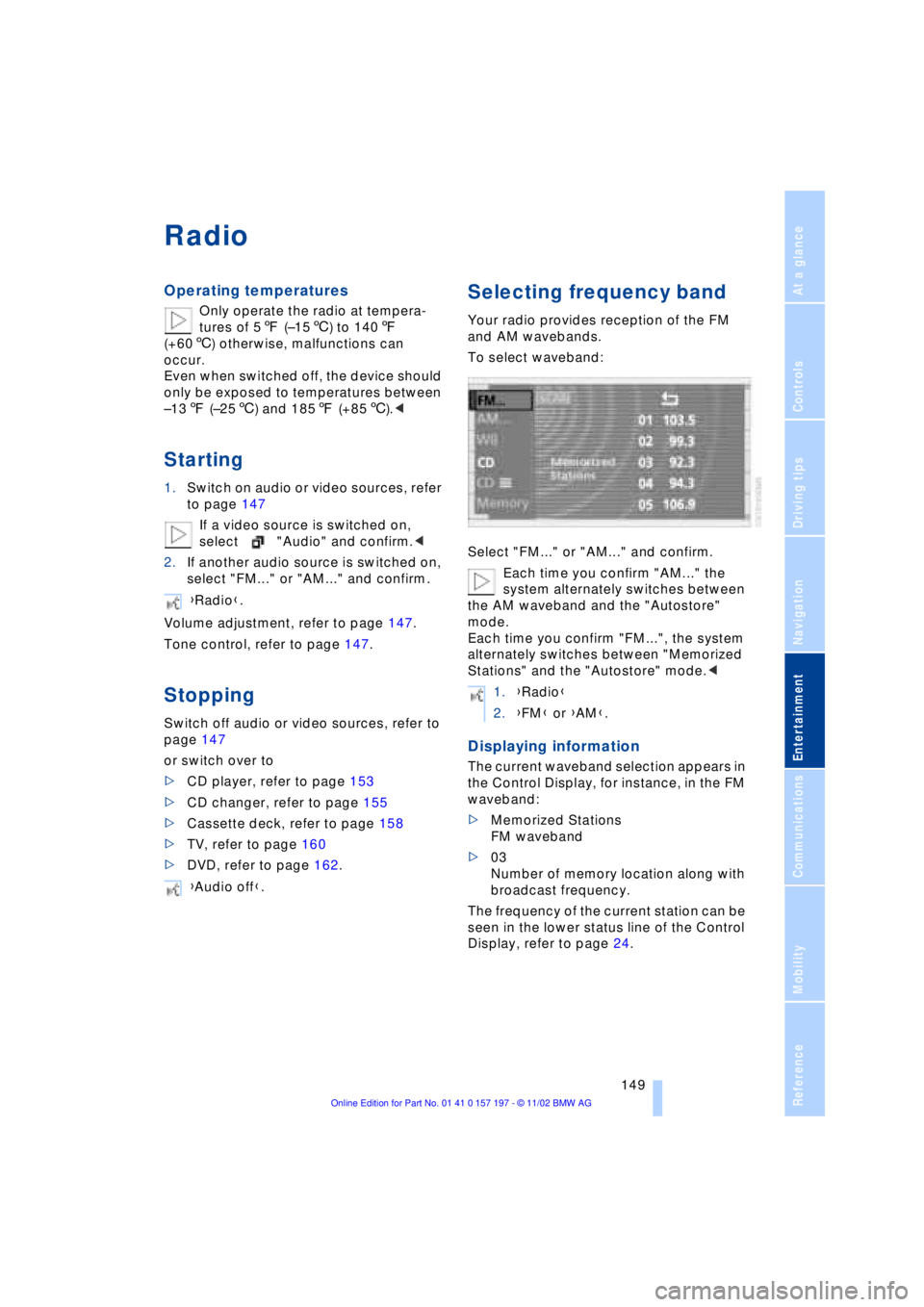
To select waveband:
Select "FM..." or "AM..." and confirm.
Each time you confirm "AM..." the
system alternately switches between
the AM waveband and the "Autostore"
mode.
Each time you confirm "FM...", the system
alternately switches between "Memorized
Stations" and the "Autostore" mode.<
Displaying information
The current waveband selection appears in
the Control Display, for instance, in the FM
waveband:
>Memorized Stations
FM waveband
>03
Number of memory location along with
broadcast frequency.
The frequency of the current station can be
seen in the lower status line of the Control
Display, refer to page 24. {Radio}.
{Audio off}.
1.{Radio}
2.{FM} or {AM}.
Page 155 of 229
At a glance
Controls
Driving tips
Communications
Navigation
Entertainment
Mobility
Reference
153
CD Compact Disc
To prevent CDs from being copied
illegally, they are often provided with
copy protection by the manufacturer.
Please observe the information on your CD.
These CDs differ from the CD Audio Stan-
dard Red Book, on the basis of which all
CD players and changers are designed.
Under certain circumstances this can pre-
vent or restrict the playing of CDs on your
CD player. In this case please contact the
CD dealer or manufacturer.<
If you play self-recorded audio CDs,
faults, e.g. drop-outs, can occur, or
the CD is not played at all.<
With self-recorded CDs, labels
applied later can become detached
during playback due to the development of
heat, causing irreparable damage to the
device.<
Operating temperatures
Only operate the CD-player at tem-
peratures of 57 (Ð156) to 1407
(+606) otherwise, malfunctions can
occur.
Even when switched off, the device should
only be exposed to temperatures between
Ð137 (Ð256) and 1857 (+856).<
Atmospheric humidity
High levels of humidity inside the player
can condense on the laser's scan lens and
prevent it from reading the CD.
Starting
Insert the CD in the slot.
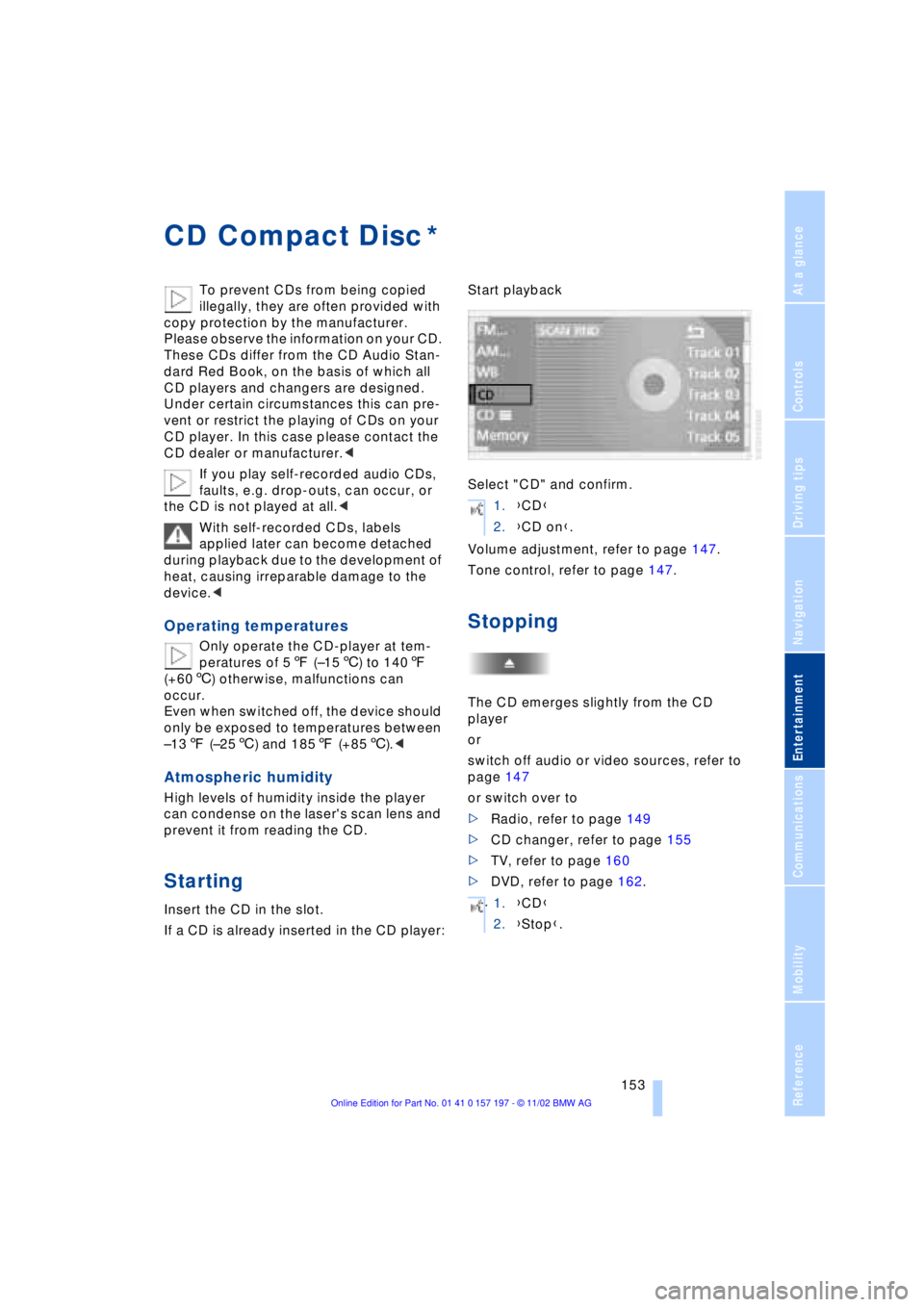
If a CD is already inserted in the CD player:Start playback
Select "CD" and confirm.
Volume adjustment, refer to page 147.
Tone control, refer to page 147.
Stopping
The CD emerges slightly from the CD
player
or
switch off audio or video sources, refer to
page 147
or switch over to
>Radio, refer to page 149
>CD changer, refer to page 155
>TV, refer to page 160
>DVD, refer to page 162.
*
1.{CD}
2.{CD on}.
.
1.{CD}
2.{Stop}.
Page 157 of 229
At a glance
Controls
Driving tips
Communications
Navigation
Entertainment
Mobility
Reference
155
CD changer
Precautions when using laser
equipment
The BMW CD changer is a Class 1 laser
product.
Never remove the cover from the
housing. Do not operate the unit if the
cover is damaged. Operation without the
cover can lead to serious eye injury from
invisible laser beams.
Always refer all repair and maintenance
operations to qualified technicians.<
Copy protection
To prevent CDs from being copied
illegally, they are often provided with
copy protection by the manufacturer.
Please observe the information on your CD.
These CDs differ from the CD Audio Stan-
dard Red Book, on the basis of which all
CD players and changers are designed.
Under certain circumstances, this can pre-
vent or restrict the playing of CDs on your
CD changer. In this case, please contact
the CD dealer or manufacturer.<
Location
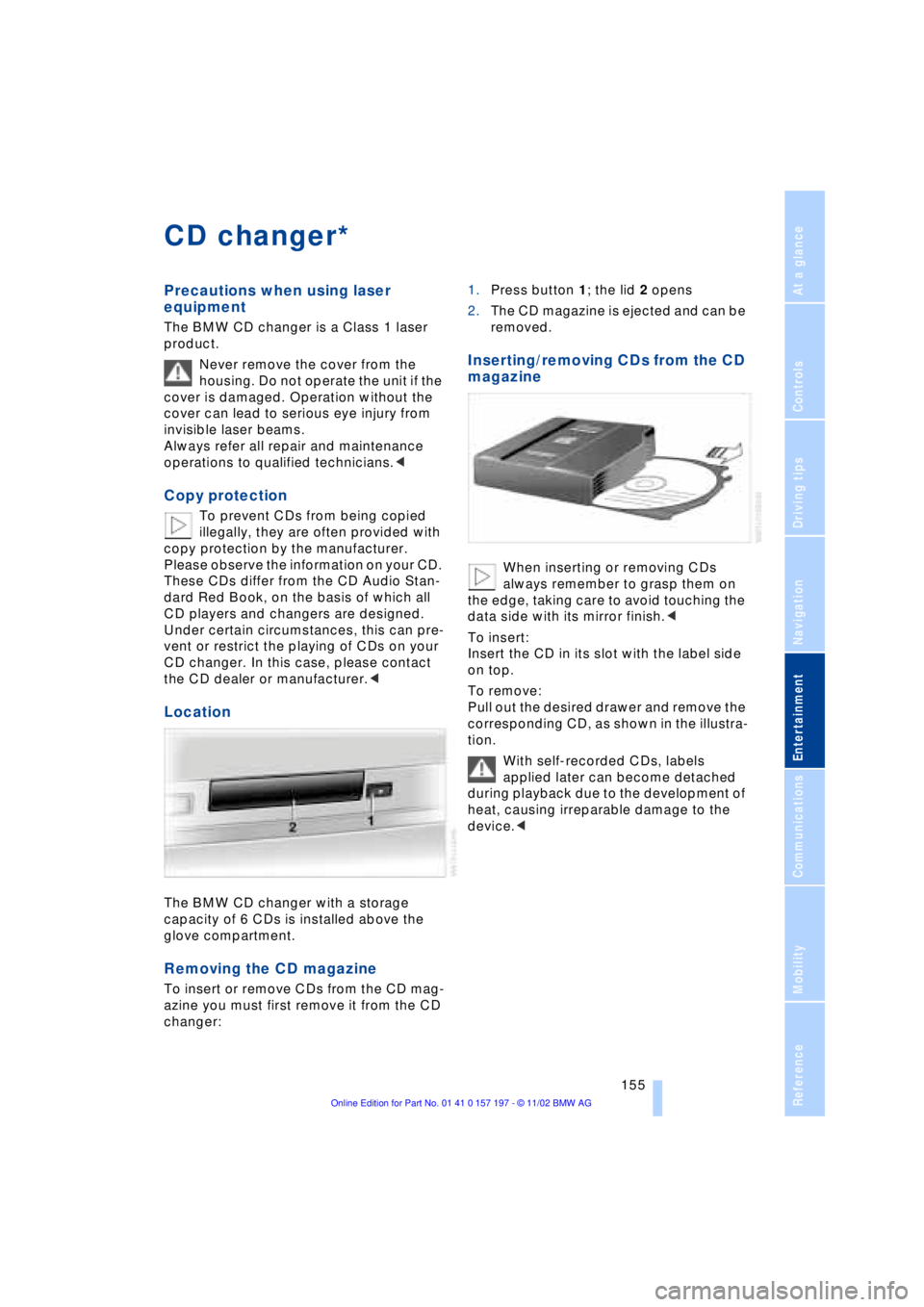
The BMW CD changer with a storage
capacity of 6 CDs is installed above the
glove compartment.
Removing the CD magazine
To insert or remove CDs from the CD mag-
azine you must first remove it from the CD
changer:1.Press button 1; the lid 2 opens
2.The CD magazine is ejected and can be
removed.
Inserting/removing CDs from the CD
magazine
When inserting or removing CDs
always remember to grasp them on
the edge, taking care to avoid touching the
data side with its mirror finish.<
To insert:
Insert the CD in its slot with the label side
on top.
To remove:
Pull out the desired drawer and remove the
corresponding CD, as shown in the illustra-
tion.
With self-recorded CDs, labels
applied later can become detached
during playback due to the development of
heat, causing irreparable damage to the
device.<
*
Page 158 of 229
CD changer
156
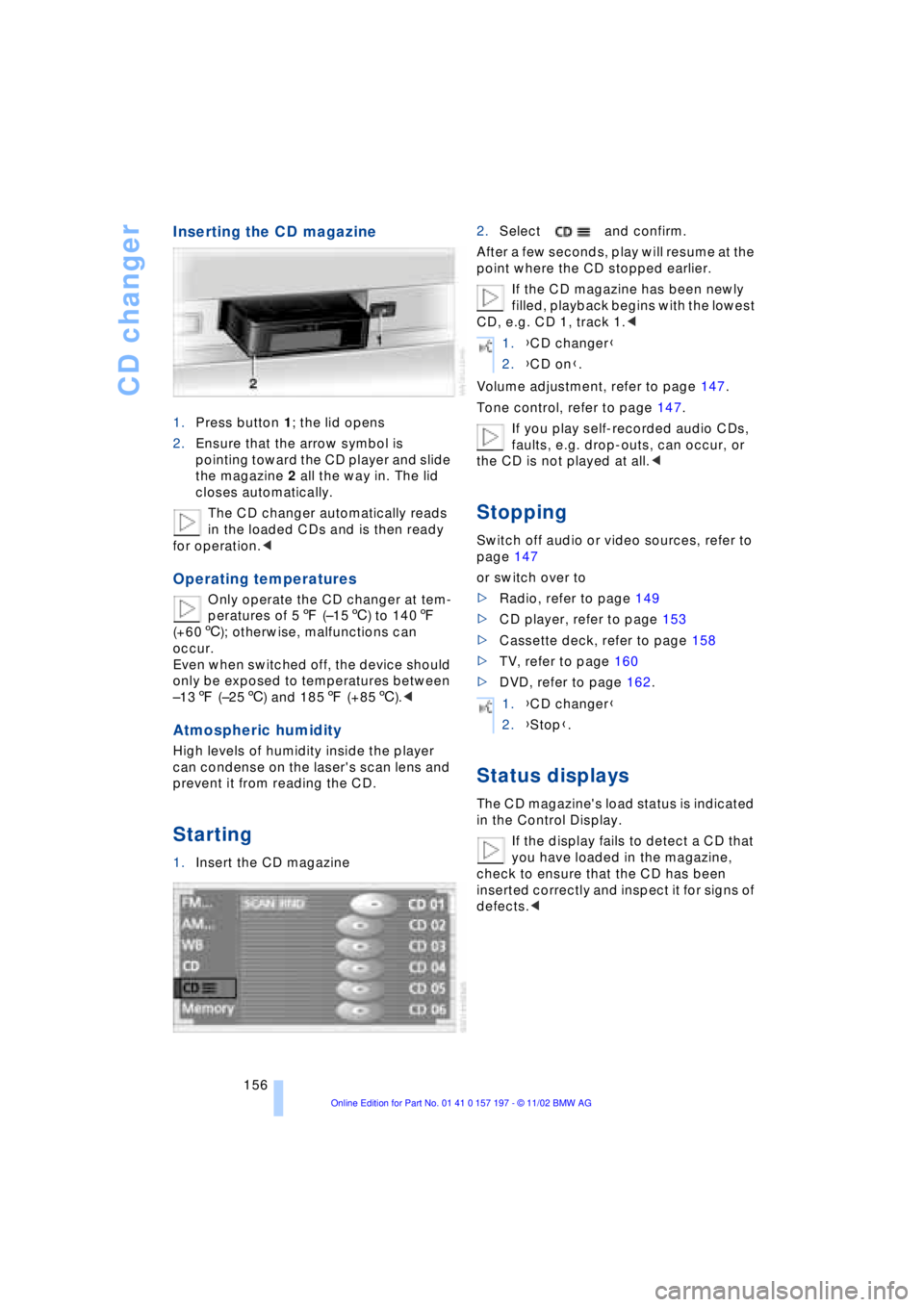
Inserting the CD magazine
1.Press button 1; the lid opens
2.Ensure that the arrow symbol is
pointing toward the CD player and slide
the magazine 2 all the way in. The lid
closes automatically.
The CD changer automatically reads
in the loaded CDs and is then ready
for operation.<
Operating temperatures
Only operate the CD changer at tem-
peratures of 57 (Ð156) to 1407
(+606); otherwise, malfunctions can
occur.
Even when switched off, the device should
only be exposed to temperatures between
Ð137 (Ð256) and 1857 (+856).<
Atmospheric humidity
High levels of humidity inside the player
can condense on the laser's scan lens and
prevent it from reading the CD.
Starting
1.Insert the CD magazine2.Select and confirm.
After a few seconds, play will resume at the
point where the CD stopped earlier.
If the CD magazine has been newly
filled, playback begins with the lowest
CD, e.g. CD 1, track 1.<
Volume adjustment, refer to page 147.
Tone control, refer to page 147.
If you play self-recorded audio CDs,
faults, e.g. drop-outs, can occur, or
the CD is not played at all.<
Stopping
Switch off audio or video sources, refer to
page 147
or switch over to
>Radio, refer to page 149
>CD player, refer to page 153
>Cassette deck, refer to page 158
>TV, refer to page 160
>DVD, refer to page 162.
Status displays
The CD magazine's load status is indicated
in the Control Display.
If the display fails to detect a CD that
you have loaded in the magazine,
check to ensure that the CD has been
inserted correctly and inspect it for signs of
defects.<
1.{CD changer}
2.{CD on}.
1.{CD changer}
2.{Stop}.
Page 161 of 229
At a glance
Controls
Driving tips
Communications
Navigation
Entertainment
Mobility
Reference
159
Switching Dolby on/off
Activate only when playing cassettes
that were recorded with Dolby B or
Dolby C, as the quality of sound reproduc-
tion will otherwise suffer from a loss of
high-frequency response.<
1.Select "Tape" and confirm
2.Select "Dolby..." and continue pressing
until you obtain the best sound quality.
The system switches between Dolby B
and Dolby C or switches off the Dolby
function.
The selected noise-suppression mode is
indicated as "Dolby B" or "Dolby C".
Searching for music tracks
Fast forward/reverse
Select the direction
Press twice briefly or once for a longer
period.
When it reaches the end of the tape, the
player automatically switches to the other
side.
To interrupt the fast forward function
Music search
For the music search feature to
operate, there must be pauses of at
least 4 seconds between the individual
music selections.<
Switch on the music search feature
The tape is wound forward or back to the
next music selection, and switches to the
other side when it reaches the end of the
current side.
To interrupt the fast forward function
1.{Tape}
2.{Next} or {Back}.
Page 162 of 229
TV
160
TV
For your own safety, the TV picture is only
shown on the rear screen.
Due to the quality of mobile reception,
reduced picture quality can result
depending on the location and network
coverage in spite of the highly advanced
reception technology used. A change in
vehicle locations can result in improved
reception quality in many cases.<
Starting
1.Switch on audio or video sources, refer
to page 147
If an audio source is switched on,
select "Video" and confirm.<
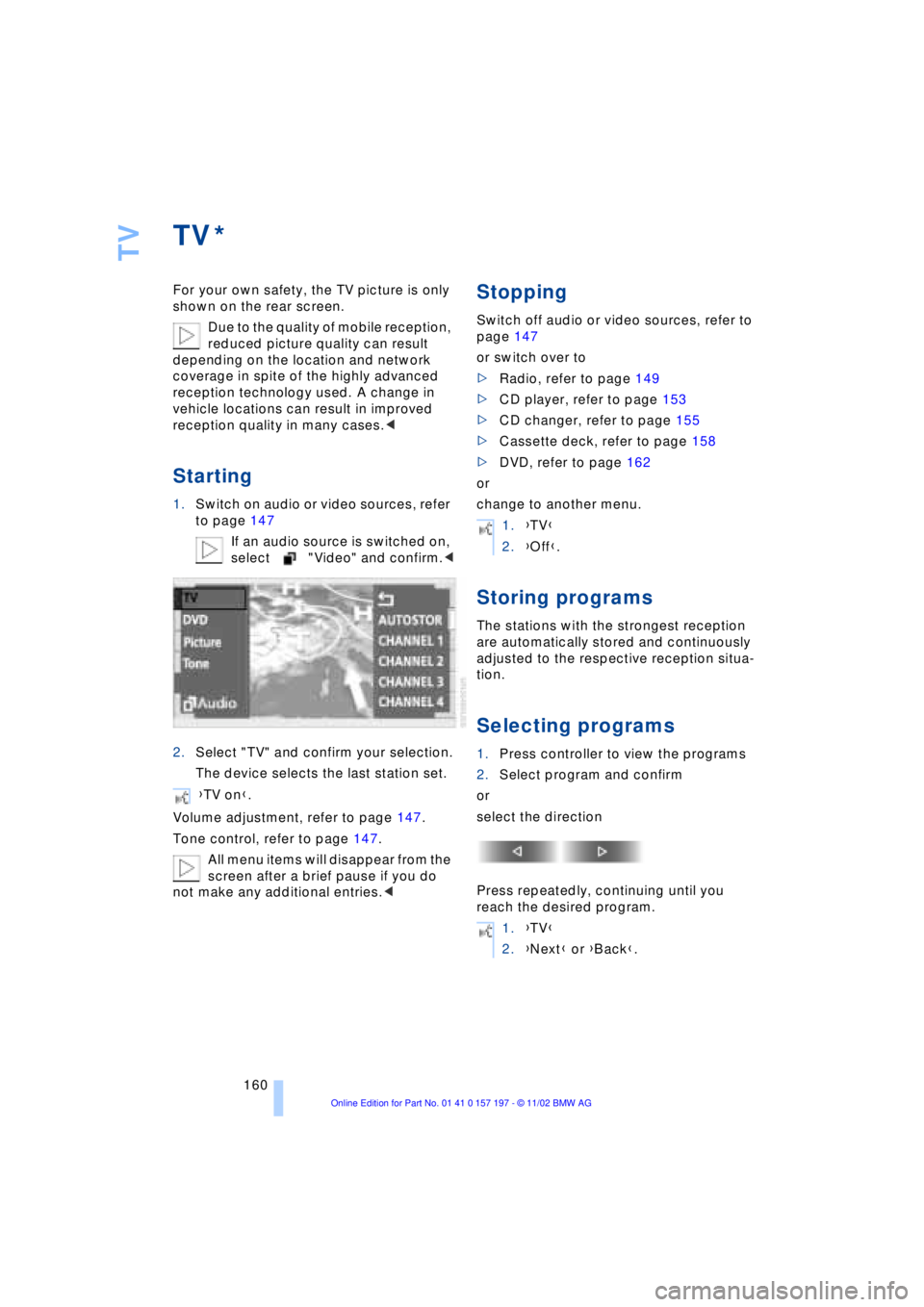
2.Select "TV" and confirm your selection.
The device selects the last station set.
Volume adjustment, refer to page 147.
Tone control, refer to page 147.
All menu items will disappear from the
screen after a brief pause if you do
not make any additional entries.<
Stopping
Switch off audio or video sources, refer to
page 147
or switch over to
>Radio, refer to page 149
>CD player, refer to page 153
>CD changer, refer to page 155
>Cassette deck, refer to page 158
>DVD, refer to page 162
or
change to another menu.
Storing programs
The stations with the strongest reception
are automatically stored and continuously
adjusted to the respective reception situa-
tion.
Selecting programs
1.Press controller to view the programs
2.Select program and confirm
or
select the direction
Press repeatedly, continuing until you
reach the desired program.
*
{TV on}.
1.{TV}
2.{Off}.
1.{TV}
2.{Next} or {Back}.
Page 164 of 229
DVD changer
162
DVD changer
Precautions when using laser
equipment
The BMW DVD changer is a Class 1 laser
product.
Never remove the cover from the
housing. Do not operate the unit if the
cover is damaged. Operation without the
cover can lead to serious eye injury from
invisible laser beams.
Always refer all repair and maintenance
operations to qualified technicians.<
Copy protection
Macrovision copy protection:
This product incorporates copyright
protection technology that is protected by
method claims of certain U.S. patents and
other intellectual property rights owned by
Macrovision Corporation and other rights
owners. Use of this copyright protection
technology must be authorized by Macrovi-
sion Corporation, and is intended for home
and other limited viewing uses only unless
otherwise authorized by Macrovision Cor-
poration. Reverse engineering or disas-
sembly is prohibited.<
To prevent CDs from being copied
illegally, they are often provided with
copy protection by the manufacturer.
Please observe the information on your CD.
These CDs differ from the CD Audio Stan-
dard Red Book, on the basis of which all
CD players, changers and your BMW DVD
changer are designed. Under certain cir-
cumstances this can prevent or restrict the
playing of CDs on the DVD changer. In this
case please contact the CD dealer or man-
ufacturer.<
Supported media formats
The DVD changer can play the following
formats:
>Video DVD
>CD-DA Ð Audio CD
>CD-R.
The DVD Audio format is not sup-
ported by the DVD changer. However,
many audio DVDs available in stores also
contain a video track in the DVD Video
format in addition to the audio track. These
DVDs can be played back by the DVD
changer. Please see the information on
your DVD to determine whether your audio
DVD contains an additional video track.<
DVDs are usually divided into tracks
and chapters and can contain dif-
ferent subtitles, camera angles or sound
tracks, languages and sound formats.
Depending on the version of the DVD,
these functions can be selected either
directly with the DVD control system or only
via the DVD-specific menu. See the infor-
mation on your DVD for possible selec-
tions.<
Location
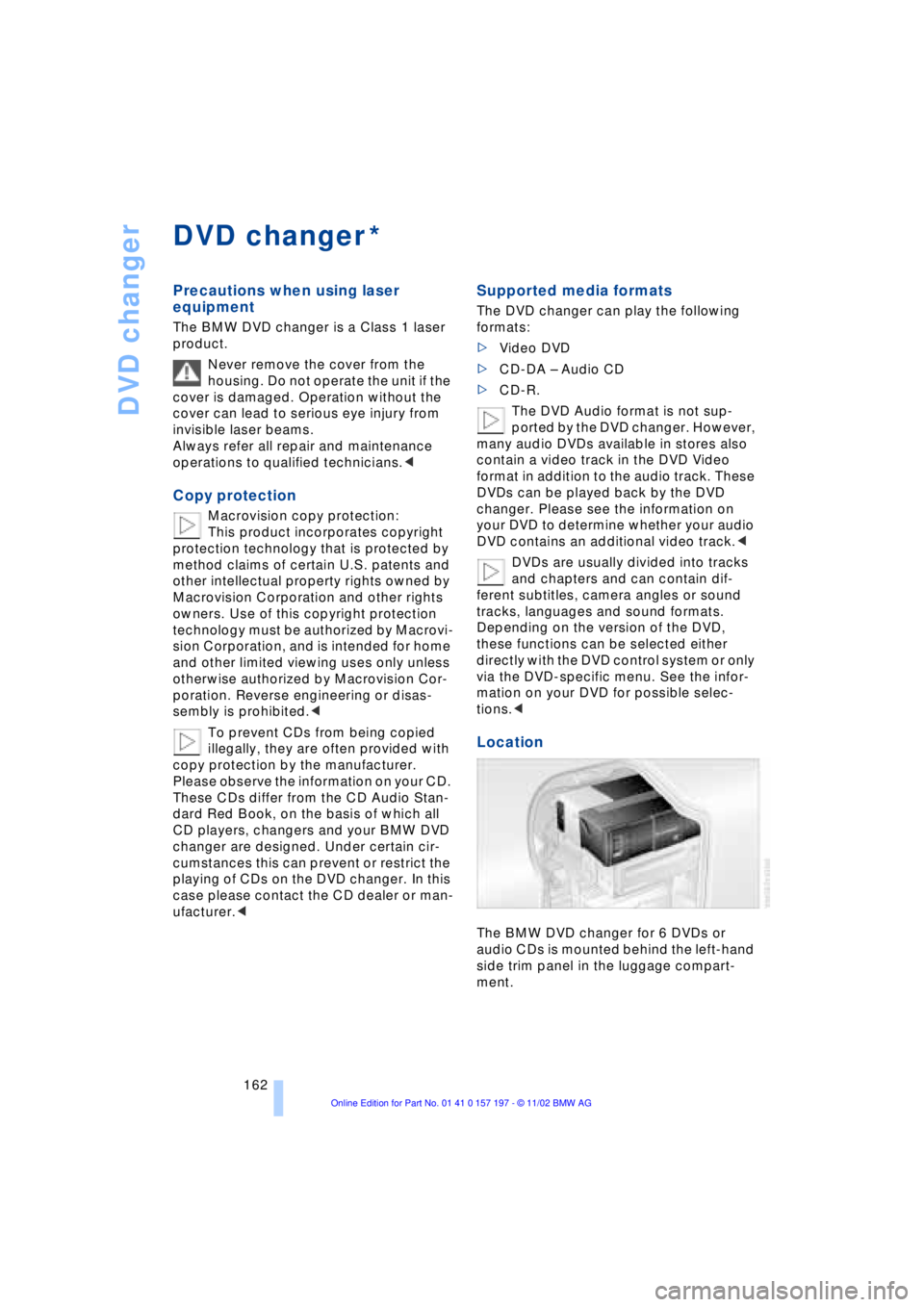
The BMW DVD changer for 6 DVDs or
audio CDs is mounted behind the left-hand
side trim panel in the luggage compart-
ment.
*