2003 BMW 760LI SEDAN climate control
[x] Cancel search: climate controlPage 140 of 229
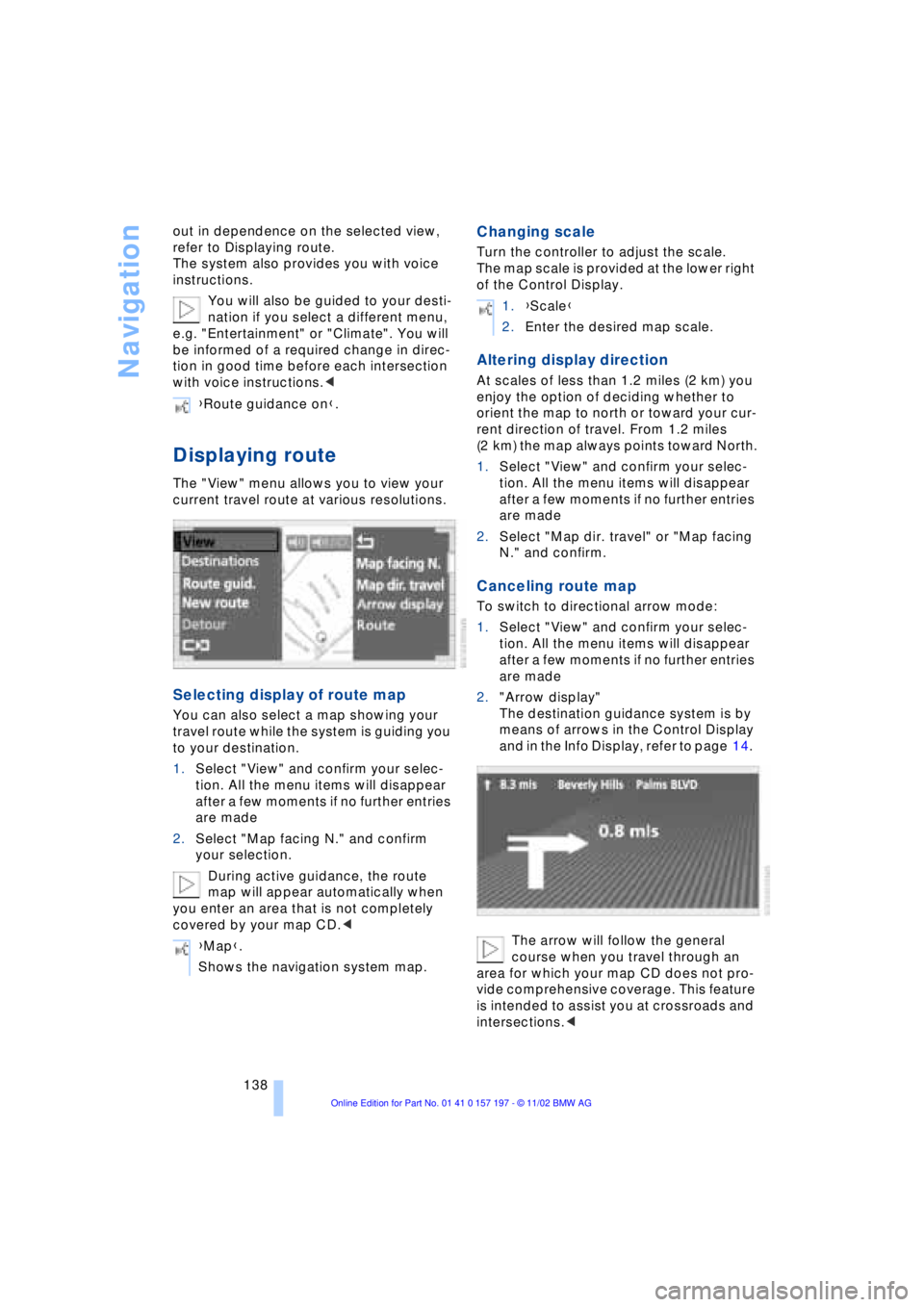
Navigation
138 out in dependence on the selected view,
refer to Displaying route.
The system also provides you with voice
instructions.
You will also be guided to your desti-
nation if you select a different menu,
e.g. "Entertainment" or "Climate". You will
be informed of a required change in direc-
tion in good time before each intersection
with voice instructions.<
Displaying route
The "View" menu allows you to view your
current travel route at various resolutions.
Selecting display of route map
You can also select a map showing your
travel route while the system is guiding you
to your destination.
1.Select "View" and confirm your selec-
tion. All the menu items will disappear
after a few moments if no further entries
are made
2.Select "Map facing N." and confirm
your selection.
During active guidance, the route
map will appear automatically when
you enter an area that is not completely
covered by your map CD.<
Changing scale
Turn the controller to adjust the scale.
The map scale is provided at the lower right
of the Control Display.
Altering display direction
At scales of less than 1.2 miles (2 km) you
enjoy the option of deciding whether to
orient the map to north or toward your cur-
rent direction of travel. From 1.2 miles
(2 km) the map always points toward North.
1.Select "View" and confirm your selec-
tion. All the menu items will disappear
after a few moments if no further entries
are made
2.Select "Map dir. travel" or "Map facing
N." and confirm.
Canceling route map
To switch to directional arrow mode:
1.Select "View" and confirm your selec-
tion. All the menu items will disappear
after a few moments if no further entries
are made
2."Arrow display"
The destination guidance system is by
means of arrows in the Control Display
and in the Info Display, refer to page 14.
The arrow will follow the general
course when you travel through an
area for which your map CD does not pro-
vide comprehensive coverage. This feature
is intended to assist you at crossroads and
intersections.< {Route guidance on}.
{Map}.
Shows the navigation system map.
1.{Scale}
2.Enter the desired map scale.
Page 189 of 229
At a glance
Controls
Driving tips
Communications
Navigation
Entertainment
Mobility
Reference
187
wear one and one-half Ð 1g Ð times as
well on the government course as a tire
graded 100. The relative performance of
tires depends upon the actual conditions of
their use, however, and may depart signifi-
cantly from the norm due to variations in
driving habits, service practices and differ-
ences in road characteristics and climate.
Traction
The traction grades, from highest to lowest,
are AA, A, B, and C.
Those grades represent the tire's ability to
stop on wet pavement as measured under
controlled conditions on specified govern-
ment test surfaces of asphalt and concrete.
A tire marked C may have poor traction
performance.
The traction grade assigned to this
tire is based on straight-ahead
braking traction tests, and does not include
acceleration, cornering, hydroplaning, or
peak traction characteristics.<
Temperature
The temperature grades are A Ð the
highest Ð, B, and C, representing the tire's
resistance to the generation of heat and its
ability to dissipate heat when tested under
controlled conditions on a specified indoor
laboratory test wheel.
Sustained high temperature can cause the
material of the tire to degenerate and
reduce tire life, and excessive temperature
can lead to sudden tire failure. The grade C
corresponds to a level of performance
which all passenger car tires must meet
under the Federal Motor Vehicle Safety
Standard No. 109. Grades B and A repre-
sent higher levels of performance on the
laboratory test wheel than the minimum
required by law.
The temperature grade for this tire is
established for a tire that is properly
inflated and not overloaded. Excessive
speed, underinflation, or excessive
loading, either separately or in combina-
tion, can cause heat buildup and possible
tire failure.<
Uniform Tire Quality Grading
Quality grades can be found where appli-
cable on the tire sidewall between tread
shoulder and maximum section width. For
example:
Treadwear 200 Traction AA
Temperature A
Do not use retreaded tires, since dri-
ving safety may be impaired. Possible
variations in the design and the age Ð which
could be substantial Ð of the carcasses can
lead to unusually rapid wear.<
Tire age
The tire's date of manufacture is indicated
on the sidewall:
DOT ... 3402 indicates that a tire was
manufactured in week 34 of the year 2002.
Regardless of mileage or wear, BMW
recommends that you replace all tires Ð
including the spare Ð after a maximum of
6 years, even though the tires may have a
theoretical service life of up to 10 years.
Wheel and tire
combinations
The right choice
Use only wheel and tire combinations
that BMW has approved for your par-
ticular vehicle. Variations in factors such as
manufacturing tolerances mean that even
wheels and tires with identical official size
ratings could actually have different dimen-
sions than the approved units Ð these diffe-
rences could lead to body contact, and
with it the risk of severe accidents. If non-
approved wheels and tires are used, BMW
cannot evaluate their suitability, and there-
fore cannot be held liable for driving
safety.<
BMW tests certain tire brands for each tire
size, classifies them as road-safe and
approves them. Consult your BMW center
for more information. Observe any country-
specific regulations, e.g. on making a cor-
responding entry in the vehicle documents.
Page 202 of 229
Replacing components
200
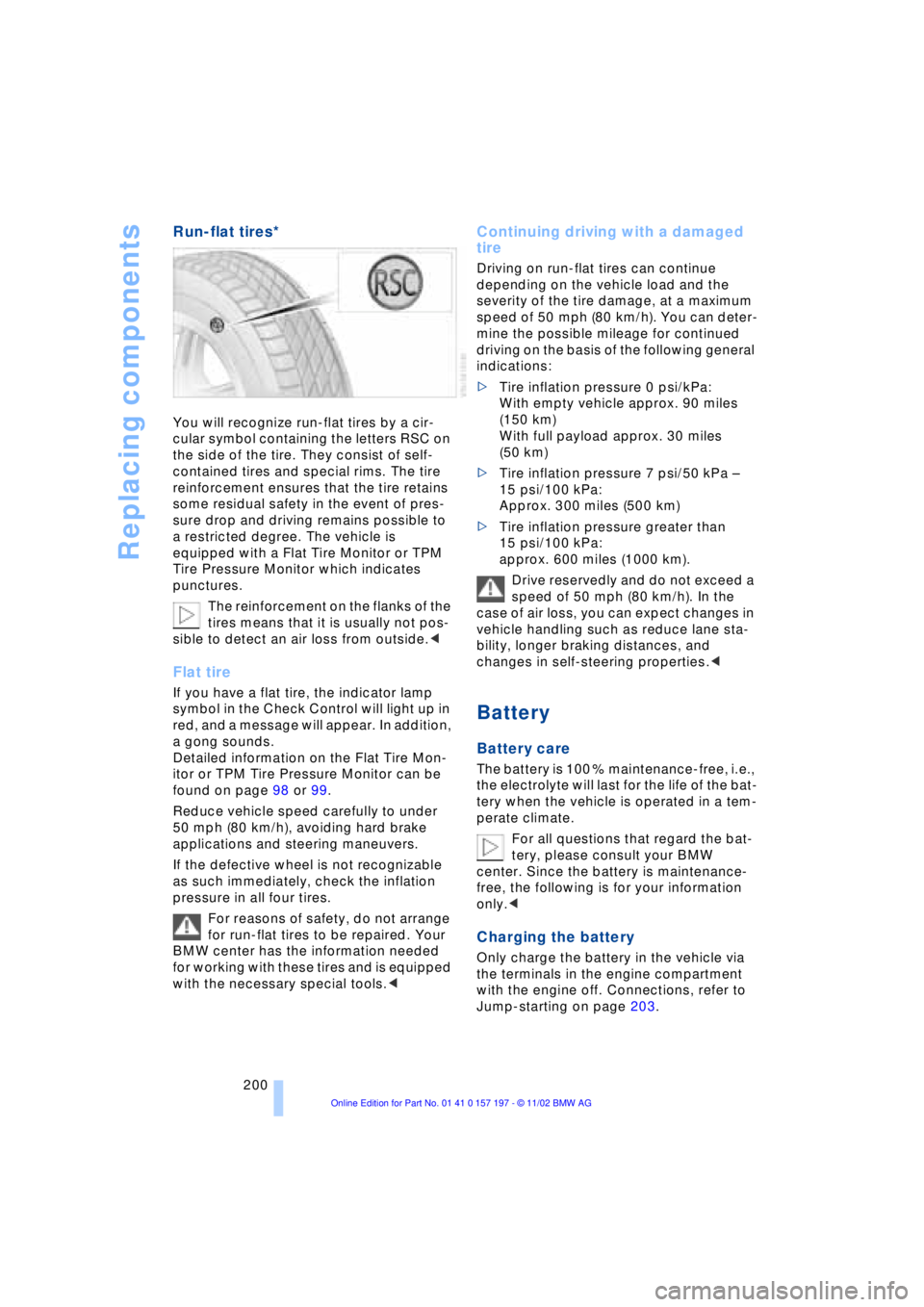
Run-flat tires*
You will recognize run-flat tires by a cir-
cular symbol containing the letters RSC on
the side of the tire. They consist of self-
contained tires and special rims. The tire
reinforcement ensures that the tire retains
some residual safety in the event of pres-
sure drop and driving remains possible to
a restricted degree. The vehicle is
equipped with a Flat Tire Monitor or TPM
Tire Pressure Monitor which indicates
punctures.
The reinforcement on the flanks of the
tires means that it is usually not pos-
sible to detect an air loss from outside.<
Flat tire
If you have a flat tire, the indicator lamp
symbol in the Check Control will light up in
red, and a message will appear. In addition,
a gong sounds.
Detailed information on the Flat Tire Mon-
itor or TPM Tire Pressure Monitor can be
found on page 98 or 99.
Reduce vehicle speed carefully to under
50 mph (80 km/h), avoiding hard brake
applications and steering maneuvers.
If the defective wheel is not recognizable
as such immediately, check the inflation
pressure in all four tires.
For reasons of safety, do not arrange
for run-flat tires to be repaired. Your
BMW center has the information needed
for working with these tires and is equipped
with the necessary special tools.<
Continuing driving with a damaged
tire
Driving on run-flat tires can continue
depending on the vehicle load and the
severity of the tire damage, at a maximum
speed of 50 mph (80 km/h). You can deter-
mine the possible mileage for continued
driving on the basis of the following general
indications:
>Tire inflation pressure 0 psi/kPa:
With empty vehicle approx. 90 miles
(150 km)
With full payload approx. 30 miles
(50 km)
>Tire inflation pressure 7 psi/50 kPa Ð
15 psi/100 kPa:
Approx. 300 miles (500 km)
>Tire inflation pressure greater than
15 psi/100 kPa:
approx. 600 miles (1000 km).
Drive reservedly and do not exceed a
speed of 50 mph (80 km/h). In the
case of air loss, you can expect changes in
vehicle handling such as reduce lane sta-
bility, longer braking distances, and
changes in self-steering properties.<
Battery
Battery care
The battery is 100 % maintenance-free, i.e.,
the electrolyte will last for the life of the bat-
tery when the vehicle is operated in a tem-
perate climate.
For all questions that regard the bat-
tery, please consult your BMW
center. Since the battery is maintenance-
free, the following is for your information
only.<
Charging the battery
Only charge the battery in the vehicle via
the terminals in the engine compartment
with the engine off. Connections, refer to
Jump-starting on page 203.
Page 214 of 229
Everything from A to Z
212
A
"ABC..." for
navigation 132, 133
ABS Antilock Braking
System 96
ACC, refer to Active cruise
control 75
"ACCEPT" for
navigation 136, 142
Accessories 8
Accessory position 61
Activated-charcoal
filter 111
Activation
Ð portable phone 174
Activation time 113
Active cruise control 75
Ð malfunctions 81
Active head restraints,
front 48
Active seat 52
Active seat ventilation 51
Adapter for spare key 34
Adaptive brake lamp 101
Adding washer fluid 73
"Address book" 140
Adjusting
Ð head restraints 47
Ð lumbar support 46
Ð seats 46
Ð shoulder support 46
Ð thigh support 46
Airbags 55
Air distribution 107, 109
Air outlet vents 105
Air pressure, refer to Tire
inflation pressure 184
Air supply 107
Ð rear air conditioner 111
AKI, refer to Fuel
specifications 183Alarm system 41
Ð avoiding unintentional
alarms 41
All-season tires 188
"AM..." 146, 149, 151
AM waveband 149
Anchorages 126
"ANGLE" in DVD mode 167
Antifreeze 191
Ð washer fluid 73
Antilock Braking System
ABS 96
Anti-theft system 35, 41
Approved gross vehicle
weight 210
Aquaplaning, refer to
Hydroplaning 124
Armrest, refer to Center
armrest 120
Arrival time 88
"Arrow display" for
navigation 138
"AS ADDRESS"
Ð current location 142
Ð destination
input 132, 134, 135
Ð destination list 136
Ð directory creation 140
Ð home address 141
Ð in address directory 141
Ð most recent
destinations 136
"AS DEST."
Ð destination
input 132, 134, 135
Ð directory creation 140
Ð home address 141
Ð most recent
destinations 136
Ð with address
directory 140Ashtray
Ð front 118
Ð rear 119
Assistance window
Ð Control Center 23
Ð help texts 23
Ð status lines 24
AUC Automatic
recirculated-air
control 107
"Audio" 146, 149
Audio 146
Ð adjusting the tone 147
Ð controls 146
Ð switching on/off 147
Ð volume 147
"AUDIO" in DVD mode 167
"AUTO", refer to Automatic
climate control 109
"AUTO" for audio
operation 151
Automatic
Ð air distribution 107
Ð cruise control 73
Ð headlamp control 102
Ð luggage compartment lid
control 36, 40
Ð steering wheel
adjustment 53
Automatic car wash, refer
to Care manual
Automatic climate
control 105
Ð rear air conditioner 111
Ð rear cooler 116
Ð settings 107
Ð settings in Control
Display 109
Automatic curb monitor 55
Automatic Hold
Ð parking 64
Ð parking brake 63
Everything from A to Z
Contents
Page 216 of 229
Everything from A to Z
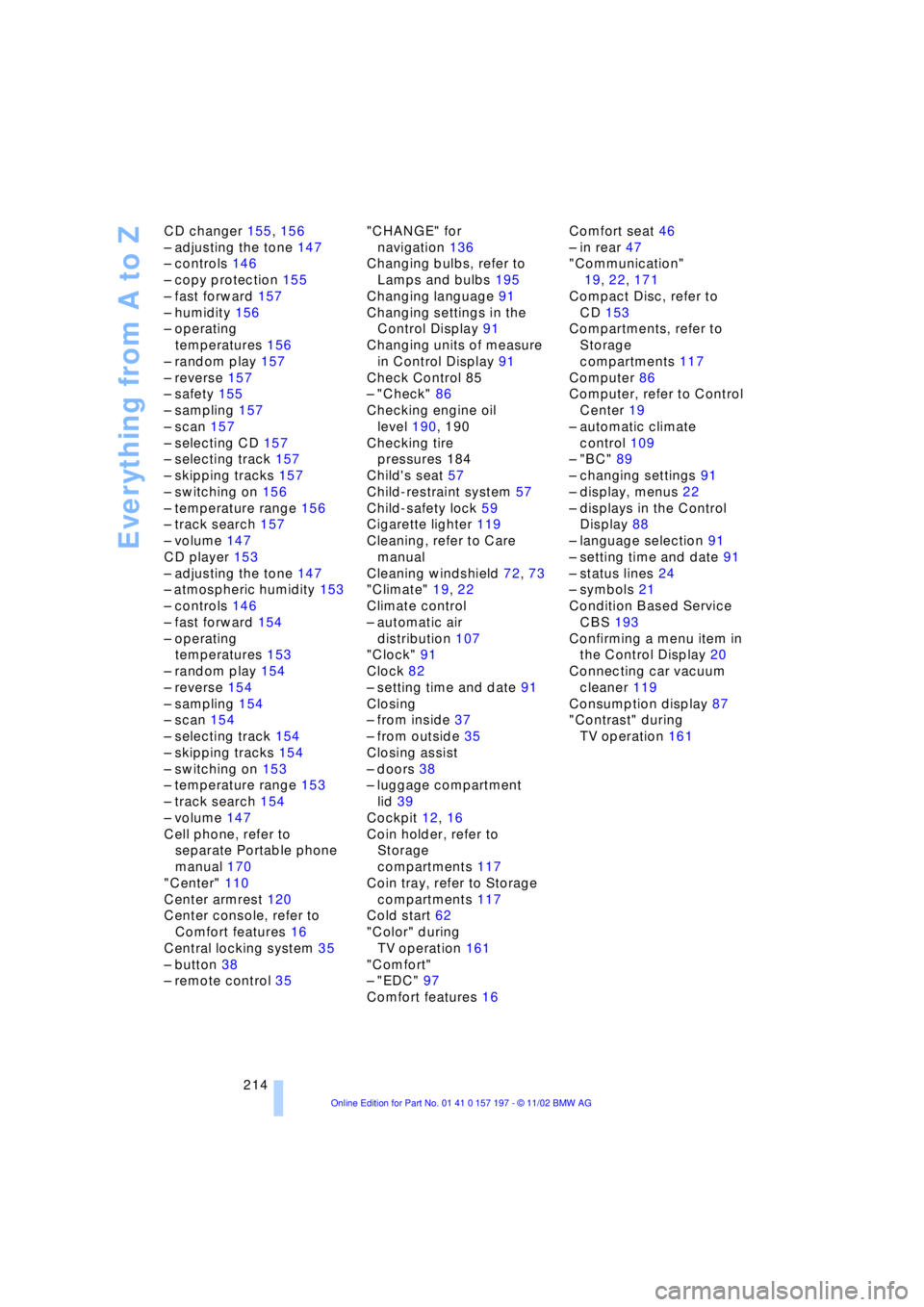
214 CD changer 155, 156
Ð adjusting the tone 147
Ð controls 146
Ð copy protection 155
Ð fast forward 157
Ð humidity 156
Ð operating
temperatures 156
Ð random play 157
Ð reverse 157
Ð safety 155
Ð sampling 157
Ð scan 157
Ð selecting CD 157
Ð selecting track 157
Ð skipping tracks 157
Ð switching on 156
Ð temperature range 156
Ð track search 157
Ð volume 147
CD player 153
Ð adjusting the tone 147
Ð atmospheric humidity 153
Ð controls 146
Ð fast forward 154
Ð operating
temperatures 153
Ð random play 154
Ð reverse 154
Ð sampling 154
Ð scan 154
Ð selecting track 154
Ð skipping tracks 154
Ð switching on 153
Ð temperature range 153
Ð track search 154
Ð volume 147
Cell phone, refer to
separate Portable phone
manual 170
"Center" 110
Center armrest 120
Center console, refer to
Comfort features 16
Central locking system 35
Ð button 38
Ð remote control 35"CHANGE" for
navigation 136
Changing bulbs, refer to
Lamps and bulbs 195
Changing language 91
Changing settings in the
Control Display 91
Changing units of measure
in Control Display 91
Check Control 85
Ð "Check" 86
Checking engine oil
level 190, 190
Checking tire
pressures 184
Child's seat 57
Child-restraint system 57
Child-safety lock 59
Cigarette lighter 119
Cleaning, refer to Care
manual
Cleaning windshield 72, 73
"Climate" 19, 22
Climate control
Ð automatic air
distribution 107
"Clock" 91
Clock 82
Ð setting time and date 91
Closing
Ð from inside 37
Ð from outside 35
Closing assist
Ð doors 38
Ð luggage compartment
lid 39
Cockpit 12, 16
Coin holder, refer to
Storage
compartments 117
Coin tray, refer to Storage
compartments 117
Cold start 62
"Color" during
TV operation 161
"Comfort"
Ð "EDC" 97
Comfort features 16Comfort seat 46
Ð in rear 47
"Communication"
19, 22, 171
Compact Disc, refer to
CD 153
Compartments, refer to
Storage
compartments 117
Computer 86
Computer, refer to Control
Center 19
Ð automatic climate
control 109
Ð "BC" 89
Ð changing settings 91
Ð display, menus 22
Ð displays in the Control
Display 88
Ð language selection 91
Ð setting time and date 91
Ð status lines 24
Ð symbols 21
Condition Based Service
CBS 193
Confirming a menu item in
the Control Display 20
Connecting car vacuum
cleaner 119
Consumption display 87
"Contrast" during
TV operation 161
Page 217 of 229
215
At a glance
Controls
Driving tips
Communications
Navigation
Entertainment
Mobility
Reference
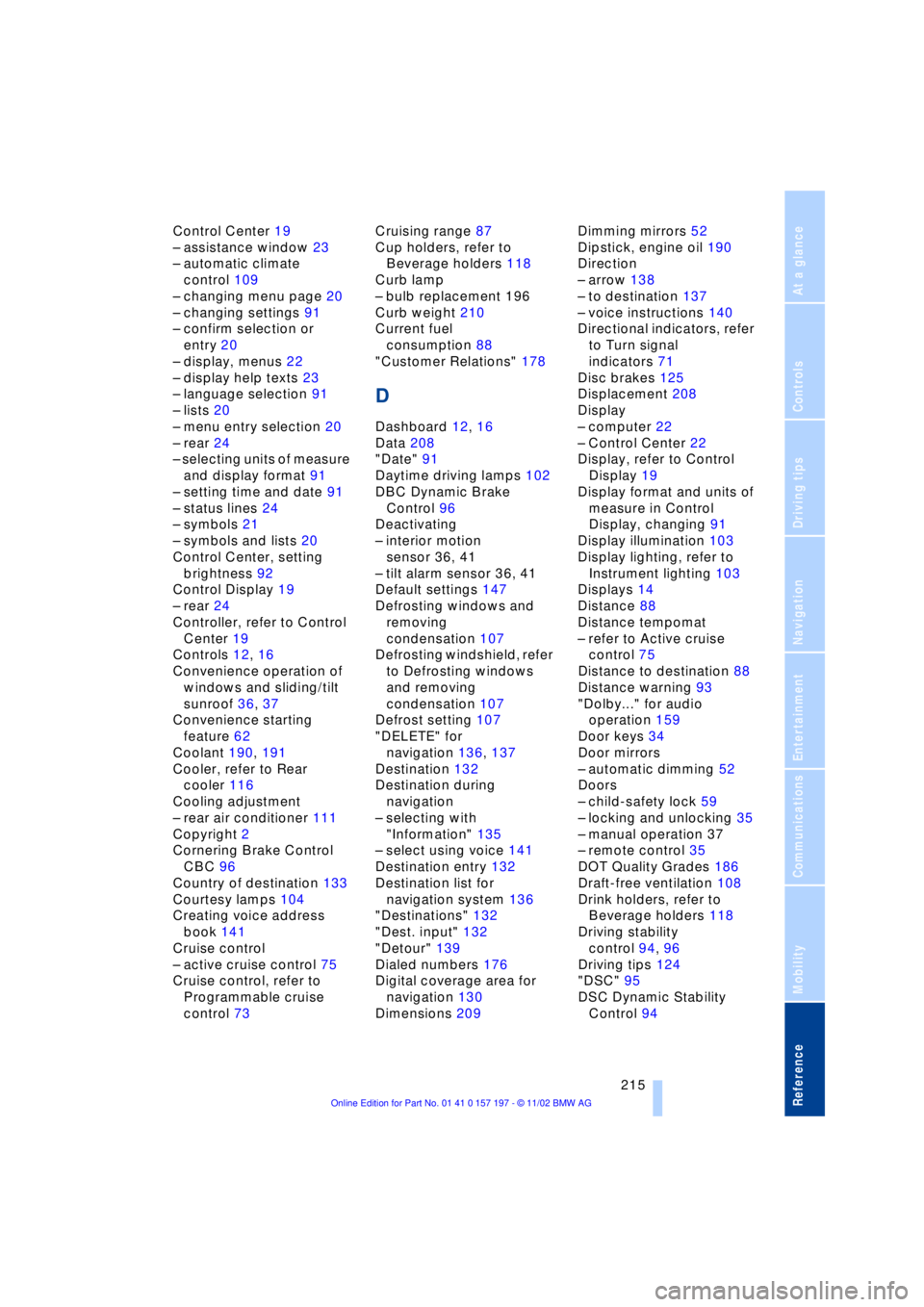
Control Center 19
Ð assistance window 23
Ð automatic climate
control 109
Ð changing menu page 20
Ð changing settings 91
Ð confirm selection or
entry 20
Ð display, menus 22
Ð display help texts 23
Ð language selection 91
Ð lists 20
Ð menu entry selection 20
Ð rear 24
Ð selecting units of measure
and display format 91
Ð setting time and date 91
Ð status lines 24
Ð symbols 21
Ð symbols and lists 20
Control Center, setting
brightness 92
Control Display 19
Ð rear 24
Controller, refer to Control
Center 19
Controls 12, 16
Convenience operation of
windows and sliding/tilt
sunroof 36, 37
Convenience starting
feature 62
Coolant 190, 191
Cooler, refer to Rear
cooler 116
Cooling adjustment
Ð rear air conditioner 111
Copyright 2
Cornering Brake Control
CBC 96
Country of destination 133
Courtesy lamps 104
Creating voice address
book 141
Cruise control
Ð active cruise control 75
Cruise control, refer to
Programmable cruise
control 73Cruising range 87
Cup holders, refer to
Beverage holders 118
Curb lamp
Ð bulb replacement 196
Curb weight 210
Current fuel
consumption 88
"Customer Relations" 178
D
Dashboard 12, 16
Data 208
"Date" 91
Daytime driving lamps 102
DBC Dynamic Brake
Control 96
Deactivating
Ð interior motion
sensor 36, 41
Ð tilt alarm sensor 36, 41
Default settings 147
Defrosting windows and
removing
condensation 107
Defrosting windshield, refer
to Defrosting windows
and removing
condensation 107
Defrost setting 107
"DELETE" for
navigation 136, 137
Destination 132
Destination during
navigation
Ð selecting with
"Information" 135
Ð select using voice 141
Destination entry 132
Destination list for
navigation system 136
"Destinations" 132
"Dest. input" 132
"Detour" 139
Dialed numbers 176
Digital coverage area for
navigation 130
Dimensions 209Dimming mirrors 52
Dipstick, engine oil 190
Direction
Ð arrow 138
Ð to destination 137
Ð voice instructions 140
Directional indicators, refer
to Turn signal
indicators 71
Disc brakes 125
Displacement 208
Display
Ð computer 22
Ð Control Center 22
Display, refer to Control
Display 19
Display format and units of
measure in Control
Display, changing 91
Display illumination 103
Display lighting, refer to
Instrument lighting 103
Displays 14
Distance 88
Distance tempomat
Ð refer to Active cruise
control 75
Distance to destination 88
Distance warning 93
"Dolby..." for audio
operation 159
Door keys 34
Door mirrors
Ð automatic dimming 52
Doors
Ð child-safety lock 59
Ð locking and unlocking 35
Ð manual operation 37
Ð remote control 35
DOT Quality Grades 186
Draft-free ventilation 108
Drink holders, refer to
Beverage holders 118
Driving stability
control 94, 96
Driving tips 124
"DSC" 95
DSC Dynamic Stability
Control 94
Page 218 of 229
Everything from A to Z
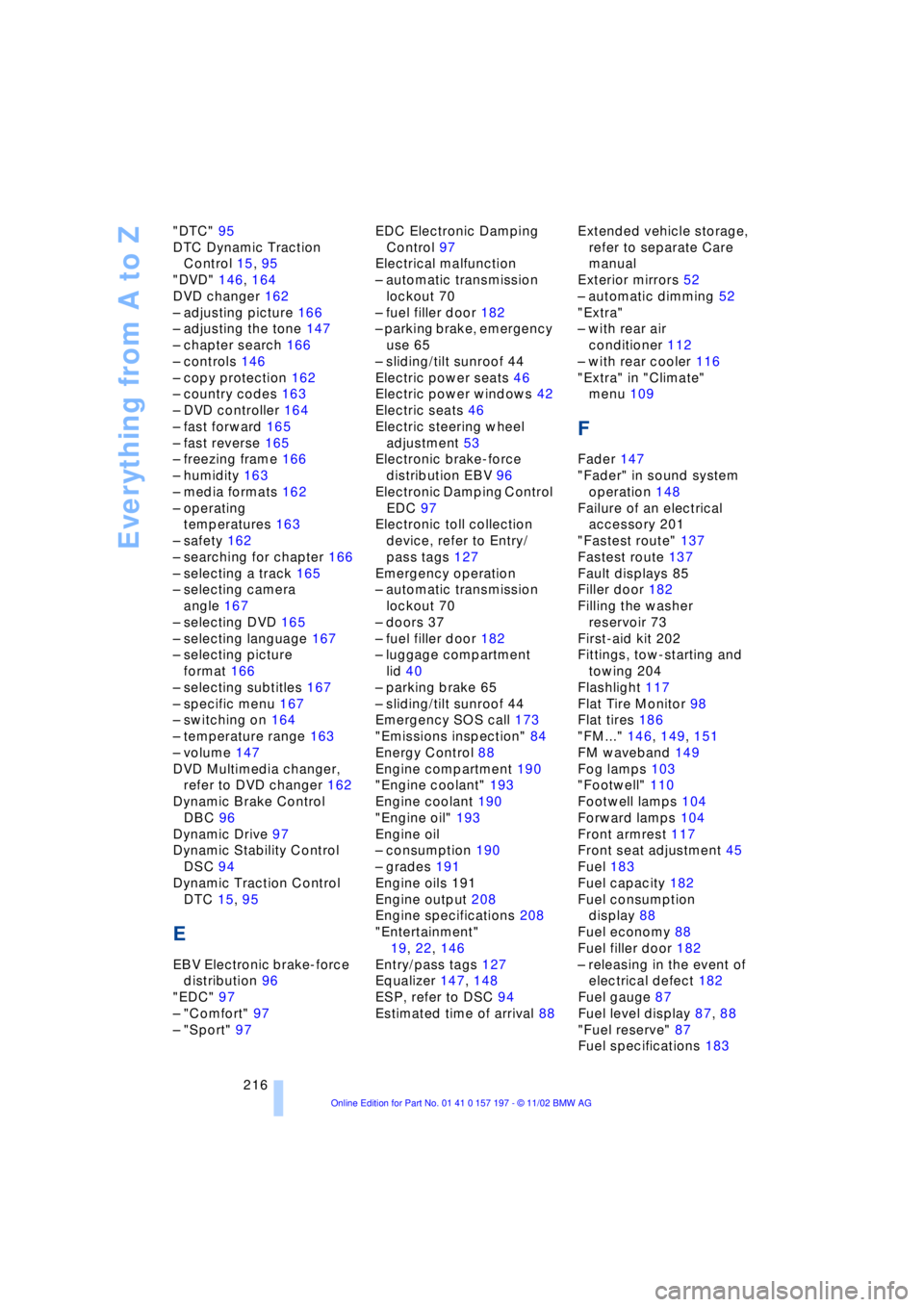
216 "DTC" 95
DTC Dynamic Traction
Control 15, 95
"DVD" 146, 164
DVD changer 162
Ð adjusting picture 166
Ð adjusting the tone 147
Ð chapter search 166
Ð controls 146
Ð copy protection 162
Ð country codes 163
Ð DVD controller 164
Ð fast forward 165
Ð fast reverse 165
Ð freezing frame 166
Ð humidity 163
Ð media formats 162
Ð operating
temperatures 163
Ð safety 162
Ð searching for chapter 166
Ð selecting a track 165
Ð selecting camera
angle 167
Ð selecting DVD 165
Ð selecting language 167
Ð selecting picture
format 166
Ð selecting subtitles 167
Ð specific menu 167
Ð switching on 164
Ð temperature range 163
Ð volume 147
DVD Multimedia changer,
refer to DVD changer 162
Dynamic Brake Control
DBC 96
Dynamic Drive 97
Dynamic Stability Control
DSC 94
Dynamic Traction Control
DTC 15, 95
E
EBV Electronic brake-force
distribution 96
"EDC" 97
Ð "Comfort" 97
Ð "Sport" 97EDC Electronic Damping
Control 97
Electrical malfunction
Ð automatic transmission
lockout 70
Ð fuel filler door 182
Ð parking brake, emergency
use 65
Ð sliding/tilt sunroof 44
Electric power seats 46
Electric power windows 42
Electric seats 46
Electric steering wheel
adjustment 53
Electronic brake-force
distribution EBV 96
Electronic Damping Control
EDC 97
Electronic toll collection
device, refer to Entry/
pass tags 127
Emergency operation
Ð automatic transmission
lockout 70
Ð doors 37
Ð fuel filler door 182
Ð luggage compartment
lid 40
Ð parking brake 65
Ð sliding/tilt sunroof 44
Emergency SOS call 173
"Emissions inspection" 84
Energy Control 88
Engine compartment 190
"Engine coolant" 193
Engine coolant 190
"Engine oil" 193
Engine oil
Ð consumption 190
Ð grades 191
Engine oils 191
Engine output 208
Engine specifications 208
"Entertainment"
19, 22, 146
Entry/pass tags 127
Equalizer 147, 148
ESP, refer to DSC 94
Estimated time of arrival 88Extended vehicle storage,
refer to separate Care
manual
Exterior mirrors 52
Ð automatic dimming 52
"Extra"
Ð with rear air
conditioner 112
Ð with rear cooler 116
"Extra" in "Climate"
menu 109
F
Fader 147
"Fader" in sound system
operation 148
Failure of an electrical
accessory 201
"Fastest route" 137
Fastest route 137
Fault displays 85
Filler door 182
Filling the washer
reservoir 73
First-aid kit 202
Fittings, tow-starting and
towing 204
Flashlight 117
Flat Tire Monitor 98
Flat tires 186
"FM..." 146, 149, 151
FM waveband 149
Fog lamps 103
"Footwell" 110
Footwell lamps 104
Forward lamps 104
Front armrest 117
Front seat adjustment 45
Fuel 183
Fuel capacity 182
Fuel consumption
display 88
Fuel economy 88
Fuel filler door 182
Ð releasing in the event of
electrical defect 182
Fuel gauge 87
Fuel level display 87, 88
"Fuel reserve" 87
Fuel specifications 183
Page 219 of 229
217
At a glance
Controls
Driving tips
Communications
Navigation
Entertainment
Mobility
Reference
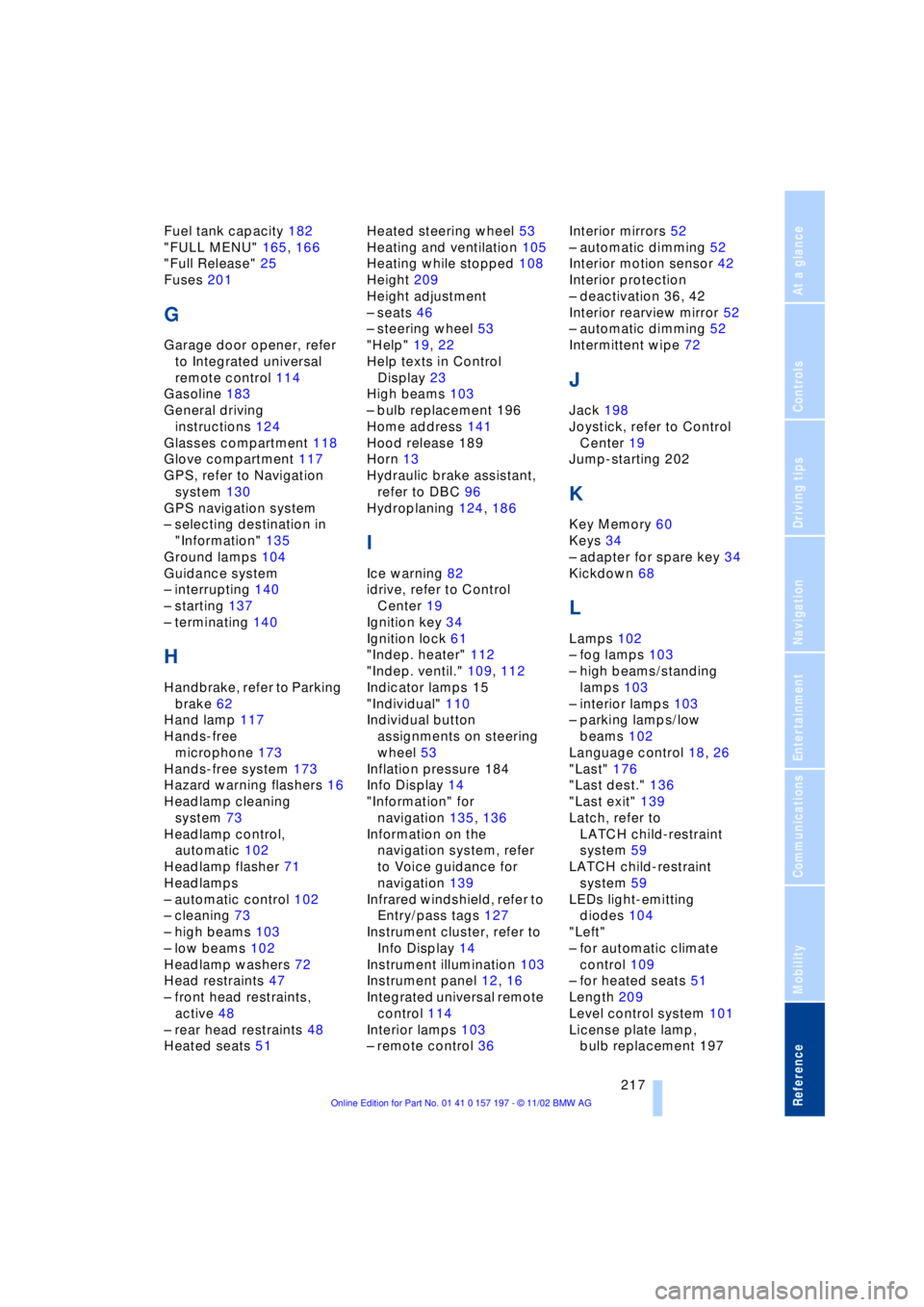
Fuel tank capacity 182
"FULL MENU" 165, 166
"Full Release" 25
Fuses 201
G
Garage door opener, refer
to Integrated universal
remote control 114
Gasoline 183
General driving
instructions 124
Glasses compartment 118
Glove compartment 117
GPS, refer to Navigation
system 130
GPS navigation system
Ð selecting destination in
"Information" 135
Ground lamps 104
Guidance system
Ð interrupting 140
Ð starting 137
Ð terminating 140
H
Handbrake, refer to Parking
brake 62
Hand lamp 117
Hands-free
microphone 173
Hands-free system 173
Hazard warning flashers 16
Headlamp cleaning
system 73
Headlamp control,
automatic 102
Headlamp flasher 71
Headlamps
Ð automatic control 102
Ð cleaning 73
Ð high beams 103
Ð low beams 102
Headlamp washers 72
Head restraints 47
Ð front head restraints,
active 48
Ð rear head restraints 48
Heated seats 51Heated steering wheel 53
Heating and ventilation 105
Heating while stopped 108
Height 209
Height adjustment
Ð seats 46
Ð steering wheel 53
"Help" 19, 22
Help texts in Control
Display 23
High beams 103
Ð bulb replacement 196
Home address 141
Hood release 189
Horn 13
Hydraulic brake assistant,
refer to DBC 96
Hydroplaning 124, 186
I
Ice warning 82
idrive, refer to Control
Center 19
Ignition key 34
Ignition lock 61
"Indep. heater" 112
"Indep. ventil." 109, 112
Indicator lamps 15
"Individual" 110
Individual button
assignments on steering
wheel 53
Inflation pressure 184
Info Display 14
"Information" for
navigation 135, 136
Information on the
navigation system, refer
to Voice guidance for
navigation 139
Infrared windshield, refer to
Entry/pass tags 127
Instrument cluster, refer to
Info Display 14
Instrument illumination 103
Instrument panel 12, 16
Integrated universal remote
control 114
Interior lamps 103
Ð remote control 36Interior mirrors 52
Ð automatic dimming 52
Interior motion sensor 42
Interior protection
Ð deactivation 36, 42
Interior rearview mirror 52
Ð automatic dimming 52
Intermittent wipe 72
J
Jack 198
Joystick, refer to Control
Center 19
Jump-starting 202
K
Key Memory 60
Keys 34
Ð adapter for spare key 34
Kickdown 68
L
Lamps 102
Ð fog lamps 103
Ð high beams/standing
lamps 103
Ð interior lamps 103
Ð parking lamps/low
beams 102
Language control 18, 26
"Last" 176
"Last dest." 136
"Last exit" 139
Latch, refer to
LATCH child-restraint
system 59
LATCH child-restraint
system 59
LEDs light-emitting
diodes 104
"Left"
Ð for automatic climate
control 109
Ð for heated seats 51
Length 209
Level control system 101
License plate lamp,
bulb replacement 197