CONTROLS AND EQUIPMENT1- 57
B970C02E-AAT Automatic Operation
HGK020
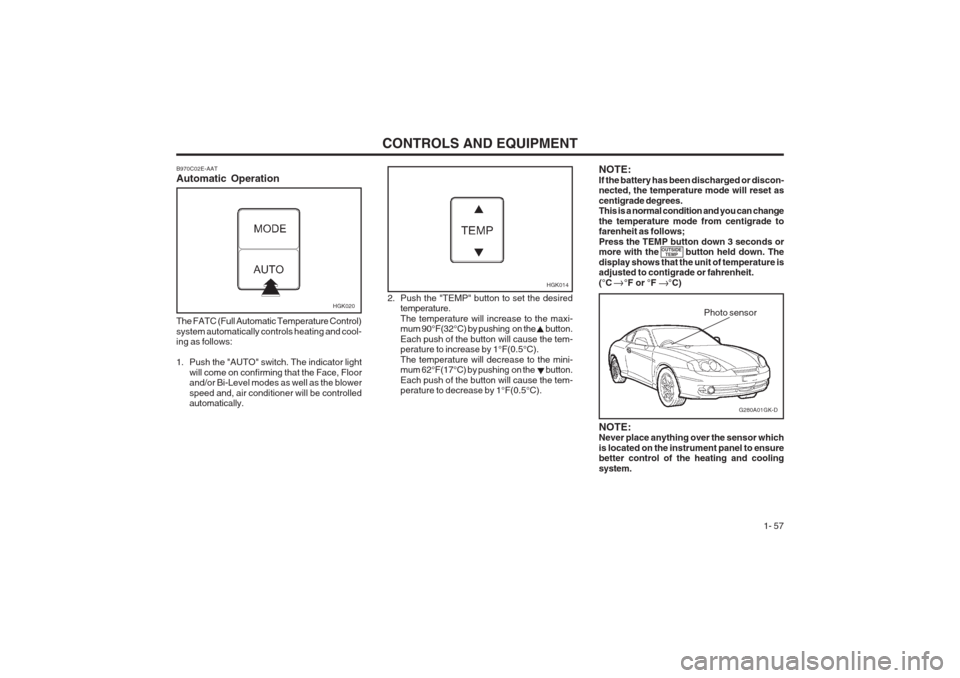
The FATC (Full Automatic Temperature Control) system automatically controls heating and cool- ing as follows:
1. Push the "AUTO" switch. The indicator light will come on confirming that the Face, Floor and/or Bi-Level modes as well as the blower speed and, air conditioner will be controlled automatically. 2. Push the "TEMP" button to set the desired
temperature. The temperature will increase to the maxi- mum 90°F(32°C) by pushing on the button. Each push of the button will cause the tem- perature to increase by 1°F(0.5°C). The temperature will decrease to the mini- mum 62°F(17°C) by pushing on the button. Each push of the button will cause the tem- perature to decrease by 1°F(0.5°C).
G280A01GK-D
Photo sensor
HGK014
NOTE: Never place anything over the sensor which is located on the instrument panel to ensure better control of the heating and cooling system.
NOTE:If the battery has been discharged or discon- nected, the temperature mode will reset as centigrade degrees. This is a normal condition and you can change the temperature mode from centigrade to farenheit as follows; Press the TEMP button down 3 seconds or more with the button held down. The display shows that the unit of temperature is adjusted to contigrade or fahrenheit. (°C °F or °F °C)
OUTSIDE
TEMP