Page 99 of 264
Replacement of the battery willnotcause the
remote transmitter to become deprogrammed from
your vehicle. The remote transmitter should operate
normally after battery replacement.
Replacing lost transmitters
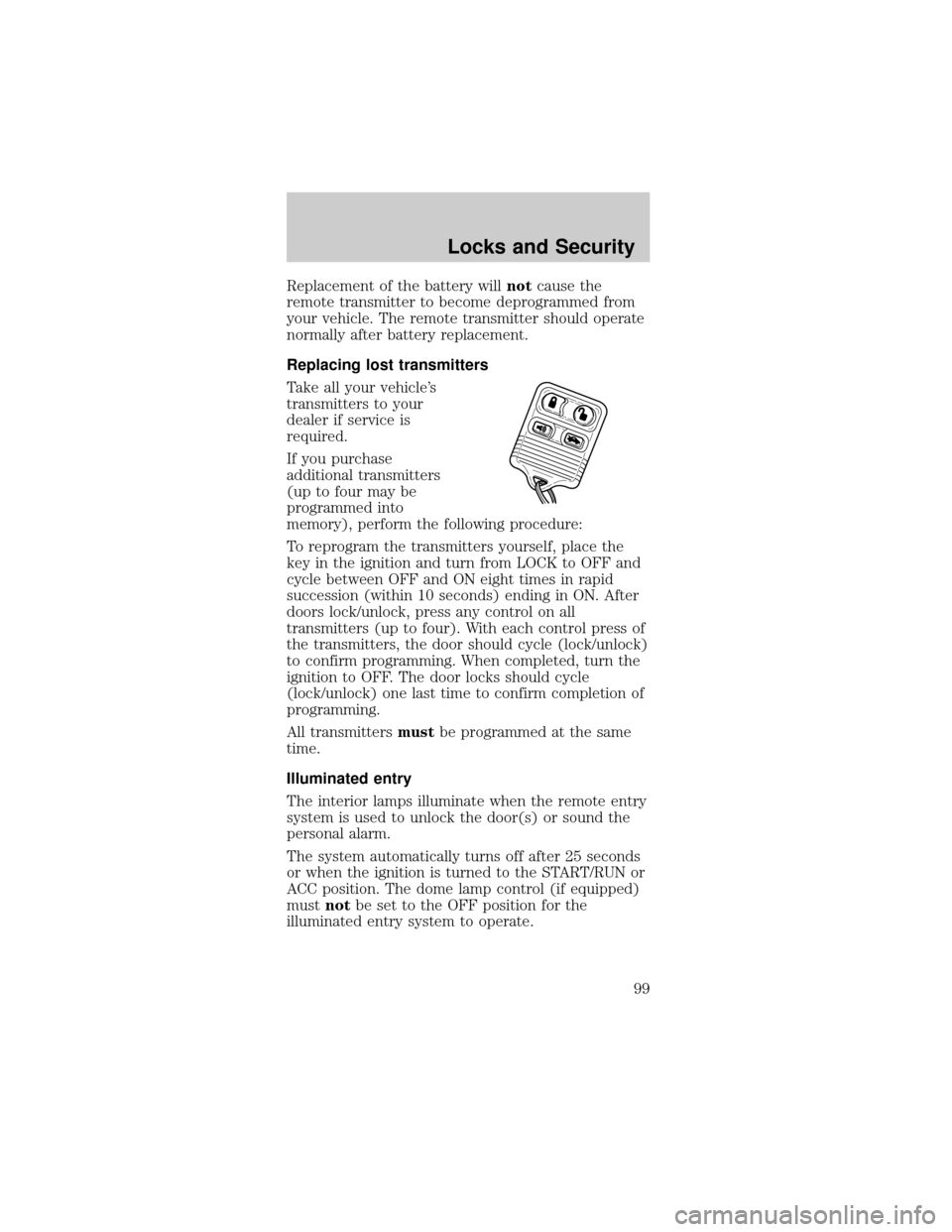
Take all your vehicle's
transmitters to your
dealer if service is
required.
If you purchase
additional transmitters
(up to four may be
programmed into
memory), perform the following procedure:
To reprogram the transmitters yourself, place the
key in the ignition and turn from LOCK to OFF and
cycle between OFF and ON eight times in rapid
succession (within 10 seconds) ending in ON. After
doors lock/unlock, press any control on all
transmitters (up to four). With each control press of
the transmitters, the door should cycle (lock/unlock)
to confirm programming. When completed, turn the
ignition to OFF. The door locks should cycle
(lock/unlock) one last time to confirm completion of
programming.
All transmittersmustbe programmed at the same
time.
Illuminated entry
The interior lamps illuminate when the remote entry
system is used to unlock the door(s) or sound the
personal alarm.
The system automatically turns off after 25 seconds
or when the ignition is turned to the START/RUN or
ACC position. The dome lamp control (if equipped)
mustnotbe set to the OFF position for the
illuminated entry system to operate.
Locks and Security
99
Page 100 of 264
The inside lights will not turn off if:
²they have been turned on with the dimmer
control or
²any door is open
The battery saver will shut off the interior lamps 30
minutes after the ignition has been turned to the
OFF position, 10 minutes after if the door is left
open, and 30 minutes after if the trunk is left open
or the dome lamp switch is left on.
SECURILOCKYPASSIVE ANTI-THEFT SYSTEM
SecuriLockypassive anti-theft system is an engine
immobilization system. This system prevents the
engine from being started unless acoded key
programmed to your vehicleis used.
The SecuriLockypassive anti-theft system is not
compatible with non-Ford aftermarket remote start
systems. Use of these systems may result in vehicle
starting problems and a loss of security protection.
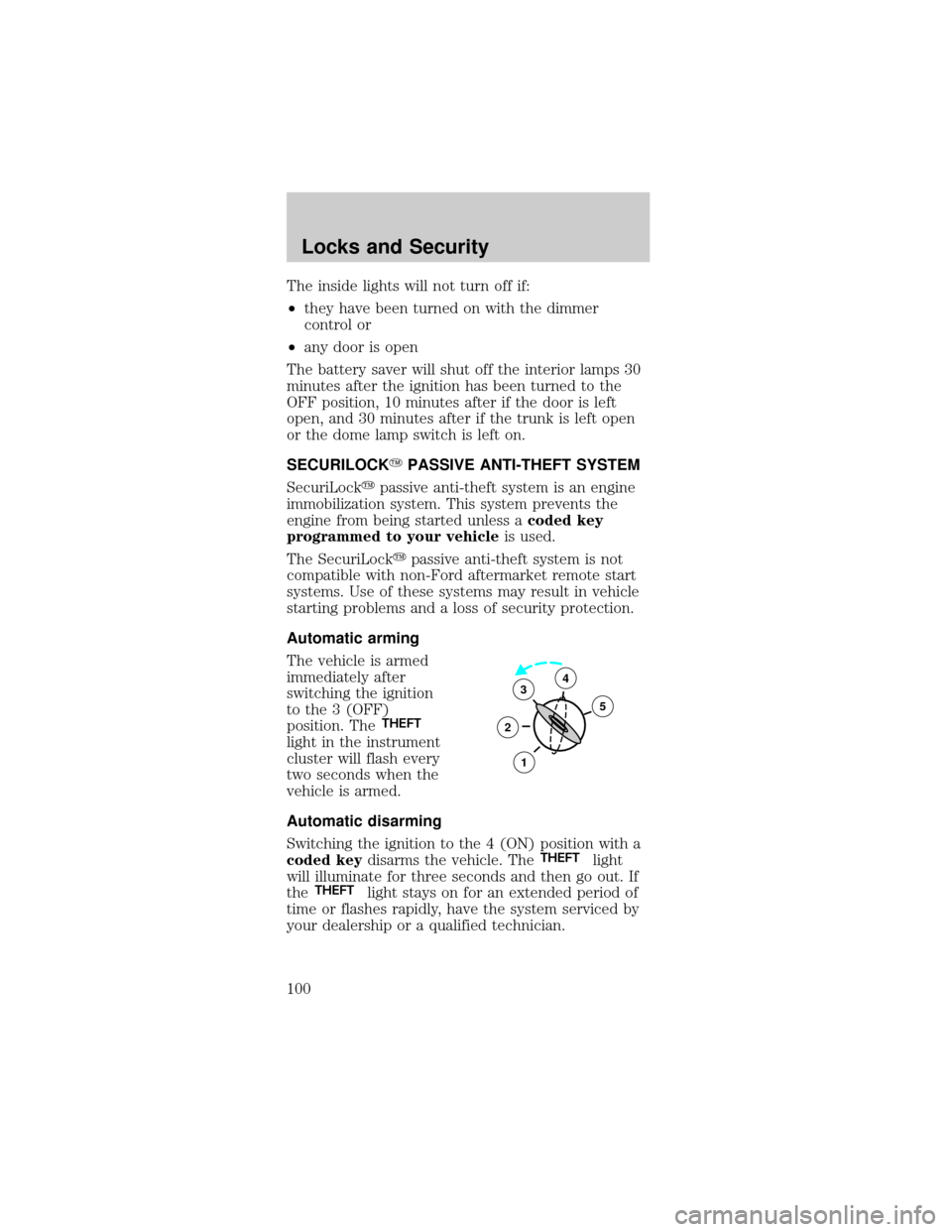
Automatic arming
The vehicle is armed
immediately after
switching the ignition
to the 3 (OFF)
position. The
THEFT
light in the instrument
cluster will flash every
two seconds when the
vehicle is armed.
Automatic disarming
Switching the ignition to the 4 (ON) position with a
coded keydisarms the vehicle. The
THEFTlight
will illuminate for three seconds and then go out. If
the
THEFTlight stays on for an extended period of
time or flashes rapidly, have the system serviced by
your dealership or a qualified technician.
3
2
1
5
4
Locks and Security
100
Page 101 of 264
Key information
Your vehicle is supplied
withtwo coded keys.
Only acoded keywill
start your vehicle.
Spare coded keys can
be purchased from
your dealership. Your
dealership can program your key or you can ªdo it
yourselfº, refer toProgramming spare keys.
Large metallic objects,
electronic devices on
the key chain that can
be used to purchase
gasoline or similar
items, or a second key
on the same key ring
as thecoded keymay
cause vehicle starting
issues. If present, you
need to keep these
objects from touching
thecoded keywhile starting the engine. These
objects and devices cannot damage thecoded key,
but can cause a momentary NOÐSTART condition if
they are too close to the key during engine start. If a
problem occurs, turn ignition OFF and restart the
engine with all other objects on the key ring held
away from the ignition key. Check to make sure the
coded keyis an approved Fordcoded key.
Locks and Security
101
Page 102 of 264
If your keys are lost or
stolen you will need to
do the following:
²Use your spare key
to start the vehicle,
or
²Have your vehicle towed to a dealership or a
locksmith. The key codes will need to be erased
from your vehicle and new key codes will need to
be re-coded.
Replacing coded keys can be very costly and you
may want to store an extra programmed key away
from the vehicle in a safe place to prevent an
unforeseen inconvenience.
The correctcoded keymust be used for your
vehicle. The use of the wrong type ofcoded key
may lead to a ªNO-STARTº condition.
If an unprogrammed key is used in the ignition
it will cause a ªNO STARTº condition.
Programming spare keys
A maximum of eight keys can be coded to your
vehicle. Only SecuriLockykeys can be used. To
program acoded keyyourself, you will need two
previously programmedcoded keys(keys that
already operate your vehicle's engine) and the new
unprogrammed key(s) readily accessible for timely
implementation of each step in the procedure.
If two previously programmed coded keys are not
available, you must bring your vehicle to your
dealership to have the spare coded key(s)
programmed.
Please read and understand the entire procedure
before you begin.
Locks and Security
102
Page 103 of 264
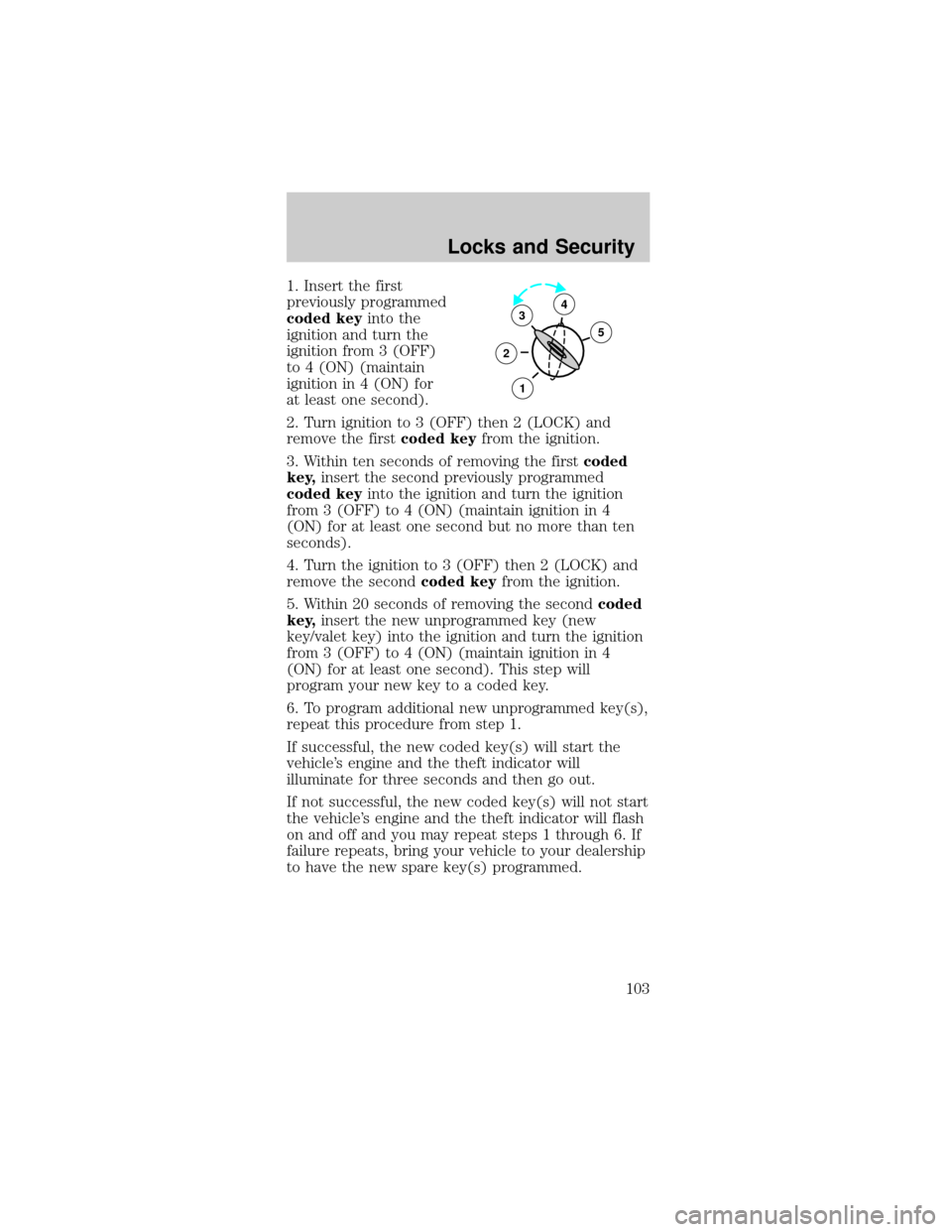
1. Insert the first
previously programmed
coded keyinto the
ignition and turn the
ignition from 3 (OFF)
to 4 (ON) (maintain
ignition in 4 (ON) for
at least one second).
2. Turn ignition to 3 (OFF) then 2 (LOCK) and
remove the firstcoded keyfrom the ignition.
3. Within ten seconds of removing the firstcoded
key,insert the second previously programmed
coded keyinto the ignition and turn the ignition
from 3 (OFF) to 4 (ON) (maintain ignition in 4
(ON) for at least one second but no more than ten
seconds).
4. Turn the ignition to 3 (OFF) then 2 (LOCK) and
remove the secondcoded keyfrom the ignition.
5. Within 20 seconds of removing the secondcoded
key,insert the new unprogrammed key (new
key/valet key) into the ignition and turn the ignition
from 3 (OFF) to 4 (ON) (maintain ignition in 4
(ON) for at least one second). This step will
program your new key to a coded key.
6. To program additional new unprogrammed key(s),
repeat this procedure from step 1.
If successful, the new coded key(s) will start the
vehicle's engine and the theft indicator will
illuminate for three seconds and then go out.
If not successful, the new coded key(s) will not start
the vehicle's engine and the theft indicator will flash
on and off and you may repeat steps 1 through 6. If
failure repeats, bring your vehicle to your dealership
to have the new spare key(s) programmed.
3
2
1
5
4
Locks and Security
103
Page 136 of 264
STARTING
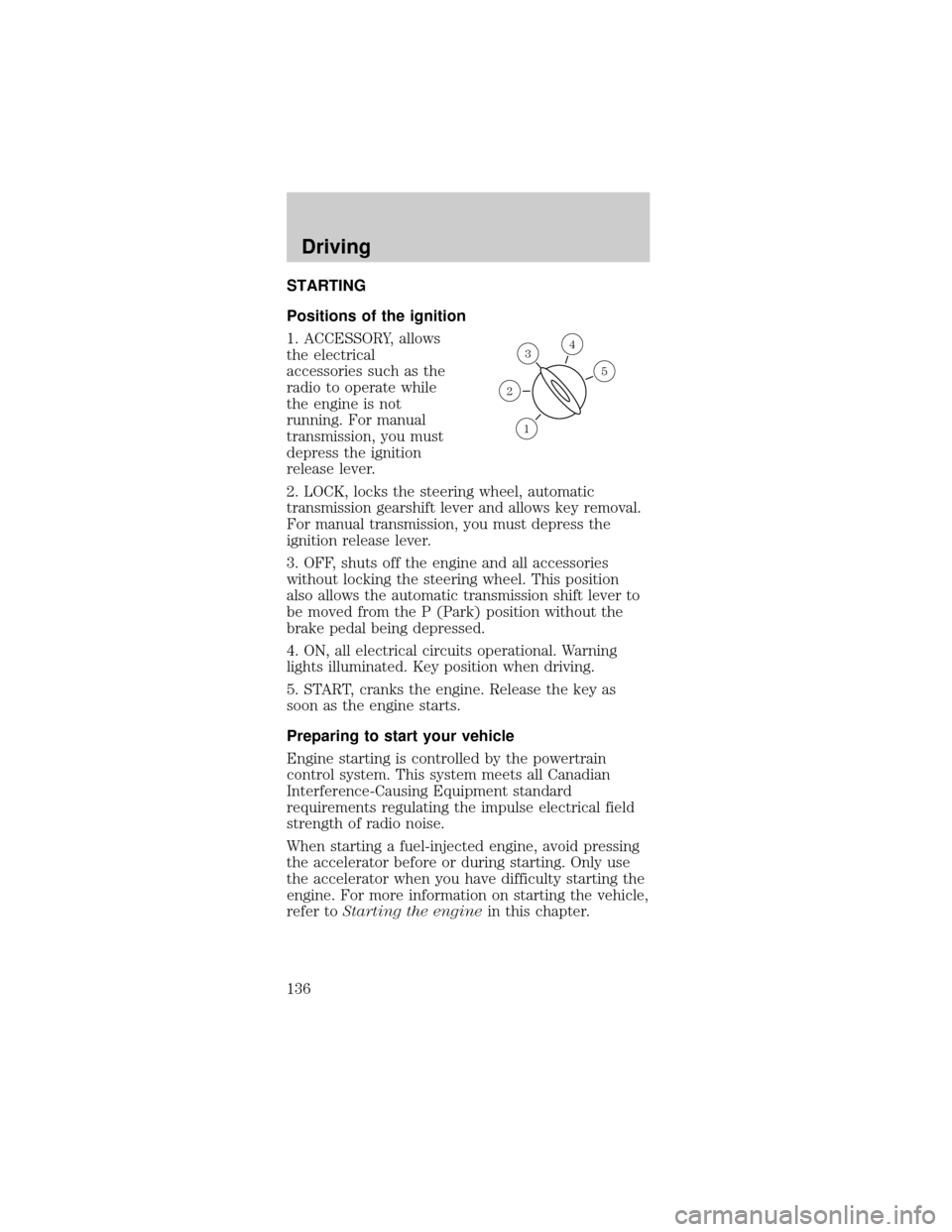
Positions of the ignition
1. ACCESSORY, allows
the electrical
accessories such as the
radio to operate while
the engine is not
running. For manual
transmission, you must
depress the ignition
release lever.
2. LOCK, locks the steering wheel, automatic
transmission gearshift lever and allows key removal.
For manual transmission, you must depress the
ignition release lever.
3. OFF, shuts off the engine and all accessories
without locking the steering wheel. This position
also allows the automatic transmission shift lever to
be moved from the P (Park) position without the
brake pedal being depressed.
4. ON, all electrical circuits operational. Warning
lights illuminated. Key position when driving.
5. START, cranks the engine. Release the key as
soon as the engine starts.
Preparing to start your vehicle
Engine starting is controlled by the powertrain
control system. This system meets all Canadian
Interference-Causing Equipment standard
requirements regulating the impulse electrical field
strength of radio noise.
When starting a fuel-injected engine, avoid pressing
the accelerator before or during starting. Only use
the accelerator when you have difficulty starting the
engine. For more information on starting the vehicle,
refer toStarting the enginein this chapter.
3
1
2
5
4
Driving
136
Page 138 of 264
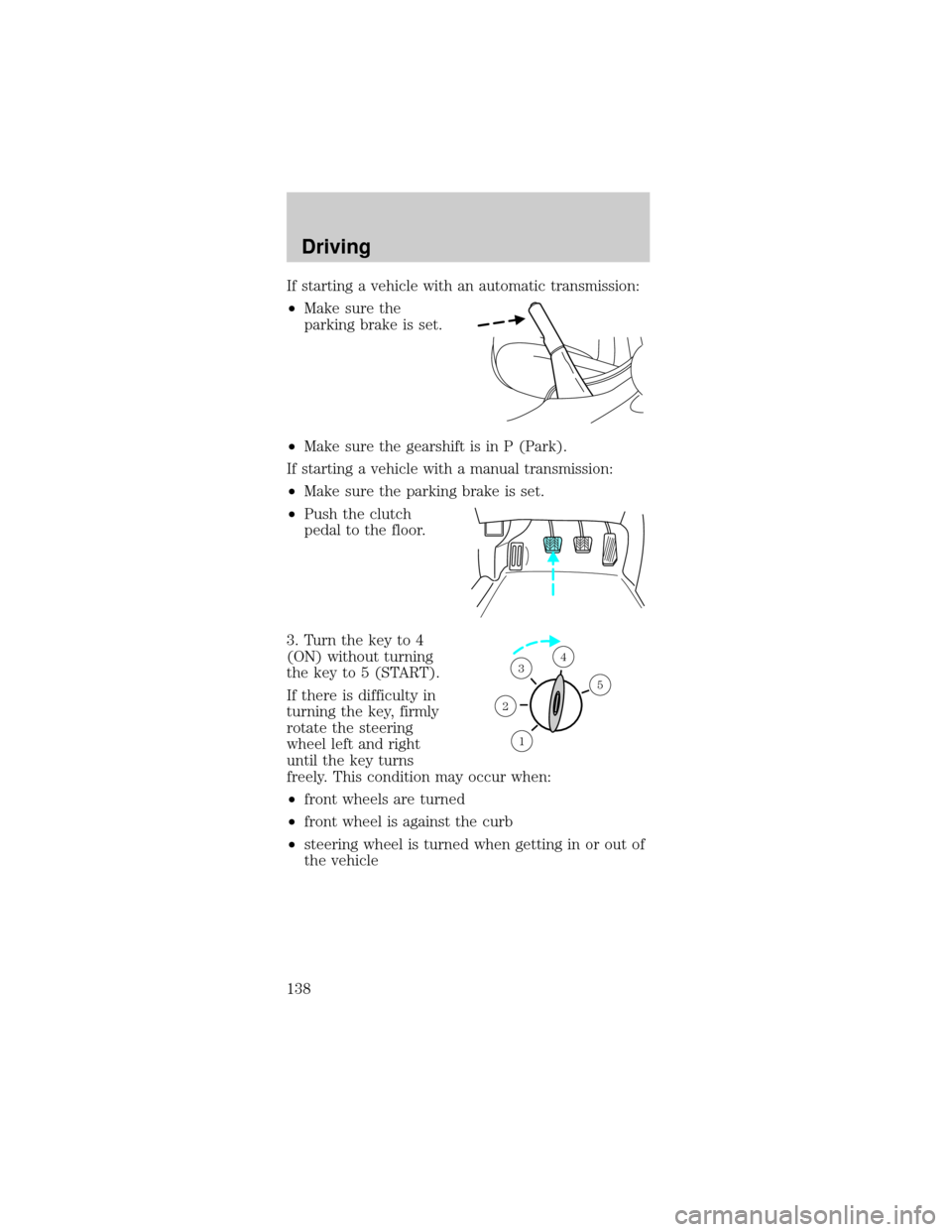
If starting a vehicle with an automatic transmission:
²Make sure the
parking brake is set.
²Make sure the gearshift is in P (Park).
If starting a vehicle with a manual transmission:
²Make sure the parking brake is set.
²Push the clutch
pedal to the floor.
3. Turn the key to 4
(ON) without turning
the key to 5 (START).
If there is difficulty in
turning the key, firmly
rotate the steering
wheel left and right
until the key turns
freely. This condition may occur when:
²front wheels are turned
²front wheel is against the curb
²steering wheel is turned when getting in or out of
the vehicle
1
2
34
5
Driving
138
Page 139 of 264

Make sure the corresponding lights illuminate or
illuminate briefly. If a light fails to illuminate, have
the vehicle serviced.
²If the driver's safety belt is fastened, the
light
may not illuminate.
Starting the engine
Note:Whenever you start your vehicle, release the
key as soon as the engine starts. Excessive cranking
could damage the starter.
1. Turn the key to 5
(START) without
pressing the
accelerator pedal and
release as soon as the
engine starts. The key
will return to 4 (ON).
2. If the temperature is
above ±12É C (10É F) and the engine does not start
within five seconds on the first try, turn the key to
OFF, wait 10 seconds and try again.
P! BRAKE
L
0
00000 00
C
E
FH
LH
10 203020 406080100
120
140
160
180
405060 70
80
90
100
11 0
1204
5
6
7 3
2
1
H
THEFT
RPMX1000
FUEL DOORSELECT/RESET
LOW
FUELO/D
OFF AIR
BAGSERVICE
ENGINE
SOON
MPH km/h
ABS
.
CHECK
FUEL
CAP
P! BRAKE
L
0
00000 00
C
E
FH
LH
102040608020 40608010 012 0 14 0
160
180
200
220
240
100
120
140
305070 90
110
13 0
1504
5
6
7
8 3
2
1
H
THEFT
RPMX1000
FUEL DOORSELECT/RESET
LOW
FUELO/D
OFF AIR
BAGSERVICE
ENGINE
SOON
MPH km/h
ABS
.
CHECK
FUEL
CAP
3
2
1
5
4
Driving
139