Page 46 of 312
²Do not place objects over the defroster outlets. These objects can
block airflow and reduce your ability to see through your windshield.
Avoid placing small objects on top of the instrument panel. These
objects may fall down into the defroster outlets and block airflow, in
addition to damaging the climate control system.
To aide in side window defogging/demisting in cold weather conditions:
1. Select
2. Set the temperature control to full heat
3. Set the fan speed to High
4. Direct the outer panel vents towards the side windows
In order to increase the airflow to the outer panel vents, close the
central panel vents.
Do not place objects on top of the instrument panel, as these
objects may become projectiles in a collision or sudden stop.
Auxiliary climate controls (if equipped)
Depending on the equipment package of your vehicle, your vehicle may
be equipped with auxiliary climate controls. The auxiliary climate control
feature provides increased capacity to quickly heat or cool the vehicle.
Your auxiliary climate controls are located in the overhead console of the
first and second row seating. The auxiliary climate controls are
independent of the main climate control system. If the main climate
control system is in the OFF position, the auxiliary climate controls will
still work. However, the A/C function will not operate unless the A/C
control has been selected on the main climate control system.
Front auxiliary control
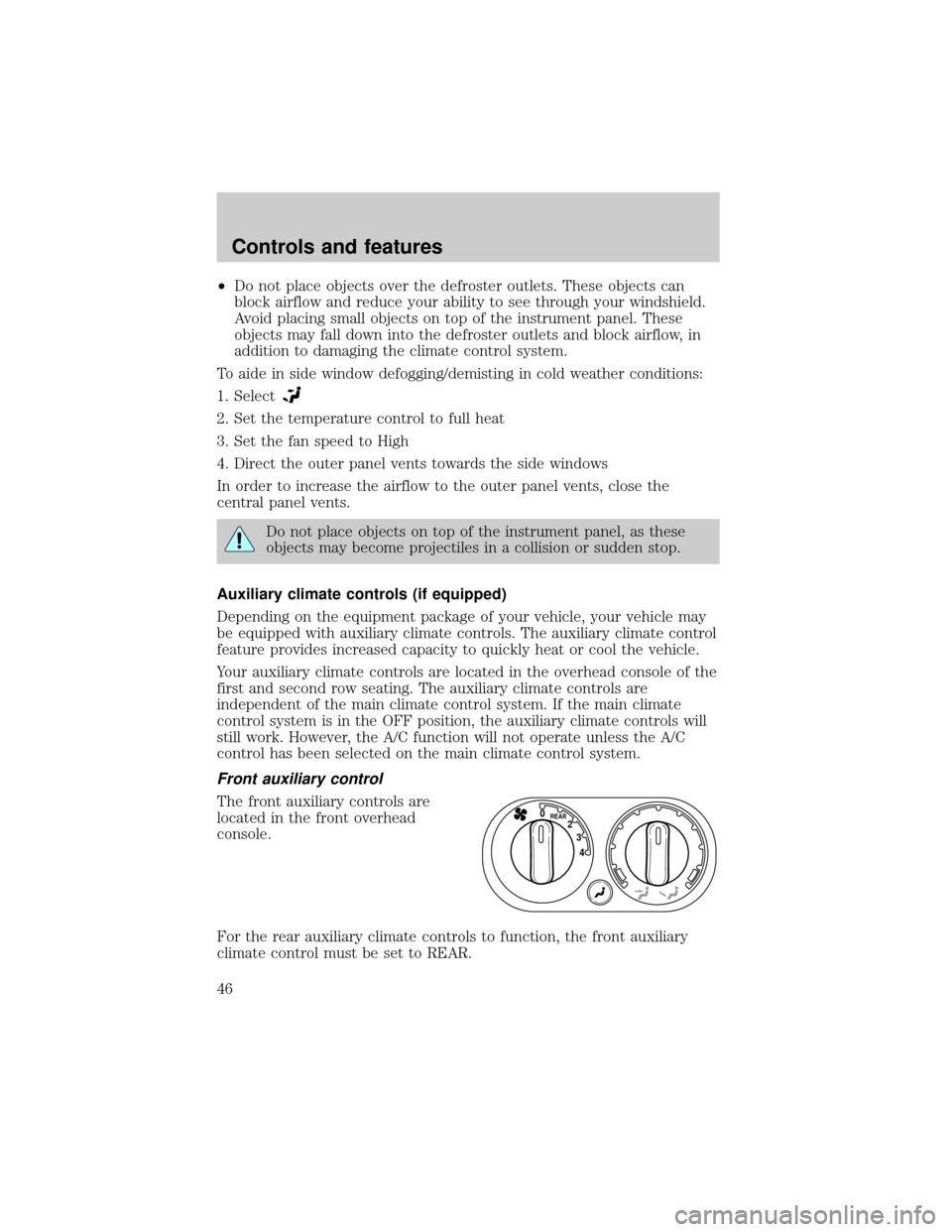
The front auxiliary controls are
located in the front overhead
console.
For the rear auxiliary climate controls to function, the front auxiliary
climate control must be set to REAR.
4 3 2
REAR0
Controls and features
46
Page 47 of 312
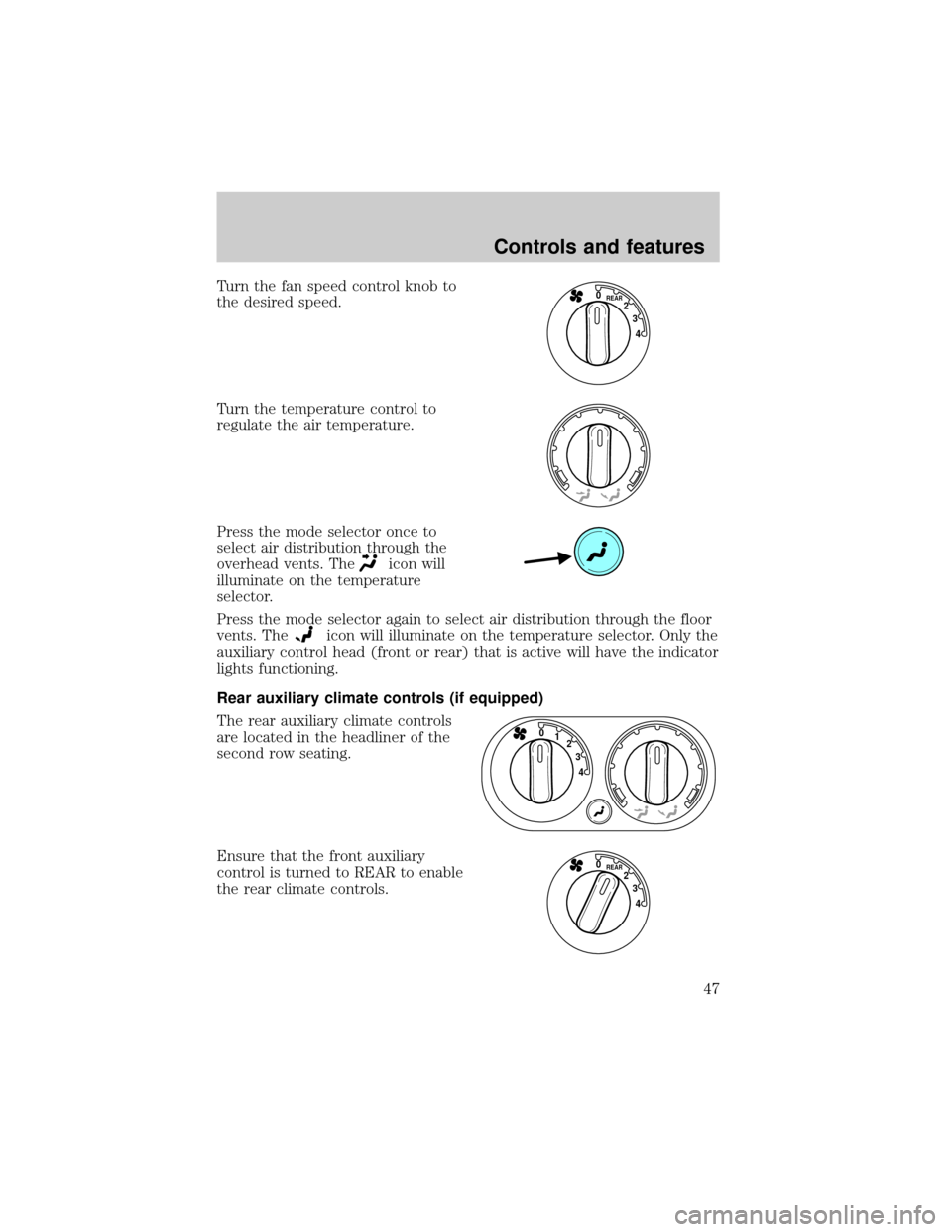
Turn the fan speed control knob to
the desired speed.
Turn the temperature control to
regulate the air temperature.
Press the mode selector once to
select air distribution through the
overhead vents. The
icon will
illuminate on the temperature
selector.
Press the mode selector again to select air distribution through the floor
vents. The
icon will illuminate on the temperature selector. Only the
auxiliary control head (front or rear) that is active will have the indicator
lights functioning.
Rear auxiliary climate controls (if equipped)
The rear auxiliary climate controls
are located in the headliner of the
second row seating.
Ensure that the front auxiliary
control is turned to REAR to enable
the rear climate controls.
4 3 2
REAR0
4 3 2 1 0
4 3 2
REAR0
Controls and features
47
Page 48 of 312
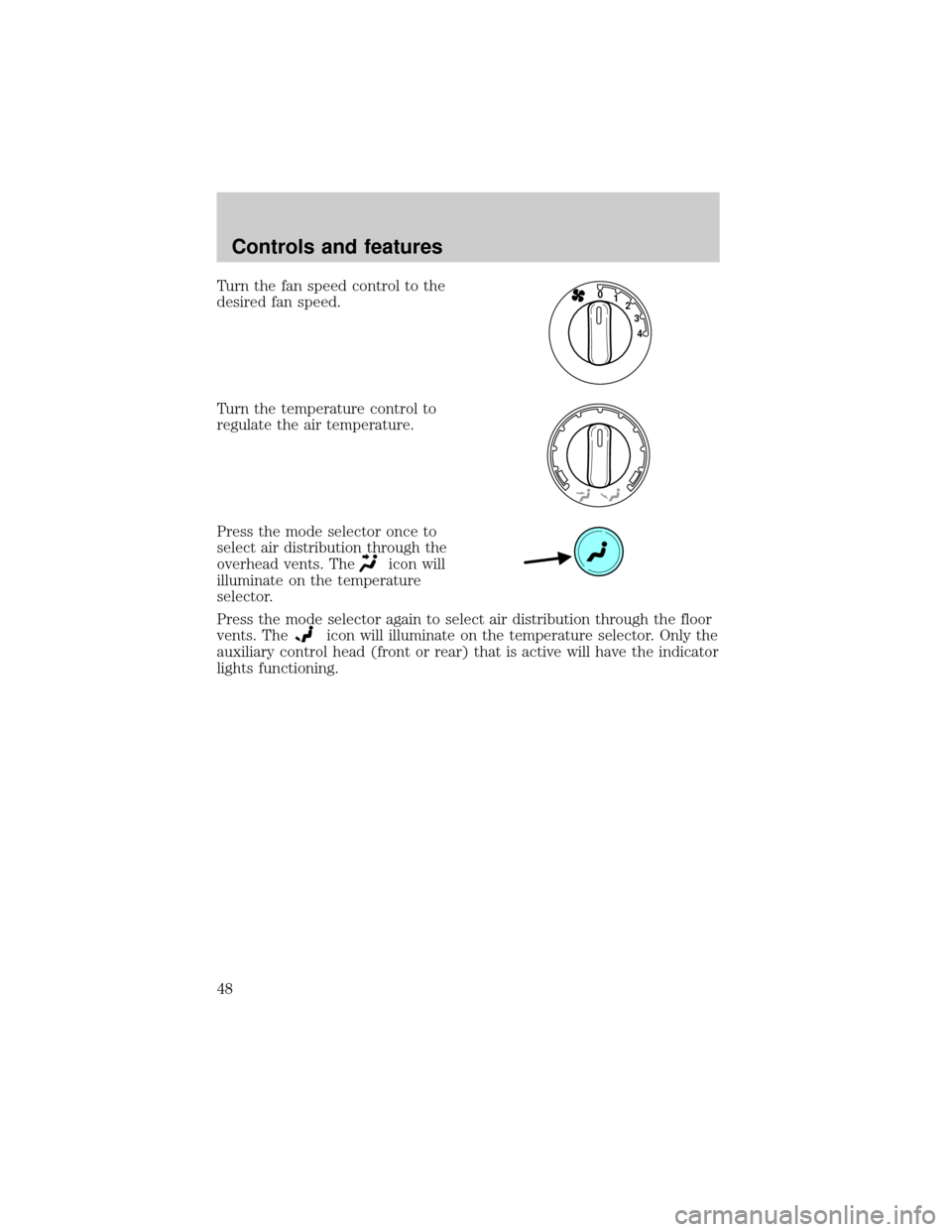
Turn the fan speed control to the
desired fan speed.
Turn the temperature control to
regulate the air temperature.
Press the mode selector once to
select air distribution through the
overhead vents. The
icon will
illuminate on the temperature
selector.
Press the mode selector again to select air distribution through the floor
vents. The
icon will illuminate on the temperature selector. Only the
auxiliary control head (front or rear) that is active will have the indicator
lights functioning.
4 3 2 1 0
Controls and features
48
Page 49 of 312
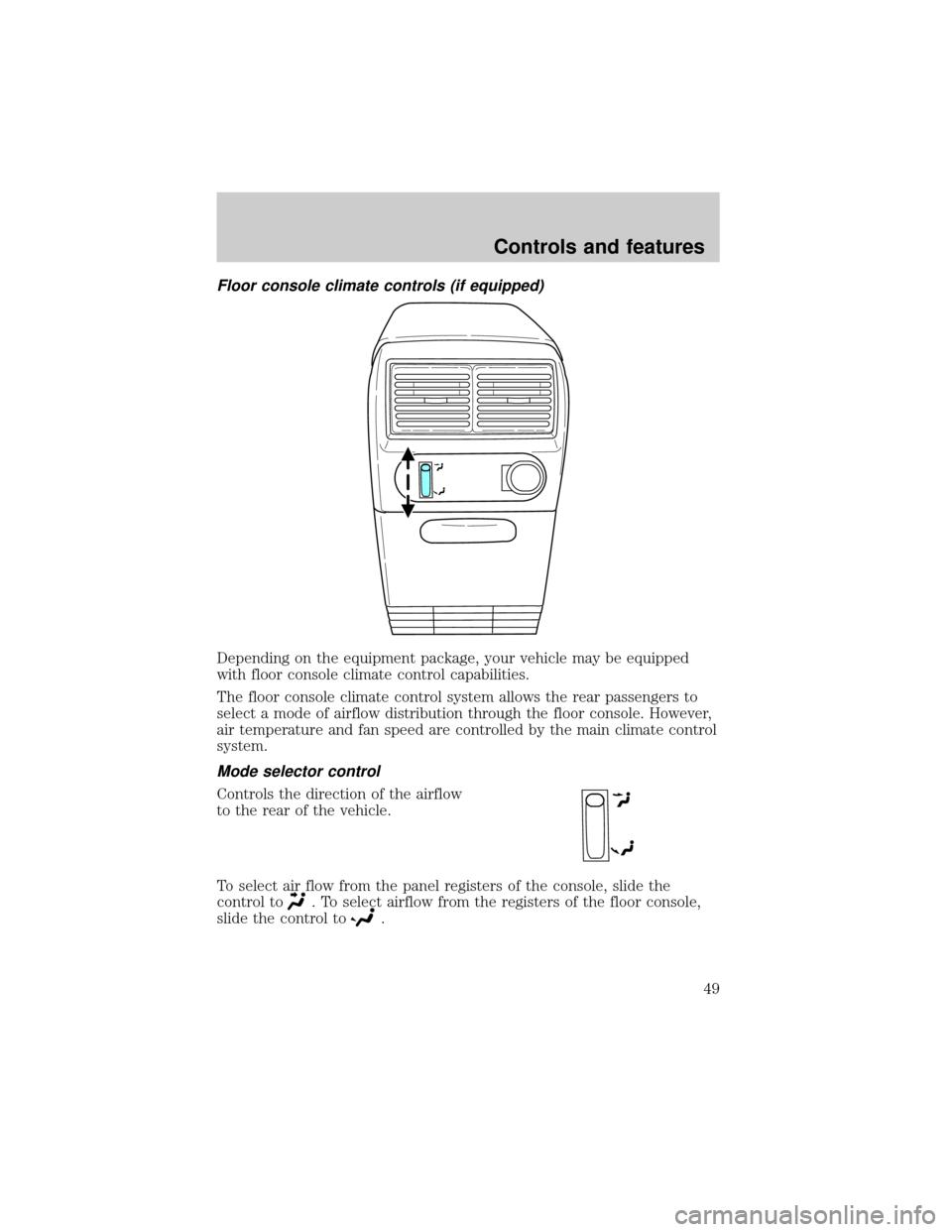
Floor console climate controls (if equipped)
Depending on the equipment package, your vehicle may be equipped
with floor console climate control capabilities.
The floor console climate control system allows the rear passengers to
select a mode of airflow distribution through the floor console. However,
air temperature and fan speed are controlled by the main climate control
system.
Mode selector control
Controls the direction of the airflow
to the rear of the vehicle.
To select air flow from the panel registers of the console, slide the
control to
. To select airflow from the registers of the floor console,
slide the control to
.
Controls and features
49
Page 50 of 312
To stop the air from flowing through the floor console:
1. slide the mode selector control to
.
2. manually close the registers.
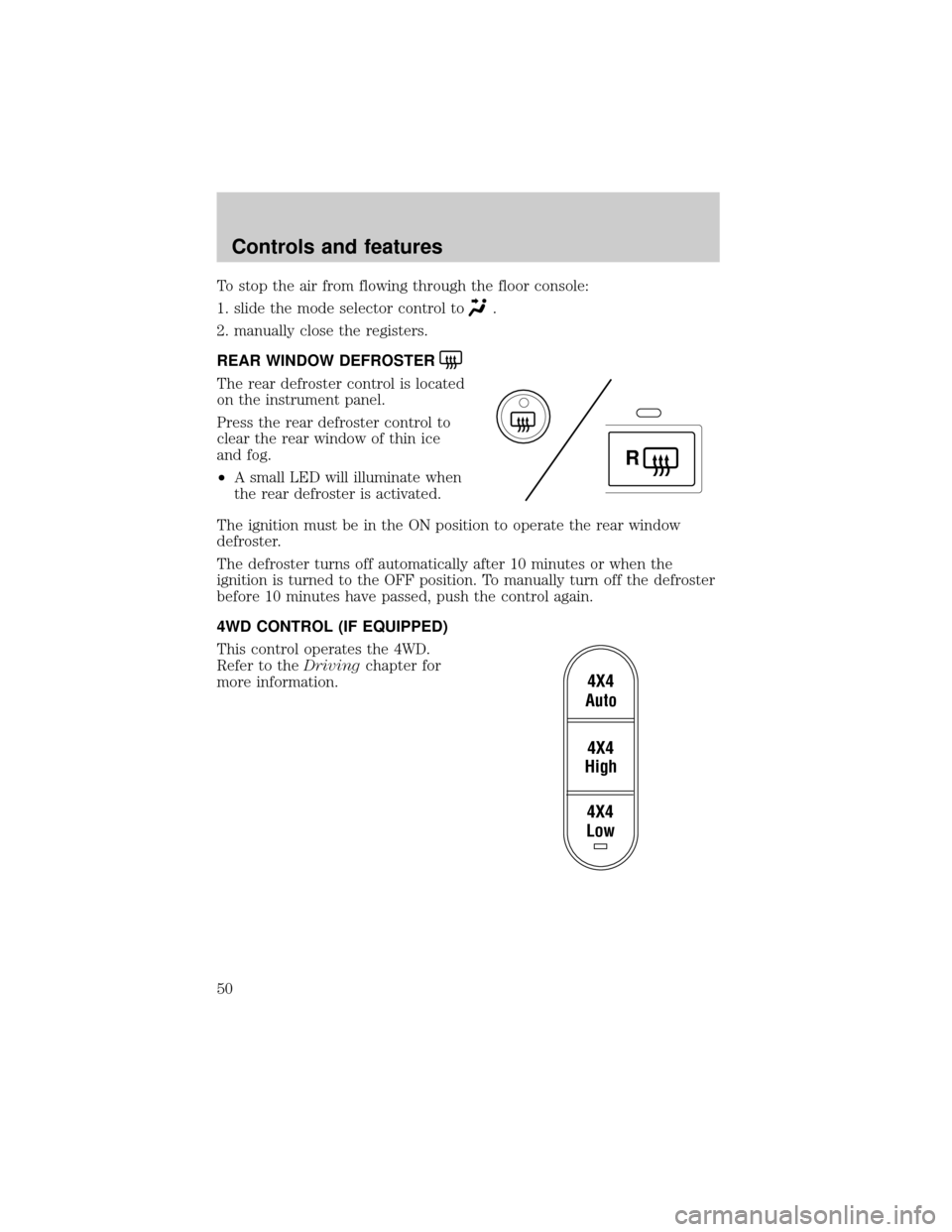
REAR WINDOW DEFROSTER
The rear defroster control is located
on the instrument panel.
Press the rear defroster control to
clear the rear window of thin ice
and fog.
²A small LED will illuminate when
the rear defroster is activated.
The ignition must be in the ON position to operate the rear window
defroster.
The defroster turns off automatically after 10 minutes or when the
ignition is turned to the OFF position. To manually turn off the defroster
before 10 minutes have passed, push the control again.
4WD CONTROL (IF EQUIPPED)
This control operates the 4WD.
Refer to theDrivingchapter for
more information.
R
4X4
Low4X4
High4X4
Auto
Controls and features
50
Page 54 of 312
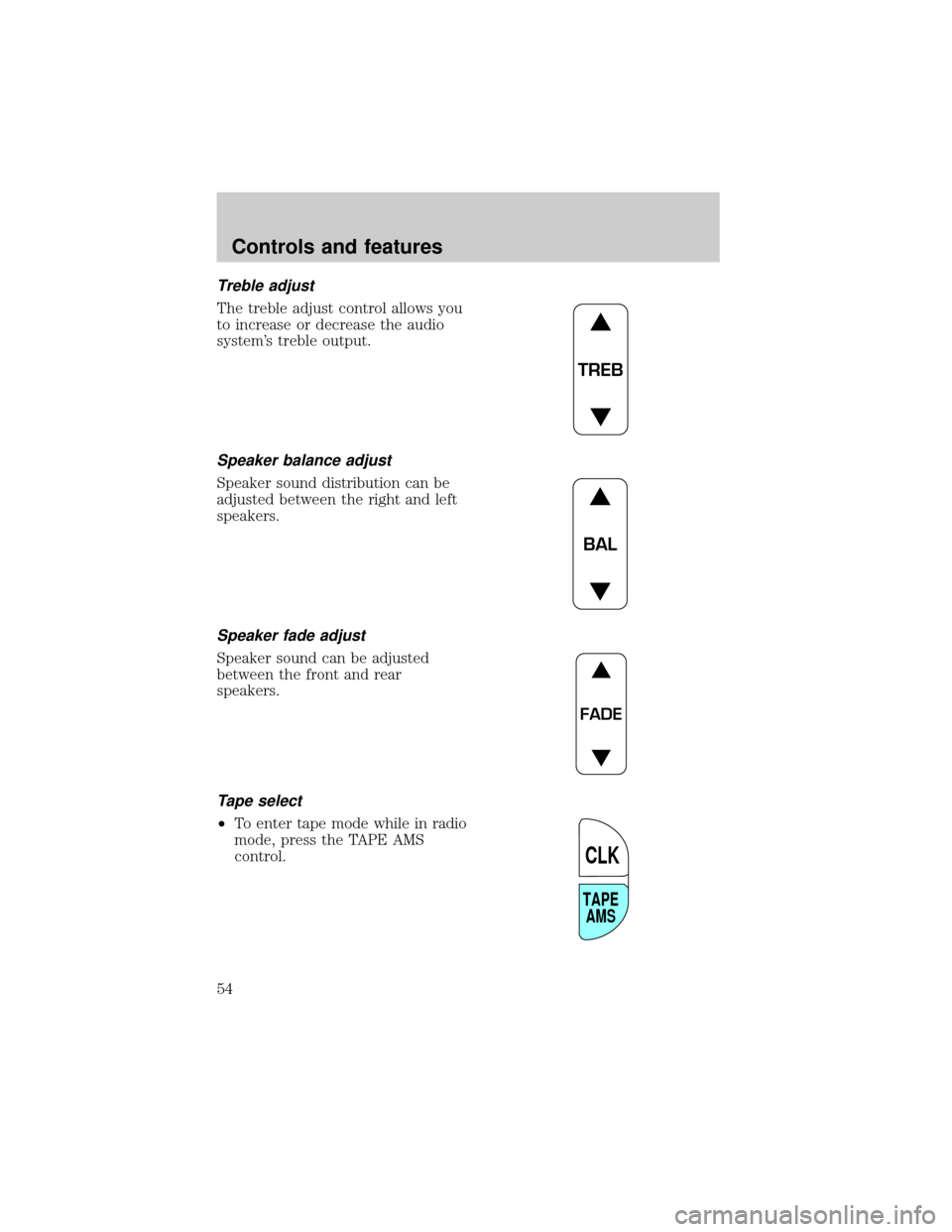
Treble adjust
The treble adjust control allows you
to increase or decrease the audio
system's treble output.
Speaker balance adjust
Speaker sound distribution can be
adjusted between the right and left
speakers.
Speaker fade adjust
Speaker sound can be adjusted
between the front and rear
speakers.
Tape select
²To enter tape mode while in radio
mode, press the TAPE AMS
control.
TREB
BAL
FADE
TAPE
AMS
CLK
Controls and features
54
Page 61 of 312
Speaker fade adjust
Speaker sound can be adjusted
between the front and rear
speakers.
CD select
²To begin CD play (if CD[s] are
loaded), press the CD control.
The first track of the disc will
begin playing. After that, CD play
will begin where it stopped last.
Do not insert any promotional (odd shaped or sized) discs, or
discs with removable labels into the CD player as jamming may
occur.
Rewind
The rewind control works in CD mode.
To rewind in CD mode, press the
CD control (preset 1).
Press the control again to deactivate
rewind mode.
Fast forward
The fast forward control works in CD mode.
To fast forward in CD changer
mode, press the CD control (preset
2).
Press the control again to deactivate
fast forward mode.
FADE
AM
FM
CD
CD
1
CD
2
Controls and features
61
Page 69 of 312
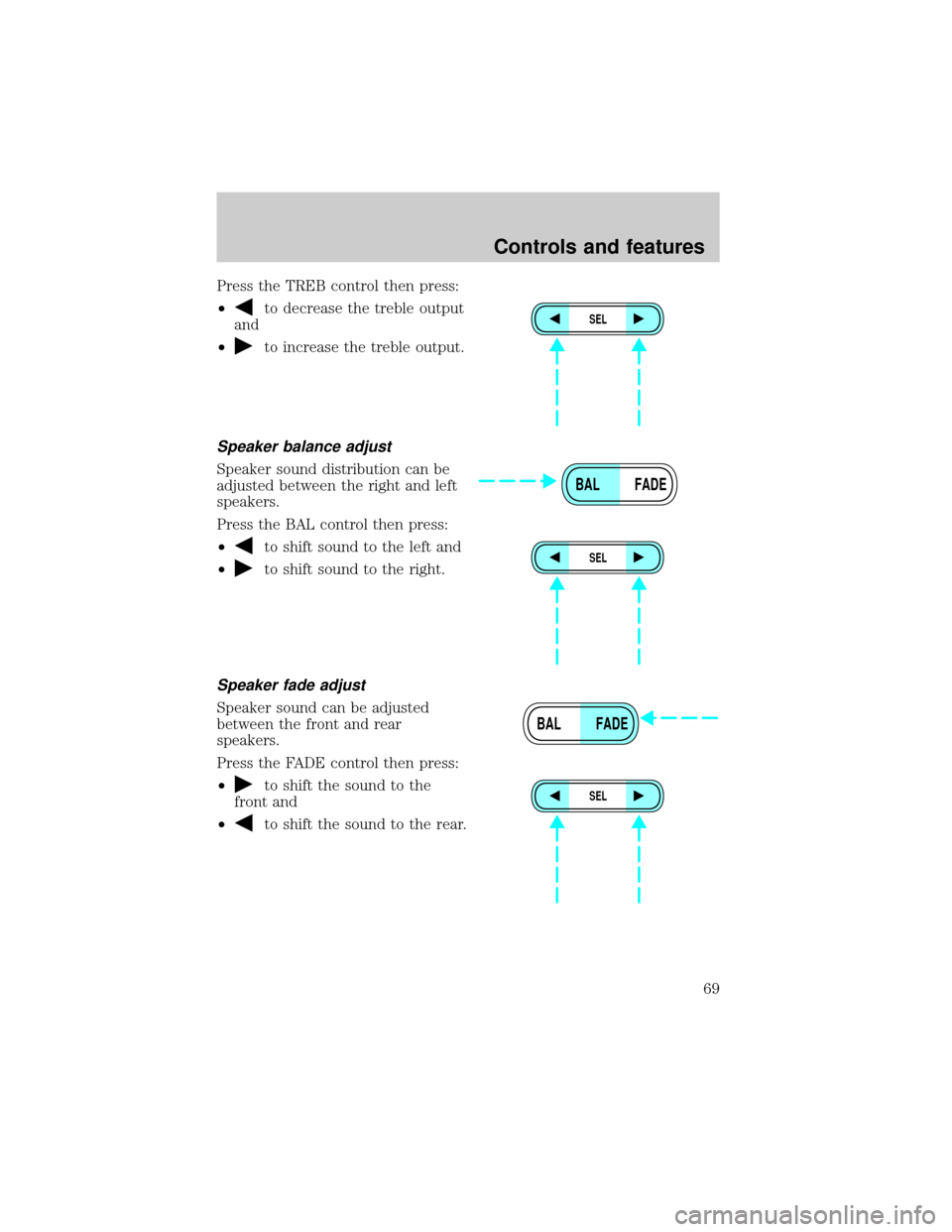
Press the TREB control then press:
²
to decrease the treble output
and
²
to increase the treble output.
Speaker balance adjust
Speaker sound distribution can be
adjusted between the right and left
speakers.
Press the BAL control then press:
²
to shift sound to the left and
²
to shift sound to the right.
Speaker fade adjust
Speaker sound can be adjusted
between the front and rear
speakers.
Press the FADE control then press:
²
to shift the sound to the
front and
²
to shift the sound to the rear.
SEL
BAL FADE
SEL
BAL FADE
SEL
Controls and features
69
![FORD EXPLORER 2002 3.G Owners Manual Speaker fade adjust
Speaker sound can be adjusted
between the front and rear
speakers.
CD select
²To begin CD play (if CD[s] are
loaded), press the CD control.
The first track of the disc will
begin](/manual-img/11/4960/w960_4960-60.png "FORD EXPLORER 2002 3.G Owners Manual Speaker fade adjust
Speaker sound can be adjusted
between the front and rear
speakers.
CD select
²To begin CD play (if CD[s] are
loaded), press the CD control.
The first track of the disc will
begin")