Page 146 of 432
2-77
Readings in the low warning zone may occur when
a large number of electrical accessories are operating
in the vehicle and the engine is left at an idle for an
extended period. This condition is normal since the
charging system is not able to provide full power at
engine idle. As engine speeds are increased, this
condition should correct itself as higher engine speeds
allow the charging system to create maximum power.
You can only drive for a short time with the reading
in either warning zone. If you must drive, turn off all
unnecessary accessories.
Readings in either warning zone indicate a possible
problem in the electrical system. Have the vehicle
serviced as soon as possible.Brake System Warning Light
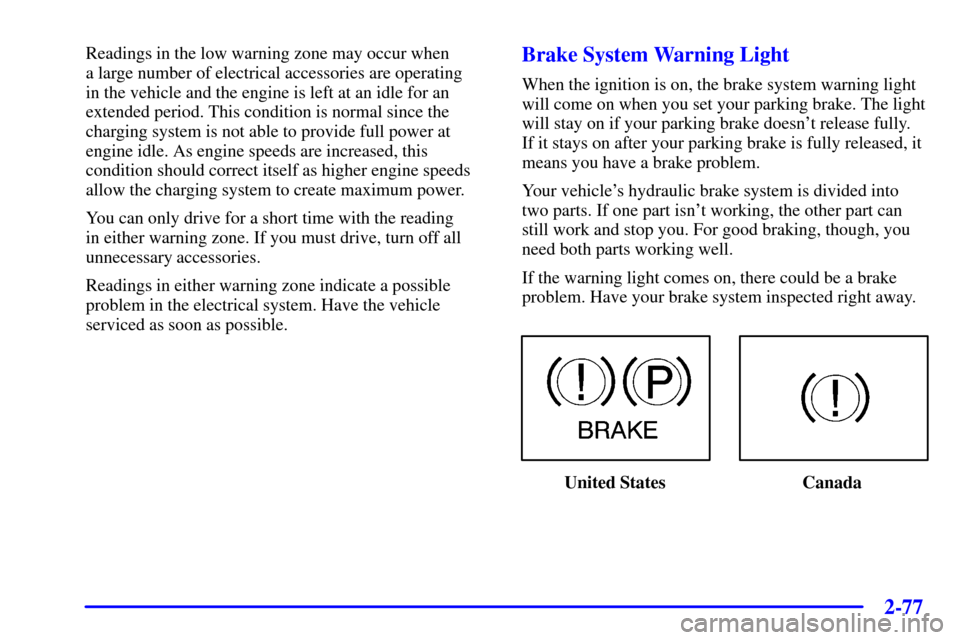
When the ignition is on, the brake system warning light
will come on when you set your parking brake. The light
will stay on if your parking brake doesn't release fully.
If it stays on after your parking brake is fully released, it
means you have a brake problem.
Your vehicle's hydraulic brake system is divided into
two parts. If one part isn't working, the other part can
still work and stop you. For good braking, though, you
need both parts working well.
If the warning light comes on, there could be a brake
problem. Have your brake system inspected right away.
United States Canada
Page 147 of 432
2-78
This light should come on briefly when you turn the
ignition key to RUN. If it doesn't come on then, have it
fixed so it will be ready to warn you if there's
a problem.
If the light comes on while you are driving, pull off the
road and stop carefully. You may notice that the pedal is
harder to push. Or, the pedal may go closer to the floor.
It may take longer to stop. If the light is still on, have the
vehicle towed for service. See ªTowing Your Vehicleº in
the Index.
CAUTION:
Your brake system may not be working properly
if the brake system warning light is on. Driving
with the brake system warning light on can lead
to an accident. If the light is still on after you've
pulled off the road and stopped carefully, have
the vehicle towed for service.
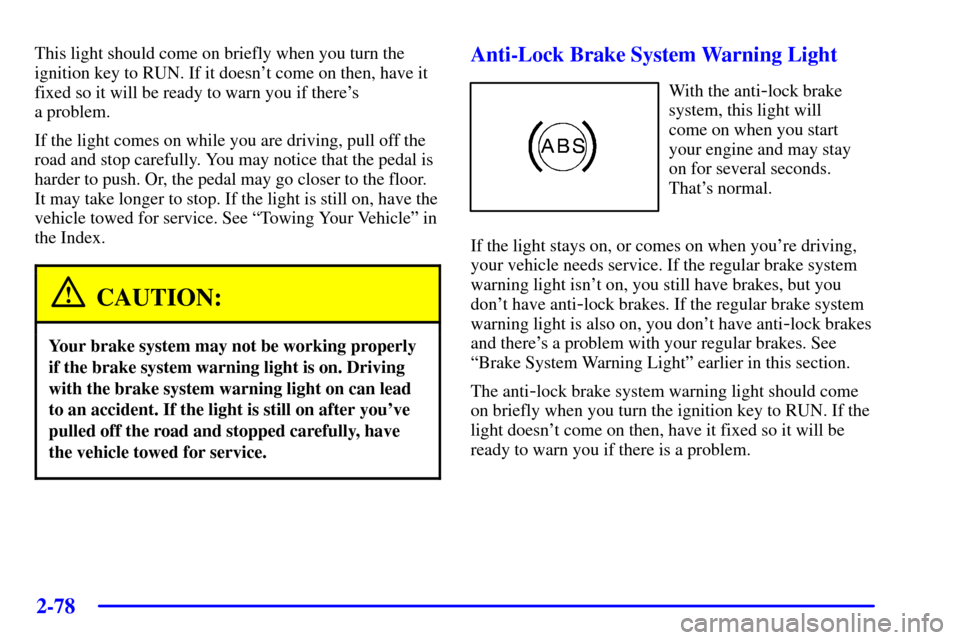
Anti-Lock Brake System Warning Light
With the anti-lock brake
system, this light will
come on when you start
your engine and may stay
on for several seconds.
That's normal.
If the light stays on, or comes on when you're driving,
your vehicle needs service. If the regular brake system
warning light isn't on, you still have brakes, but you
don't have anti
-lock brakes. If the regular brake system
warning light is also on, you don't have anti
-lock brakes
and there's a problem with your regular brakes. See
ªBrake System Warning Lightº earlier in this section.
The anti
-lock brake system warning light should come
on briefly when you turn the ignition key to RUN. If the
light doesn't come on then, have it fixed so it will be
ready to warn you if there is a problem.
Page 148 of 432
2-79
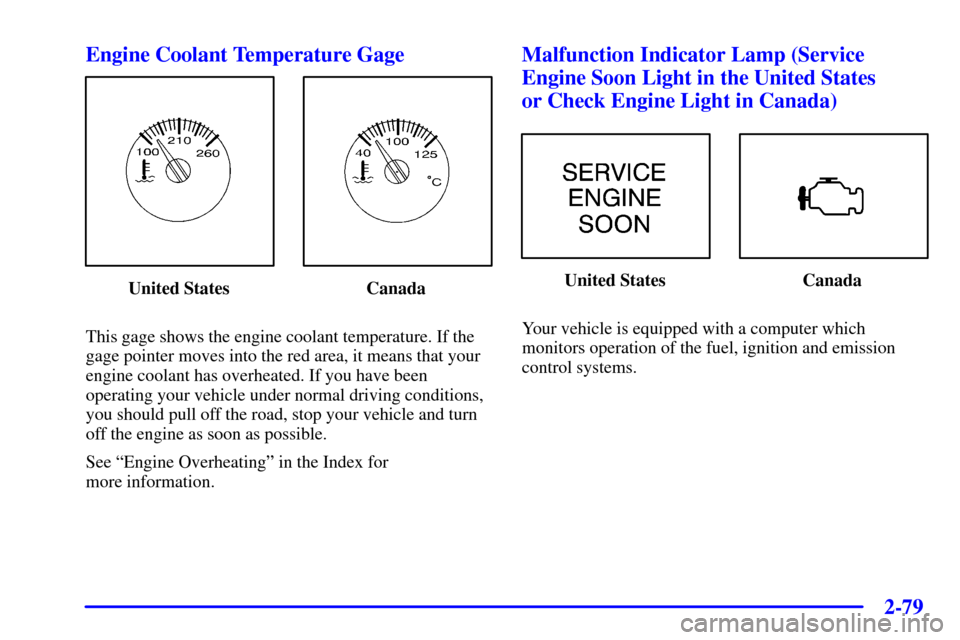
Engine Coolant Temperature Gage
United States Canada
This gage shows the engine coolant temperature. If the
gage pointer moves into the red area, it means that your
engine coolant has overheated. If you have been
operating your vehicle under normal driving conditions,
you should pull off the road, stop your vehicle and turn
off the engine as soon as possible.
See ªEngine Overheatingº in the Index for
more information.
Malfunction Indicator Lamp (Service
Engine Soon Light in the United States
or Check Engine Light in Canada)
United States Canada
Your vehicle is equipped with a computer which
monitors operation of the fuel, ignition and emission
control systems.
Page 150 of 432
2-81
This light should come on, as a check to show you it is
working, when the ignition is on and the engine is not
running. If the light doesn't come on, have it repaired.
This light will also come on during a malfunction in one
of two ways:
�Light Flashing
-- A misfire condition has been
detected. A misfire increases vehicle emissions and
may damage the emission control system on your
vehicle. Dealer or qualified service center diagnosis
and service may be required.
�Light On Steady
-- An emission control system
malfunction has been detected on your vehicle.
Dealer or qualified service center diagnosis and
service may be required.
If the Light Is Flashing
The following may prevent more serious damage to
your vehicle:
�Reducing vehicle speed.
�Avoiding hard accelerations.
�Avoiding steep uphill grades.
�If you are towing a trailer, reduce the amount of
cargo being hauled as soon as it is possible.If the light stops flashing and remains on steady, see ªIf
the Light Is On Steadyº following.
If the light continues to flash, when it is safe to do so,
stop the vehicle. Find a safe place to park your vehicle.
Turn the key off, wait at least 10 seconds and restart the
engine. If the light remains on steady, see ªIf the Light
Is On Steadyº following. If the light is still flashing,
follow the previous steps, and drive the vehicle to your
dealer or qualified service center for service.
If the Light Is On Steady
You may be able to correct the emission system
malfunction by considering the following:
Did you recently put fuel into your vehicle?
If so, reinstall the fuel cap, making sure to fully install
the cap. See ªFilling Your Tankº in the Index. The
diagnostic system can determine if the fuel cap has been
left off or improperly installed. A loose or missing fuel
cap will allow fuel to evaporate into the atmosphere. A
few driving trips with the cap properly installed should
turn the light off.
Page 155 of 432
2-86
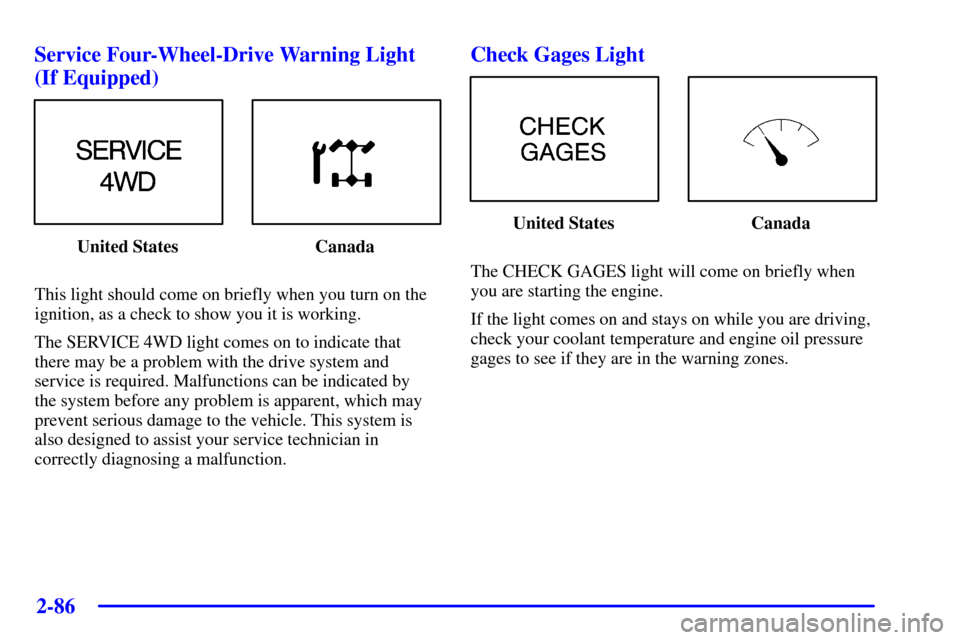
Service Four-Wheel-Drive Warning Light
(If Equipped)
United States Canada
This light should come on briefly when you turn on the
ignition, as a check to show you it is working.
The SERVICE 4WD light comes on to indicate that
there may be a problem with the drive system and
service is required. Malfunctions can be indicated by
the system before any problem is apparent, which may
prevent serious damage to the vehicle. This system is
also designed to assist your service technician in
correctly diagnosing a malfunction.
Check Gages Light
United States Canada
The CHECK GAGES light will come on briefly when
you are starting the engine.
If the light comes on and stays on while you are driving,
check your coolant temperature and engine oil pressure
gages to see if they are in the warning zones.
Page 156 of 432
2-87
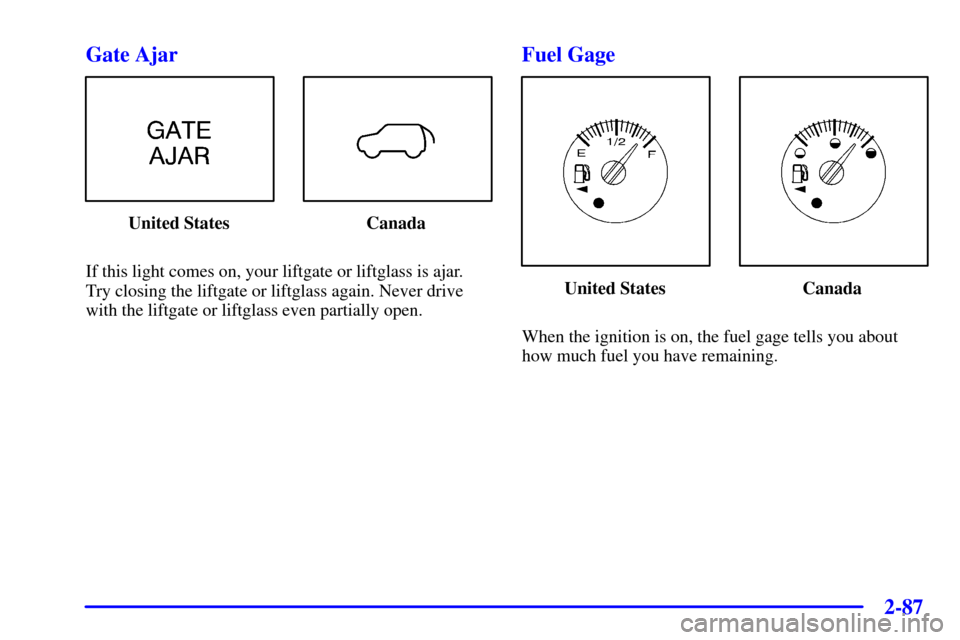
Gate Ajar
United States Canada
If this light comes on, your liftgate or liftglass is ajar.
Try closing the liftgate or liftglass again. Never drive
with the liftgate or liftglass even partially open.
Fuel Gage
United States Canada
When the ignition is on, the fuel gage tells you about
how much fuel you have remaining.
Page 157 of 432
2-88
Here are four things that some owners ask about. None
of these show a problem with your fuel gage:
�At the gas station, the gas pump shuts off before the
gage reads full.
�It takes a little more or less fuel to fill up than the
gage indicated. For example, the gage may have
indicated the tank was half full, but it actually took a
little more or less than half the tank's capacity to fill
the tank.
�The gage moves a little when you turn a corner or
speed up.
�The gage doesn't go back to empty when you turn
off the ignition.Low Fuel Light
United States Canada
The light next to the fuel gage will come on briefly
when you are starting the engine.
This light comes on when the fuel tank is low on fuel.
To turn it off, add fuel to the fuel tank. See ªFuelº in
the Index.
Page 158 of 432
2-89
Driver Information Center (DIC)
(If Equipped)
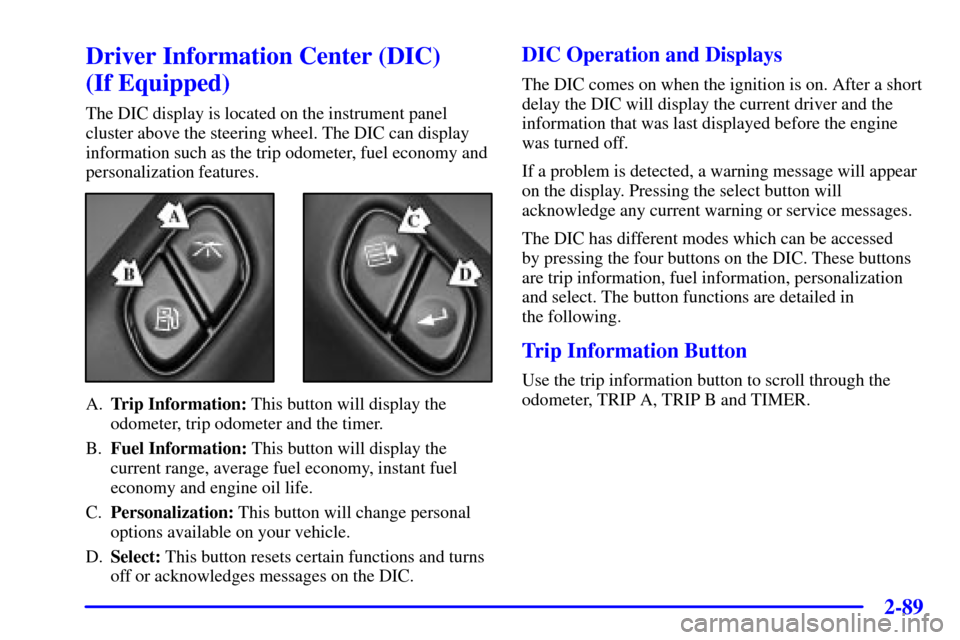
The DIC display is located on the instrument panel
cluster above the steering wheel. The DIC can display
information such as the trip odometer, fuel economy and
personalization features.
A.Trip Information: This button will display the
odometer, trip odometer and the timer.
B.Fuel Information: This button will display the
current range, average fuel economy, instant fuel
economy and engine oil life.
C.Personalization: This button will change personal
options available on your vehicle.
D.Select: This button resets certain functions and turns
off or acknowledges messages on the DIC.
DIC Operation and Displays
The DIC comes on when the ignition is on. After a short
delay the DIC will display the current driver and the
information that was last displayed before the engine
was turned off.
If a problem is detected, a warning message will appear
on the display. Pressing the select button will
acknowledge any current warning or service messages.
The DIC has different modes which can be accessed
by pressing the four buttons on the DIC. These buttons
are trip information, fuel information, personalization
and select. The button functions are detailed in
the following.
Trip Information Button
Use the trip information button to scroll through the
odometer, TRIP A, TRIP B and TIMER.