Page 203 of 399
3-31 Theft-Deterrent Feature
THEFTLOCK� is designed to discourage theft of your
radio. Your vehicle has a ªbuilt
-inº theft-deterrent
feature on each radio that is automatic
-- there is no
programming required. The radio in your vehicle cannot
be used in any other vehicle. When the radio was
originally installed in your vehicle at the factory, it
stored the Vehicle Identification Number (VIN). Each
time the ignition is turned on, the VIN is verified. If the
vehicle's VIN does not match the VIN stored in the
radio, THEFTLOCK will be activated and the audio
system will not play. If the radio is removed from your
vehicle, the original VIN in the radio can be used to
trace the radio back to your vehicle.
Audio Steering Wheel Controls
Some audio controls can be adjusted at the steering
wheel. They include the following:
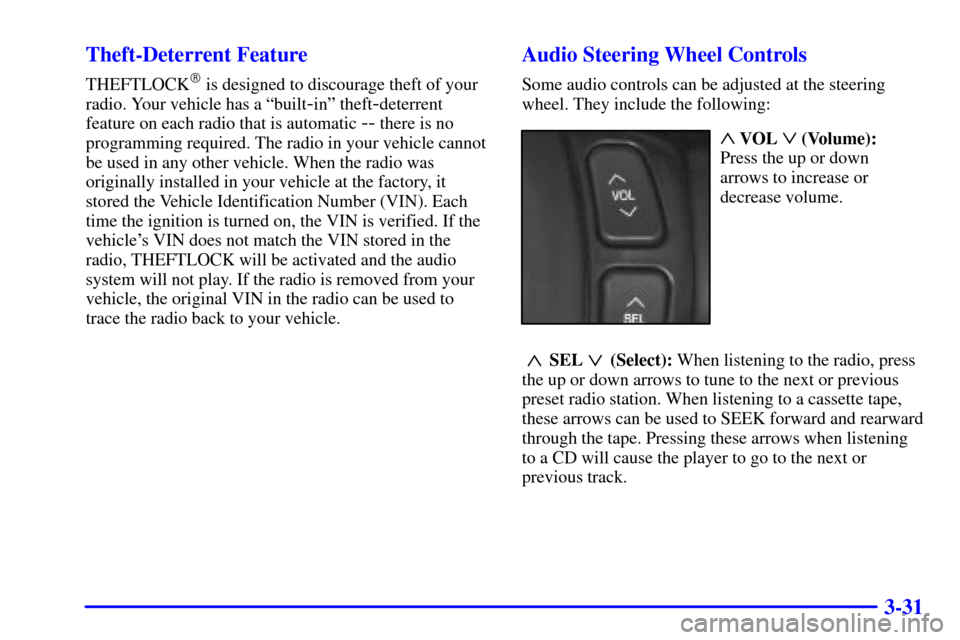
~ VOL ! (Volume):
Press the up or down
arrows to increase or
decrease volume.
~SEL !(Select): When listening to the radio, press
the up or down arrows to tune to the next or previous
preset radio station. When listening to a cassette tape,
these arrows can be used to SEEK forward and rearward
through the tape. Pressing these arrows when listening
to a CD will cause the player to go to the next or
previous track.
Page 215 of 399

4-7
Avoid needless heavy braking. Some people drive in
spurts
-- heavy acceleration followed by heavy
braking
-- rather than keeping pace with traffic. This is
a mistake. Your brakes may not have time to cool
between hard stops. Your brakes will wear out much
faster if you do a lot of heavy braking. If you keep pace
with the traffic and allow realistic following distances,
you will eliminate a lot of unnecessary braking. That
means better braking and longer brake life.
If your engine ever stops while you're driving, brake
normally but don't pump your brakes. If you do, the
pedal may get harder to push down. If your engine
stops, you will still have some power brake assist. But
you will use it when you brake. Once the power assist is
used up, it may take longer to stop and the brake pedal
will be harder to push.
Anti-Lock Brake System (ABS)
Your vehicle has anti-lock brakes. ABS is an advanced
electronic braking system that will help prevent a
braking skid.
When you start your engine and begin to drive away,
your anti
-lock brake system will check itself. You may
hear a momentary motor or clicking noise while this test
is going on, and you may even notice that your brake
pedal moves a little. This is normal.
If there's a problem with the
anti
-lock brake system, this
warning light will stay on.
See ªAnti
-Lock Brake
System Warning Lightº in
the Index.
Page 216 of 399
4-8
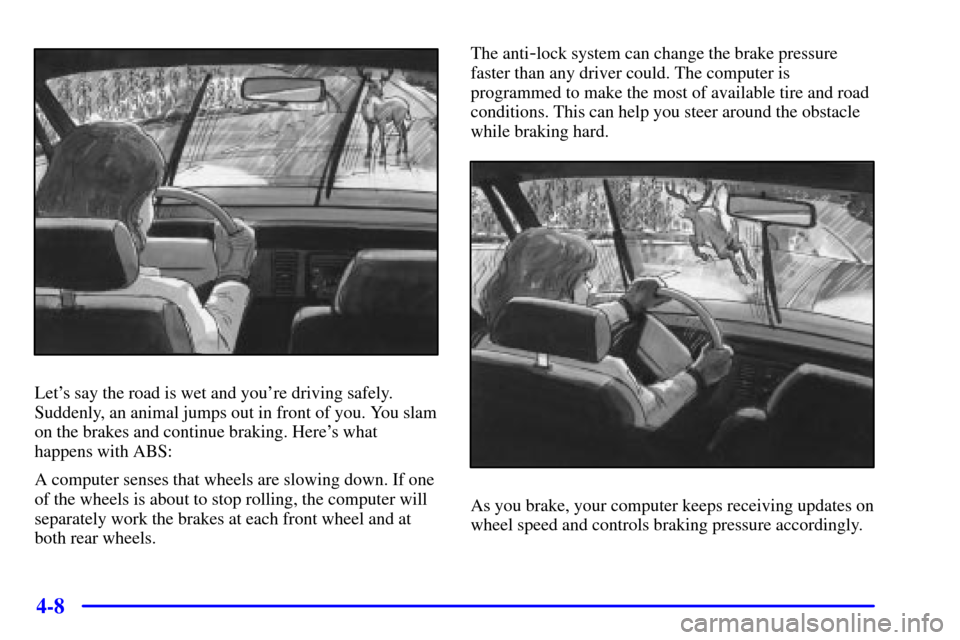
Let's say the road is wet and you're driving safely.
Suddenly, an animal jumps out in front of you. You slam
on the brakes and continue braking. Here's what
happens with ABS:
A computer senses that wheels are slowing down. If one
of the wheels is about to stop rolling, the computer will
separately work the brakes at each front wheel and at
both rear wheels.The anti
-lock system can change the brake pressure
faster than any driver could. The computer is
programmed to make the most of available tire and road
conditions. This can help you steer around the obstacle
while braking hard.
As you brake, your computer keeps receiving updates on
wheel speed and controls braking pressure accordingly.
Page 217 of 399

4-9
Remember: Anti-lock doesn't change the time you need
to get your foot up to the brake pedal or always decrease
stopping distance. If you get too close to the vehicle in
front of you, you won't have time to apply your brakes
if that vehicle suddenly slows or stops. Always leave
enough room up ahead to stop, even though you have
anti
-lock brakes.
Using Anti
-Lock
Don't pump the brakes. Just hold the brake pedal down
firmly and let anti
-lock work for you. You may hear the
anti
-lock pump or motor operate, and feel the brake
pedal pulsate, but this is normal.
Braking in Emergencies
With anti-lock, you can steer and brake at the same
time. In many emergencies, steering can help you more
than even the very best braking.
Traction Control System
Your vehicle has a traction control system that limits
wheel spin. This is especially useful in slippery road
conditions. The system operates only if it senses that
one or both of the front wheels are spinning or
beginning to lose traction. When this happens, the
system works the front brakes and reduces engine
power to limit wheel spin.
The TRACTION ENGAGED message will display on
the Driver Information Center when the traction control
system is limiting wheel spin. See ªDriver Information
Center Messagesº in the Index. You may feel or hear the
system working, but this is normal.
If your vehicle is in cruise control when the traction
control system begins to limit wheel spin, the cruise
control will automatically disengage. When road
conditions allow you to safely use it again, you may
reengage the cruise control. See ªCruise Controlº
in the Index.
Page 221 of 399

4-13
An emergency like this requires close attention and a
quick decision. If you are holding the steering wheel at
the recommended 9 and 3 o'clock positions, you can
turn it a full 180 degrees very quickly without removing
either hand. But you have to act fast, steer quickly, and
just as quickly straighten the wheel once you have
avoided the object.
The fact that such emergency situations are always
possible is a good reason to practice defensive driving at
all times and wear safety belts properly.
Off-Road Recovery
You may find that your right wheels have dropped off the
edge of a road onto the shoulder while you're driving.
If the level of the shoulder is only slightly below the
pavement, recovery should be fairly easy. Ease off the
accelerator and then, if there is nothing in the way, steer
so that your vehicle straddles the edge of the pavement.
You can turn the steering wheel up to one
-quarter turn
until the right front tire contacts the pavement edge. Then
turn your steering wheel to go straight down the roadway.
Page 224 of 399

4-16
With Stabilitrak�, you may see the STABILITY SYS
ENGAGED message on the Driver Information Center.
See ªStability Sys Engaged Messageº in the Index.
Of course, traction is reduced when water, snow, ice,
gravel or other material is on the road. For safety, you'll
want to slow down and adjust your driving to these
conditions. It is important to slow down on slippery
surfaces because stopping distance will be longer and
vehicle control more limited.
While driving on a surface with reduced traction, try
your best to avoid sudden steering, acceleration or
braking (including engine braking by shifting to a lower
gear). Any sudden changes could cause the tires to slide.
You may not realize the surface is slippery until your
vehicle is skidding. Learn to recognize warning
clues
-- such as enough water, ice or packed snow on
the road to make a ªmirrored surfaceº
-- and slow
down when you have any doubt.
Remember: Any anti
-lock brake system (ABS) helps
avoid only the braking skid.
Driving at Night
Night driving is more dangerous than day driving.
One reason is that some drivers are likely to be
impaired
-- by alcohol or drugs, with night vision
problems, or by fatigue.
Page 236 of 399

4-28
Your anti-lock brakes improve your vehicle's stability
when you make a hard stop on a slippery road. Even
though you have the anti
-lock braking system, you'll
want to begin stopping sooner than you would on dry
pavement. See ªAnti
-Lockº in the Index.
�Allow greater following distance on any
slippery road.
�Watch for slippery spots. The road might be fine
until you hit a spot that's covered with ice. On an
otherwise clear road, ice patches may appear in
shaded areas where the sun can't reach: around
clumps of trees, behind buildings or under bridges.
Sometimes the surface of a curve or an overpass may
remain icy when the surrounding roads are clear. If
you see a patch of ice ahead of you, brake before you
are on it. Try not to brake while you're actually on
the ice, and avoid sudden steering maneuvers.
If You're Caught in a Blizzard
If you are stopped by heavy snow, you could be in a
serious situation. You should probably stay with your
vehicle unless you know for sure that you are near help
and you can hike through the snow. Here are some
things to do to summon help and keep yourself and your
passengers safe:
�Turn on your hazard flashers.
Page 237 of 399
4-29
�Tie a red cloth to your vehicle to alert police that
you've been stopped by the snow.
�Put on extra clothing or wrap a blanket around you.
If you have no blankets or extra clothing, make body
insulators from newspapers, burlap bags, rags, floor
mats
-- anything you can wrap around yourself or
tuck under your clothing to keep warm.
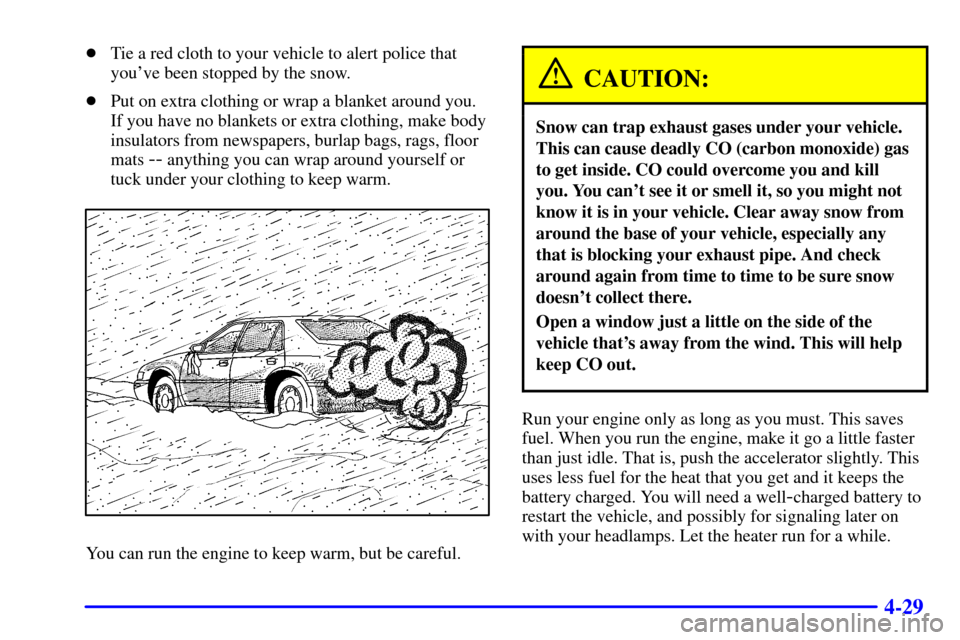
You can run the engine to keep warm, but be careful.
CAUTION:
Snow can trap exhaust gases under your vehicle.
This can cause deadly CO (carbon monoxide) gas
to get inside. CO could overcome you and kill
you. You can't see it or smell it, so you might not
know it is in your vehicle. Clear away snow from
around the base of your vehicle, especially any
that is blocking your exhaust pipe. And check
around again from time to time to be sure snow
doesn't collect there.
Open a window just a little on the side of the
vehicle that's away from the wind. This will help
keep CO out.
Run your engine only as long as you must. This saves
fuel. When you run the engine, make it go a little faster
than just idle. That is, push the accelerator slightly. This
uses less fuel for the heat that you get and it keeps the
battery charged. You will need a well
-charged battery to
restart the vehicle, and possibly for signaling later on
with your headlamps. Let the heater run for a while.