Page 414 of 474
SYSTEM PREMIUM
locked whenever
the power source is
interrupted. can only
be returned to working condition by enter
ing the correct code number.
Frequency ranges
FM and AM
Band
Mom en tary-co ntac t butt ons
Fre qu ency, band, bass, balance. p re
s e t button, cassette functions. Dolby®
The cont rols and display are
AM1
and AM2. Manual tuning is possible in both
directions. Microprocesor-controlled stabi
lization of station frequencies (PLL quartz
tuning).
Cassette
Low-wear. high performance tape
auto-reverse. Music Search System
(MSS).
Dol by ® Noise Reduction, automatic
detec tion of metal cassettes.
CD changer*
Remote via radio sound system
unit.
bass controls. fader control inte
grated
in the
Watt (high)
2 x Watt (lo w)
2 x
outside interference in the FM band .
interference pulses from
the engine and other parts of the electrical
system such
as the heater wind
shield wipers and radiator fan.
® The Dolby Noise Reduction System is ma
nufactured under license from Dolby Licen
sing
Dolby and the double-D
symbol are trademark s of Dolby Laboratories
Licensing
2 2 ---- ------------
Page 416 of 474
-Tips for operating . . . . . . . . . . . 12
-Tips for taking care of your cas-
settes ....................... 12
-What you see in the . . 12
-Taking care of your cas-
settes ........................ 12
in the
changer .................. 16
in the
. . . . . . . . . . . 17
- Removing
the magazine into
the
. . . . . . . . . . . 17
-. . . . . . . . . 15
. . . . . . . . . . . . . . . . 15
-
appears in the dis
play?....................
. . . . . . . . . . 1
-Random . . . . . . . . . . . . . . . 13
- Removing the
. . . . . . . . . . . . . . 15
16 -
....... 13 -Skipping backward to the previous
- Automatic scan
to the next track
14 -Skipping forward to the next
button ....... 14
when
...... 15 a ............
. . . . . . . . . . 18
. . . . . . . . . . . . . . . . . . . . 15
- Eject ing a
. . . . . . . . . . . . . . . 13
-ERROR-What does it mean
when
ERROR appears in the dis-
from the
in
the magazine . . . . . . . . . . . . . . . . 15
. . . . . . . . . . . . . . . . . . . 18
-Take care of your . . . . . . . 18
. . . . . . . . . . . . . . . . . 15
. . . . . . . . . . . . . . . . . . .
-Radio modes . . . . . . . . . . . . . . . . 9
Page 424 of 474
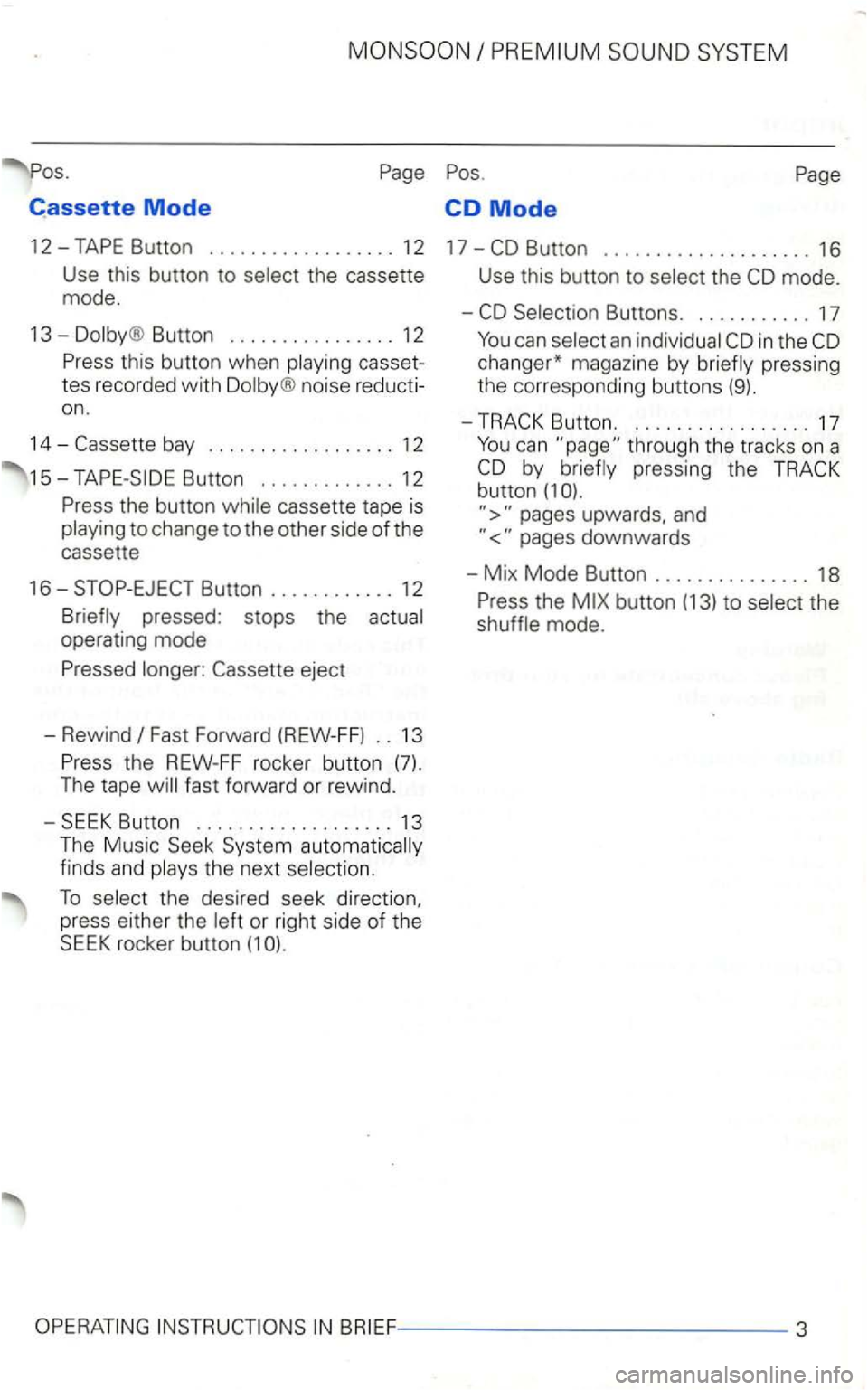
Cassette Mode CD Mode
12-
Button ................ 12
casset
tes recorded with
noise reducti
on .
14-
cassette tape is to change to the other side of the
cassette
16-
Fast Forward (REW-FF) .. 13
the next
To the desired seek direction,
press either the or right side of the SEEK rocker button (1
Use this button to the
in the
pressing the button (1
upwards, and
the mode.
Page 425 of 474
Dmportant notes
Operating the radio
changing cassettes or reading
cassette dr iving have frequent
be heard.
Warning
Radio Reception
Depending on the surrounding terrain (i. e. poweror how far you are from the radio
broadcasting station. you may notice some
radio distortion.
you 've driven past
Convenience radio coding
For
the past one had to recode the radio man
then synchronise with
has been interrupted
the radio
it is the radio
the radio has been fitted to another ve
the word is
next to the contacts.
and keep it in a
safe
This car radio
changer*
The
compartment. by
the radio unit. the magazine
up to 6
Page 429 of 474
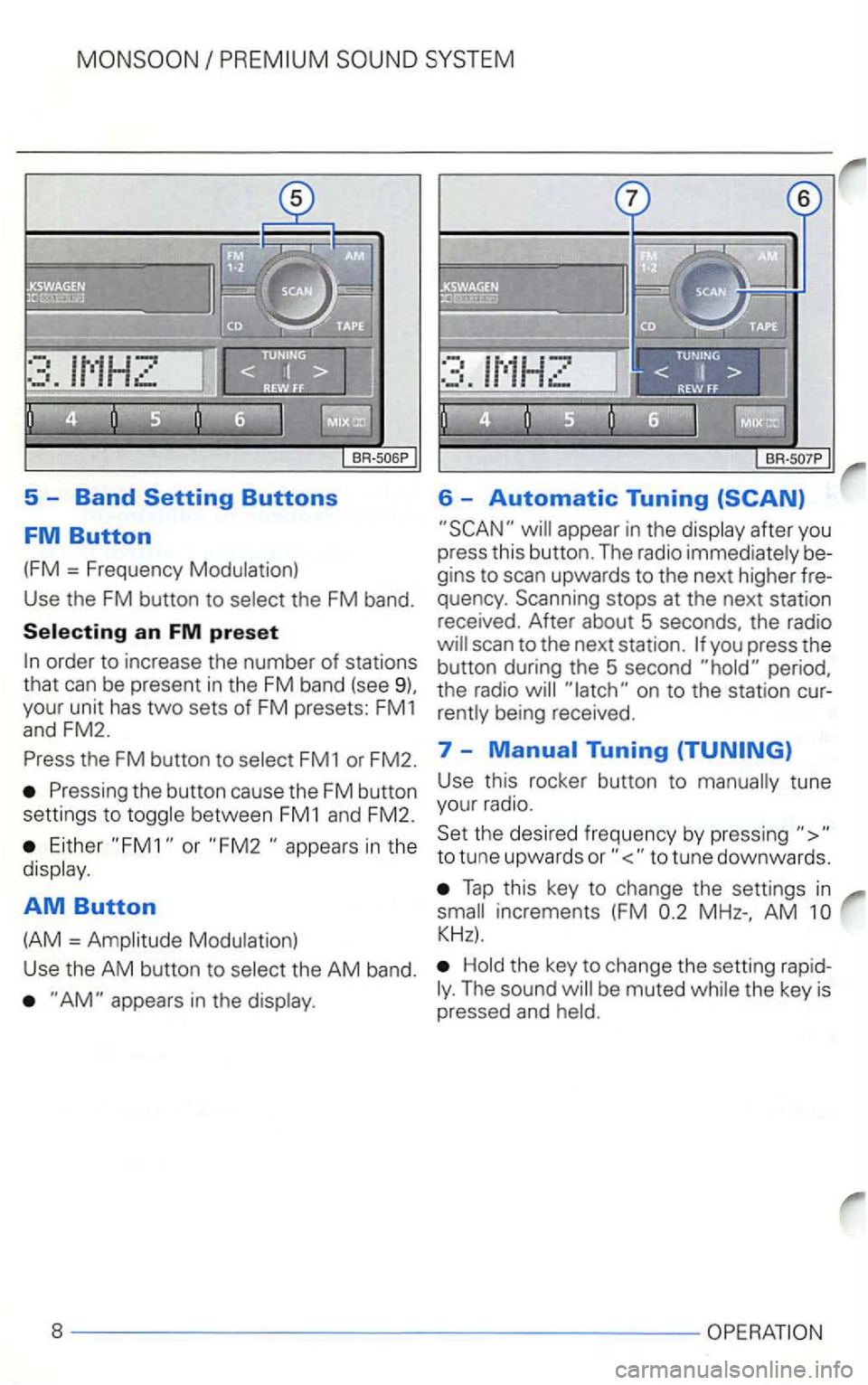
5 -Band
appear in the display after you
press this button. The radio immediately be
gins to scan upwards to the next higher fre
quency . Scanning stops at the next station
received. After about 5 seconds, the radio
the FM button to select FM1 or FM2. 7 -
Either or in the
display .
AM Button
(AM = Amplitude Modulation) Use
this rocker button to manually tune
your radio.
Set the desired frequency by pressing
Tap this key to change the settings in
AM
Hold the key to change the setting rapidThe sound
Page 439 of 474
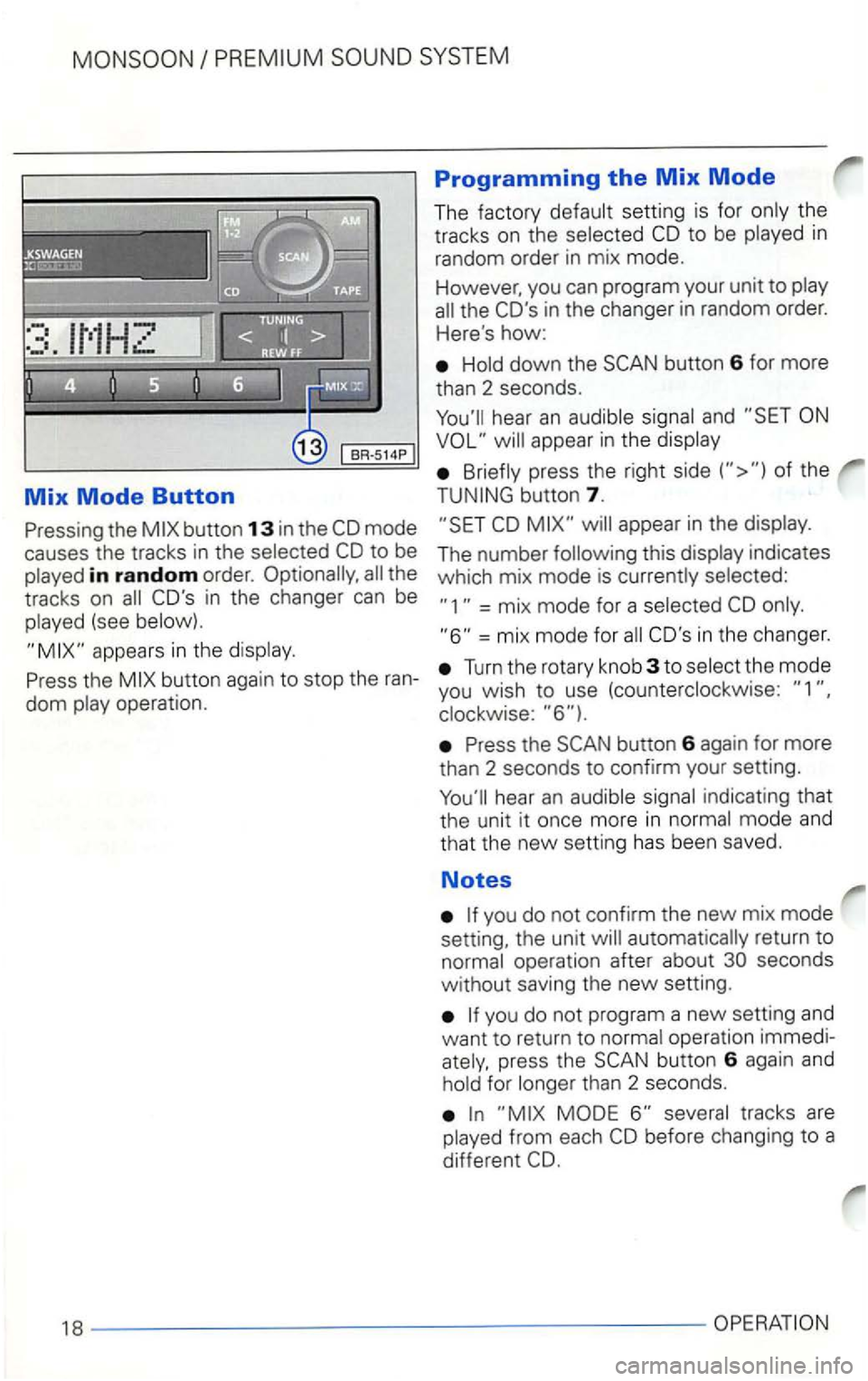
Mix Mode Button
the
in random order. the
tracks on
(see
Programming the Mix Mode
The factory CD to be in
random order in mix mode.
However, you can program your unit to
the CO's in the changer in random order.
Here
's how:
button 6 for more
than 2 seconds.
appear in the
of the
button 7.
appear in the
indicates
which mix mode is
= mix mode for a
=mix mode for CO's in the changer.
Turn the rotary knob 3 to
button 6 again for more
than 2 seconds to confirm your setting.
you do not confirm the new mix mode
setting, the unit
operation immedipress the button 6 again and for than 2 seconds.
Page 440 of 474
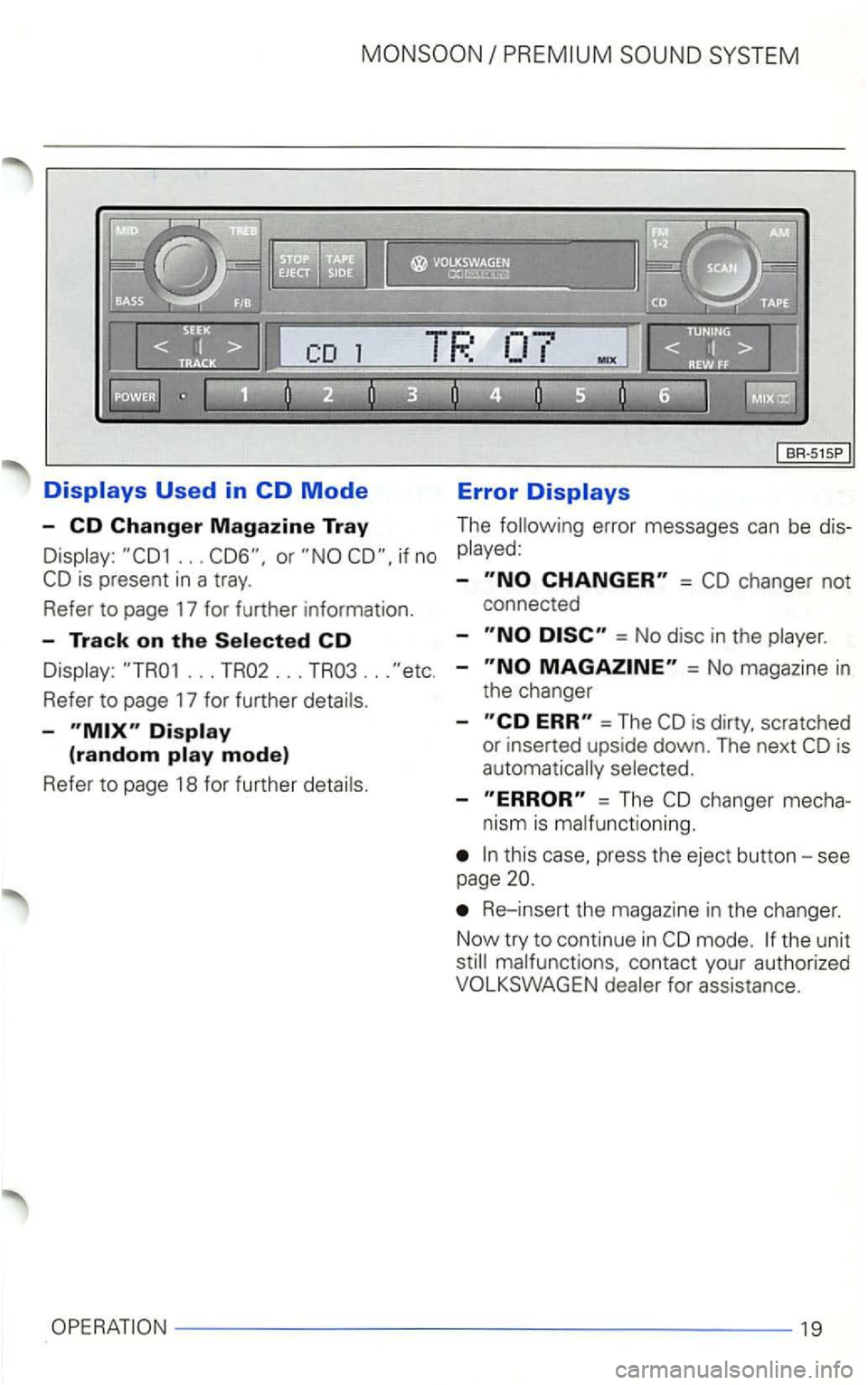
.. . if no
... TR02 ... TR03 ...
Refer to page 17 for further
-
Error
The error messages can be
-=
= No disc in the
-= No magazine in
the changer
-
=The
-= The
press the eject button -see
page
Re- insert the magazine in the changer .
Now try to continue
in
19
Page 441 of 474
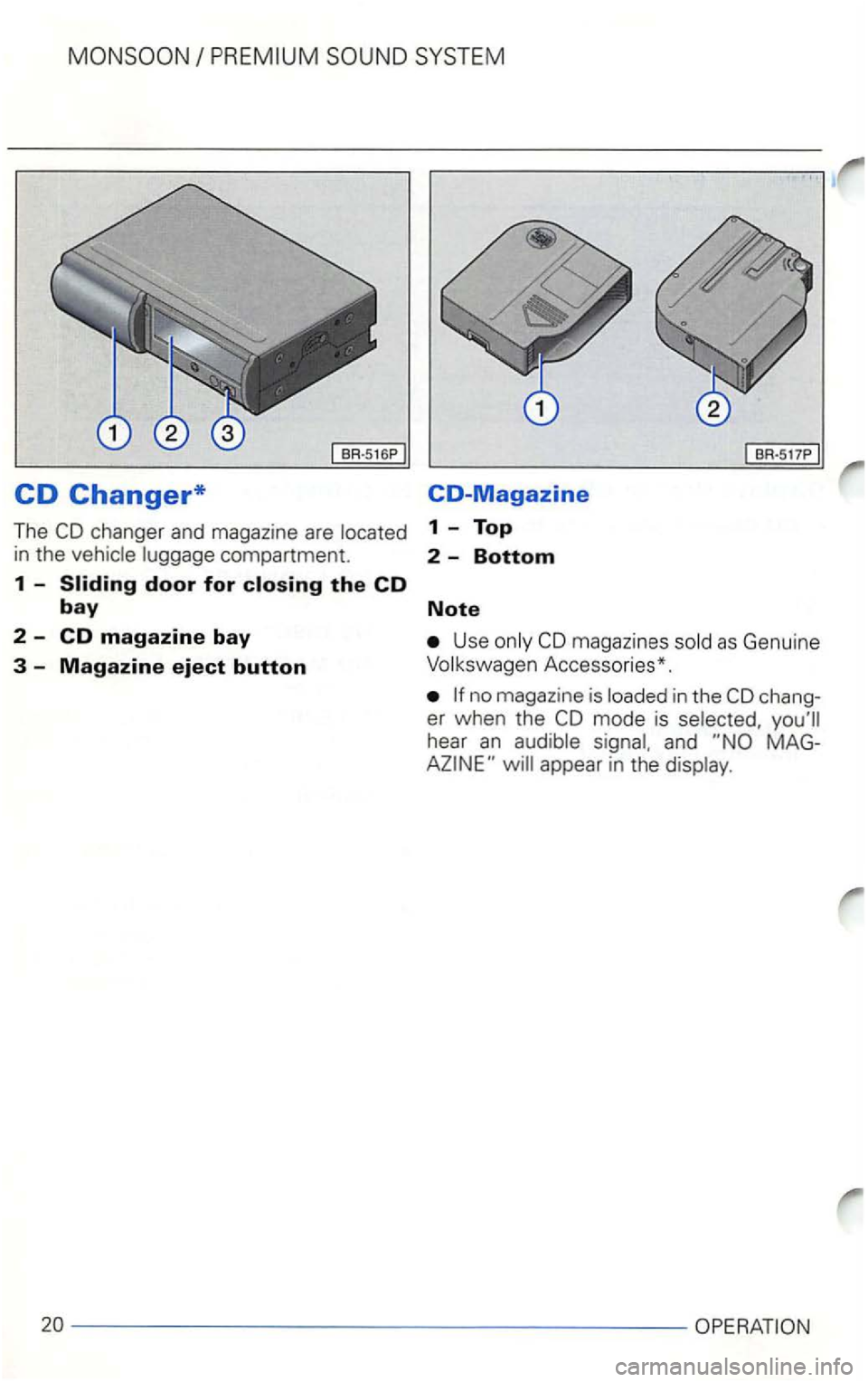
CD Changer* CO-Magazine
The 1 - Top
in the compartment. 2 -Bottom
1 -Sliding door for closing the CD
bay Note
2 -CD magazine bay Use magaz ines
Accesso ries*.
in the chang
er wh en the
hear an and
appear in the
---------------------OPERATION