Page 100 of 272
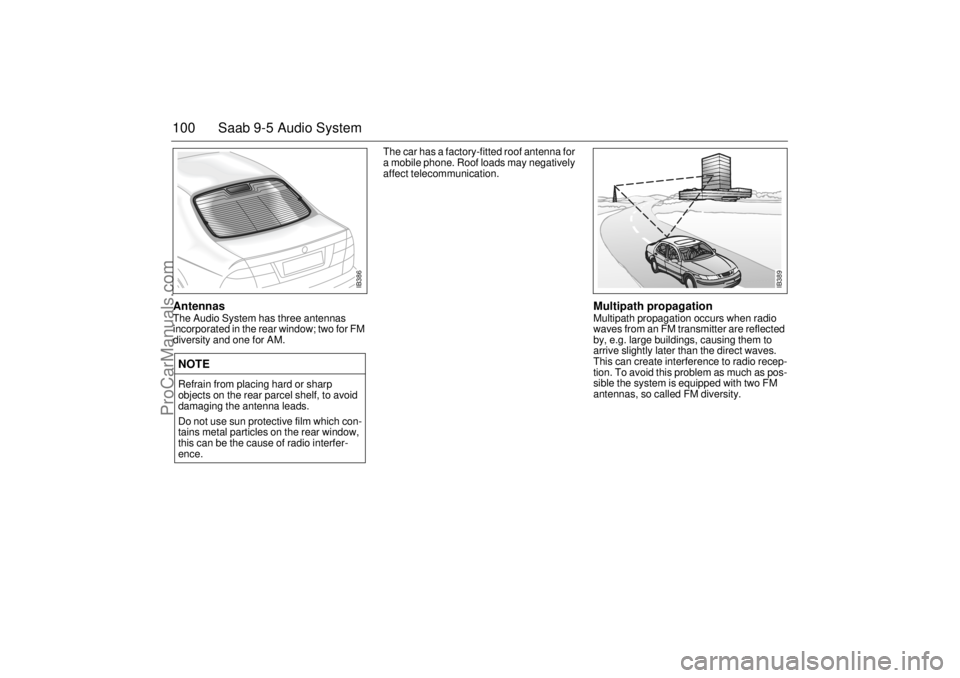
100 Saab 9-5 Audio SystemAntennas The Audio System has three antennas
incorporated in the rear window; two for FM
diversity and one for AM. The car has a factory-fitted roof antenna for
a mobile phone. Roof loads may negatively
affect telecommunication.
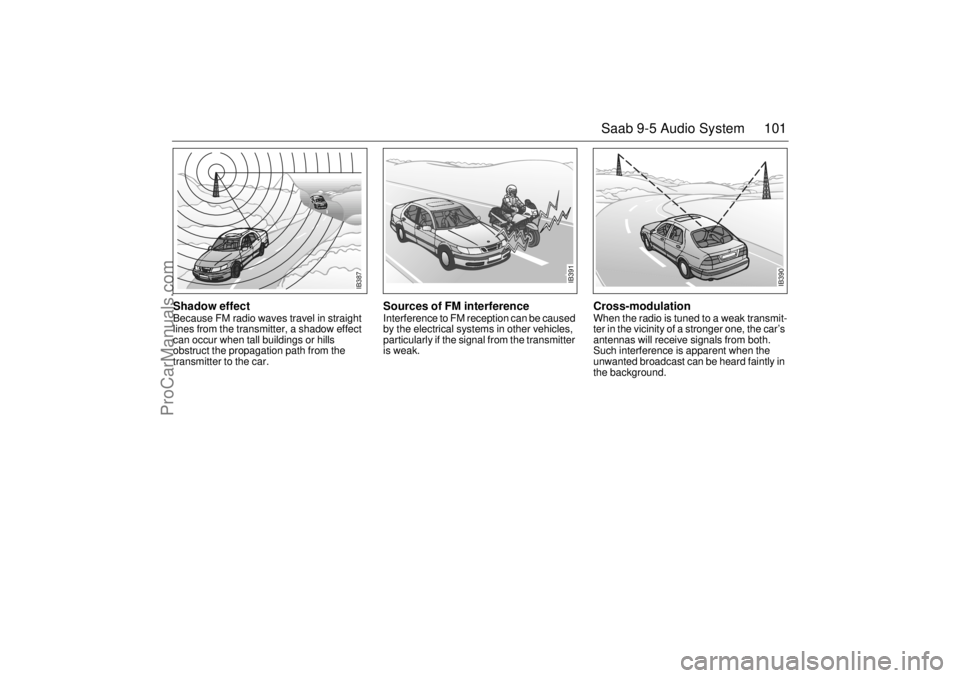
Multipath propagation Multipath propagation occurs when radio
waves from an FM transmitter are reflected
by, e.g. large buildings, causing them to
arrive slightly later than the direct waves.
This can create interference to radio recep-
tion. To avoid this problem as much as pos-
sible the system is equipped with two FM
antennas, so called FM diversity.
NOTERefrain from placing hard or sharp
objects on the rear parcel shelf, to avoid
damaging the antenna leads.
Do not use sun protective film which con-
tains metal particles on the rear window,
this can be the cause of radio interfer-
ence.
IB386
IB389
ProCarManuals.com
Page 101 of 272
101 Saab 9-5 Audio System
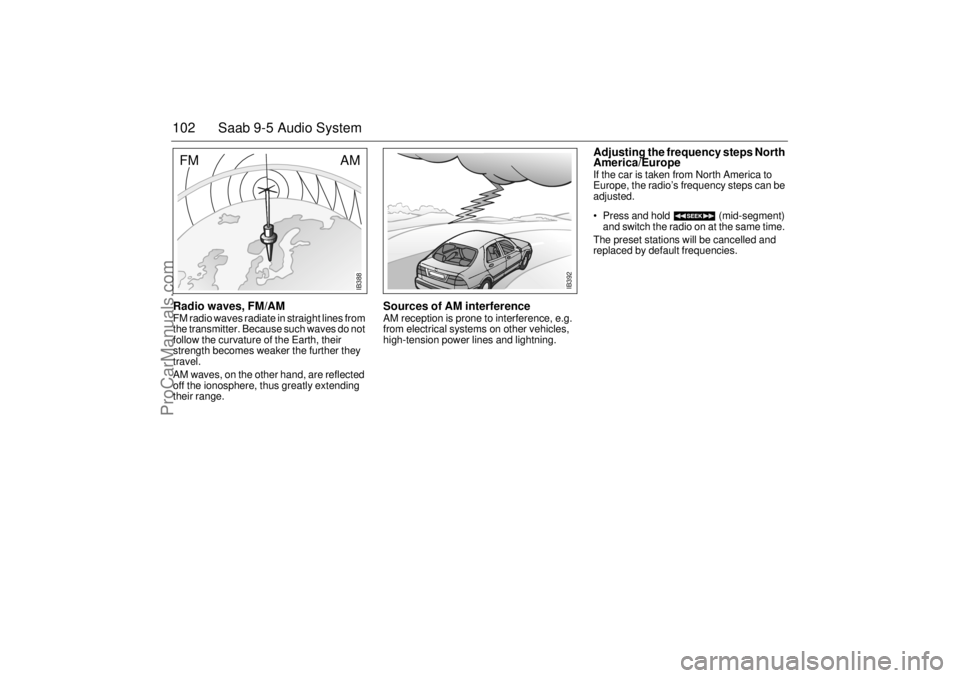
Shadow effect Because FM radio waves travel in straight
lines from the transmitter, a shadow effect
can occur when tall buildings or hills
obstruct the propagation path from the
transmitter to the car.
Sources of FM interference Interference to FM reception can be caused
by the electrical systems in other vehicles,
particularly if the signal from the transmitter
is weak.
Cross-modulation When the radio is tuned to a weak transmit-
ter in the vicinity of a stronger one, the car’s
antennas will receive signals from both.
Such interference is apparent when the
unwanted broadcast can be heard faintly in
the background.
IB391
IB390
IB387
ProCarManuals.com
Page 102 of 272
102 Saab 9-5 Audio SystemRadio waves, FM/AM FM radio waves radiate in straight lines from
the transmitter. Because such waves do not
follow the curvature of the Earth, their
strength becomes weaker the further they
travel.
AM waves, on the other hand, are reflected
off the ionosphere, thus greatly extending
their range.
Sources of AM interference AM reception is prone to interference, e.g.
from electrical systems on other vehicles,
high-tension power lines and lightning.
Adjusting the frequency steps North
America/Europe If the car is taken from North America to
Europe, the radio’s frequency steps can be
adjusted.
Press and hold (mid-segment)
and switch the radio on at the same time.
The preset stations will be cancelled and
replaced by default frequencies.
IB392
IB388
AM
FM
ProCarManuals.com
Page 103 of 272

103 Saab 9-5 Audio System
Installation of car phone
(option)Provision has been made on the Saab 9-5
for the installation of a hands-free car
phone.
A car-phone mount is available as an acces-
sory.
Your Saab dealer has details of proper
phone installation procedures. Roof loads can negatively affect tele-
communication.
Provision for hands-free phone
Car phone connects to car’s circuitry.
External antenna is fitted.
Microphone for hands-free phone use
incorporated in overhead panel at front.
Audio System mute function when phone
activated.
Phone conversation amplified through
Audio System speakers.
TELEPHONE appears on the SID when
phone in use. Volume level for ongoing conversation
can be adjusted by volume controls on
steering wheel or on Audio System
module (see also ”Volume-preset mode”,
page 97).
If the sound is distorted, adjust by means
of the volume control on
telephone set
.
Phone battery charging when phone is in
its cradle.
Please refer to the instructions supplied with
the phone for details of how to make and
receive calls. In order to fully utilize the
hands-free function, certain circuits must be
available from the telephone to be installed.
Your authorized Saab dealer has this infor-
mation available.
WARNING
To prevent crashes while using a cell
phone:
Don’t use the phone in distracting traf-
fic situations. Turn it off if traffic is
heavy.
Dial sensibly, at a stoplight or safely off
the road.
Consider installing hands-free or
speaker phone.
Avoid stressful and intense phone
conversations.
Acquaint yourself with the legal provi-
sions governing the use of car phones
while driving.
Do not use the phone when refueling
the vehicle. Gasoline fumes are highly
explosive.
NOTEThe A-pillar area (area beside the wind-
shield) and the headlining of your Saab
contain padding designed to reduce head
injuries. No modifications to these areas
should be made unless done by your
authorized Saab dealer.
ProCarManuals.com
Page 104 of 272
104 Saab 9-5 Audio SystemMobile phones and
communications radios Mobile phones and communications radios
that do not have a separate external
antenna radiate an electromagnetic field
inside the car.Saab therefore recommends that a car
phone/radio transmitter should always be
connected to an external antenna.
An external antenna also provides
improved transmission/reception and a
greater range. Roof loads can negatively
affect telecommunication.
Mobile phones and communications radios
that are not supplied as standard equipment
by Saab can interfere with the car’s electri-
cal system and cause spurious fault codes
to be generated.
Fault codesThe Audio System has a built-in diagnostics
function. If a fault is detected, a fault code is
generated to help dealer technicians to
diagnose the fault. Below are the codes for
some faults that you might be able to rectify
yourself.
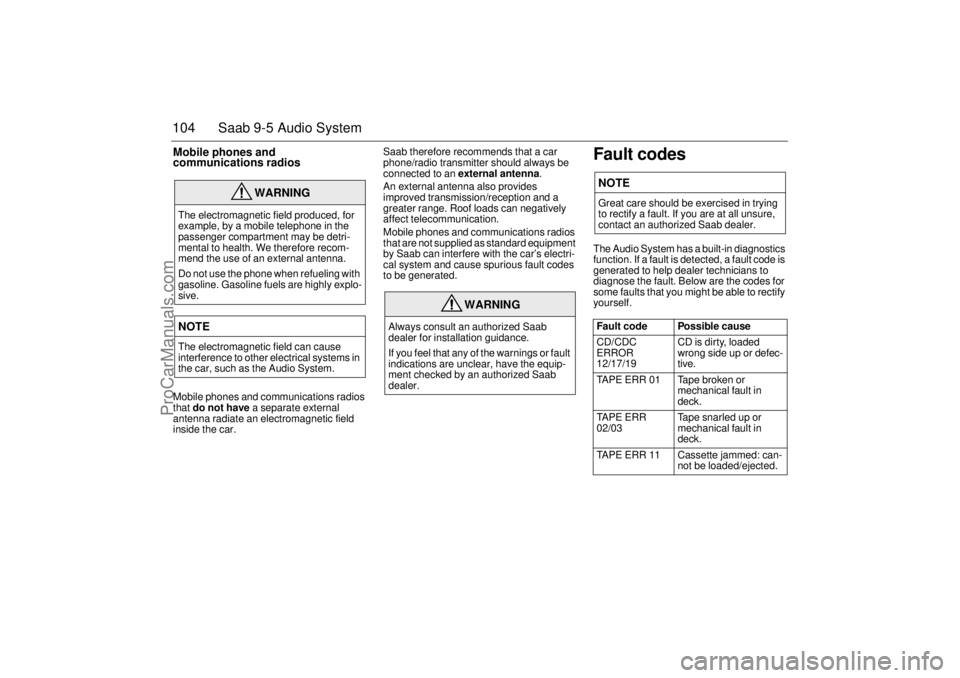
WARNING
The electromagnetic field produced, for
example, by a mobile telephone in the
passenger compartment may be detri-
mental to health. We therefore recom-
mend the use of an external antenna.
Do not use the phone when refueling with
gasoline. Gasoline fuels are highly explo-
sive.NOTEThe electromagnetic field can cause
interference to other electrical systems in
the car, such as the Audio System.
WARNING
Always consult an authorized Saab
dealer for installation guidance.
If you feel that any of the warnings or fault
indications are unclear, have the equip-
ment checked by an authorized Saab
dealer.
NOTEGreat care should be exercised in trying
to rectify a fault. If you are at all unsure,
contact an authorized Saab dealer.
Fault code Possible cause
CD/CDC
ERROR
12/17/19 CD is dirty, loaded
wrong side up or defec-
tive.
TAPE ERR 01 Tape broken or
mechanical fault in
deck.
TAPE ERR
02/03 Tape snarled up or
mechanical fault in
deck.
TAPE ERR 11 Cassette jammed: can-
not be loaded/ejected.
ProCarManuals.com
Page 105 of 272
105 Saab 9-5 Audio System
OnStar SystemYour vehicle may be equipped with OnStar,
a vehicle telematics communications and
navigation system. Please consult the sep-
arate chapter in this owner’s manual, page
107.
WARNING
The CD player/CD changer is classified
as Class 1 laser equipment
Service and repair work must only be
carried out by authorized technicians.
If the casing is damaged, hazardous
laser radiation can occur. NOTEAll work on the Audio System must be
carried out by an authorized Saab dealer.
ProCarManuals.com
Page 106 of 272
106 Saab 9-5 Audio System(This page has been left blank)
ProCarManuals.com
Page 115 of 272

115 OnStar - Telematics
Contact OnStar
You will need your OnStar Personal Identi-
fication Number (PIN) to authorize the
charge to your credit card on file.
If you are not in your Saab, you may call an
OnStar Advisor at 1-888-4-ONSTAR
(1-888-466-7827) to request unit replenish-
ment.
Security/Locking your SystemYou can set up a four-digit Personal Secu-
rity Code to ensure that unauthorized
people do not use the calling capability of
your system. With security set to ON, the
system will not allow any personal calls. You
must turn security OFF before calls can be
made.
Volume ControlIf your Saab is equipped with steering wheel
controls, the volume of the audio portion of
Personal Calling is controlled with your
steering wheel volume control. In vehicles
without steering wheel controls, and in
some other vehicles, you can control the
volume with the radio volume knob. 1Press the
OnStar DOT
buttonOnStar will respond
”Ready”
2 Say ”Units” OnStar will respond
”Verify or Add”
3 Say ”Add” You will be connected to
OnStar for replenish-
ment
1 Press the
OnStar DOT but-
tonOnStar will respond
”Ready”
2 Say ”Security” OnStar will respond
”Enter Four-Digit
Security Code”
3 Say the 1st Digit OnStar will repeat
the digit
4 Say the 2nd Digit OnStar will repeat
the digit
5 Say the 3rd Digit OnStar will repeat
the digit
6 Say the 4th Digit OnStar reply ”Secu-
rity (code # # # #) is
now ON/OFF”
ProCarManuals.com