Page 132 of 413

2-65
3. Return to the HomeLink Transmitter in your
vehicle and firmly press and release the HomeLink
Transmitter button you have already programmed for
two to three seconds. Press and release the button again
(you may need to do this step up to three times) to
make sure that the HomeLink Transmitter has been
trained to the garage door opener motor head unit.
Check that the training was successful.
The garage door opener should now recognize the
HomeLink Transmitter. You may either use the
HomeLink Transmitter or the hand
-held transmitter to
open the garage door.
If after following these instructions, you still have
problems training the garage door opener, contact the
HomeLink Transmitter manufacturer at 1
-800-355-3515.
Erasing Channels
To erase all three programmed channels, hold down the
two outside buttons until the indicator light begins to
flash (after 20 seconds). Release both buttons.
Accessories
Accessories for the HomeLink� Transmitter are available
from the manufacturer of the unit. If you would like
additional information, please call 1
-800-355-3515.
Page 134 of 413
2-67
The main components of your instrument panel are the following:
A. Air Outlets
B. Turn Signal/Multifunction Lever
C. Audio System Steering Wheel Controls
D. Windshield Wiper Lever
E. Steering Column Shift Lever
F. Driver Information Center (DIC) Controls
(If Equipped)G. Audio System
H. Hazard Warning Flashers Control
I. Twilight Sentinel
� and Fog Lamp Controls
J. Ignition Switch
K. Comfort Control System
L. Glove Box
Page 135 of 413
2-68
Instrument Panel Clusters
The instrument panel clusters are designed to let you know at a glance how your vehicle is running. You'll know how
fast you're going, how much fuel you're using, and many other things you'll need to drive safely and economically.
Your vehicle is equipped with one of these instrument panel clusters, which includes indicator warning lights and
gages that are explained on the following pages.
Standard Cluster (United States version shown, Canada similar)
Page 139 of 413

2-72
Warning Lights, Gages and Indicators
This part describes the warning lights and gages that
may be on your vehicle. The pictures will help you
locate them.
Warning lights and gages can signal that something is
wrong before it becomes serious enough to cause an
expensive repair or replacement. Paying attention to
your warning lights and gages could also save you or
others from injury.
Warning lights come on when there may be or is a
problem with one of your vehicle's functions. As you
will see in the details on the next few pages, some
warning lights come on briefly when you start the
engine just to let you know they're working. If you are
familiar with this section, you should not be alarmed
when this happens.
Gages can indicate when there may be or is a problem
with one of your vehicle's functions. Often gages and
warning lights work together to let you know when
there's a problem with your vehicle.
When one of the warning lights comes on and stays on
when you are driving, or when one of the gages shows
there may be a problem, check the section that tells you
what to do about it. Please follow this manual's advice. Waiting to do repairs
can be costly -- and even dangerous. So please get to
know your warning lights and gages. They're a big help.
Your vehicle may also have a Driver Information
Center (DIC) that works along with the warning lights
and gages. See ªDriver Information Centerº in
the Index.
The volume of your vehicle's warning chimes can be
adjusted. For more information see ªChime Level
Adjustmentº in the Index.
Safety Belt Reminder Light
When the key is turned to ON or START, a chime will
come on for about eight seconds to remind people to
fasten their safety belts.
The safety belt light will
also come on and stay on
for about 20 seconds, then
flash for about 55 seconds.
If the driver's belt is already buckled, the light will
come on briefly, but the chime will not sound.
Page 140 of 413
2-73 Air Bag Readiness Light
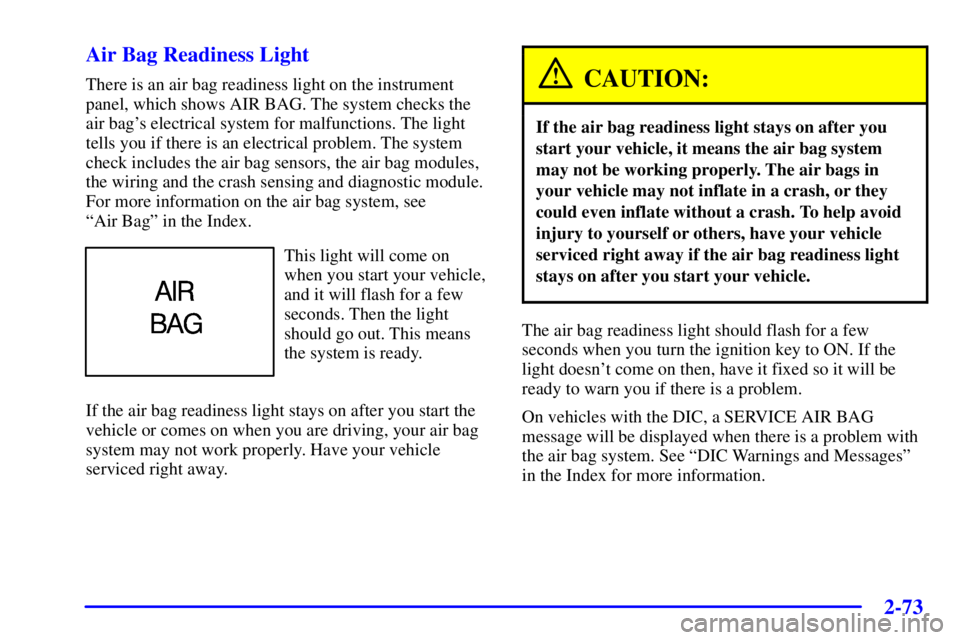
There is an air bag readiness light on the instrument
panel, which shows AIR BAG. The system checks the
air bag's electrical system for malfunctions. The light
tells you if there is an electrical problem. The system
check includes the air bag sensors, the air bag modules,
the wiring and the crash sensing and diagnostic module.
For more information on the air bag system, see
ªAir Bagº in the Index.
This light will come on
when you start your vehicle,
and it will flash for a few
seconds. Then the light
should go out. This means
the system is ready.
If the air bag readiness light stays on after you start the
vehicle or comes on when you are driving, your air bag
system may not work properly. Have your vehicle
serviced right away.
CAUTION:
If the air bag readiness light stays on after you
start your vehicle, it means the air bag system
may not be working properly. The air bags in
your vehicle may not inflate in a crash, or they
could even inflate without a crash. To help avoid
injury to yourself or others, have your vehicle
serviced right away if the air bag readiness light
stays on after you start your vehicle.
The air bag readiness light should flash for a few
seconds when you turn the ignition key to ON. If the
light doesn't come on then, have it fixed so it will be
ready to warn you if there is a problem.
On vehicles with the DIC, a SERVICE AIR BAG
message will be displayed when there is a problem with
the air bag system. See ªDIC Warnings and Messagesº
in the Index for more information.
Page 141 of 413

2-74
Battery Warning Light (If Equipped)
This light will come on
briefly when you start the
vehicle, as a check to show
you it is working; then it
should go out.
If it stays on, or comes on while you are driving, you may
have a problem with the electrical charging system. It could
indicate that you have a generator problem or another
electrical system problem. Have it checked right away.
Driving while this light is on could drain your battery.
If you must drive a short distance with the light on, be
certain to turn off all your accessories, such as the radio
and comfort control system.
Some instrument panel clusters with a voltmeter gage do
not have a battery warning light. They have a CHECK
GAGES warning to indicate a problem.
On vehicles with a DIC, a CHECK CHARGE SYSTEM
message will be displayed and a warning chime will
sound. See ªDIC Warnings and Messagesº in the
Index for more information.
Voltmeter (If Equipped)
You have a voltmeter
unless you have the
supercharged engine.
When the ignition is running, the gage shows the
condition of the charging system. Readings between the
red warning zones indicate the normal operating range.
Readings in the red warning zones indicate a possible
problem in the electrical system.
On vehicles with the systems monitor, the CHECK
GAGES light will also come on, and a warning chime
will sound if there is a problem in the electrical system.
Have your vehicle serviced immediately.
Page 142 of 413
2-75
On vehicles with a DIC, a CHECK CHARGE SYSTEM
message will be displayed and a warning chime will
sound if there is a problem in the electrical system. Have
your vehicle serviced immediately. See ªDIC Warnings
and Messagesº in the Index for more information.
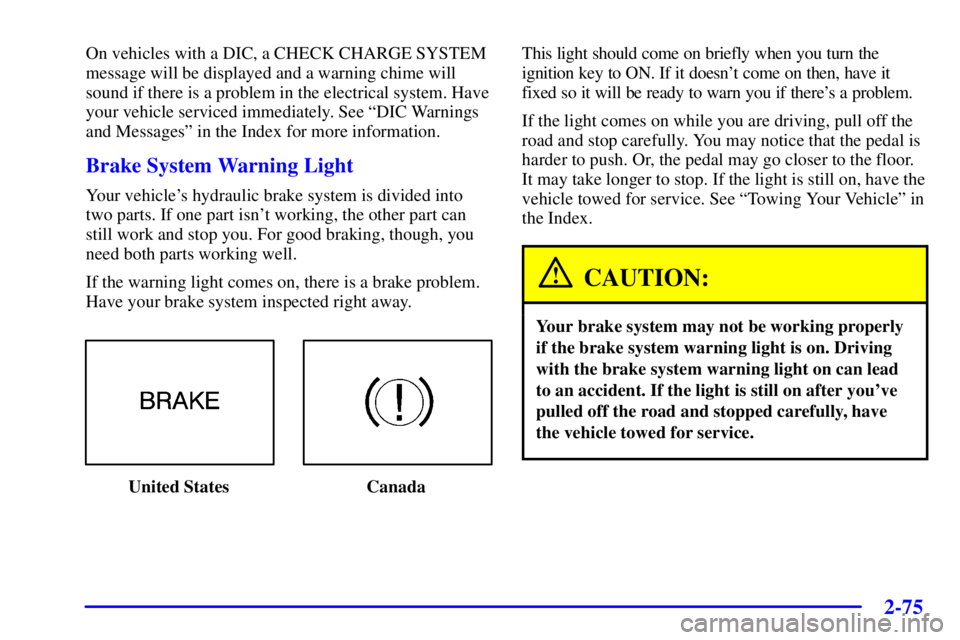
Brake System Warning Light
Your vehicle's hydraulic brake system is divided into
two parts. If one part isn't working, the other part can
still work and stop you. For good braking, though, you
need both parts working well.
If the warning light comes on, there is a brake problem.
Have your brake system inspected right away.
United States CanadaThis light should come on briefly when you turn the
ignition key to ON. If it doesn't come on then, have it
fixed so it will be ready to warn you if there's a problem.
If the light comes on while you are driving, pull off the
road and stop carefully. You may notice that the pedal is
harder to push. Or, the pedal may go closer to the floor.
It may take longer to stop. If the light is still on, have the
vehicle towed for service. See ªTowing Your Vehicleº in
the Index.
CAUTION:
Your brake system may not be working properly
if the brake system warning light is on. Driving
with the brake system warning light on can lead
to an accident. If the light is still on after you've
pulled off the road and stopped carefully, have
the vehicle towed for service.
Page 143 of 413

2-76
When the ignition is on, the brake system warning light
will also come on when you set your parking brake. The
light will stay on if your parking brake doesn't release
fully. If you try to drive off with the parking brake set, a
chime will also come on until you release the parking
brake. If the light stays on after your parking brake is
fully released, it means you have a brake problem.
If you have the optional Driver Information Center (DIC),
a PARK BRAKE SET message will be displayed while
the park brake is set.
Anti-Lock Brake System Warning Light
United States CanadaWith the anti
-lock brake system, the light(s) will come
on when your engine is started and may stay on for
five seconds. That's normal.
If the light stays on, turn the ignition to OFF. Or, if the
light comes on when you're driving, stop as soon as
possible and turn the ignition off. Then start the engine
again to reset the system. If the light still stays on, or
comes on again while you're driving, your vehicle needs
service. If the regular brake system warning light isn't
on, you still have brakes, but you don't have anti
-lock
brakes. If the regular brake system warning light is also
on, you don't have anti
-lock brakes and there's a
problem with your regular brakes. See ªBrake System
Warning Lightº earlier in this section.
The anti
-lock brake system warning light should come
on briefly when you turn the ignition key to ON. If the
light doesn't come on then, have it fixed so it will be
ready to warn you if there is a problem.