2001 FORD WINDSTAR audio
[x] Cancel search: audioPage 69 of 288
Rewind
The rewind control works in CD
modes.
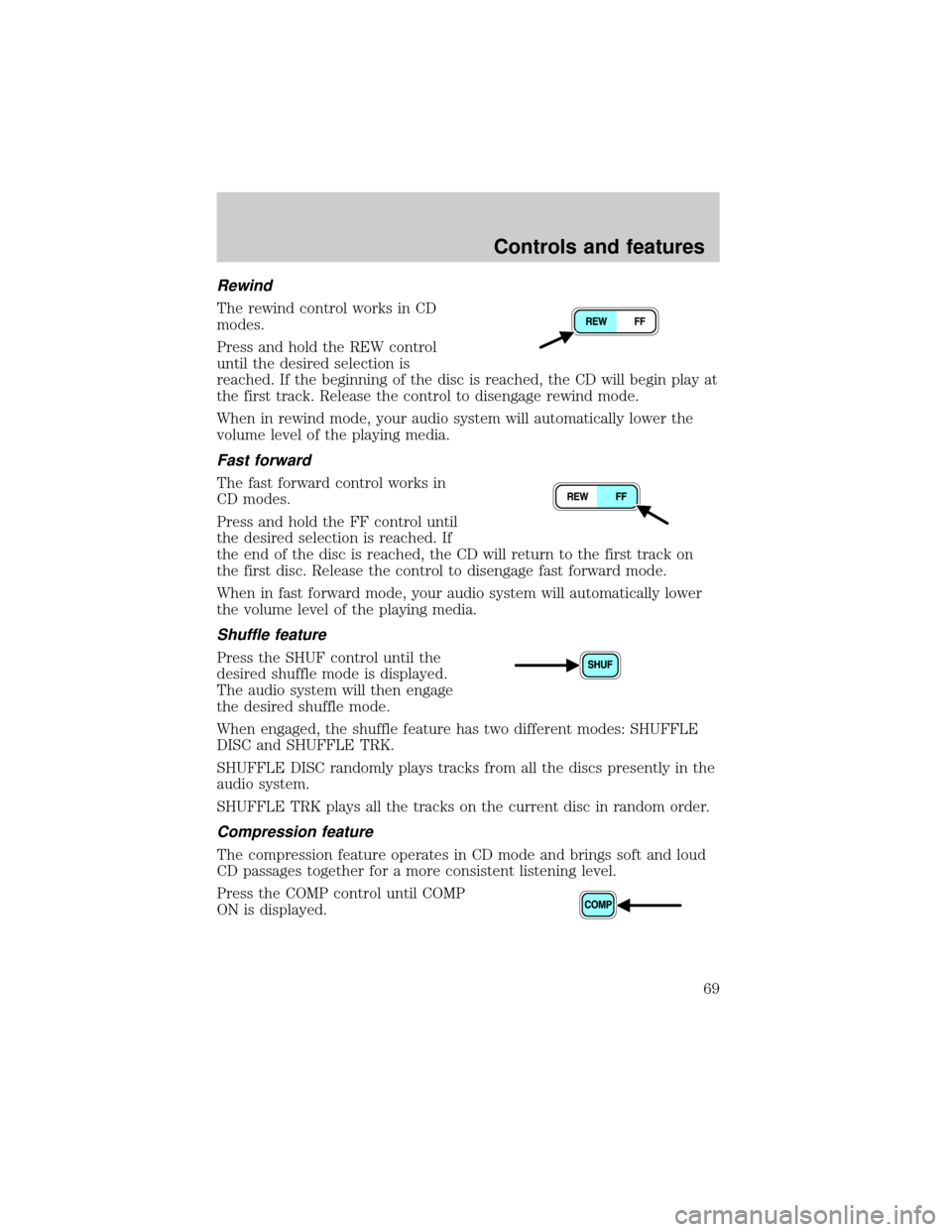
Press and hold the REW control
until the desired selection is
reached. If the beginning of the disc is reached, the CD will begin play at
the first track. Release the control to disengage rewind mode.
When in rewind mode, your audio system will automatically lower the
volume level of the playing media.
Fast forward
The fast forward control works in
CD modes.
Press and hold the FF control until
the desired selection is reached. If
the end of the disc is reached, the CD will return to the first track on
the first disc. Release the control to disengage fast forward mode.
When in fast forward mode, your audio system will automatically lower
the volume level of the playing media.
Shuffle feature
Press the SHUF control until the
desired shuffle mode is displayed.
The audio system will then engage
the desired shuffle mode.
When engaged, the shuffle feature has two different modes: SHUFFLE
DISC and SHUFFLE TRK.
SHUFFLE DISC randomly plays tracks from all the discs presently in the
audio system.
SHUFFLE TRK plays all the tracks on the current disc in random order.
Compression feature
The compression feature operates in CD mode and brings soft and loud
CD passages together for a more consistent listening level.
Press the COMP control until COMP
ON is displayed.
Controls and features
69
Page 70 of 288
Bass adjust
The bass adjust control allows you
to increase or decrease the audio
system's bass output.
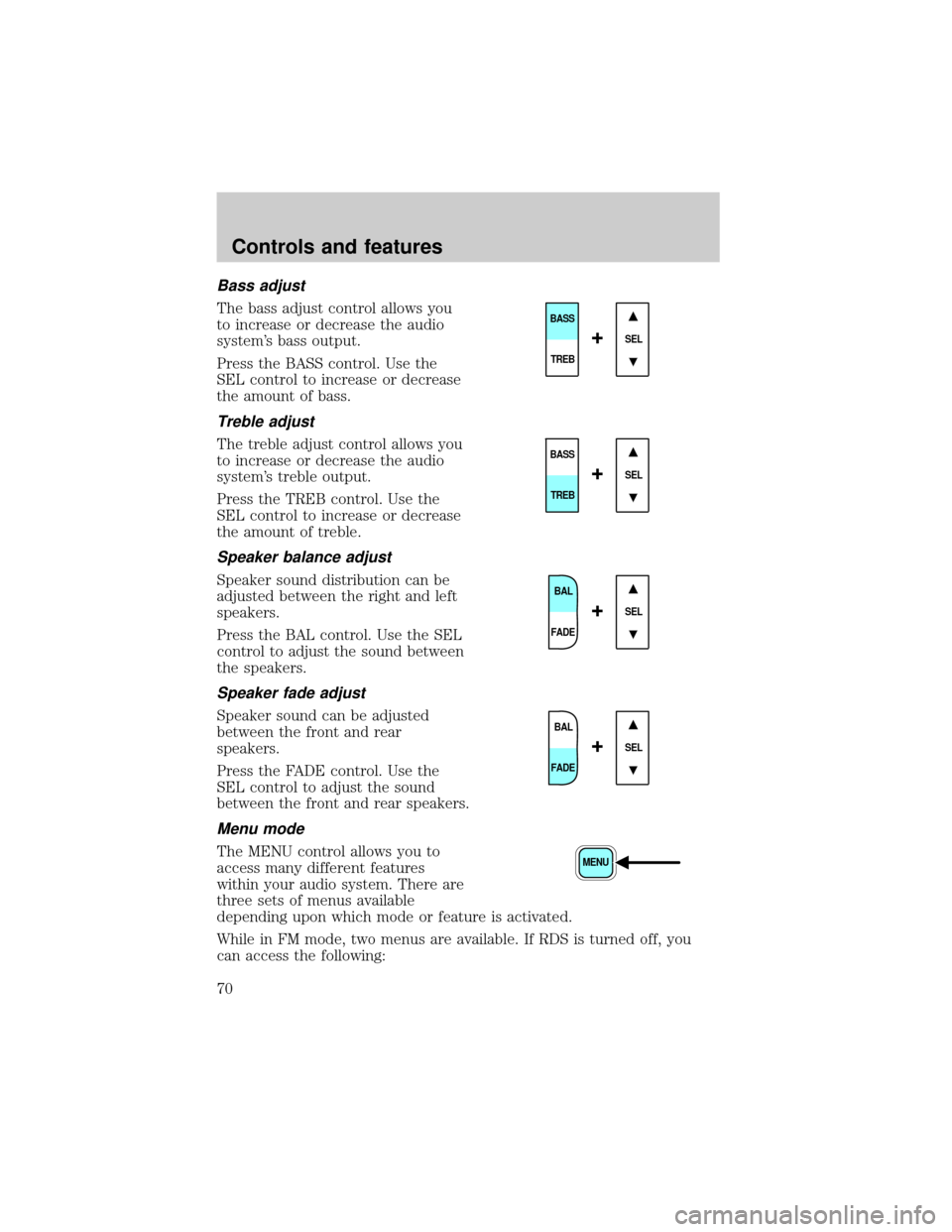
Press the BASS control. Use the
SEL control to increase or decrease
the amount of bass.
Treble adjust
The treble adjust control allows you
to increase or decrease the audio
system's treble output.
Press the TREB control. Use the
SEL control to increase or decrease
the amount of treble.
Speaker balance adjust
Speaker sound distribution can be
adjusted between the right and left
speakers.
Press the BAL control. Use the SEL
control to adjust the sound between
the speakers.
Speaker fade adjust
Speaker sound can be adjusted
between the front and rear
speakers.
Press the FADE control. Use the
SEL control to adjust the sound
between the front and rear speakers.
Menu mode
The MENU control allows you to
access many different features
within your audio system. There are
three sets of menus available
depending upon which mode or feature is activated.
While in FM mode, two menus are available. If RDS is turned off, you
can access the following:
SEL
BASS
TREB
+
SEL
BASS
TREB
+
BAL
FADE
SEL+
BAL
FADE
SEL+
MENU
Controls and features
70
Page 71 of 288
²SELECT HOURS Ð Refer toSetting the clock.
²SELECT MINUTES Ð Refer toSetting the clock.
²RDS OFF Ð Refer toRadio data system.
If RDS is turned on, you can access the following:
²TRAFFIC ON/OFF-Refer toTraffic announcements.
²FIND type-Refer toRadio data system.
²SHOW (NAME, TYPE, NONE)-Refer toRadio data system.
²RDS ONÐ Refer toRadio data system.
²SELECT HOURS Ð Refer toSetting the clock.
²SELECT MINUTES ÐRefer toSetting the clock.
When in CD mode, you can access: SELECT HOURS, SELECT MINUTES
or COMP ON/OFF.
SELECT HOURS, SELECT MINUTESÐ Allows you to adjust the hours
and minutes. Refer toSetting the clock.
TRAFFIC ON/OFFÐ Traffic announcements can be programmed as local
or distant. Refer toTraffic announcements.
RDS ON/OFFÐ This feature allows your audio system to receive text
information from RDS-equipped FM radio stations. Refer to.RDS feature.
FIND type Ð Allows you to select your desired FM program type and
search for that selection.
SHOW Ð Allows you to select from NAME (displays the name of the
radio station), TYPE (displays the RDS program type: rock, jazz, etc.), or
NONE (deactivates the RDS display).
Radio data system (RDS) feature
This feature allows your audio
system to receive text information
from RDS-equipped FM radio
stations.
To activate RDS:
²When in FM mode, press the MENU control until RDS OFF displays.
²Press the SEL control to engage this feature (RDS ON).
SEL+MENU
Controls and features
71
Page 75 of 288
Radio reception factors
Three factors can affect radio reception:
²Distance/strength.The further an FM signal travels, the weaker it is.
The listenable range of the average FM station is approximately 40 km
(24 miles). This range can be affected by ªsignal modulation.º Signal
modulation is a process radio stations use to increase their
strength/volume relative to other stations.
²Terrain.Hills, mountains and tall buildings between your vehicle's
antenna and the radio station signal can cause FM reception problems.
Static can be caused on AM stations by power lines, electric fences,
traffic lights and thunderstorms. Moving away from an interfering
structure (out of its ªshadowº) returns your reception to normal.
²Station overload.Weak signals are sometimes captured by stronger
signals when you pass a broadcast tower. A stronger signal may
temporarily overtake a weaker signal and play while the weak station
frequency is displayed.
The audio system automatically switches to single channel reception if it
will improve the reception of a station normally received in stereo.
Audio system warranties and service
Refer to the ªWarranty Guideº for audio system warranty information.
If service is necessary, see your dealer or a qualified technician.
LOW TIRE WARNING (IF EQUIPPED)
Refer to theTiresection of the
Maintenance and Carechapter for
more information.
REVERSE SENSING SYSTEM (IF EQUIPPED)
The reverse sensing system (RSS) sounds a tone to warn the driver of
obstacles near the rear bumper when the reverse gear is selected.
Tire
Reset
Controls and features
75
Page 101 of 288
If you have the optional power sliding door, disable the power sliding
door by pushing the ON/OFF control in the overhead console to the OFF
position. The power sliding door cannot be opened from the rear seat
when both this feature and the child lock are engaged.
If you want to open the sliding door when the child safety lock is on:
²Unlock the sliding door and open the door from the outside.
²If you have the optional power sliding door, press the right or left
hand control on the overhead console to open the door.
CENTER CONSOLE (IF EQUIPPED)
Your vehicle may be equipped with a variety of console features. These
include:
²Utility compartment
²Compact disc changer (if equipped)
²AutovisiontEntertainment System (if equipped)
AutovisionTEntertainment System (if equipped)
Your vehicle may be equipped with an AutovisiontEntertainment
System. This system offers the rear passengers a VHS video cassette
player, a 6.4º LCD video screen, video game inputs and is integrated into
the vehicle audio system. Refer to the AutovisiontEntertainment System
User Manual for operating instructions or call 1-877±848±6434 for
product assistance.
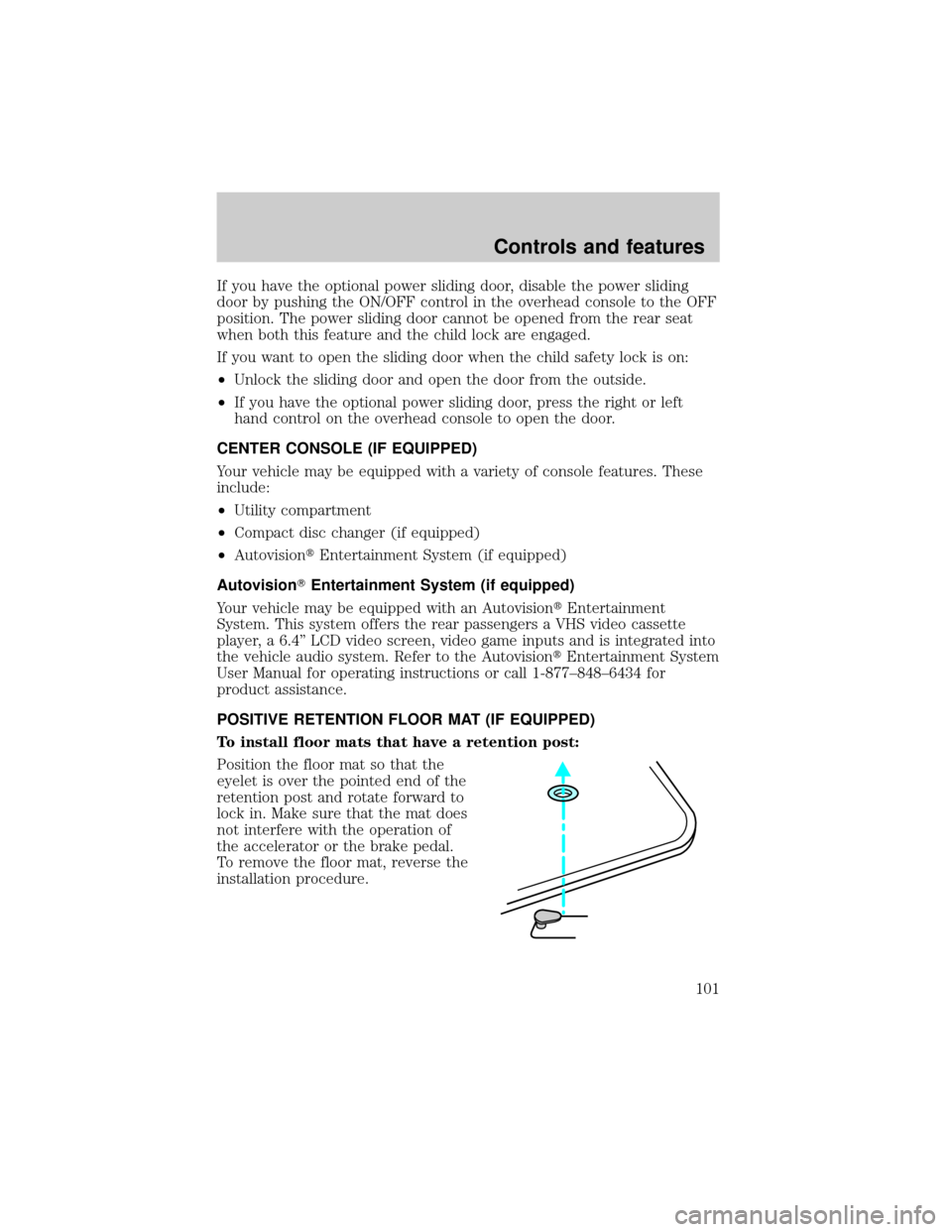
POSITIVE RETENTION FLOOR MAT (IF EQUIPPED)
To install floor mats that have a retention post:
Position the floor mat so that the
eyelet is over the pointed end of the
retention post and rotate forward to
lock in. Make sure that the mat does
not interfere with the operation of
the accelerator or the brake pedal.
To remove the floor mat, reverse the
installation procedure.
Controls and features
101
Page 189 of 288

The pull fuse is located under the instrument panel and is visible from
the exterior of the fuse panel cover.
The fuse holder is designed to allow you to pull the fuse (#6) from the
fuse panel circuit without having to completely remove it from the fuse
panel. The fuse and fuse holder will remain in the fuse panel.
If the fuse (#6) must be replaced, the fuse and fuse holder can be
removed by pulling it completely out from the fuse panel cover.
With the fuse (#6) removed, the following systems will not be functional:
²radio
²power sliding door(s) ± (if equipped)
²keyless entry system± (if equipped)
When the pull fuse is reinstalled, the following features will need to be
reset.
²radio pre-sets
²power sliding door(s) ± (if equipped)
Please refer to theUsing Your Audio SystemandPower Sliding Door
sections in theControls and Featureschapter for instructions to reset
these features.
Roadside emergencies
189
Page 278 of 288

A
Accessory delay ..........................86
AdvanceTrac ..............................170
Air bag supplemental
restraint system ........144±145, 149
and child safety seats ............146
description ......................145, 149
disposal ....................................151
driver air bag ..................147, 150
indicator light ...................10, 147
operation .........................147, 150
passenger air bag ...........147, 150
side air bag ..............................149
Air cleaner filter .......................257
Air conditioning ..........................29
Air filter, cabin ..........................224
Antifreeze
(see Engine coolant) ................215
Anti-lock brake system
(see Brakes) ......................167±168
Anti-theft system ......................112
arming the system ..................112
disarming a
triggered system .....................113
warning light ...............................9
Audio system (see Radio) ...39, 63
Automatic transaxle .................173
driving with .............................175
fluid, adding ............................222
fluid, checking ........................222
fluid, refill capacities ..............258
fluid, specification ..................261
Auxiliary power point ...............116
Axle
lubricant specifications ..........259B
Battery .......................................227
acid, treating emergencies .....227
charging system warning light ..8
jumping a disabled battery ....202
maintenance-free ....................227
replacement, specifications ...257
servicing ..................................227
Belt minder ...............................140
Brakes ........................................167
anti-lock ...........................167±168
anti-lock brake system
(ABS) warning light .........10, 168
brake warning light ..................10
fluid, checking and adding ....214
fluid, refill capacities ..............258
fluid, specifications .........259, 261
lubricant specifications ..259, 261
parking ....................................168
pedals (see Power
adjustable foot pedals) ............78
shift interlock ..........................173
Break-in period .............................3
C
Capacities for refilling fluids ....258
Cargo net ...................................118
Certification Label ....................262
Child safety restraints ..............152
child safety belts ....................152
Child safety seats ......................153
in front seat ............................154
in rear seat ......................154, 156
LATCH .....................................161
tether anchorage hardware ...157
Cleaning your vehicle ...............252
engine compartment ..............254
Index
278