Page 157 of 460
2-44
NOTICE:
If your key seems stuck in LOCK and you can't
turn it, be sure you are using the correct key; if
so, is it all the way in? If it is, then turn the
steering wheel left and right while you turn the
key hard. But turn the key only with your hand.
Using a tool to force it could break the key or the
ignition switch. If none of this works, then your
vehicle needs service.
OFF (C): This position unlocks the steering wheel,
ignition and transaxle, but does not send electrical
power to any accessories. Use this position if your
vehicle must be pushed or towed, but never try to
push
-start your vehicle. A warning chime will sound if
you open the driver's door when the ignition is off and
the key is in the ignition.RUN (D): This is the position to which the switch
returns after you start your engine and release the
switch. The switch stays in RUN when the engine is
running. But even when the engine is not running,
you can use RUN to operate your electrical power
accessories, and to display some instrument panel
warning lights.
START (E): This position starts the engine. When the
engine starts, release the key. The ignition switch will
return to RUN for normal driving.
If the engine is not running, ACCESSORY and RUN are
positions that allow you to operate your electrical
accessories, such as the radio.
Retained Accessory Power (RAP)
With RAP, the power windows (option), the power rear
quarter windows (if equipped), audio system and the
optional electronic level control (ELC) will continue to
work up to 10 minutes after the ignition key is turned to
OFF and none of the doors are opened.
Page 165 of 460
2-52
FIRST (1): This position gives you even more
power (but lower fuel economy) than SECOND (2).
You can use it on very steep hills, or in deep snow or
mud. If the selector lever is put in FIRST (1), the
transaxle won't downshift into first gear until the vehicle
is going slow enough.
NOTICE:
If your front wheels can't turn, don't try to drive.
This might happen if you were stuck in very deep
sand or mud or were up against a solid object.
You could damage your transaxle.
Also, if you stop when going uphill, don't hold
your vehicle there with only the accelerator
pedal. This could overheat and damage the
transaxle. Use your brakes or shift into PARK (P)
to hold your vehicle in position on a hill.
Parking Brake
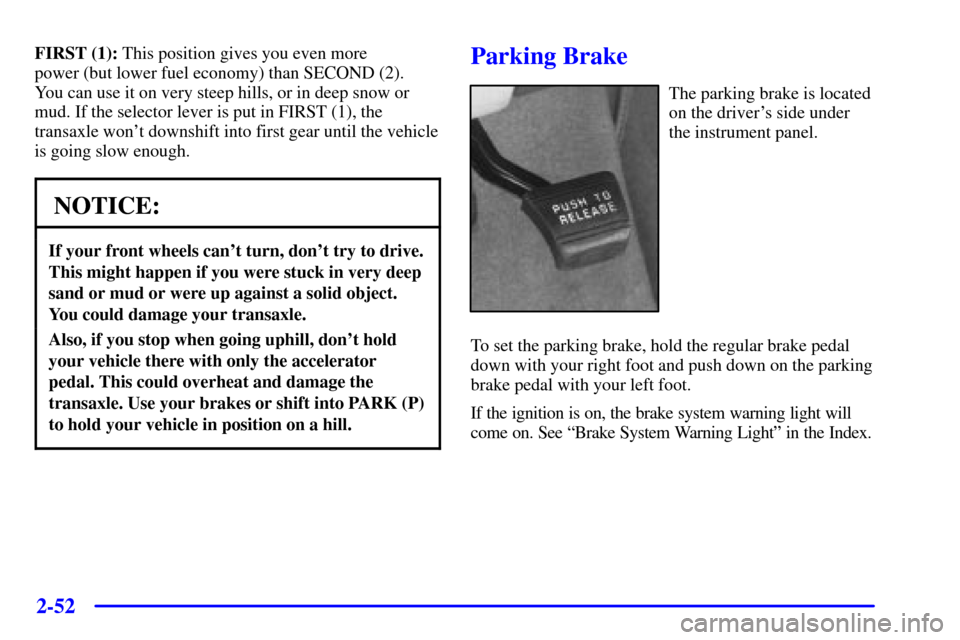
The parking brake is located
on the driver's side under
the instrument panel.
To set the parking brake, hold the regular brake pedal
down with your right foot and push down on the parking
brake pedal with your left foot.
If the ignition is on, the brake system warning light will
come on. See ªBrake System Warning Lightº in the Index.
Page 179 of 460
2-66
Exterior Lamps
The exterior lamp control is located to the left of the
steering column.
Turning the control to this setting turns on
the following:
�Parking Lamps
�Sidemarker Lamps
�Taillamps
�Instrument Panel Lights
Turning the control to this setting turns on the
headlamps, together with the following:
�Parking Lamps
�Sidemarker Lamps
�Taillamps
�Instrument Panel Lights
Turning the control to this setting turns off all the
lamps and lights.
Lamps on Reminder
If the driver's door is opened and you turn the ignition
to OFF or LOCK while leaving the lamps on, you will
hear a warning chime.
Daytime Running Lamps
Daytime Running Lamps (DRL) can make it easier
for others to see the front of your vehicle during the
day. DRL can be helpful in many different driving
conditions, but they can be especially helpful in the
short periods after dawn and before sunset. Fully
functional daytime running lights are required on all
vehicles first sold in Canada.
Page 208 of 460
2-95
The main components of the instrument panel are the following:
A. Side Vents
B. Front Vents
C. Turn Signal/Multifunction Lever
D. Hazard Warning Flasher Switch
E. Instrument Panel Cluster
F. Center Vents
G. Audio System
H. Side Vents
I. Exterior Lamp Control
J. Hood Release
K. HornL. Ignition Switch
M. Climate Controls
N. Rear Fan Controls (Option)
O. Cupholder Tray
P. Accessory Power Outlet
Q. Storage Bin
R. Instrument Panel Switchbank
S. Glove Box
T. Front Vents
U. Instrument Panel Fuse Block
Page 209 of 460
2-96 Instrument Panel Cluster
Your instrument panel cluster is designed to let you know at a glance how your vehicle is running. You'll know how
fast you're going, how much fuel you're using, and many other things you'll need to drive safely and economically.
The indicator warning lights and gages are explained on the following pages.
United States shown, Canada similar
Page 211 of 460

2-98
Retro-Active Reset
Each of the two trip odometers has a feature called
retro
-active reset. This feature can be used to set
either (or both) trip odometer(s) to the number of
miles (kilometers) driven since the ignition was last
turned on. This can be used if you forget to reset your
trip odometer at the beginning of a trip. To use the
retro
-active reset feature, push and hold the trip/reset
button for at least three seconds. The trip odometer will
then display the number of miles (kilometers) driven
since the ignition was last turned on and you began
driving. (If you use the retro
-active reset feature after
you have started the vehicle, but before you begin
moving, the display will show the number of miles
(kilometers) you drove during the last ignition cycle.)
Once you begin driving, the trip odometer will
accumulate mileage. For example, if you have driven
5.0 miles (8.0 km) since you started your vehicle, and
then activate the retro
-active reset feature, the display
will show 5.0 miles (8.0 km). As you drive, the display
will then increase to 5.1 miles (8.2 km), 5.2 miles
(8.4 km), etc. Only the trip odometer that is displayed
will be affected by the retro
-active reset so that both trip
odometers can be used separately.
Warning Lights, Gages, Messages
and Indicators
This part describes the warning lights and gages that
may be on your vehicle. The pictures will help you
locate them.
Warning lights and gages can signal that something is
wrong before it becomes serious enough to cause an
expensive repair or replacement. Paying attention to
your warning lights and gages could also save you or
others from injury.
Warning lights come on when there may be or is a
problem with one of your vehicle's functions. As you
will see in the details on the next few pages, some
warning lights come on briefly when you start the
engine just to let you know they're working. If you are
familiar with this section, you should not be alarmed
when this happens.
Page 212 of 460

2-99
Gages can indicate when there may be or is a problem
with one of your vehicle's functions. Often gages and
warning lights work together to let you know when
there's a problem with your vehicle.
When one of the warning lights comes on and stays on
when you are driving, or when one of the gages shows
there may be a problem, check the section that tells you
what to do about it. Please follow this manual's advice.
Waiting to do repairs can be costly
-- and even
dangerous. So please get to know your warning lights
and gages. They're a big help.
Your vehicle also has a message center that works along
with the warning lights and gages. See ªMessage
Centerº in the Index.
Safety Belt Reminder Light
When the key is turned to RUN or START, a chime will
come on for about eight seconds to remind people to
fasten their safety belts.
The safety belt light will
also come on and stay on
for about 70 seconds. If the
driver's belt is already
buckled, neither the chime
nor the light will come on.
Page 213 of 460
2-100 Air Bag Readiness Light
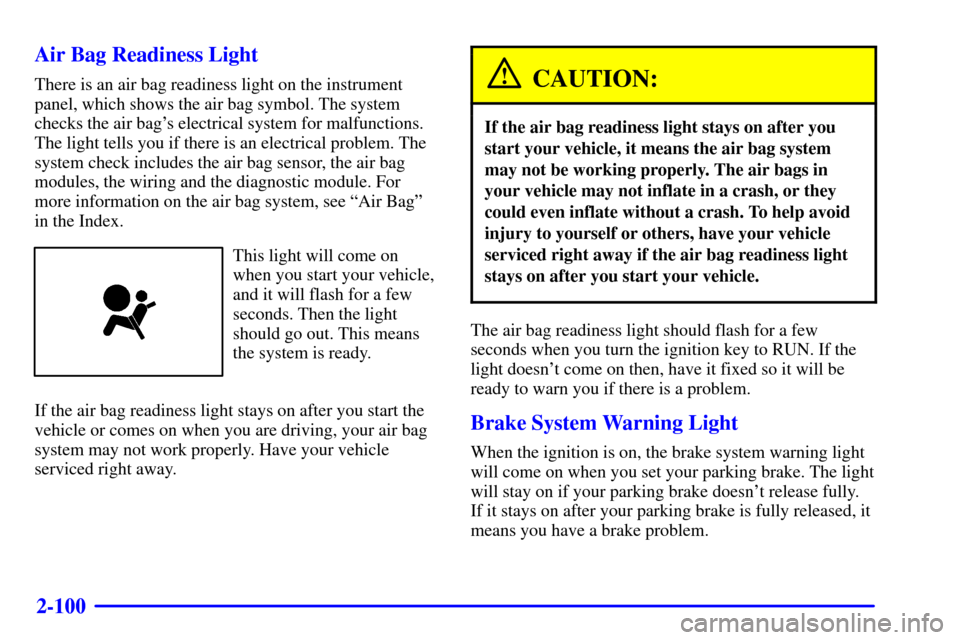
There is an air bag readiness light on the instrument
panel, which shows the air bag symbol. The system
checks the air bag's electrical system for malfunctions.
The light tells you if there is an electrical problem. The
system check includes the air bag sensor, the air bag
modules, the wiring and the diagnostic module. For
more information on the air bag system, see ªAir Bagº
in the Index.
This light will come on
when you start your vehicle,
and it will flash for a few
seconds. Then the light
should go out. This means
the system is ready.
If the air bag readiness light stays on after you start the
vehicle or comes on when you are driving, your air bag
system may not work properly. Have your vehicle
serviced right away.
CAUTION:
If the air bag readiness light stays on after you
start your vehicle, it means the air bag system
may not be working properly. The air bags in
your vehicle may not inflate in a crash, or they
could even inflate without a crash. To help avoid
injury to yourself or others, have your vehicle
serviced right away if the air bag readiness light
stays on after you start your vehicle.
The air bag readiness light should flash for a few
seconds when you turn the ignition key to RUN. If the
light doesn't come on then, have it fixed so it will be
ready to warn you if there is a problem.
Brake System Warning Light
When the ignition is on, the brake system warning light
will come on when you set your parking brake. The light
will stay on if your parking brake doesn't release fully.
If it stays on after your parking brake is fully released, it
means you have a brake problem.