Page 108 of 318

2-43
There is a delay in the transition between the daytime
and nighttime operation of the DRL and the ALC
systems so that driving under bridges or bright overhead
street lights does not affect the system. The DRL and
ALC systems will only be affected when the light sensor
sees a change in lighting lasting longer than this delay.
To idle your vehicle with the ALC system off, set the
parking brake while the ignition is off. Then start the
vehicle. The ALC system will stay off until you release
the parking brake.
As with any vehicle, you should turn on the regular
headlamp system when you need it.
Delayed Headlamps
The delayed headlamps feature will continue to
illuminate the headlamps for 20 seconds after the key is
turned to OFF then the headlamps will automatically
turn off.
To override the 20 second delayed headlamp feature,
while it is active turn the turn signal/multifunction lever
end cap up one position and back to OFF.
Fog Lamps
The button for your fog
lamps is located on the
instrument panel, to the left
of the steering wheel, beside
the instrument panel
intensity control.
When using the fog lamps, the ignition must be on as
well as the parking lamps or the low
-beam headlamps.
Push the button to turn the fog lamps on. An indicator
light on the button will glow when the fog lamps are on.
Push the button again to turn the fog lamps off.
The fog lamps will turn off whenever the high
-beam
headlamps are turned on. When the high beams are
turned off, the fog lamps will come on again.
Page 109 of 318
2-44
Interior Lamps
Instrument Panel Intensity Control
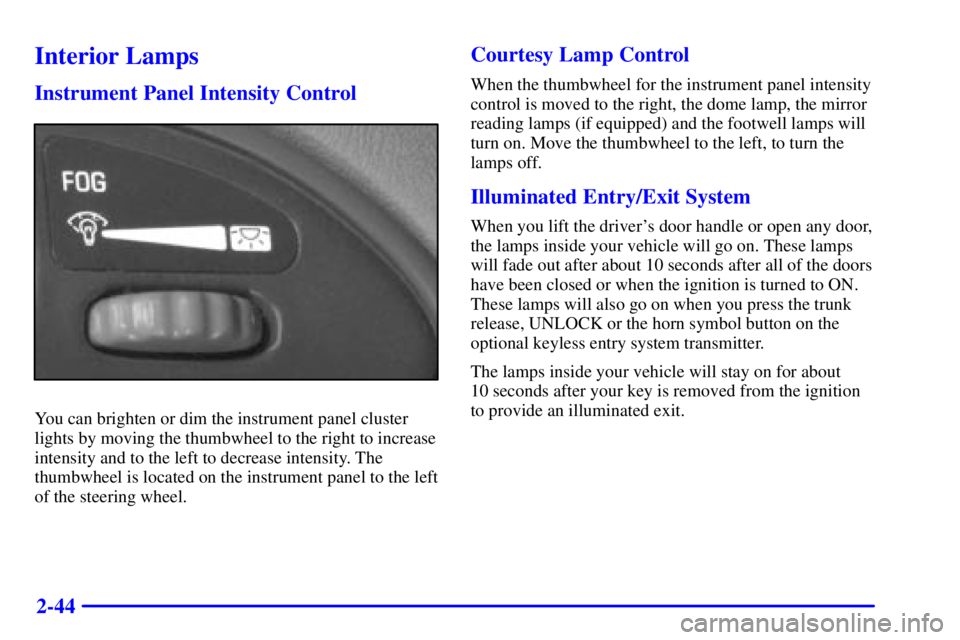
You can brighten or dim the instrument panel cluster
lights by moving the thumbwheel to the right to increase
intensity and to the left to decrease intensity. The
thumbwheel is located on the instrument panel to the left
of the steering wheel.
Courtesy Lamp Control
When the thumbwheel for the instrument panel intensity
control is moved to the right, the dome lamp, the mirror
reading lamps (if equipped) and the footwell lamps will
turn on. Move the thumbwheel to the left, to turn the
lamps off.
Illuminated Entry/Exit System
When you lift the driver's door handle or open any door,
the lamps inside your vehicle will go on. These lamps
will fade out after about 10 seconds after all of the doors
have been closed or when the ignition is turned to ON.
These lamps will also go on when you press the trunk
release, UNLOCK or the horn symbol button on the
optional keyless entry system transmitter.
The lamps inside your vehicle will stay on for about
10 seconds after your key is removed from the ignition
to provide an illuminated exit.
Page 110 of 318
2-45 Mirror Reading Lamps (If Equipped)
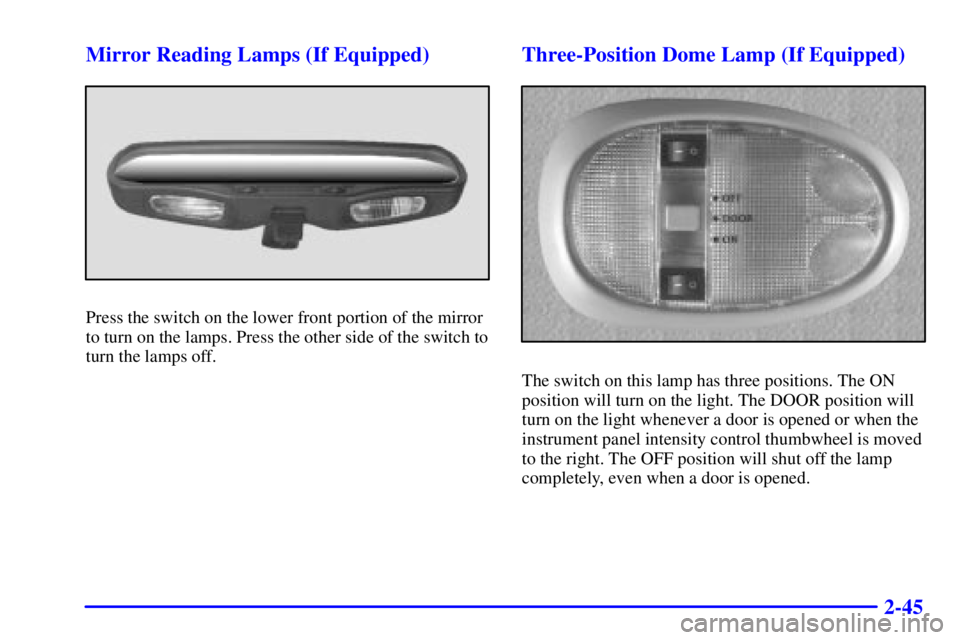
Press the switch on the lower front portion of the mirror
to turn on the lamps. Press the other side of the switch to
turn the lamps off.
Three-Position Dome Lamp (If Equipped)
The switch on this lamp has three positions. The ON
position will turn on the light. The DOOR position will
turn on the light whenever a door is opened or when the
instrument panel intensity control thumbwheel is moved
to the right. The OFF position will shut off the lamp
completely, even when a door is opened.
Page 116 of 318
2-51
The main components of your instrument panel are:
A. Fog Lamp Switch
B. Instrument Panel Intensity Control
C. Turn Signal/Multifunction Lever
D. Horn
E. Instrument Cluster
F. Windshield Wiper/Washer Lever
G. Ignition Switch
H. Enhanced Traction System
I. Hazard SwitchJ. Audio System
K. Climate Control System
L. Cigarette Lighter
M. Gear Shift Lever
N. Cruise Control Switches (If Equipped)
O. Steering Wheel Audio System (If Equipped)
P. Tilt Wheel Lever
Q. Hood Release Handle
R. Fuse Panel
Page 123 of 318
2-58 Enhanced Traction System Warning Light
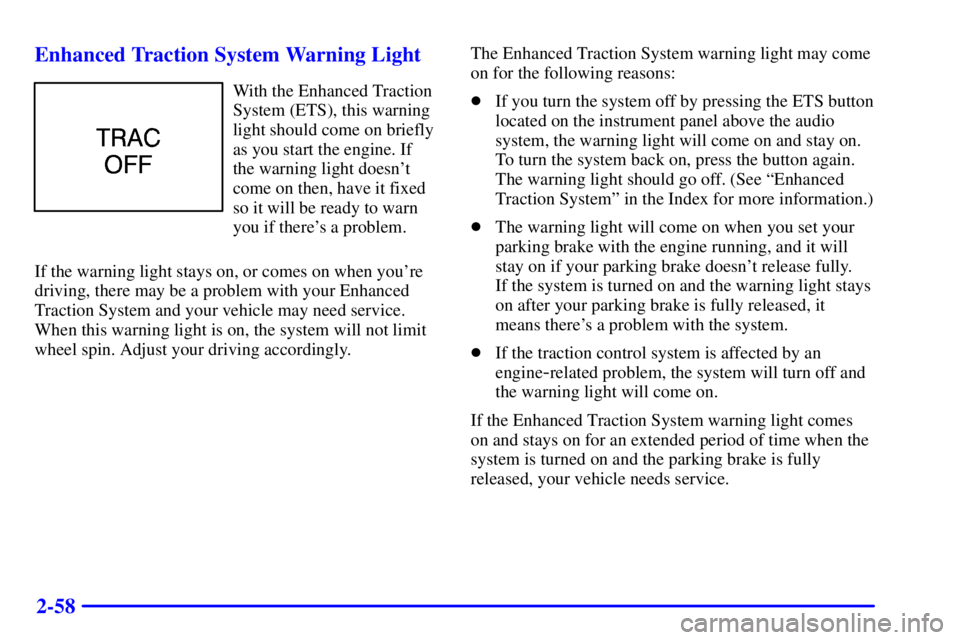
With the Enhanced Traction
System (ETS), this warning
light should come on briefly
as you start the engine. If
the warning light doesn't
come on then, have it fixed
so it will be ready to warn
you if there's a problem.
If the warning light stays on, or comes on when you're
driving, there may be a problem with your Enhanced
Traction System and your vehicle may need service.
When this warning light is on, the system will not limit
wheel spin. Adjust your driving accordingly.The Enhanced Traction System warning light may come
on for the following reasons:
�If you turn the system off by pressing the ETS button
located on the instrument panel above the audio
system, the warning light will come on and stay on.
To turn the system back on, press the button again.
The warning light should go off. (See ªEnhanced
Traction Systemº in the Index for more information.)
�The warning light will come on when you set your
parking brake with the engine running, and it will
stay on if your parking brake doesn't release fully.
If the system is turned on and the warning light stays
on after your parking brake is fully released, it
means there's a problem with the system.
�If the traction control system is affected by an
engine
-related problem, the system will turn off and
the warning light will come on.
If the Enhanced Traction System warning light comes
on and stays on for an extended period of time when the
system is turned on and the parking brake is fully
released, your vehicle needs service.
Page 124 of 318

2-59 Enhanced Traction System Active Light
When your Enhanced
Traction System is
limiting wheel spin,
this light will come on.
Slippery road conditions
may exist if the Enhanced
Traction System active light
comes on, so adjust your
driving accordingly.
The light will stay on for a few seconds after the
Enhanced Traction System stops limiting wheel spin.
This light will also come on when the anti
-lock brake
system is active.
The Enhanced Traction System active light also comes
on briefly when you turn the ignition key to ON. If the
light doesn't come on then, have it fixed so it will be
there to tell you when the system is active.
Engine Coolant Temperature Gage
United States Canada
This gage shows the engine coolant temperature. If the
gage pointer moves into the red area, the light comes on
and you hear a chime, your engine is too hot! It means
that your engine coolant has overheated.
The ªProblems on the Roadº section of this manual
shows what to do. See ªEngine Overheatingº in
the Index.
Page 133 of 318
3-
3-1
Section 3 Comfort Controls and Audio Systems
In this section, you'll find out how to operate the comfort control and audio systems offered with your vehicle.
Be sure to read about the particular systems supplied with your vehicle.
3
-2 Comfort Controls
3
-2 Climate Control System with Air Conditioning
3
-3 Air Conditioning
3
-4 Heating
3
-4 Defogging and Defrosting Windows
3
-5 Rear Window Defogger
3
-5 Ventilation System
3
-6 Audio Systems
3
-6 Setting the Clock for All Systems Except
AM
-FM Stereo
3
-7AM-FM Stereo with Cassette Tape Player3
-10 AM-FM Stereo with Compact Disc Player
and Equalizer (If Equipped)
3
-13 Remote Cassette Tape Player (If Equipped)
3
-14 Theft-Deterrent Feature (If Equipped)
3
-17 Audio Steering Wheel Controls (If Equipped)
3
-18 Understanding Radio Reception
3
-18 Tips About Your Audio System
3
-19 Care of Your Cassette Tape Player
3
-20 Care of Your Compact Discs
3
-20 Care of Your Compact Disc Player
3
-20 Fixed Mast Antenna
Page 149 of 318
3-17 Audio Steering Wheel Controls (If Equipped)
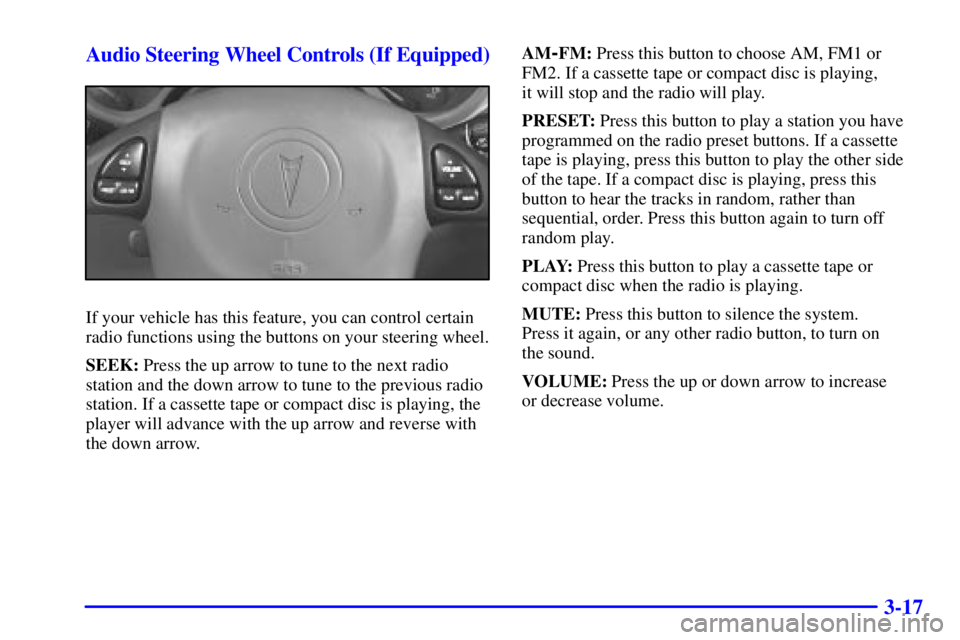
If your vehicle has this feature, you can control certain
radio functions using the buttons on your steering wheel.
SEEK: Press the up arrow to tune to the next radio
station and the down arrow to tune to the previous radio
station. If a cassette tape or compact disc is playing, the
player will advance with the up arrow and reverse with
the down arrow.AM
-FM: Press this button to choose AM, FM1 or
FM2. If a cassette tape or compact disc is playing,
it will stop and the radio will play.
PRESET: Press this button to play a station you have
programmed on the radio preset buttons. If a cassette
tape is playing, press this button to play the other side
of the tape. If a compact disc is playing, press this
button to hear the tracks in random, rather than
sequential, order. Press this button again to turn off
random play.
PLAY: Press this button to play a cassette tape or
compact disc when the radio is playing.
MUTE: Press this button to silence the system.
Press it again, or any other radio button, to turn on
the sound.
VOLUME: Press the up or down arrow to increase
or decrease volume.