Page 4 of 402
Table of Contents
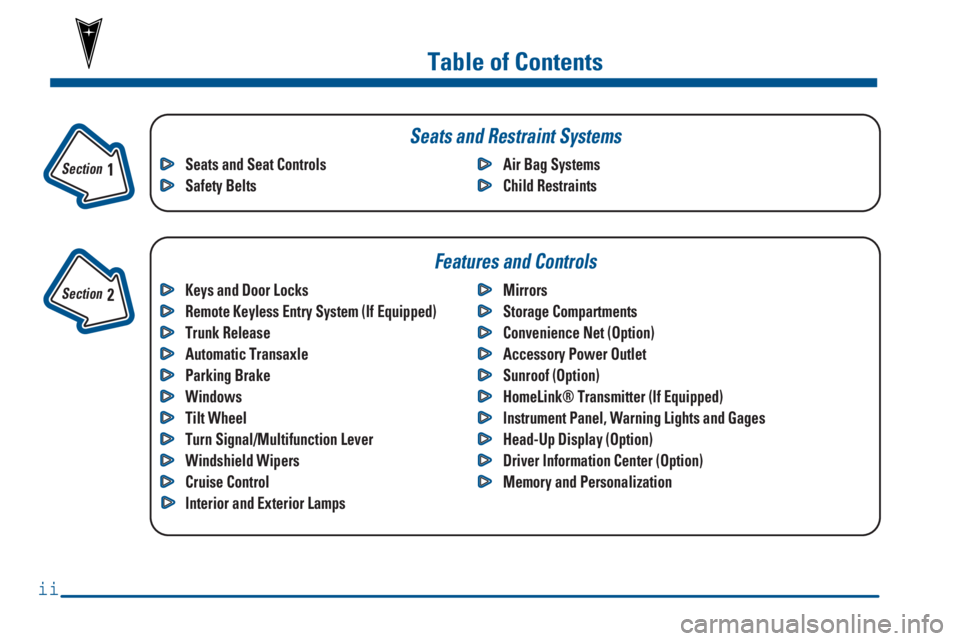
Keys and Door Locks
Remote Keyless Entry System (If Equipped)
Trunk Release
Automatic Transaxle
Parking Brake
Windows
Tilt Wheel
Turn Signal/Multifunction Lever
Windshield Wipers
Cruise Control
Interior and Exterior LampsMirrors
Storage Compartments
Convenience Net (Option)
Accessory Power Outlet
Sunroof (Option)
HomeLink® Transmitter (If Equipped)
Instrument Panel, Warning Lights and Gages
Head-Up Display (Option)
Driver Information Center (Option)
Memory and Personalization Seats and Seat Controls
Safety BeltsAir Bag Systems
Child Restraints
Section
1
Section
2
Seats and Restraint Systems
Features and Controls
ii
Page 11 of 402
ix
For example,
these symbols
are used on an
original battery:
CAUTION
POSSIBLE
INJURY
PROTECT
EYES BY
SHIELDING
CAUSTIC
BATTERY
ACID COULD
CAUSE
BURNS
AVOID
SPARKS OR
FLAMES
SPARK OR
FLAME
COULD
EXPLODE
BATTERY
These symbols
are important
for you and
your passengers
whenever your
vehicle is
driven:
DOOR LOCK
UNLOCK
FASTEN
SEAT
BELTS
POWER
WINDOW
AIR BAG
These symbols
have to do with
your lamps:
MASTER
LIGHTING
SWITCH
TURN
SIGNALS
PARKING
LAMPS
HAZARD
WARNING
FLASHER
DAYTIME
RUNNING
LAMPS
FOG LAMPS
These symbols
are on some of
your controls:
WINDSHIELD
WIPER
WINDSHIELD
WASHER
WINDSHIELD
DEFROSTER
REAR
WINDOW
DEFOGGER
VENTILATING
FAN
These symbols
are used on
warning and
indicator lights:
ENGINE
COOLANT
TEMP
BATTERY
CHARGING
SYSTEM
BRAKE
COOLANT
ENGINE OIL
PRESSURE
ANTI-LOCK
BRAKES
Here are some
other symbols
you may see:
FUSE
LIGHTER
HORN
SPEAKER
FUEL
Vehicle Symbols
These are some of the symbols you may find on your vehicle.
Page 65 of 402
2-
2-1
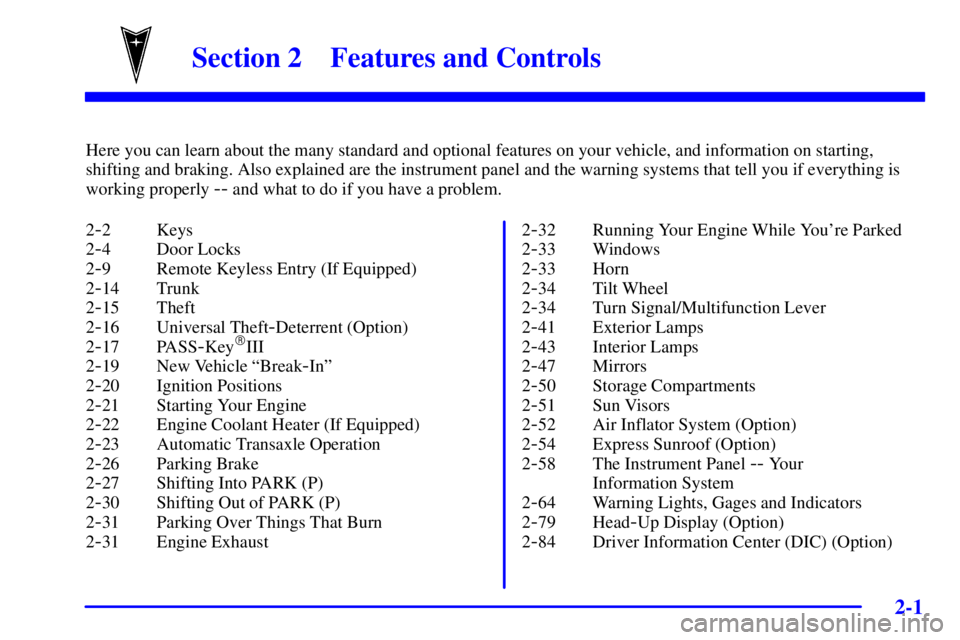
Section 2 Features and Controls
Here you can learn about the many standard and optional features on your vehicle, and information on starting,
shifting and braking. Also explained are the instrument panel and the warning systems that tell you if everything is
working properly
-- and what to do if you have a problem.
2
-2 Keys
2
-4 Door Locks
2
-9 Remote Keyless Entry (If Equipped)
2
-14 Trunk
2
-15 Theft
2
-16 Universal Theft-Deterrent (Option)
2
-17 PASS-Key�III
2
-19 New Vehicle ªBreak-Inº
2
-20 Ignition Positions
2
-21 Starting Your Engine
2
-22 Engine Coolant Heater (If Equipped)
2
-23 Automatic Transaxle Operation
2
-26 Parking Brake
2
-27 Shifting Into PARK (P)
2
-30 Shifting Out of PARK (P)
2
-31 Parking Over Things That Burn
2
-31 Engine Exhaust2
-32 Running Your Engine While You're Parked
2
-33 Windows
2
-33 Horn
2
-34 Tilt Wheel
2
-34 Turn Signal/Multifunction Lever
2
-41 Exterior Lamps
2
-43 Interior Lamps
2
-47 Mirrors
2
-50 Storage Compartments
2
-51 Sun Visors
2
-52 Air Inflator System (Option)
2
-54 Express Sunroof (Option)
2
-58 The Instrument Panel -- Your
Information System
2
-64 Warning Lights, Gages and Indicators
2
-79 Head-Up Display (Option)
2
-84 Driver Information Center (DIC) (Option)
Page 84 of 402
2-20
Ignition Positions
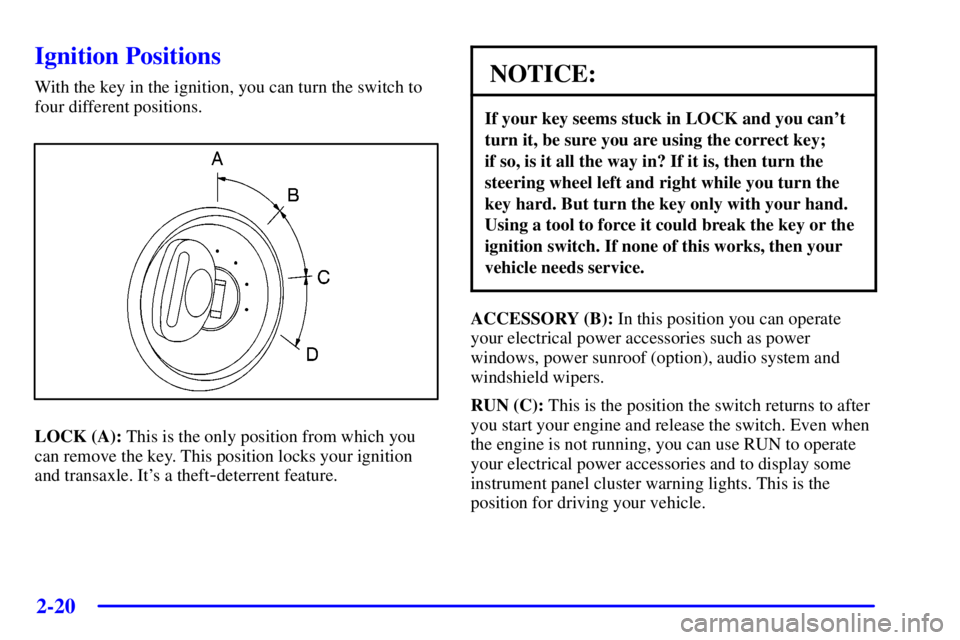
With the key in the ignition, you can turn the switch to
four different positions.
LOCK (A): This is the only position from which you
can remove the key. This position locks your ignition
and transaxle. It's a theft
-deterrent feature.
NOTICE:
If your key seems stuck in LOCK and you can't
turn it, be sure you are using the correct key;
if so, is it all the way in? If it is, then turn the
steering wheel left and right while you turn the
key hard. But turn the key only with your hand.
Using a tool to force it could break the key or the
ignition switch. If none of this works, then your
vehicle needs service.
ACCESSORY (B): In this position you can operate
your electrical power accessories such as power
windows, power sunroof (option), audio system and
windshield wipers.
RUN (C): This is the position the switch returns to after
you start your engine and release the switch. Even when
the engine is not running, you can use RUN to operate
your electrical power accessories and to display some
instrument panel cluster warning lights. This is the
position for driving your vehicle.
Page 124 of 402
2-60
Instrument Panel Clusters
The instrument panel clusters are designed to let you know at a glance how your vehicle is running. You'll know how
fast you're going, how much fuel you're using, and many other things you'll need to drive safely and economically.
Your vehicle is equipped with one of these instrument panel clusters, which includes indicator warning lights and
gages that are explained on the following pages.
Standard Cluster (United States version shown, Canada similar)
Page 128 of 402

2-64
Warning Lights, Gages
and Indicators
This part describes the warning lights and gages that
may be on your vehicle. The pictures will help you
locate them.
Warning lights and gages can signal that something is
wrong before it becomes serious enough to cause an
expensive repair or replacement. Paying attention to
your warning lights and gages could also save you or
others from injury.
Warning lights come on when there may be or is a
problem with one of your vehicle's functions. As you
will see in the details on the next few pages, some
warning lights come on briefly when you start the
engine just to let you know they're working. If you are
familiar with this section, you should not be alarmed
when this happens.
Gages can indicate when there may be or is a problem
with one of your vehicle's functions. Often gages and
warning lights work together to let you know when
there's a problem with your vehicle.When one of the warning lights comes on and stays on
when you are driving, or when one of the gages shows
there may be a problem, check the section that tells you
what to do about it. Please follow this manual's advice.
Waiting to do repairs can be costly
-- and even
dangerous. So please get to know your warning lights
and gages. They're a big help.
Your vehicle may also have a Driver Information Center
that works along with the warning lights and gages.
See ªDriver Information Centerº in the Index.
The volume of your vehicle's warning chimes can be
adjusted. For more information see ªChime Level
Adjustmentº in the Index.
Safety Belt Reminder Light
When the key is turned to RUN or START, a chime will
come on for about eight seconds to remind people to
fasten their safety belts.
The safety belt light will
also come on and either stay
on for about 20 seconds,
then flash for about
55 seconds, or stay on for
about 65 seconds.
Page 146 of 402
2-82
If you can't see the HUD image when the ignition is on,
check to see if:
�The HUD unit is covered,
�the HUD dimmer control is adjusted correctly,
�the HUD image is adjusted to the proper height, or
�a fuse in the fuse panel may be blown. See ªFuses
and Circuit Breakersº in the Index.
If the HUD image is not clear, it could be too bright.
Move the HUD dimmer control further downward.
You may need to clean the windshield and HUD lens.
Your windshield is part of the HUD system. If you ever
have to have a new windshield, be sure to get one
designed for HUD. If you don't, the HUD image may
look blurred and out of focus.Systems Monitor (If Equipped)
If you have the systems
monitor, it gives you
important safety and
maintenance facts about
your vehicle.
When you turn the ignition on, the systems monitor and
warning lights will briefly light up. If a problem is
detected, the warning lights will turn on and a chime
will sound.
Page 147 of 402
2-83
The following warning lights are displayed in the
systems monitor:
�CHECK OIL LEVEL: This message could mean
your oil level is low. If it comes on for more than
five seconds, see ªCheck Oil Level Warning Lightº
in the Index.
�WASHER FLUID: This message means your
washer fluid tank is less than about 30 percent full.
If this light comes on, see ªLow Washer Fluid
Warning Lightº in the Index.
�DOOR AJAR: This message means that either the
driver's door or one of the passenger's doors is not
completely closed. If this light comes on, see ªDoor
Ajar Lightº in the Index.
�TIRE PRESS: This message means one or more of
your tires may be low. See ªCheck Tire Pressure
Systemº in the Index.
�CHECK GAGES: This means one or more of your
gages may be in their respective warning bands.
If this light comes on, see ªCheck Gages Warning
Lightº in the Index.
�TRUNK AJAR: This message means your trunk is
not completely closed.
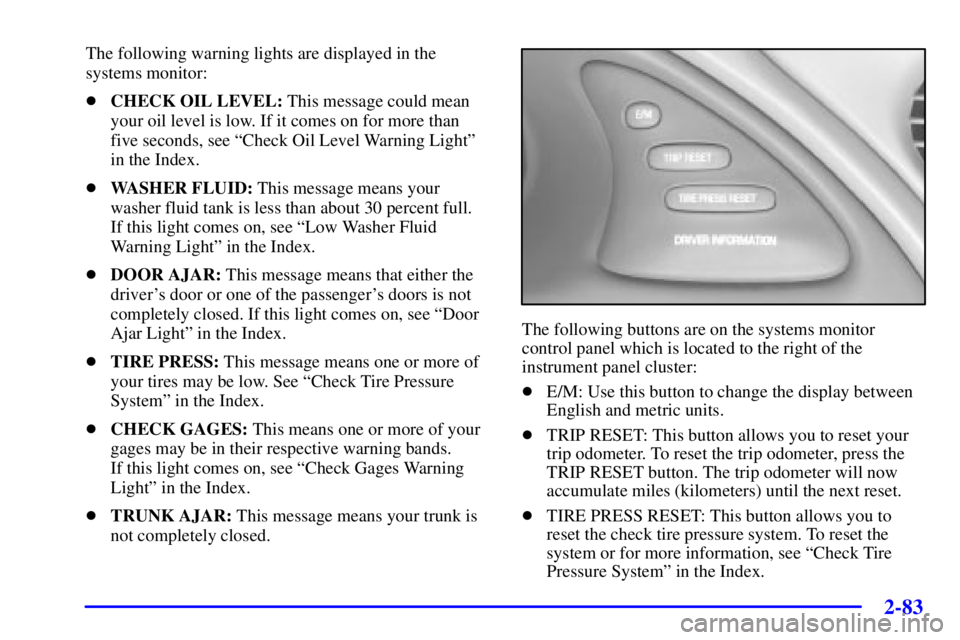
The following buttons are on the systems monitor
control panel which is located to the right of the
instrument panel cluster:
�E/M: Use this button to change the display between
English and metric units.
�TRIP RESET: This button allows you to reset your
trip odometer. To reset the trip odometer, press the
TRIP RESET button. The trip odometer will now
accumulate miles (kilometers) until the next reset.
�TIRE PRESS RESET: This button allows you to
reset the check tire pressure system. To reset the
system or for more information, see ªCheck Tire
Pressure Systemº in the Index.