Page 77 of 361
2-19
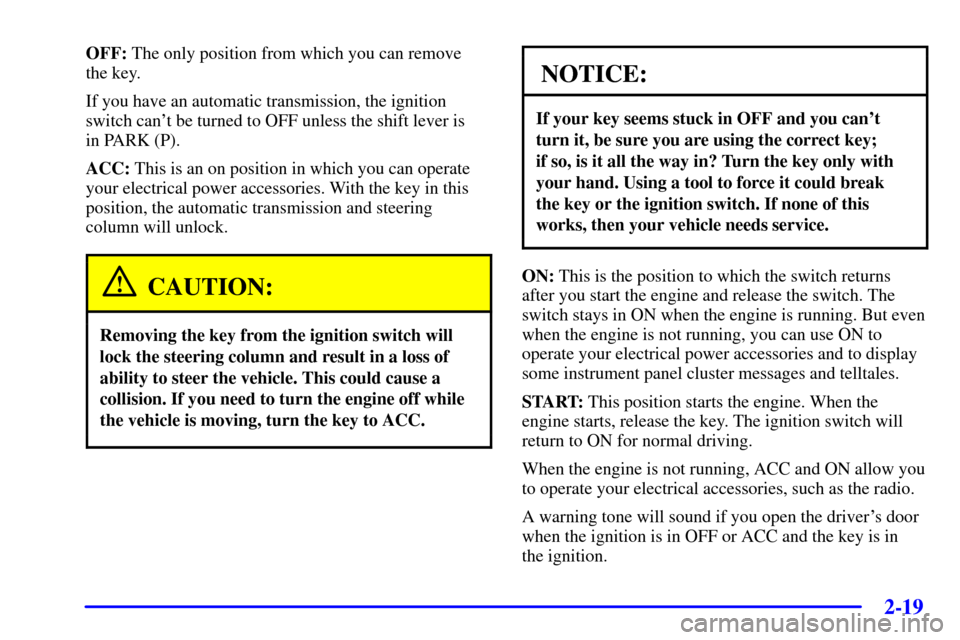
OFF: The only position from which you can remove
the key.
If you have an automatic transmission, the ignition
switch can't be turned to OFF unless the shift lever is
in PARK (P).
ACC: This is an on position in which you can operate
your electrical power accessories. With the key in this
position, the automatic transmission and steering
column will unlock.
CAUTION:
Removing the key from the ignition switch will
lock the steering column and result in a loss of
ability to steer the vehicle. This could cause a
collision. If you need to turn the engine off while
the vehicle is moving, turn the key to ACC.
NOTICE:
If your key seems stuck in OFF and you can't
turn it, be sure you are using the correct key;
if so, is it all the way in? Turn the key only with
your hand. Using a tool to force it could break
the key or the ignition switch. If none of this
works, then your vehicle needs service.
ON: This is the position to which the switch returns
after you start the engine and release the switch. The
switch stays in ON when the engine is running. But even
when the engine is not running, you can use ON to
operate your electrical power accessories and to display
some instrument panel cluster messages and telltales.
START: This position starts the engine. When the
engine starts, release the key. The ignition switch will
return to ON for normal driving.
When the engine is not running, ACC and ON allow you
to operate your electrical accessories, such as the radio.
A warning tone will sound if you open the driver's door
when the ignition is in OFF or ACC and the key is in
the ignition.
Page 98 of 361
2-40
Turn Signal/Multifunction Lever
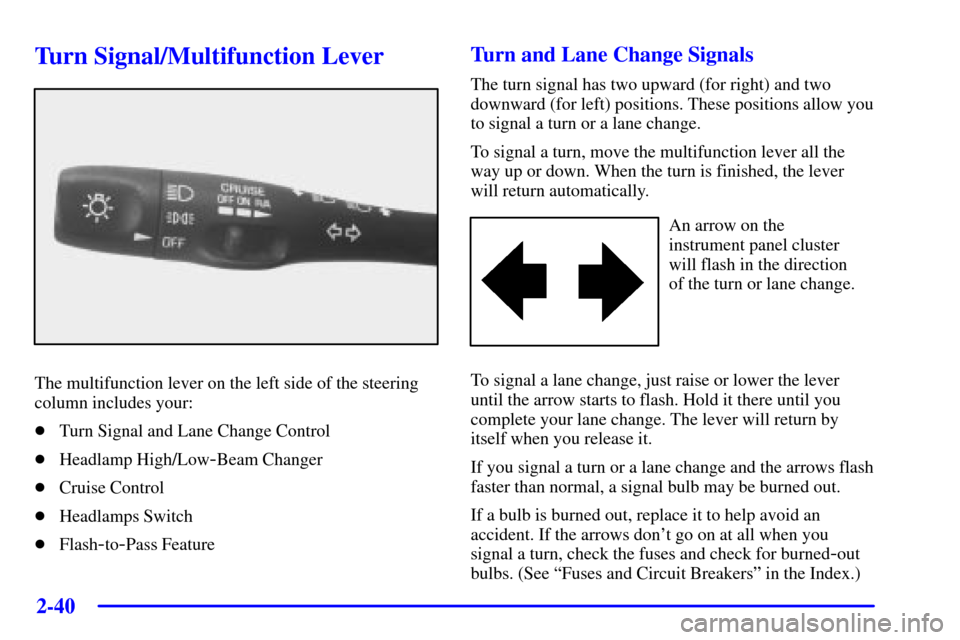
The multifunction lever on the left side of the steering
column includes your:
�Turn Signal and Lane Change Control
�Headlamp High/Low
-Beam Changer
�Cruise Control
�Headlamps Switch
�Flash
-to-Pass Feature
Turn and Lane Change Signals
The turn signal has two upward (for right) and two
downward (for left) positions. These positions allow you
to signal a turn or a lane change.
To signal a turn, move the multifunction lever all the
way up or down. When the turn is finished, the lever
will return automatically.
An arrow on the
instrument panel cluster
will flash in the direction
of the turn or lane change.
To signal a lane change, just raise or lower the lever
until the arrow starts to flash. Hold it there until you
complete your lane change. The lever will return by
itself when you release it.
If you signal a turn or a lane change and the arrows flash
faster than normal, a signal bulb may be burned out.
If a bulb is burned out, replace it to help avoid an
accident. If the arrows don't go on at all when you
signal a turn, check the fuses and check for burned
-out
bulbs. (See ªFuses and Circuit Breakersº in the Index.)
Page 100 of 361
2-42
You can open the doors manually using the knob next to
the headlamp assembly. Turn the knob counterclockwise
until the doors are open. Turn the knob clockwise to
close the doors manually.
The headlamp doors should be open when driving in icy
or snowy conditions to prevent the doors from freezing
closed and when washing the vehicle to help clean
the headlamps.
NOTICE:
In order to avoid possible contact of the hood to
the headlamp doors, care should be taken in
raising the hood with the headlamps up, or shut
off the headlamps prior to opening the hood.
Headlamp High/Low-Beam Changer
To change the headlamps from low beam to high or high
to low, push the turn signal lever all the way forward.
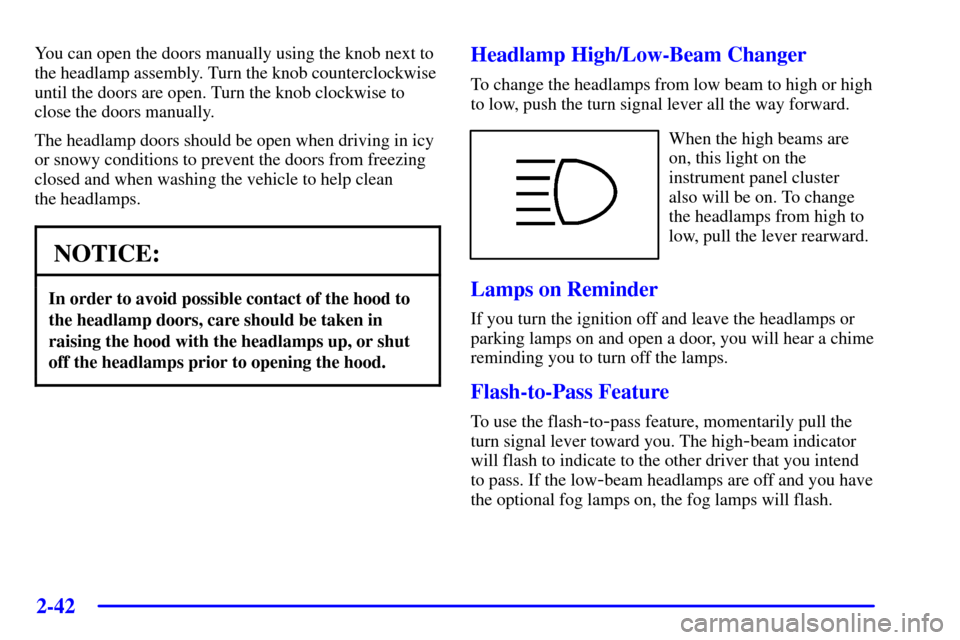
When the high beams are
on, this light on the
instrument panel cluster
also will be on. To change
the headlamps from high to
low, pull the lever rearward.
Lamps on Reminder
If you turn the ignition off and leave the headlamps or
parking lamps on and open a door, you will hear a chime
reminding you to turn off the lamps.
Flash-to-Pass Feature
To use the flash-to-pass feature, momentarily pull the
turn signal lever toward you. The high
-beam indicator
will flash to indicate to the other driver that you intend
to pass. If the low
-beam headlamps are off and you have
the optional fog lamps on, the fog lamps will flash.
Page 129 of 361

2-71
The main components of your instrument panel are:
A. Instrument Panel Brightness Control
B. Head
-Up Display Controls (Option)
C. Turn Signal/Multifunction Lever
D. Driver Information Center (DIC)
(Located in the Instrument Cluster)
E. Instrument Panel Cluster
F. Windshield Wiper/Washer Lever
G. Driver Information Center (DIC) Buttons
H. Hazard Warning Flasher Button
I. Center Air Vents
J. Audio System
K. Comfort Controls
L. Fog Lamp Button (Option)
M. Remote Hatch Release Button (Coupe) or Remote
Trunk Release Button (Convertible/Hardtop)N. Horn
O. Ignition Switch
P. Shift Lever (Automatic Shown)
Q. Traction Control System (TCS) Switch/Active
Handling Switch (Option)
R. Accessory Power Outlet
(Located in the Center Console)
S. Selective Real Time Damping (SRTD) (Option)
T. Instrument Panel Cupholder
U. Remote Fuel Door Release Button
(Located in the Center Console)
V. Ashtray and Cigarette Lighter
W. Parking Brake
X. Glove Box
Y. Instrument Panel Fuse Block
(Located behind the Toe
-Board)
Page 130 of 361
2-72
Instrument Panel Cluster
Your instrument panel cluster and Driver Information Center (DIC) are designed to let you know at a glance how the
vehicle is running. You'll know how fast you're going, about how much fuel you have left and many other things
you'll need to know to drive safely and economically. The instrument panel cluster indicator warning lights, gages
and DIC messages are explained on the following pages.
United States Shown, Canadian Similar
Page 133 of 361
2-75
CAUTION:
If the air bag readiness light stays on after you
start your vehicle, it means the air bag system
may not be working properly. The air bags in
your vehicle may not inflate in a crash, or they
could even inflate without a crash. To help avoid
injury to yourself or others, have your vehicle
serviced right away if the air bag readiness light
stays on after you start your vehicle.
The air bag readiness light should flash for a few
seconds when you turn the ignition key to ON. If the
light doesn't come on then, have it fixed so it will be
ready to warn you if there is a problem.
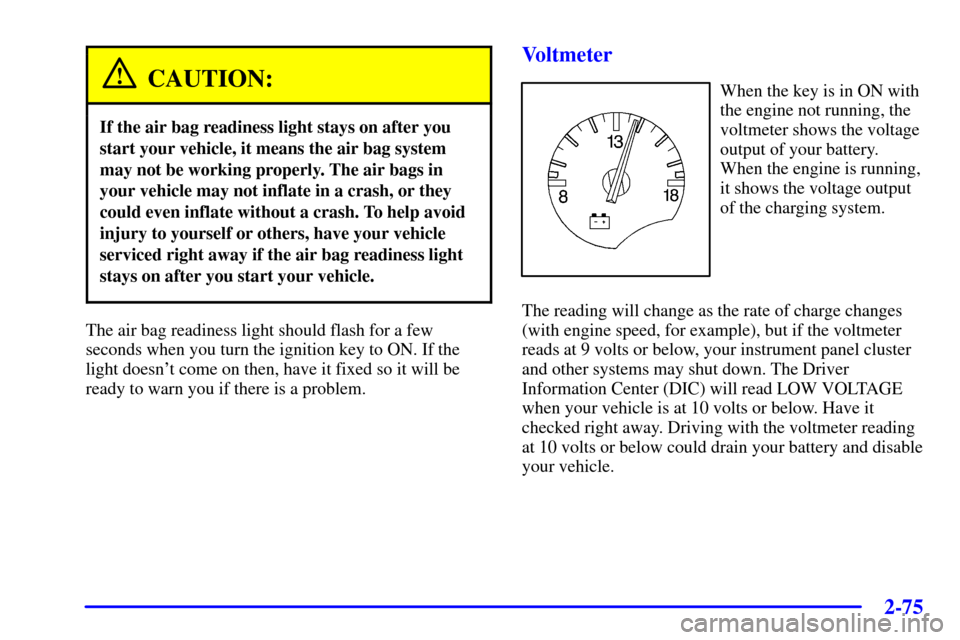
Voltmeter
When the key is in ON with
the engine not running, the
voltmeter shows the voltage
output of your battery.
When the engine is running,
it shows the voltage output
of the charging system.
The reading will change as the rate of charge changes
(with engine speed, for example), but if the voltmeter
reads at 9 volts or below, your instrument panel cluster
and other systems may shut down. The Driver
Information Center (DIC) will read LOW VOLTAGE
when your vehicle is at 10 volts or below. Have it
checked right away. Driving with the voltmeter reading
at 10 volts or below could drain your battery and disable
your vehicle.
Page 136 of 361

2-78
Active Handling System Light
If your vehicle has the
optional Active Handling
System, this light will come
on briefly as you start the
engine. If the light does not
come on then, have it fixed
so it will be ready to warn
you if there is a problem.
The light will also come on while the system warms up
and the ACT HNDLING WARMING UP message will
be displayed in the Driver Information Center (DIC).
If it stays on or comes on while you are driving, the DIC
shows a SERVICE ACTIVE HNDLG message and a
chime sounds, there is a problem with your Active
Handling System and your vehicle needs service. The
driver can acknowledge this message by pressing the
RESET button. When the SERVICE ACTIVE HNDLG
message is displayed, the Active Handling System will
not assist you in controlling the vehicle. You should
have the system serviced as soon as possible. Adjust
your driving accordingly.When the system is working, you will see the ACTIVE
HANDLING message displayed in the DIC. You may
also feel or hear the system working. This is normal.
If the driver turns off the Active Handling System by
pressing the button on the console, the Active Handling
System light will come on, a chime will sound, and the
TRAC/ACT HNDLG OFF message will be displayed in
the DIC. The Traction Control System will also be
turned off. See ªDriver Information Center Messagesº
in the Index for more information.
If the Active Handling System and the Traction Control
System are off, pressing the console button momentarily
will turn both systems on. The DIC will display the
TRAC/ACT HNDLG ON message, the instrument
cluster light will be off, and a chime will sound. See
ªDriver Information Center Messagesº in the Index
for more information.
Page 143 of 361
2-85
You should reset the fuel information display every
time you refuel. To reset the display, press FUEL until
AVERAGE appears. Then, press RESET on the Driver
Information Center (DIC).
Head-Up Display (Option)
CAUTION:
If the HUD image is too bright, or too high in
your field of view, it may take you more time to
see things you need to see when it's dark outside.
Be sure to keep the HUD image dim and placed
low in your field of view.
If your vehicle is equipped with the Head-Up Display
(HUD), you can see some of the driver information that
appears on your instrument panel cluster.The information may be displayed in English or metric
units and appears as an image focused out toward the
front of your vehicle. The HUD consists of the
following information:
�Speedometer
�Turn Signal Indicators
�High
-Beam Indicator Symbol
�Tachometer
�Oil, Temperature and Fuel Gages
�Shift Light (Performance SHIFT Light)
This light is used for performance driving to indicate
that the vehicle's best performance level has been
reached to shift the transmission into the next higher
gear. The SHIFT light will display at an engine
speed of about 5,750 rpm, just prior to reaching the
engine fuel cut
-off mode. To better understand the
vehicle's power curves, see ªCapacities and
Specificationsº in the Index.
�Check Gages Icon