Page 85 of 359

2-25
THIRD (3): This position is also used for normal driving,
however, it offers more power and lower fuel economy than
OVERDRIVE (D).
Here are examples for using THIRD (3) instead of
OVERDRIVE (D):
�When driving on hilly, winding roads.
�When going down a steep hill.
SECOND (2): This position gives you more power.
You can use SECOND (2) on hills. It can help control
your speed as you go down steep mountain roads, but
then you would also want to use your brakes off and on.
NOTICE:
Don't shift into SECOND (2) unless you are
going slower than 65 mph (105 km/h), or you
can damage your engine.
FIRST (1): This position gives you even more power
than SECOND (2). You can use it on very steep hills,
or in deep snow or mud.
If the traction control switch is off, your vehicle will not
go into FIRST (1) gear and the vehicle will accelerate
from stop more slowly. This can help in deep snow or
mud conditions. When the traction control is turned
off, a message will be lit on the Driver Information
Center (DIC).
NOTICE:
If your front wheels can't rotate, don't try to
drive. This might happen if you were stuck in
very deep sand or mud or were up against a
solid object. You could damage your transaxle.
Also, if you stop when going uphill, don't hold
your vehicle there with only the accelerator
pedal. This could cause overheating and damage
the transaxle. Use your brakes to hold your
vehicle in position on a hill.
Page 94 of 359
2-34
Express-Down Window
This feature is on all power windows. Press the down
arrow to the second position to activate the express
-down
feature. If you want to stop the window as it is lowering,
press the control again.
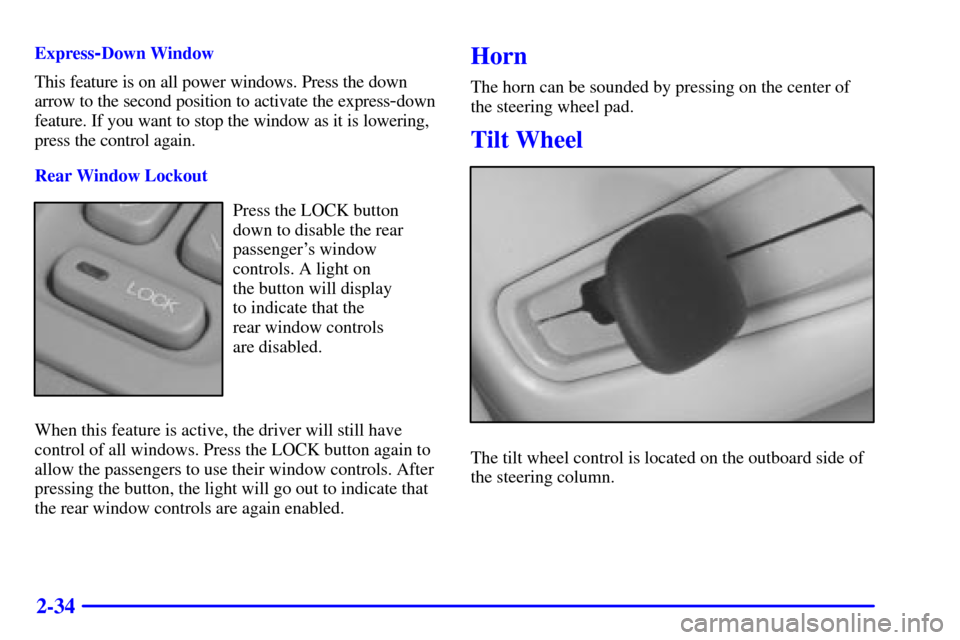
Rear Window Lockout
Press the LOCK button
down to disable the rear
passenger's window
controls. A light on
the button will display
to indicate that the
rear window controls
are disabled.
When this feature is active, the driver will still have
control of all windows. Press the LOCK button again to
allow the passengers to use their window controls. After
pressing the button, the light will go out to indicate that
the rear window controls are again enabled.
Horn
The horn can be sounded by pressing on the center of
the steering wheel pad.
Tilt Wheel
The tilt wheel control is located on the outboard side of
the steering column.
Page 95 of 359

2-35
Tilt steering allows you to adjust the steering wheel
before you drive. Raising the steering wheel to the
highest level gives your legs more room when you enter
and exit the vehicle.
Hold the steering wheel and pull the lever toward you to
bring the steering wheel close to you. Adjust the steering
wheel to a comfortable position and then release the
lever to lock it into place.
Power Tilt and Telescopic Wheel (Option)
The power tilt wheel control
is located on the outboard
side of the steering column.To operate the power tilt feature, push the control up
and the steering wheel will tilt up. Push the control
down and the steering wheel will go down.
If the power tilt control is pressed up or down and held
in that position, there will be a slight movement and a
slight pause followed by a continuous movement in the
direction the control is being pressed. This allows very
fine control of the steering wheel position. If the control
is bumped, the steering wheel moves approximately one
degree in the direction commanded.
Push the control forward and the steering wheel
moves toward the front of the vehicle. Push the control
rearward and the steering wheel moves toward the
rear of the vehicle. To set the memory position, see
ªVehicle Programming and Personalization Featuresº
and ªMemory Seat, Mirrors and Steering Wheelºin
the Index.
Page 96 of 359

2-36
Turn Signal/Multifunction Lever
Turn and Lane Change Signals
To signal a turn, move the lever on the left side of the
steering wheel all the way up or down. The lever returns
automatically when the turn is complete.
An arrow located on the
instrument panel cluster
will flash in the direction
of the turn or lane change.
Raise or lower the lever until the arrow starts to flash to
signal a lane change. Hold it there until the lane change
is complete. The lever returns when it is released.
If the turn signal is left on, a warning chime will sound
and the Driver Information Center (DIC) will display
TURN SIGNAL ON (after driving about a mile) to
remind you to turn it off.Arrows that flash rapidly when signaling for a turn or
lane change may be caused by a burned
-out signal bulb.
Other drivers won't see the turn signal.
Replace burned
-out bulbs to help avoid possible
accidents. Check the fuse (see ªFuses and Circuit
Breakersº in the Index) and check for burned
-out
bulbs if the arrow fails to work when signaling a turn.
Headlamp High/Low Beam
When the low-beam headlamps are on, push the turn
signal lever away from you to change the headlamps to
high beam.
This light on the
instrument panel cluster
will be on, indicating
high
-beam usage.
Pull the turn signal lever toward you to return to
low
-beam headlamps.
Page 100 of 359
2-40 Cruise Control
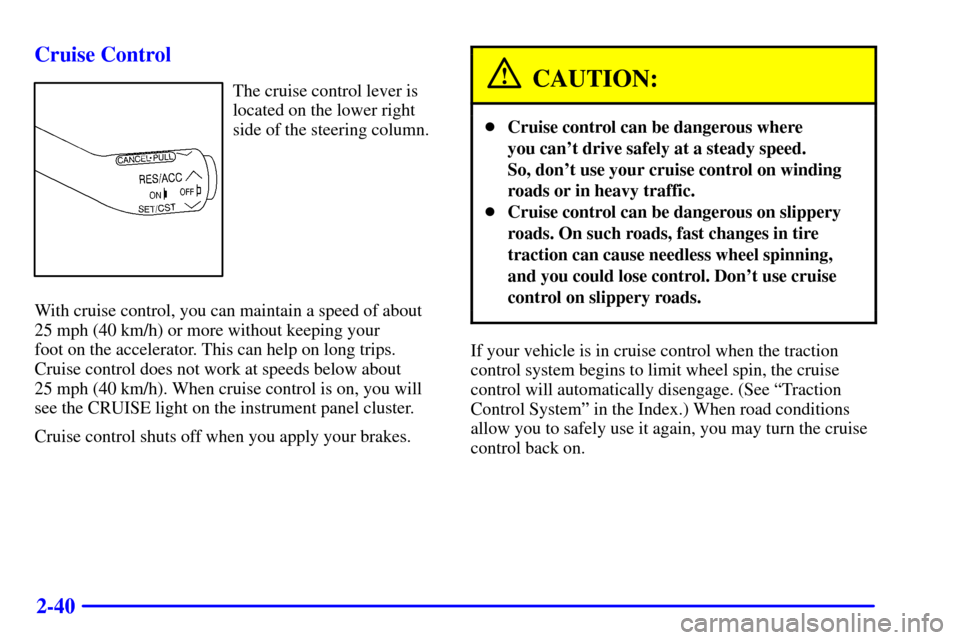
The cruise control lever is
located on the lower right
side of the steering column.
With cruise control, you can maintain a speed of about
25 mph (40 km/h) or more without keeping your
foot on the accelerator. This can help on long trips.
Cruise control does not work at speeds below about
25 mph (40 km/h). When cruise control is on, you will
see the CRUISE light on the instrument panel cluster.
Cruise control shuts off when you apply your brakes.CAUTION:
�Cruise control can be dangerous where
you can't drive safely at a steady speed.
So, don't use your cruise control on winding
roads or in heavy traffic.
�Cruise control can be dangerous on slippery
roads. On such roads, fast changes in tire
traction can cause needless wheel spinning,
and you could lose control. Don't use cruise
control on slippery roads.
If your vehicle is in cruise control when the traction
control system begins to limit wheel spin, the cruise
control will automatically disengage. (See ªTraction
Control Systemº in the Index.) When road conditions
allow you to safely use it again, you may turn the cruise
control back on.
Page 113 of 359
2-53 Power Remote Control Mirror (Heated)
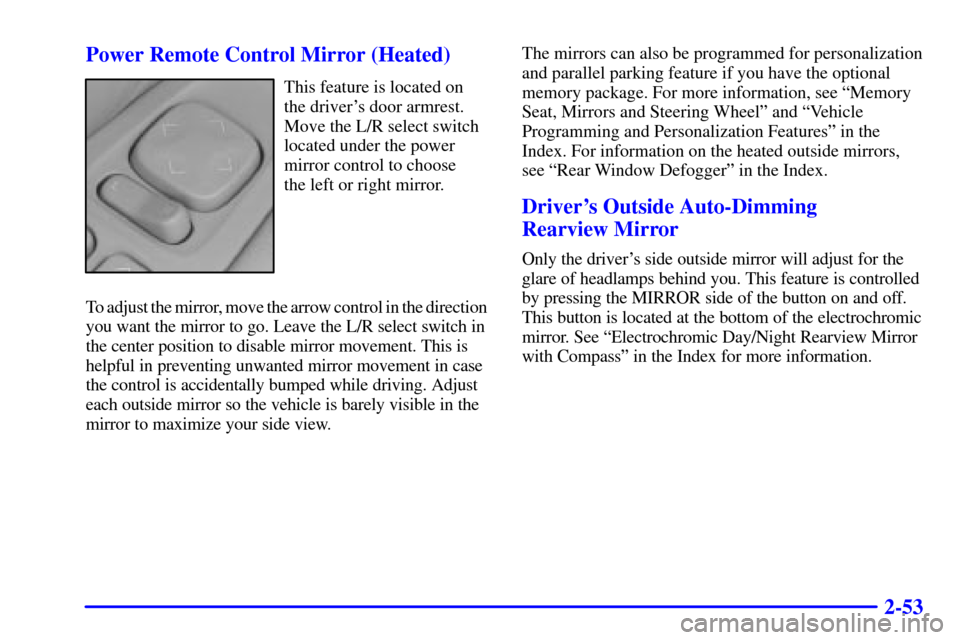
This feature is located on
the driver's door armrest.
Move the L/R select switch
located under the power
mirror control to choose
the left or right mirror.
To adjust the mirror, move the arrow control in the direction
you want the mirror to go. Leave the L/R select switch in
the center position to disable mirror movement. This is
helpful in preventing unwanted mirror movement in case
the control is accidentally bumped while driving. Adjust
each outside mirror so the vehicle is barely visible in the
mirror to maximize your side view.The mirrors can also be programmed for personalization
and parallel parking feature if you have the optional
memory package. For more information, see ªMemory
Seat, Mirrors and Steering Wheelº and ªVehicle
Programming and Personalization Featuresº in the
Index. For information on the heated outside mirrors,
see ªRear Window Defoggerº in the Index.
Driver's Outside Auto-Dimming
Rearview Mirror
Only the driver's side outside mirror will adjust for the
glare of headlamps behind you. This feature is controlled
by pressing the MIRROR side of the button on and off.
This button is located at the bottom of the electrochromic
mirror. See ªElectrochromic Day/Night Rearview Mirror
with Compassº in the Index for more information.
Page 117 of 359

2-57
Sun Visors
Swing down the visor to block out glare. It can be
detached from the center mount and moved to the side.
When moved to the side, the sun visor will also move
forward and rearward. The sun visors are equipped with
a storage flap that can be used for small items such as
toll tickets.
There is also a secondary visor attached separately to
the headliner.
Lighted Visor Vanity Mirror
Turn the sunshade down and lift the cover to see the
mirror. Move the slide switch up or down to brighten or
dim the lamp.
Accessory Power Outlets
The accessory power outlets are located at the rear of
the center console and on the lower inboard carpeted
panel on the passenger's side of the vehicle. When the
ignition is on, you can plug in accessories that require
electrical power.Don't leave your vehicle when the engine is running
unless you have to. If you have left the engine running,
the vehicle can move suddenly.
If you use the accessory power outlets for more than
10 minutes after turning off your engine, you will risk
running your battery down. For more information about
accessory power outlets, contact your dealer.
Cellular Telephone (Option)
Your vehicle has been prewired for dealer installation of
a Cadillac Communiport� integrated portable cellular
telephone system. If your vehicle is already equipped
from the factory with this option, your vehicle is
prepared to receive a completion kit to finalize the
installation at the dealer. The system has steering wheel
telephone controls and information output through the
Driver's Information Center (DIC). Voice activation,
memo record and hands
-free operation are standard
features. For more information, contact your dealer.
A user's guide is provided with the telephone.
Page 125 of 359
2-65
The main components of the instrument panel are:
1. Air Outlets
2. Driver Information Center Control Buttons
3. Turn Signal/Multifunction Lever
4. Instrument Panel Cluster
5. Windshield Wiper/Washer Lever
6. Cruise Control Lever
7. Ignition Switch
8. Air Vent Control Dial
9. Hazard Warning Button
10. Radio
11. Lamp Controls
12. Hood Release13. Fuel Door Release
14. Trunk Release
15. HVAC Steering Wheel Controls
16. Horn
17. Audio Steering Wheel Controls
18. Heated Seat Controls
19. Traction Control Switch
20. Console Shift Lever
21. Convenience Storage/Optional Ashtray
22. Electronic Climate Controls
23. Glove Box