Page 93 of 392
2-28
Shifting Into PARK (P)
CAUTION:
It can be dangerous to get out of your vehicle if
the shift lever is not fully in PARK (P) with the
parking brake firmly set. Your vehicle can roll.
If you have left the engine running, the vehicle
can move suddenly. You or others could be
injured. To be sure your vehicle won't move,
even when you're on fairly level ground, use the
steps that follow. If you're pulling a trailer,
see ªTowing a Trailerº in the Index.
Steering Column Shift Lever
1. Hold the brake pedal down with your right foot and
set the parking brake.
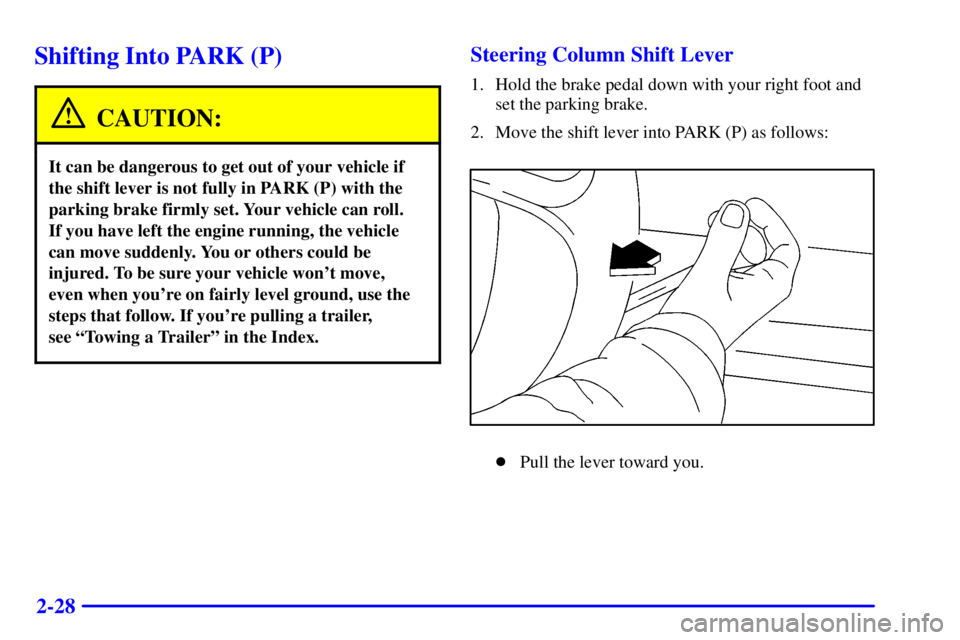
2. Move the shift lever into PARK (P) as follows:
�Pull the lever toward you.
Page 99 of 392

2-34
Press the window lock button a second time to allow
passengers to use their window controls again. The light
in the center of the switch will go off to indicate that the
feature is disabled.
Vehicles are delivered programmed to lock out all
passenger windows. If you have the optional DIC,
you can choose to lock out only the rear windows.
See ªPersonal Choice Featuresº or ªDriver Information
Centerº in the Index for programming instructions.
If you do not have the DIC feature, see your dealer if
you choose to have this setting changed to lock out only
the rear windows.
Horn
Nearly the entire surface of the center pad of the
steering wheel is an active horn switch. Press on the pad
near the horn symbols to sound the horn.
Tilt Wheel
A tilt steering wheel allows
you to adjust the steering
wheel before you drive.
You can also raise it to the highest level to give your
legs more room when you exit and enter the vehicle.
To tilt the wheel, hold the steering wheel and pull the
lever toward you. Move the steering wheel to a
comfortable position, then release the lever to lock the
wheel in place.
Page 100 of 392
2-35
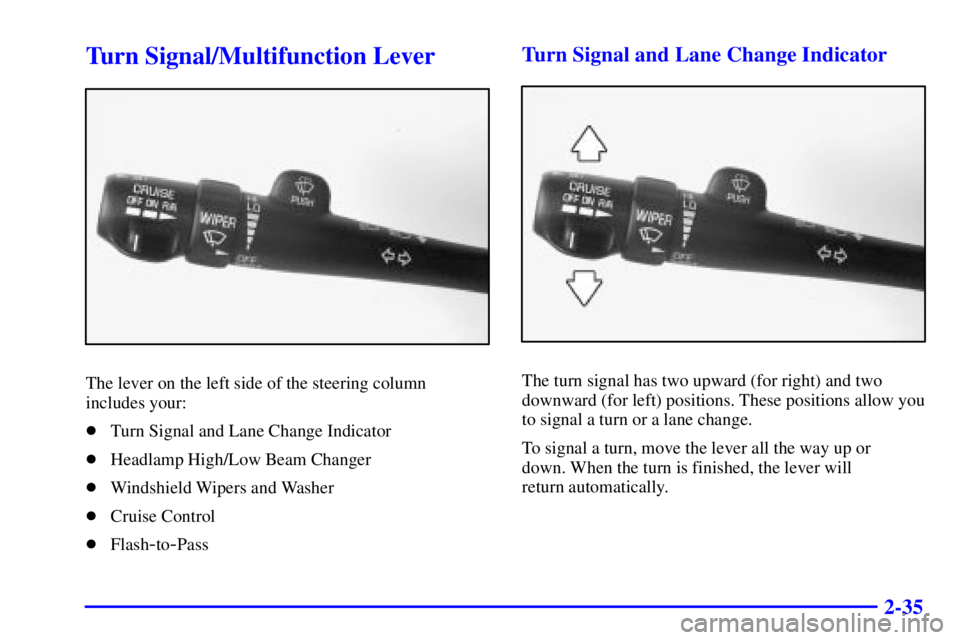
Turn Signal/Multifunction Lever
The lever on the left side of the steering column
includes your:
�Turn Signal and Lane Change Indicator
�Headlamp High/Low Beam Changer
�Windshield Wipers and Washer
�Cruise Control
�Flash
-to-Pass
Turn Signal and Lane Change Indicator
The turn signal has two upward (for right) and two
downward (for left) positions. These positions allow you
to signal a turn or a lane change.
To signal a turn, move the lever all the way up or
down. When the turn is finished, the lever will
return automatically.
Page 132 of 392
2-67
The main components of your instrument panel are:
A. Air Outlet
B. Headlamps/Parking Lamps Switch
C. Turn Signal/Multifunction Lever
D. Instrument Cluster/Gages
E. Hazard Warning Flasher Switch
F. Climate Control System and Audio Steering
Wheel Controls
G. Gearshift Lever
H. Audio System
I. Air OutletJ. Fuel Door Release Button
K. Trunk Release and Lockout Button
L. Hood Release
M. Audio System Steering Wheel Controls
N. Ignition Switch
O. Traction Control Button
P. Ashtray and Cigarette Lighter
Q. Climate Control System
R. Glove Box
S. Passenger Climate Control
Page 148 of 392
2-83
NOTICE:
Although the HUD image appears to be near the
front of the vehicle, do not use it as a parking aid.
The HUD was not designed for that purpose.
If you try to use the display as a marker for the
front of your vehicle, such as in a parking lot, you
may misjudge distance and hit an obstacle or
another vehicle.
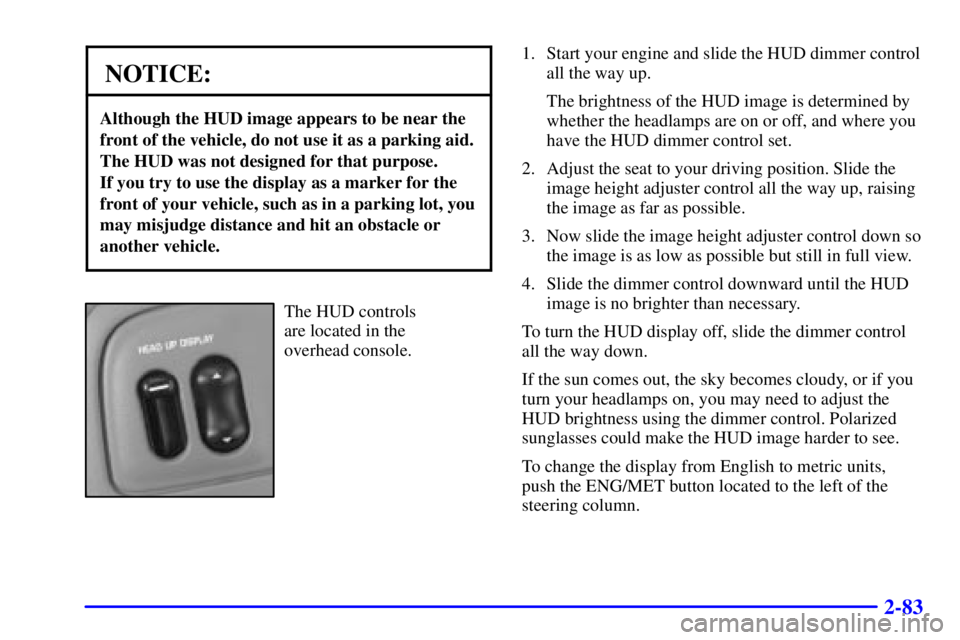
The HUD controls
are located in the
overhead console.1. Start your engine and slide the HUD dimmer control
all the way up.
The brightness of the HUD image is determined by
whether the headlamps are on or off, and where you
have the HUD dimmer control set.
2. Adjust the seat to your driving position. Slide the
image height adjuster control all the way up, raising
the image as far as possible.
3. Now slide the image height adjuster control down so
the image is as low as possible but still in full view.
4. Slide the dimmer control downward until the HUD
image is no brighter than necessary.
To turn the HUD display off, slide the dimmer control
all the way down.
If the sun comes out, the sky becomes cloudy, or if you
turn your headlamps on, you may need to adjust the
HUD brightness using the dimmer control. Polarized
sunglasses could make the HUD image harder to see.
To change the display from English to metric units,
push the ENG/MET button located to the left of the
steering column.
Page 149 of 392
2-84 Care of the HUD
Clean the inside of the windshield as necessary to
remove any dirt or film that reduces the sharpness or
clarity of the HUD image.
To clean the HUD lens, spray household glass cleaner
on a soft, clean cloth. Gently wipe and dry the HUD
lens. Do not spray cleaner directly on the lens to avoid
cleaner leaking inside the unit.
If You Can't See The HUD Image When the
Ignition is On
If the ignition is on and you can't see the HUD image,
check to see if:
�The headlamps are on.
�Something is covering the HUD unit.
�The HUD dimmer control is adjusted properly.
�The HUD image is adjusted to the proper height.
�A fuse is blown. See ªFuses and Circuit Breakersº in
the Index.
Keep in mind that your windshield is part of the HUD
system. If you ever have to have your windshield
replaced, be sure to get one that is designed for HUD or
your HUD image may look blurred or out of focus.
Driver Information Center (DIC)
(If Equipped)
Your vehicle may be equipped with a Driver
Information Center (DIC). The DIC will display
information about how your vehicle is functioning,
as well as warning messages if a system problem
is detected.
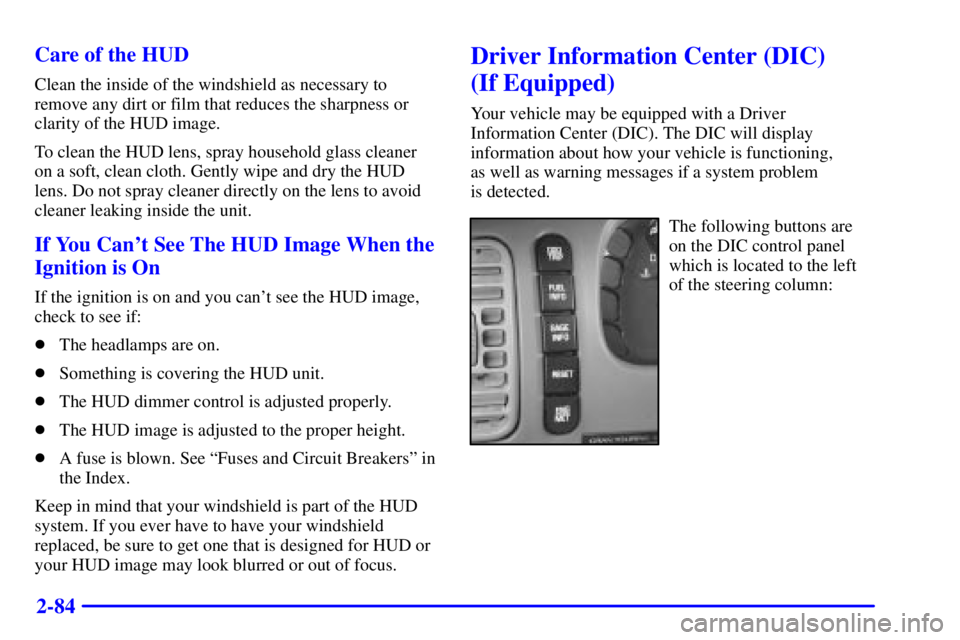
The following buttons are
on the DIC control panel
which is located to the left
of the steering column:
Page 153 of 392

2-88
SERVICE STABILITY SYSTEM - 54 : If you ever
see the SERVICE STABILITY SYSTEM message,
it means there may be a problem with your stability
enhancement system. If you see this message, try to
reset the system (stop; turn off the engine; then start the
engine again). If the SERVICE STABILITY SYSTEM
message still comes on, it means there is a problem.
You should see your dealer for service. Reduce your
speed and drive accordingly.
STABILITY SYSTEM ACTIVE
- 55 : You may see
the STABILITY SYSTEM ACTIVE message on the
Driver Information Center. It means that an advanced,
computer
-controlled system has come on to help your
vehicle continue to go in the direction in which you're
steering. This stability enhancement system activates
when the computer senses that your vehicle is just
starting to spin, as it might if you hit a patch of ice or
other slippery spot on the road. When the system is on,
you may hear a noise or feel a vibration in the brake
pedal. This is normal.When the STABILITY SYSTEM ACTIVE message is
on, you should continue to steer in the direction you
want to go. The system is designed to help you in bad
weather or other difficult driving situations by making
the most of whatever road conditions will permit. If the
STABILITY SYSTEM ACTIVE message comes on,
you'll know that something has caused your vehicle to
start to spin, so you should consider slowing down.
Tire Pressure Status
- 140 : If you see the TIRE
PRESSURE LOW message, you should stop as soon as
you can and check all your tires for damage. (If a tire is
flat, see ªIf a Tire Goes Flatº in the Index.) Also check
the tire pressure in all four tires as soon as you can.
See ªInflation
- Tire Pressureº and ªCheck Tire
Pressure Systemº in the Index.
There are times when you will have to reset (calibrate)
the Check Tire Pressure System. See ªCheck Tire
Pressure Systemº in the Index.
Page 160 of 392
3-
3-1
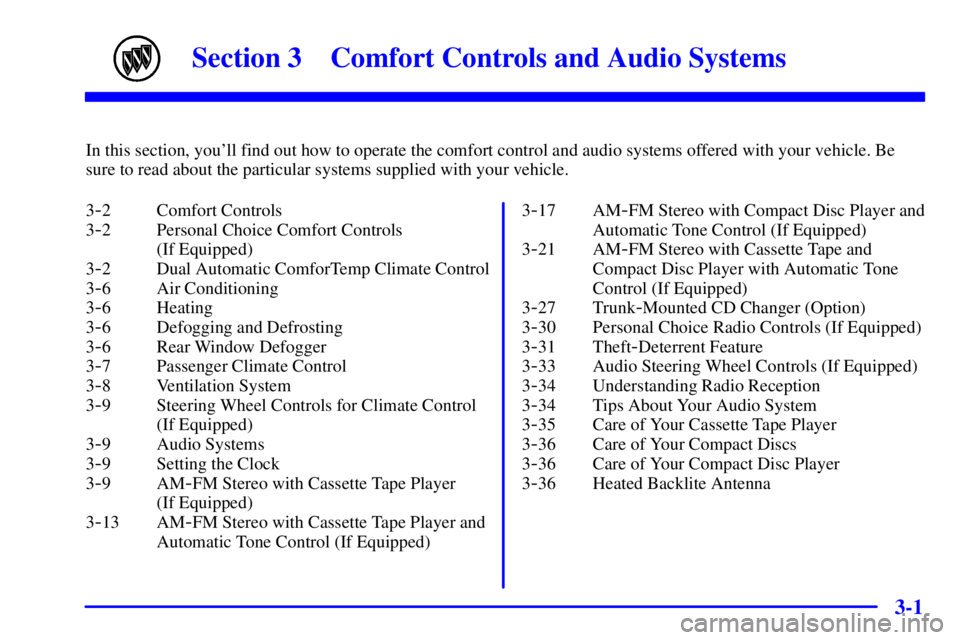
Section 3 Comfort Controls and Audio Systems
In this section, you'll find out how to operate the comfort control and audio systems offered with your vehicle. Be
sure to read about the particular systems supplied with your vehicle.
3
-2 Comfort Controls
3
-2 Personal Choice Comfort Controls
(If Equipped)
3
-2 Dual Automatic ComforTemp Climate Control
3
-6 Air Conditioning
3
-6 Heating
3
-6 Defogging and Defrosting
3
-6 Rear Window Defogger
3
-7 Passenger Climate Control
3
-8 Ventilation System
3
-9 Steering Wheel Controls for Climate Control
(If Equipped)
3
-9 Audio Systems
3
-9 Setting the Clock
3
-9AM-FM Stereo with Cassette Tape Player
(If Equipped)
3
-13 AM-FM Stereo with Cassette Tape Player and
Automatic Tone Control (If Equipped)3
-17 AM-FM Stereo with Compact Disc Player and
Automatic Tone Control (If Equipped)
3
-21 AM-FM Stereo with Cassette Tape and
Compact Disc Player with Automatic Tone
Control (If Equipped)
3
-27 Trunk-Mounted CD Changer (Option)
3
-30 Personal Choice Radio Controls (If Equipped)
3
-31 Theft-Deterrent Feature
3
-33 Audio Steering Wheel Controls (If Equipped)
3
-34 Understanding Radio Reception
3
-34 Tips About Your Audio System
3
-35 Care of Your Cassette Tape Player
3
-36 Care of Your Compact Discs
3
-36 Care of Your Compact Disc Player
3
-36 Heated Backlite Antenna