Page 35 of 216
Seek function in radio mode
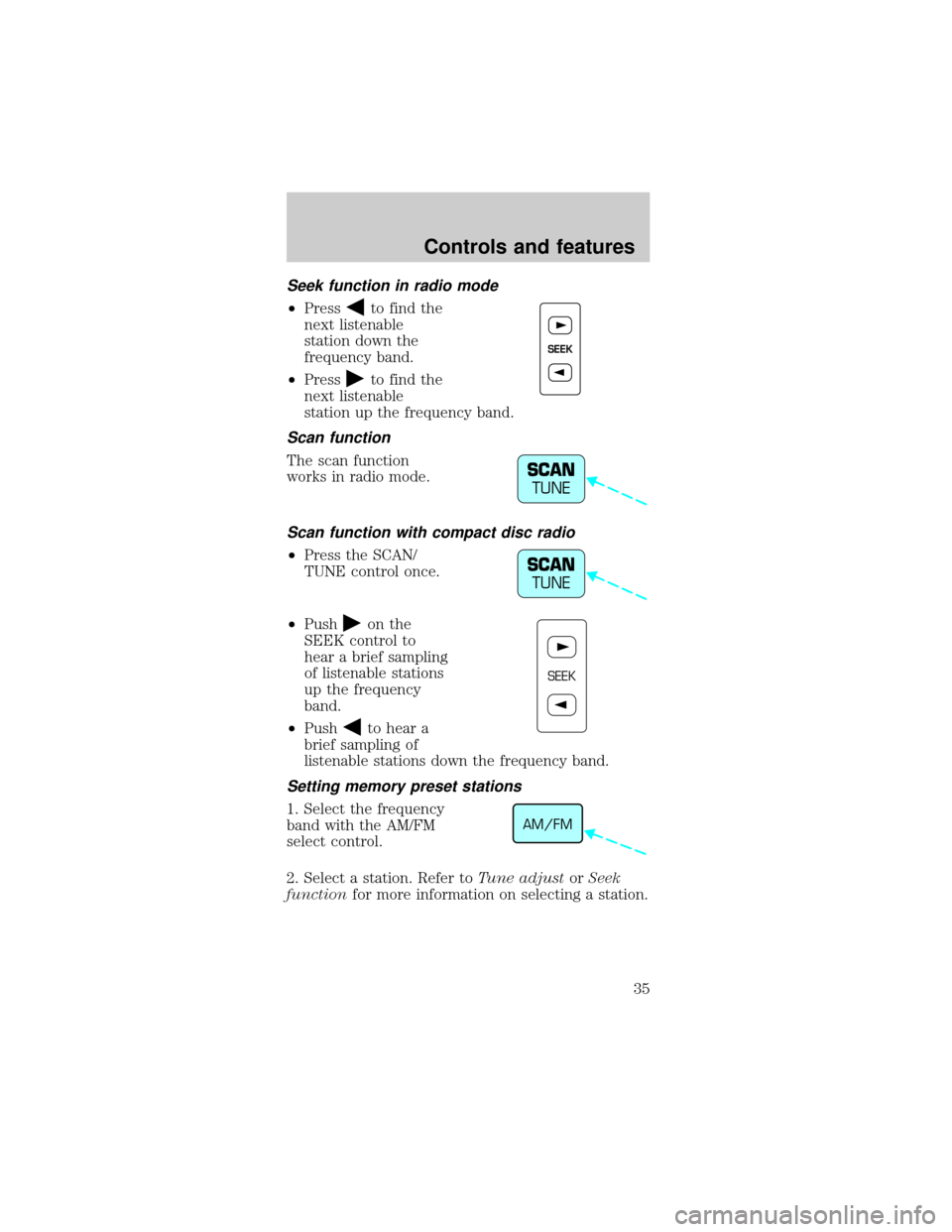
²Pressto find the
next listenable
station down the
frequency band.
²Press
to find the
next listenable
station up the frequency band.
Scan function
The scan function
works in radio mode.
Scan function with compact disc radio
²Press the SCAN/
TUNE control once.
²Push
on the
SEEK control to
hear a brief sampling
of listenable stations
up the frequency
band.
²Push
to hear a
brief sampling of
listenable stations down the frequency band.
Setting memory preset stations
1. Select the frequency
band with the AM/FM
select control.
2. Select a station. Refer toTune adjustorSeek
functionfor more information on selecting a station.
SEEK
SCAN
TUNE
SCAN
TUNE
SEEK
AM/FM
Controls and features
35
Page 36 of 216
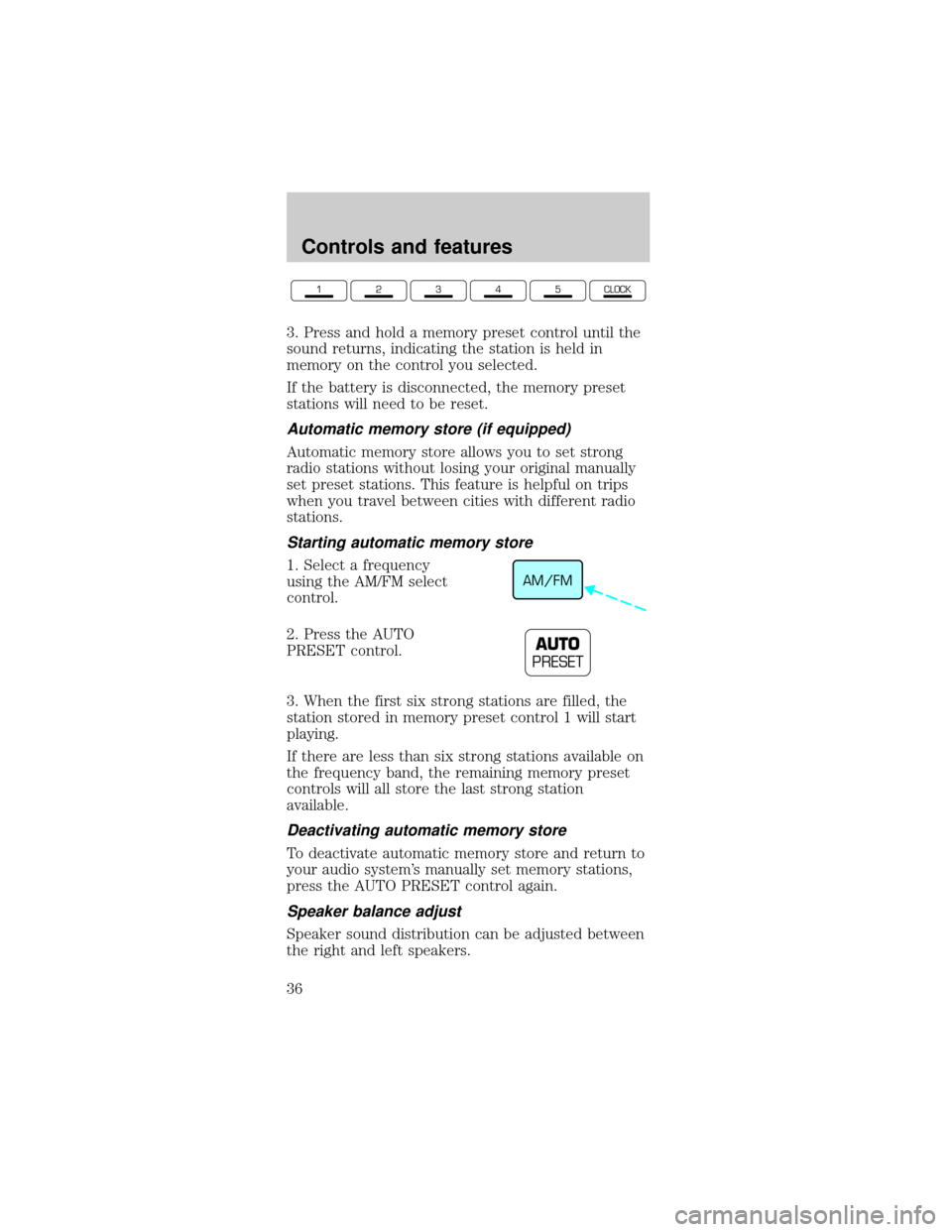
3. Press and hold a memory preset control until the
sound returns, indicating the station is held in
memory on the control you selected.
If the battery is disconnected, the memory preset
stations will need to be reset.
Automatic memory store (if equipped)
Automatic memory store allows you to set strong
radio stations without losing your original manually
set preset stations. This feature is helpful on trips
when you travel between cities with different radio
stations.
Starting automatic memory store
1. Select a frequency
using the AM/FM select
control.
2. Press the AUTO
PRESET control.
3. When the first six strong stations are filled, the
station stored in memory preset control 1 will start
playing.
If there are less than six strong stations available on
the frequency band, the remaining memory preset
controls will all store the last strong station
available.
Deactivating automatic memory store
To deactivate automatic memory store and return to
your audio system's manually set memory stations,
press the AUTO PRESET control again.
Speaker balance adjust
Speaker sound distribution can be adjusted between
the right and left speakers.
12345CLOCK
AM/FM
AUTO
PRESET
Controls and features
36
Page 39 of 216
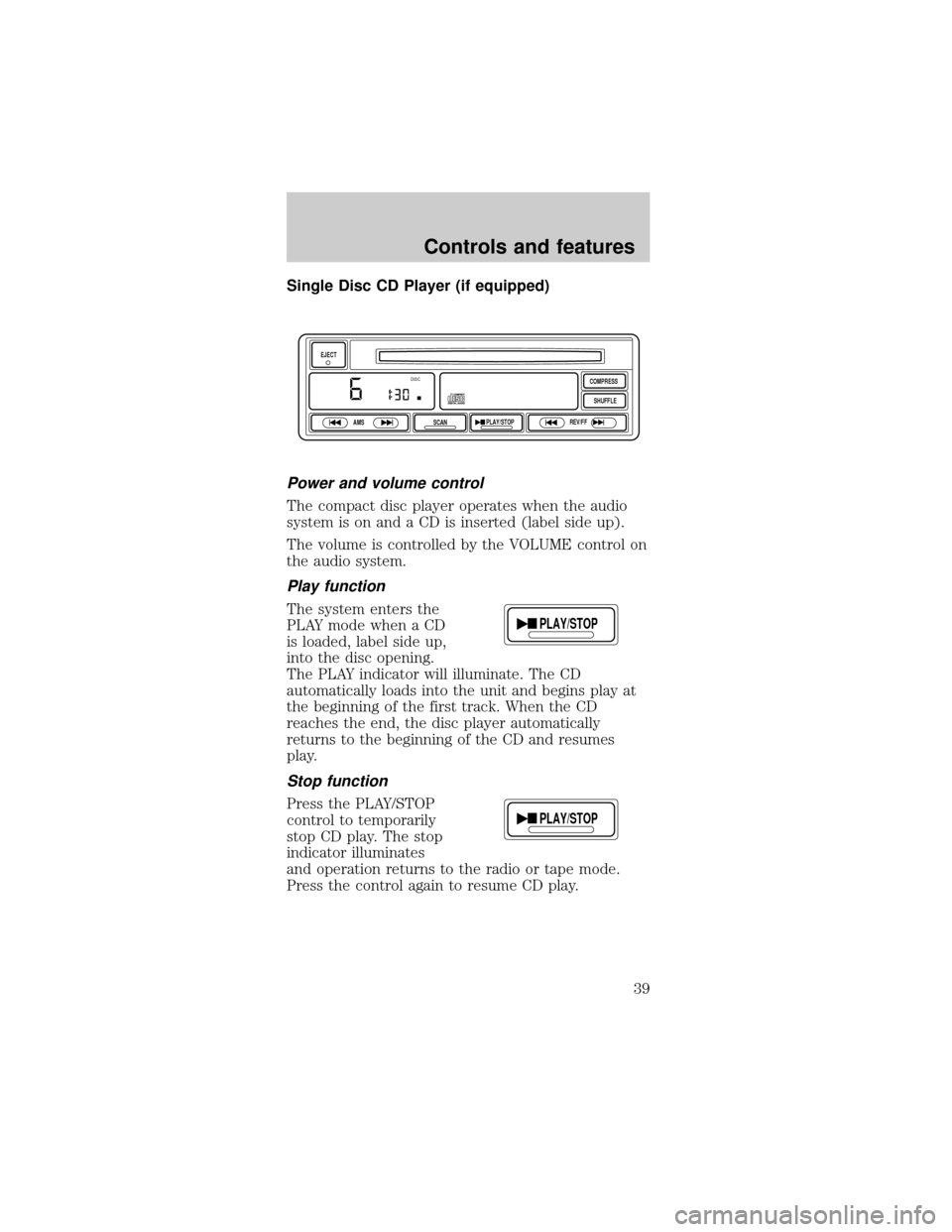
Single Disc CD Player (if equipped)
Power and volume control
The compact disc player operates when the audio
system is on and a CD is inserted (label side up).
The volume is controlled by the VOLUME control on
the audio system.
Play function
The system enters the
PLAY mode when a CD
is loaded, label side up,
into the disc opening.
The PLAY indicator will illuminate. The CD
automatically loads into the unit and begins play at
the beginning of the first track. When the CD
reaches the end, the disc player automatically
returns to the beginning of the CD and resumes
play.
Stop function
Press the PLAY/STOP
control to temporarily
stop CD play. The stop
indicator illuminates
and operation returns to the radio or tape mode.
Press the control again to resume CD play.
EJECT
AMS
SCANPLAY/STOPREV/FFSHUFFLE COMPRESS
DISC
PLAY/STOP
PLAY/STOP
Controls and features
39
Page 41 of 216
Compression adjust brings soft and loud CD
passages together for a more consistent listening
level.
Shuffle feature
The shuffle feature
plays all tracks on the
current CD in random
order.
Press the SHUFFLE control to start this feature.
Random order play will continue until the control is
pressed again.
Eject
Push the EJECT
control to stop CD play,
eject the CD, and
resume radio or tape
operation.
Troubleshooting the CD player (if equipped)
The laser beam used in the compact disc
player is harmful to the eyes. Do not
attempt to disassemble the case.
If sound skips:
²You may be traveling on a rough road, playing
badly scratched discs or the disc may be dirty.
Skipping will not scratch the discs or damage the
player.
If your changer does not work, it may be that:
²A disc is already loaded where you want to insert
a disc.
²The disc is inserted with the label surface
downward.
²The disc is dusty or defective.
SHUFFLESHUFFLE
EJECT
Controls and features
41
Page 43 of 216
Radio frequency information
The Federal Communications Commission (FCC)
and the Canadian Radio and Telecommunications
Commission(CRTC) establish the frequencies AM
and FM stations may use for their broadcasts.
Allowable frequencies are:
AM 530, 540±1600, 1610 kHz
FM 87.9, 88.1±107.1, 107.9 MHz
Not all frequencies are used in a given area.
Radio reception factors
Three factors can affect radio reception:
²Distance/strength.The further an FM signal
travels, the weaker it is. The listenable range of
the average FM station is approximately 40 km
(24 miles). This range can be affected by ªsignal
modulation.º Signal modulation is a process radio
stations use to increase their strength/volume
relative to other stations.
²Terrain.Hills, mountains and tall buildings
between your vehicle's antenna and the radio
station signal can cause FM reception problems.
Static can be caused on AM stations by power
lines, electric fences, traffic lights and
thunderstorms. Moving away from an interfering
structure (out of its ªshadowº) returns your
reception to normal.
²Station overload.Weak signals are sometimes
captured by stronger signals when you pass a
broadcast tower. A stronger signal may
temporarily overtake a weaker signal and play
while the weak station frequency is displayed.
The audio system automatically switches to single
channel reception if it will improve the reception of
a station normally received in stereo.
Controls and features
43
Page 45 of 216
Mist Function
To operate the Mist
function of the
windshield wipers,
push and release the
windshield washer control quickly. The wipers will
cycle one or two times.
HIGH BEAMS
Push forward to
activate.
FLASH TO PASS
Pull toward you to
activate and release to
deactivate.
POSITIONS OF THE IGNITION
1. ACCESSORY, allows
the electrical
accessories such as the
radio to operate while
the engine is not
running.
2. LOCK, locks the
steering wheel,
automatic transmission gearshift lever and allows
key removal.
3. OFF, shuts off the engine and all accessories
without locking the steering wheel.
4. ON, all electrical circuits operational. Warning
lights illuminated. Key position when driving.
OFFHI
LO
OFFHI
LO
OFFHI
LO
1
23
4
5
Controls and features
45
Page 60 of 216
²weather conditions
²nearby radio towers
²structures around the vehicle
²other vehicles parked next to the vehicle
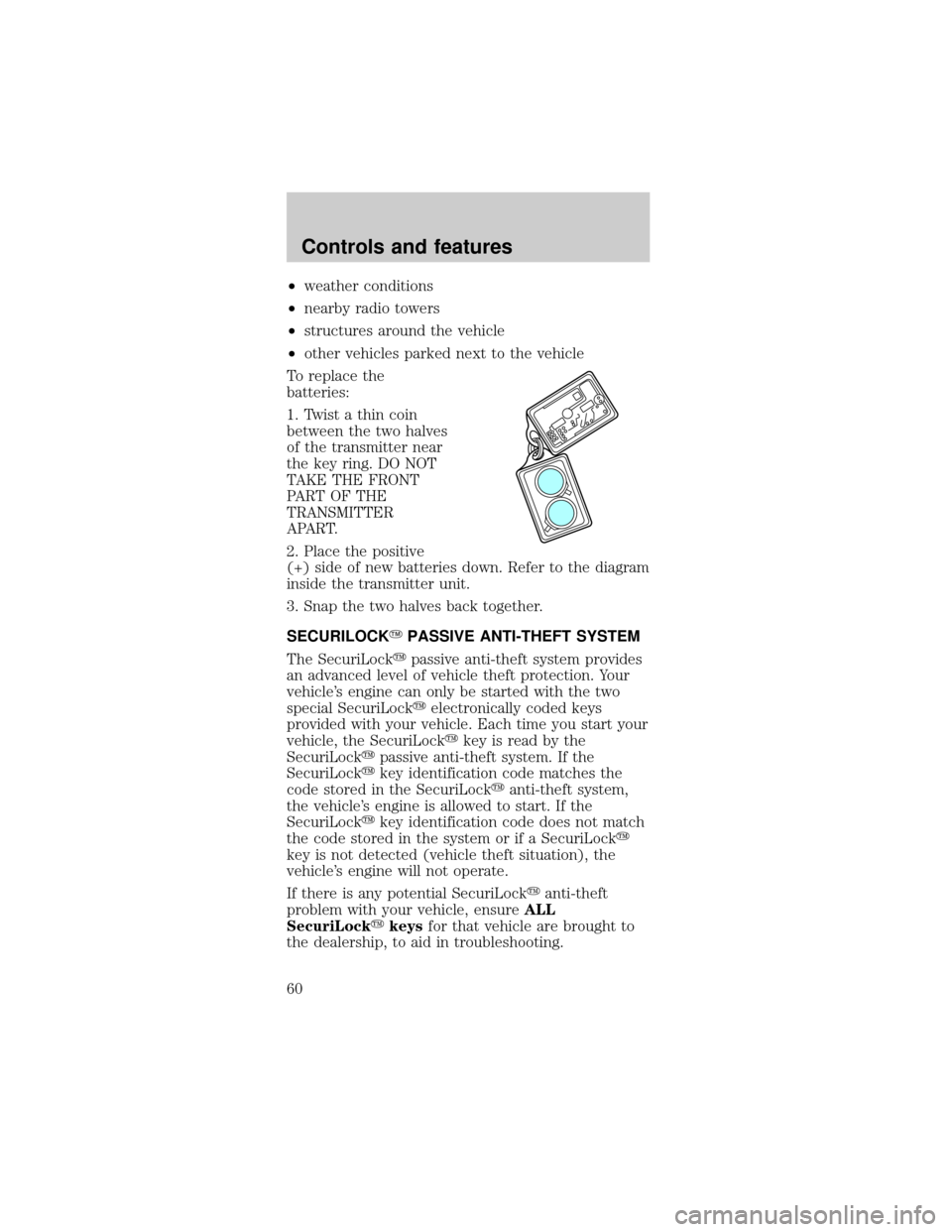
To replace the
batteries:
1. Twist a thin coin
between the two halves
of the transmitter near
the key ring. DO NOT
TAKE THE FRONT
PART OF THE
TRANSMITTER
APART.
2. Place the positive
(+) side of new batteries down. Refer to the diagram
inside the transmitter unit.
3. Snap the two halves back together.
SECURILOCKYPASSIVE ANTI-THEFT SYSTEM
The SecuriLockypassive anti-theft system provides
an advanced level of vehicle theft protection. Your
vehicle's engine can only be started with the two
special SecuriLockyelectronically coded keys
provided with your vehicle. Each time you start your
vehicle, the SecuriLockykey is read by the
SecuriLockypassive anti-theft system. If the
SecuriLockykey identification code matches the
code stored in the SecuriLockyanti-theft system,
the vehicle's engine is allowed to start. If the
SecuriLockykey identification code does not match
the code stored in the system or if a SecuriLocky
key is not detected (vehicle theft situation), the
vehicle's engine will not operate.
If there is any potential SecuriLockyanti-theft
problem with your vehicle, ensureALL
SecuriLockykeysfor that vehicle are brought to
the dealership, to aid in troubleshooting.
Controls and features
60