Page 43 of 188
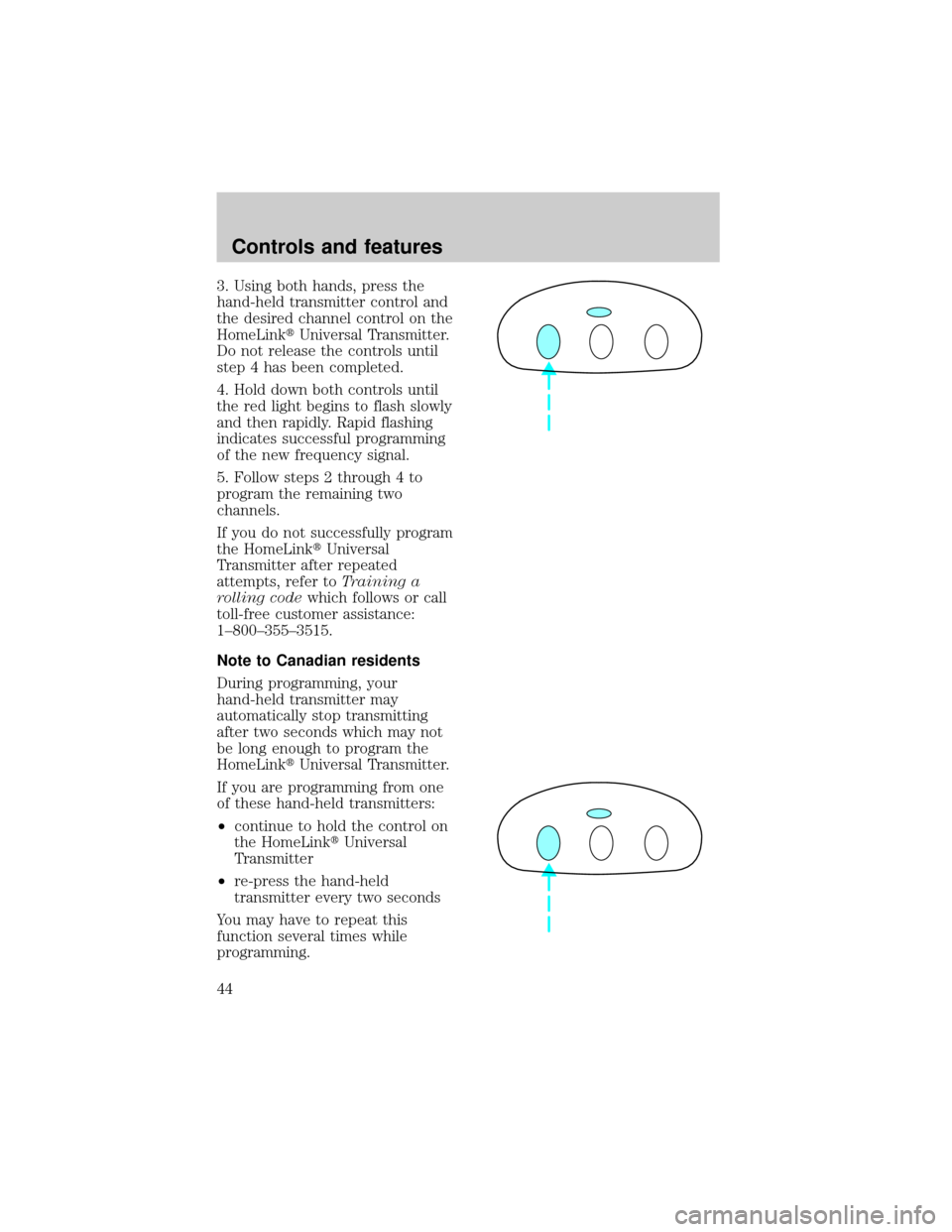
3. Using both hands, press the
hand-held transmitter control and
the desired channel control on the
HomeLinktUniversal Transmitter.
Do not release the controls until
step 4 has been completed.
4. Hold down both controls until
the red light begins to flash slowly
and then rapidly. Rapid flashing
indicates successful programming
of the new frequency signal.
5. Follow steps 2 through 4 to
program the remaining two
channels.
If you do not successfully program
the HomeLinktUniversal
Transmitter after repeated
attempts, refer toTraining a
rolling codewhich follows or call
toll-free customer assistance:
1±800±355±3515.
Note to Canadian residents
During programming, your
hand-held transmitter may
automatically stop transmitting
after two seconds which may not
be long enough to program the
HomeLinktUniversal Transmitter.
If you are programming from one
of these hand-held transmitters:
²continue to hold the control on
the HomeLinktUniversal
Transmitter
²re-press the hand-held
transmitter every two seconds
You may have to repeat this
function several times while
programming.
Controls and features
44
Page 44 of 188
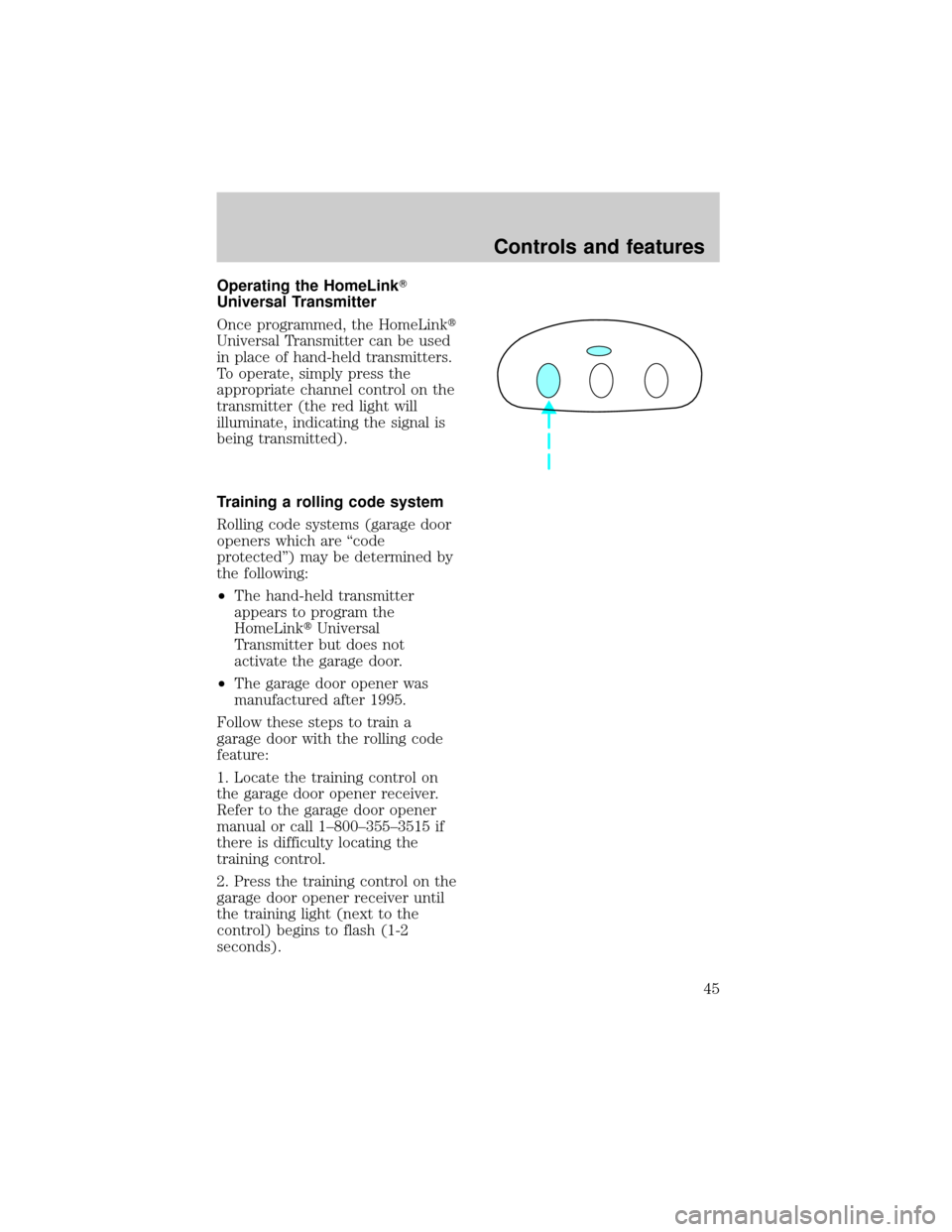
Operating the HomeLinkT
Universal Transmitter
Once programmed, the HomeLinkt
Universal Transmitter can be used
in place of hand-held transmitters.
To operate, simply press the
appropriate channel control on the
transmitter (the red light will
illuminate, indicating the signal is
being transmitted).
Training a rolling code system
Rolling code systems (garage door
openers which are ªcode
protectedº) may be determined by
the following:
²The hand-held transmitter
appears to program the
HomeLinktUniversal
Transmitter but does not
activate the garage door.
²The garage door opener was
manufactured after 1995.
Follow these steps to train a
garage door with the rolling code
feature:
1. Locate the training control on
the garage door opener receiver.
Refer to the garage door opener
manual or call 1±800±355±3515 if
there is difficulty locating the
training control.
2. Press the training control on the
garage door opener receiver until
the training light (next to the
control) begins to flash (1-2
seconds).
Controls and features
45
Page 45 of 188
3. Press the programmed
HomeLinktcontrol in the vehicle
until the training light on the
garage door receiver turns solid
(1-2 seconds). Release the
HomeLinktcontrol and repress to
turn off the training light.
4. Press the HomeLinktcontrol
again. If the garage door activates,
the HomeLinktUniversal
Transmitter has been trained to
the receiver.
Erasing channels
To erase all three programmed
channels:
1. Hold down the two outside
controls until the red light begins
to flash.
2. Release both controls.
Channels cannot be erased
individually, but can be
reprogrammed. Refer to
Programmingfor instructions.
MOON ROOF (IF EQUIPPED)
To open the moon roof:
²Press and release the control.
²For one-touch operation, press
and release the rear portion of
the control; this will fully open
the moon roof.
²To stop one-touch operation at
the desired position, press and
release the forward portion of
the control.
Controls and features
46
Page 46 of 188
To close the moon roof:
²Press and hold the front portion
of the control.
²To close from the vent position,
press and hold the rear portion
of the control.
AUTOMATIC DIMMING INSIDE
REAR VIEW MIRROR
(IF EQUIPPED)
Your vehicle is equipped with an
inside rear view mirror which has
an auto-dimming function
(available as an option on the
outside driver's side mirror). The
electronic day/night mirror will
change from the normal state to
the non-glare state when bright
lights (glare) reach the mirror.
When the mirror detects bright
light from front or behind, it will
automatically adjust (darken) to
minimize glare.
Do not block the sensor on the
backside of the mirror since this
may impair proper mirror
performance.
Press the control to turn the
mirror on or off.
The mirror will automatically
return to the normal state
whenever the vehicle is placed in
R (Reverse)(when the mirror is
on) to ensure a bright clear view
when backing up.
Controls and features
47
Page 50 of 188
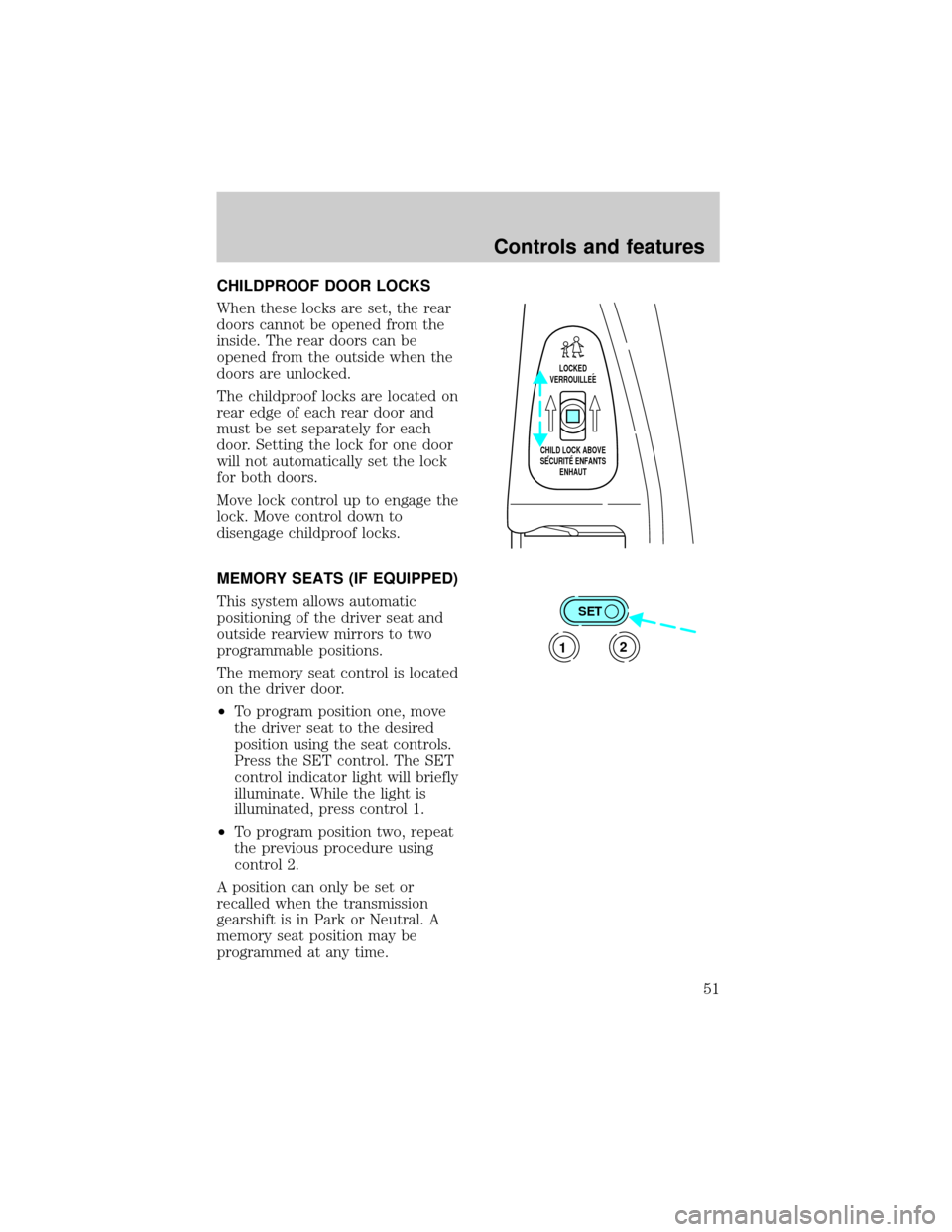
CHILDPROOF DOOR LOCKS
When these locks are set, the rear
doors cannot be opened from the
inside. The rear doors can be
opened from the outside when the
doors are unlocked.
The childproof locks are located on
rear edge of each rear door and
must be set separately for each
door. Setting the lock for one door
will not automatically set the lock
for both doors.
Move lock control up to engage the
lock. Move control down to
disengage childproof locks.
MEMORY SEATS (IF EQUIPPED)
This system allows automatic
positioning of the driver seat and
outside rearview mirrors to two
programmable positions.
The memory seat control is located
on the driver door.
²To program position one, move
the driver seat to the desired
position using the seat controls.
Press the SET control. The SET
control indicator light will briefly
illuminate. While the light is
illuminated, press control 1.
²To program position two, repeat
the previous procedure using
control 2.
A position can only be set or
recalled when the transmission
gearshift is in Park or Neutral. A
memory seat position may be
programmed at any time.
LOCKED
VERROUILLEE
CHILD LOCK ABOVE
SECURITE ENFANTS
ENHAUT
SET
12
Controls and features
51
Page 51 of 188
The memory seat positions are also
recalled when you press your
remote entry transmitter UNLOCK
control.
To program the memory seat to
remote entry transmitter, refer to
Remote entry systemin the
Controls and features chapter.
CENTER CONSOLE
Your vehicle may be equipped with
a variety of console features. These
include:
²cassette storage
²coin holder slots
²cellular phone (if equipped)
Use only soft cups in the
cupholder. Hard objects
can injure you in a collision.
Auxiliary power point
The auxiliary power point is
located on the instrument panel.
This outlet should be used in place
of the cigarette lighter for optional
electrical accessories.
Controls and features
52
Page 56 of 188
press any button on all
transmitters (up to four). When
completed, switch the ignition to
OFF.
All transmitters must be
programmed at the same time.
Illuminated entry
The interior lamps illuminate when
the remote entry system is used to
unlock the door(s) or sound the
personal alarm.
The system automatically turns off
after 25 seconds or when the
ignition is turned to the START or
ACC position. The dome lamp
switch (if equipped) mustnotbe
set to the OFF position for the
illuminated entry system to
operate.
The inside lights will not turn off
if:
²they have been turned on with
the dimmer control or
²any door is open.
Battery saver will shut off the
interior lamps 30 minutes after the
last door is closed.
Autolock
The autolock feature will lock all of
the doors when:
²all vehicle doors are fully closed
²the ignition key is turned to the
ON position
²the vehicle is in a forward gear
and
Controls and features
57
Page 60 of 188

SecuriLockykeysfor more
information.
If one or both of your SecuriLocky
keys are lost or stolen and you
want to ensure the lost or stolen
key will not operate your vehicle,
bring your vehicle and all available
SecuriLockykeys to your
dealership for reinitialization.
Theft indicator
The theft indicator on top of the
instrument panel will operate as
follows:
²When the ignition is OFF, the
theft indicator will flash briefly
every 2 seconds to indicate the
SecuriLockysystem is
protecting your vehicle.
²When the ignition is turned to
RUN or START, the theft
indicator will light for 3 seconds
and then go out. If the theft
indicator stays on for an
extended period of time or
flashes rapidly, have the system
serviced by your dealership or a
qualified technician.
Programming spare
SecuriLockYkeys
Spare SecuriLockykeys can be
purchased from your dealership
and programmed to your
SecuriLockyanti-theft system (up
to a total of 8 keys). Your
dealership can program your new
SecuriLockykey(s) to your
vehicle or you can do it yourself
using the following simple
Controls and features
61