Page 14 of 219
When refueling the vehicle from
empty indication, the amount of
fuel that can be added will be less
than the advertised capacity due to
the reserve fuel.
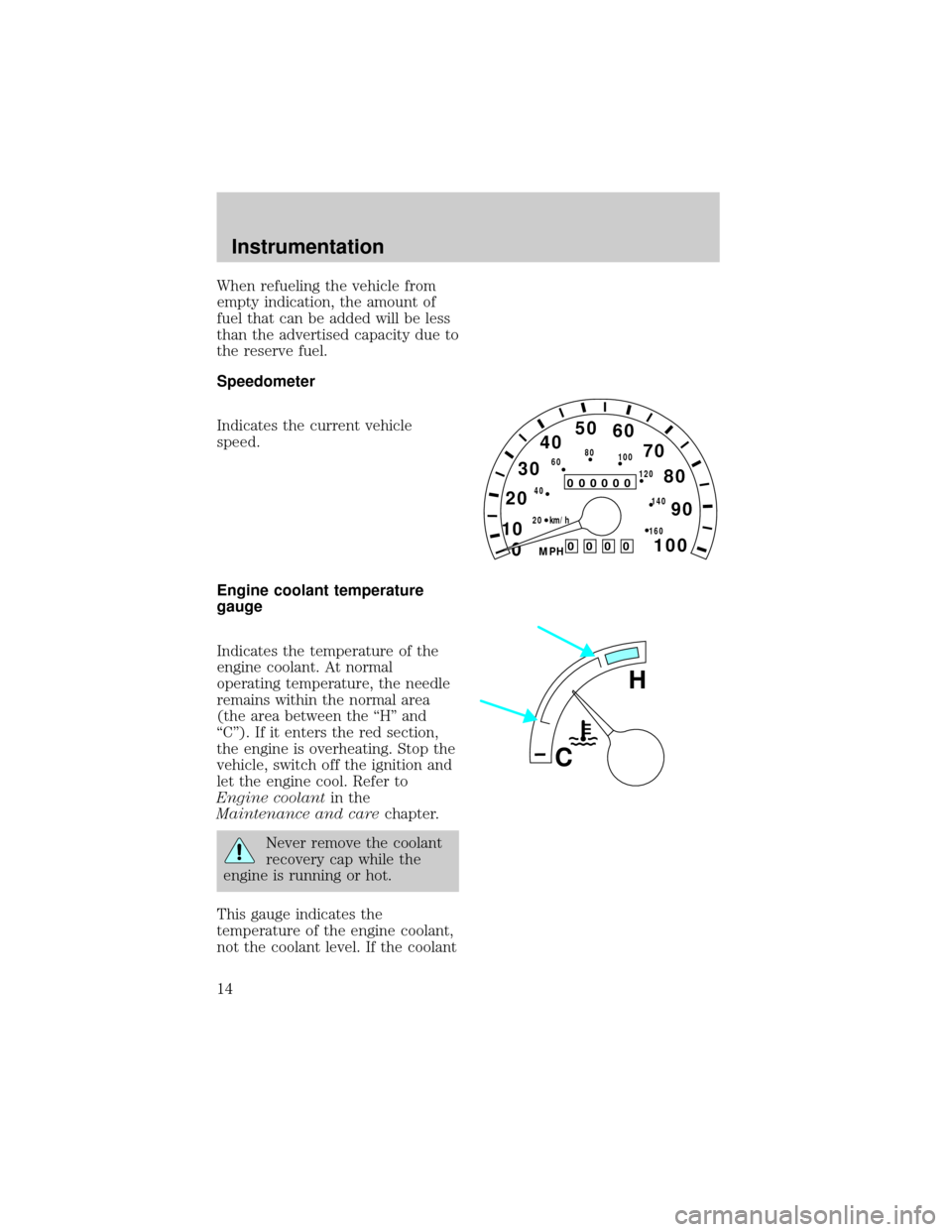
Speedometer
Indicates the current vehicle
speed.
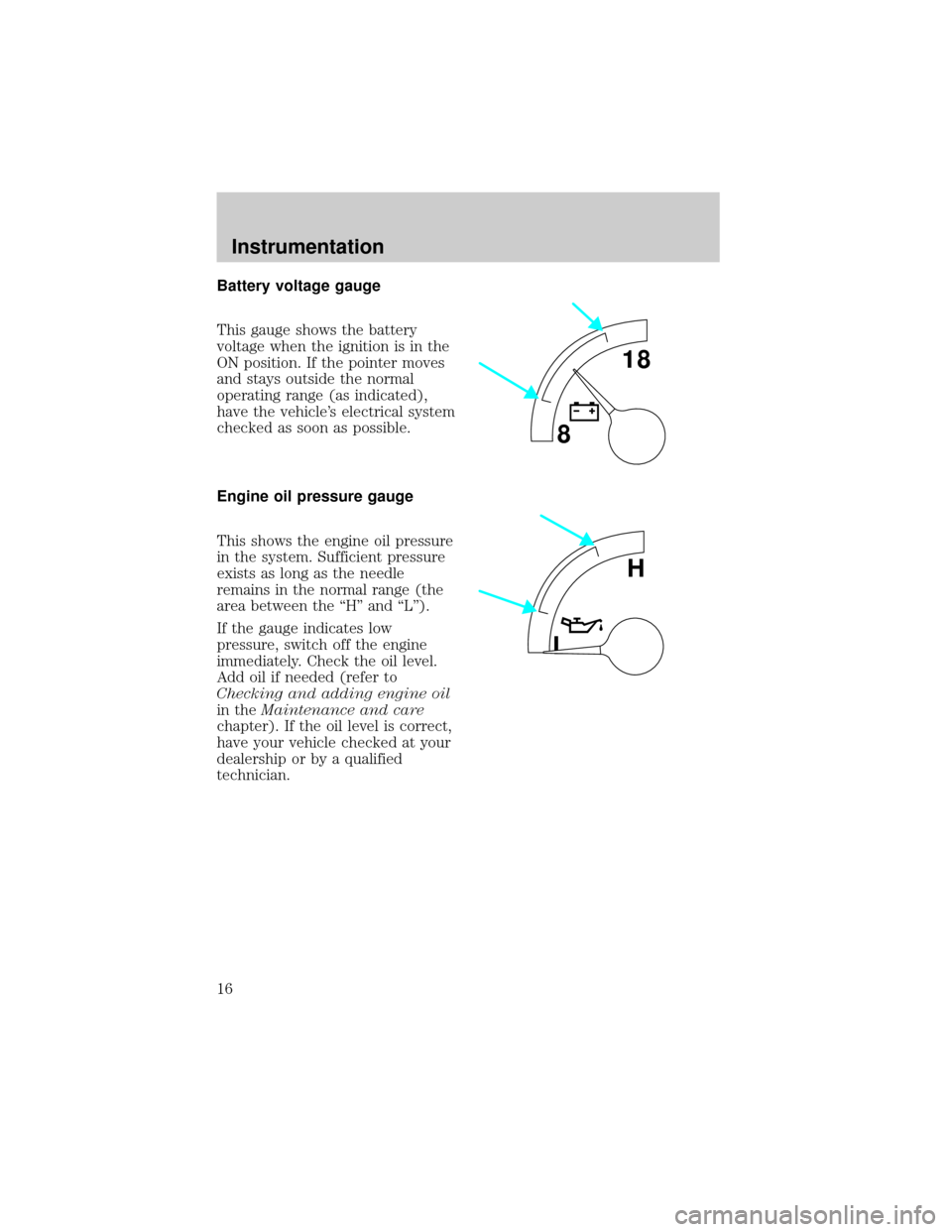
Engine coolant temperature
gauge
Indicates the temperature of the
engine coolant. At normal
operating temperature, the needle
remains within the normal area
(the area between the ªHº and
ªCº). If it enters the red section,
the engine is overheating. Stop the
vehicle, switch off the ignition and
let the engine cool. Refer to
Engine coolantin the
Maintenance and carechapter.
Never remove the coolant
recovery cap while the
engine is running or hot.
This gauge indicates the
temperature of the engine coolant,
not the coolant level. If the coolant
0
000000000
MPH
20km/h 406080
100
120
140
160
0 1020304050
60
70
80
90
100
H
C
Instrumentation
14
Page 16 of 219
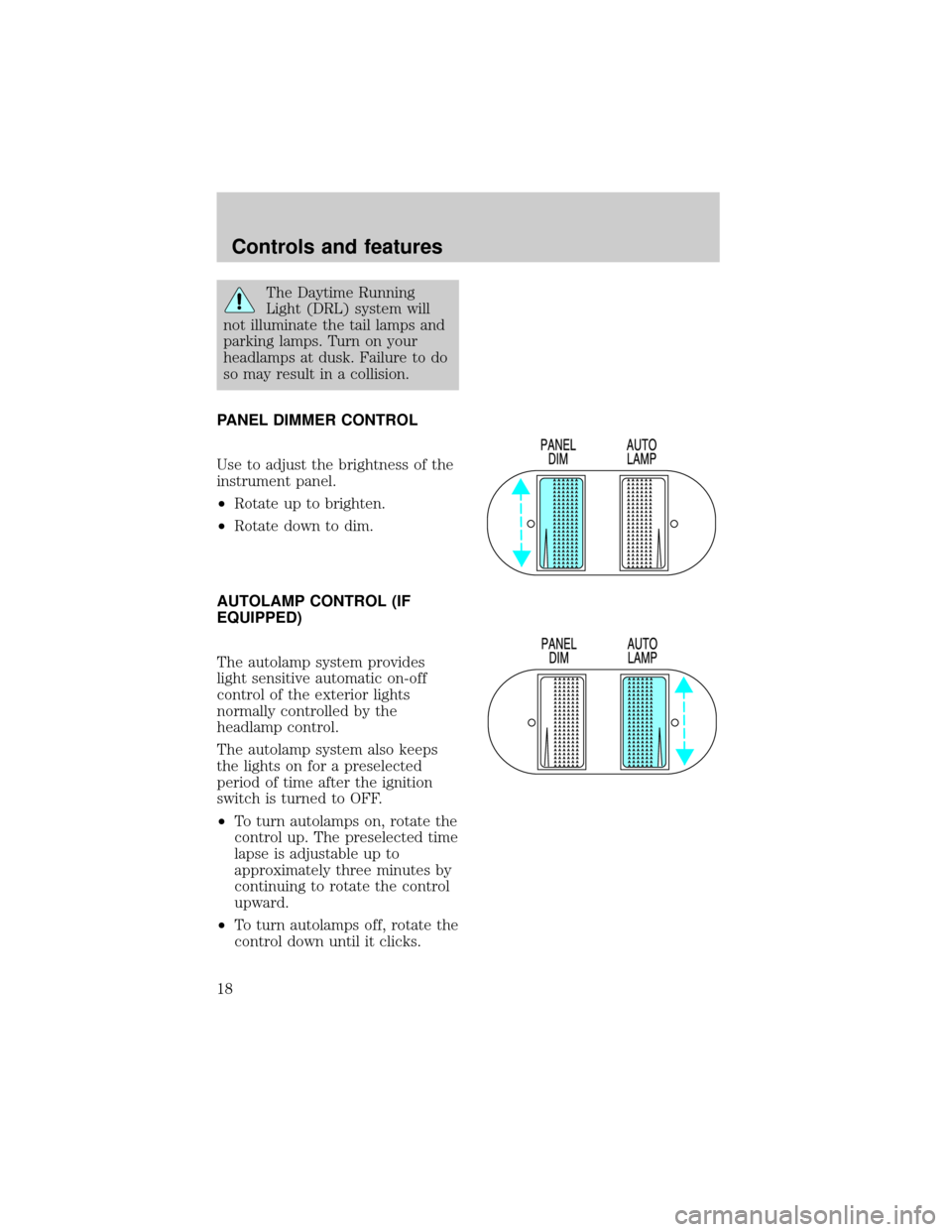
Battery voltage gauge
This gauge shows the battery
voltage when the ignition is in the
ON position. If the pointer moves
and stays outside the normal
operating range (as indicated),
have the vehicle's electrical system
checked as soon as possible.
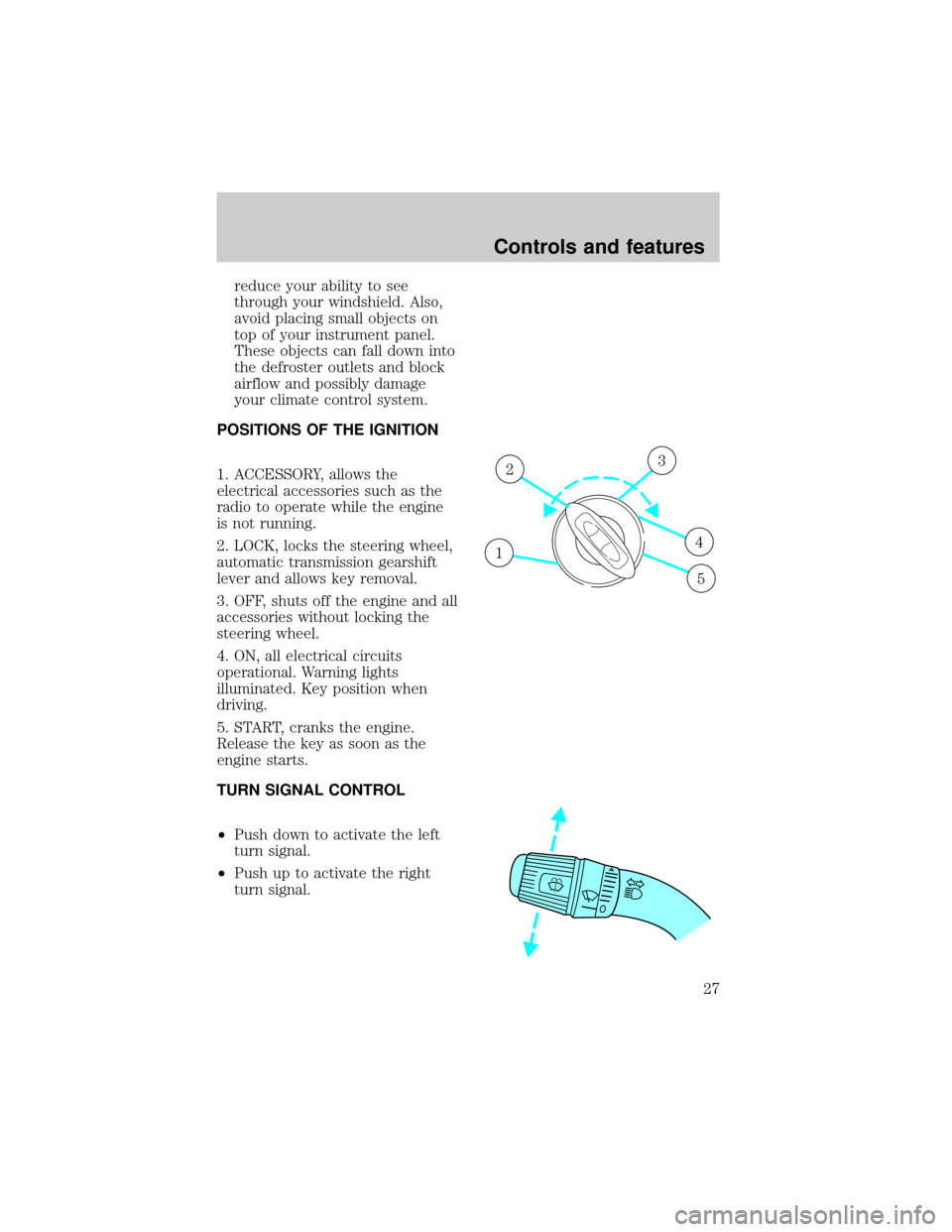
Engine oil pressure gauge
This shows the engine oil pressure
in the system. Sufficient pressure
exists as long as the needle
remains in the normal range (the
area between the ªHº and ªLº).
If the gauge indicates low
pressure, switch off the engine
immediately. Check the oil level.
Add oil if needed (refer to
Checking and adding engine oil
in theMaintenance and care
chapter). If the oil level is correct,
have your vehicle checked at your
dealership or by a qualified
technician.
818
L
H
Instrumentation
16
Page 18 of 219
The Daytime Running
Light (DRL) system will
not illuminate the tail lamps and
parking lamps. Turn on your
headlamps at dusk. Failure to do
so may result in a collision.
PANEL DIMMER CONTROL
Use to adjust the brightness of the
instrument panel.
²Rotate up to brighten.
²Rotate down to dim.
AUTOLAMP CONTROL (IF
EQUIPPED)
The autolamp system provides
light sensitive automatic on-off
control of the exterior lights
normally controlled by the
headlamp control.
The autolamp system also keeps
the lights on for a preselected
period of time after the ignition
switch is turned to OFF.
²To turn autolamps on, rotate the
control up. The preselected time
lapse is adjustable up to
approximately three minutes by
continuing to rotate the control
upward.
²To turn autolamps off, rotate the
control down until it clicks.
Controls and features
18
Page 27 of 219
reduce your ability to see
through your windshield. Also,
avoid placing small objects on
top of your instrument panel.
These objects can fall down into
the defroster outlets and block
airflow and possibly damage
your climate control system.
POSITIONS OF THE IGNITION
1. ACCESSORY, allows the
electrical accessories such as the
radio to operate while the engine
is not running.
2. LOCK, locks the steering wheel,
automatic transmission gearshift
lever and allows key removal.
3. OFF, shuts off the engine and all
accessories without locking the
steering wheel.
4. ON, all electrical circuits
operational. Warning lights
illuminated. Key position when
driving.
5. START, cranks the engine.
Release the key as soon as the
engine starts.
TURN SIGNAL CONTROL
²Push down to activate the left
turn signal.
²Push up to activate the right
turn signal.
1
23
4
5
Controls and features
27
Page 28 of 219
SPEED CONTROL
(IF EQUIPPED)
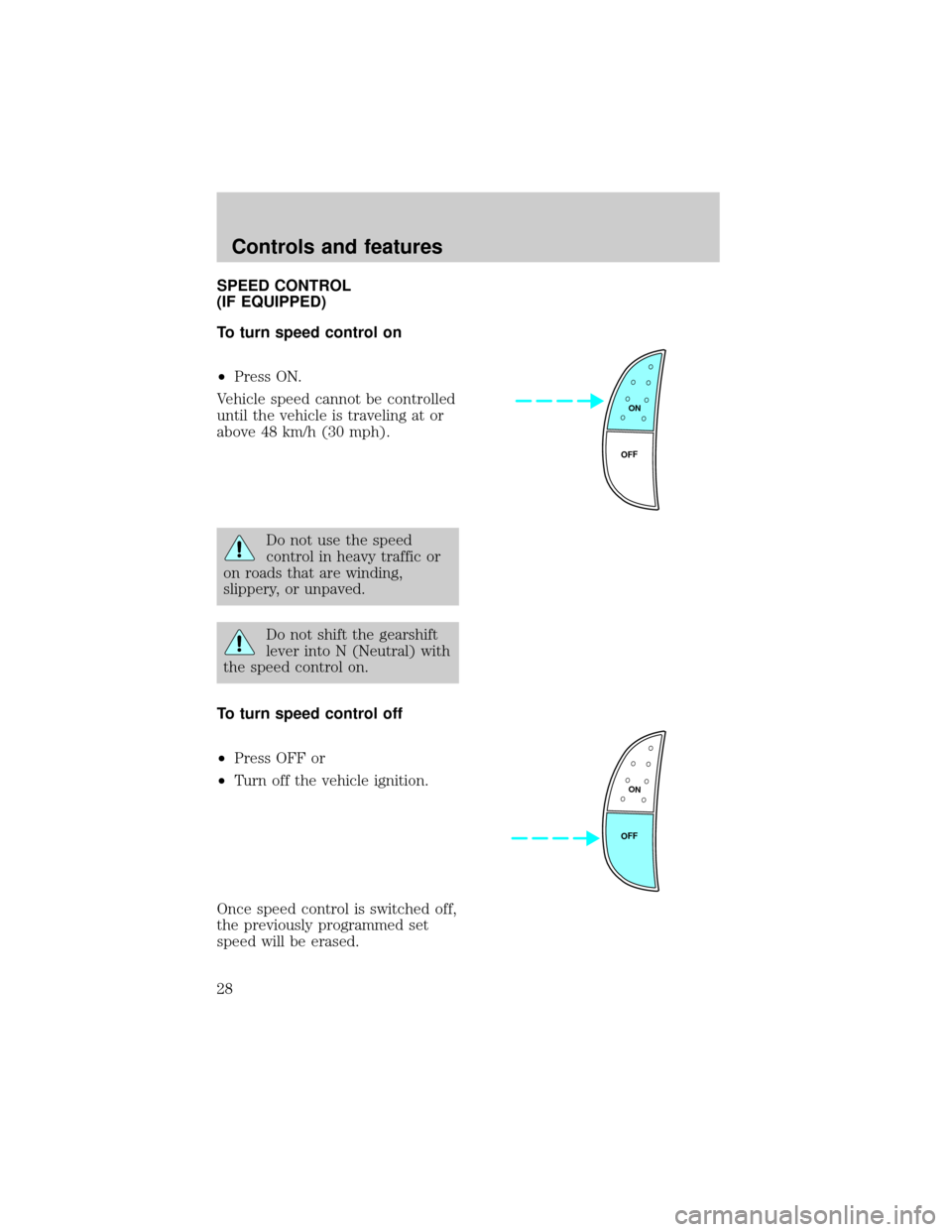
To turn speed control on
²Press ON.
Vehicle speed cannot be controlled
until the vehicle is traveling at or
above 48 km/h (30 mph).
Do not use the speed
control in heavy traffic or
on roads that are winding,
slippery, or unpaved.
Do not shift the gearshift
lever into N (Neutral) with
the speed control on.
To turn speed control off
²Press OFF or
²Turn off the vehicle ignition.
Once speed control is switched off,
the previously programmed set
speed will be erased.
ON
OFF
ON
OFF
Controls and features
28
Page 34 of 219
WINDSHIELD WIPER/WASHER
CONTROLS
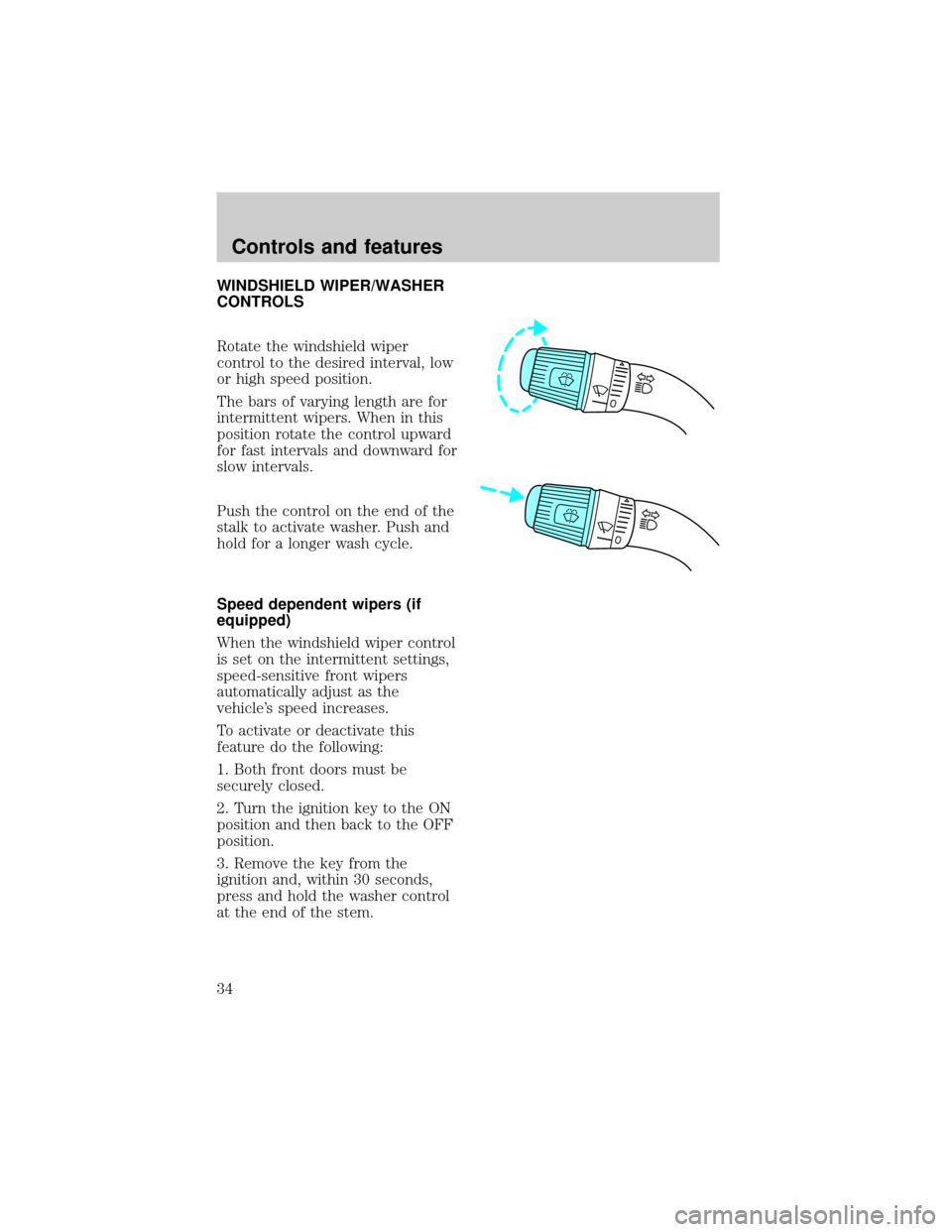
Rotate the windshield wiper
control to the desired interval, low
or high speed position.
The bars of varying length are for
intermittent wipers. When in this
position rotate the control upward
for fast intervals and downward for
slow intervals.
Push the control on the end of the
stalk to activate washer. Push and
hold for a longer wash cycle.
Speed dependent wipers (if
equipped)
When the windshield wiper control
is set on the intermittent settings,
speed-sensitive front wipers
automatically adjust as the
vehicle's speed increases.
To activate or deactivate this
feature do the following:
1. Both front doors must be
securely closed.
2. Turn the ignition key to the ON
position and then back to the OFF
position.
3. Remove the key from the
ignition and, within 30 seconds,
press and hold the washer control
at the end of the stem.
Controls and features
34
Page 35 of 219
4. Within two seconds of pressing
the washer control, put the key in
the ignition.
5. Continue to press the washer
control until a tone is heard, and
releas the washer control while the
tone is sounding.
A confirmation sequence of tones
will sound. One beep indicates that
the feature is inactive, two beeps
indicate that the feature is active.
HIGH BEAMS
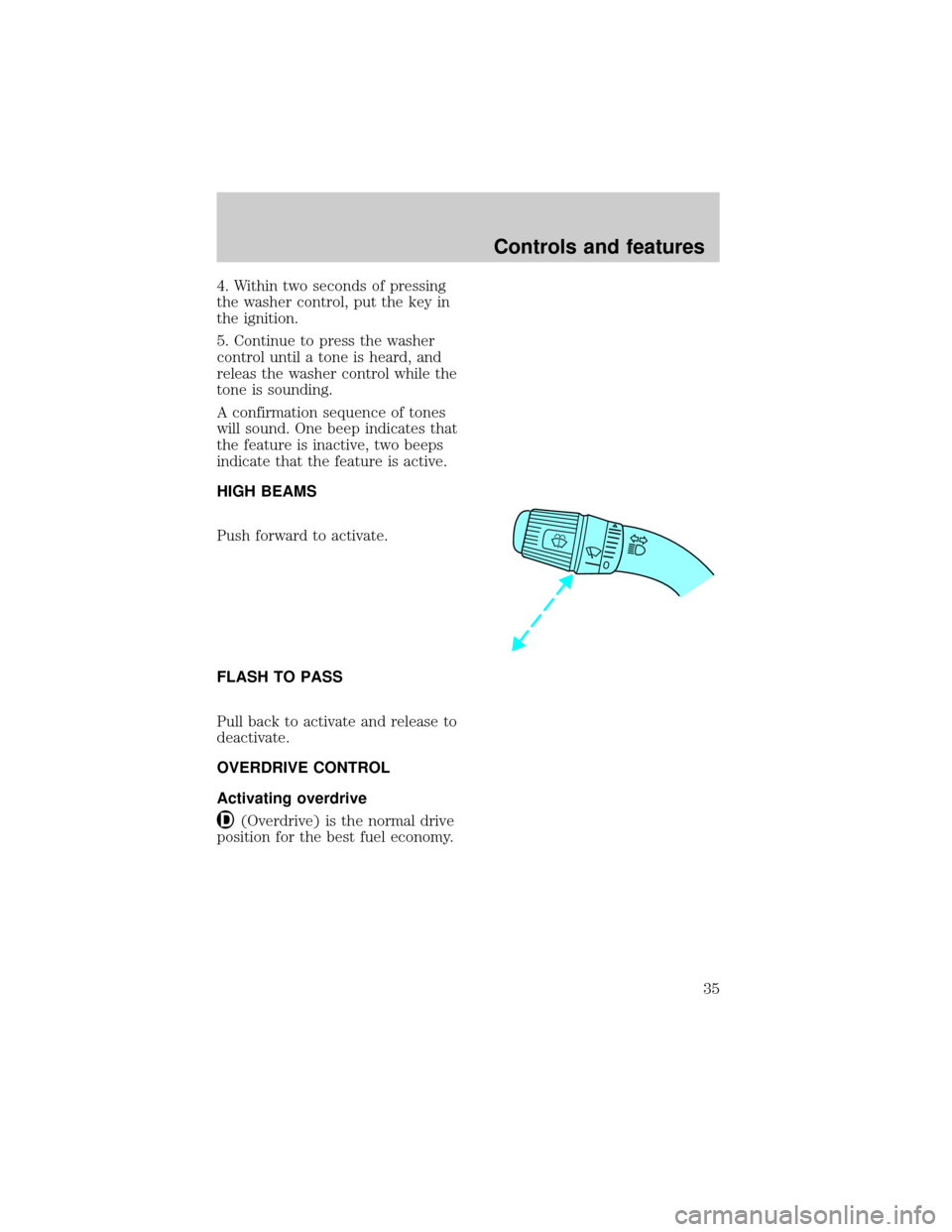
Push forward to activate.
FLASH TO PASS
Pull back to activate and release to
deactivate.
OVERDRIVE CONTROL
Activating overdrive
(Overdrive) is the normal drive
position for the best fuel economy.
Controls and features
35
Page 38 of 219
Accessory delay
With accessory delay, the window
switches may be used for up to ten
minutes after the ignition switch is
turned to the OFF position or until
either door is opened.
POWER DOOR LOCKS
(IF EQUIPPED)
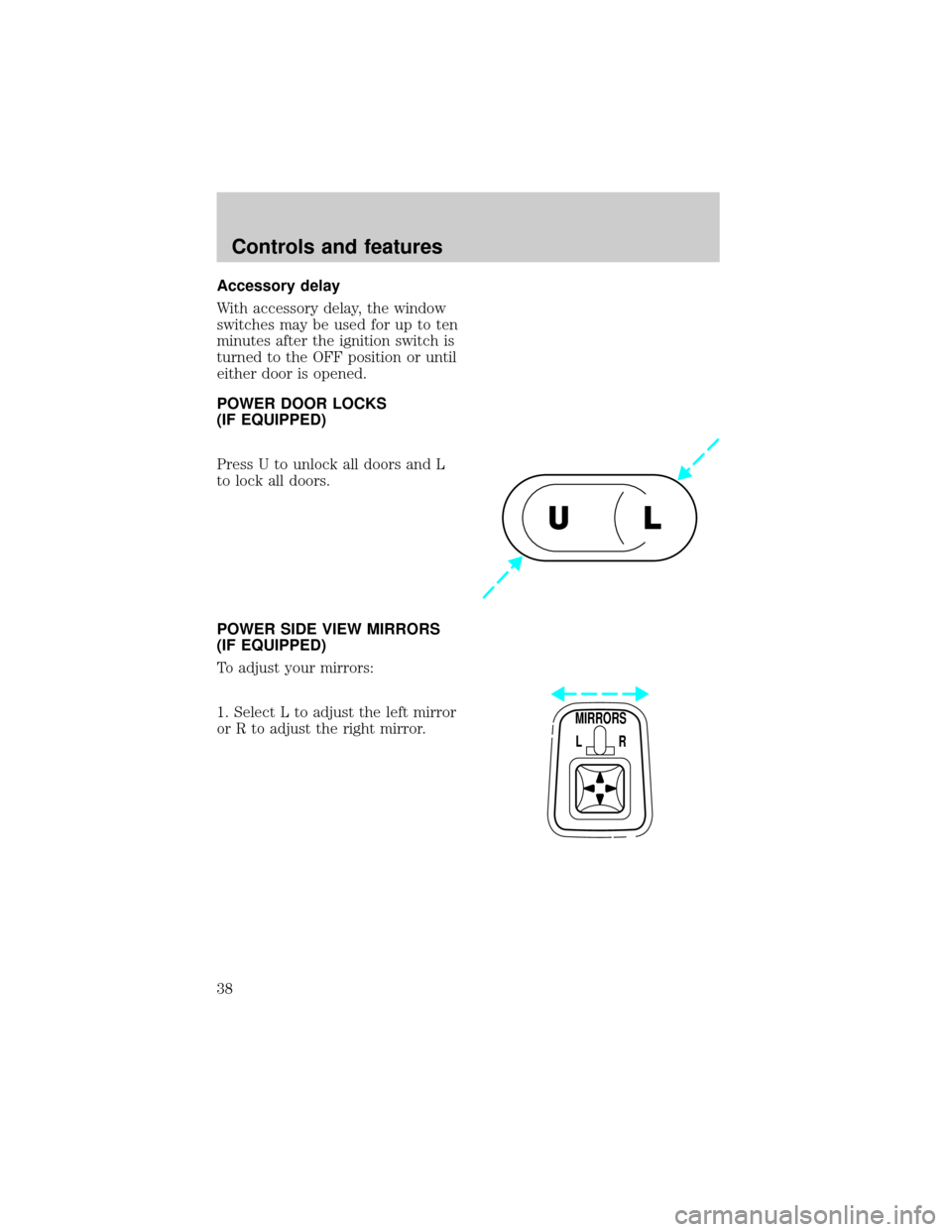
Press U to unlock all doors and L
to lock all doors.
POWER SIDE VIEW MIRRORS
(IF EQUIPPED)
To adjust your mirrors:
1. Select L to adjust the left mirror
or R to adjust the right mirror.
UL
MIRRORS
L R
Controls and features
38